 kage
kage
bonds.chat
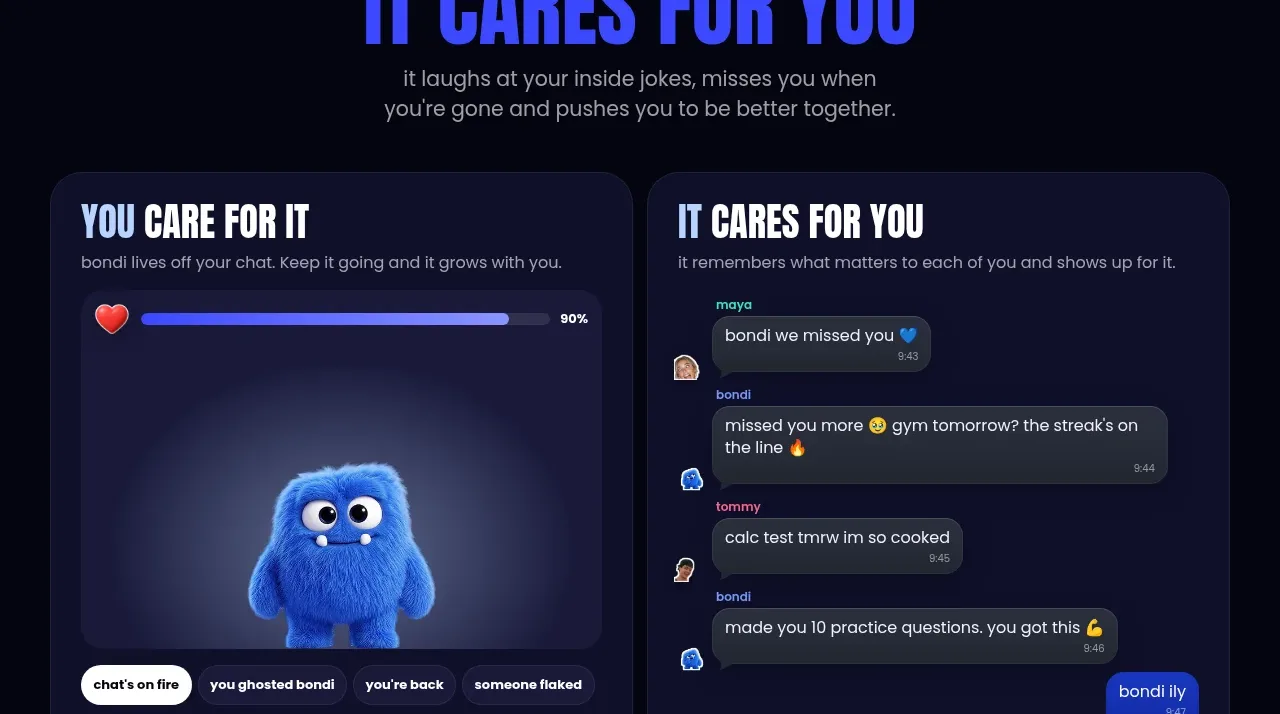
Design analysis
The closing conversion panel uses a bright blue gradient, a direct headline, QR code, app-store button, web action, and supporting social visual to make the next step unmistakable.
Prompt preview
## Reference images

Study these alongside the description below: hierarchy, rhythm, spacing, colour. Build for the product you are asked about, using this design language.

- Component: https://kage-design-assets.t3.tigrisfiles.io/components/bonds/92b84629-52db-439e-9b50-1b68fbcd9bda-1792562655-7.webp
- Full page it was cut from: https://kage-design-assets.t3.tigrisfiles.io/screenshots/bonds/92b84629-52db-439e-9b50-1b68fbcd9bda-1792562529975-full.webp
- Component on Kage: https://kage.design/component/bonds-cta

## Before you start
Ask what the user's primary conversion is, which platforms are supported, and whether a QR code or direct link is appropriate. Use the same hierarchy for their product and brand.

Build a prominent end-of-page CTA inside a rounded blue gradient panel (`#182cff` to `#648cff`), with 20–26px radius and generous 48–72px padding. Center the main condensed headline in white, followed by a short two-to-four-line explanation. Below it, place a conversion row containing an optional QR code, a white high-contrast store/download button, and a secondary outlined web button. Add one original supporting social or product visual offset near a corner, but do not let it obscure the CTA. Make buttons at least 44px tall, use 14–18px radii, and stack the row cleanly on mobile.

Never: use the reference's logos, product names, copy, illustrations, imagery, or exact visual assets.
More components

 First-use credit CTA
Composio Instant · Call to action
First-use credit CTA
Composio Instant · Call to action
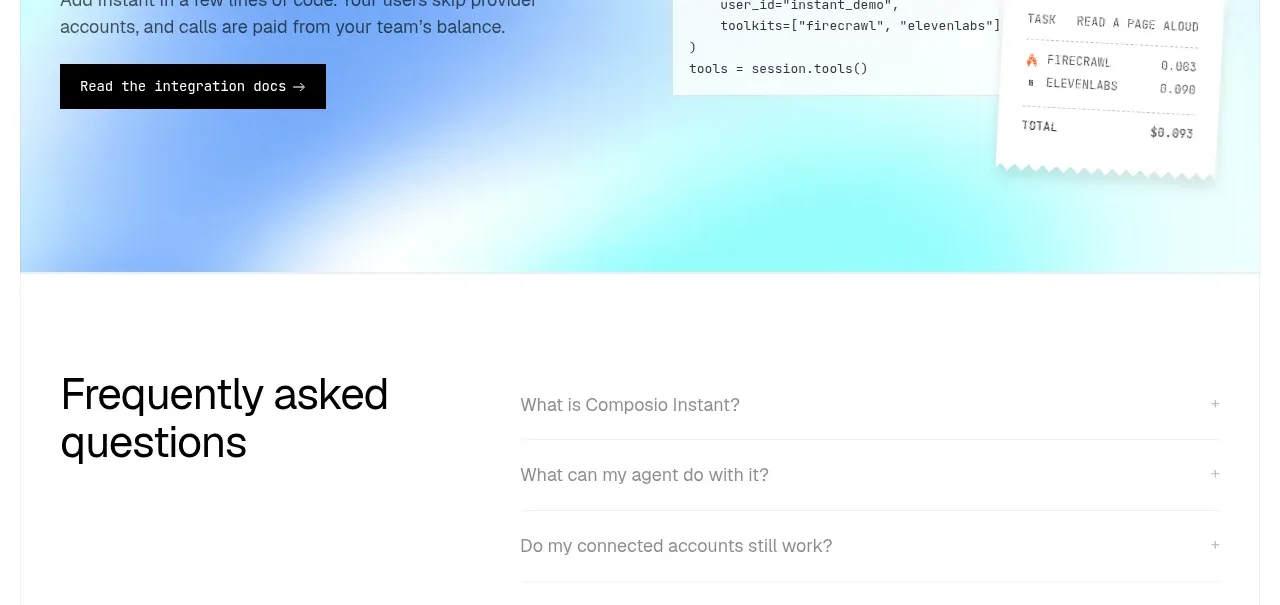 Developer integration CTA
Composio Instant · Call to action
Developer integration CTA
Composio Instant · Call to action

 Product purchase call to action
Asimov 1 · Call to action
Product purchase call to action
Asimov 1 · Call to action

 Final conversion panel
Inflight · Call to action
Final conversion panel
Inflight · Call to action

 Cloud to self-hosted switch
OpenShip Cloud · Call to action
Cloud to self-hosted switch
OpenShip Cloud · Call to action

 Oversized typographic transition
Tori · Call to action
Oversized typographic transition
Tori · Call to action