 kage
kage
asktori.ai

Design analysis
A large striped-outline typographic treatment creates a memorable pause between pricing and the contact conversion section.
Prompt preview
## Reference images

Study these alongside the description below: hierarchy, rhythm, spacing, colour. Build for the product you are asked about, using this design language.

- Component: https://kage-design-assets.t3.tigrisfiles.io/components/tori/b048b964-21ef-4db6-a2d8-4a588d44e320-1792476377-8.webp
- Full page it was cut from: https://kage-design-assets.t3.tigrisfiles.io/screenshots/tori/b048b964-21ef-4db6-a2d8-4a588d44e320-1792476172861-full.webp
- Component on Kage: https://kage.design/component/tori-cta

## Before you start
Ask what the user's product, audience, and brand are, then apply the principles below to create an original transition banner for that product.

Create a short full-width typographic transition with generous vertical whitespace and a giant two-part word or phrase spanning the content width. Use outlined or horizontally striped letterforms in a muted navy #4f79b2, very large display sizing around 92–140px, and a thin dotted baseline or border beneath. Keep it decorative but text-only, with responsive font scaling and overflow safely clipped. The treatment should act as a visual reset after pricing and before the final conversion section without adding another product message.

Never use logos, product names, copy, illustrations, or imagery from the reference.
More components
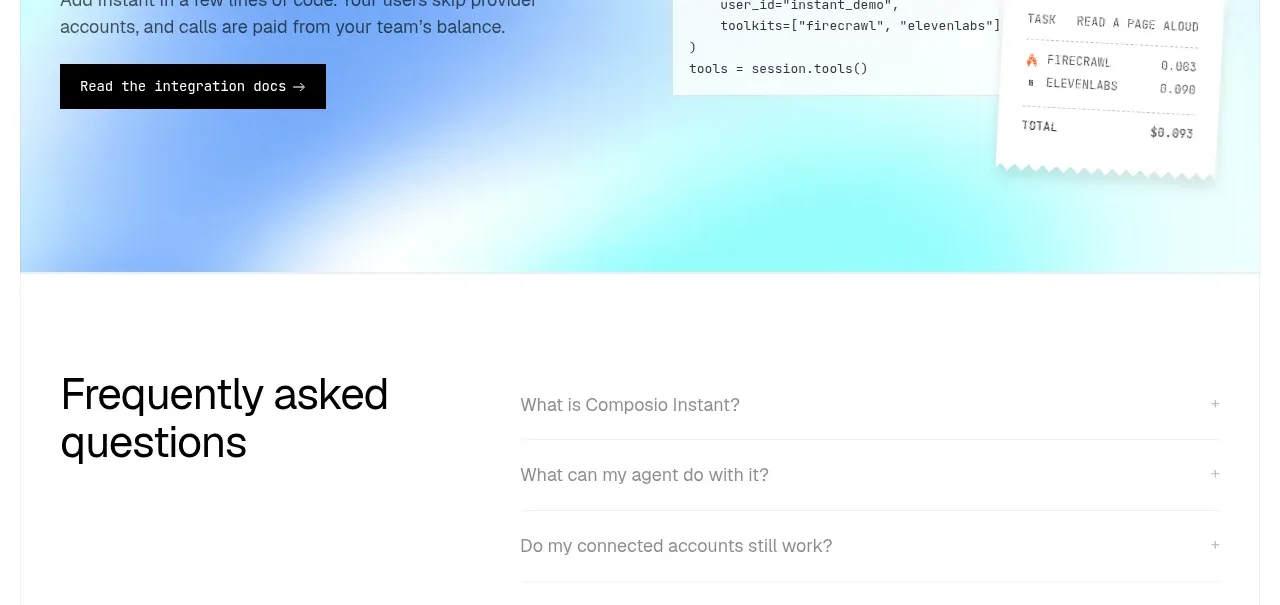
 Developer integration CTA
Composio Instant · Call to action
Developer integration CTA
Composio Instant · Call to action
 First-use credit CTA
Composio Instant · Call to action
First-use credit CTA
Composio Instant · Call to action

 Product purchase call to action
Asimov 1 · Call to action
Product purchase call to action
Asimov 1 · Call to action

 Final conversion panel
Inflight · Call to action
Final conversion panel
Inflight · Call to action
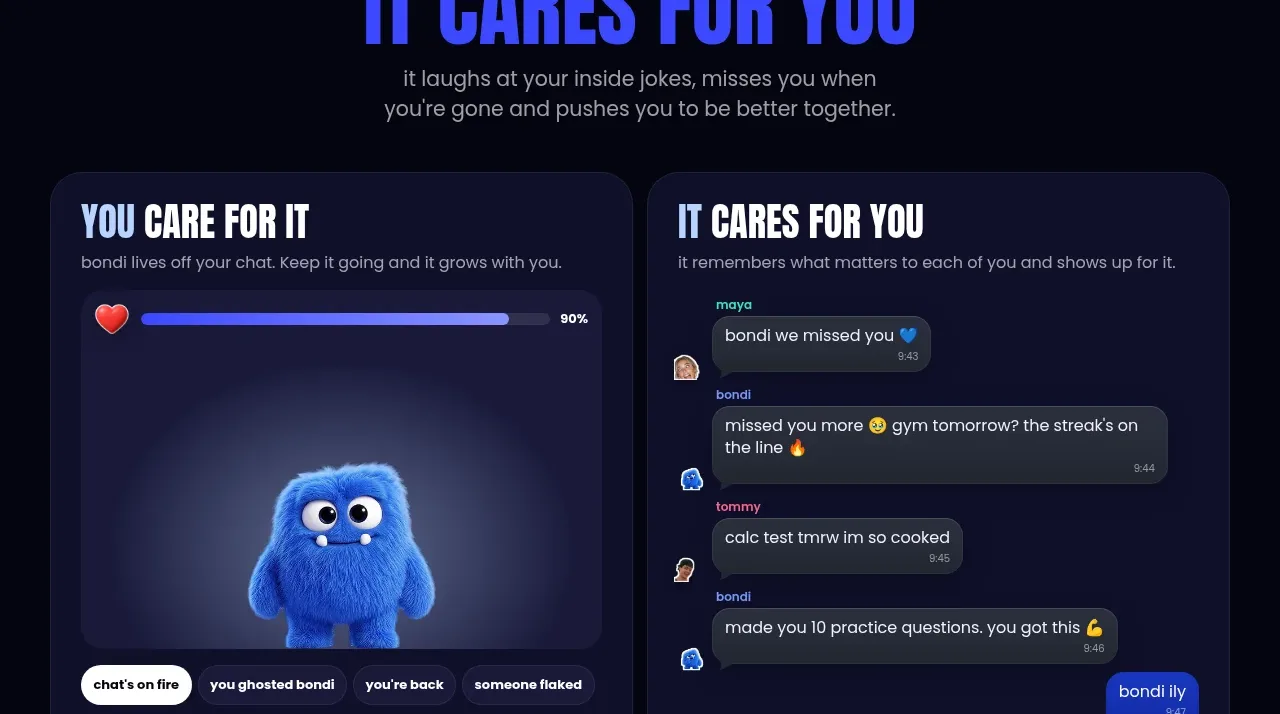
 Download and start CTA
bonds · Call to action
Download and start CTA
bonds · Call to action

 Cloud to self-hosted switch
OpenShip Cloud · Call to action
Cloud to self-hosted switch
OpenShip Cloud · Call to action