kage
kage
bytemailapp.com

Design analysis
A long, airy product page uses a warm off-white canvas, near-black editorial sans typography, pale blue UI imagery, and restrained blue accents. The page starts with a centered hero and large product/pricing composition, then shifts through testimonial masonry, compact value pillars, paired feature cards, larger capability grids, privacy and implementation sections, an iPhone beta panel, FAQ rows, community CTA, and a final gradient pricing block; density increases in the middle and relaxes again around the closing conversion areas.
Prompt preview
## Reference images

Study these alongside the description below: hierarchy, rhythm, spacing, colour. Build for the product you are asked about, using this design language.

- Full page: https://kage-design-assets.t3.tigrisfiles.io/screenshots/bytemail/045a2cef-1fc1-40ba-865c-126b992dab68-1793253665308-full.webp
- Above the fold: https://kage-design-assets.t3.tigrisfiles.io/screenshots/bytemail/045a2cef-1fc1-40ba-865c-126b992dab68-1793253659452.webp
- Design on Kage: https://kage.design/designs/bytemail-landing-page

## Before you start
Ask the user what they are building, who it is for, and which brand assets they already have—product name, colours, typefaces, logo, imagery, and tone. Wait for their answers before designing. Apply the reference's layout and interaction principles to their product, not to bytemail.

## Page structure
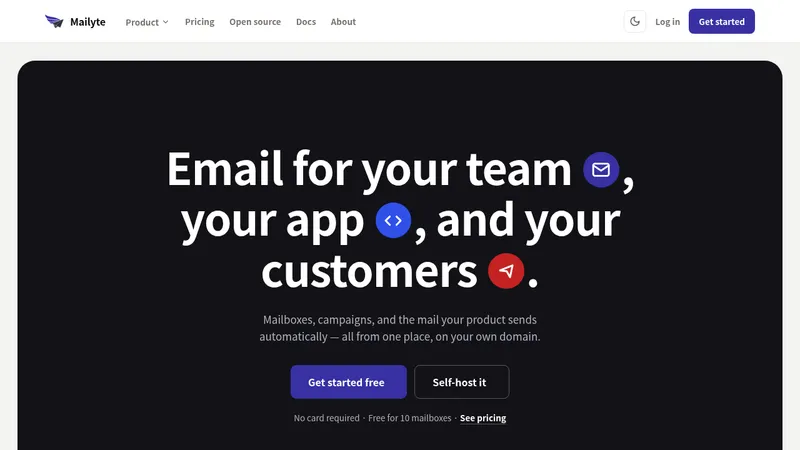
1. **Announcement bar and navigation** — Add a very slim dark announcement strip at the top, followed by a white navigation row with a compact product mark at left, small utility links across the middle, and a high-contrast rounded trial button at right.
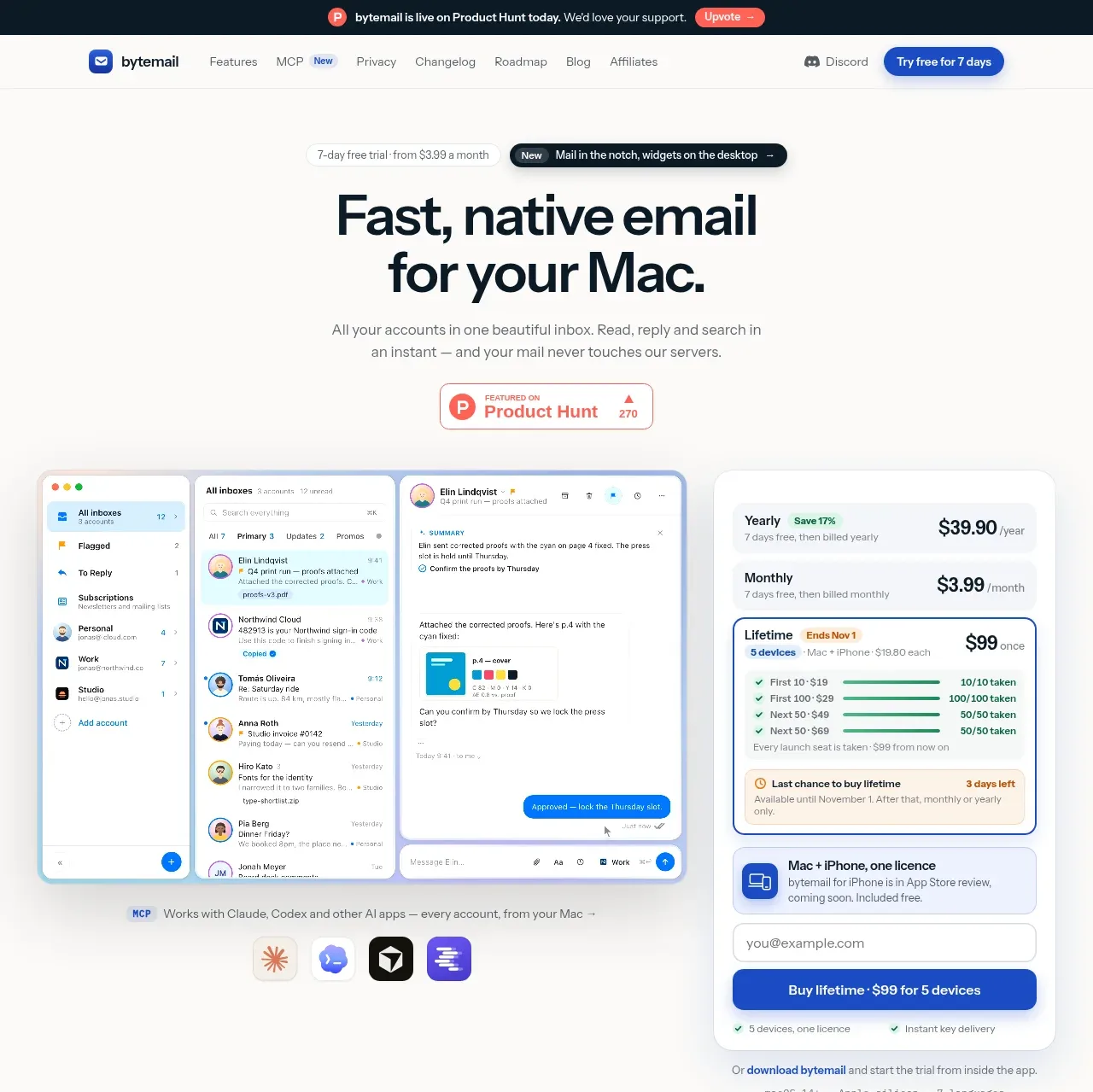
2. **Hero introduction** — Center a small trial/status eyebrow, a dark pill-shaped product update chip, a two-line oversized headline, short supporting copy, and a small social-proof badge beneath it.
3. **Hero product and pricing composition** — Place a large Mac email application screenshot on the left and a tall, rounded pricing/purchase panel on the right. Use the product UI as the visual anchor, with a short MCP/integration note and small app icons underneath.
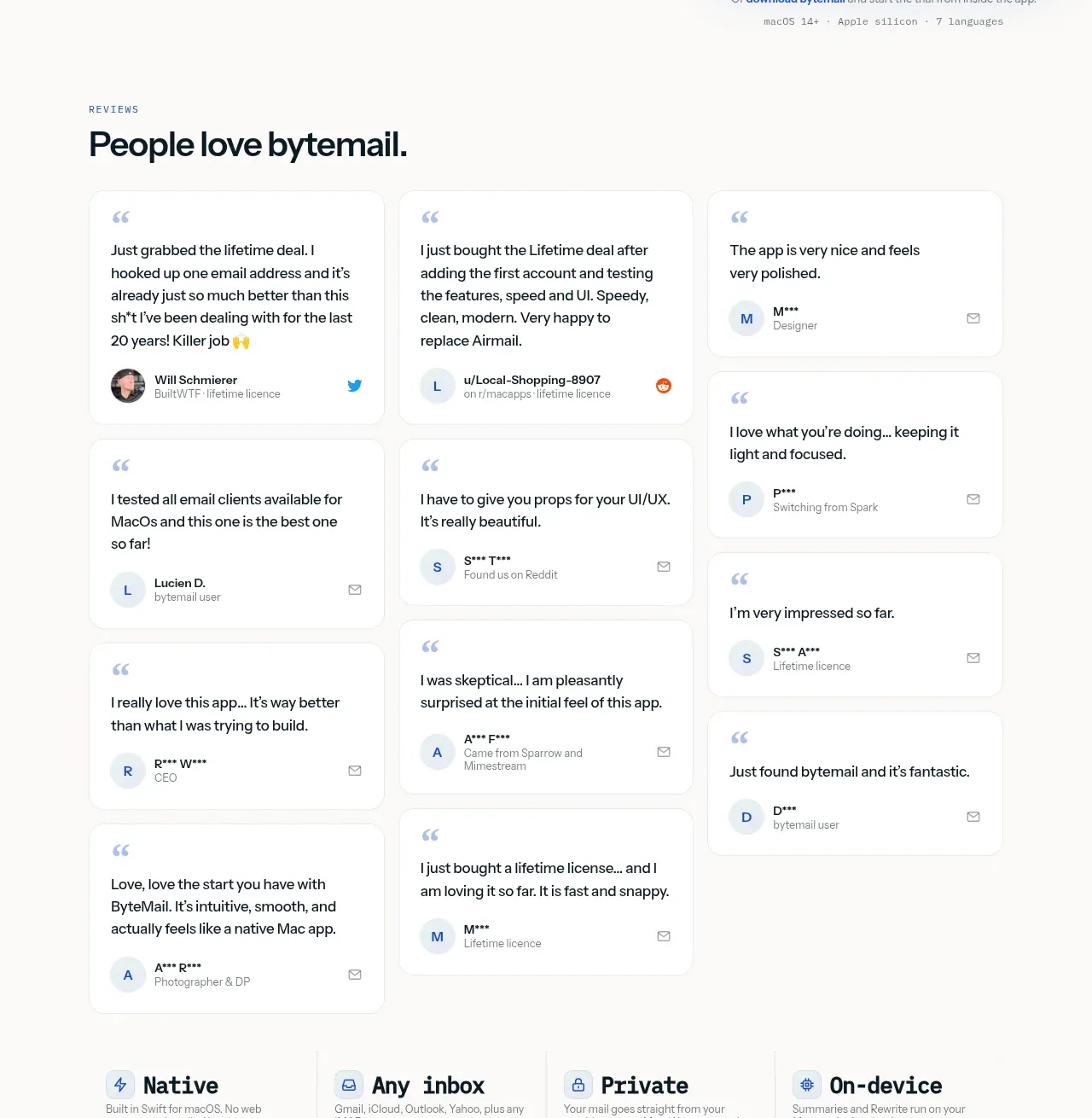
4. **Reviews** — Introduce the testimonial section with a small uppercase eyebrow and bold heading, then use a three-column masonry-like arrangement of white review cards with varied heights, quoted text, avatars, roles, and tiny source marks.
5. **Value pillars** — Follow the reviews with four compact horizontal benefit columns separated by faint vertical rules; each has a small icon, bold label, and one-line explanation.
6. **Notch and desktop feature section** — Add a left-aligned section heading and description, then two large side-by-side cards: one for a notch email surface and one for desktop widgets. Each card combines a product screenshot, a small feature label, body copy, and a vertically stacked list of capabilities with small icons.
7. **Core email experience grid** — Add another labelled heading and a five-card grid describing account-wide email behaviours. Use three cards in the first row and two wider cards in the second row; embed small UI illustrations or screenshots inside each card.
8. **MCP integration banner** — Use a wide rounded horizontal panel with explanatory text and a link on the left and a large product/MCP screenshot on the right. Keep it visually quieter than the hero.
9. **Security and intelligence section** — Add a heading about recognising useful or suspicious mail, then a two-column grid of four feature cards covering copied codes, link warnings, reply triage, and summaries/rewrite. Each card has a pale framed screenshot above concise explanatory copy.
10. **Workflow protection grid** — Add a short heading and a three-column by two-row feature grid for undo send, tracker blocking, one-click unsubscribe, invitation handling, reminder nudges, and rules. Keep cards compact and screenshot-led.
11. **Everyday essentials** — Present a small uppercase eyebrow, a large heading, and a dense three-column by three-row grid of lightweight utility cards. Each card begins with a pale blue icon tile, a short bold title, and compact supporting text.
12. **Technical implementation callout** — Insert a dark navy rounded panel with a heading and paragraph on the left and a two-column specification list on the right. Use thin dividers and blue monospace-like values to create contrast with the lighter sections.
13. **Privacy architecture** — Add a left-aligned heading and explanatory paragraph, followed by a four-column top row and three-column lower row of privacy principle cards. End the section with a small text link for connection details.
14. **iPhone public beta panel** — Use a wide white rounded panel split into a blue phone screenshot area on the left and beta information on the right. Include a short feature list, QR code area, and blue test-access button.
15. **FAQ** — Add a narrower centred content block with an eyebrow and “good to know” style heading, then stack full-width white accordion rows with small disclosure triangles and generous vertical spacing.
16. **Community CTA** — Place a compact white rounded panel with a Discord-style icon and community copy on the left and a blue rounded join button on the right.
17. **Final pricing conversion block** — Use a large rounded rectangle with a pale mint-to-lavender gradient. Center an app icon, heading, trial/pricing copy, and a simplified pricing card with purchase button and reassurance text.
18. **Footer** — Finish with a light neutral footer containing a compact brand/about column, award badges, several small link columns, and a low-contrast copyright/legal line.

## Design language
- Build hierarchy with a restrained type scale: tiny uppercase eyebrow labels, 30–42px section headings, a 56–72px hero headline, and compact 12–15px body copy. Use a clean modern sans with heavy, tight headings and relaxed line-height for descriptions.
- Keep the page on a warm near-white background around `#fbfaf8` rather than pure white. Alternate it with white cards, pale blue-grey UI frames, and occasional dark navy surfaces around `#071b27`.
- Use blue as the primary action colour, approximately `#174fc6` to `#315ee8`, while reserving mint, lavender, and soft sky-blue gradients for product imagery and the final conversion block. Avoid making every section colourful.
- Make the page airy at the edges with a centred max-width around 1120–1240px. Begin with generous hero whitespace, increase information density through the feature grids, then open the rhythm again for the FAQ, community, and purchase sections.
- Treat screenshots as product evidence: frame them in pale tinted containers with 12–18px corner radii, subtle inset borders, and soft diffuse shadows. Cards generally use white fills, 1px borders around `#e9eceb`, 14–18px radii, and very light shadows rather than dramatic elevation.
- Use a modular grid: two-column feature panels, three-column review and capability grids, four-column principles, and occasional full-width split banners. Keep card padding around 20–28px and align all headings and media to the same outer grid.
- Make testimonial and feature cards feel editorial but practical: short labels, direct explanatory copy, small line icons, avatars, and embedded interface crops. Avoid decorative illustration when the real product UI can demonstrate the idea.
- Use rounded blue buttons with compact bold text, but keep secondary links as plain underlined or arrow-ended text. Pricing cards should use stronger blue outlines and a clear primary action without excessive gradients.
- Where interaction is visible or implied, use gentle hover elevation, subtle border colour shifts, and compact accordion expansion. Keep motion short and functional: screenshots and cards may lift 2–4px, while gradient or product-image transitions should remain slow and understated.
- Preserve the contrast shift near the lower third: the dark technical panel should feel like a deliberate interruption, followed by the bright privacy, beta, FAQ, and conversion sections. This prevents a long page of identical white cards from becoming monotonous.
- Use small uppercase labels with generous letter spacing for section metadata, but keep body copy plain and readable. Do not overuse bold text inside paragraphs; reserve weight changes for titles, prices, and key actions.

## Never
- Do not copy bytemail's logos, wordmarks, product name, tagline, interface copy, testimonials, pricing figures, screenshots, illustrations, photography, QR code, badges, or icon set.
- Do not present the result as bytemail or imply affiliation with it.
- Replace all reference-specific content with the user's product, audience, brand assets, terminology, imagery, and pricing.
Components from this page
All components
 Announcement bar and primary navigation
bytemail · Navigation
Announcement bar and primary navigation
bytemail · Navigation
 Mac email product hero
bytemail · Hero
Mac email product hero
bytemail · Hero
 Customer love masonry testimonials
bytemail · Testimonials
Customer love masonry testimonials
bytemail · Testimonials
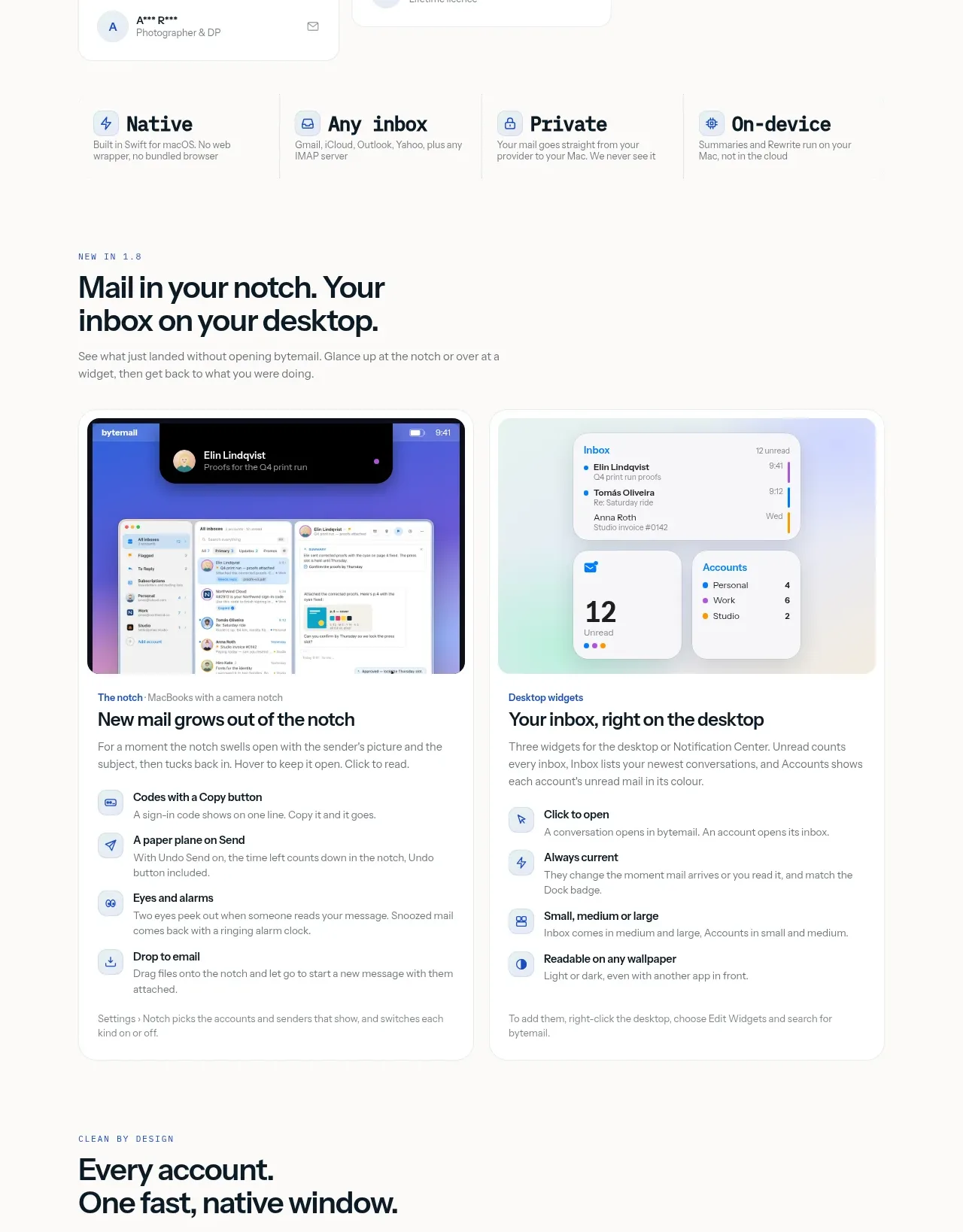 Desktop notch and widget features
bytemail · Feature grid
Desktop notch and widget features
bytemail · Feature grid
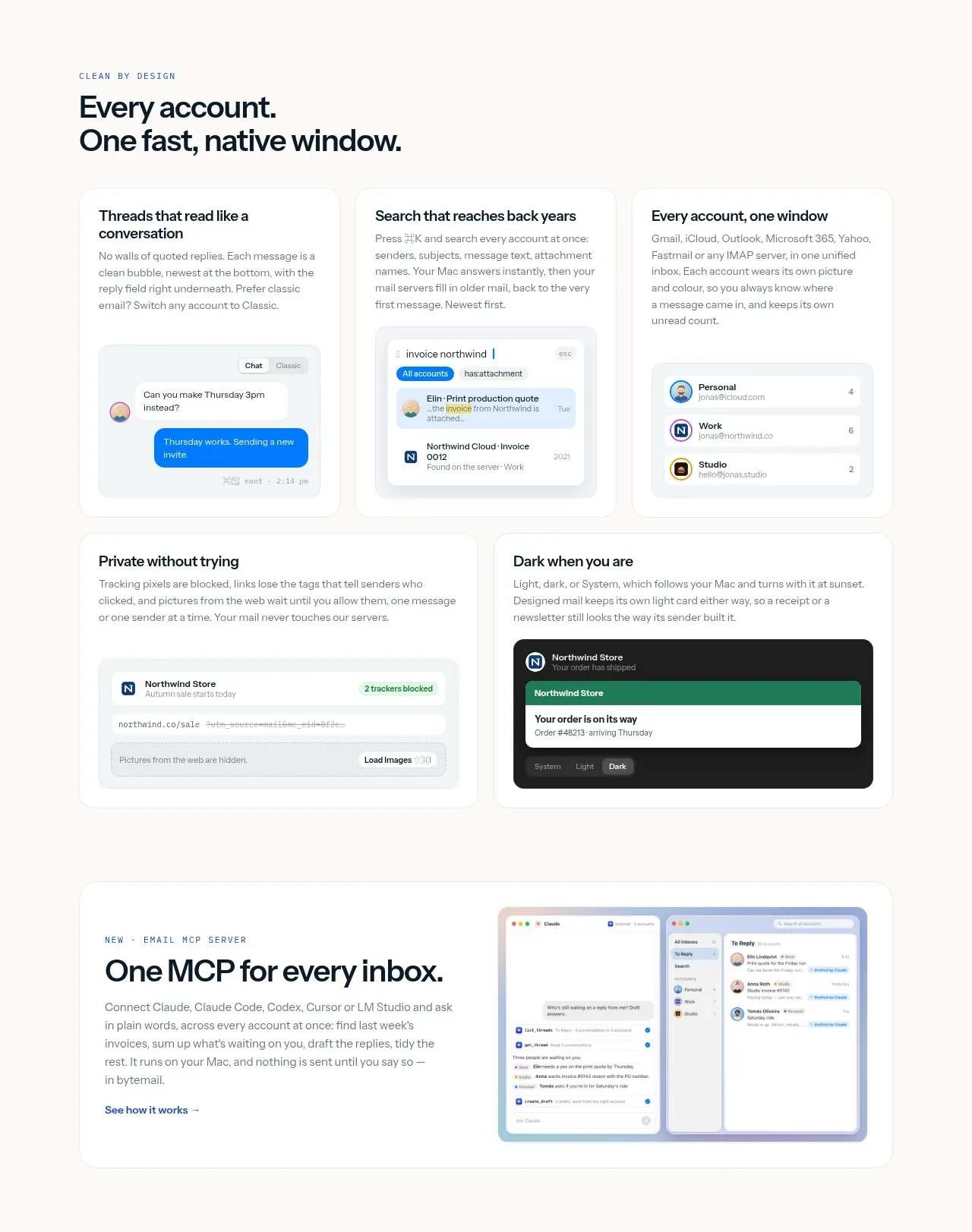 Native inbox workflow features
bytemail · Feature grid
Native inbox workflow features
bytemail · Feature grid
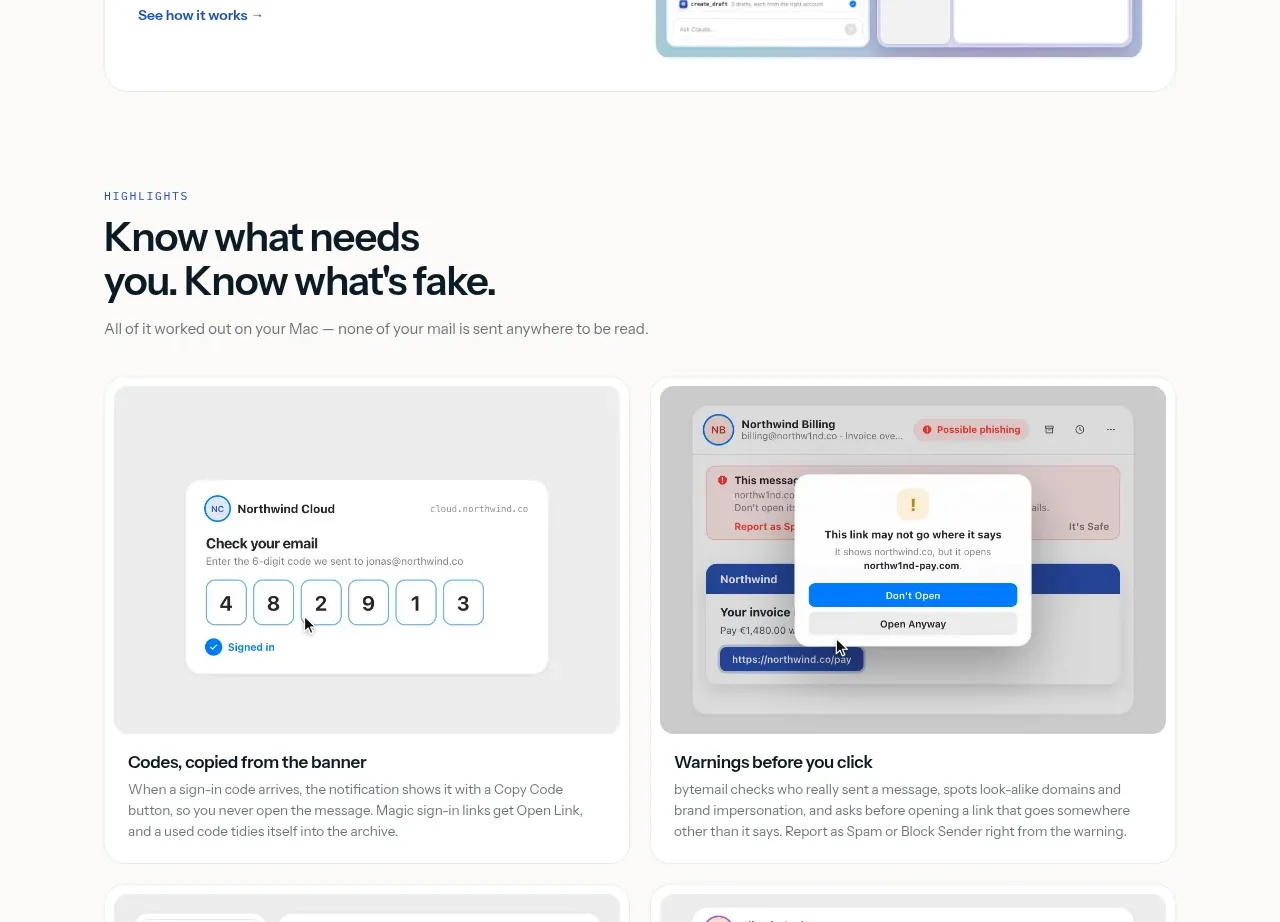 Single MCP integration panel
bytemail · Card
Single MCP integration panel
bytemail · Card
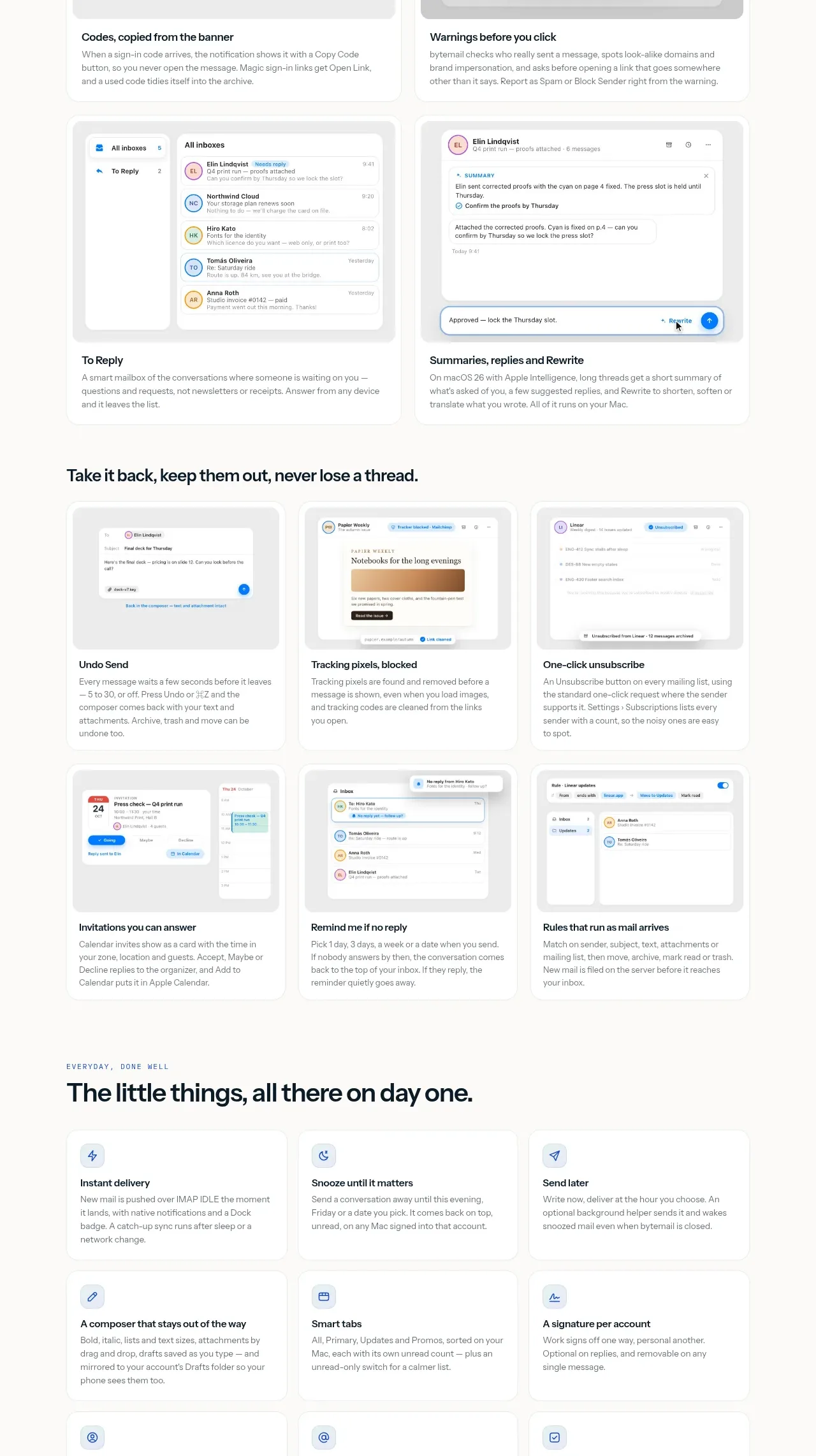 Intelligence and safety highlights
bytemail · Feature grid
Intelligence and safety highlights
bytemail · Feature grid
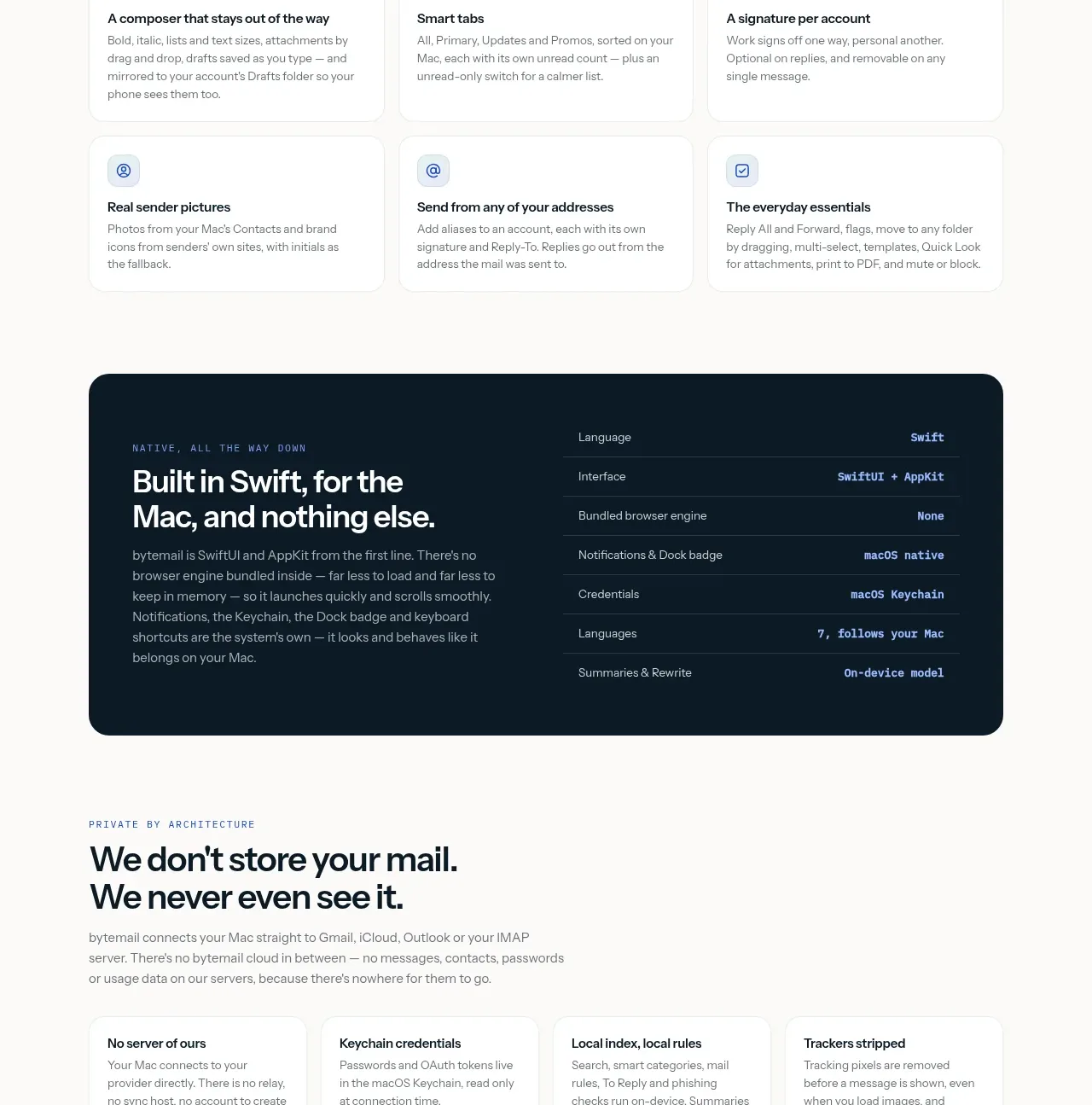 Everyday utility feature grid
bytemail · Feature grid
Everyday utility feature grid
bytemail · Feature grid
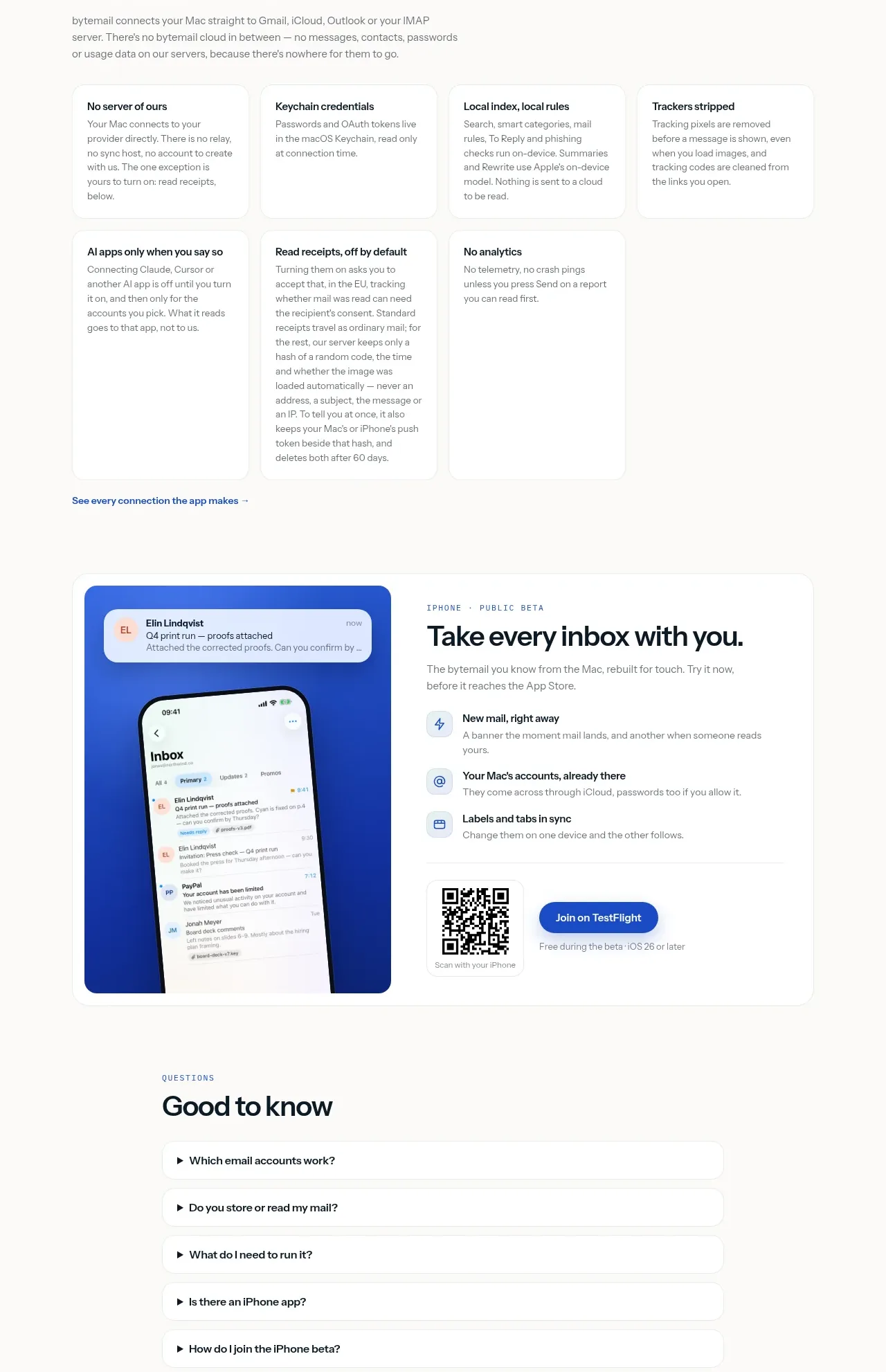 Technical and privacy principles
bytemail · Feature grid
Technical and privacy principles
bytemail · Feature grid
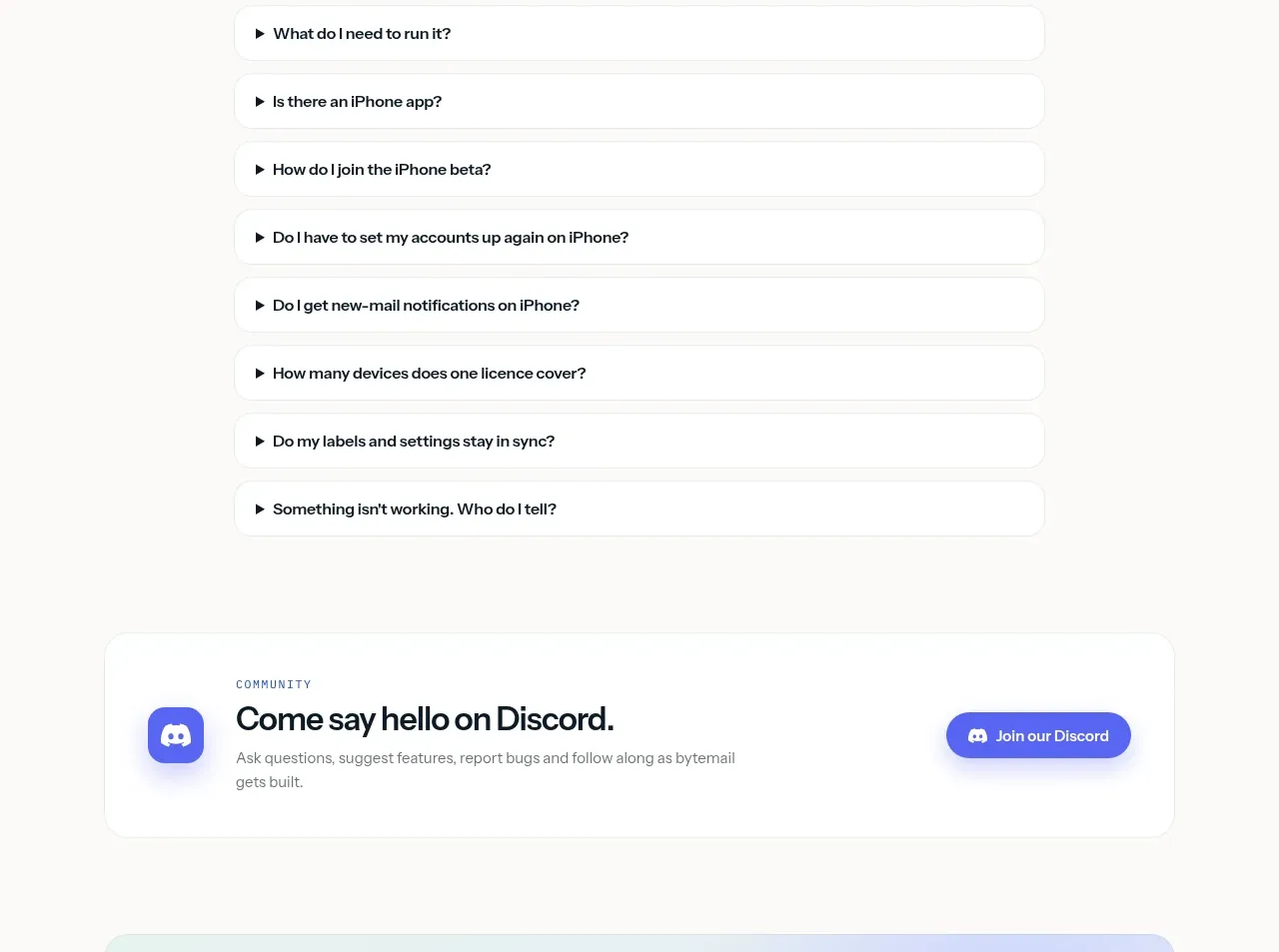 Mobile companion and beta signup
bytemail · Card
Mobile companion and beta signup
bytemail · Card
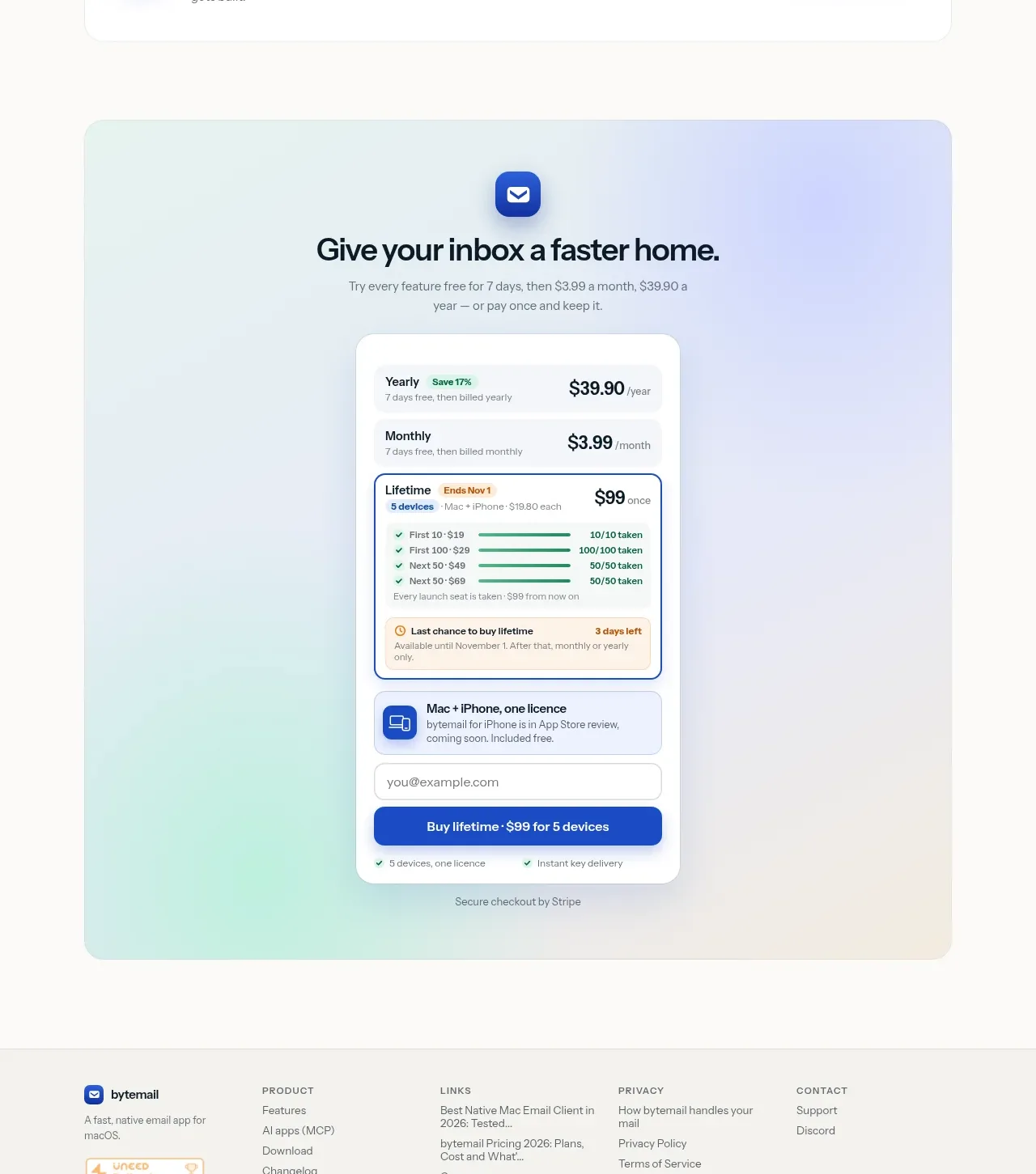 Frequently asked questions and community CTA
bytemail · FAQ
Frequently asked questions and community CTA
bytemail · FAQ
 Final purchase call to action
bytemail · Call to action
Final purchase call to action
bytemail · Call to action