 kage
kage
plastic.audio
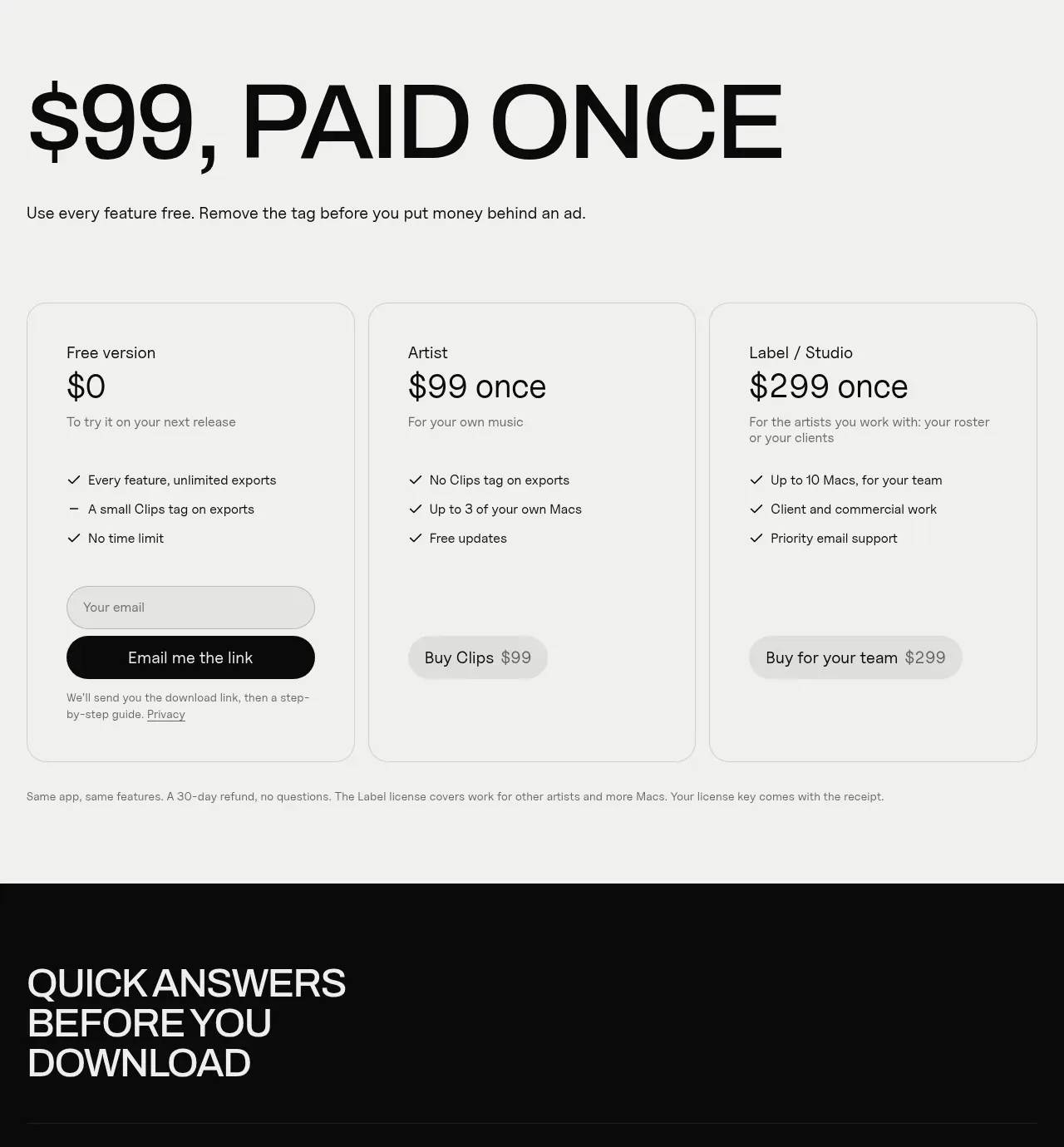
Design analysis
A light inverse pricing section makes the commercial decision prominent with a huge price-led heading and three simple plan cards.
Prompt preview
## Reference images

Study these alongside the description below: hierarchy, rhythm, spacing, colour. Build for the product you are asked about, using this design language.

- Component: https://kage-design-assets.t3.tigrisfiles.io/components/clips-by-plastic/ad43fef6-0048-4f88-83ea-4278fc30c273-1792994537-10.webp
- Full page it was cut from: https://kage-design-assets.t3.tigrisfiles.io/screenshots/clips-by-plastic/ad43fef6-0048-4f88-83ea-4278fc30c273-1792994476004-full.webp
- Component on Kage: https://kage.design/component/clips-by-plastic-pricing-table

## Before you start
Ask what the user's pricing model, plan names, prices, limits, and preferred conversion action are, then apply these principles.

Create a light-background pricing section that sharply contrasts with the dark page. Lead with a huge left-aligned headline and a one-line explanation, then show three equal pricing cards in a row. Each card needs plan name, price, short qualifier, three or four benefits, and a full-width action. Use an off-white background around #f1f1ef, near-black text #111111, 1px gray borders #d5d5d2, 14–16px radius, generous internal padding, and a clear visual distinction for the recommended plan. Include reassuring fine print below the cards. Stack cards on mobile and keep actions aligned.

Never: use logos, product names, copy, illustrations, or imagery from the reference.
More components
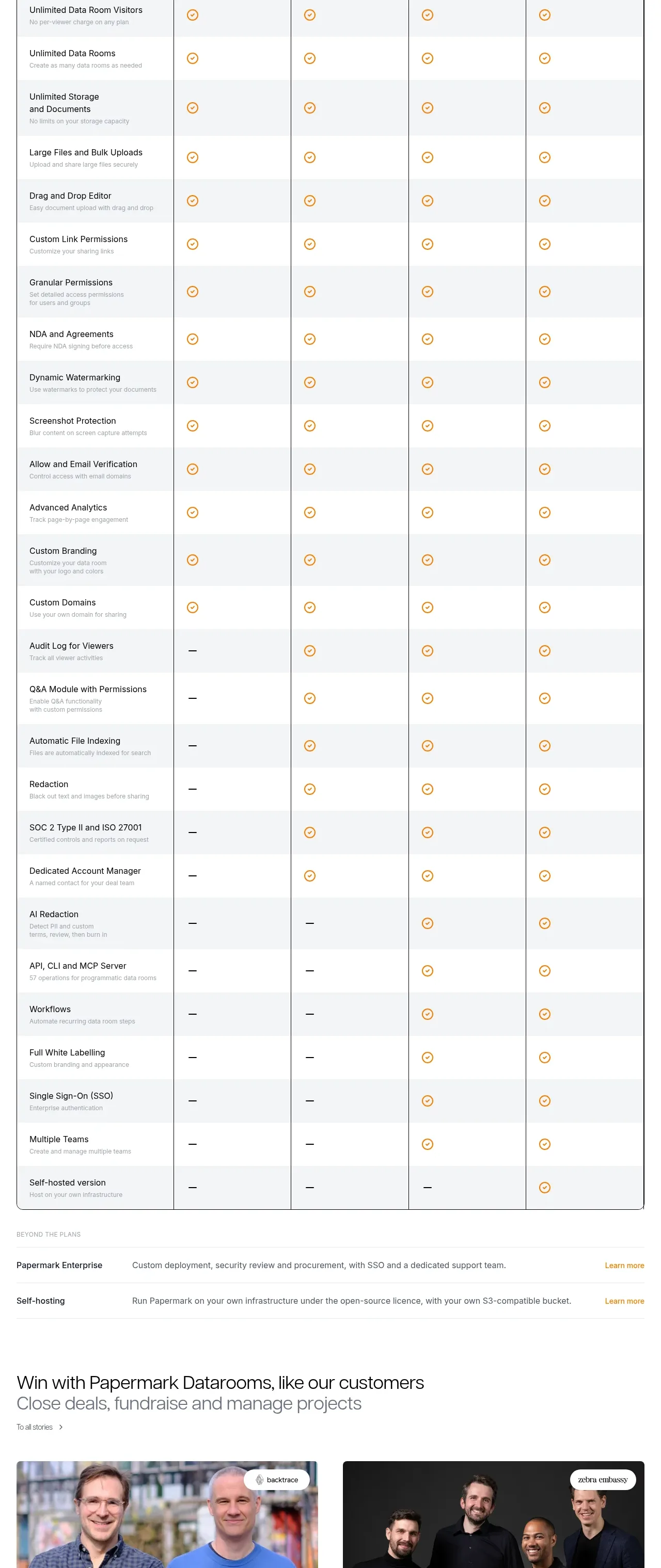
 Plan comparison table
Papermark Data Rooms · Pricing table
Plan comparison table
Papermark Data Rooms · Pricing table
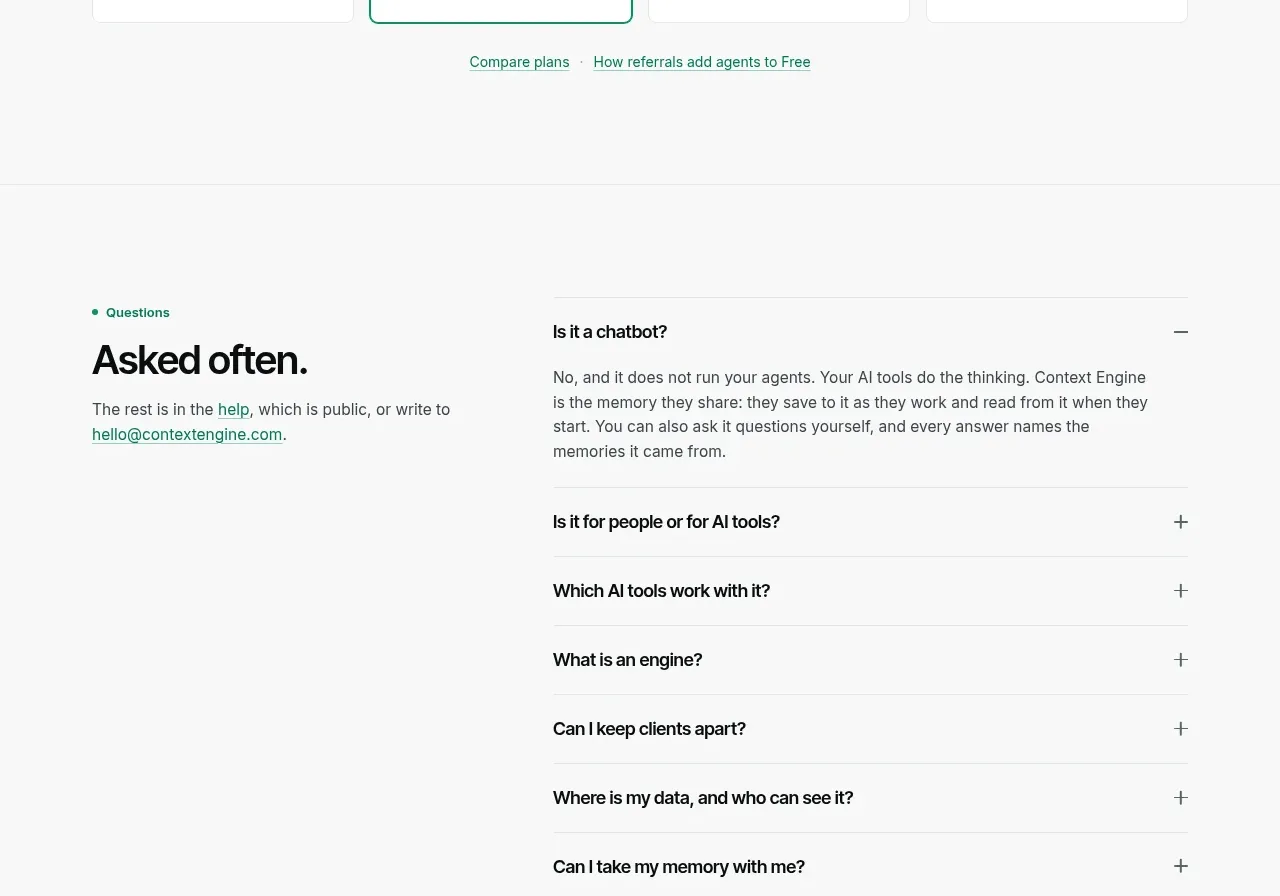
 Per-unit pricing table
Context Engine · Pricing table
Per-unit pricing table
Context Engine · Pricing table
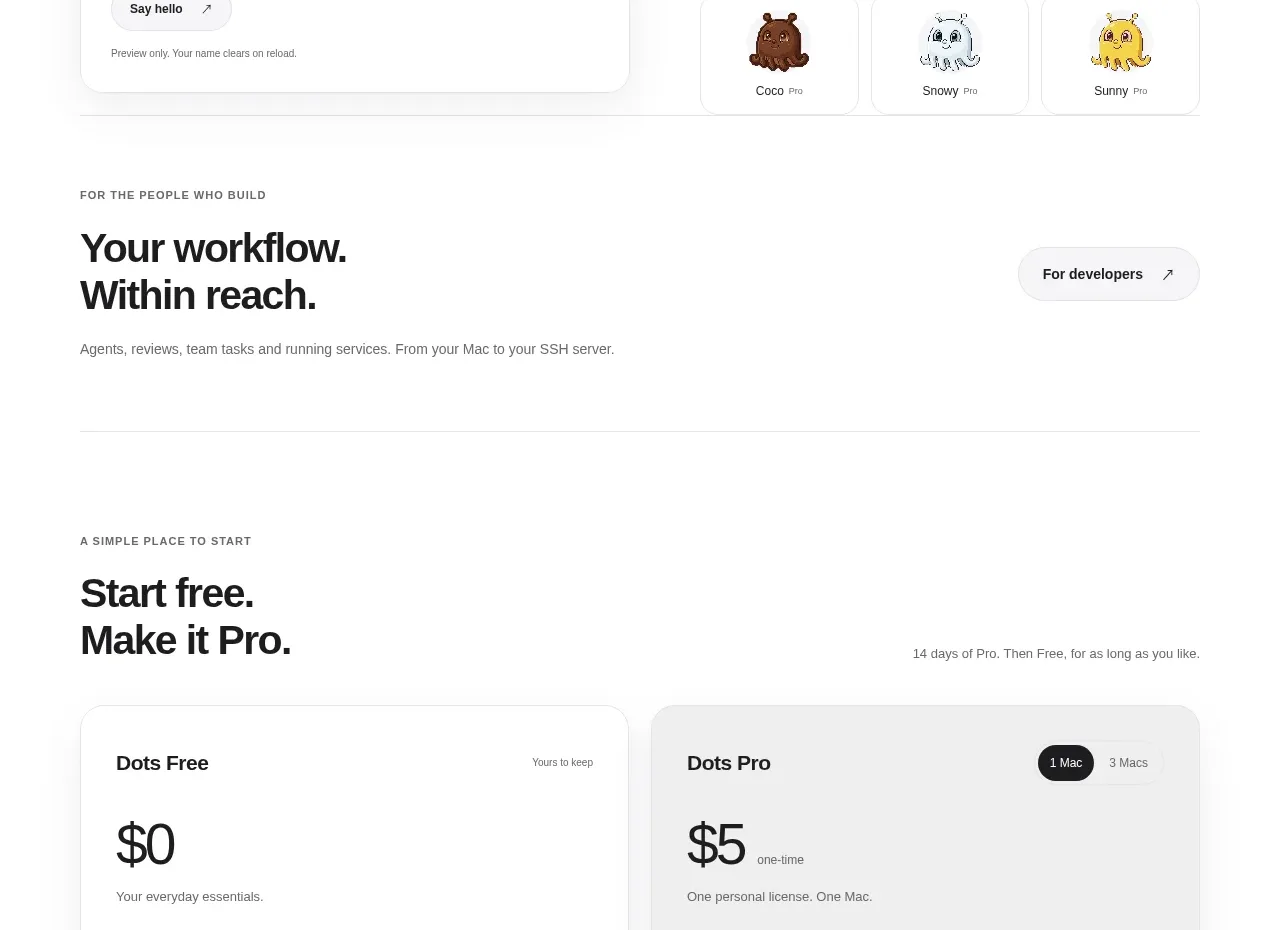
 Free and pro pricing cards
Dots · Pricing table
Free and pro pricing cards
Dots · Pricing table
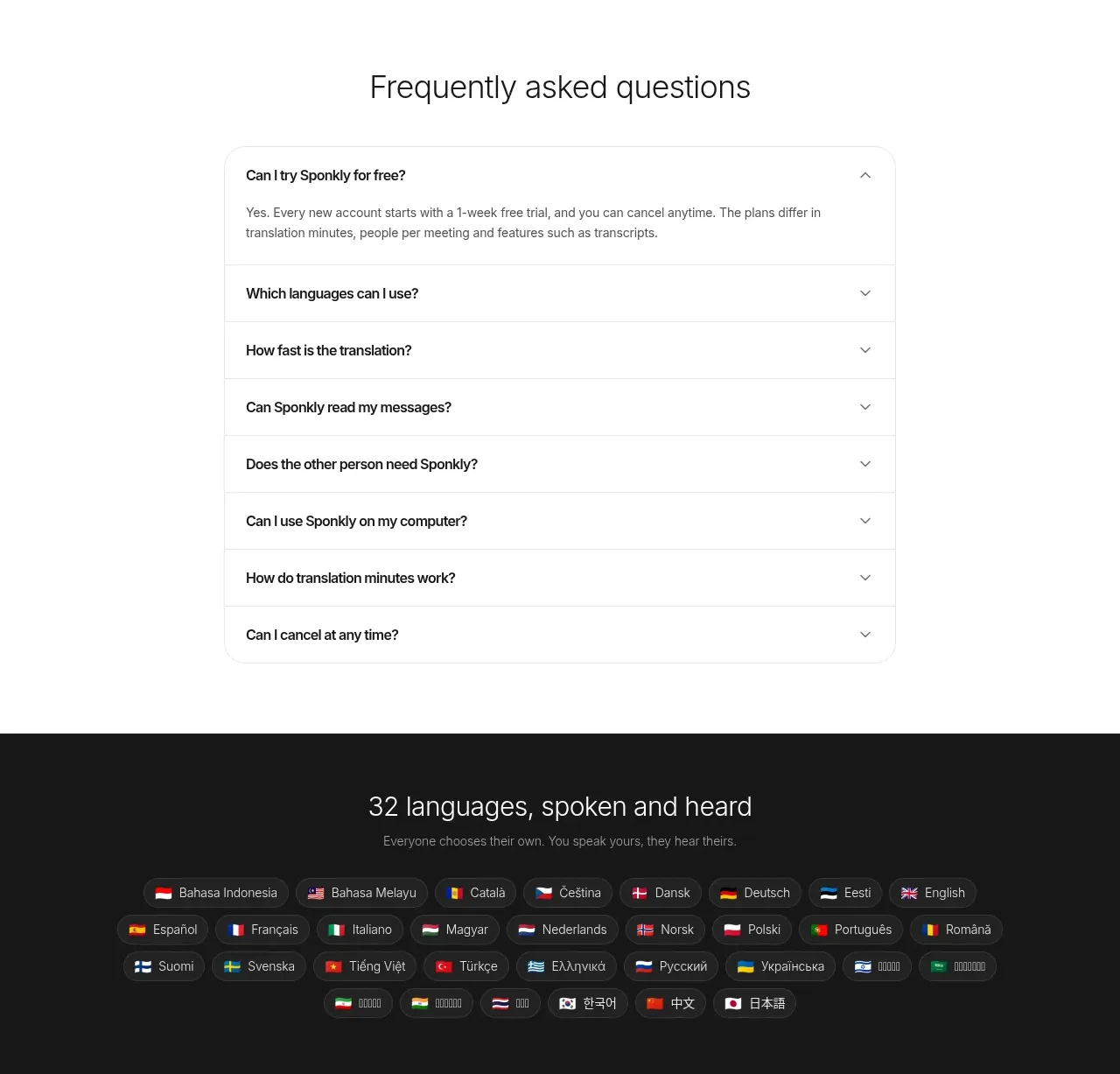
 Transparent multi-tier pricing
Sponkly · Pricing table
Transparent multi-tier pricing
Sponkly · Pricing table
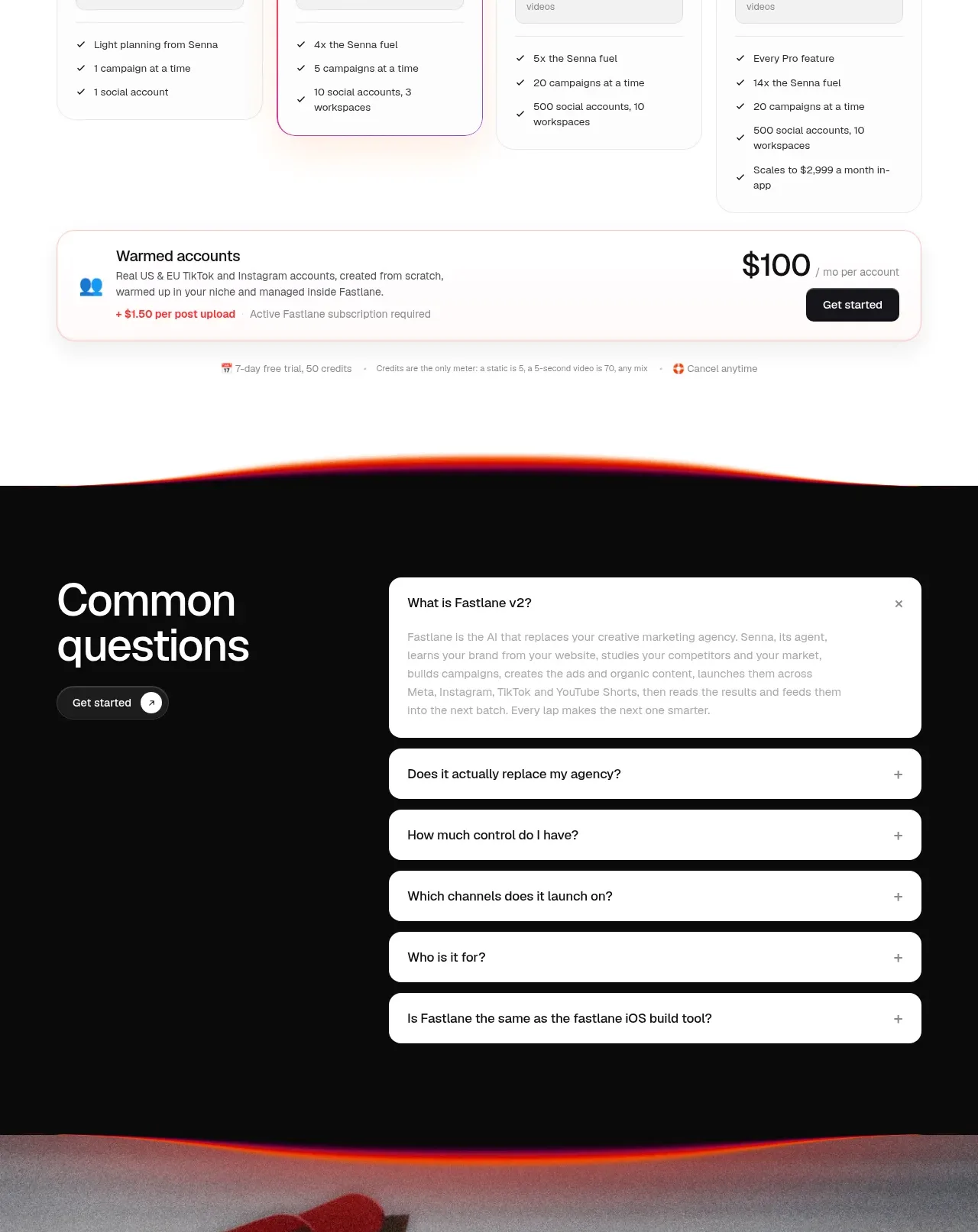
 Four-tier pricing table
Fastlane 2.0 · Pricing table
Four-tier pricing table
Fastlane 2.0 · Pricing table

 Two-tier purchase options
Koi · Pricing table
Two-tier purchase options
Koi · Pricing table