 kage
kage
usefastlane.ai
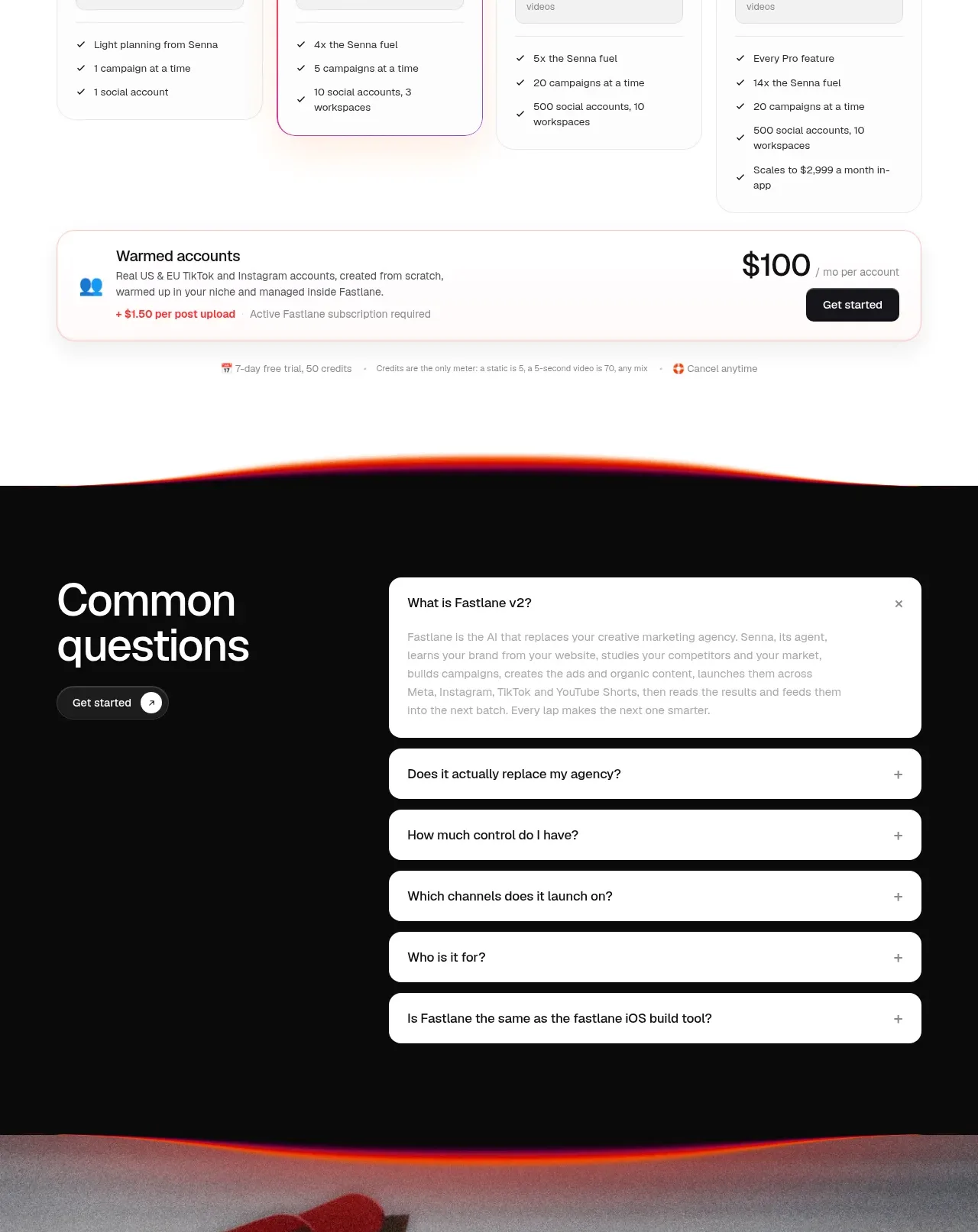
Design analysis
A clear monthly/yearly toggle leads into four plan cards with escalating limits, dark action buttons, and a separate usage-based account option.
Prompt preview
## Reference images

Study these alongside the description below: hierarchy, rhythm, spacing, colour. Build for the product you are asked about, using this design language.

- Component: https://kage-design-assets.t3.tigrisfiles.io/components/fastlane-2-0/959a4273-adb0-42a9-9dfc-df0ea320e78d-1792735312-8.webp
- Full page it was cut from: https://kage-design-assets.t3.tigrisfiles.io/screenshots/fastlane-2-0/959a4273-adb0-42a9-9dfc-df0ea320e78d-1792735248580-full.webp
- Component on Kage: https://kage.design/component/fastlane-2-0-pricing-table

## Before you start
Ask about the user's pricing model, billing cadence, usage limits, plan names, and primary conversion path. Use those real constraints to make the table understandable.

Build a pricing section on white with a centered 36–48px heading, a monthly/yearly segmented toggle, and a small billing note. Use four equal plan cards in a responsive grid: one standard, one visually emphasized as recommended, and two higher tiers. Each card needs a plan label, concise audience descriptor, prominent price, billing unit, dark or accent CTA, included allowance in a tinted inset panel, and a short checklist. Use 1px #e7e7e7 borders, 14–18px radius, 24–28px padding, and #111111 text. Make the recommended card use a coral border or very light #fff0ed background without becoming visually noisy. Below, add a full-width usage or managed-account option as a horizontal card with a price at right and CTA. Use a sticky or segmented toggle only if it remains accessible; update prices and billing copy clearly, and mark the selected state with both colour and text. On mobile, stack cards and keep the recommended plan first.

Never: copy logos, product names, copy, illustrations, or imagery from the reference.
More components
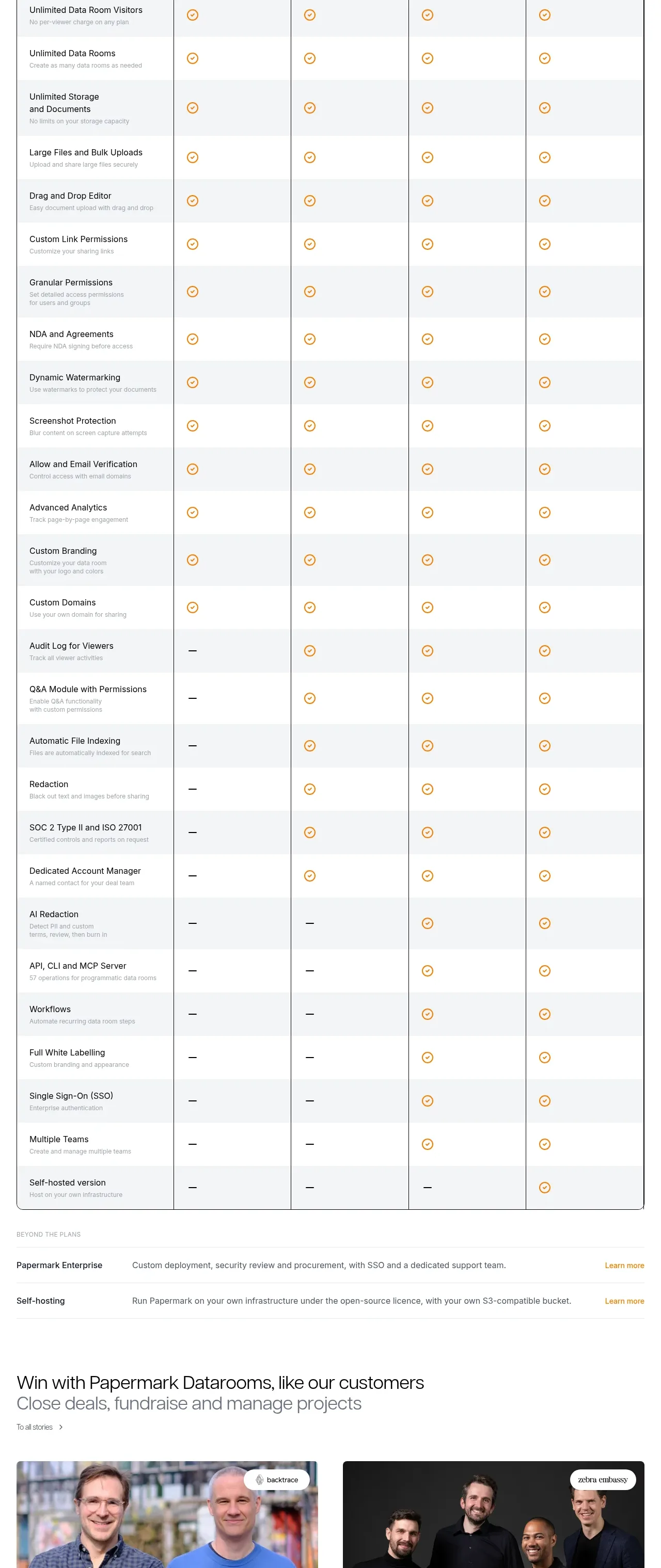
 Plan comparison table
Papermark Data Rooms · Pricing table
Plan comparison table
Papermark Data Rooms · Pricing table
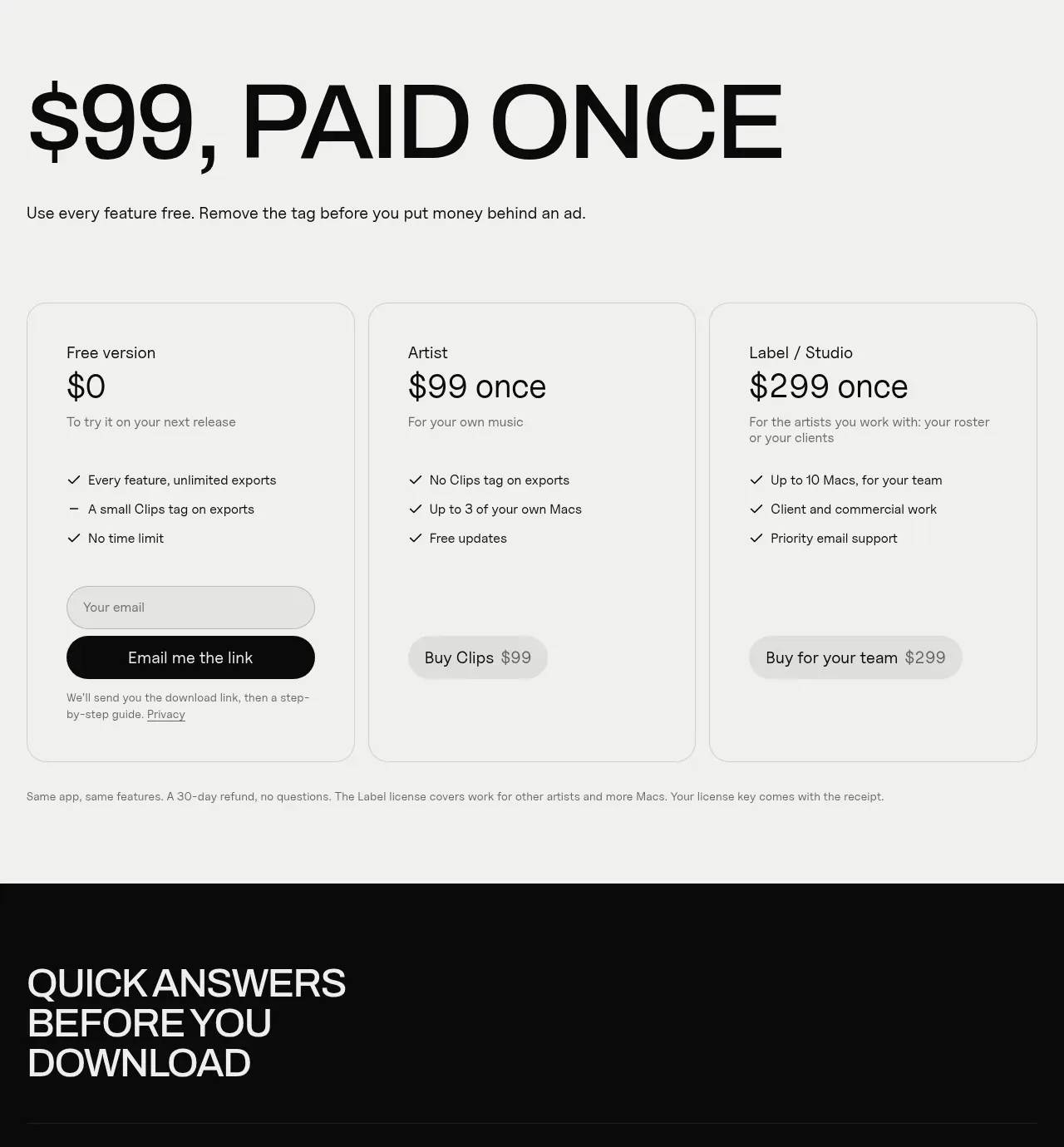
 One-time purchase pricing
Clips by Plastic · Pricing table
One-time purchase pricing
Clips by Plastic · Pricing table
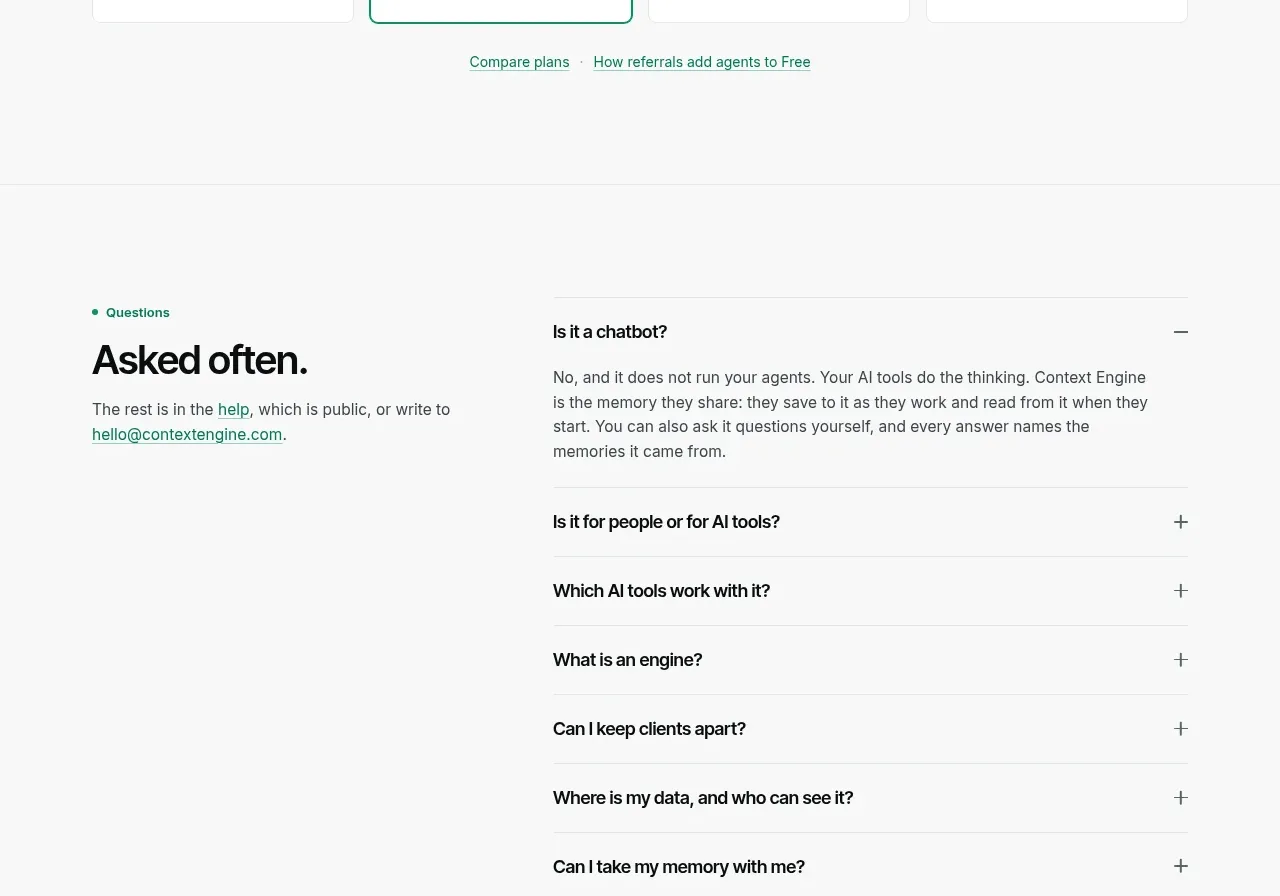
 Per-unit pricing table
Context Engine · Pricing table
Per-unit pricing table
Context Engine · Pricing table
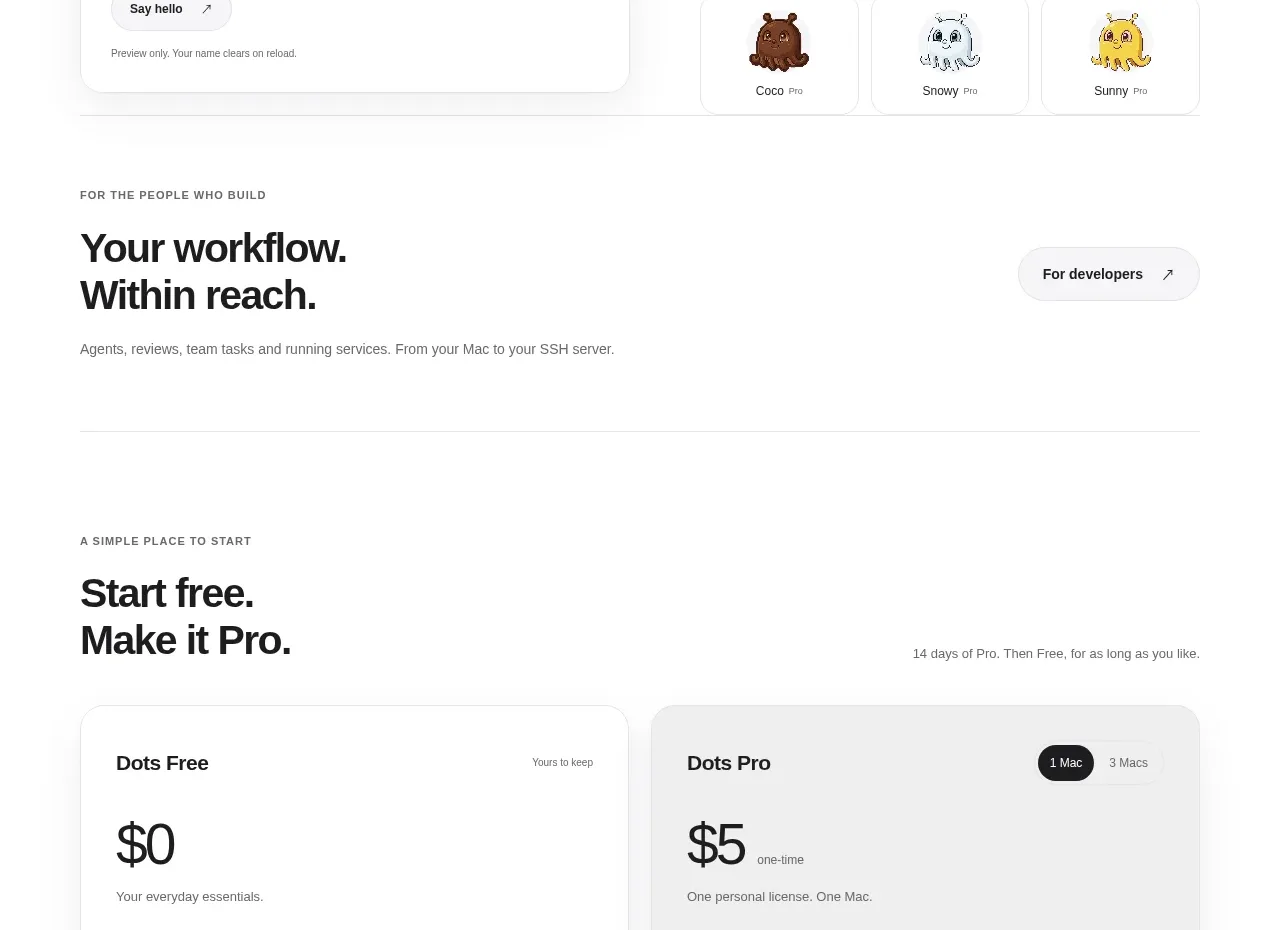
 Free and pro pricing cards
Dots · Pricing table
Free and pro pricing cards
Dots · Pricing table
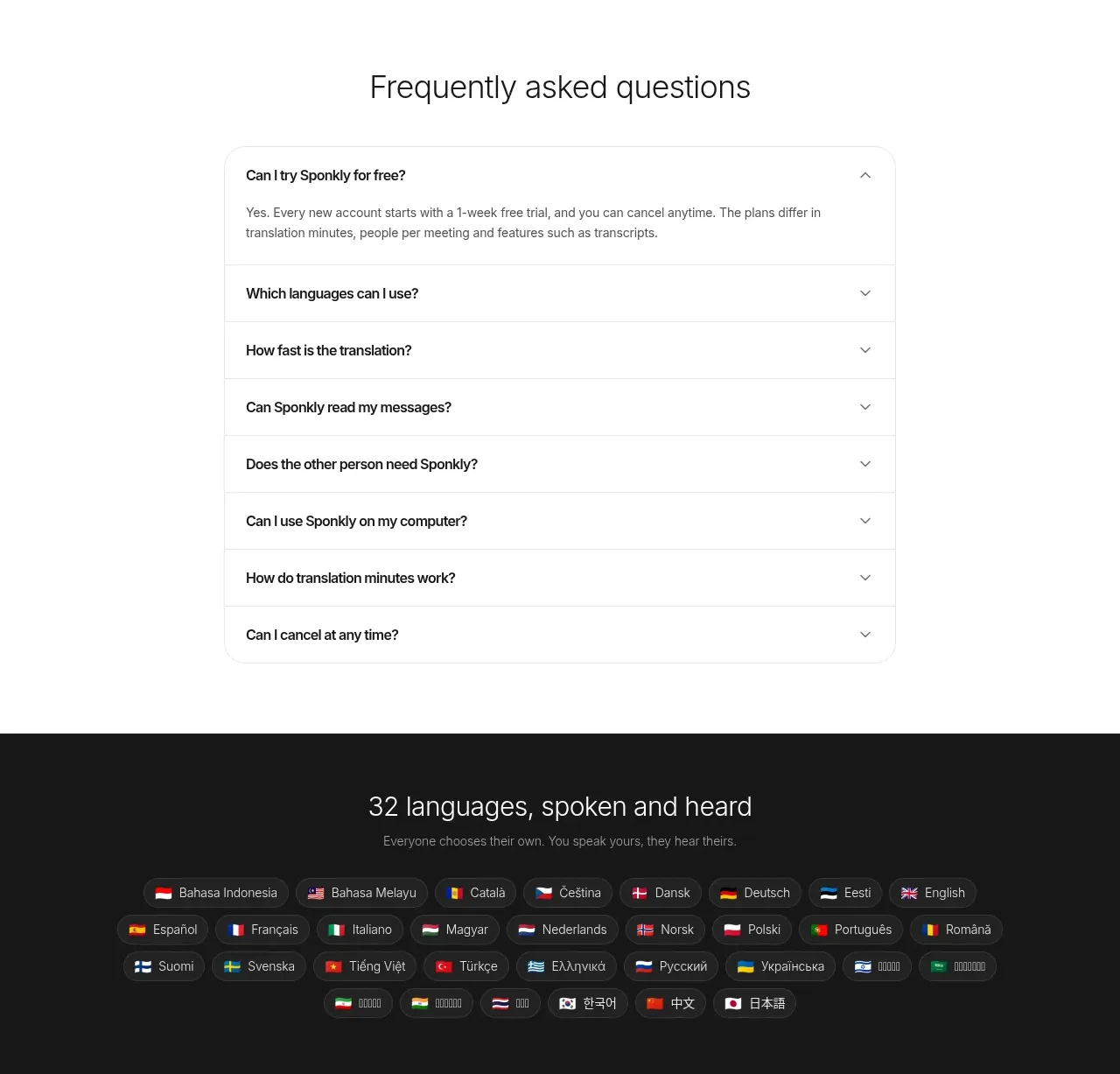
 Transparent multi-tier pricing
Sponkly · Pricing table
Transparent multi-tier pricing
Sponkly · Pricing table

 Two-tier purchase options
Koi · Pricing table
Two-tier purchase options
Koi · Pricing table