 kage
kage
dotsapp.cloudaeri.com
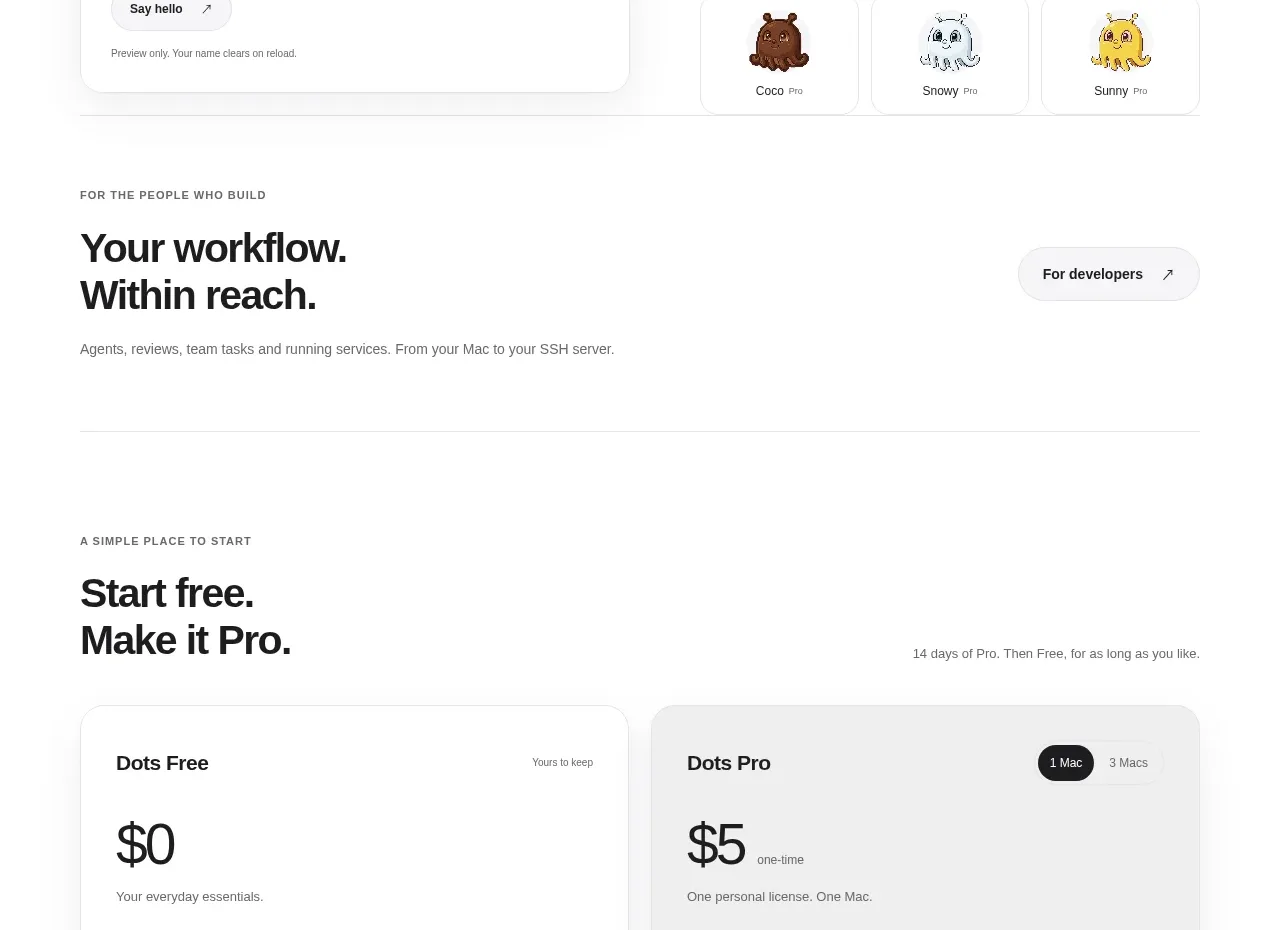
Design analysis
Two large cards make the free-versus-paid choice immediate, with price, benefit lists, and full-width actions. Similar card geometry keeps comparison easy while the paid tier gains a stronger visual emphasis.
Prompt preview
## Reference images

Study these alongside the description below: hierarchy, rhythm, spacing, colour. Build for the product you are asked about, using this design language.

- Component: https://kage-design-assets.t3.tigrisfiles.io/components/dots/b0dd4f13-dbbe-4e80-ab36-79d3ad587c26-1792821813-5.webp
- Full page it was cut from: https://kage-design-assets.t3.tigrisfiles.io/screenshots/dots/b0dd4f13-dbbe-4e80-ab36-79d3ad587c26-1792821726796-full.webp
- Component on Kage: https://kage.design/component/dots-pricing-table

## Before you start
Ask what plans the user's product offers, how pricing should be expressed, and which benefits distinguish each plan. Use those answers to build a useful comparison rather than copying the reference.

Create a two-column pricing section with a small uppercase eyebrow, a strong headline, and a short explanatory line above the cards. Each card needs a plan name, price and billing context, a concise description, a divider, a checklist of benefits, and a full-width CTA. Make the paid card slightly more prominent with a soft gray surface or stronger contrast, while keeping the free card white. Use 18–24px card radius, a 1px border (`#e8e8e8`), subtle shadow only if needed, 28–32px padding, near-black text (`#111111`), muted metadata (`#707070`), and dark primary buttons (`#111111`) with white text. Use a 32–44px price scale and 13–15px feature rows with comfortable 14–18px spacing. Include a small billing or seat toggle only if relevant. Ensure equal card heights and responsive stacking.

Never: use the reference's logo, product name, copy, illustrations, imagery, or exact prices and plan names.
More components
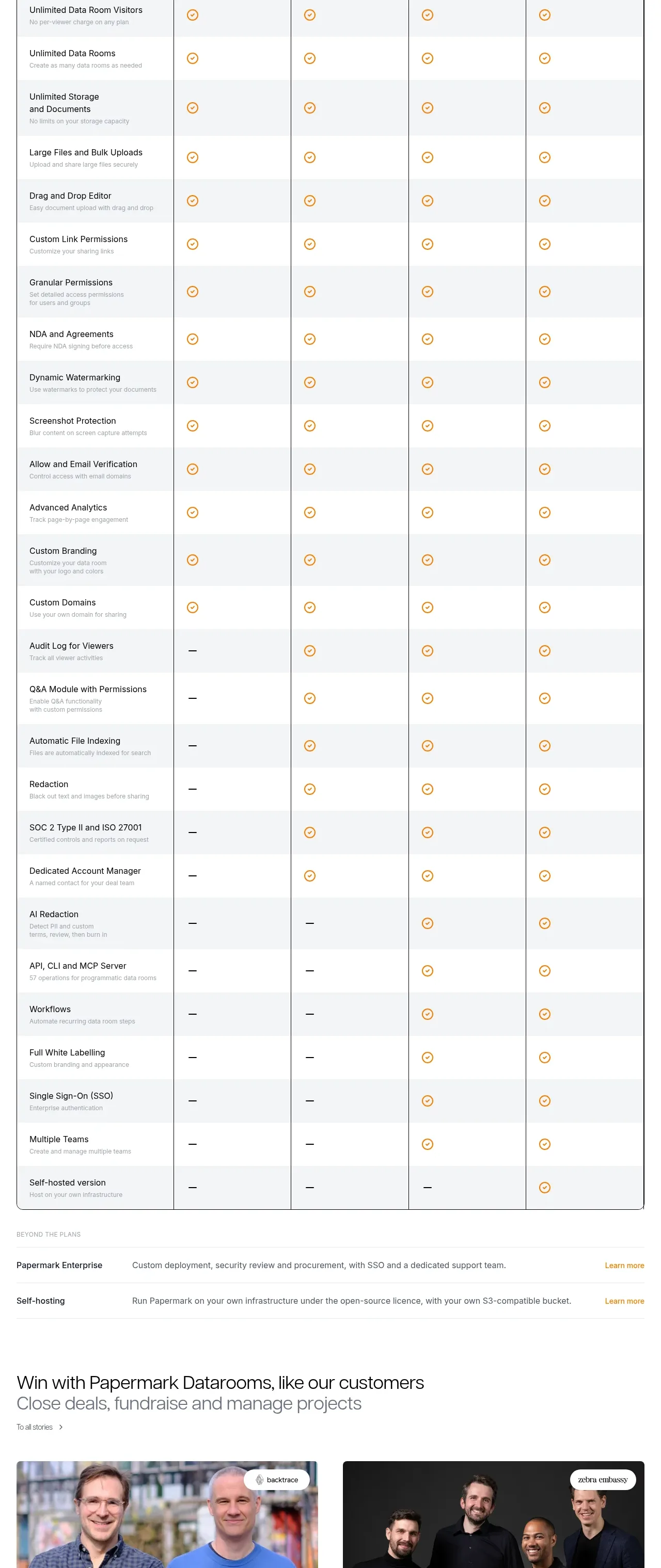
 Plan comparison table
Papermark Data Rooms · Pricing table
Plan comparison table
Papermark Data Rooms · Pricing table
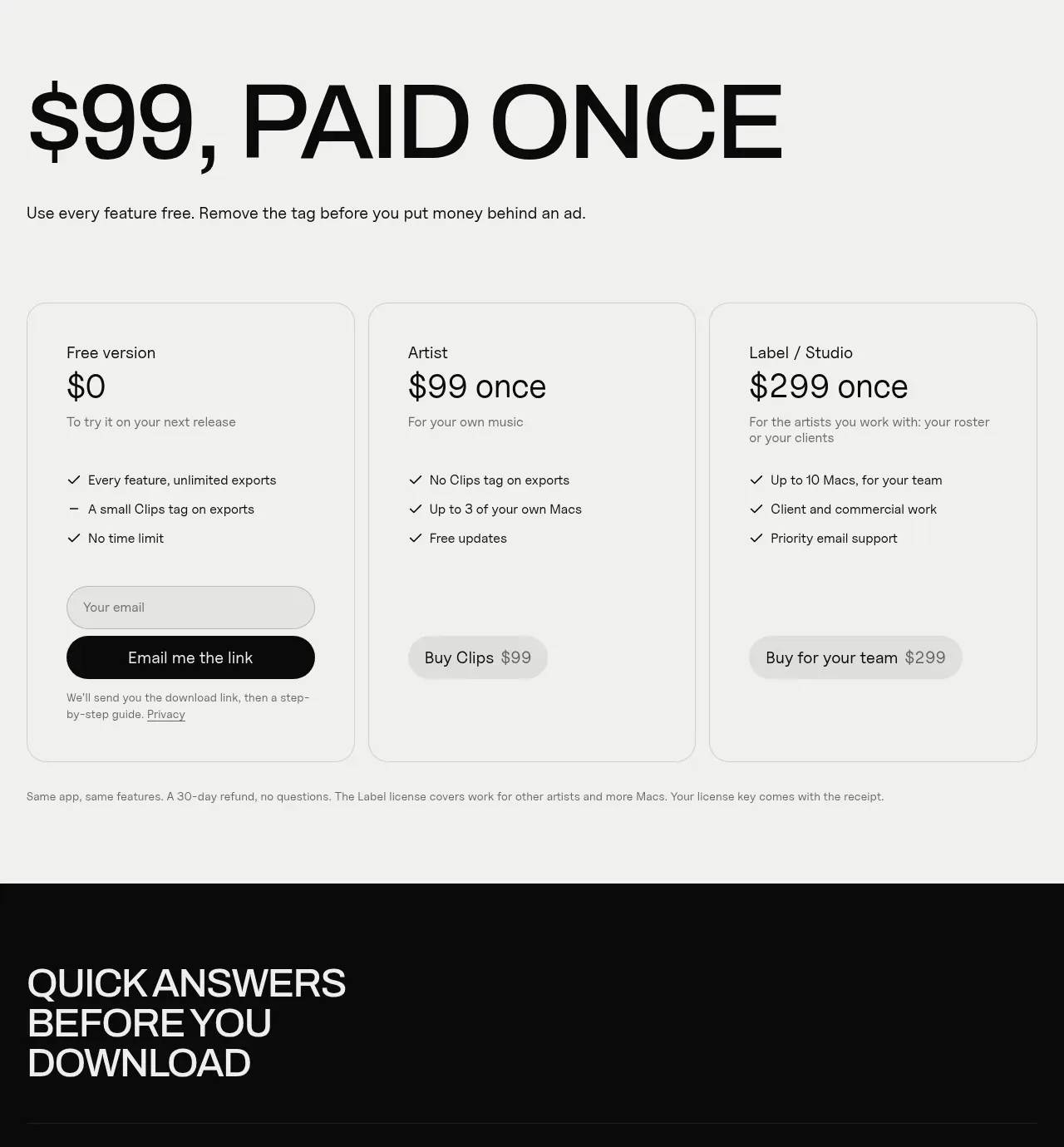
 One-time purchase pricing
Clips by Plastic · Pricing table
One-time purchase pricing
Clips by Plastic · Pricing table
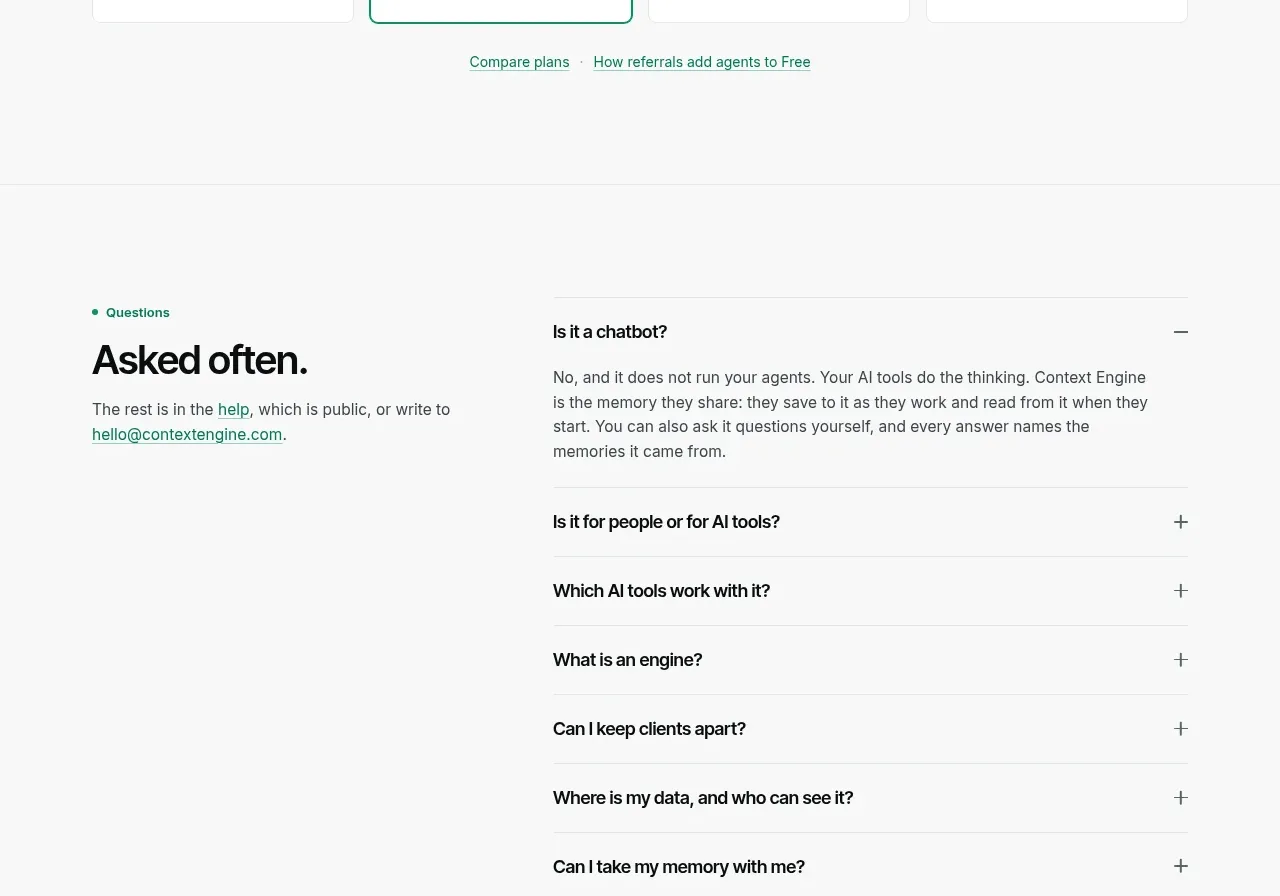
 Per-unit pricing table
Context Engine · Pricing table
Per-unit pricing table
Context Engine · Pricing table
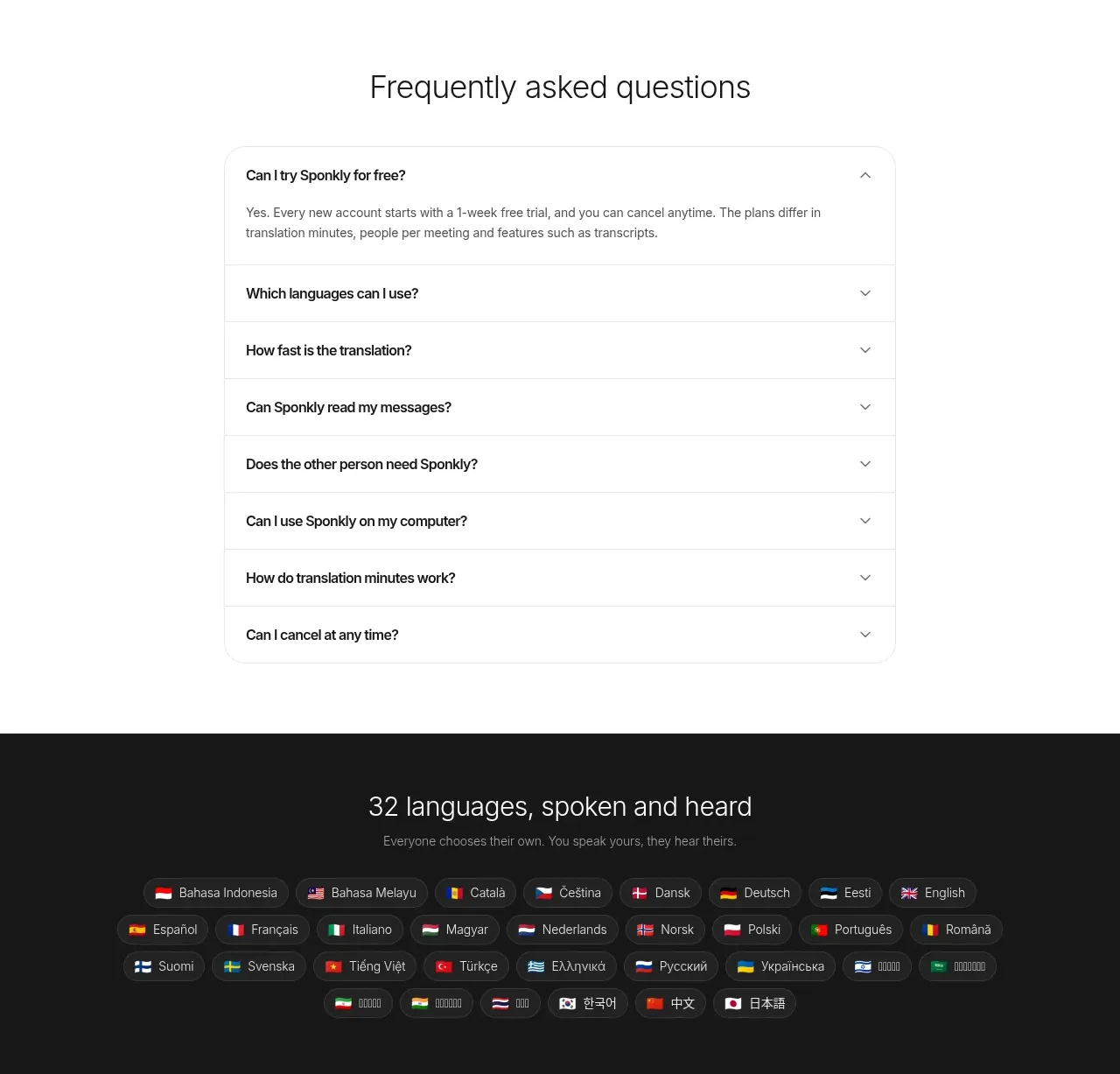
 Transparent multi-tier pricing
Sponkly · Pricing table
Transparent multi-tier pricing
Sponkly · Pricing table
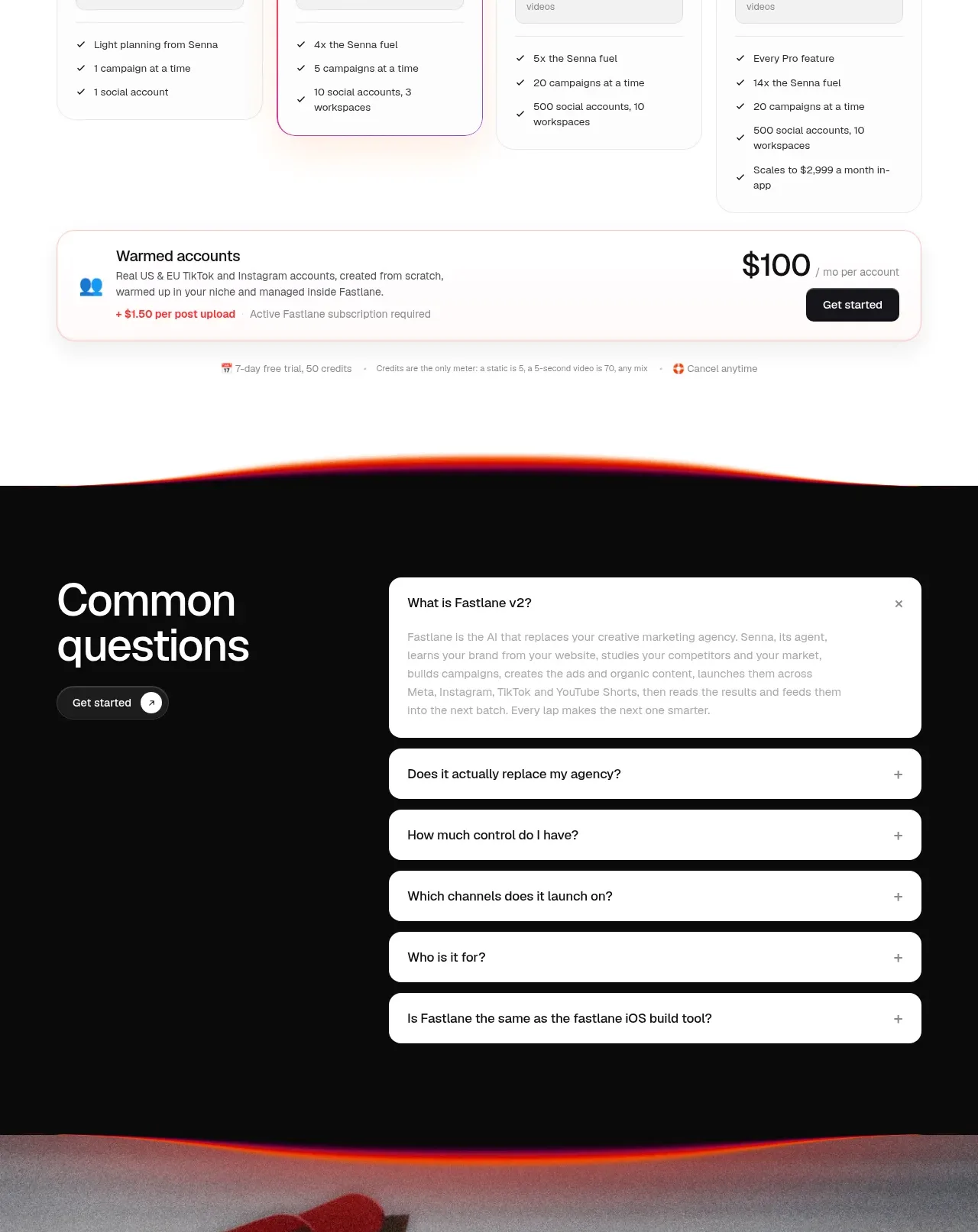
 Four-tier pricing table
Fastlane 2.0 · Pricing table
Four-tier pricing table
Fastlane 2.0 · Pricing table

 Two-tier purchase options
Koi · Pricing table
Two-tier purchase options
Koi · Pricing table