kage
kage
agentfield.ai
Design analysis
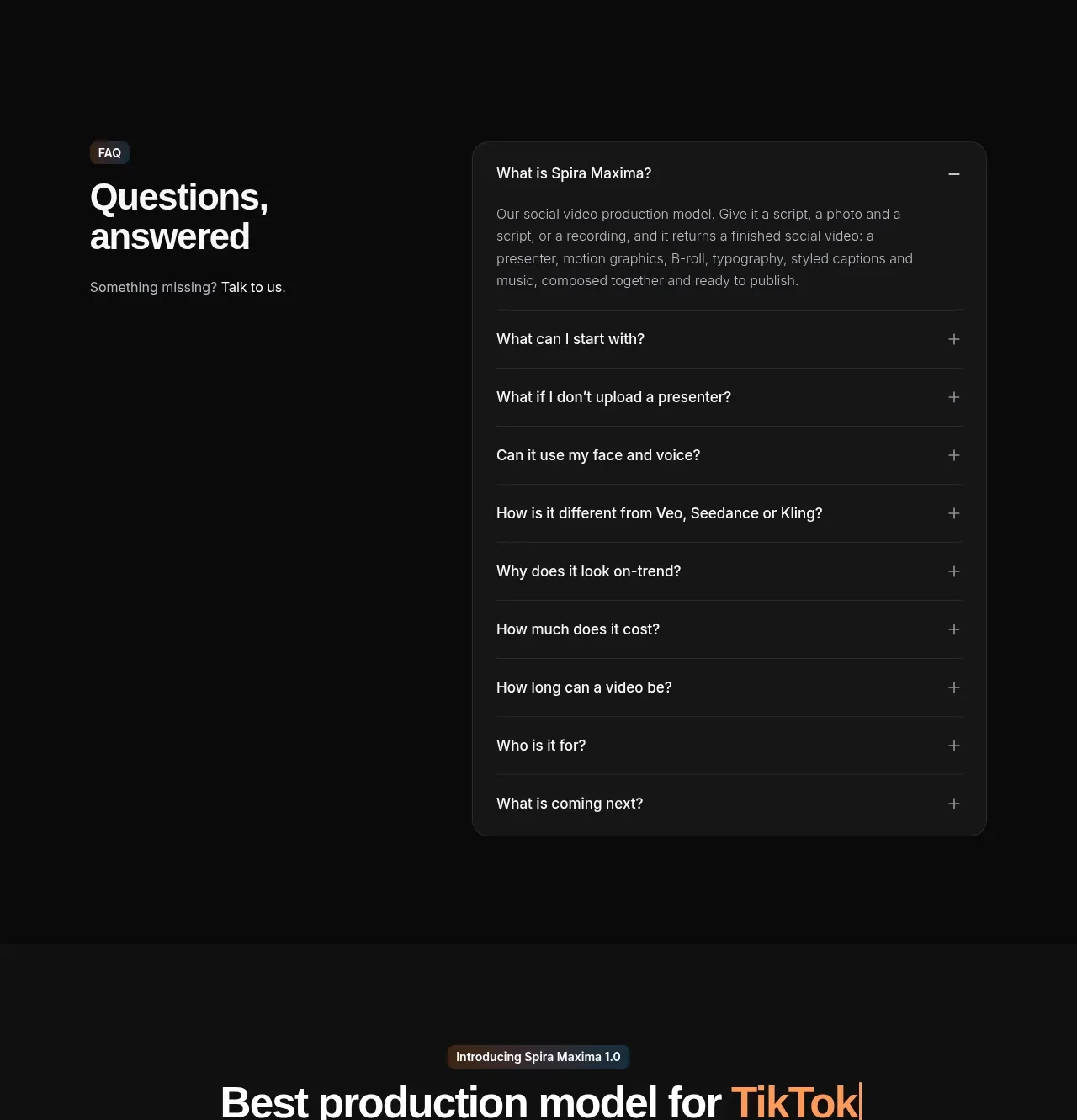
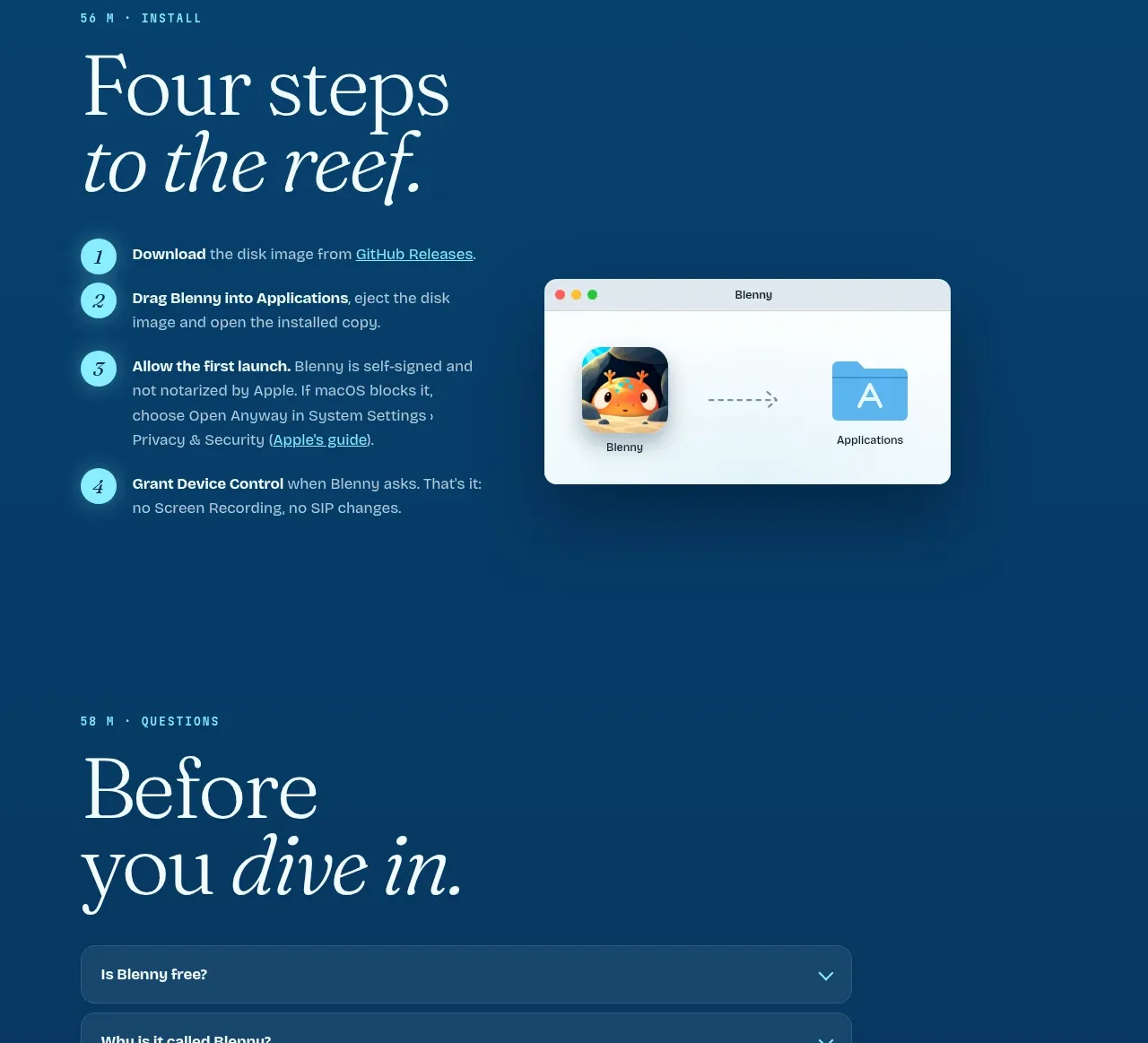
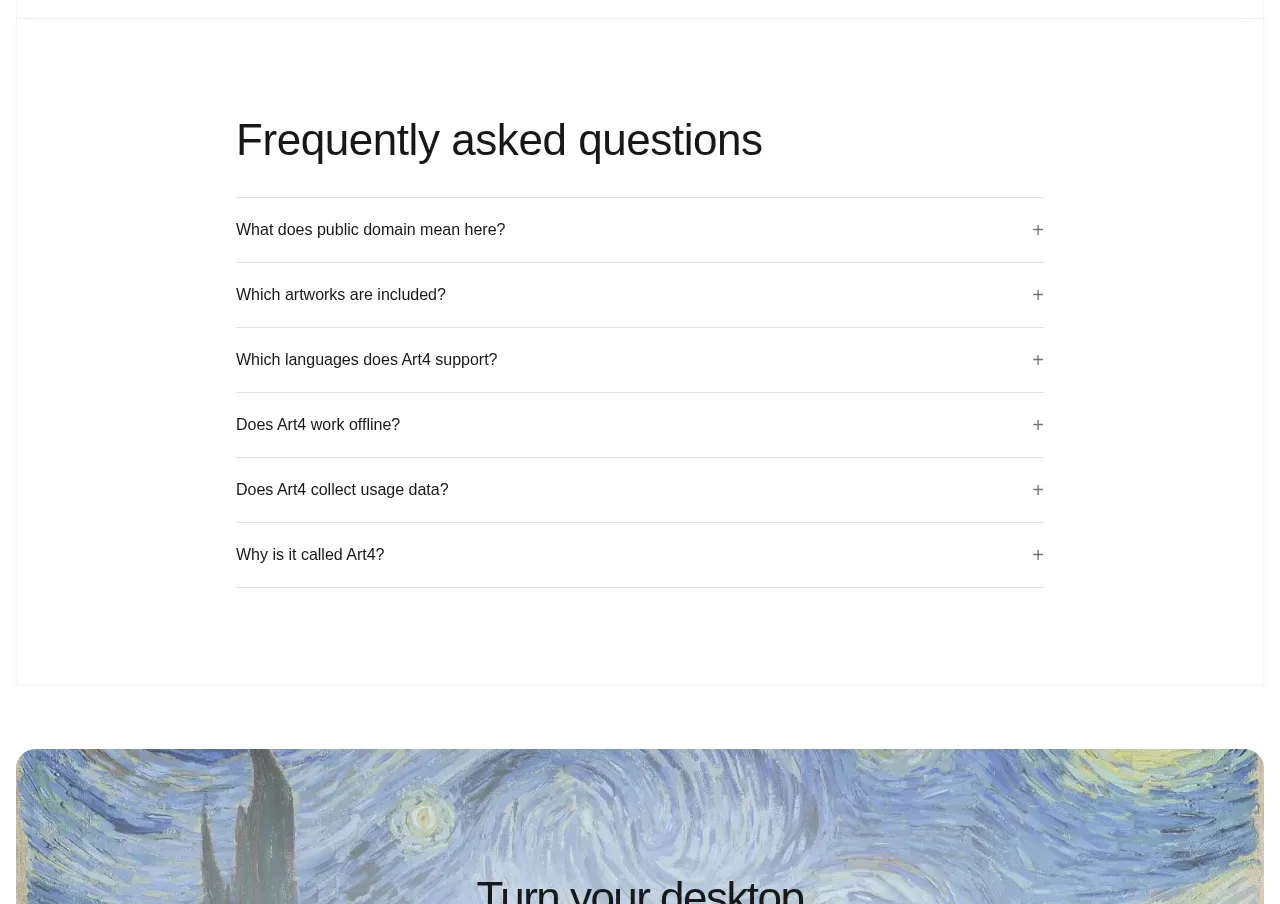
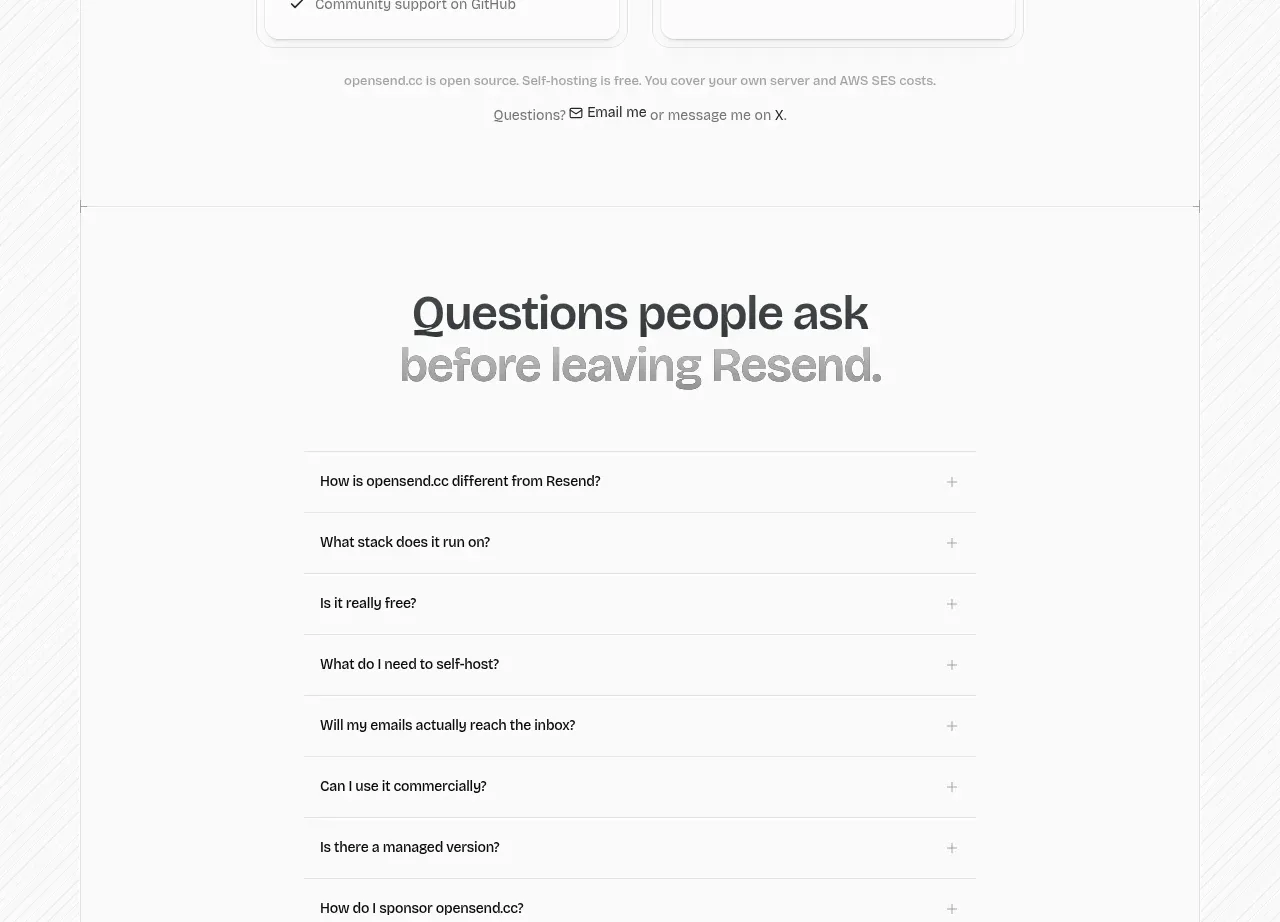
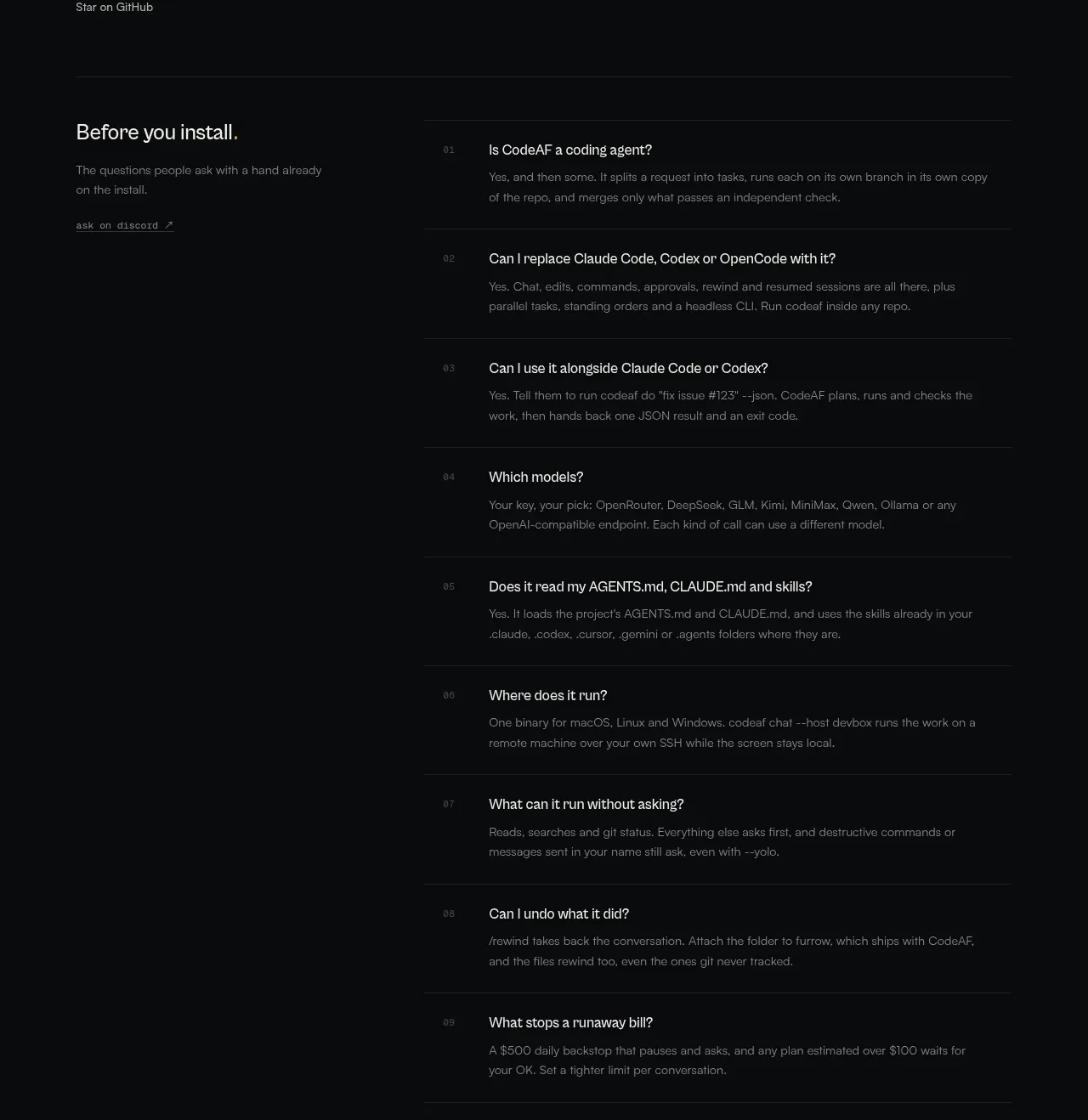
A two-column FAQ section places an introductory install prompt beside a long numbered list, making technical objections easy to scan while retaining detailed answers.
Prompt preview
## Reference images

Study these alongside the description below: hierarchy, rhythm, spacing, colour. Build for the product you are asked about, using this design language.

- Component: https://kage-design-assets.t3.tigrisfiles.io/components/codeaf/74fffb9e-aea6-4193-af2d-c8a5b19c270c-1791007529-7.webp
- Full page it was cut from: https://kage-design-assets.t3.tigrisfiles.io/screenshots/codeaf/74fffb9e-aea6-4193-af2d-c8a5b19c270c-1791007420738-full.webp
- Component on Kage: https://kage.design/component/codeaf-faq

## Before you start
Ask what questions users repeatedly have before installing or adopting the user's product. Organize the answers by importance and adapt the interaction to the brand.

Build a dark FAQ section with a narrow introductory column on the left containing a heading, short setup-oriented paragraph, and one community/documentation link. Place a wider numbered accordion list on the right. Each row should show a two-digit index, a clear question, and an answer with comfortable line length; use horizontal rules to separate rows. Support one or multiple expanded answers and make the state obvious.

Design language: background #08090a, heading #d8dad7, body #777b79, rules #202324, active text #e1e3df, and a tiny amber indicator #be9744. Use 20–24px intro heading, 13–15px question text, 11–12px answer text, and 10px mono indices. Keep rows around 70–100px depending on answer length, use 24–32px horizontal padding, and animate expansion with height/opacity rather than dramatic motion. Ensure semantic buttons, keyboard navigation, and visible focus rings.

Never: use logos, product names, copy, illustrations, or imagery from the reference.