 kage
kage
creem.io
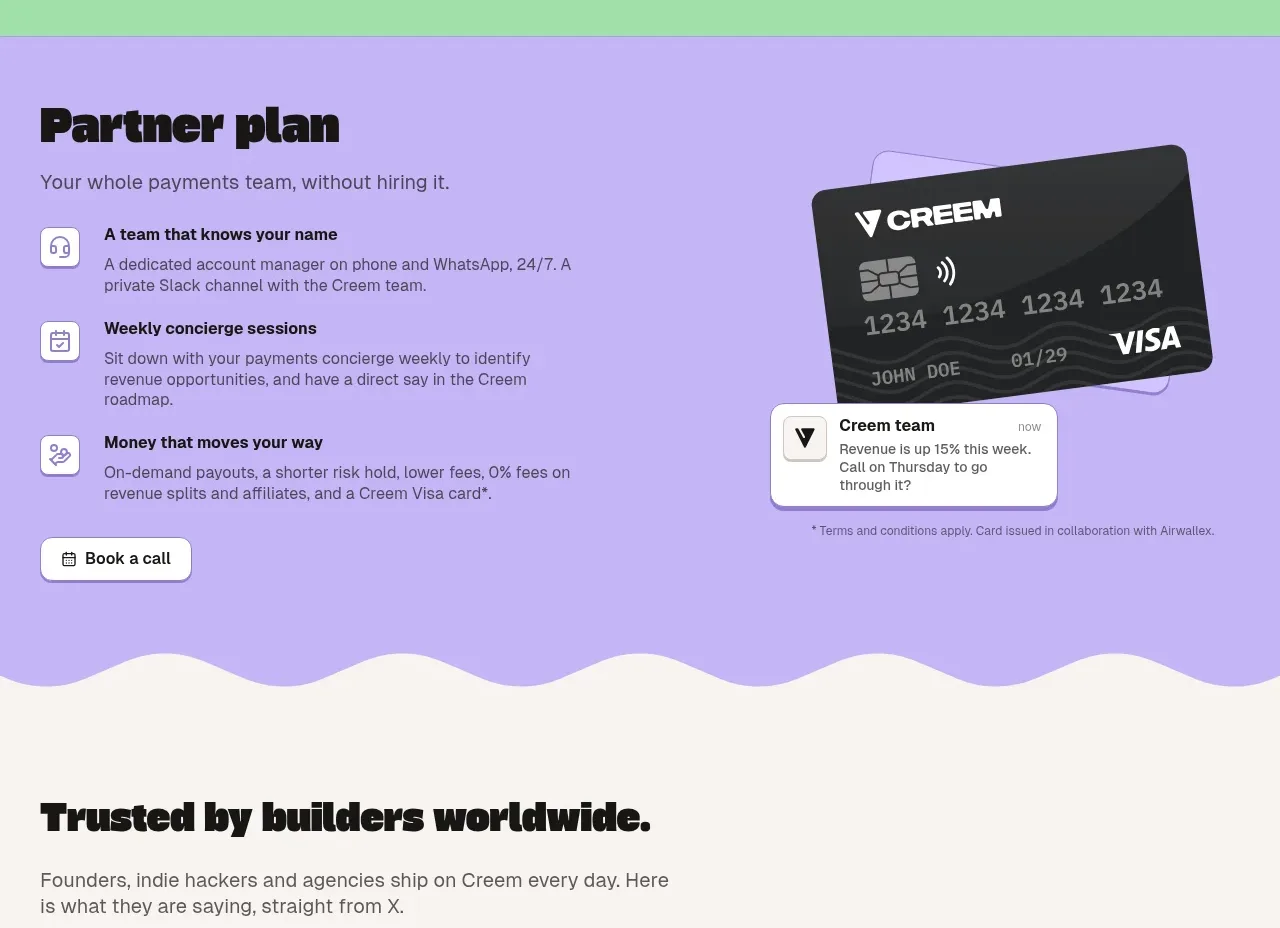
Design analysis
A mint-green pricing block makes the commercial promise concrete with a large rate card, a pricing CTA, and a three-column checklist of included operations.
Prompt preview
## Reference images

Study these alongside the description below: hierarchy, rhythm, spacing, colour. Build for the product you are asked about, using this design language.

- Component: https://kage-design-assets.t3.tigrisfiles.io/components/creem-2-0/d32a2098-e6df-45cb-a937-19c647abd2d5-1789711292-10.webp
- Full page it was cut from: https://kage-design-assets.t3.tigrisfiles.io/screenshots/creem-2-0/d32a2098-e6df-45cb-a937-19c647abd2d5-1789711237993-full.webp
- Component on Kage: https://kage.design/component/creem-2-0-cta

## Before you start
Ask what the user's pricing promise is, what fee structure is accurate, and which included services build trust. Use the answers to create the content.

Create a mint-green full-width pricing CTA (approximately #9be0a5). Use a two-column top area: left has a bold heading, short explanatory copy, and a white outlined button; right has a prominent white pricing card with a large fee figure, small qualifier text, and a bottom segmented row for plan types. Add a thin divider and a short subheading such as “what is included,” followed by three equal checklist columns with small green checkmarks and concise labels. Use dark charcoal typography, 14–18px body text, 12px radii, and soft borders. Make the fee figure the strongest focal point after the heading, while keeping legal qualifiers small but readable.

Never use the reference logo, product name, copy, illustrations, imagery, or exact pricing.
More components
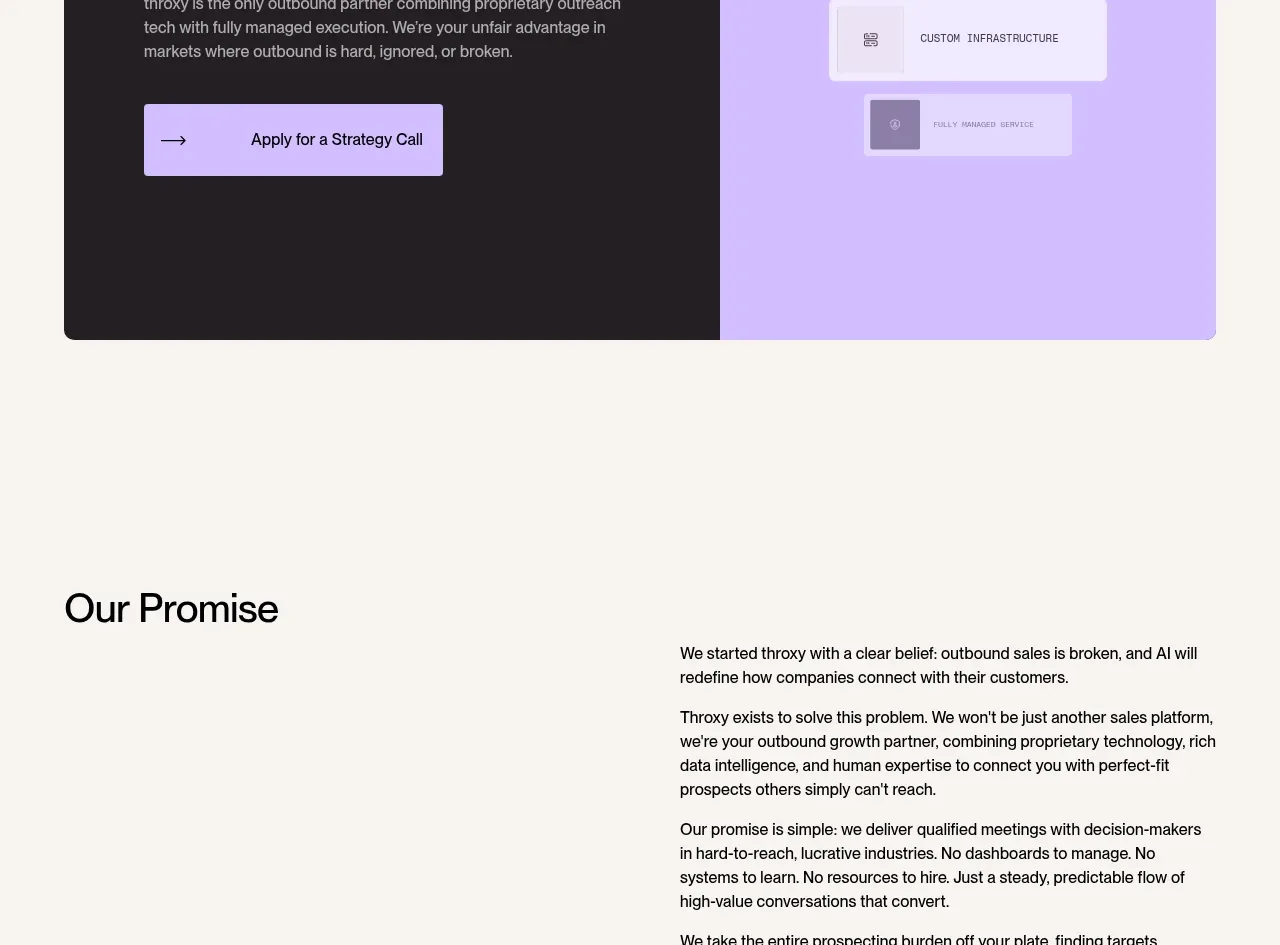
 Split final conversion panel
throxy · Call to action
Split final conversion panel
throxy · Call to action
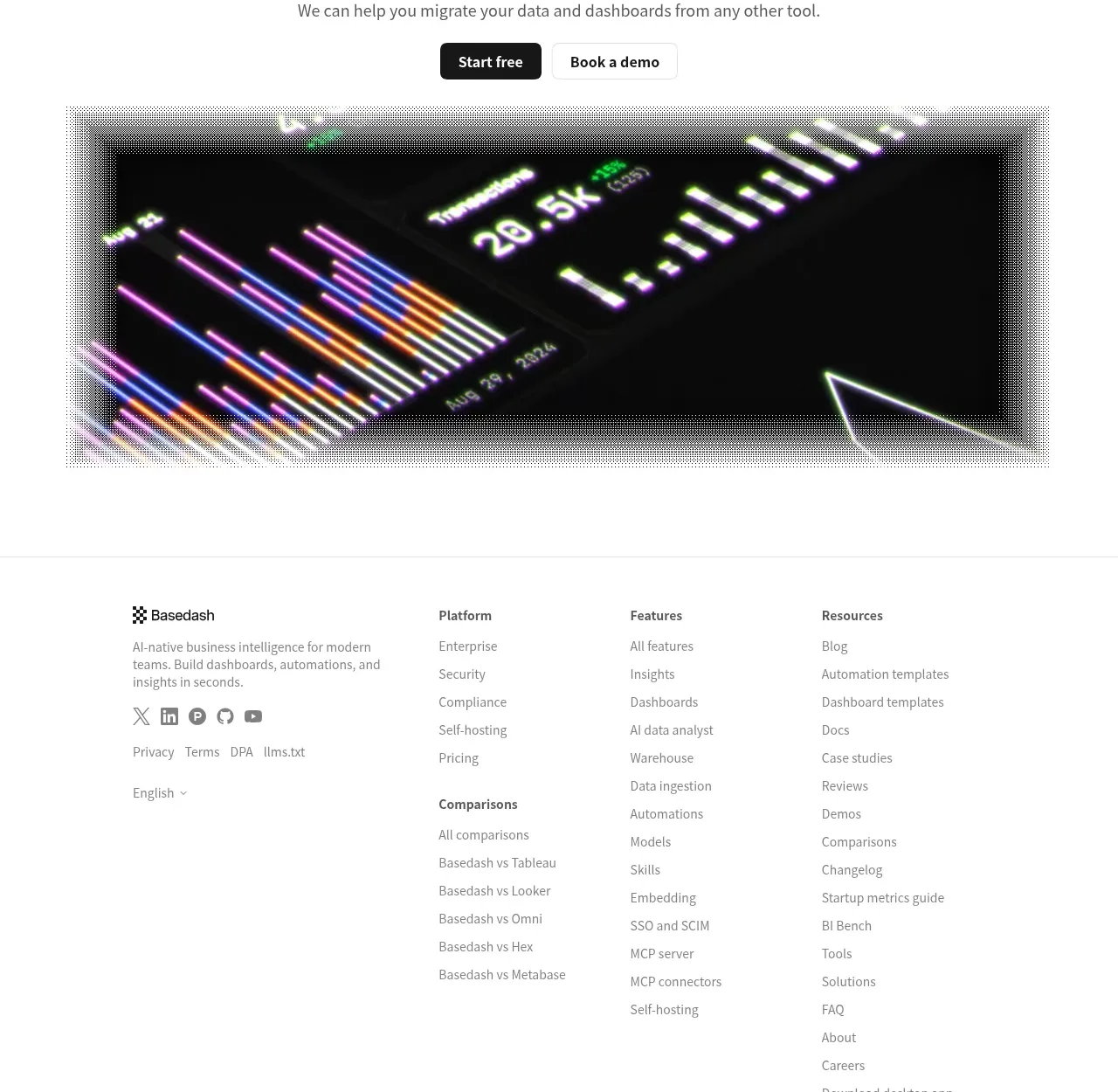
 Fast-start conversion CTA
Basedash View-only members · Call to action
Fast-start conversion CTA
Basedash View-only members · Call to action
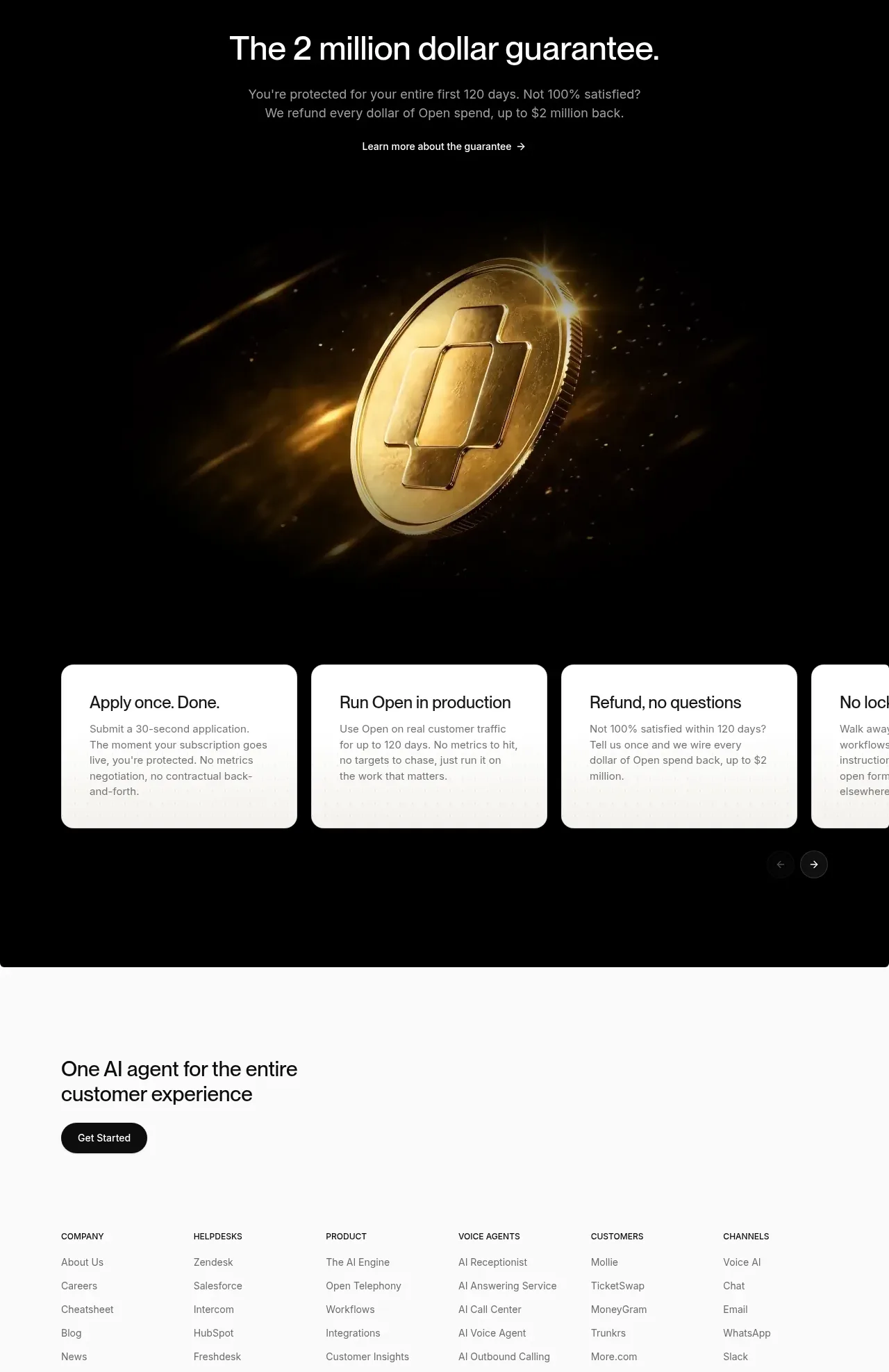
 Guarantee and proof CTA
Open For sales · Call to action
Guarantee and proof CTA
Open For sales · Call to action
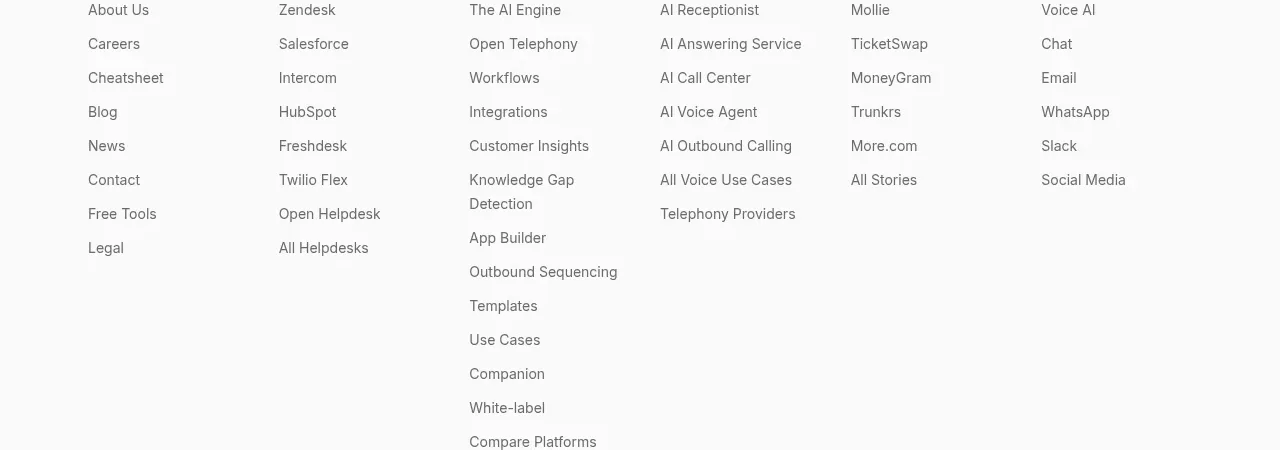 Closing conversion CTA
Open For sales · Call to action
Closing conversion CTA
Open For sales · Call to action
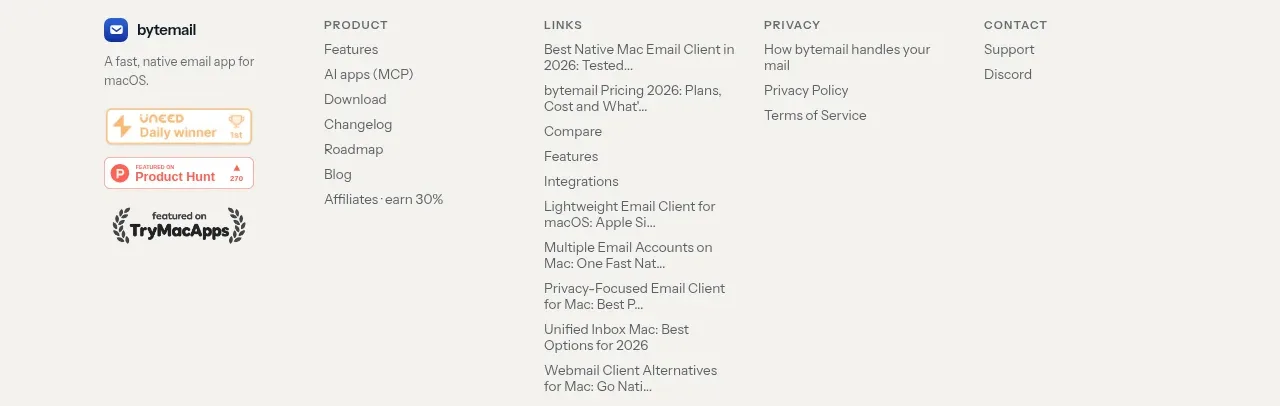
 Final purchase call to action
bytemail · Call to action
Final purchase call to action
bytemail · Call to action
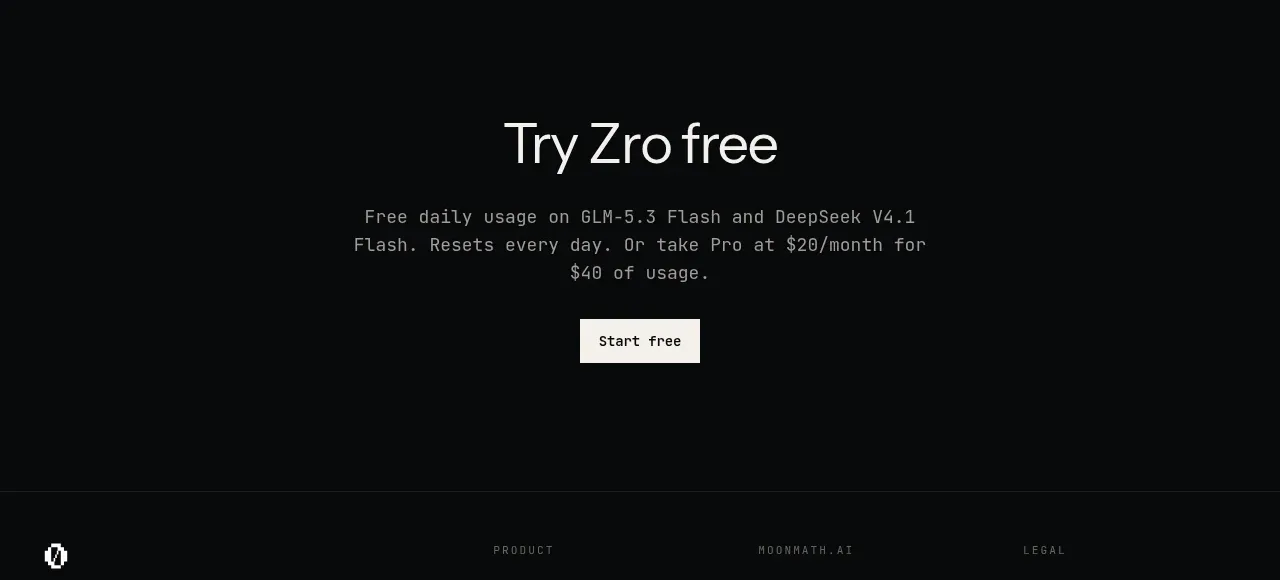
 Final free-trial CTA
Zro: Uncensored Security Models · Call to action
Final free-trial CTA
Zro: Uncensored Security Models · Call to action