kage
kage
descript.com

Design analysis
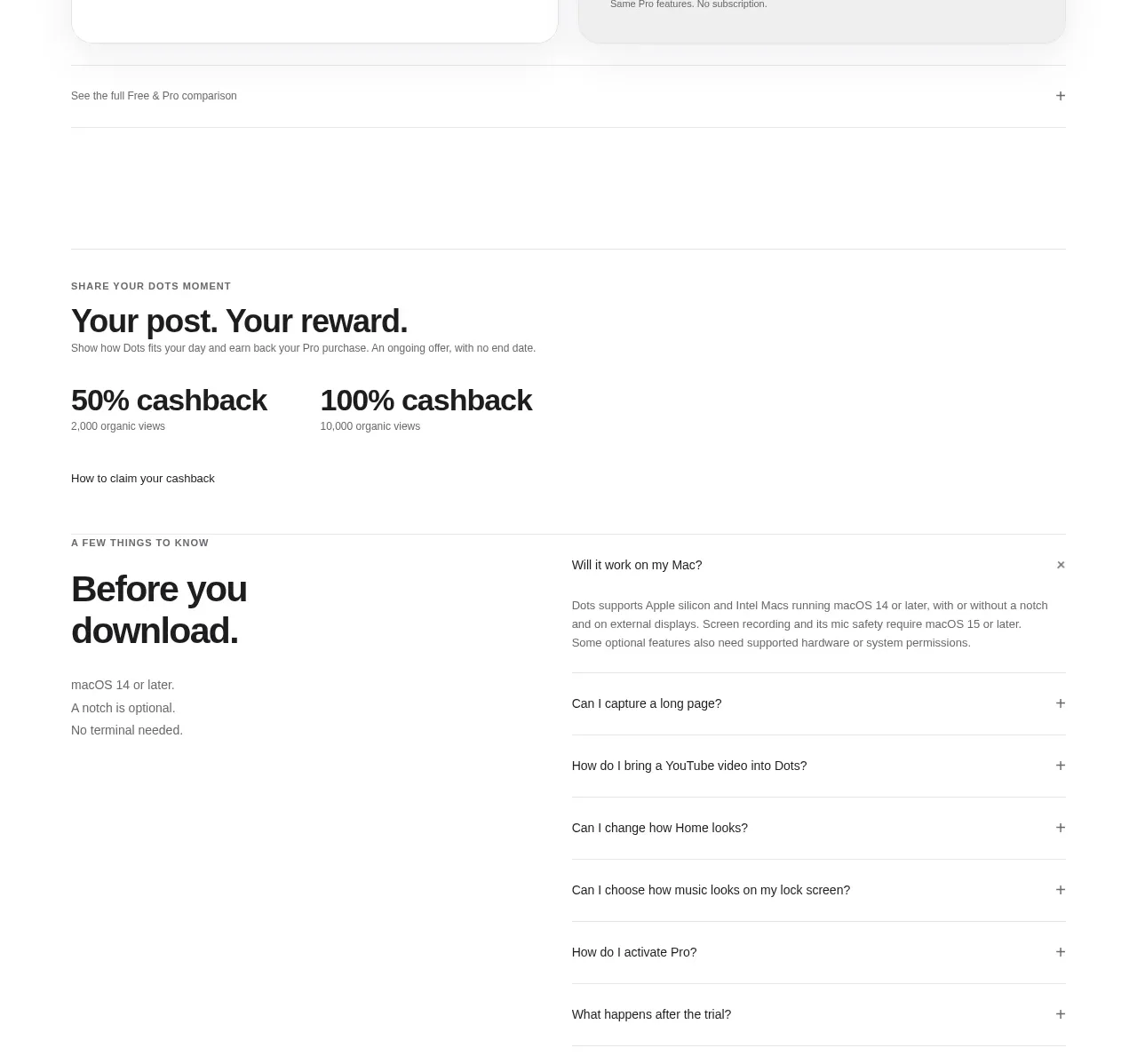
A spacious FAQ band places a large heading on the left and a clean stacked accordion on the right, making scanning and progressive disclosure straightforward.
Prompt preview
## Reference images

Study these alongside the description below: hierarchy, rhythm, spacing, colour. Build for the product you are asked about, using this design language.

- Component: https://kage-design-assets.t3.tigrisfiles.io/components/descript-com/c210b18a-1678-4bef-91b5-c444a8589f04-1789146912-7.webp
- Full page it was cut from: https://kage-design-assets.t3.tigrisfiles.io/screenshots/descript-com/c210b18a-1678-4bef-91b5-c444a8589f04-1789146857587-full.webp
- Component on Kage: https://kage.design/component/descript-faq

## Before you start
Ask which questions block conversion for the user's audience and what answers are accurate for the product. Then create an original FAQ structure.

Build a light FAQ section with a two-column desktop layout: a large editorial heading on the left and a bordered accordion list on the right. Use seven or fewer high-value questions, each as a full-width row with a clear divider, generous vertical padding, concise question text, and a chevron or plus icon. Keep all answers collapsed initially unless research shows one should be open. Use #fff8fa background, #261017 text, #ded7da borders, and a white or barely tinted panel. Set row padding around 22–28px, use 10–12px corners on the outer container, and maintain strong keyboard focus and aria-expanded states. Stack the heading above the accordion on mobile.

### Never
- Never copy the reference questions, answers, product name, or wording.
- Never hide essential pricing, security, or cancellation information only inside an inaccessible accordion.