kage
kage
contextengine.com
Design analysis
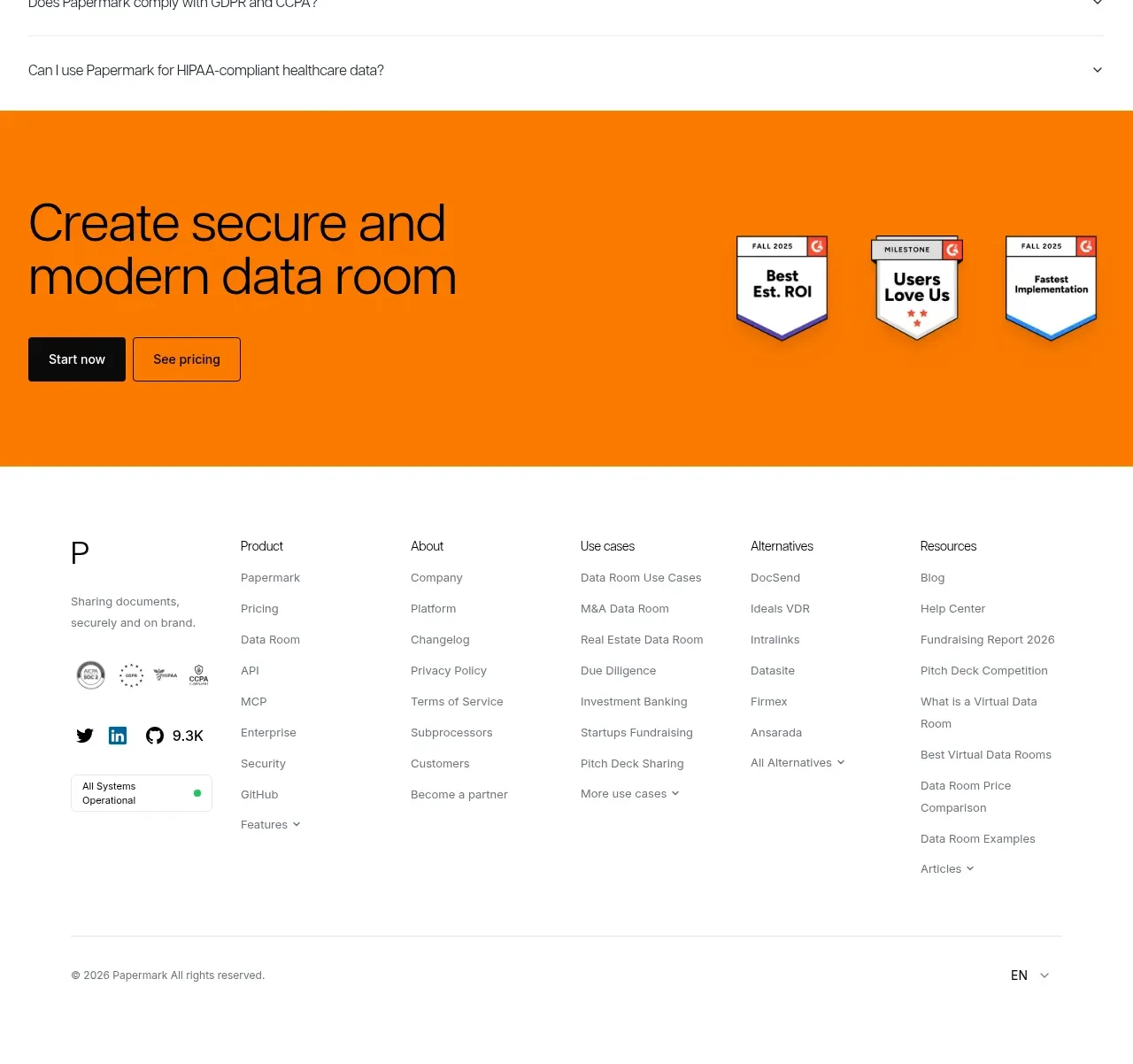
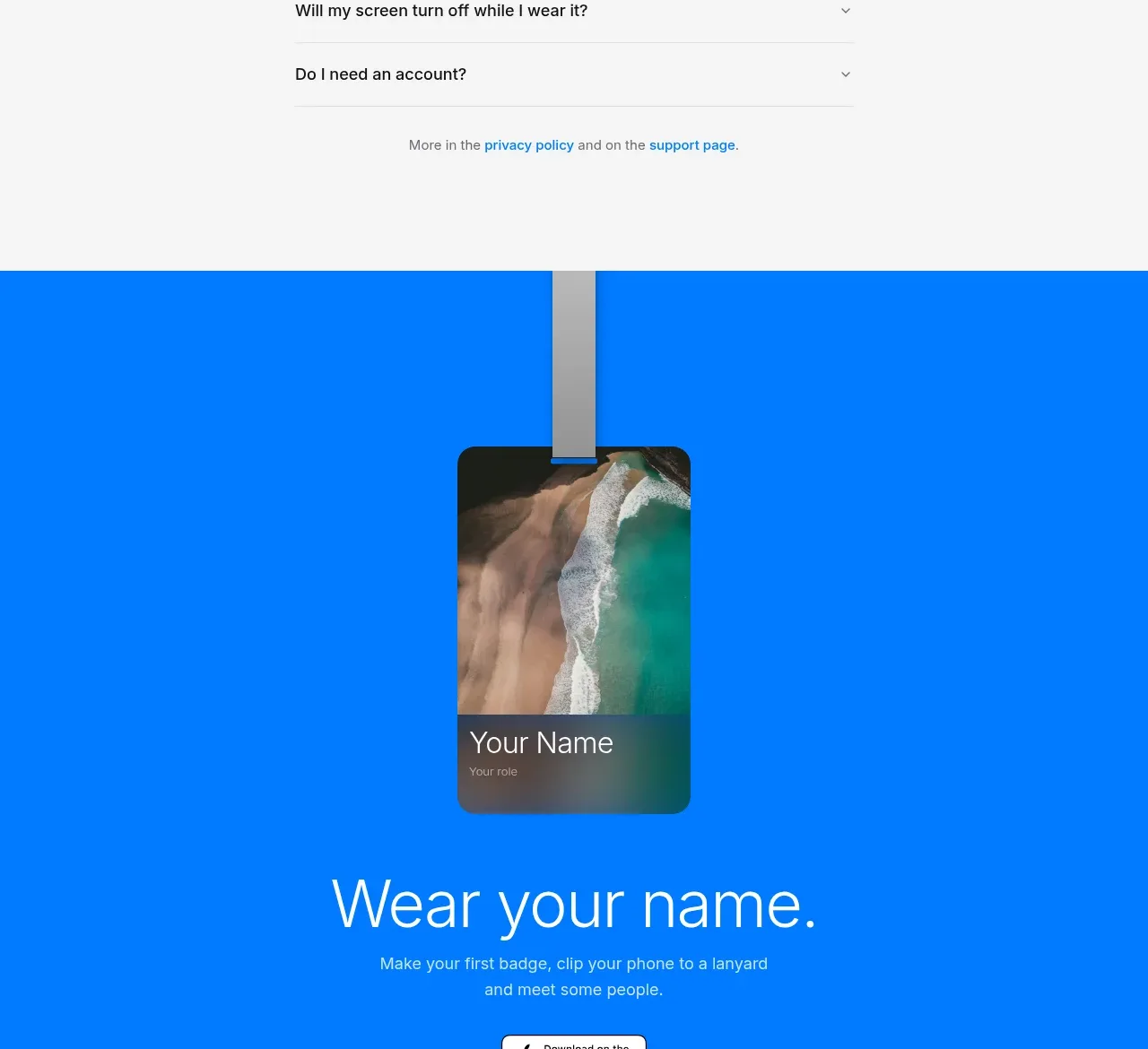
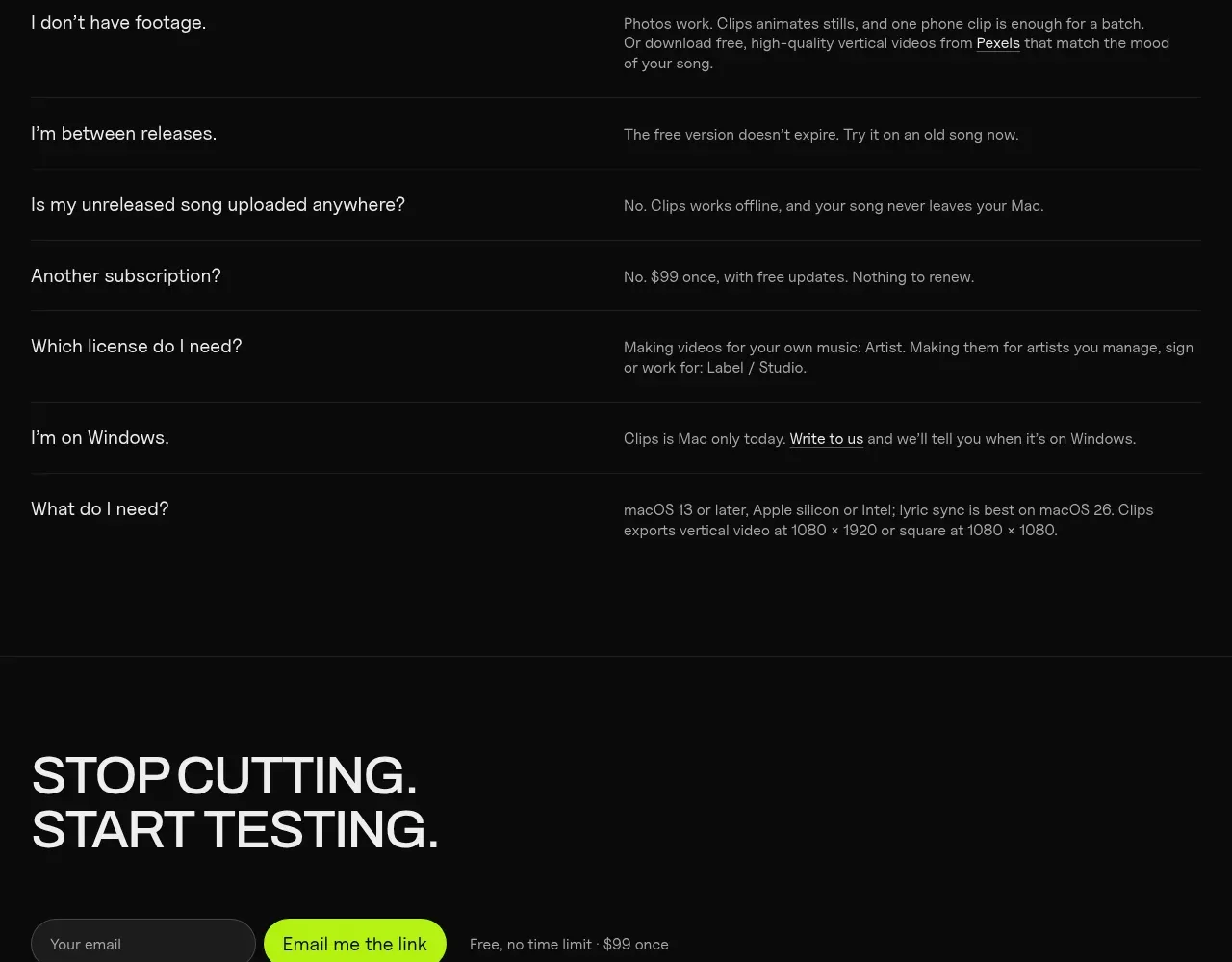
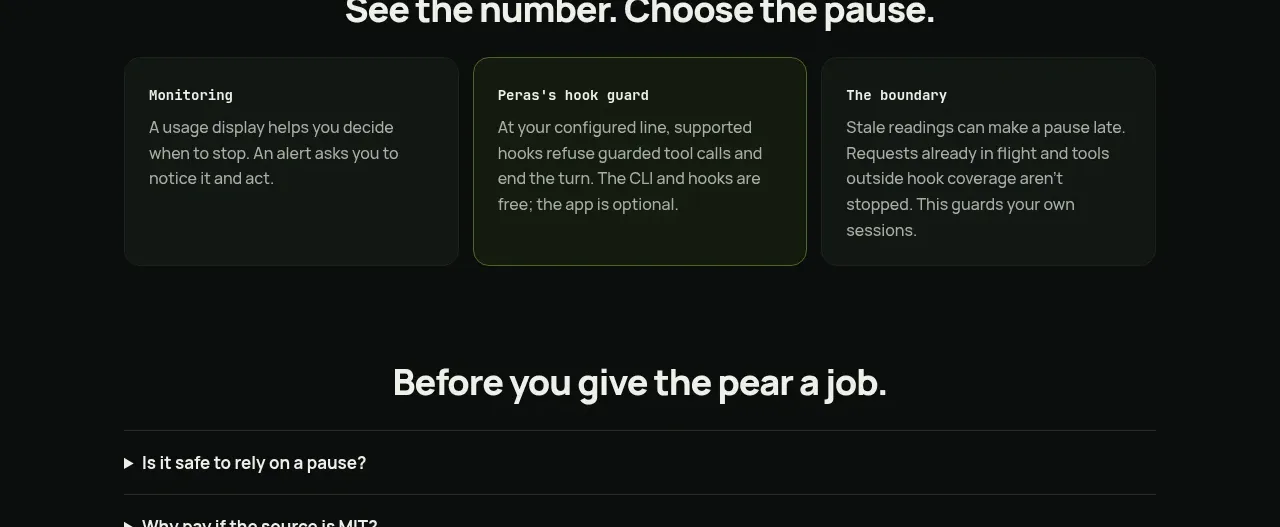
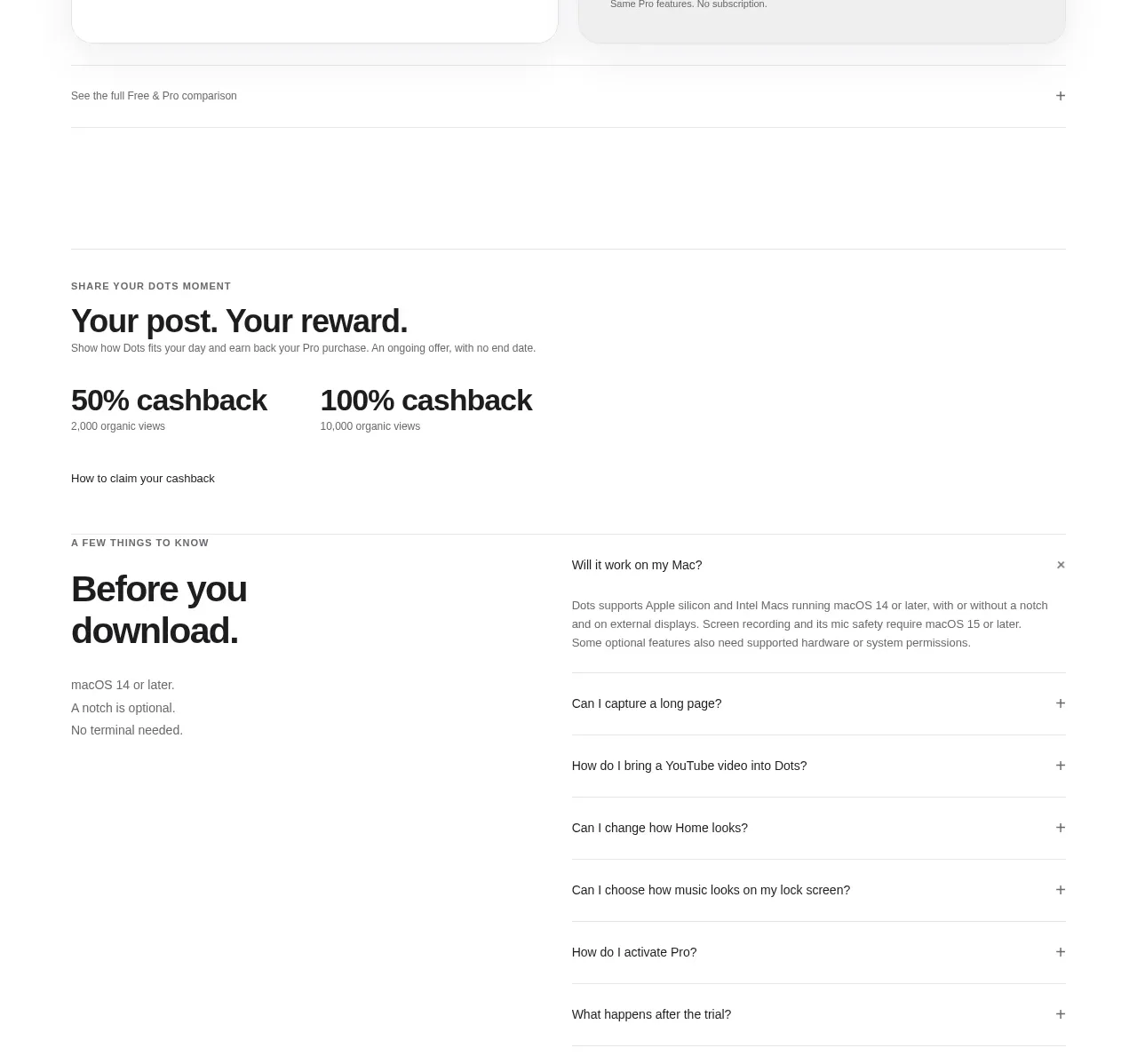
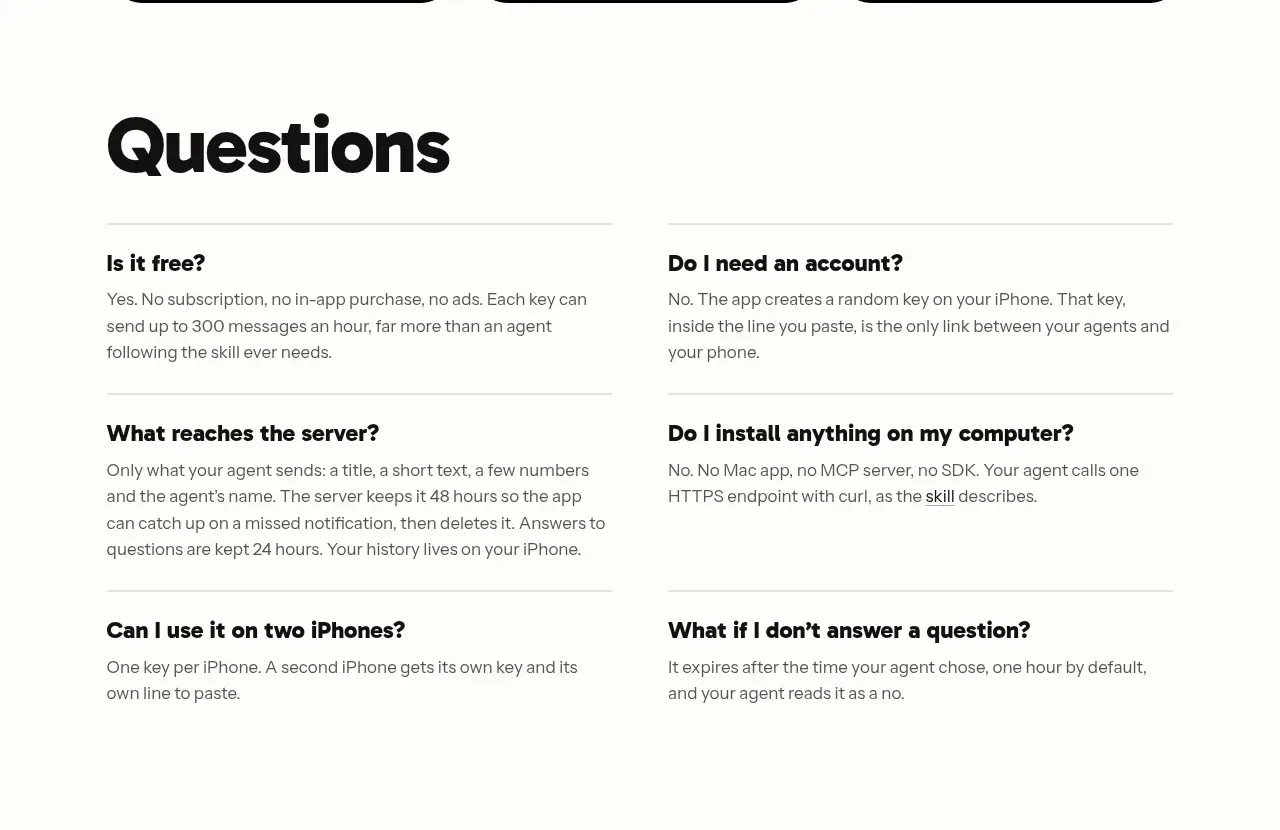
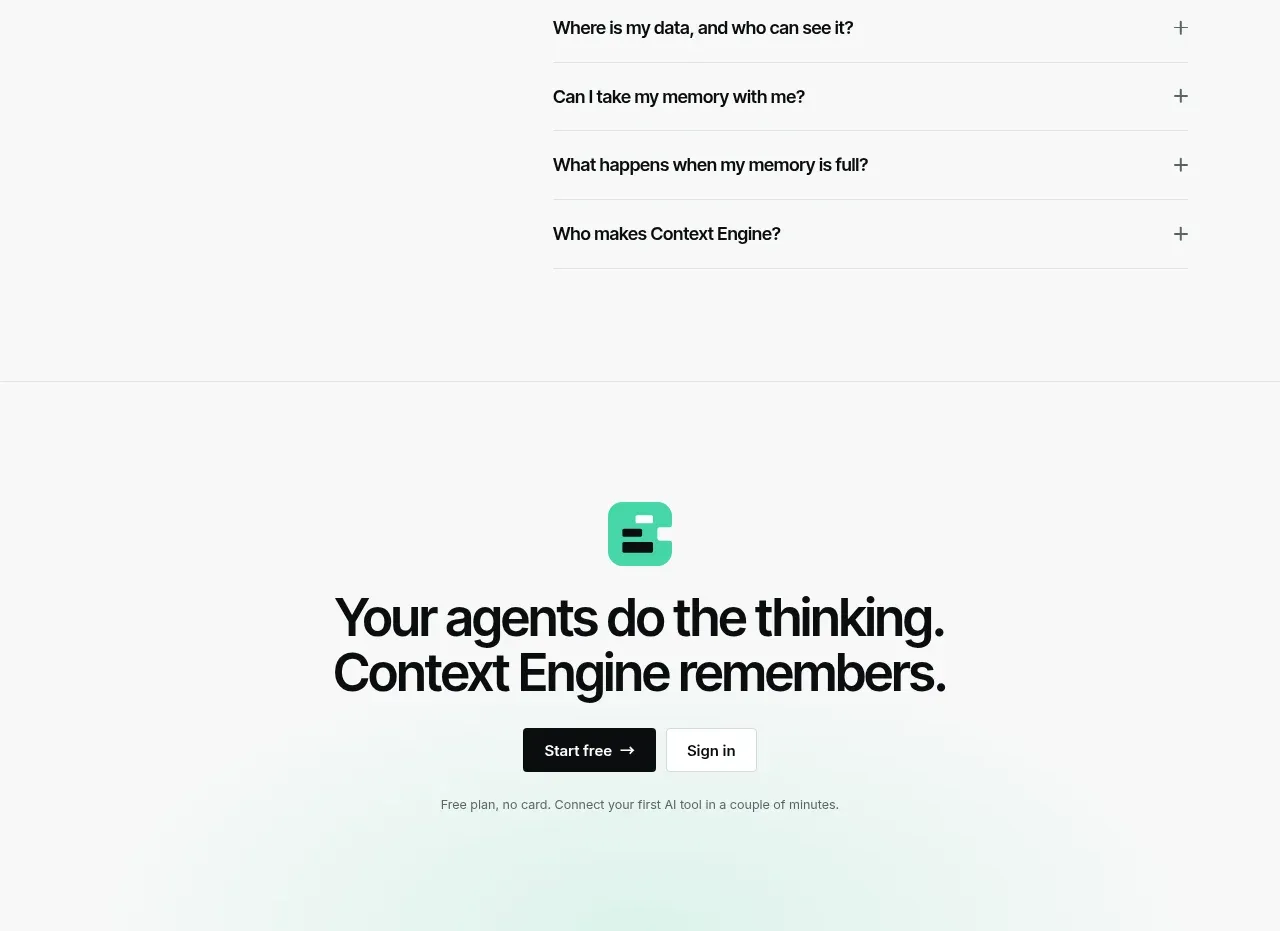
A split FAQ layout places the section title and help link beside a clean accordion with one expanded answer and several collapsed questions.
Prompt preview
## Reference images

Study these alongside the description below: hierarchy, rhythm, spacing, colour. Build for the product you are asked about, using this design language.

- Component: https://kage-design-assets.t3.tigrisfiles.io/components/context-engine/37fe6fcb-aa91-474a-8a89-1c1cadc0a655-1792821974-10.webp
- Full page it was cut from: https://kage-design-assets.t3.tigrisfiles.io/screenshots/context-engine/37fe6fcb-aa91-474a-8a89-1c1cadc0a655-1792821825382-full.webp
- Component on Kage: https://kage.design/component/context-engine-faq

## Before you start
Ask what objections or implementation questions customers most often ask. Use those questions and verified answers to populate an original accordion.

Create a two-column FAQ section. The left column contains a small eyebrow, a large heading, and a short sentence with a support link. The right column contains an accordion list with thin horizontal dividers, question text, and plus/minus controls aligned to the far right. Show one item expanded by default with a readable answer; keep the others collapsed. Use a white background, black headings, gray body copy, mint links, 1px #E1E6E3 dividers, 16px row padding, and clear hover/focus states. On mobile, stack the intro above the accordion. Implement real accessible accordion behavior with buttons, aria-expanded, and keyboard support.

Never: use logos, product names, copy, illustrations, or imagery from the reference.