kage
kage
dotsapp.cloudaeri.com
Design analysis
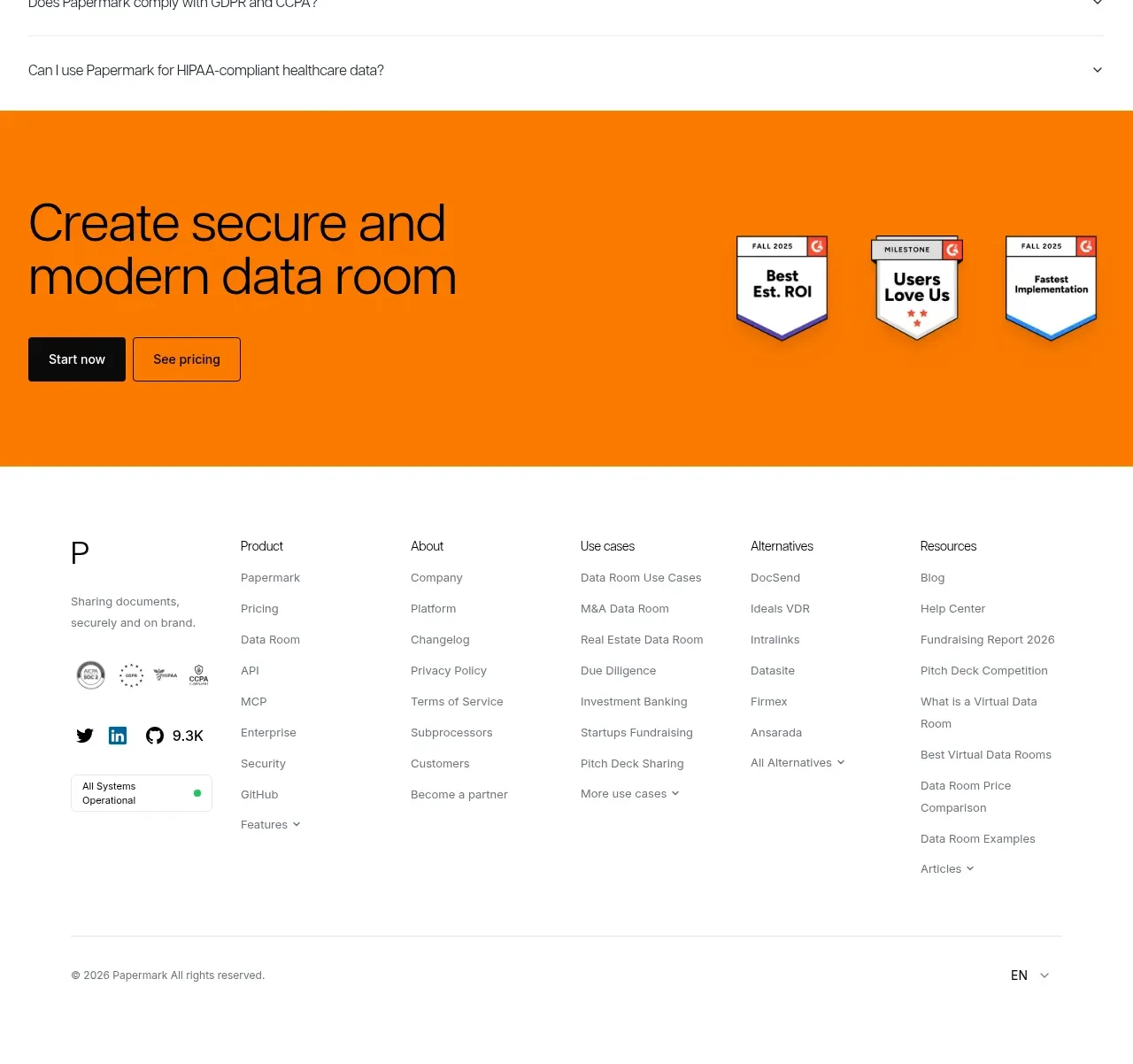
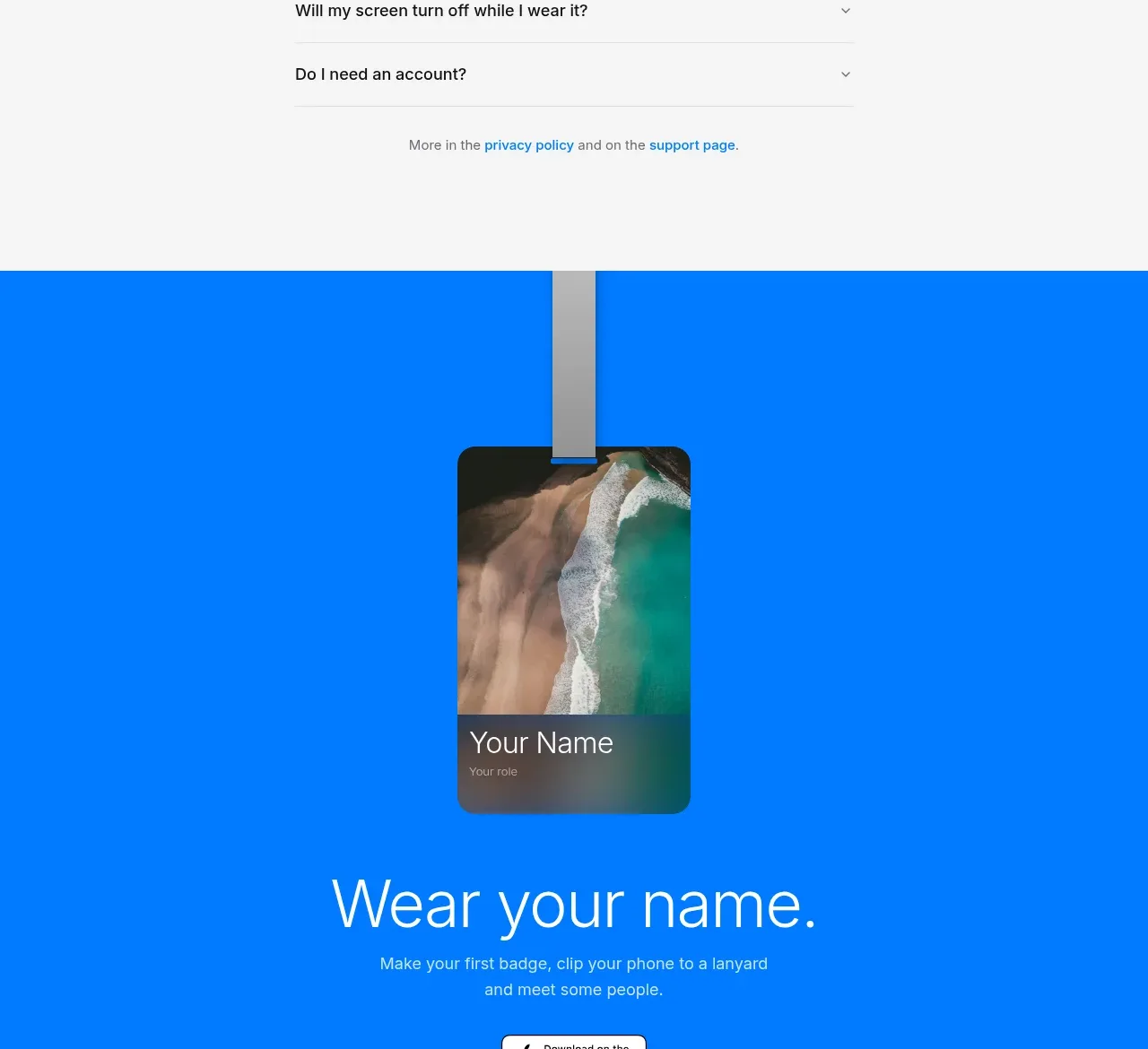
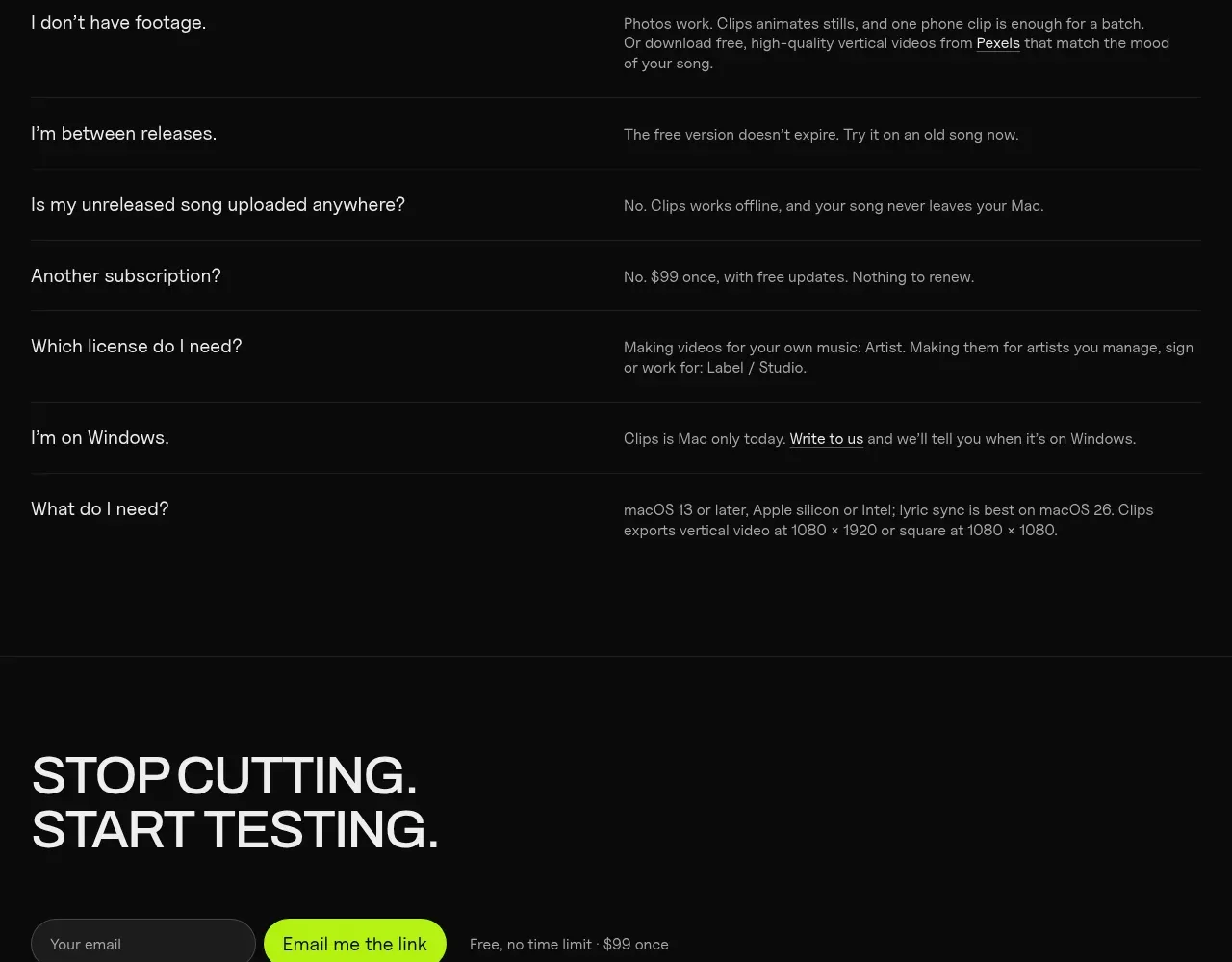
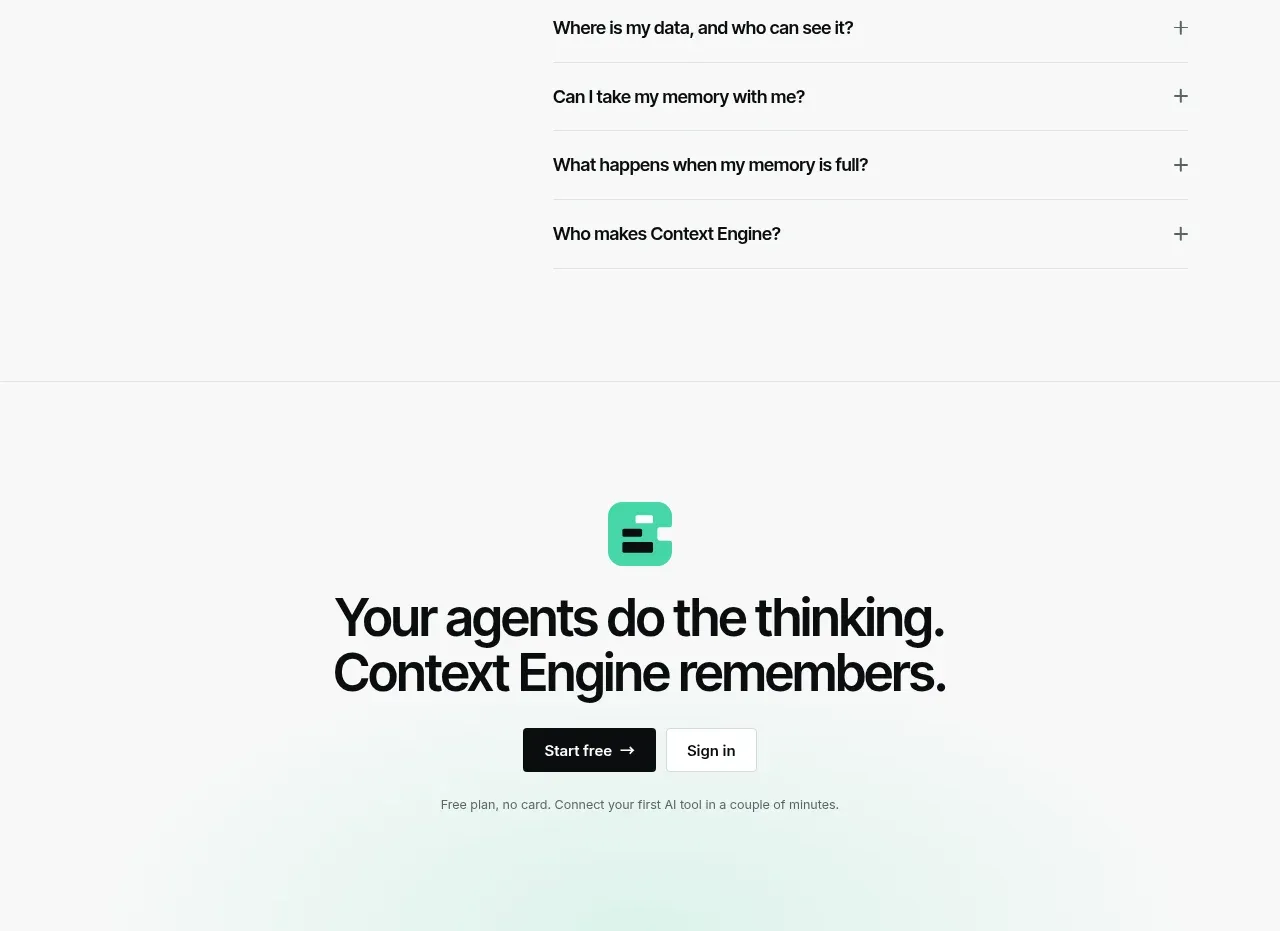
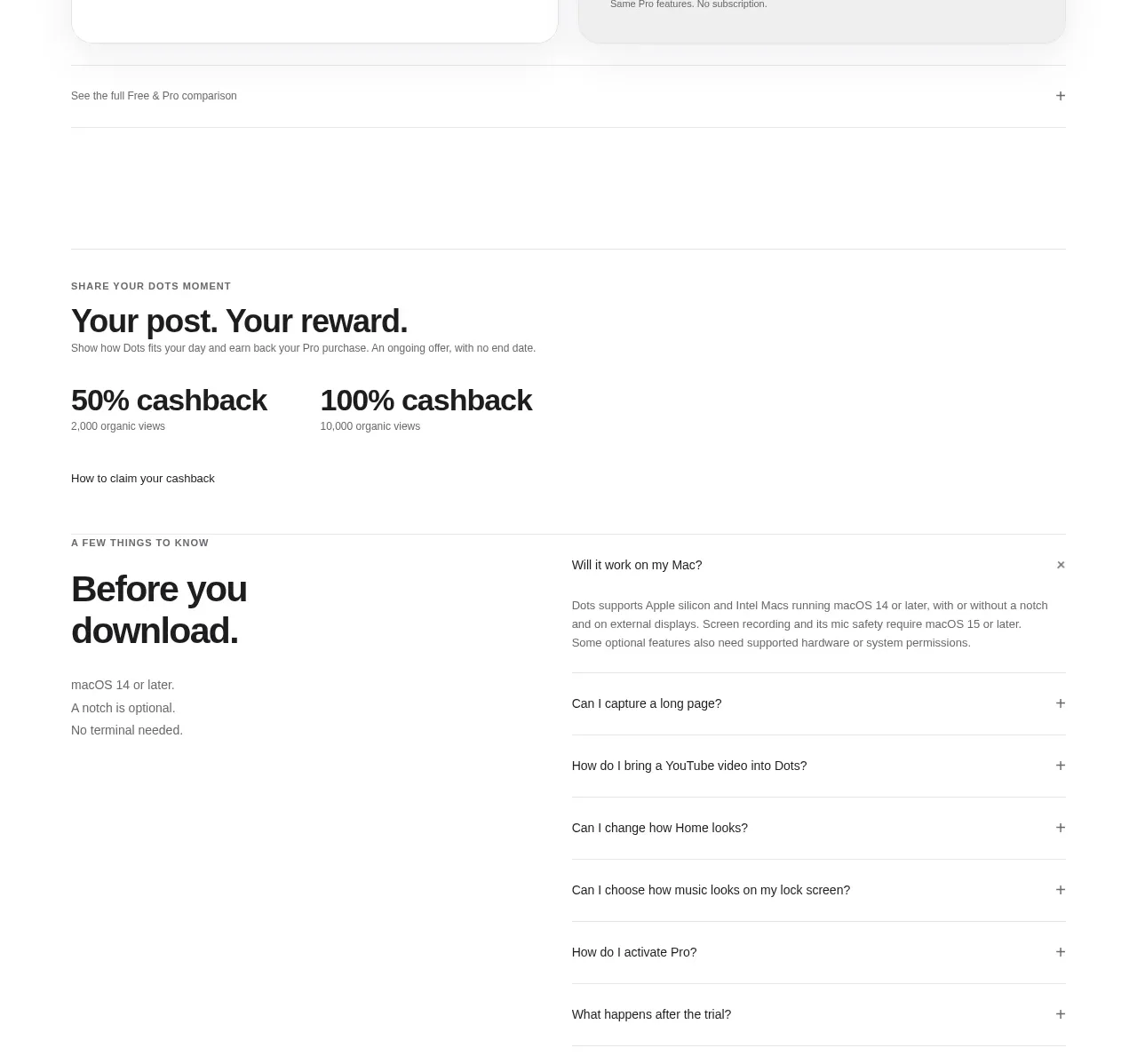
A two-column FAQ puts a large reassurance heading beside a clean accordion list. One expanded answer demonstrates the interaction while the remaining rows stay easy to scan.
Prompt preview
## Reference images

Study these alongside the description below: hierarchy, rhythm, spacing, colour. Build for the product you are asked about, using this design language.

- Component: https://kage-design-assets.t3.tigrisfiles.io/components/dots/b0dd4f13-dbbe-4e80-ab36-79d3ad587c26-1792821814-7.webp
- Full page it was cut from: https://kage-design-assets.t3.tigrisfiles.io/screenshots/dots/b0dd4f13-dbbe-4e80-ab36-79d3ad587c26-1792821726796-full.webp
- Component on Kage: https://kage.design/component/dots-faq

## Before you start
Ask what concerns prevent users from downloading or purchasing the user's product. Turn those concerns into concise questions and answers using the design rules below.

Create an FAQ section with a left column containing an eyebrow, a large two-line heading, and a short list of prerequisites or reassurance points. Put a right column accordion beside it with 6–9 questions, thin horizontal separators, and plus/minus controls aligned to the far edge. Allow one answer to be open initially only when it is the most useful reassurance. Use a white background, heading text in `#111111`, answer text in `#707070`, 14–16px row spacing, and 1px dividers in `#e9e9e9`. Use 13–15px question text and a 13px answer size with 1.5 line-height. Animate expansion subtly, preserve layout stability, and support keyboard focus and reduced motion. Stack the columns on mobile.

Never: use the reference's logo, product name, copy, illustrations, imagery, or exact FAQ questions.