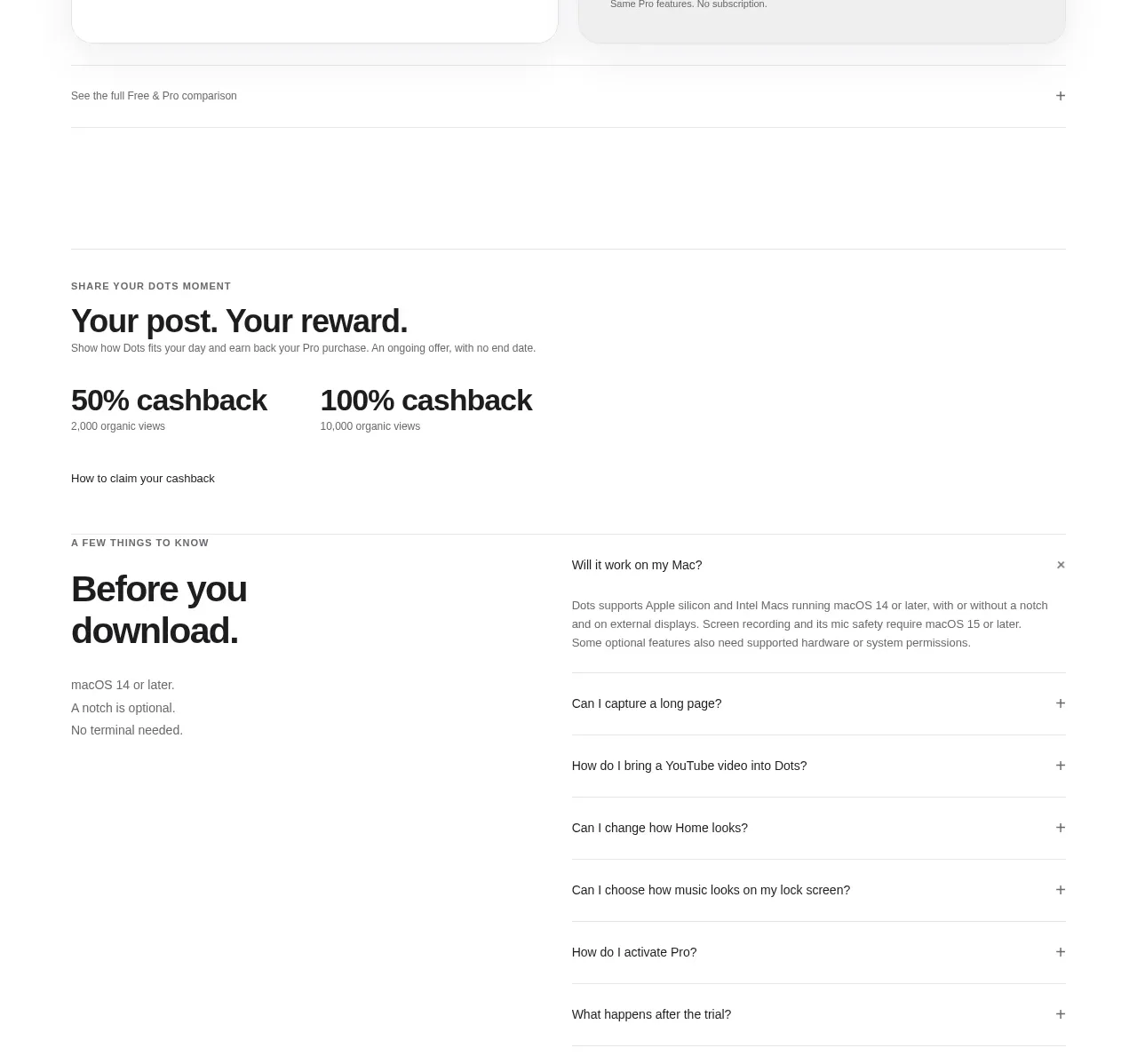
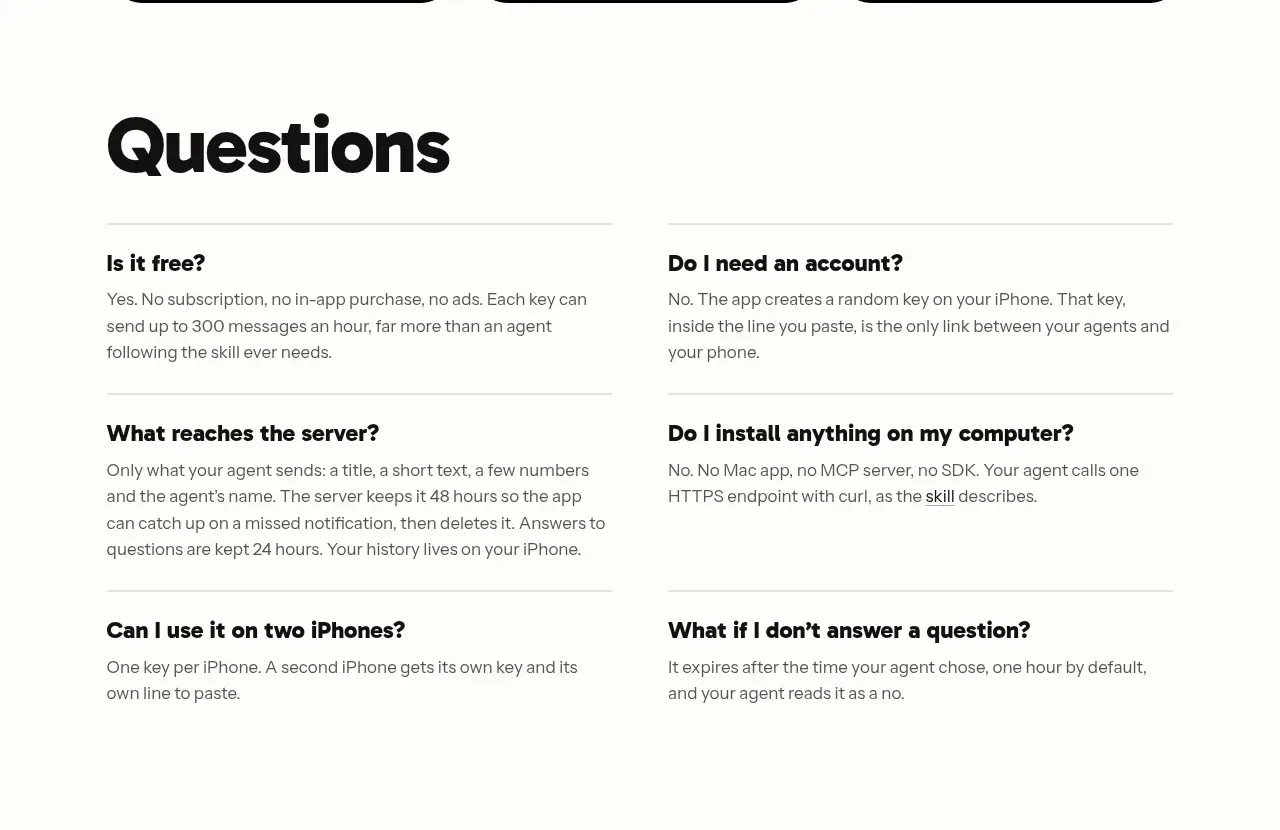
kage
kage
papermark.com
Design analysis
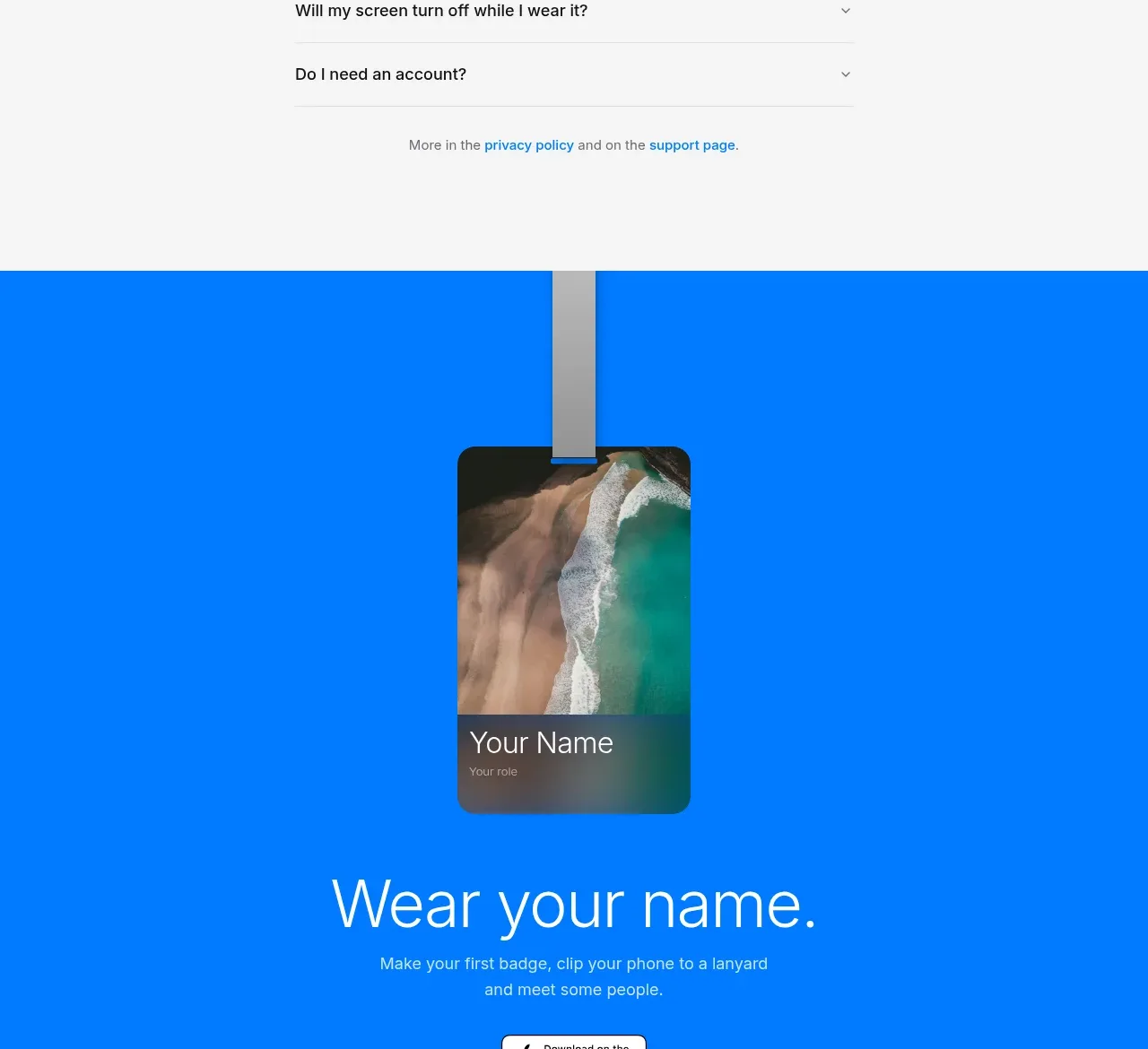
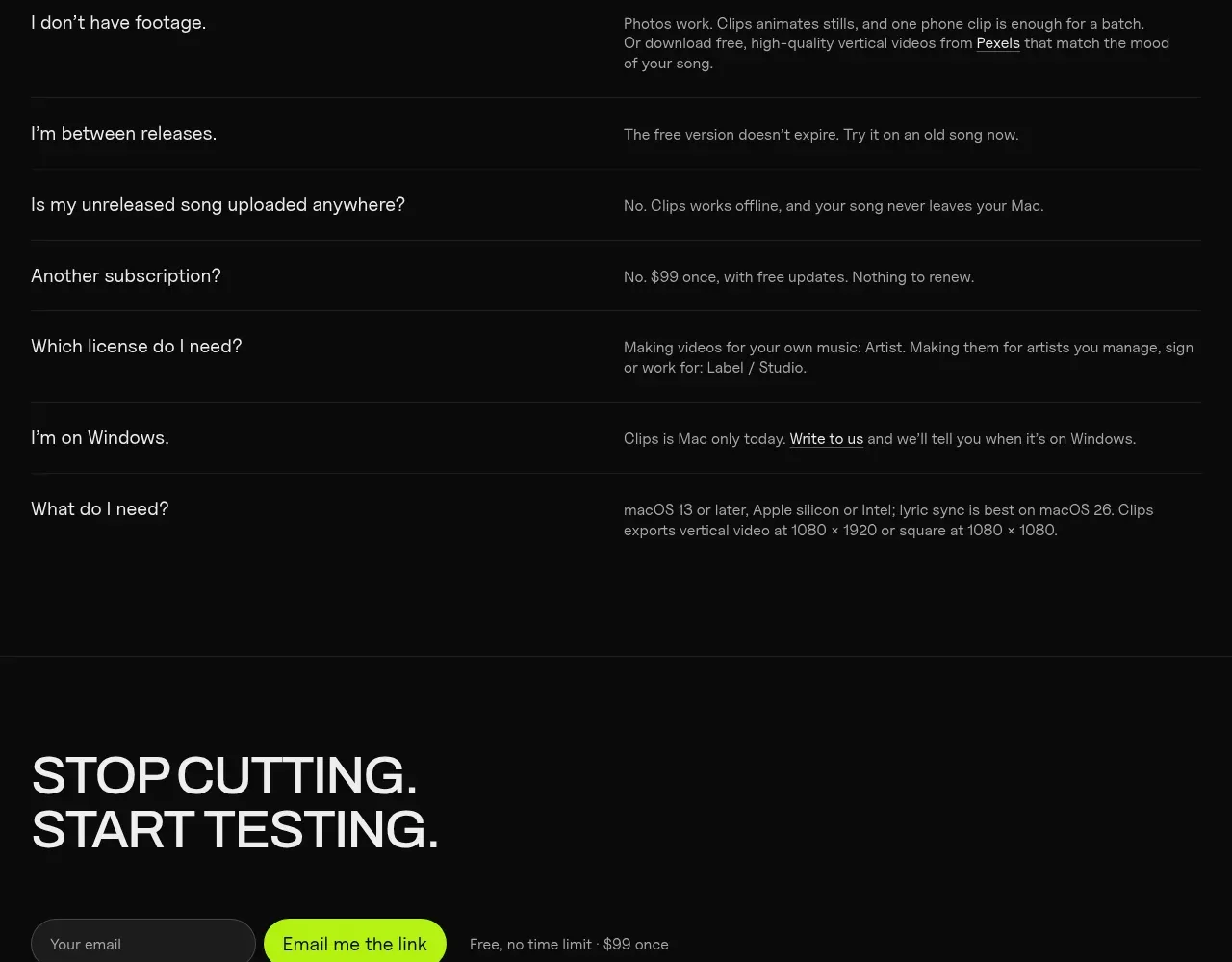
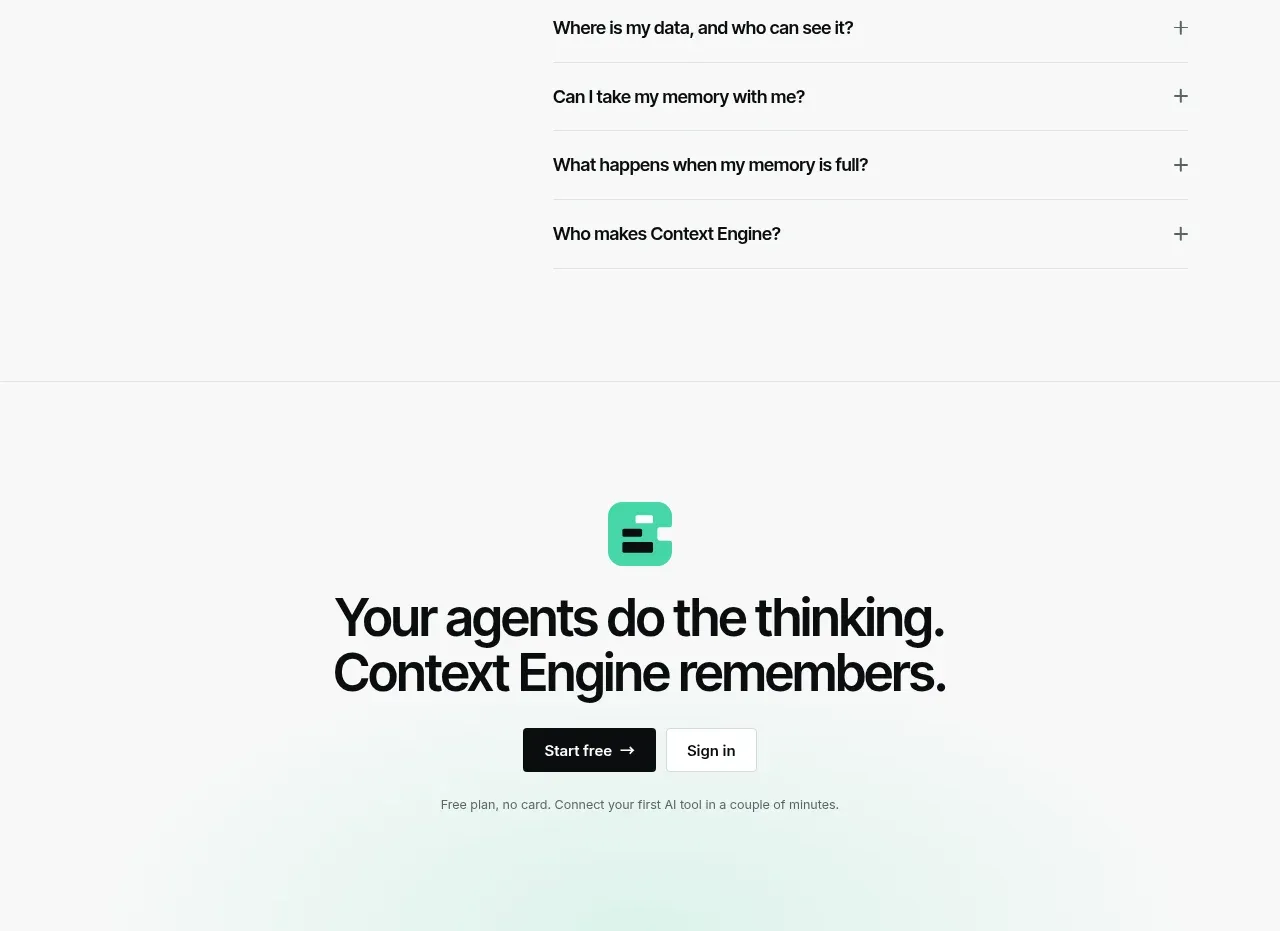
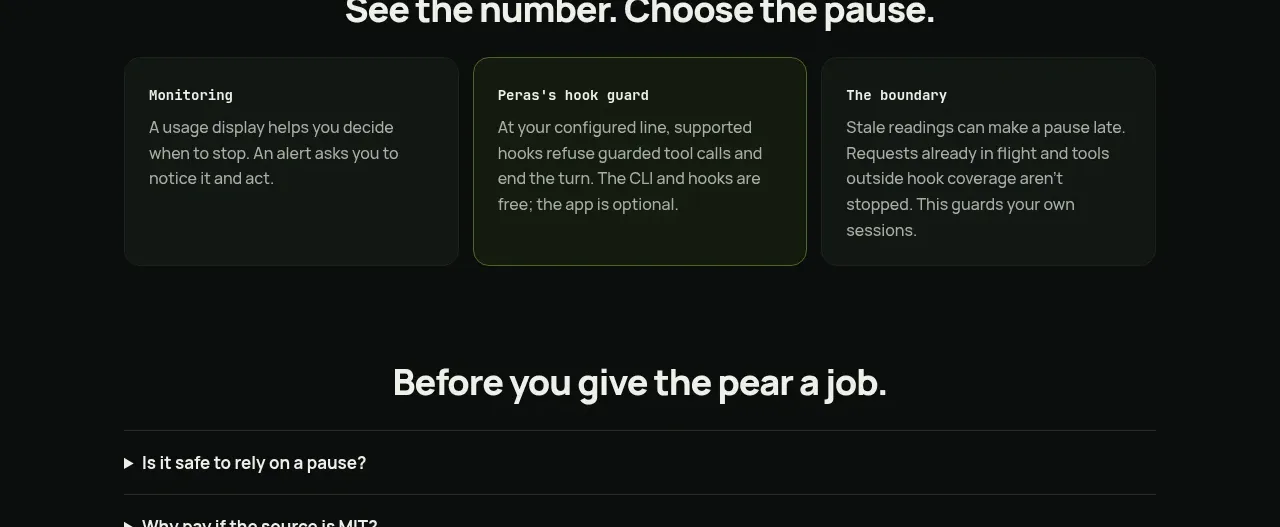
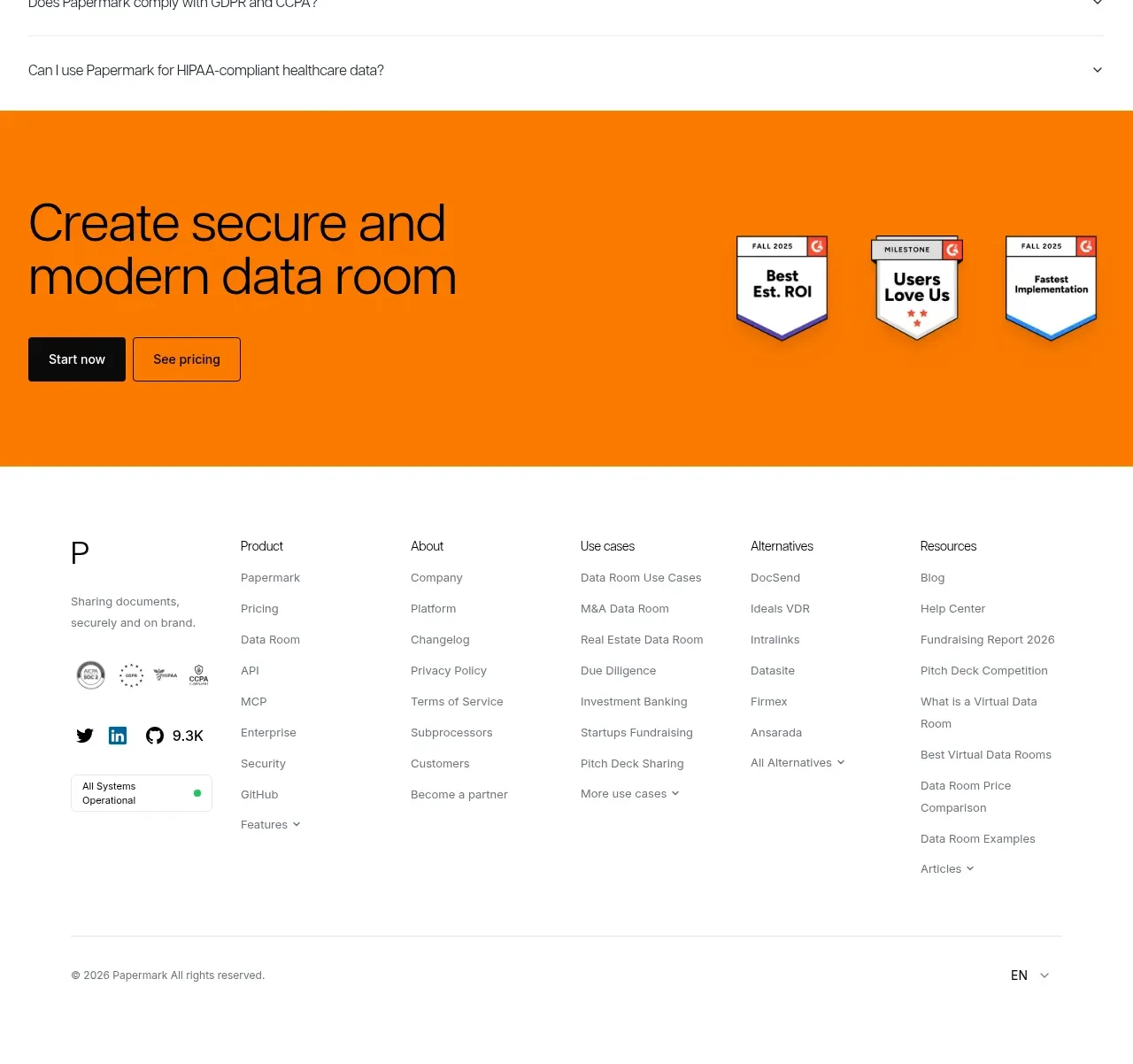
A broad FAQ list closes the information architecture with concise accordion rows. Questions are separated by fine rules and aligned to a consistent disclosure control.
Prompt preview
## Reference images

Study these alongside the description below: hierarchy, rhythm, spacing, colour. Build for the product you are asked about, using this design language.

- Component: https://kage-design-assets.t3.tigrisfiles.io/components/papermark-data-rooms/d90c2ffc-2788-45c6-a044-36fe7b171e0c-1792994582-11.webp
- Full page it was cut from: https://kage-design-assets.t3.tigrisfiles.io/screenshots/papermark-data-rooms/d90c2ffc-2788-45c6-a044-36fe7b171e0c-1792994482140-full.webp
- Component on Kage: https://kage.design/component/papermark-data-rooms-faq

## Before you start
Ask what purchase, setup, security, and compliance questions users repeatedly ask about the product. Apply the principles below to that product.

Create an FAQ section with a clear heading and a vertically stacked accordion list. Each row should have a left-aligned question, a right-aligned plus or chevron control, generous vertical padding, and a thin divider. Opening one item should reveal a readable answer with a short transition; support multiple open items if that best fits the product. Use 16–18px questions, 14–16px answers, muted gray secondary text, near-black controls, white background, and #E6E6E6 dividers. Keep the content width broad but limit answer line length for readability. Ensure keyboard focus, semantic buttons, and screen-reader-expanded states.

Never: use logos, product names, copy, illustrations, or imagery from the reference.