kage
kage
apps.marcoluthi.com
Design analysis
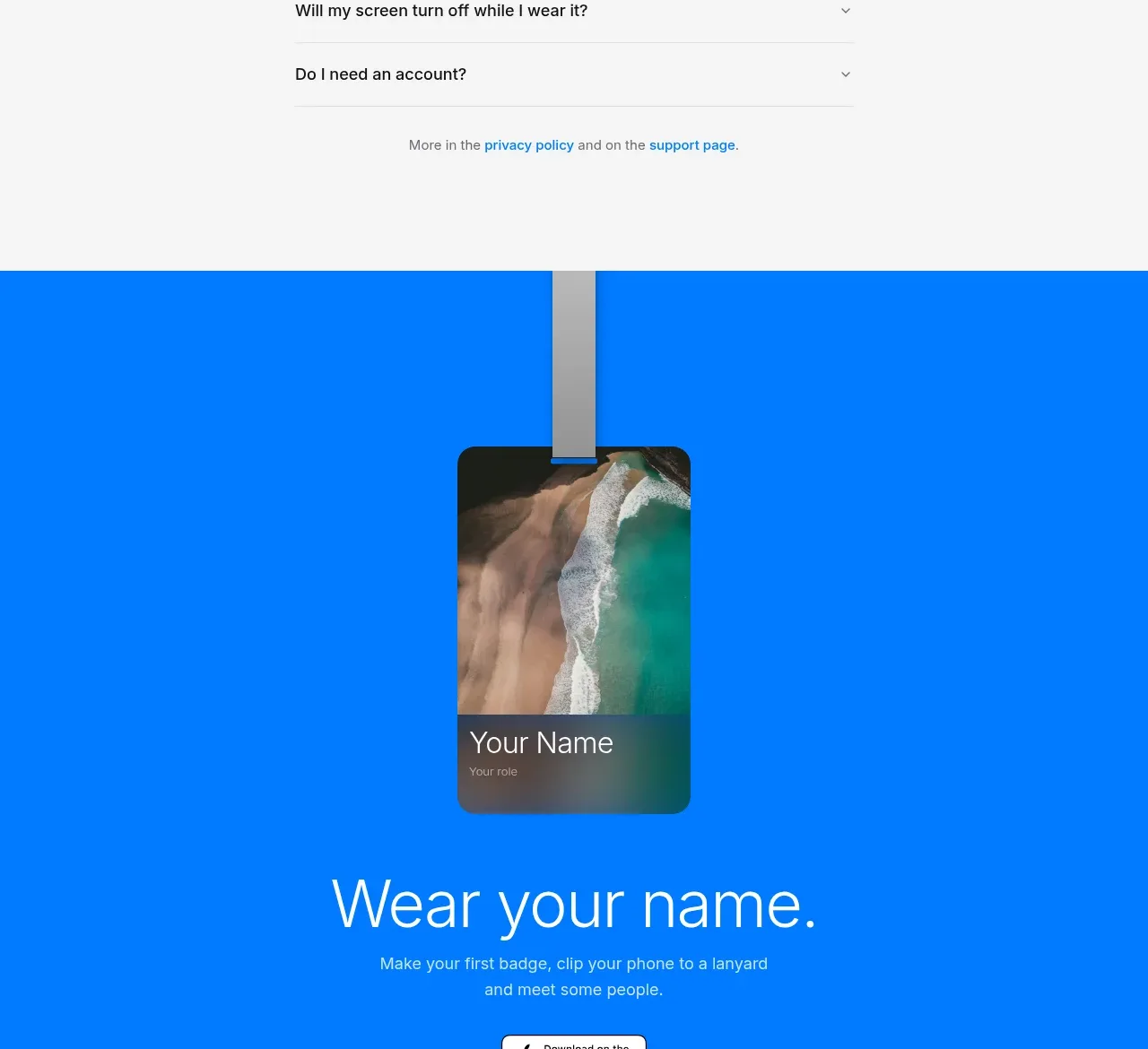
A centered heading introduces a narrow list of practical questions with thin dividers and compact disclosure controls, followed by links to deeper support resources.
Prompt preview
## Reference images

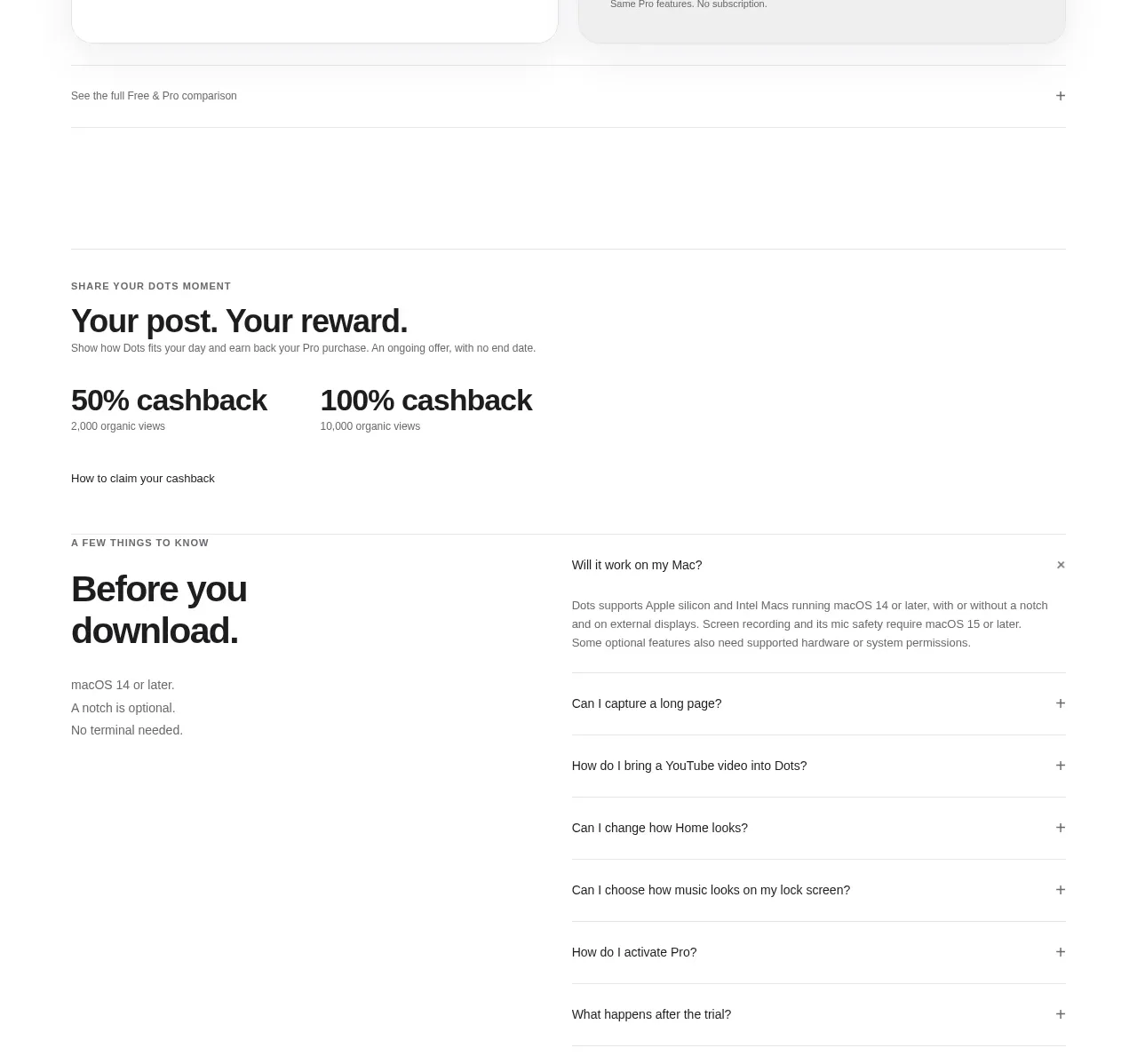
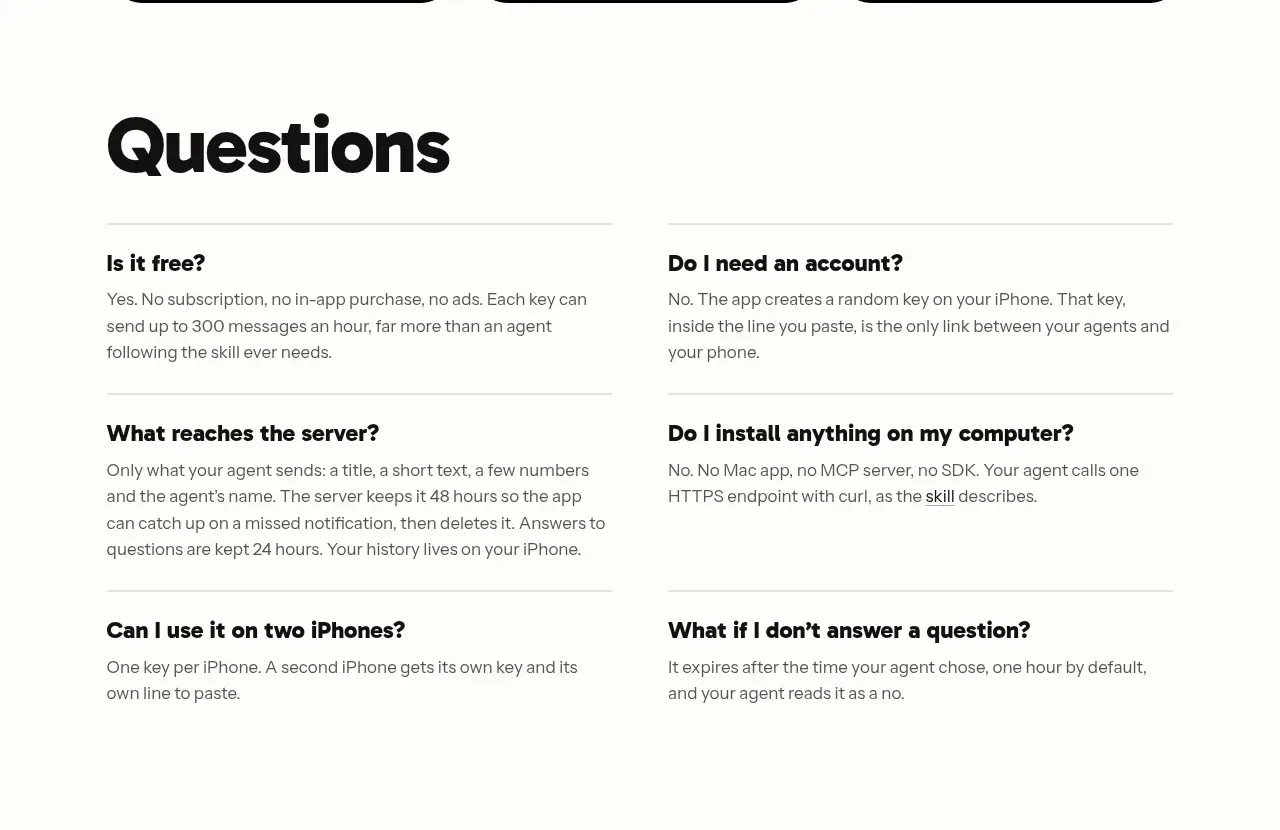
Study these alongside the description below: hierarchy, rhythm, spacing, colour. Build for the product you are asked about, using this design language.

- Component: https://kage-design-assets.t3.tigrisfiles.io/components/badgey/bd3040e3-7307-4350-8c61-c2e3eef7de7a-1792994547-5.webp
- Full page it was cut from: https://kage-design-assets.t3.tigrisfiles.io/screenshots/badgey/bd3040e3-7307-4350-8c61-c2e3eef7de7a-1792994501677-full.webp
- Component on Kage: https://kage.design/component/badgey-faq

## Before you start
Ask what recurring questions users have about the user's product, what support destinations exist, and what legal or privacy links are needed. Apply the same structure to original content.

Create an FAQ section with a centered heading and a narrow, readable accordion column, approximately 430–520px wide. Use a large but lightweight heading around 44–52px, followed by rows separated by 1px neutral borders (#e5e5e5). Each row should contain a concise question, a right-aligned chevron, and an answer that expands with a restrained height animation. Allow only one or several items open according to the product's support needs, and provide proper button semantics, keyboard support, aria-expanded, and reduced-motion behaviour.

Keep the background near-white, use near-black text, and use 15–16px questions with generous 18–22px row padding. Finish with a small centered line linking to privacy and support resources in the brand accent colour. Keep the content width narrow enough for easy scanning.

Never: use logos, product names, copy, illustrations, or imagery from the reference.