 kage
kage
dotverse.app
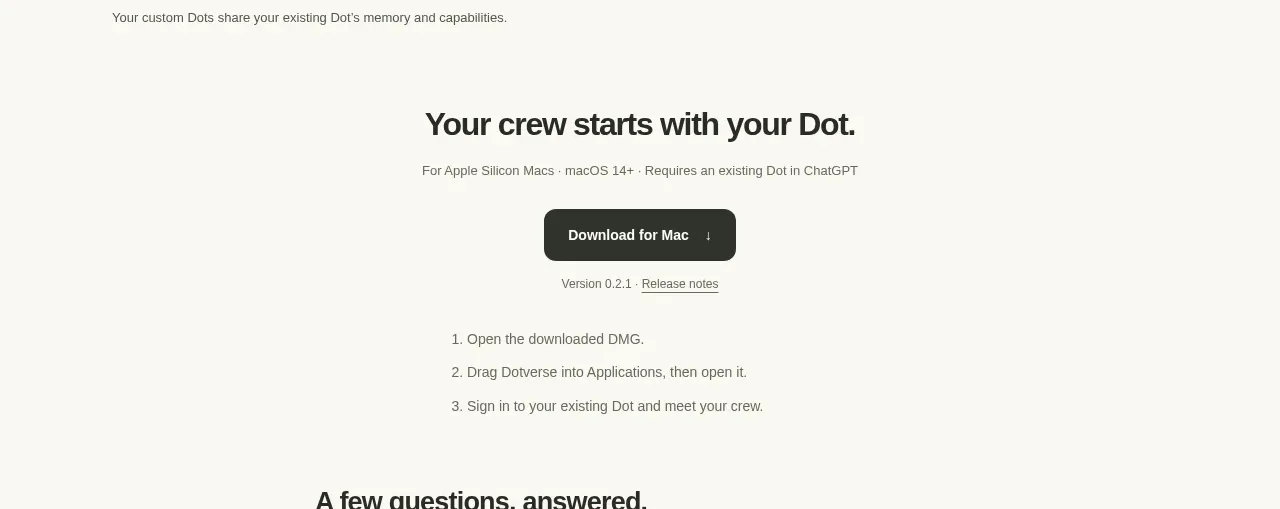
Design analysis
A centered conversion block states the compatibility promise, offers a single dark download button, and follows it with version metadata and a short numbered installation sequence. The restrained hierarchy makes the next action unmistakable.
Prompt preview
## Reference images

Study these alongside the description below: hierarchy, rhythm, spacing, colour. Build for the product you are asked about, using this design language.

- Component: https://kage-design-assets.t3.tigrisfiles.io/components/dotverse/da38b075-ca59-4d6c-be00-140ffcca760c-1793253652-3.webp
- Full page it was cut from: https://kage-design-assets.t3.tigrisfiles.io/screenshots/dotverse/da38b075-ca59-4d6c-be00-140ffcca760c-1793253624916-full.webp
- Component on Kage: https://kage.design/component/dotverse-cta

## Before you start
Ask the user what the primary conversion action is, which platforms or plans are supported, and what onboarding steps matter. Adapt the content and brand styling to their product.

Build a centered download CTA on the same warm off-white background `#f8f7f2`. Use a strong heading around 22–26px, followed by a small compatibility or eligibility line in muted gray `#77766f`. Place one prominent dark pill button, approximately `#292a26`, with white text, 13–14px medium weight, generous horizontal padding, and a small directional/download affordance. Under it, show lightweight version/release metadata with underlined secondary links in gray. Finish with a compact three-step ordered setup list, aligned to a narrow column and set in 12–14px gray text with comfortable 12–16px row spacing. Keep the CTA vertically centered with substantial whitespace; do not add multiple competing buttons. Add a subtle top or bottom divider only if needed to separate it from adjacent sections.

Never: use logos, product names, copy, illustrations, or imagery from the reference.
More components
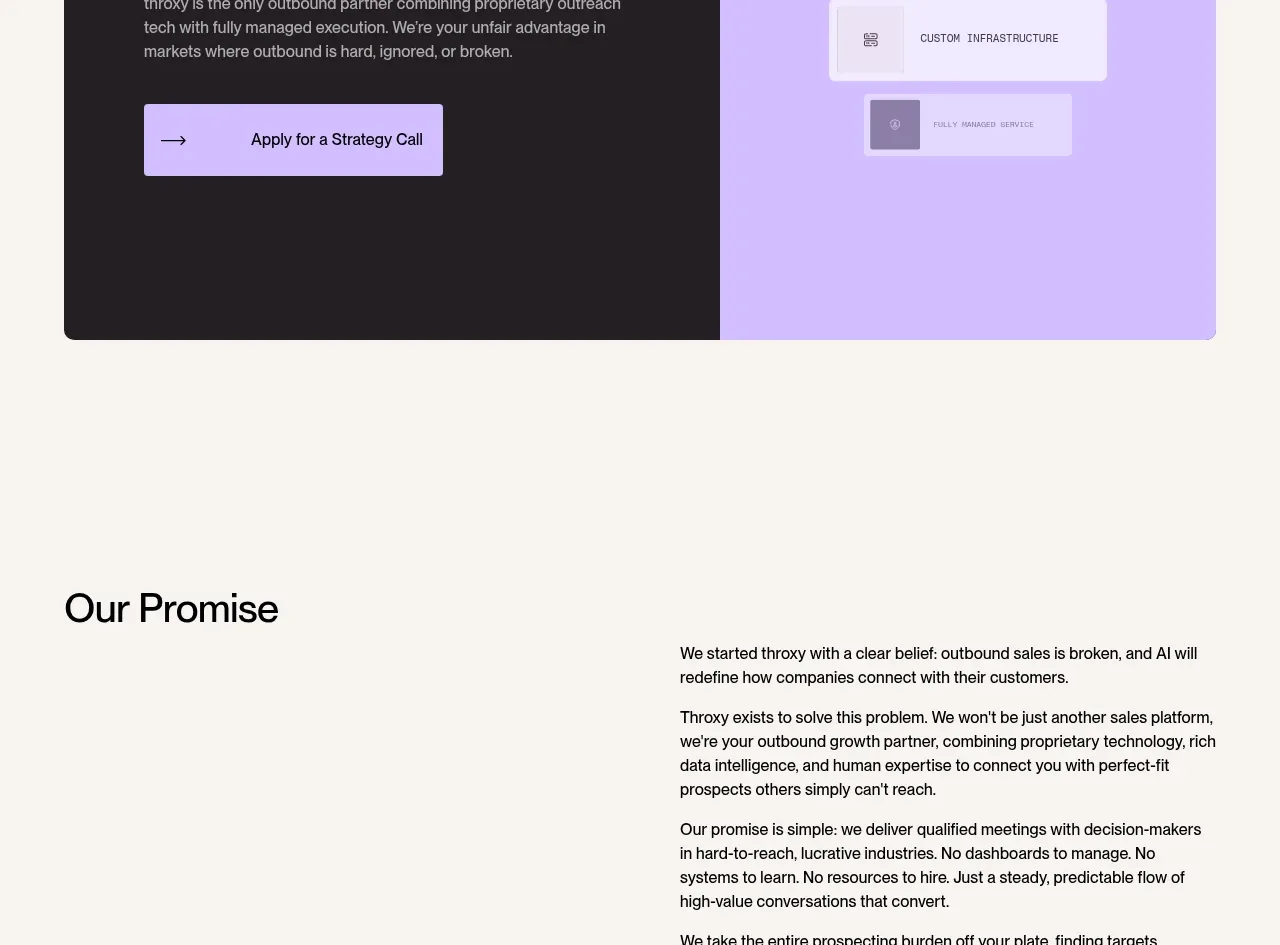
 Split final conversion panel
throxy · Call to action
Split final conversion panel
throxy · Call to action
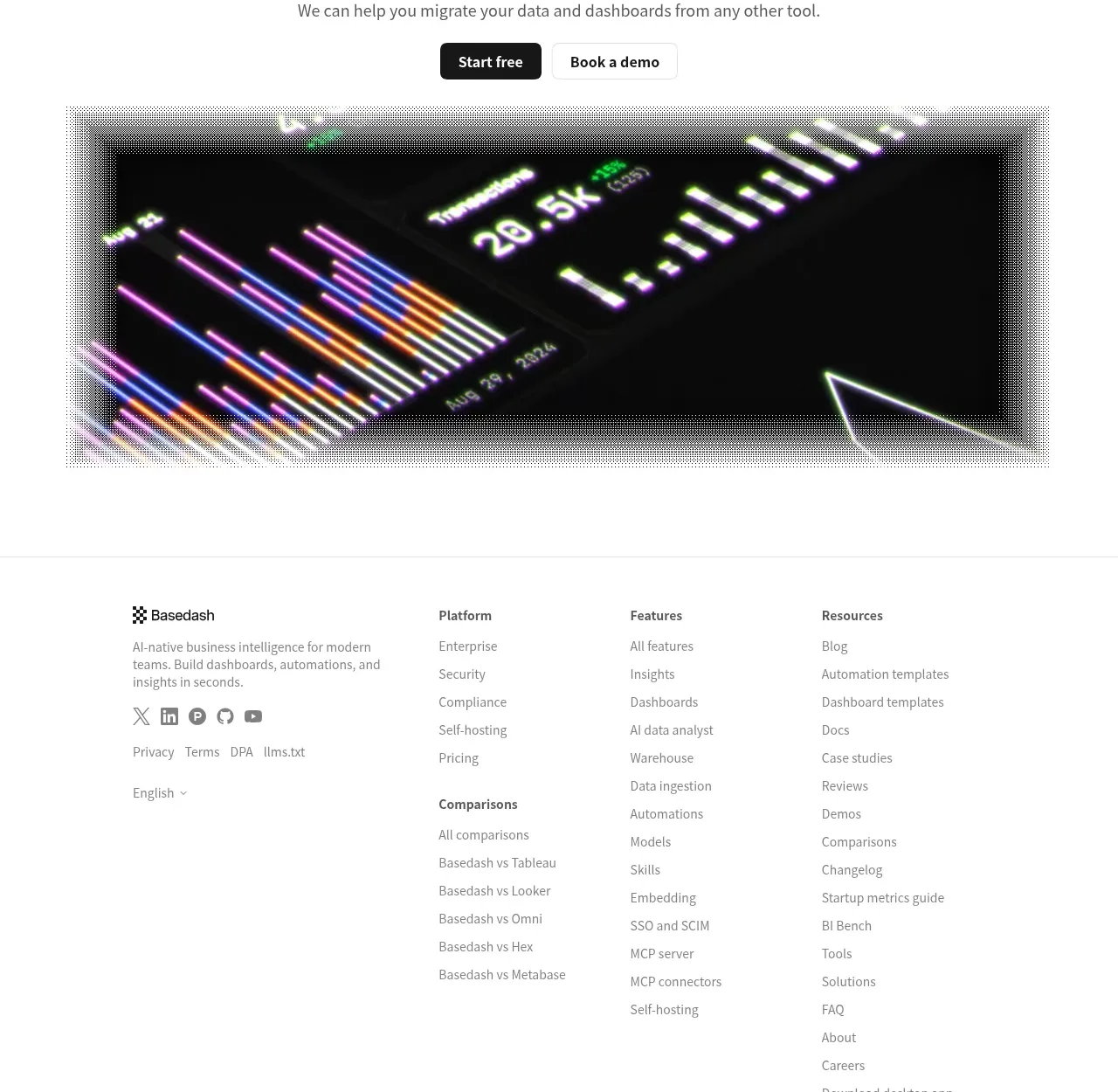
 Fast-start conversion CTA
Basedash View-only members · Call to action
Fast-start conversion CTA
Basedash View-only members · Call to action
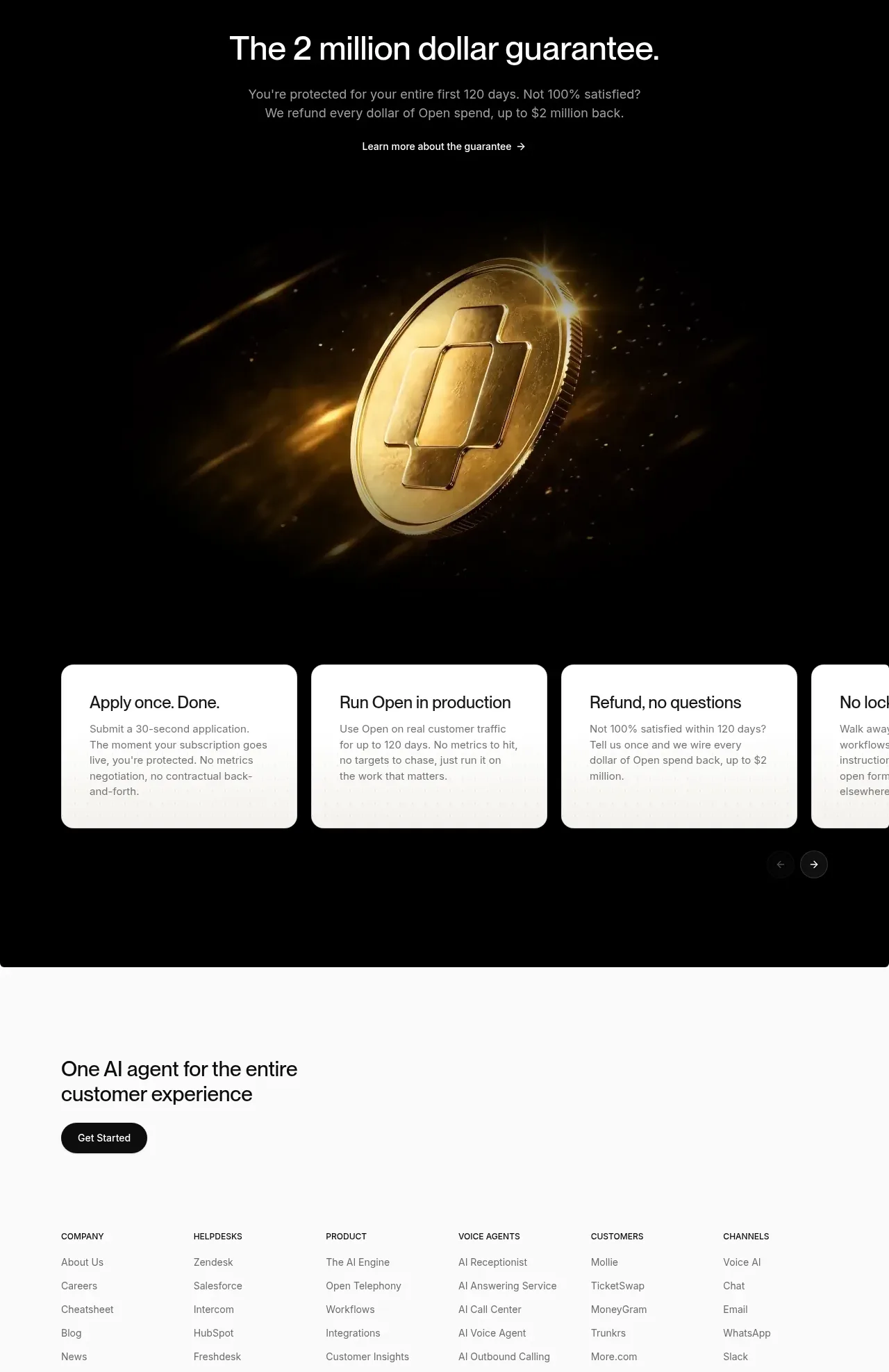
 Guarantee and proof CTA
Open For sales · Call to action
Guarantee and proof CTA
Open For sales · Call to action
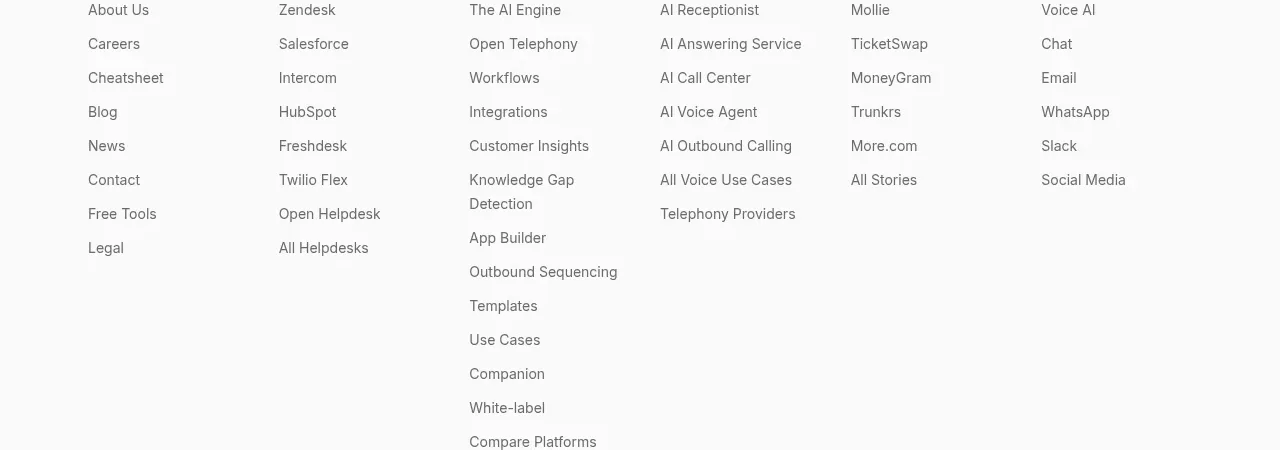 Closing conversion CTA
Open For sales · Call to action
Closing conversion CTA
Open For sales · Call to action
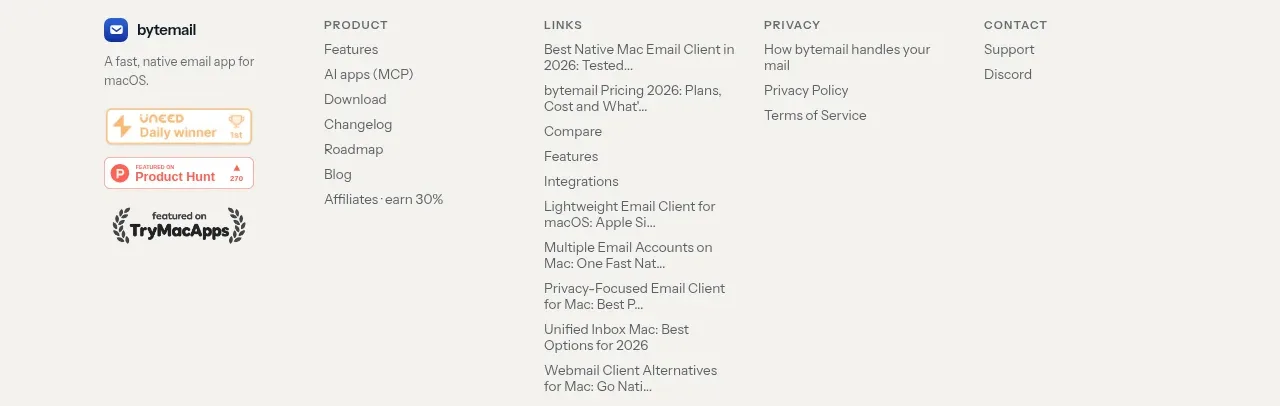
 Final purchase call to action
bytemail · Call to action
Final purchase call to action
bytemail · Call to action
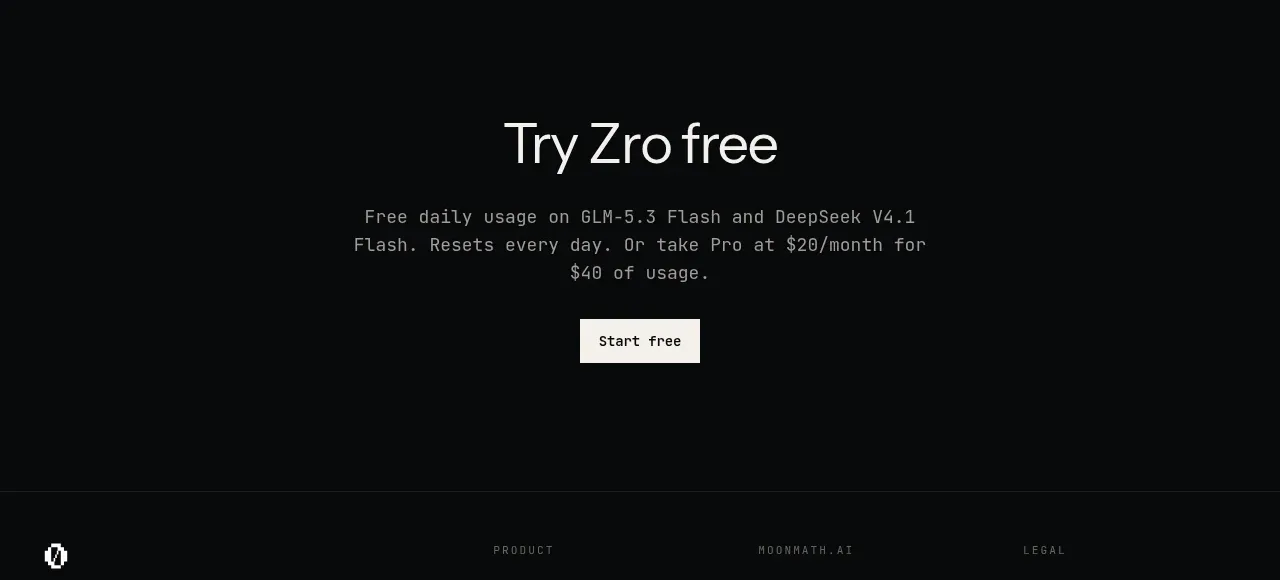
 Final free-trial CTA
Zro: Uncensored Security Models · Call to action
Final free-trial CTA
Zro: Uncensored Security Models · Call to action