kage
kage
dotverse.app
Design analysis
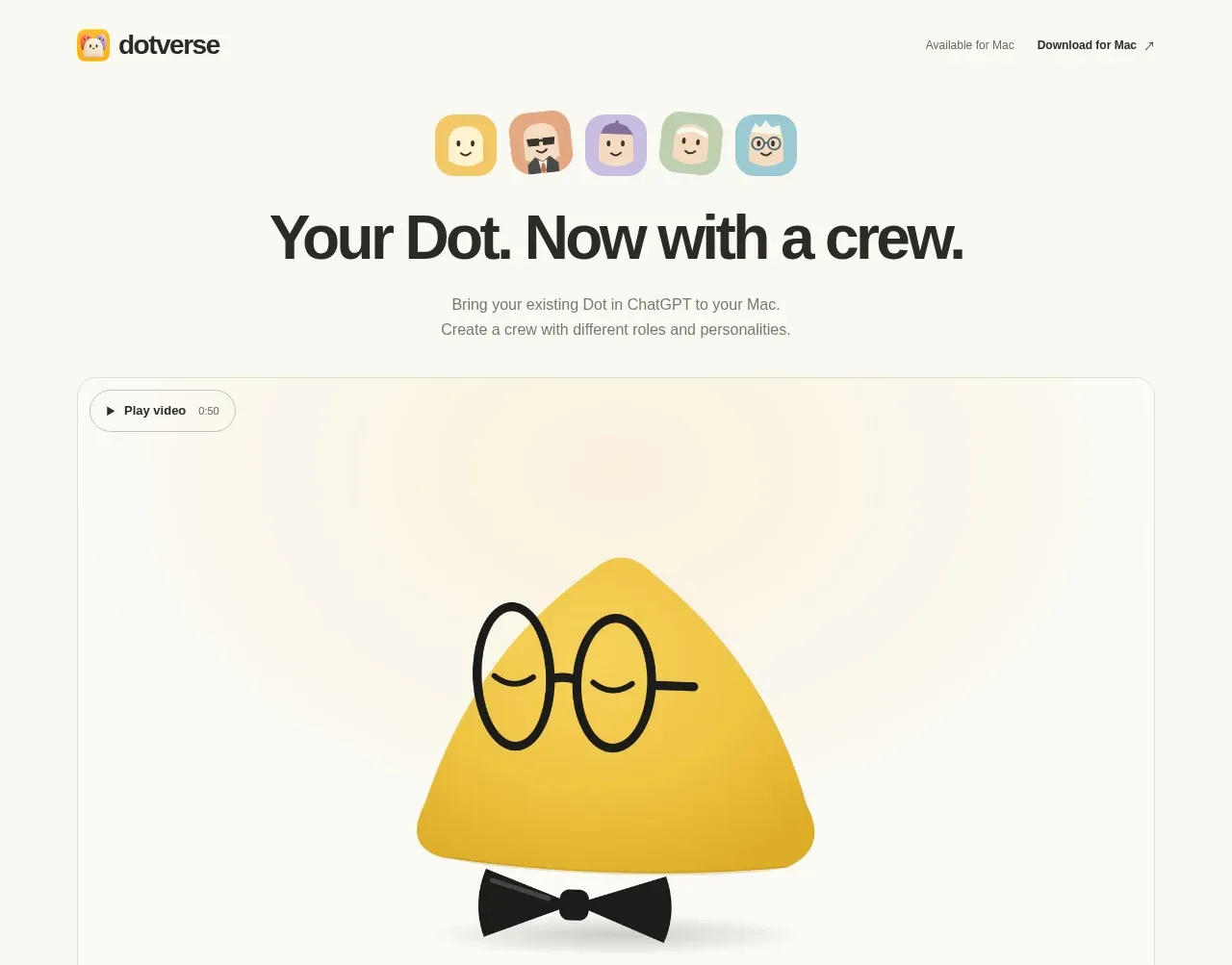
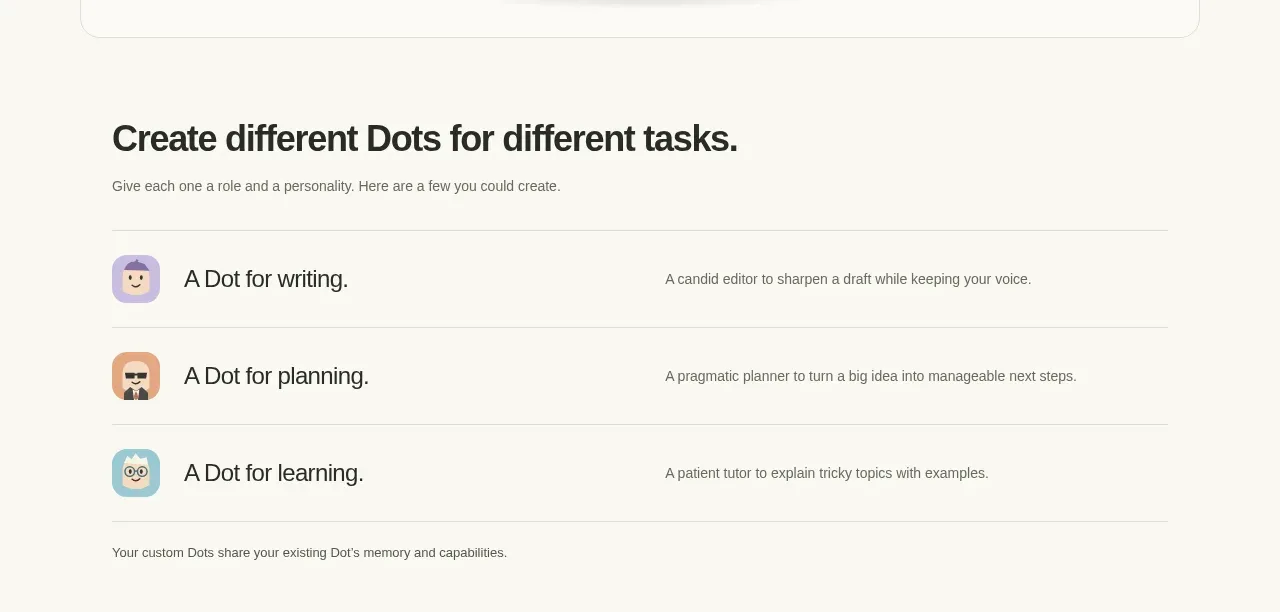
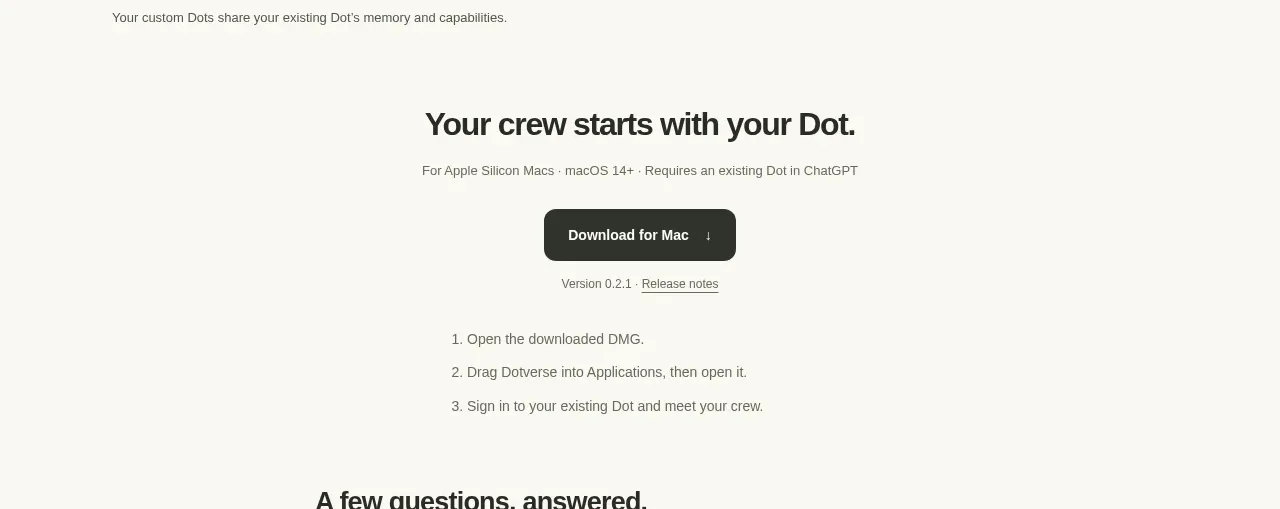
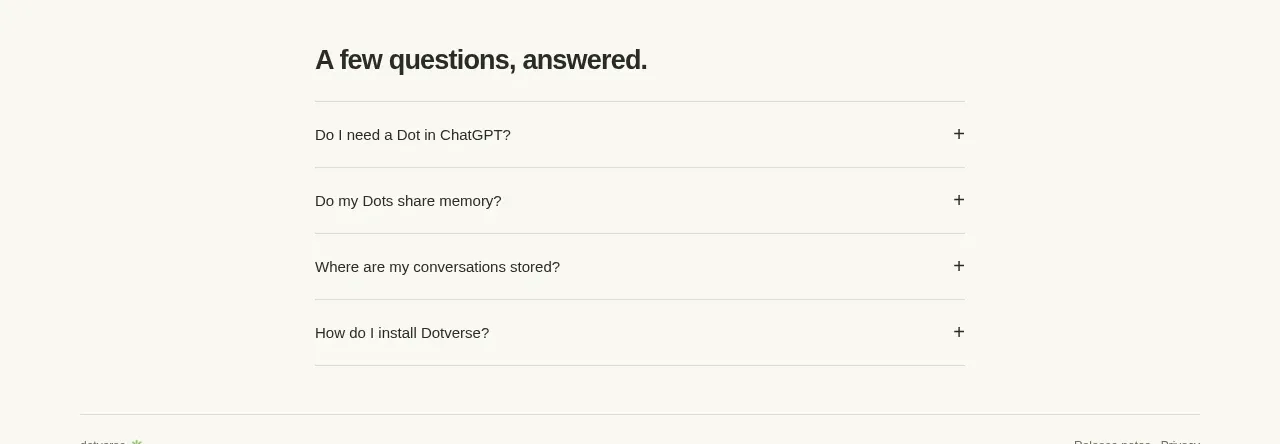
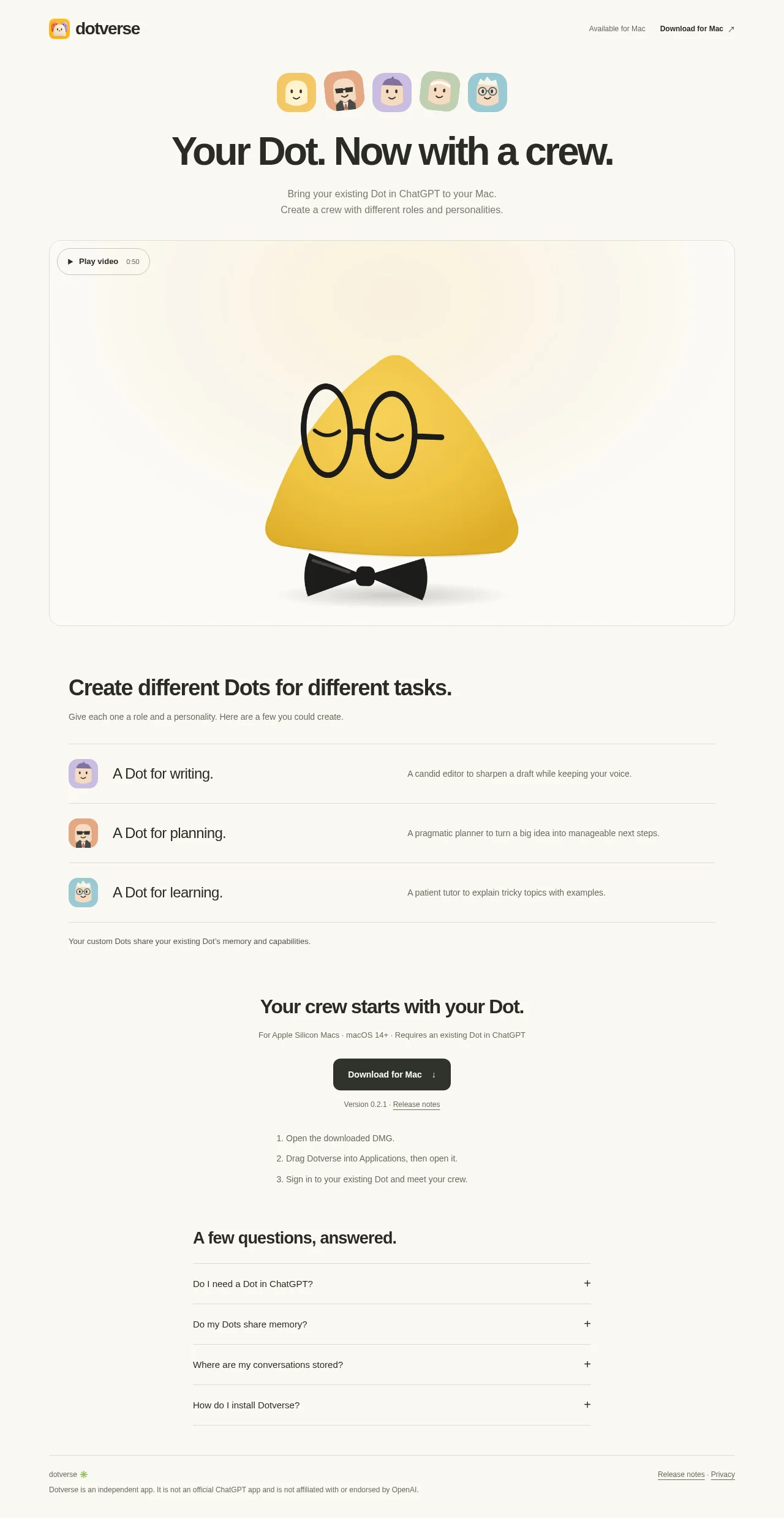
A warm off-white, single-column landing page pairs oversized black typography with a restrained editorial grid and friendly illustrated Dot character icons. The hero moves from a compact header and avatar strip into a large bordered video panel, then shifts into a denser role list with horizontal rules, a centered download block, a narrow FAQ accordion, and a fine-print footer; yellow and pastel character colours provide the only strong accents.
Prompt preview
## Reference images

Study these alongside the description below: hierarchy, rhythm, spacing, colour. Build for the product you are asked about, using this design language.

- Full page: https://kage-design-assets.t3.tigrisfiles.io/screenshots/dotverse/da38b075-ca59-4d6c-be00-140ffcca760c-1793253624916-full.webp
- Above the fold: https://kage-design-assets.t3.tigrisfiles.io/screenshots/dotverse/da38b075-ca59-4d6c-be00-140ffcca760c-1793253623104.webp
- Design on Kage: https://kage.design/designs/dotverse-landing-page

## Before you start
Ask the user what they are building, who it is for, and what brand assets they already have (name, colours, typefaces, logos or other visual assets). Wait for their answers before designing. Apply everything below to their product, not to the reference product.

## Page structure
1. **Header:** Use a wide, quiet top bar with a small product mark or user-provided brand asset on the left and lightweight platform availability text plus a download link on the right.
2. **Hero avatar strip:** Center a short row of five small, rounded-square character or product-state tiles above the headline; use the user's own visual metaphor rather than copying the reference characters.
3. **Hero headline and supporting copy:** Place a large, bold, centered headline below the strip, followed by one or two short muted lines explaining the product.
4. **Feature video panel:** Add a large rounded rectangular media panel spanning most of the content width, with a subtle border and a small pill-shaped play control in its upper-left corner. Keep the interior visually calm so the product demonstration is the focal point.
5. **Role/use-case section:** Below the media panel, switch to a left-aligned section heading and short introduction. Follow it with three full-width horizontal rows, each containing a small visual tile, a concise use-case title, and a muted explanatory sentence aligned in a second column.
6. **Capability note:** Add a small muted line beneath the rows clarifying what is shared or carried over from the user's existing product or data.
7. **Download section:** Create a centered conversion block with a bold heading, a compact eligibility/platform line, a dark rounded download button, version and release-notes metadata, and three short numbered installation steps beneath it.
8. **FAQ section:** Use a narrower column than the earlier feature section. Add a left-aligned heading and a stack of four accordion rows with thin separators, concise questions, and plus controls aligned to the right.
9. **Footer:** Finish with a full-width top rule, small muted product/legal copy on the left, and release-notes/privacy links on the right.

## Design language
- Build hierarchy through scale and whitespace: use a very large, heavy sans-serif hero heading, medium-weight section headings, and small gray explanatory text. Keep the page airy above the fold, then increase information density in the feature rows, download instructions, FAQ, and footer.
- Use a warm near-white canvas around `#F8F7F2` or `#FAF9F4`, near-black text around `#20201D`, and soft gray secondary text around `#77766F`. Reserve a saturated yellow near `#F2C62E` and a few muted pastel accents for product tiles or illustrations.
- Pair one friendly contemporary sans-serif family throughout; use tight tracking and a bold weight for headlines, regular weights for body copy, and noticeably smaller text for metadata, platform requirements, and legal notes.
- Keep the layout centered with a broad maximum-width container. Let the hero and media panel occupy most of that width, constrain the FAQ and installation content to a narrower readable measure, and use consistent left/right alignment within each section.
- Treat borders as hairline, low-contrast rules around `#E1E0D8`; use them to divide list rows and footer areas. Use modest corner radii on media panels and controls, avoid heavy shadows, and keep buttons dark with light text and a compact pill-like radius.
- Make illustrations or product tiles simple, tactile, and slightly playful, with rounded-square containers and flat pastel fills. They should punctuate the otherwise monochrome page rather than turn every section into a colourful card grid.
- Establish rhythm by moving from centered hero content to a large visual demonstration, then to structured two-column rows, then a centered CTA, then a narrow FAQ and understated footer. Preserve generous vertical gaps between major sections while keeping rules and row spacing compact inside lists.
- Make visible interactions quiet and functional: the play control should read as a small outlined pill, the download button should have a restrained hover darkening or lift, FAQ rows should expand inline with a subtle transition, and links should use simple underlines or understated colour changes.

## Never
- Do not use logos, wordmarks, product names, copy, illustrations, character designs, or icon sets from the reference.
- Do not reproduce Dotverse's exact avatar artwork, mascot, headline, FAQ text, or download language.
- Do not present the result as Dotverse or imply an affiliation with it.
- Do not add unnecessary gradients, dense card grids, dramatic shadows, or decorative UI that conflicts with the restrained editorial layout.