kage
kage
evvery.app
Design analysis
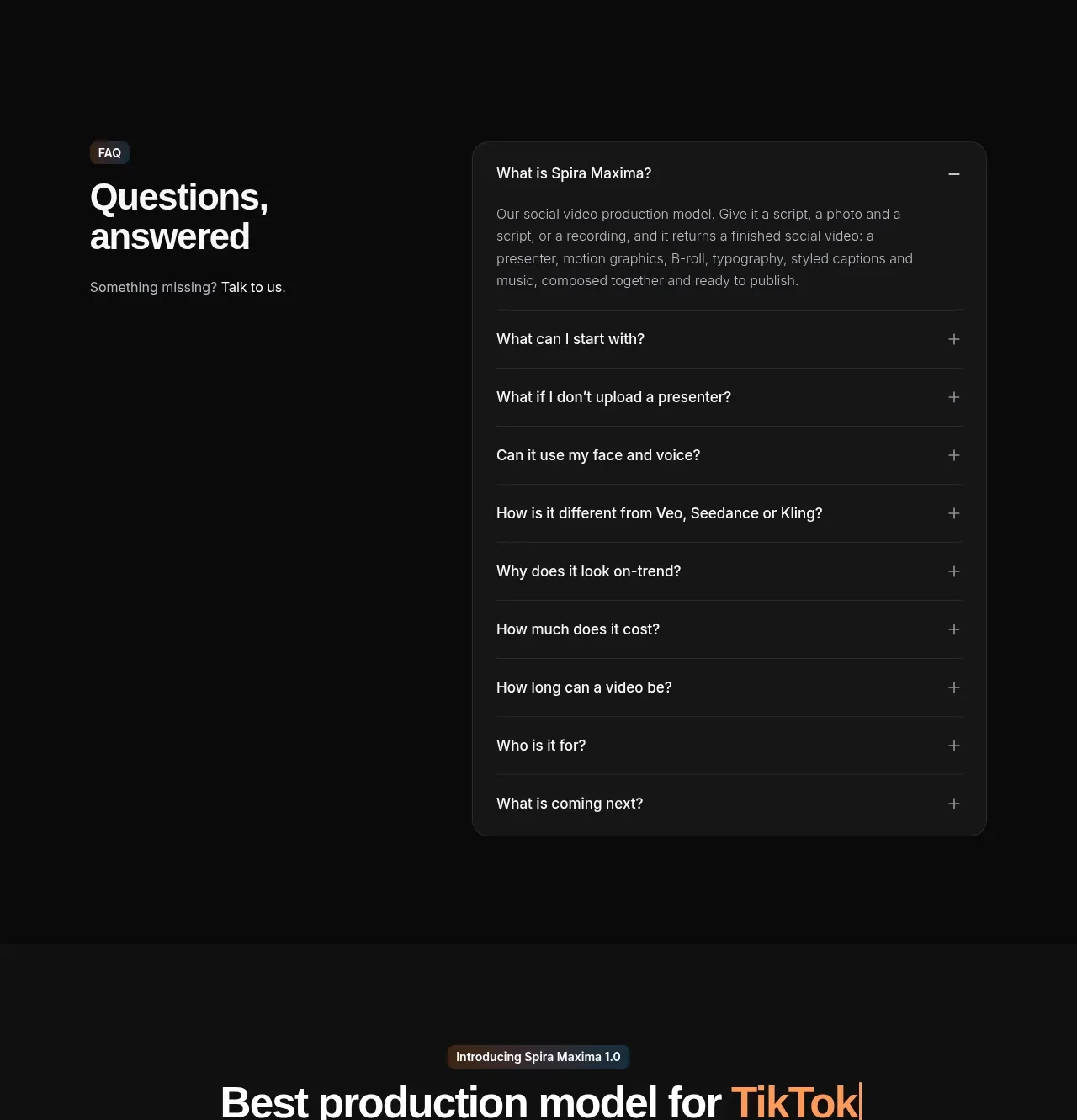
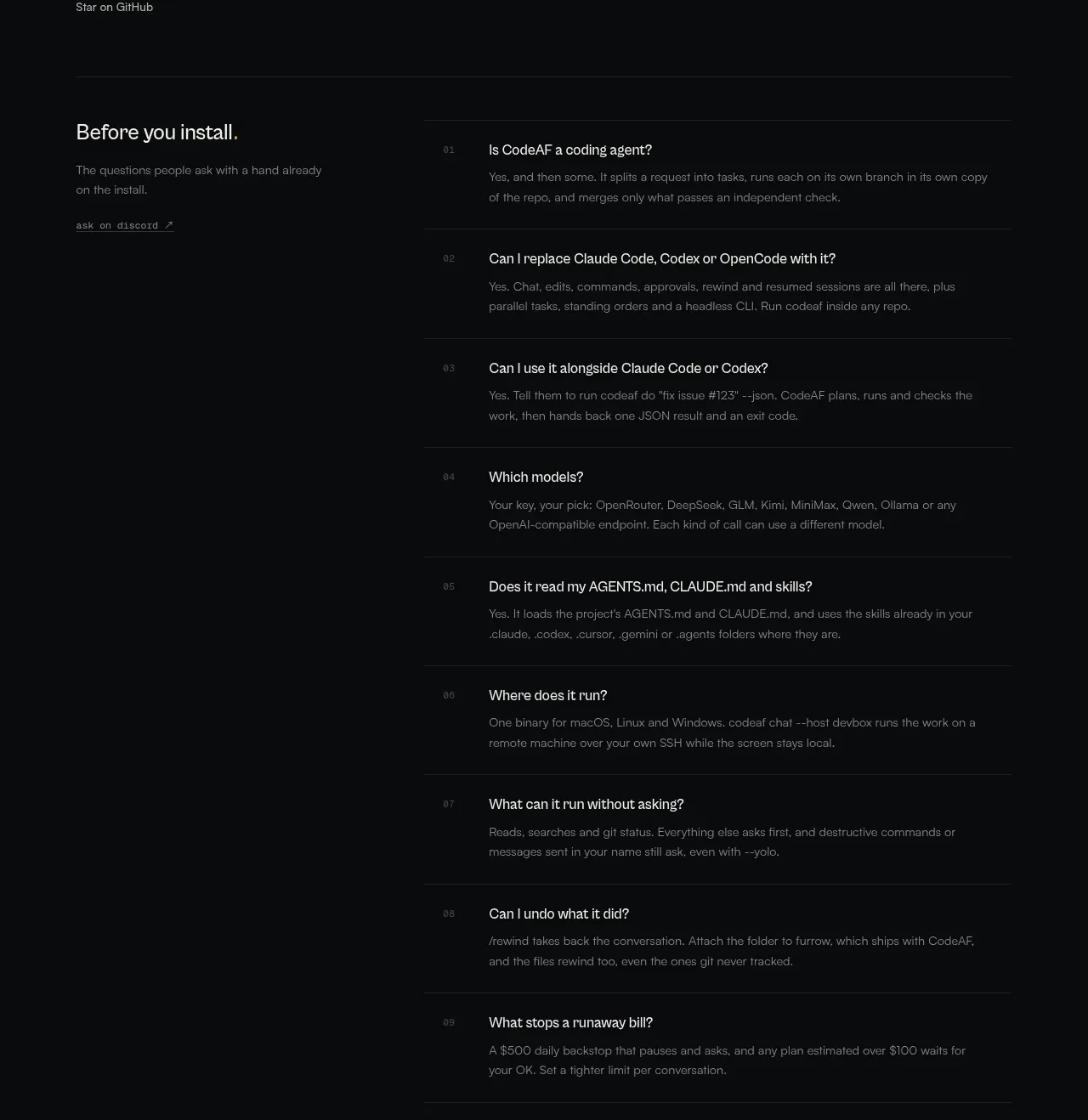
A split FAQ layout gives the section a strong editorial heading while keeping questions in a clean, efficiently scannable accordion list.
Prompt preview
## Reference images

Study these alongside the description below: hierarchy, rhythm, spacing, colour. Build for the product you are asked about, using this design language.

- Component: https://kage-design-assets.t3.tigrisfiles.io/components/evvery/a269aa57-af78-4f36-91fc-487db18a20bb-1790402474-9.webp
- Full page it was cut from: https://kage-design-assets.t3.tigrisfiles.io/screenshots/evvery/a269aa57-af78-4f36-91fc-487db18a20bb-1790402436622-full.webp
- Component on Kage: https://kage.design/component/evvery-faq

## Before you start
Ask who the user's customers are and which objections or setup questions they most often have. Use those questions in an original FAQ.

Build a white FAQ section with a two-column desktop layout: a large heading on the left and an accordion list on the right. Give each item a clear question, a plus or close control, and a thin divider. Show one answer expanded by default to demonstrate the interaction. Use 32–44px heading text, 15–16px question text, muted gray answers, 20–24px row padding, and keyboard-accessible accordion buttons. Collapse to one column on mobile while keeping the heading above the list.

Never use the reference's logo, product name, copy, illustrations, imagery, or exact questions.