kage
kage
usefastlane.ai

Design analysis
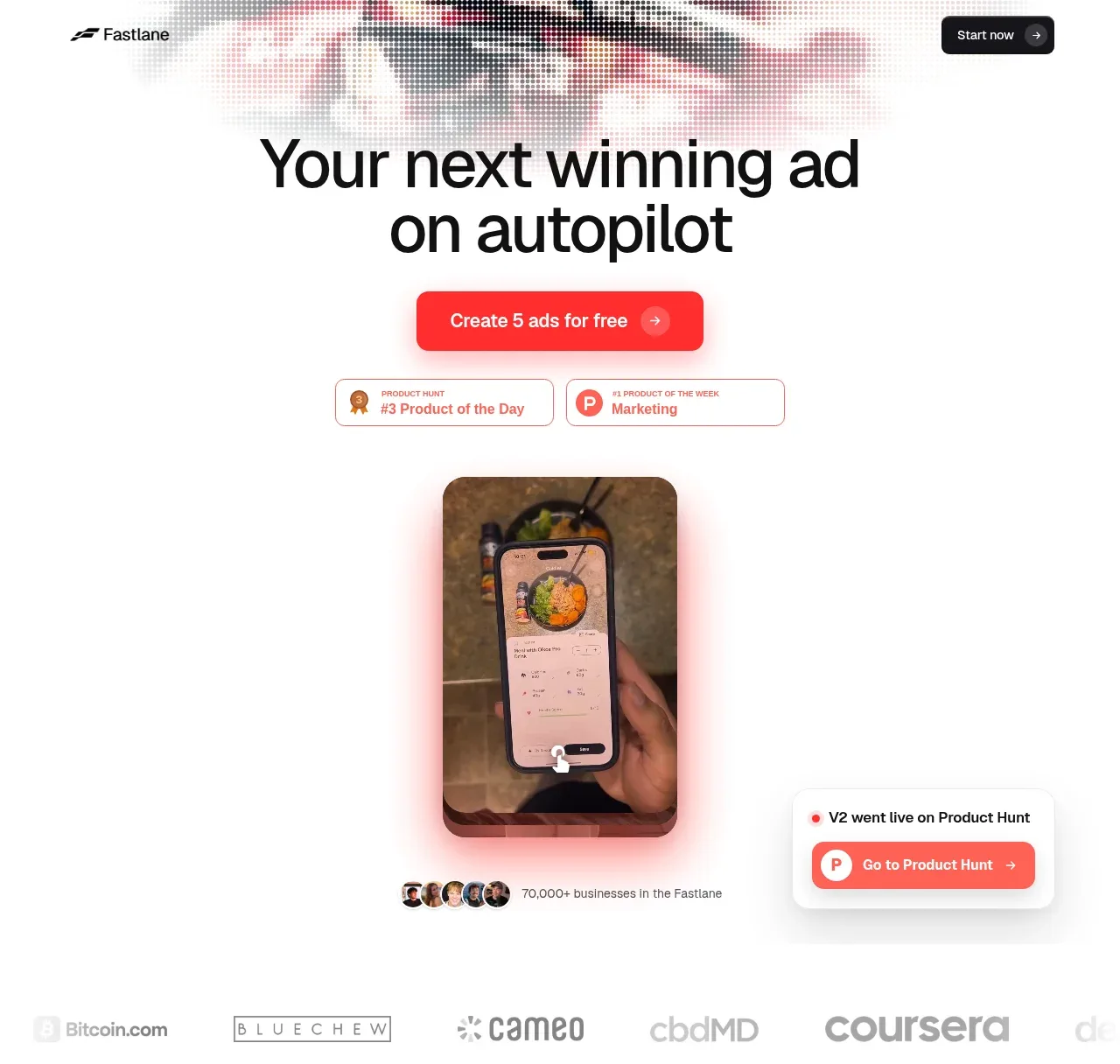
A long, highly spacious marketing page uses a white canvas, oversized black sans-serif headlines, and vivid red as the sole action colour. The hero moves from a compact nav and centered CTA into product awards, a vertical-video proof image, and a logo strip; below it, the rhythm alternates between dense visual galleries, faint product workflow demonstrations, proof-led feature blocks, pricing, and a dark FAQ/footer close with red edge glow and motion imagery.
Prompt preview
## Reference images

Study these alongside the description below: hierarchy, rhythm, spacing, colour. Build for the product you are asked about, using this design language.

- Full page: https://kage-design-assets.t3.tigrisfiles.io/screenshots/fastlane-2-0/959a4273-adb0-42a9-9dfc-df0ea320e78d-1792735248580-full.webp
- Above the fold: https://kage-design-assets.t3.tigrisfiles.io/screenshots/fastlane-2-0/959a4273-adb0-42a9-9dfc-df0ea320e78d-1792735239372.webp
- Design on Kage: https://kage.design/designs/fastlane-2-0-landing-page

## Before you start
Ask the user what they are building, who it is for, and what brand assets they already have (name, colours, type). Wait for their answers before proceeding. Apply everything below to their product, not to the reference.

## Page structure
- **Top navigation:** Use a small, restrained header on a white background with a compact brand mark at left and a dark rounded “start” action at right.
- **Hero:** Center a very large two-line headline, followed by a vivid red primary CTA and small third-party award/proof badges.
- **Hero product proof:** Place a tall rounded vertical-video/product preview beneath the CTA, with a soft red-pink glow, tiny user avatars and usage proof below, plus a floating launch/product-hunt style card offset to the right.
- **Customer logo strip:** Add a low-contrast horizontal row of recognizable customer logos to transition from promise to validation.
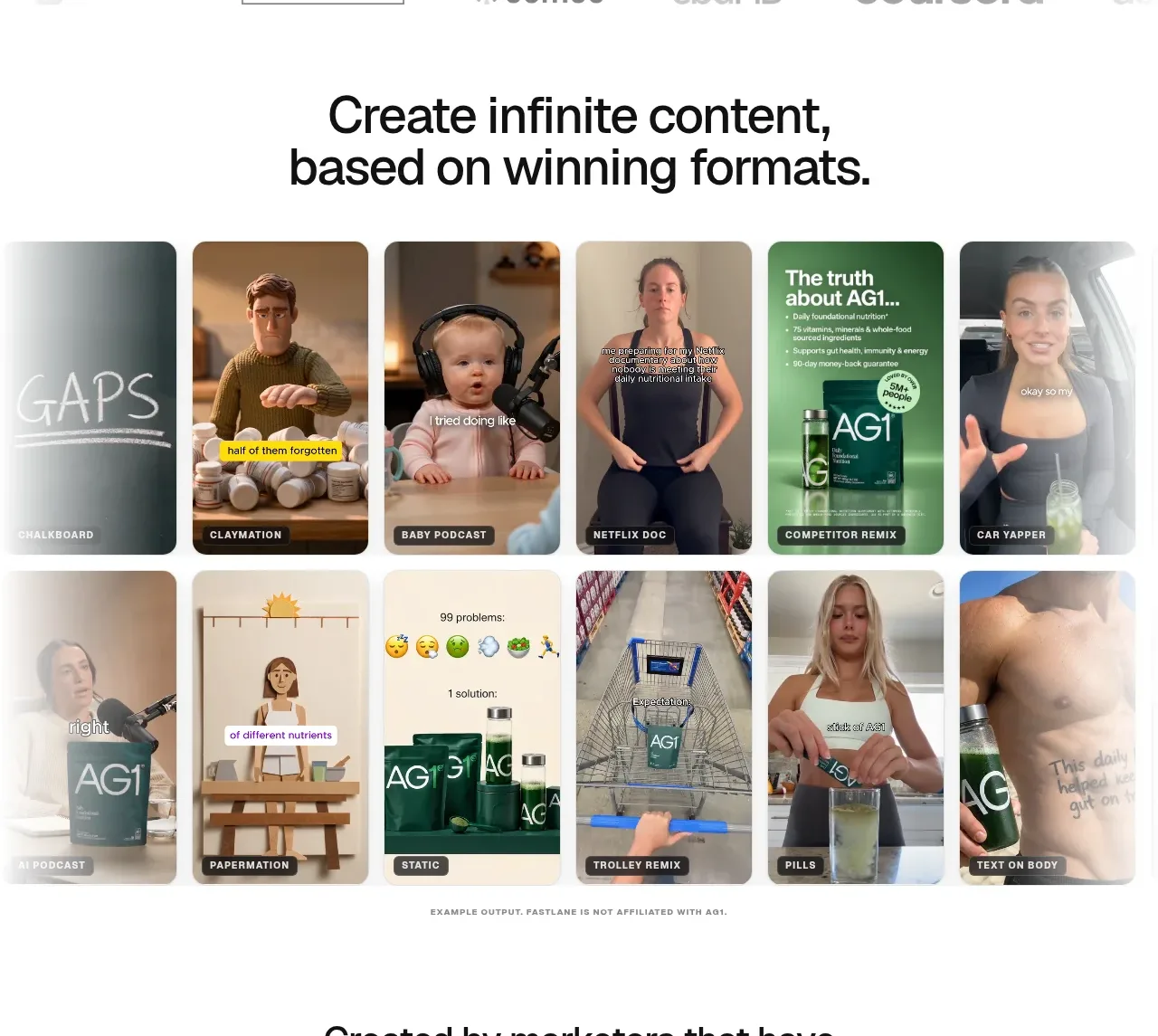
- **Content gallery intro:** Center a large headline about producing many pieces of content, then show a tightly packed multi-column gallery of rounded vertical ad/video thumbnails with small black category labels.
- **Credibility CTA:** Use a centered statement about the team’s experience and ad spend, highlight the numeric proof in red, and place a red CTA underneath.
- **Section transition:** Add a thin, soft red/orange wave or glow line across the page to signal a new product-explanation chapter.
- **How it works heading:** Center the section title, then introduce the workflow with generous vertical spacing and very light product UI mockups.
- **Workflow step 1:** Show “learns your brand” as a left-aligned text block paired with a pale brand-kit/dashboard visual on the right or below; keep the interface intentionally washed back so the heading leads.
- **Workflow step 2:** Show competitor and customer research with explanatory copy and a small pastel card/mockup cluster.
- **Workflow step 3:** Show ad creation with copy and a horizontal set of generated ad thumbnails plus controls.
- **Workflow step 4:** Show paid and organic launch with a campaign/social publishing interface preview.
- **Workflow step 5:** Show results and iteration with performance metrics, a winning creative preview, and supporting checklist details.
- **Iteration payoff:** Use a darker, more legible product card for “every loop makes the next one better,” including creative variants, checkmarks, and a red generation CTA.
- **Case study:** Switch to a two-column proof layout: bold result headline and supporting copy/quote on the left, a large rounded vertical video on the right.
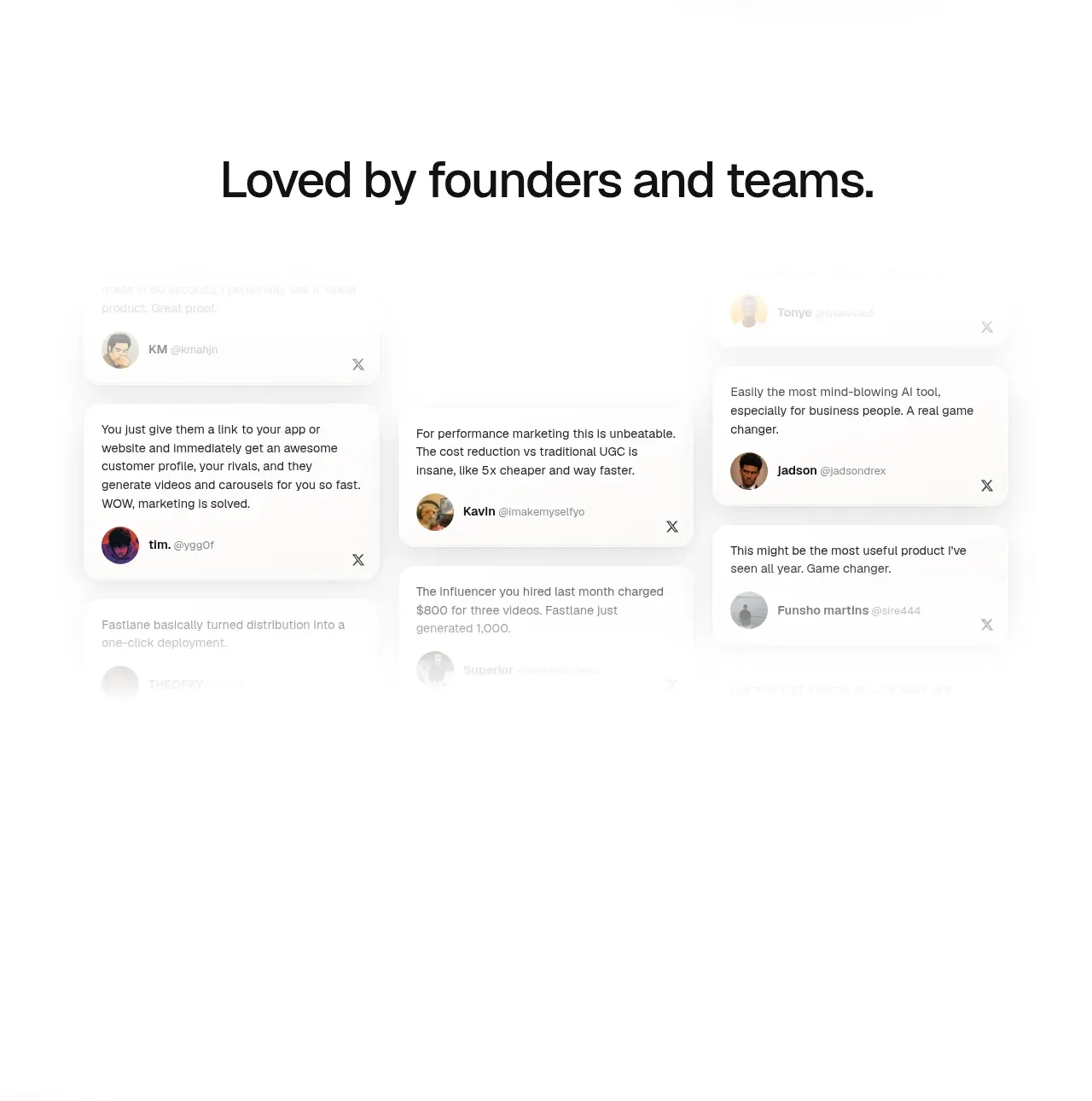
- **Testimonials:** Center a headline about founders and teams, then arrange several floating testimonial cards in a loose three-column composition with avatars and close/detail affordances.
- **Statement interlude:** Add a very sparse, oversized statement about increasing ad diversity, with a small fast-moving vehicle/object visual entering from the left.
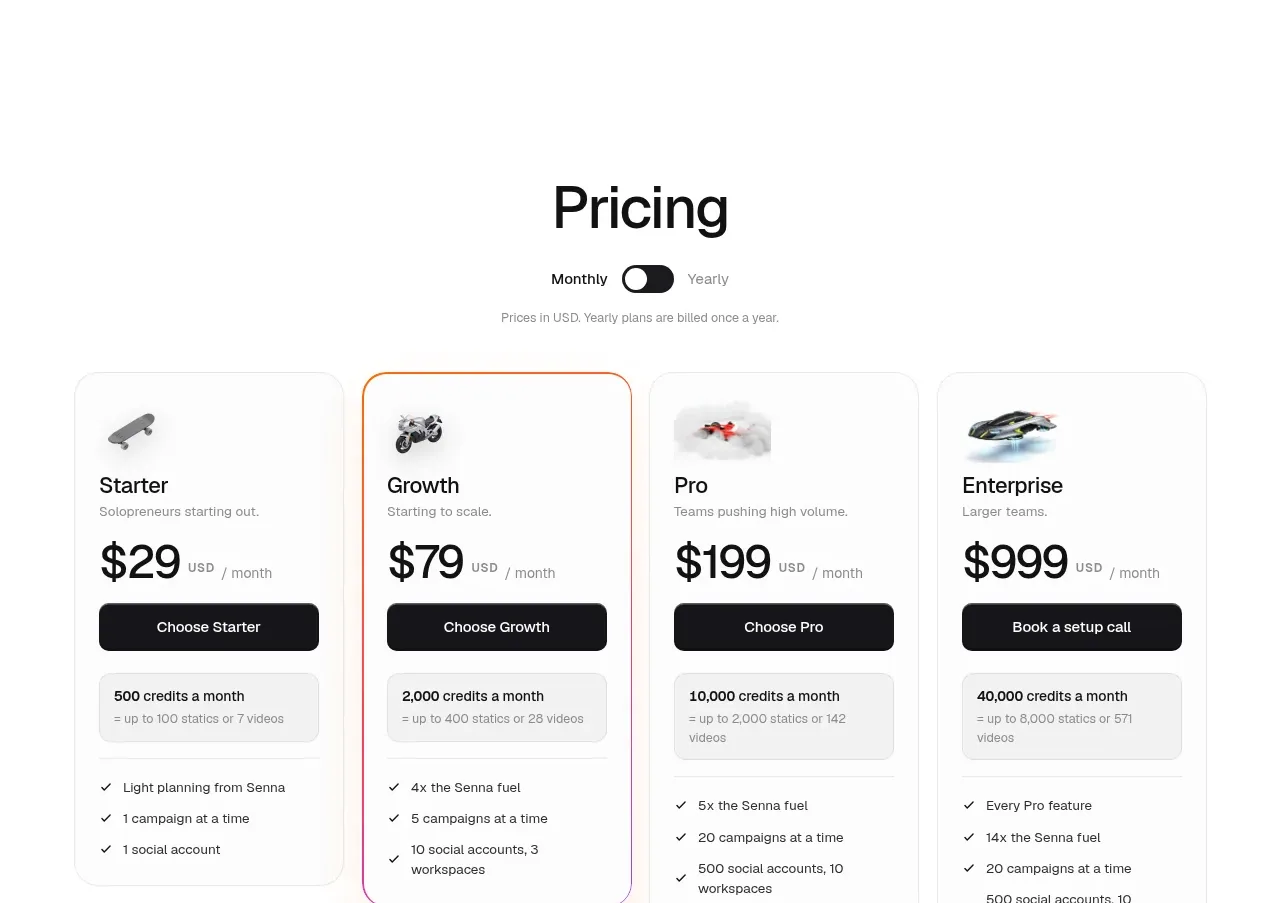
- **Pricing:** Center a pricing heading and monthly/yearly toggle, then present four rounded plan cards in a row: Starter, Growth, Pro, and Enterprise. Give the recommended plan a thin warm gradient outline; include prices, dark buttons, credits, and feature checklists.
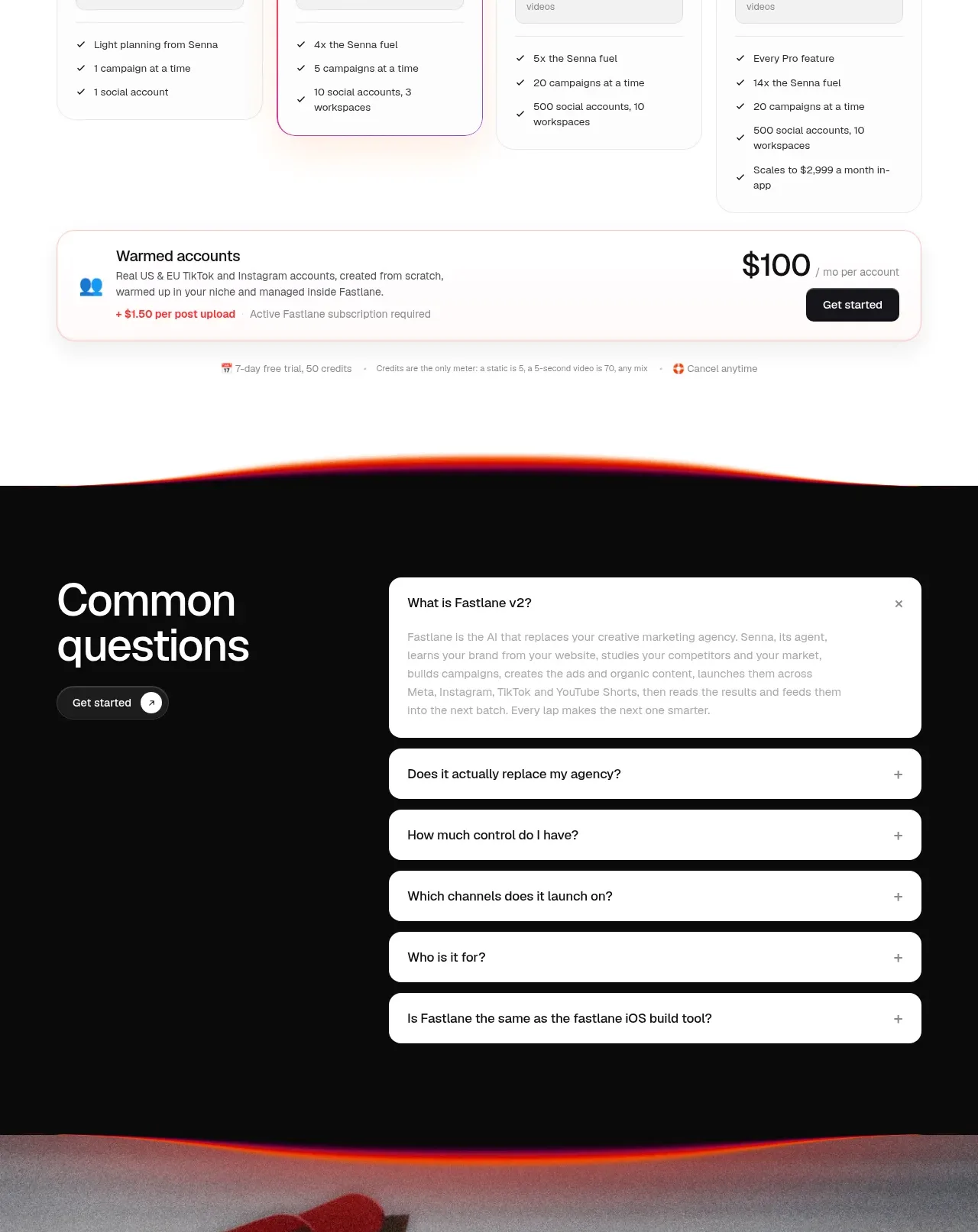
- **Add-on strip:** Place a full-width bordered add-on card below pricing with account-based pricing, a small illustration/icon, and a right-aligned price and CTA.
- **Pricing notes:** Add tiny centered notes for trial, billing, and cancellation below the add-on.
- **FAQ section:** Transition into a nearly black panel with a red/orange glowing top edge. Put a large “common questions” heading and CTA on the left, and stacked white rounded accordion rows on the right with one expanded answer.
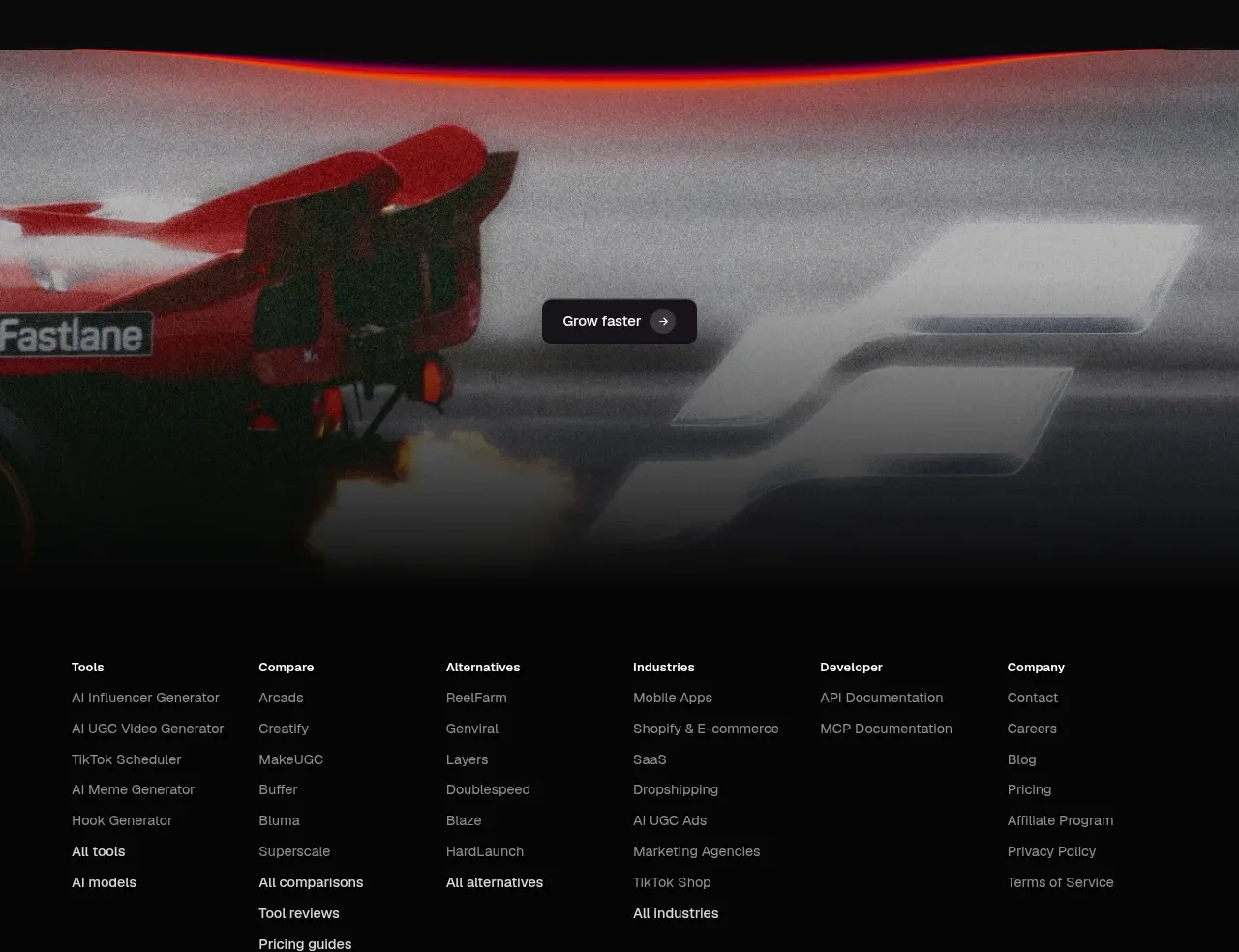
- **Footer hero:** Continue the dark section into a blurred grayscale/red motion image, overlay a small centered dark CTA, then end with a multi-column footer navigation of tools, comparisons, alternatives, industries, developer resources, and company links.

## Design language
- Build hierarchy with a very large geometric sans-serif headline, short line lengths, and unusually generous whitespace; let each major section feel like a separate visual beat.
- Change rhythm down the page: begin centered and promotional, become denser in the content gallery and pricing grid, become airy and low-contrast during the workflow explanation, then finish dense and dark in the FAQ/footer.
- Keep the base palette near white `#ffffff`, ink black `#090909`, and soft gray `#f3f3f3`; reserve saturated red `#ff3038` and warm orange `#ff6a2f` for CTAs, highlighted numbers, glows, and the occasional gradient edge.
- Use one clean sans-serif family with heavy display weights for headlines and regular, compact text for explanations. Scale hero headings aggressively, section headings to a confident medium-large size, and supporting copy small with relaxed line height.
- Treat cards as quiet surfaces: thin `#e8e8e8` borders, mostly 12–18px corner radii, subtle diffuse shadows, and little or no decoration. Use a warm red/orange gradient border only to identify the recommended pricing option.
- Make imagery carry the personality: rounded vertical videos, mobile-style creative previews, thumbnail grids, pale UI mockups, and softly blurred red/pink halos. Fade workflow visuals toward white so the copy remains primary.
- Use red glow lines and blurred gradients as transitions rather than persistent backgrounds. The final FAQ/footer should invert to black with white cards and a restrained red glow at section boundaries.
- Keep interactions simple and tactile: rounded filled CTAs with small arrow affordances, accordion rows that expand one answer, pricing toggle states, and gentle hover/scale or glow feedback. Avoid heavy navigation or complex controls.
- Use animation sparingly but visibly for the scrolling/logo and media moments: slow motion in hero/video previews, subtle floating testimonial or proof cards, and a smooth moving object in the sparse statement section.

## Never
- Do not reuse the reference’s logos, wordmarks, product names, copy, illustrations, photography, videos, vehicle/object imagery, testimonials, customer names, or icon sets.
- Do not present the result as Fastlane or imitate its brand identity verbatim. Create original content and assets for the user’s product while retaining only the reusable layout, hierarchy, spacing, colour logic, and interaction principles.
Components from this page
All components
 Minimal top navigation
Fastlane 2.0 · Navigation
Minimal top navigation
Fastlane 2.0 · Navigation
 Autopilot promise hero
Fastlane 2.0 · Hero
Autopilot promise hero
Fastlane 2.0 · Hero
 Winning-format content gallery
Fastlane 2.0 · Gallery
Winning-format content gallery
Fastlane 2.0 · Gallery
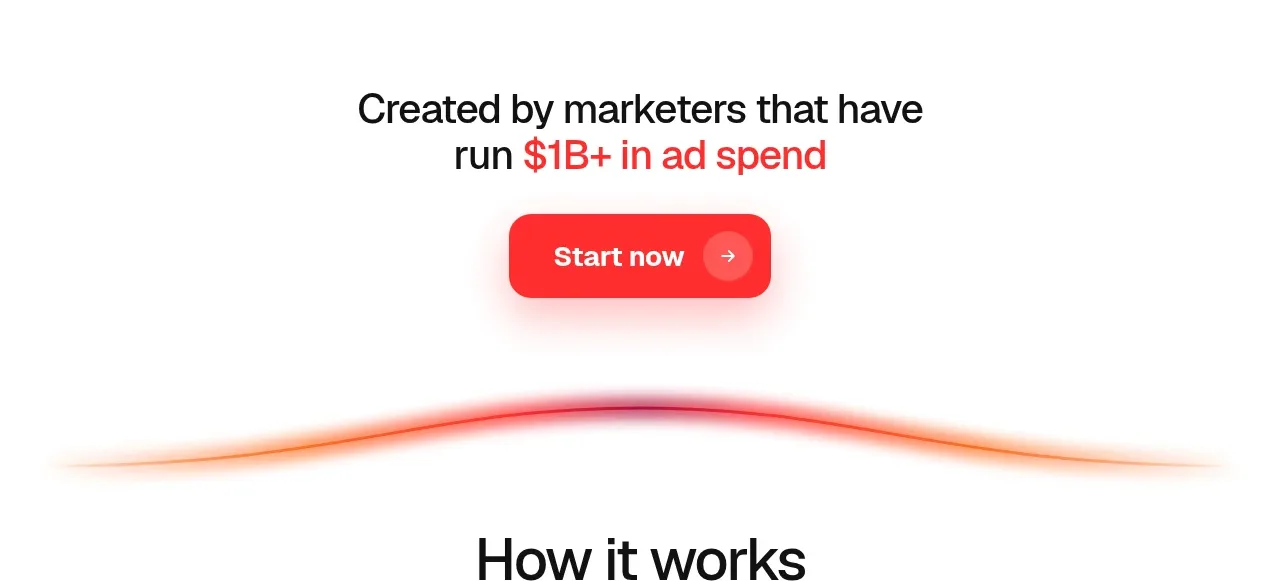 Marketer credibility call to action
Fastlane 2.0 · Call to action
Marketer credibility call to action
Fastlane 2.0 · Call to action
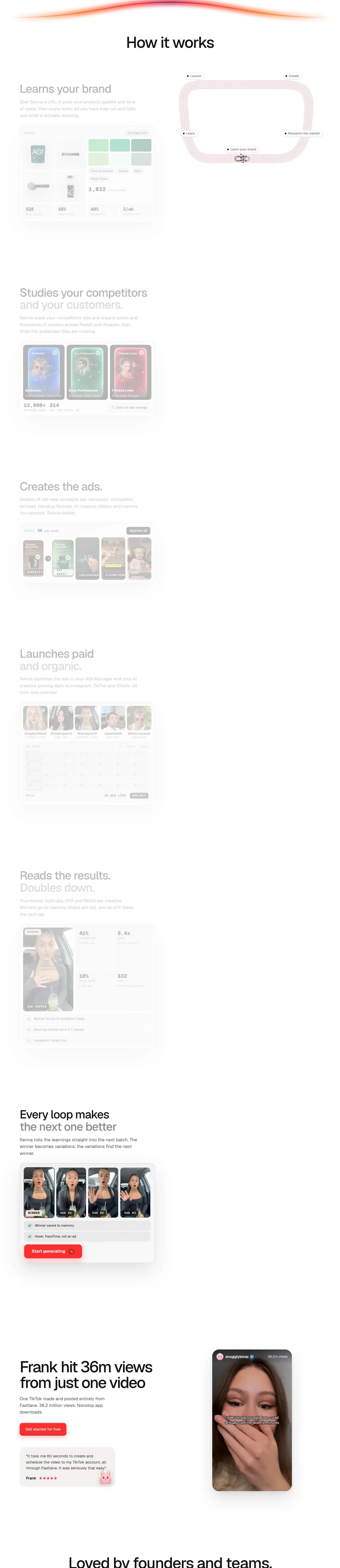 How the workflow learns and improves
Fastlane 2.0 · Feature grid
How the workflow learns and improves
Fastlane 2.0 · Feature grid
 Single-video outcome story
Fastlane 2.0 · Hero
Single-video outcome story
Fastlane 2.0 · Hero
 Founder and team testimonials
Fastlane 2.0 · Testimonials
Founder and team testimonials
Fastlane 2.0 · Testimonials
 Bold diversity closing CTA
Fastlane 2.0 · Call to action
Bold diversity closing CTA
Fastlane 2.0 · Call to action
 Four-tier pricing table
Fastlane 2.0 · Pricing table
Four-tier pricing table
Fastlane 2.0 · Pricing table
 Common questions accordion
Fastlane 2.0 · FAQ
Common questions accordion
Fastlane 2.0 · FAQ
 Dark media footer and sitemap
Fastlane 2.0 · Footer
Dark media footer and sitemap
Fastlane 2.0 · Footer