kage
kage
finalframe.photo
Design analysis
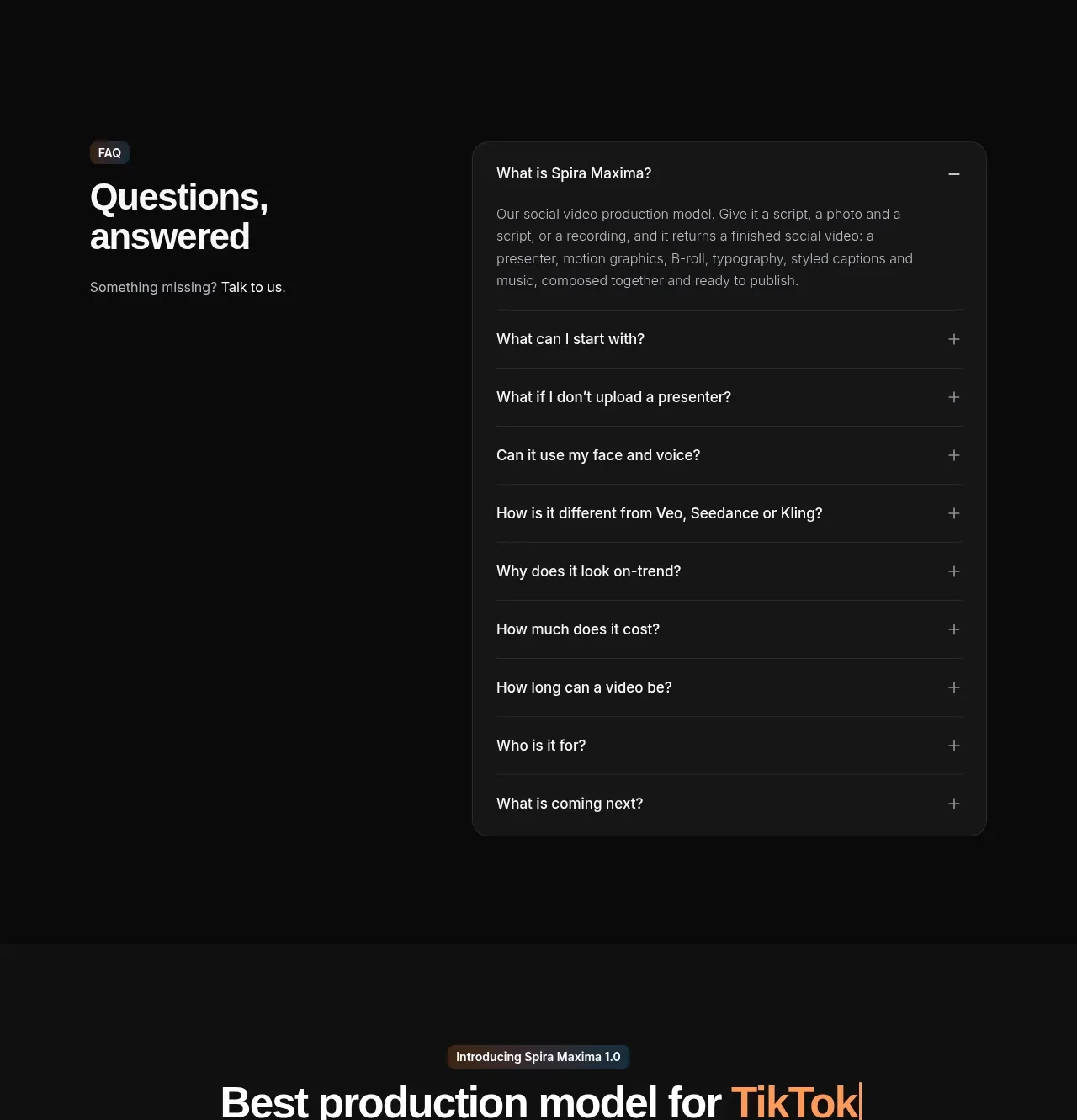
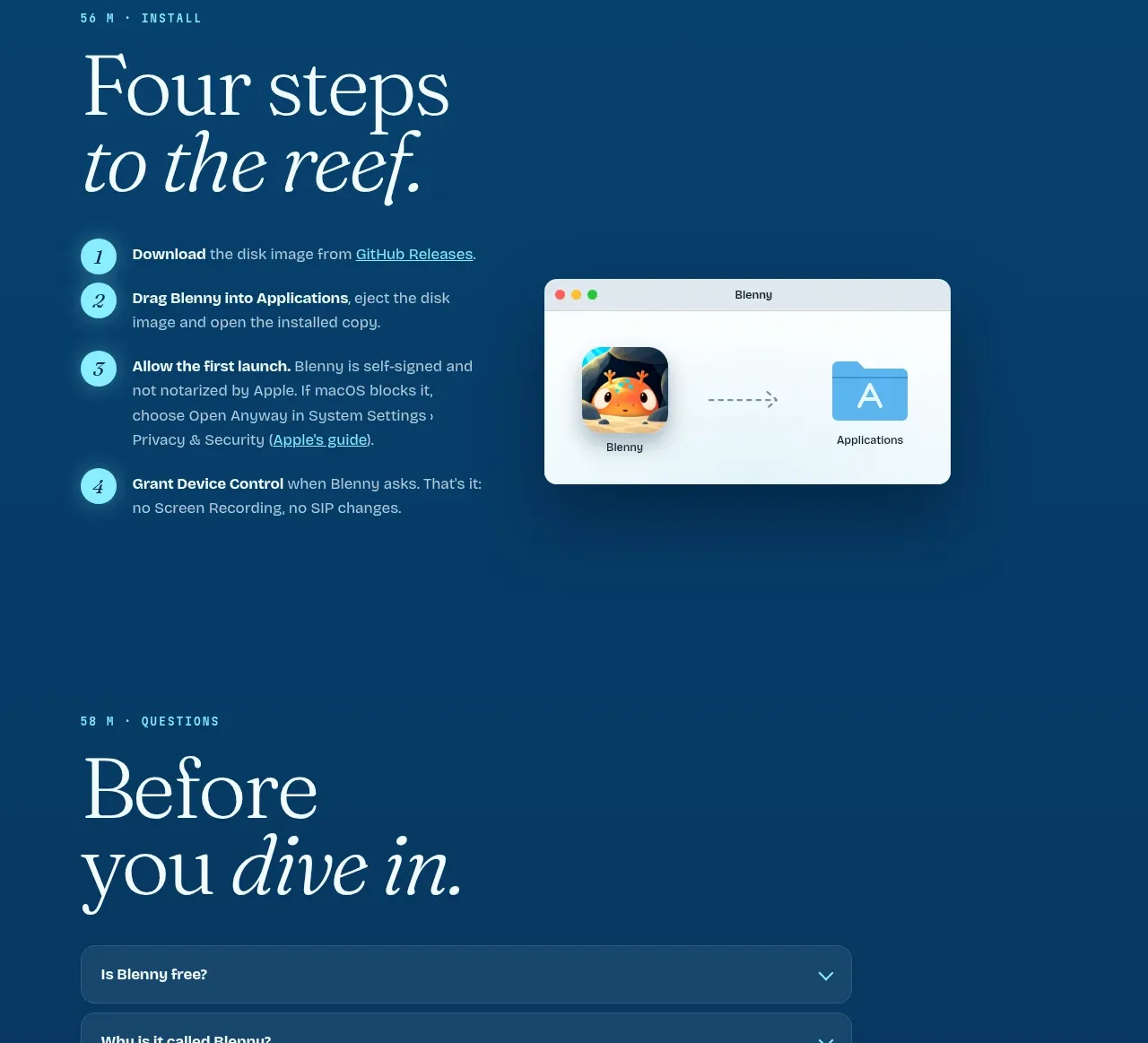
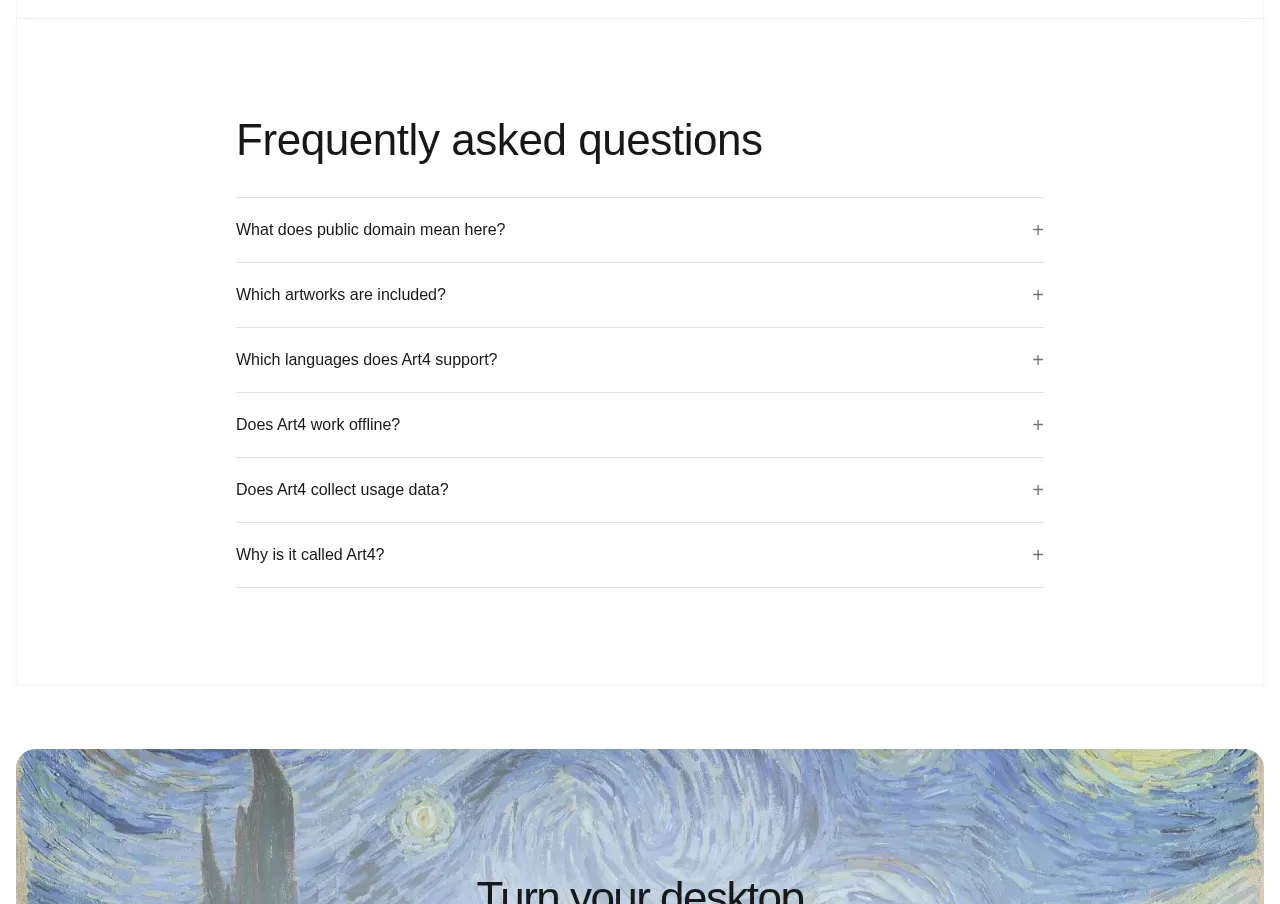
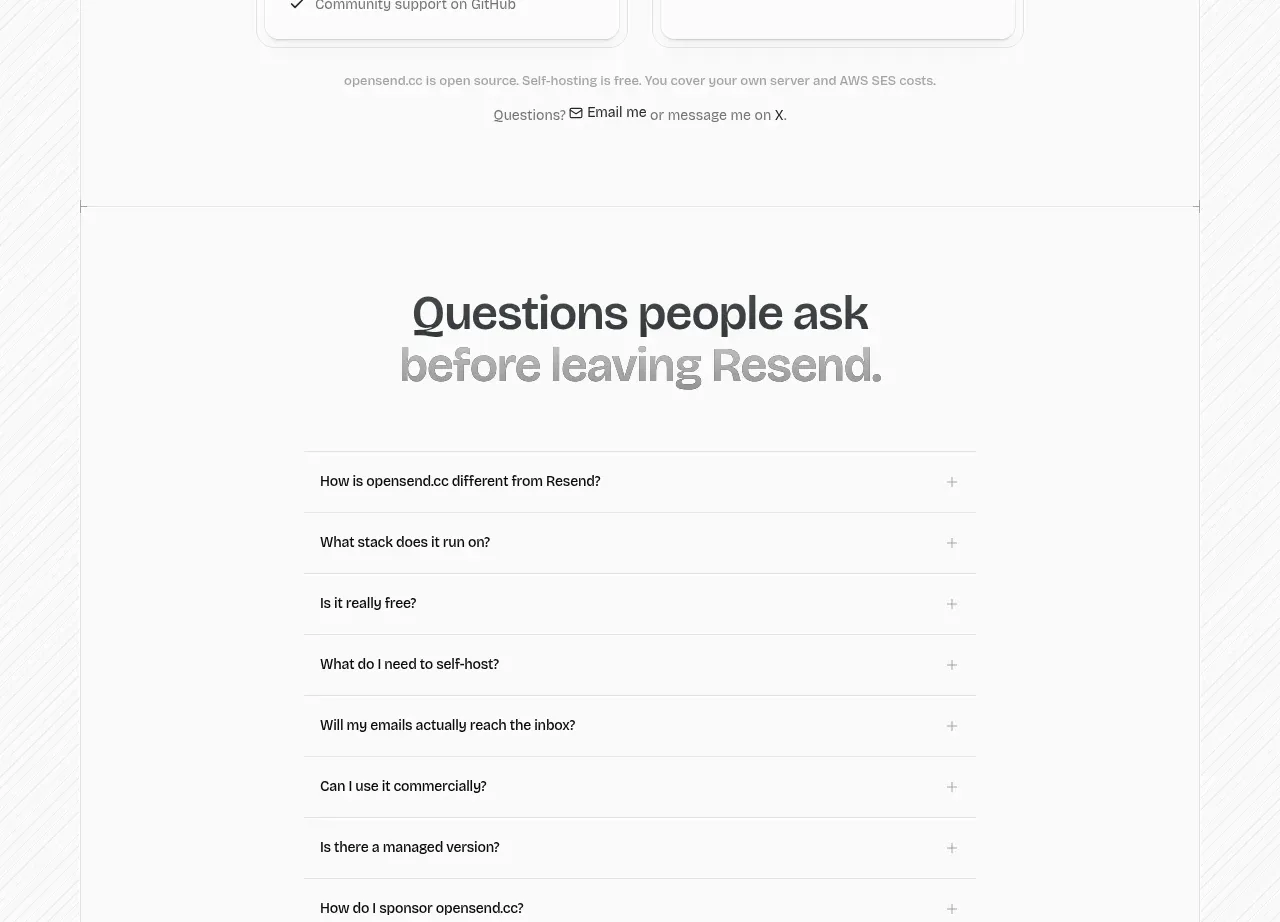
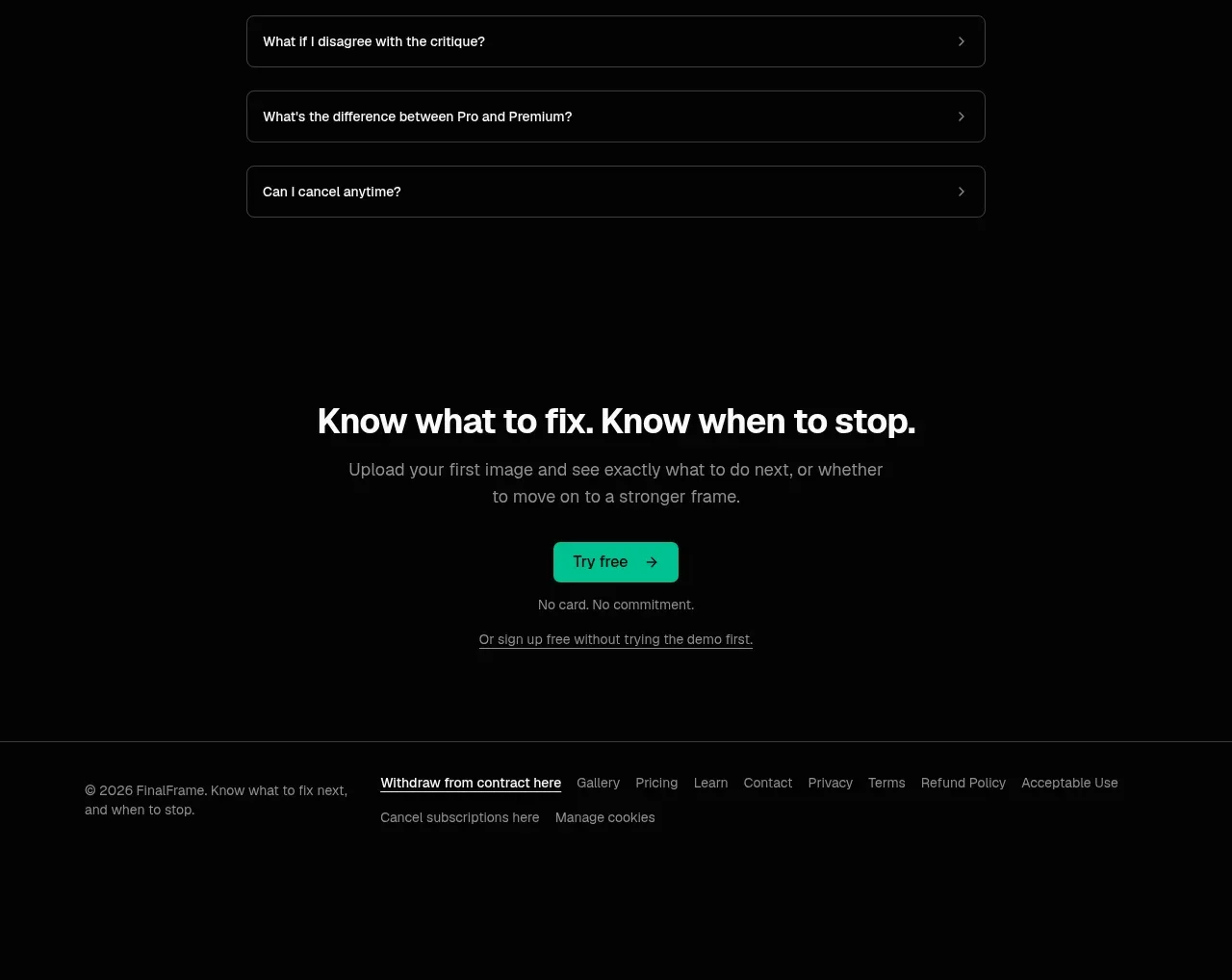
A narrow centered accordion presents common objections as individual bordered rows, keeping the section scannable and interaction-focused.
Prompt preview
## Reference images

Study these alongside the description below: hierarchy, rhythm, spacing, colour. Build for the product you are asked about, using this design language.

- Component: https://kage-design-assets.t3.tigrisfiles.io/components/finalframe/10bde091-c6ec-4ca8-aeab-6378e76e091a-1790402734-9.webp
- Full page it was cut from: https://kage-design-assets.t3.tigrisfiles.io/screenshots/finalframe/10bde091-c6ec-4ca8-aeab-6378e76e091a-1790402604641-full.webp
- Component on Kage: https://kage.design/component/finalframe-faq

## Before you start
Ask which objections, setup questions, privacy concerns, and billing questions users most often have. Use those real questions to populate an original FAQ.

Create a centered FAQ section on a dark background with a strong heading and a narrow max-width accordion beneath it. Use one bordered row per question, 10px radius, 12–16px vertical padding, and 14–16px gaps. Each row should contain the question on the left and a clear chevron or plus control on the right. Use #050505 background, #242826 borders, #f1f3f1 question text, #858b88 answers, and mint #08c99a for focus/open states. Animate height and icon rotation gently, allow only one item open if that keeps the interface focused, and ensure full keyboard and screen-reader support. Keep answers concise and avoid a wall of text.

Never: use logos, product names, copy, illustrations, or imagery from the reference.