kage
kage
finalframe.photo

Design analysis
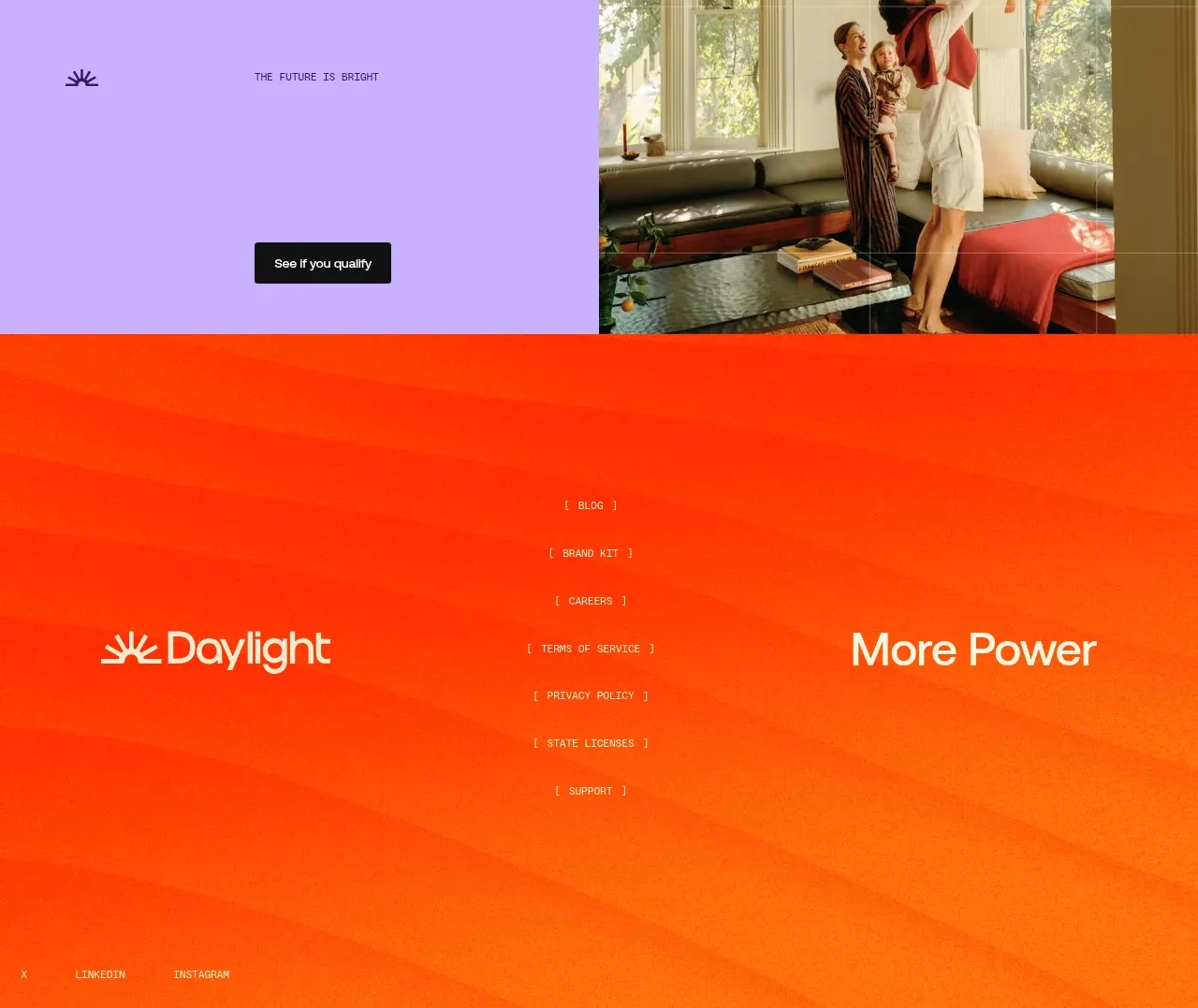
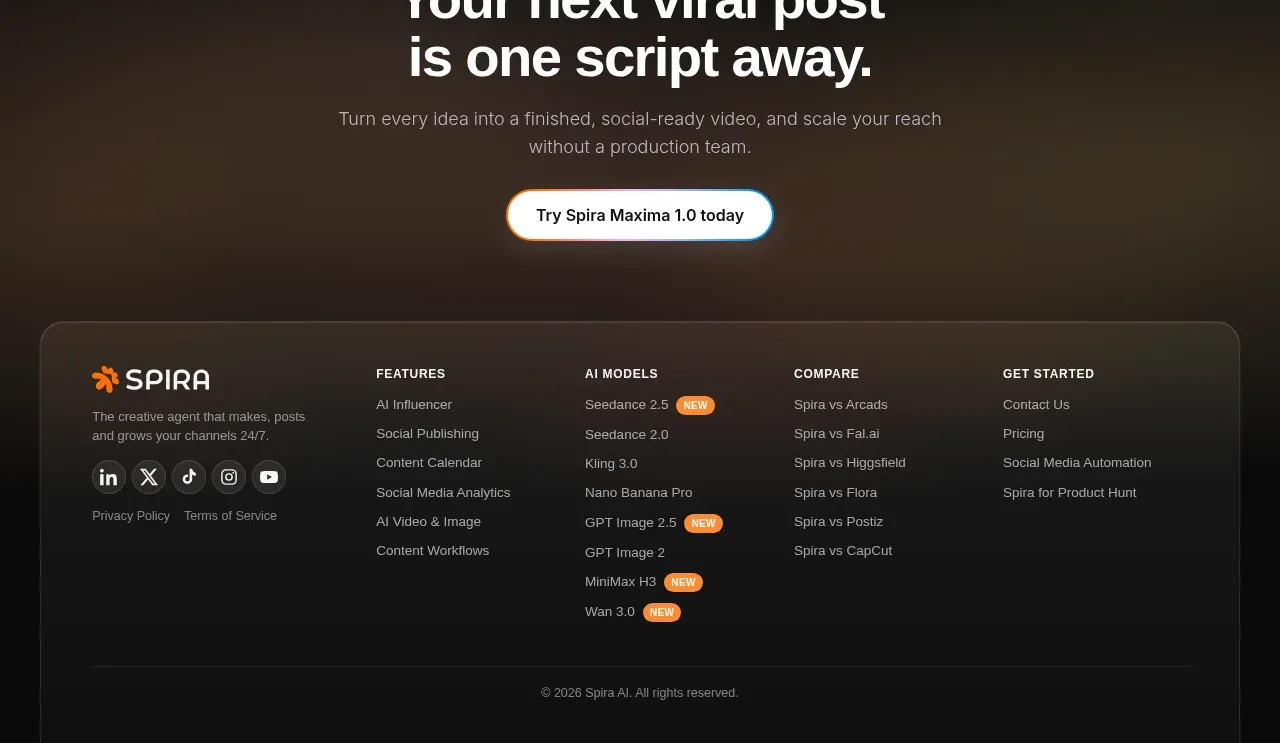
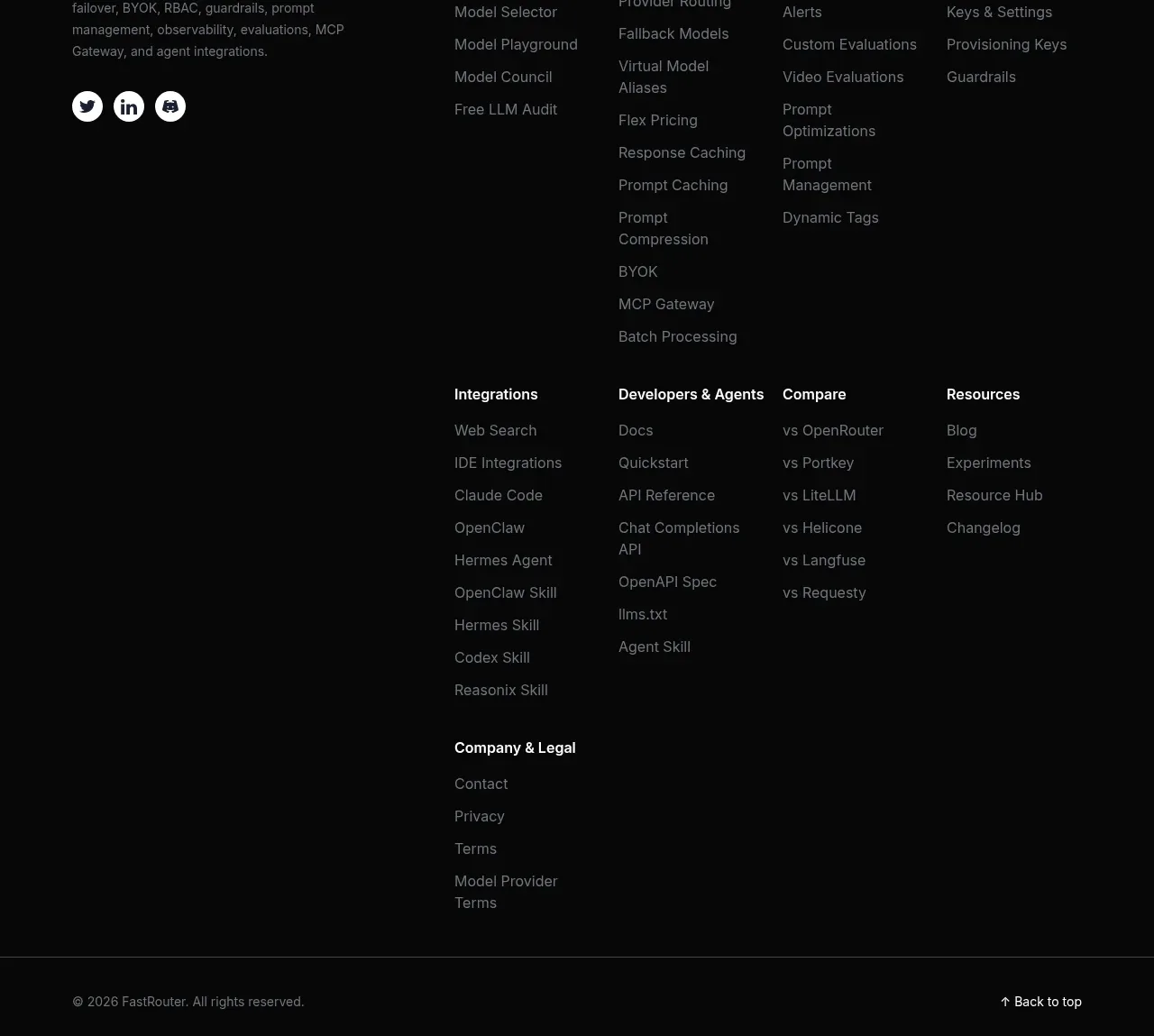
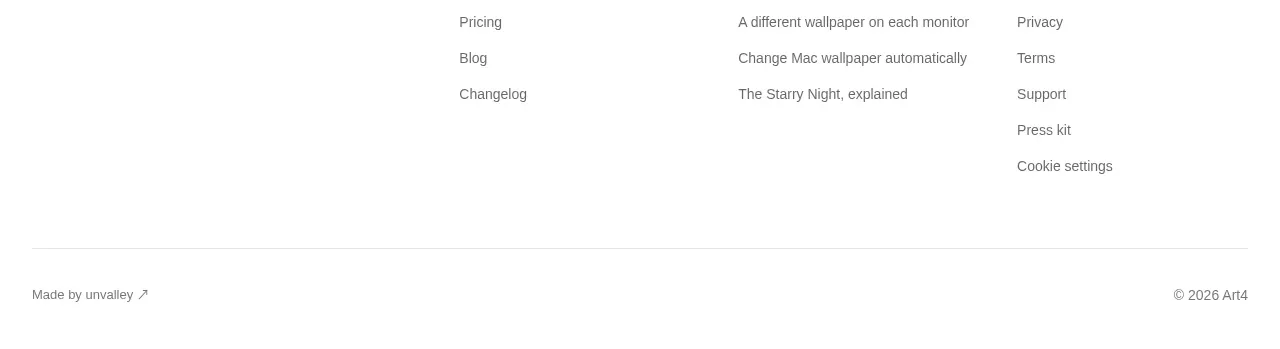
A restrained footer closes the page with copyright, product and legal links, and account or cookie-management utilities separated by a thin rule.
Prompt preview
## Reference images

Study these alongside the description below: hierarchy, rhythm, spacing, colour. Build for the product you are asked about, using this design language.

- Component: https://kage-design-assets.t3.tigrisfiles.io/components/finalframe/10bde091-c6ec-4ca8-aeab-6378e76e091a-1790402735-11.webp
- Full page it was cut from: https://kage-design-assets.t3.tigrisfiles.io/screenshots/finalframe/10bde091-c6ec-4ca8-aeab-6378e76e091a-1790402604641-full.webp
- Component on Kage: https://kage.design/component/finalframe-footer

## Before you start
Ask what legal pages, support links, account controls, and company information the user's product requires. Organize only the relevant destinations.

Create a minimal dark footer separated from the CTA by a 1px #252826 rule. Use a max-width row with a small copyright or product description on the left and compact groups of product, legal, support, and account-management links on the right. Use 11–13px muted gray text (#777d7a), brighten links to #c5cbc7 on hover, and keep spacing generous enough to scan without looking like a navigation bar. Allow the layout to wrap into stacked groups on small screens. Maintain the same #050505 background and avoid adding visual clutter.

Never: use logos, product names, copy, illustrations, or imagery from the reference.