kage
kage
flowoapp.com
Design analysis
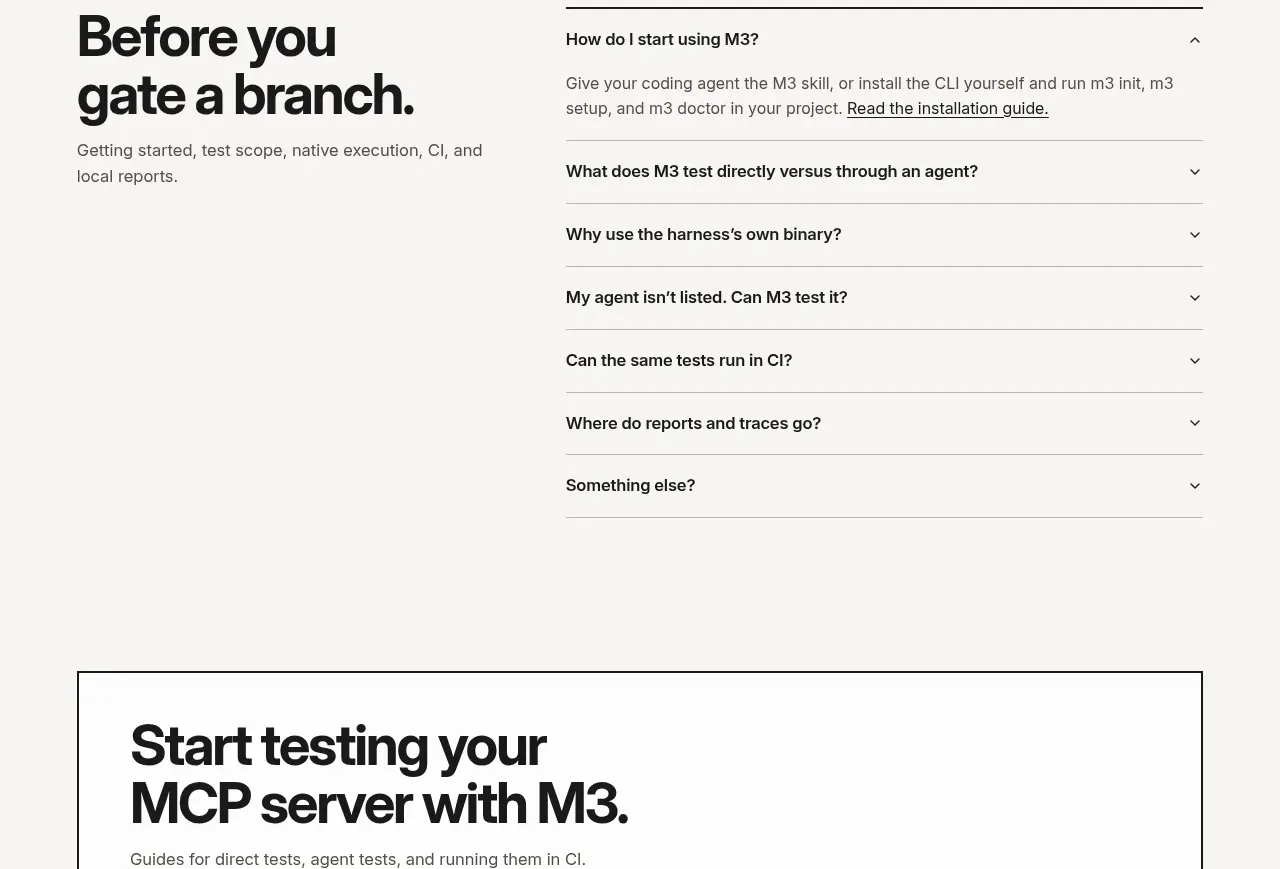
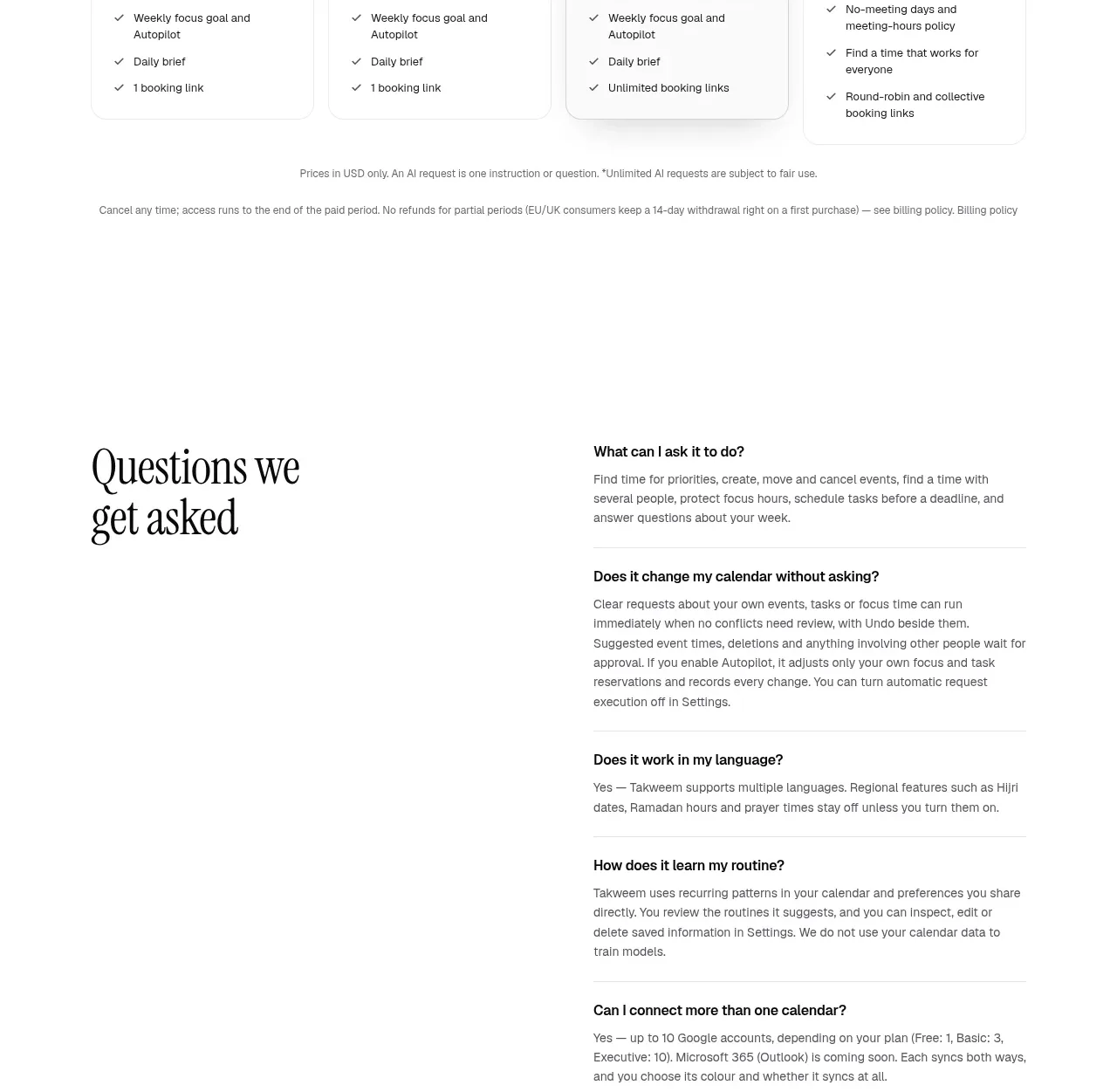
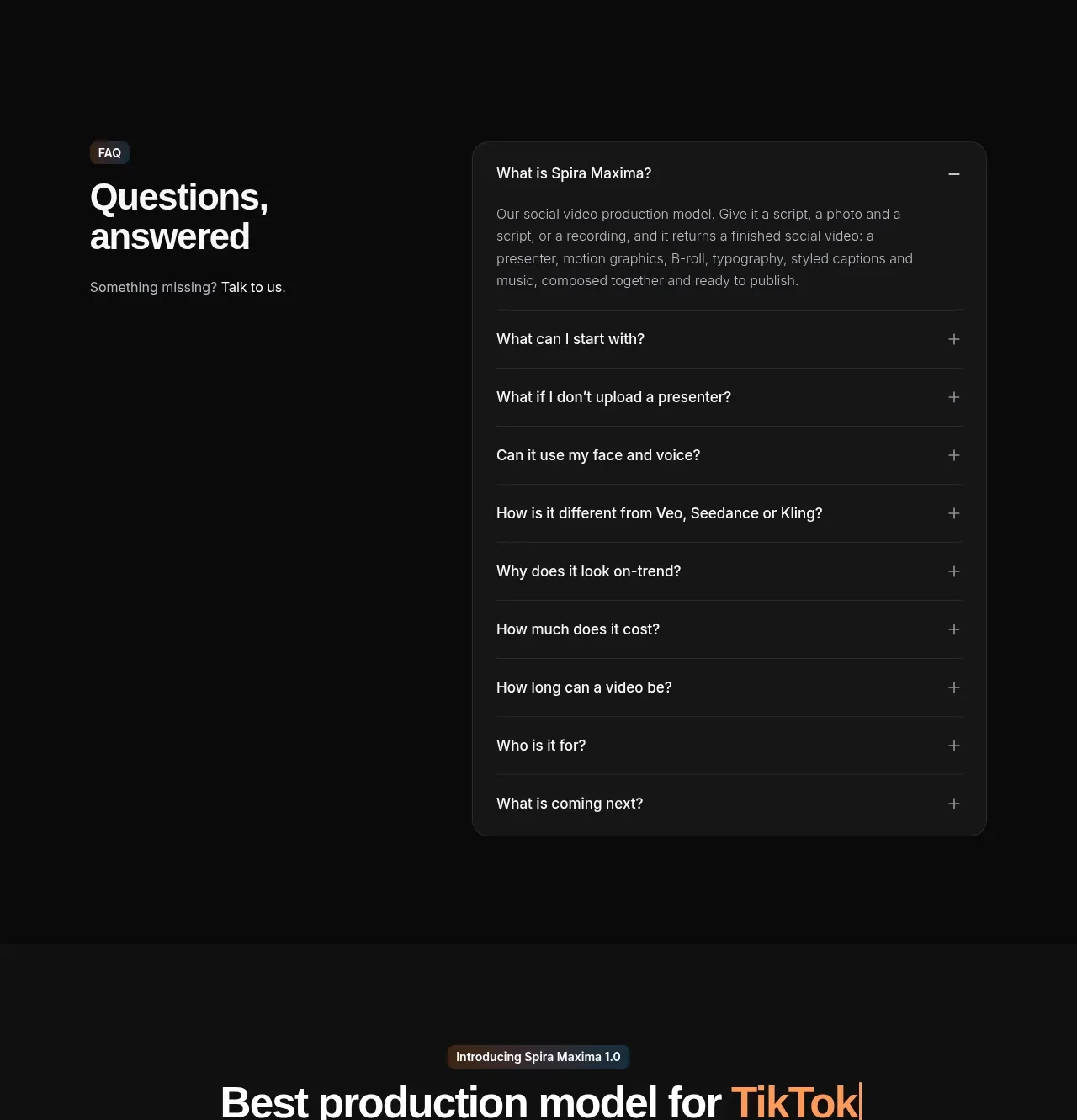
A prominent FAQ heading introduces a vertically divided accordion with one expanded answer and multiple collapsed questions.
Prompt preview
## Reference images

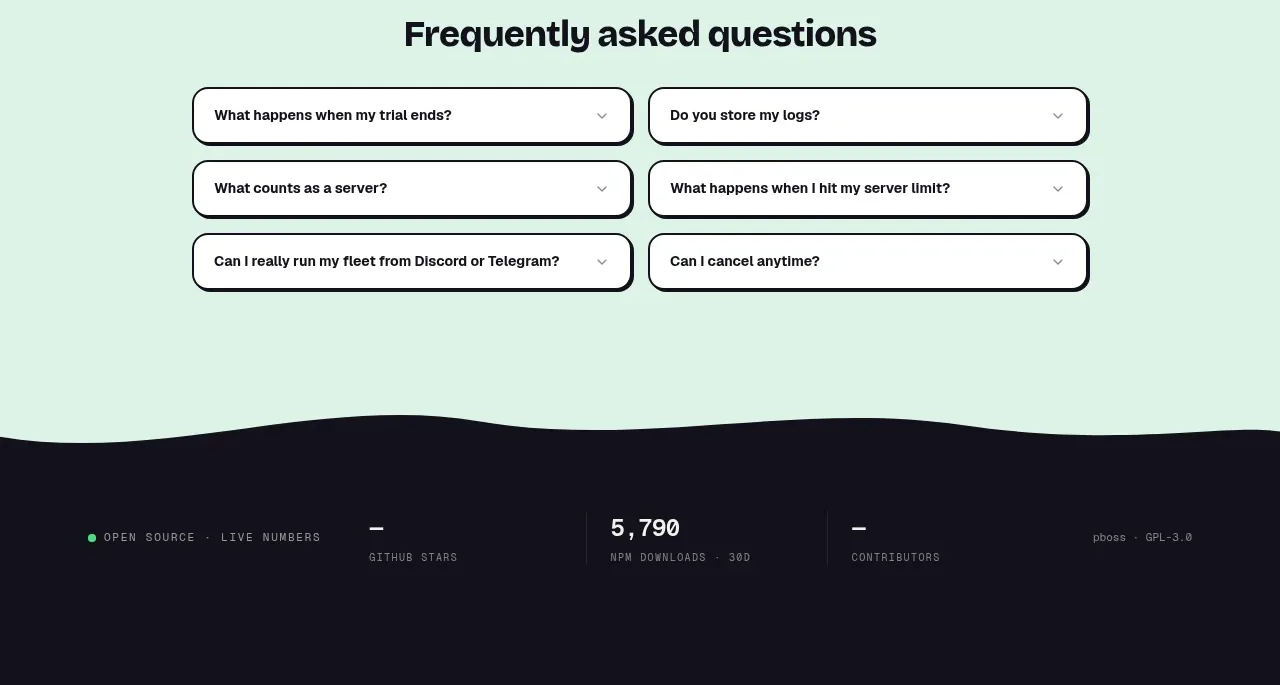
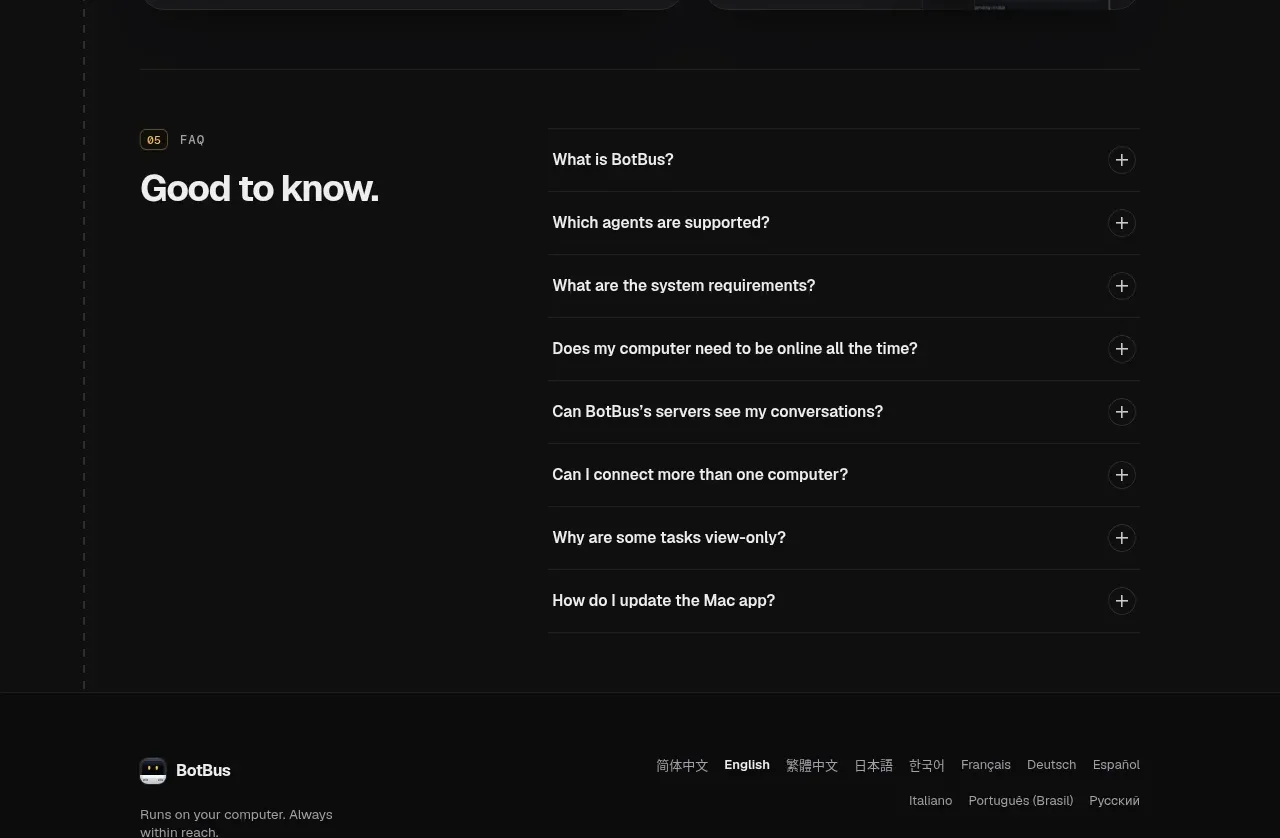
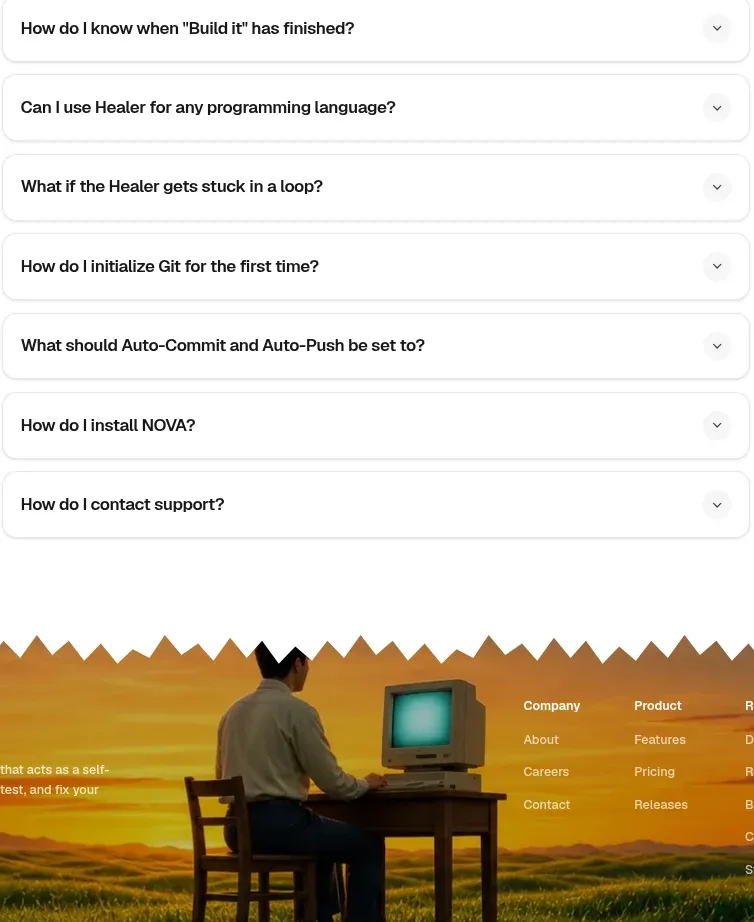
Study these alongside the description below: hierarchy, rhythm, spacing, colour. Build for the product you are asked about, using this design language.

- Component: https://kage-design-assets.t3.tigrisfiles.io/components/flowo/46dcd8ed-31a5-4fb1-ab3b-3d3a2b966cfb-1791439604-9.webp
- Full page it was cut from: https://kage-design-assets.t3.tigrisfiles.io/screenshots/flowo/46dcd8ed-31a5-4fb1-ab3b-3d3a2b966cfb-1791439391035-full.webp
- Component on Kage: https://kage.design/component/flowo-faq

## Before you start
Ask which questions users repeatedly ask about the user's product, including availability, pricing, privacy, support, and limitations. Use original questions and honest answers.

Build an accessible FAQ section with a strong heading and a single-column accordion. Keep rows easy to scan, make the open state unmistakable, and use concise answers that reduce uncertainty before conversion.

- Use a centered max-width around 400–500px with a large 34–48px heading.
- Render each row with 16–18px semibold question text, 20–28px vertical padding, and 1px dividers in `#E5E5E1`.
- Use a small plus/minus control at the far right with a subtle circular hover background.
- Use black (`#111111`) text, muted gray (`#6F6F6F`) answers, and warm white (`#FAFAF8`) background.
- Animate height and icon rotation gently, but ensure the accordion works without motion and supports keyboard and screen readers.

Never use logos, product names, copy, illustrations, or imagery from the reference.