kage
kage
flyweel.co
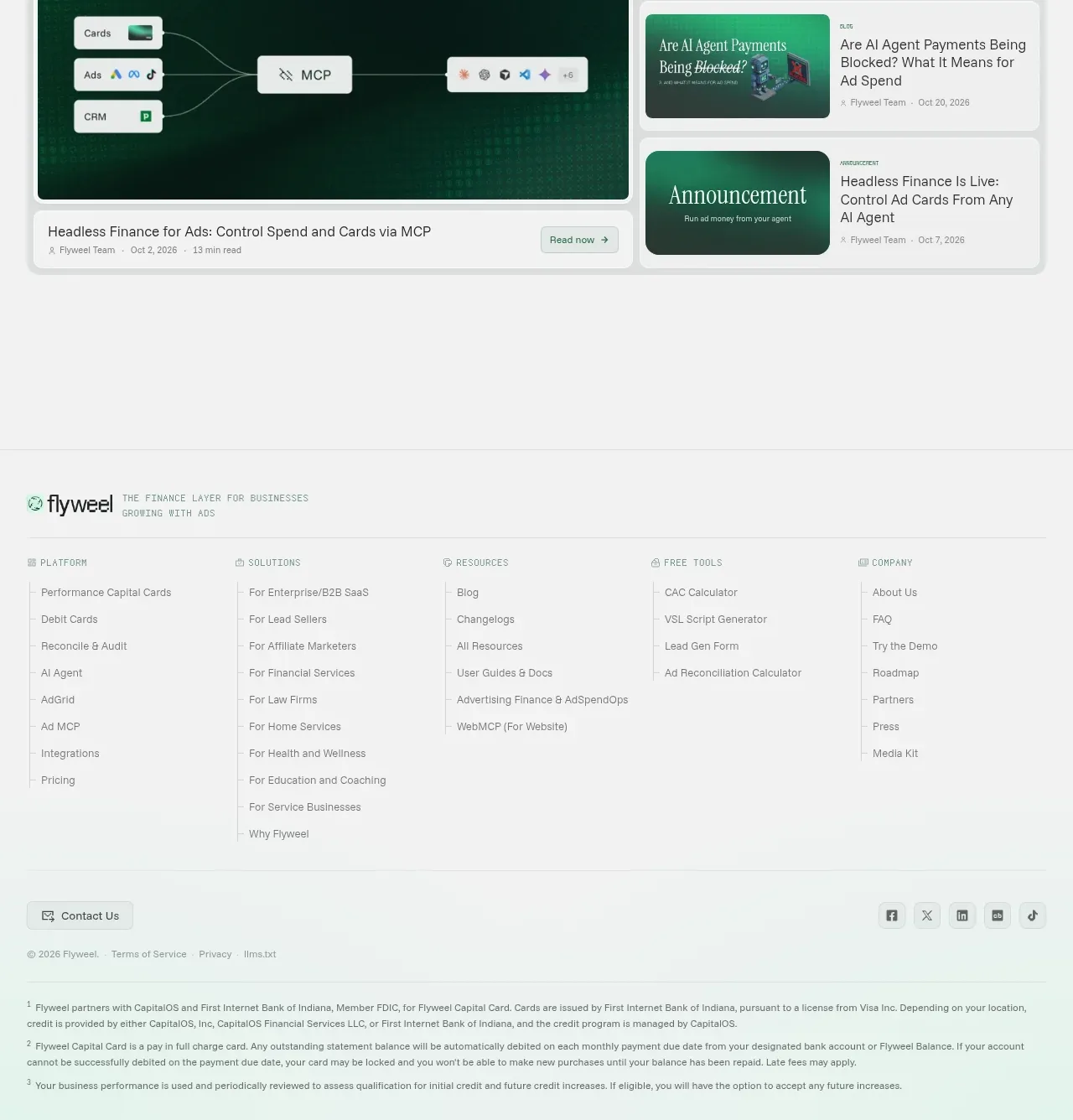
Design analysis
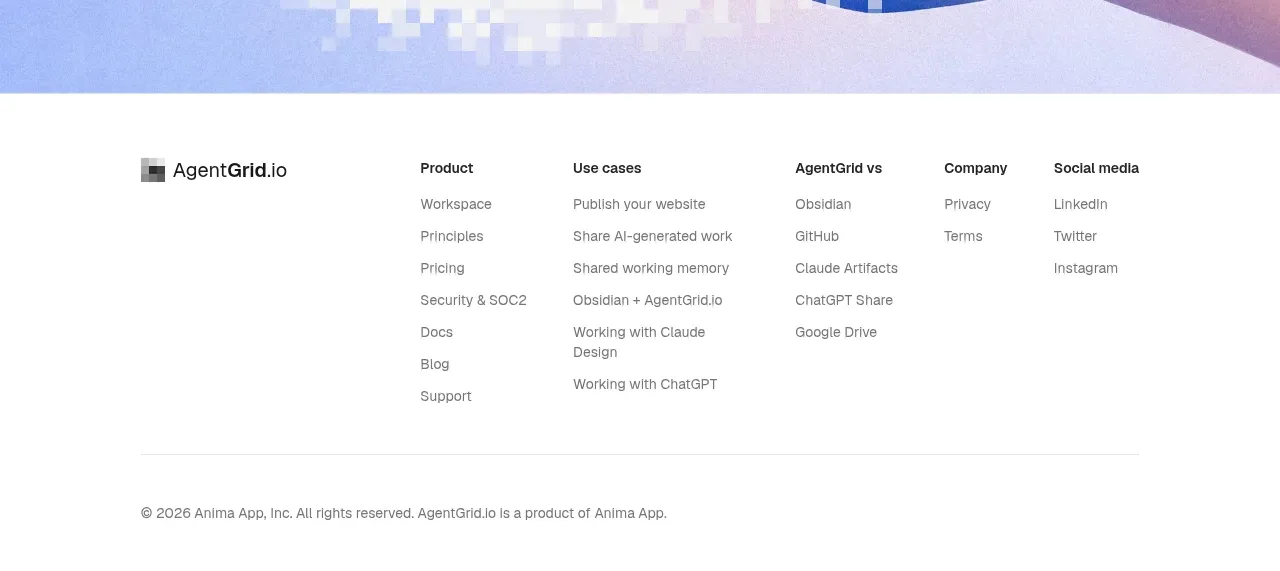
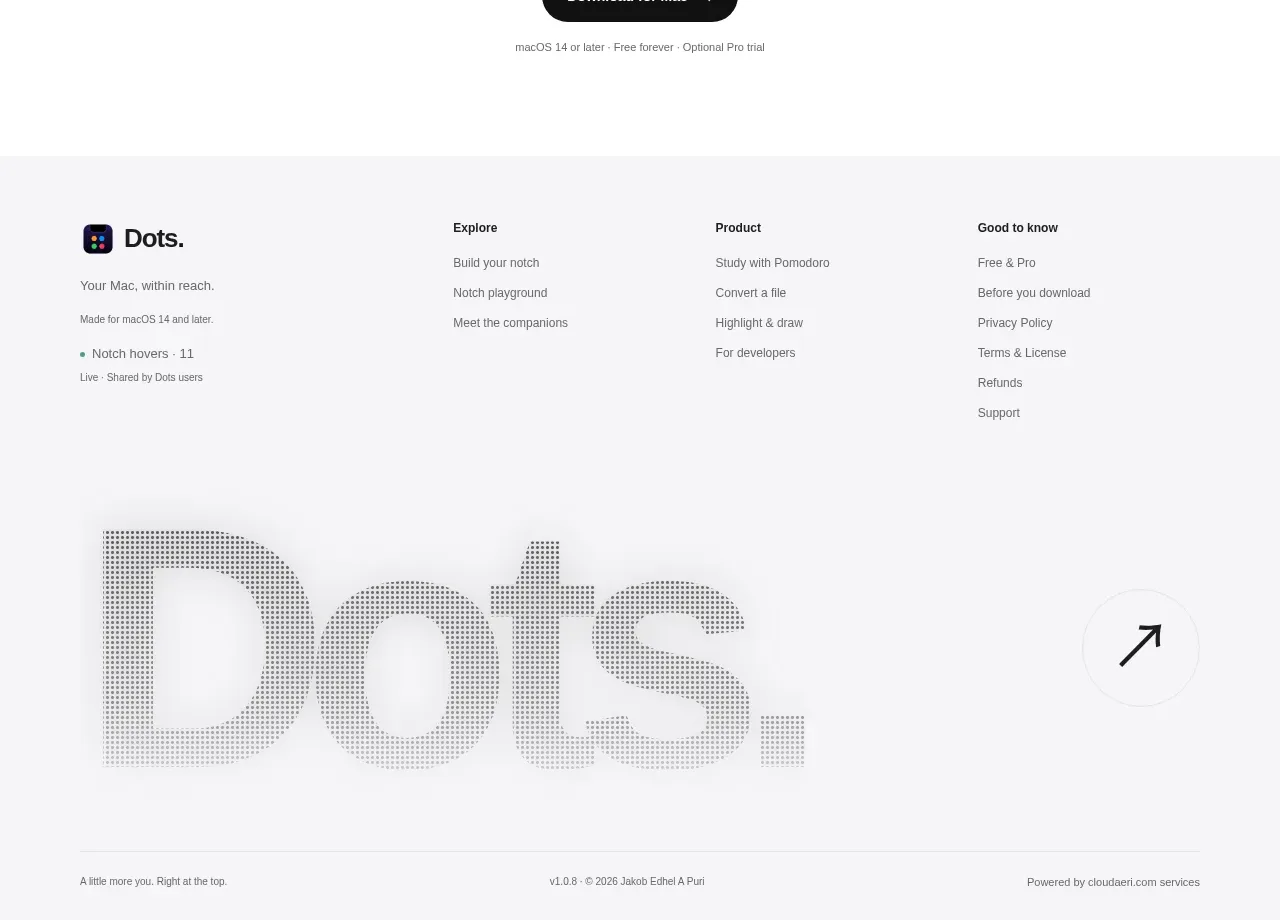
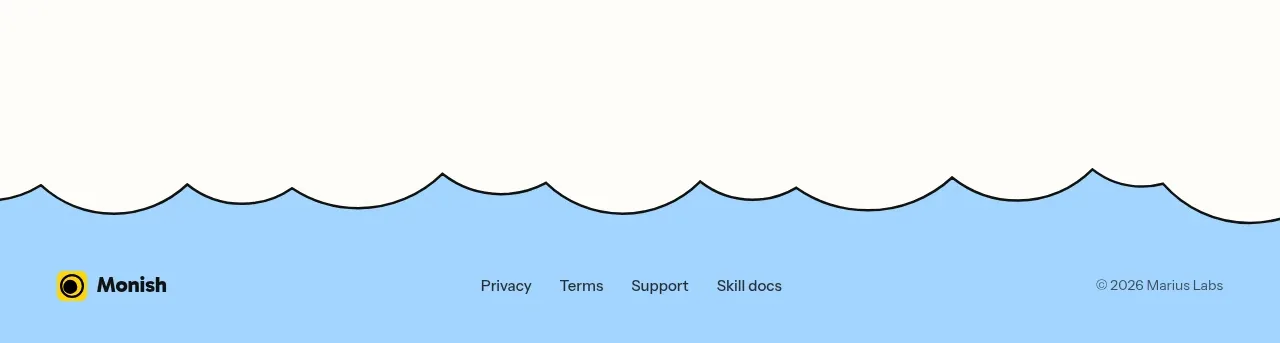
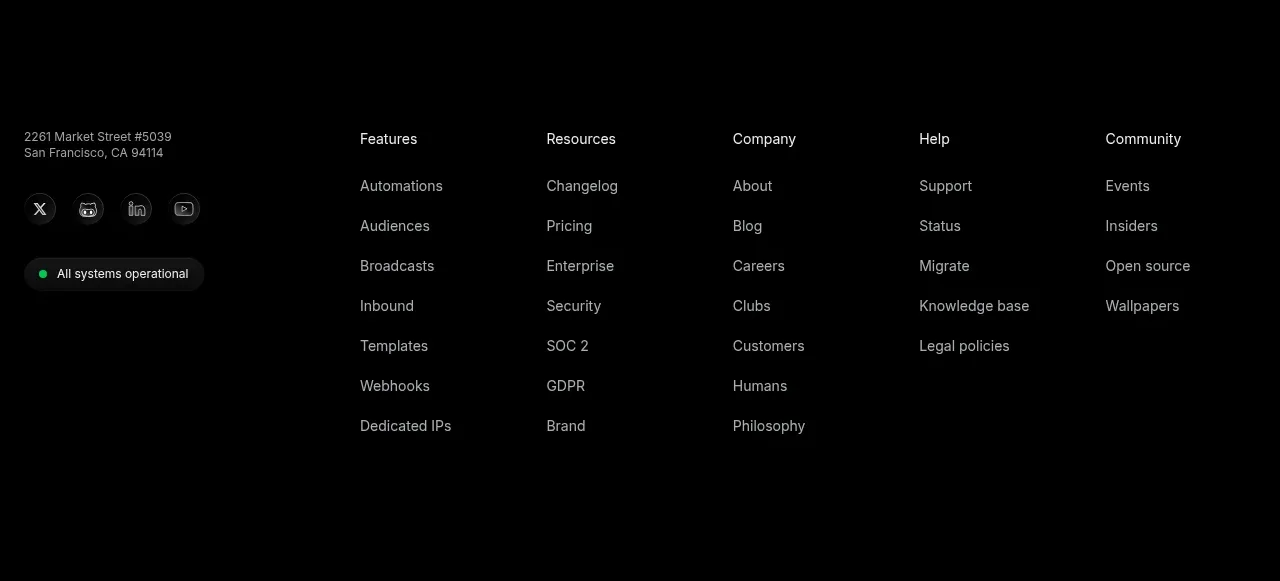
The footer combines a brand descriptor, five grouped link columns, a contact action, social controls, legal links, and regulatory disclosures.
Prompt preview
## Reference images

Study these alongside the description below: hierarchy, rhythm, spacing, colour. Build for the product you are asked about, using this design language.

- Component: https://kage-design-assets.t3.tigrisfiles.io/components/flyweel/865e3c33-9e14-4c9c-942f-392b2bfd1af5-1792649015-9.webp
- Full page it was cut from: https://kage-design-assets.t3.tigrisfiles.io/screenshots/flyweel/865e3c33-9e14-4c9c-942f-392b2bfd1af5-1792648958364-full.webp
- Component on Kage: https://kage.design/component/flyweel-footer

## Before you start
Ask what the user's product and brand are, then apply the principles below to that context rather than reproducing this reference.

Create a spacious site footer on an off-white background (#f4f7f5). Start with a top row containing a small brand mark placeholder and a one-line descriptor, separated from the navigation by a thin rule. Use five evenly distributed link columns with tiny uppercase headings and muted 13px links; include platform, solutions, resources, tools, and company groupings appropriate to the user's product. Below, add a contact button, social icon buttons, a legal row, and a final block of small-print disclosures separated by another rule. Use 56–72px horizontal padding on desktop, 24px on mobile, 12px radii, and accessible focus states. Collapse columns into accordions or stacked groups on small screens.

Never: use logos, product names, copy, illustrations, or imagery from the reference.