kage
kage
formabledocs.com
Design analysis
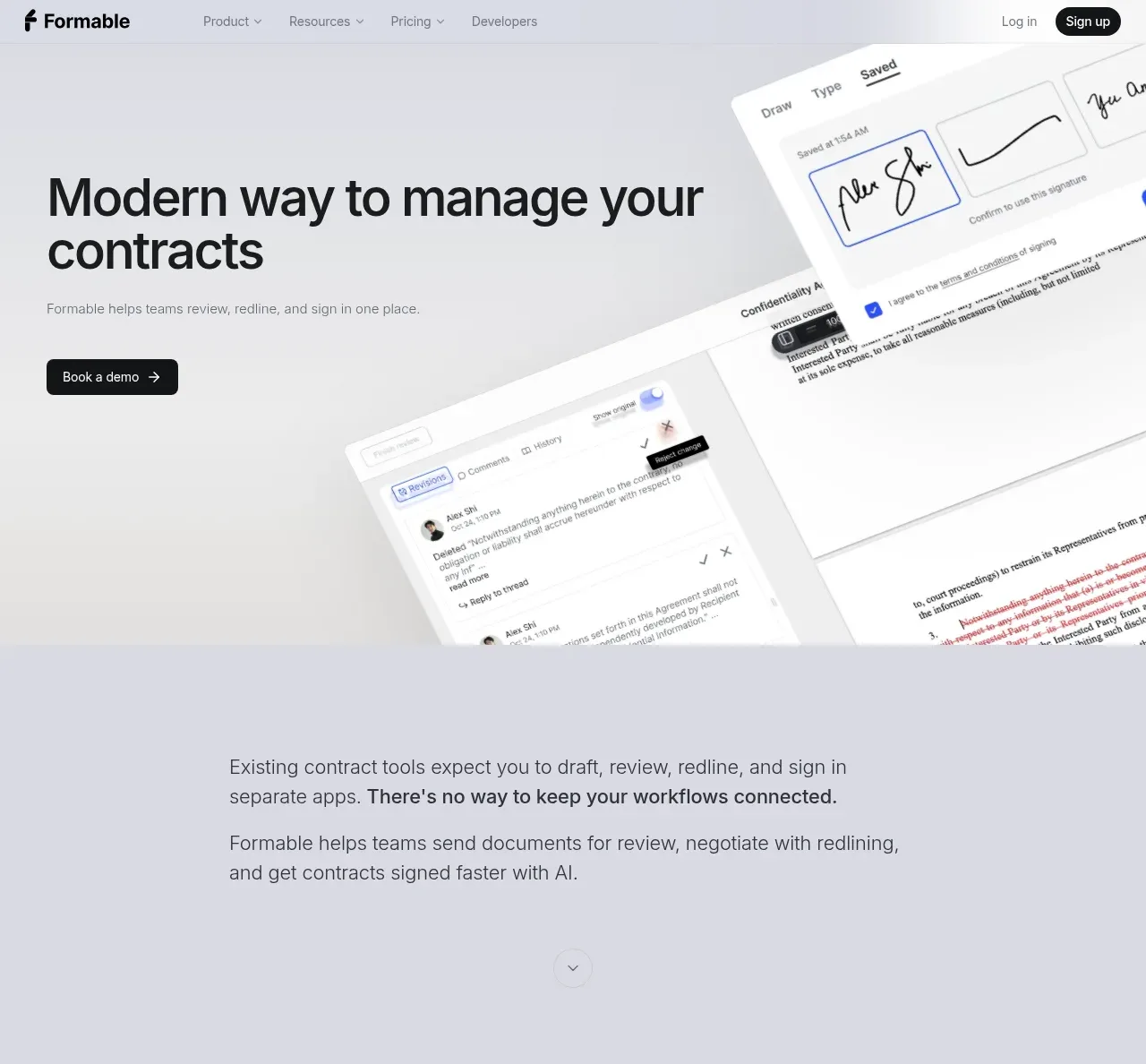
The hero pairs a large two-line value proposition and a single dark demo CTA with an oversized angled product interface that makes the workflow tangible immediately.
Prompt preview
## Reference images

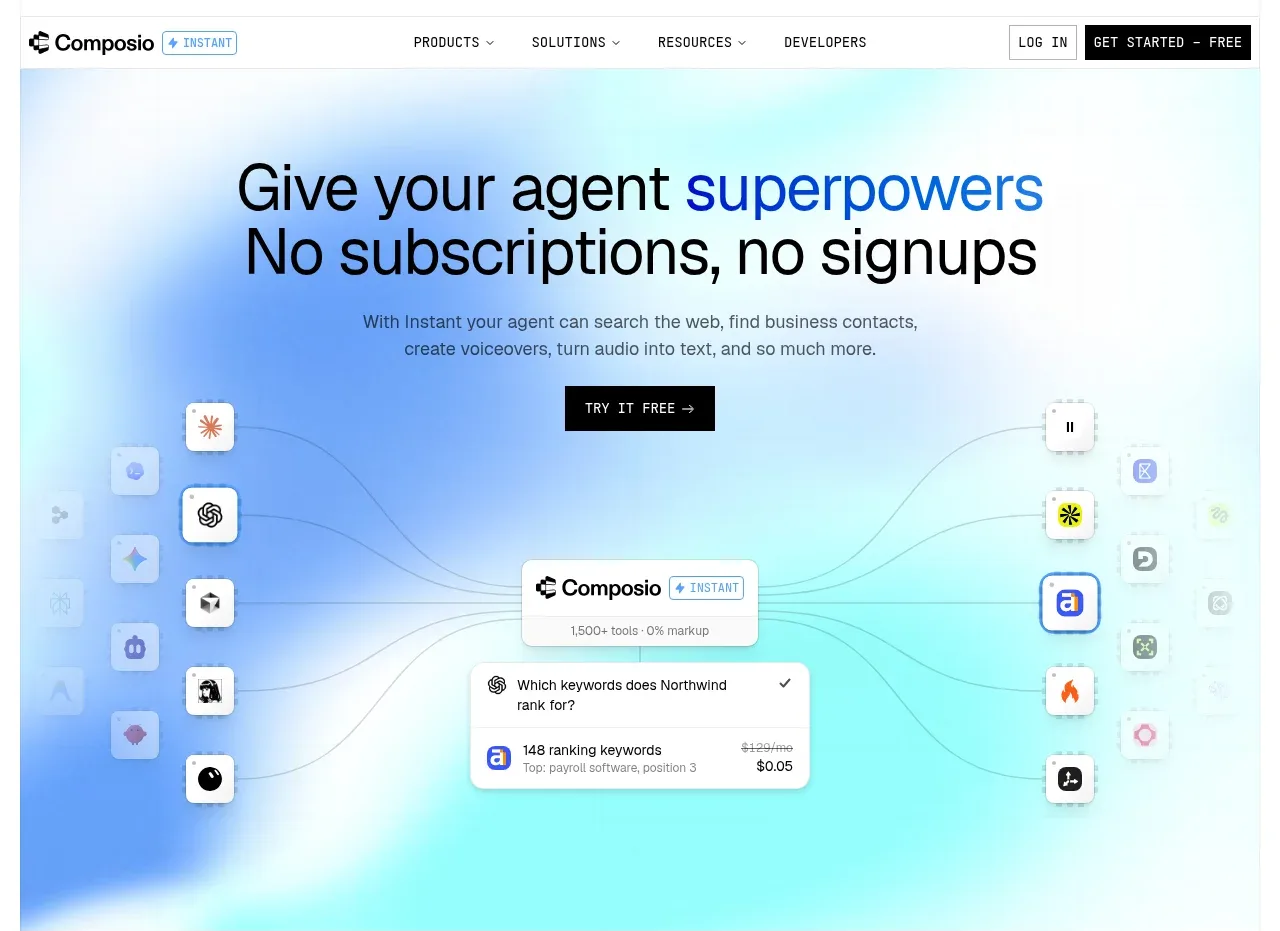
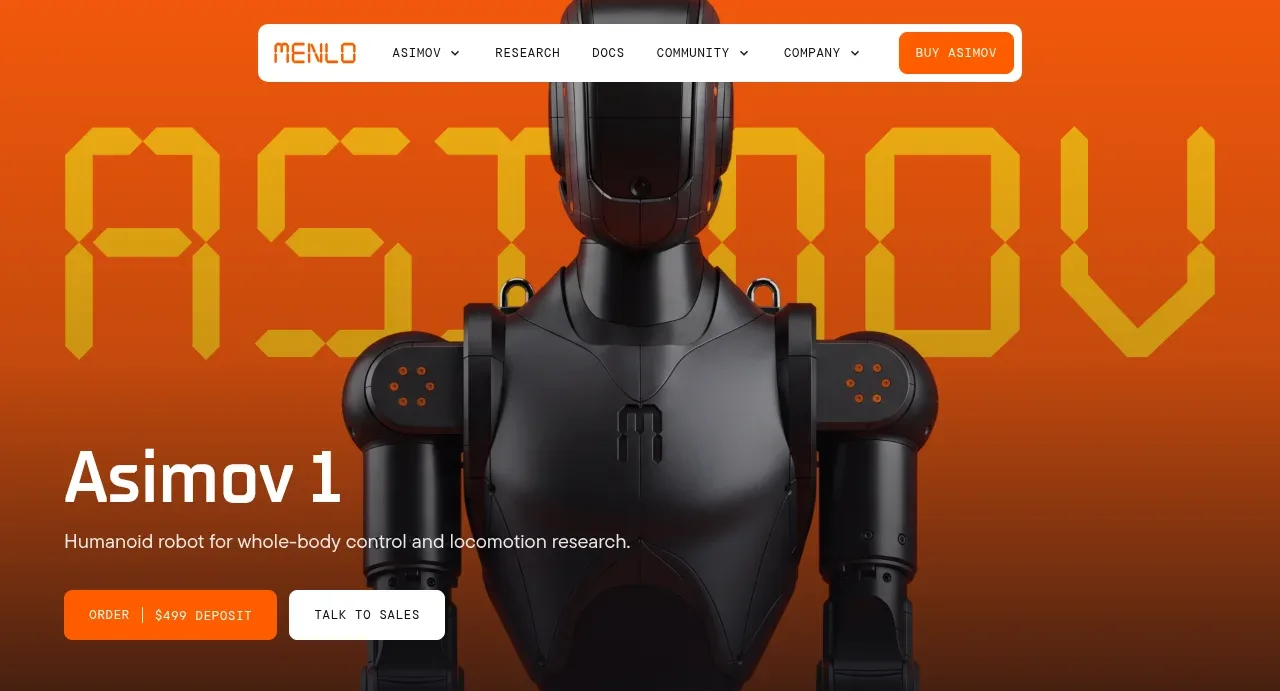
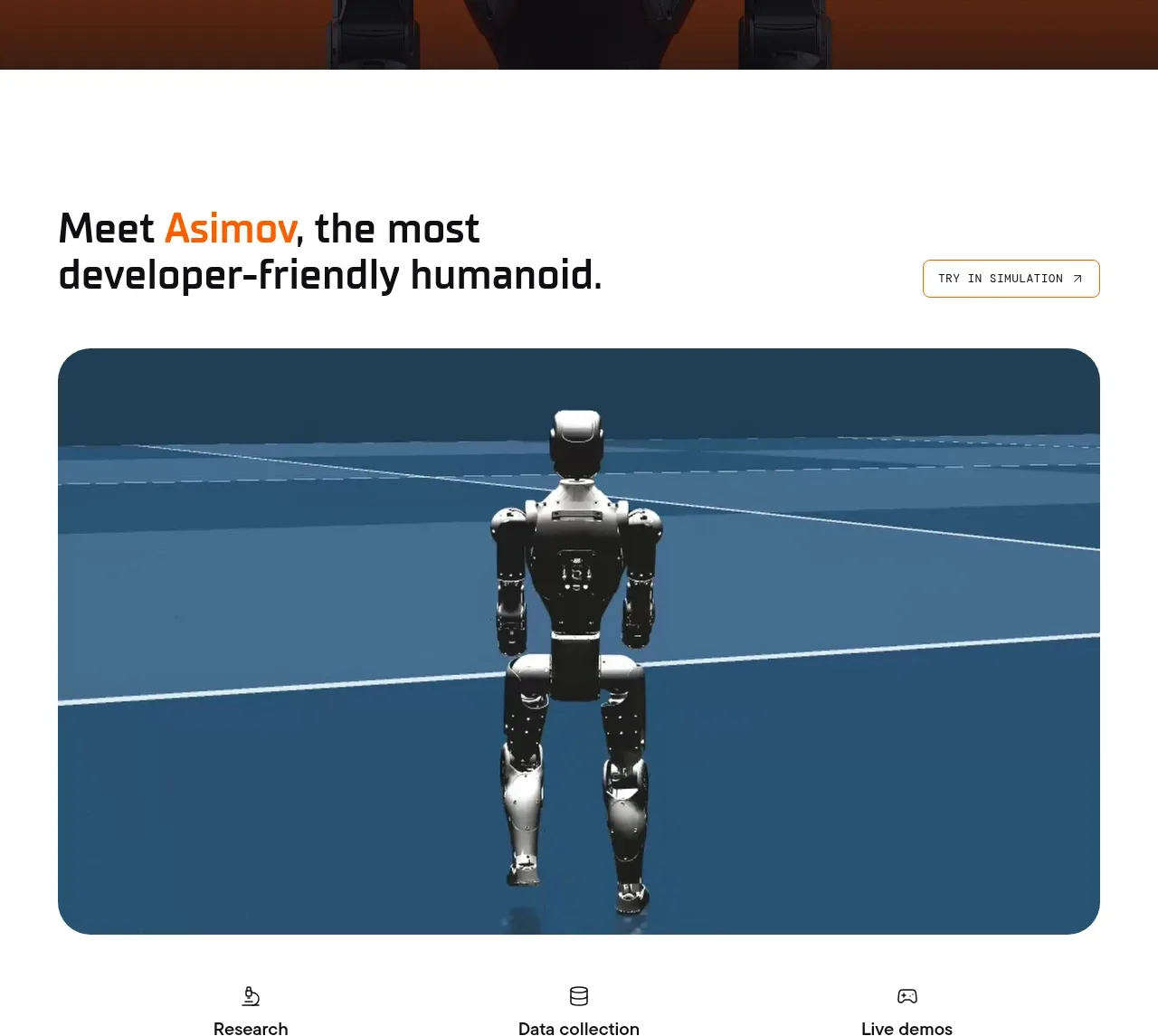
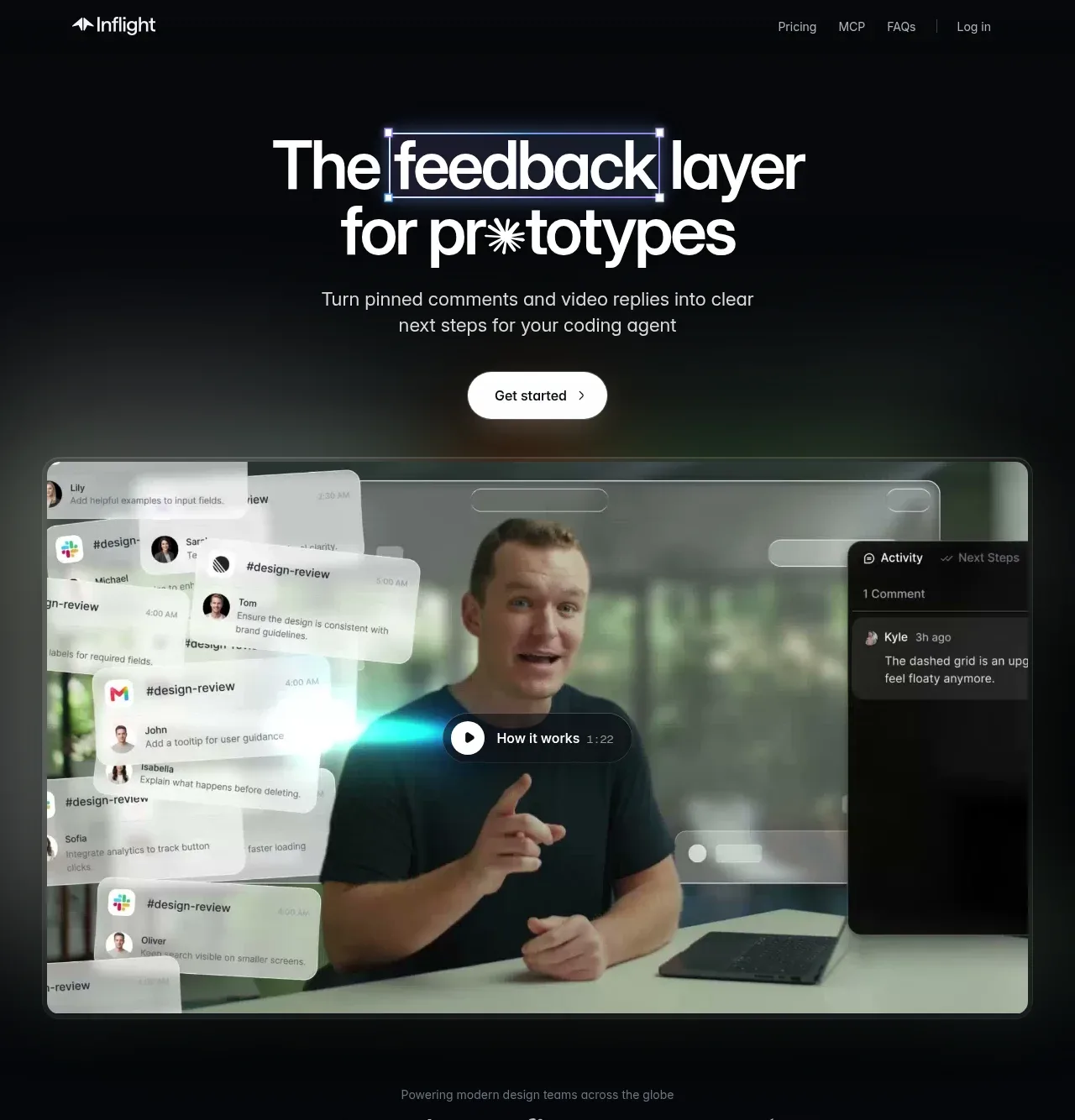
Study these alongside the description below: hierarchy, rhythm, spacing, colour. Build for the product you are asked about, using this design language.

- Component: https://kage-design-assets.t3.tigrisfiles.io/components/formabledocs-com/3108c64d-0f5a-4f45-931d-d27909065482-1792440520-1.webp
- Full page it was cut from: https://kage-design-assets.t3.tigrisfiles.io/screenshots/formabledocs-com/3108c64d-0f5a-4f45-931d-d27909065482-1792440481208-full.webp
- Component on Kage: https://kage.design/component/formabledocs-hero

## Before you start
Ask what the user's product, audience, and brand are, then apply the following principles to that product rather than reproducing the reference.

Create a spacious, full-width hero immediately below the navigation. Align the copy to a restrained left column: a large bold two-line headline, one short supporting sentence, and one dark pill-shaped CTA with an arrow. Let a large product UI visual occupy the upper-right and extend beyond the viewport or crop edge at a slight angle, creating depth without overwhelming the copy. Reserve substantial breathing room around the content and let the hero transition into the next section with a quiet blank area.

Use a pale cool gray/lilac background around #eeeef4, near-black headline text #121318, muted copy #777982, and a #111111 CTA with white type. Use a modern sans-serif with a 56–72px desktop headline, tight line-height around 0.95–1.0, 16px body text, and 16–18px button text. Keep the visual surface white with very subtle shadows and 10–16px radii. On smaller screens, stack copy above the visual and remove the rotation rather than causing horizontal scroll.

### Never
- Never copy logos, product names, copy, illustrations, or imagery from the reference.
- Never use a generic stock-photo hero when a product UI can communicate the value.
- Never add multiple competing CTAs.