kage
kage
framefields.dev
Design analysis
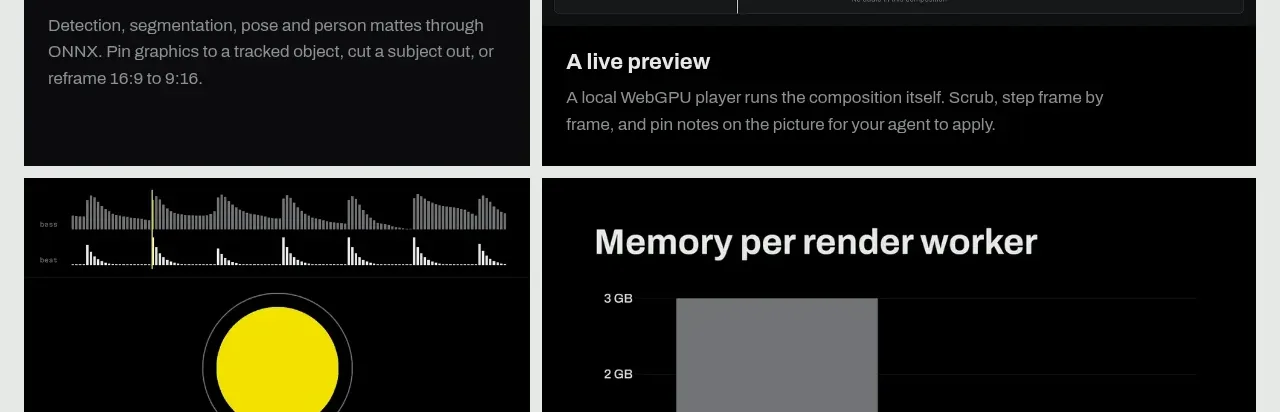
A compact follow-on module explains frame-by-frame motion while a wide visual strip demonstrates the changing output.
Prompt preview
## Reference images

Study these alongside the description below: hierarchy, rhythm, spacing, colour. Build for the product you are asked about, using this design language.

- Component: https://kage-design-assets.t3.tigrisfiles.io/components/framefields/70450159-6614-49a5-a5e2-7c6c30c81571-1792476188-4.webp
- Full page it was cut from: https://kage-design-assets.t3.tigrisfiles.io/screenshots/framefields/70450159-6614-49a5-a5e2-7c6c30c81571-1792476110643-full.webp
- Component on Kage: https://kage.design/component/framefields-card

## Before you start
Ask what motion, iteration, or before-and-after behavior the user's product should explain and what brand tone should guide it. Apply the principles below to that product rather than reproducing the reference.

Build a horizontal explanatory module with a short bold heading and paragraph on the left and a wide dark comparison strip on the right. The strip should show a sequence of small frames, labels, or a timeline so users understand progression at a glance. Use the same pale gray page background (`#eef1ef`), black typography, thin black rules, and a near-black media panel (`#080909`). Keep the module compact but give the visual enough height to inspect. Add subtle playback or hover behavior if the sequence is interactive, and stack the layout on mobile.

Never: use logos, product names, copy, illustrations, or imagery from the reference.