 kage
kage
framefields.dev
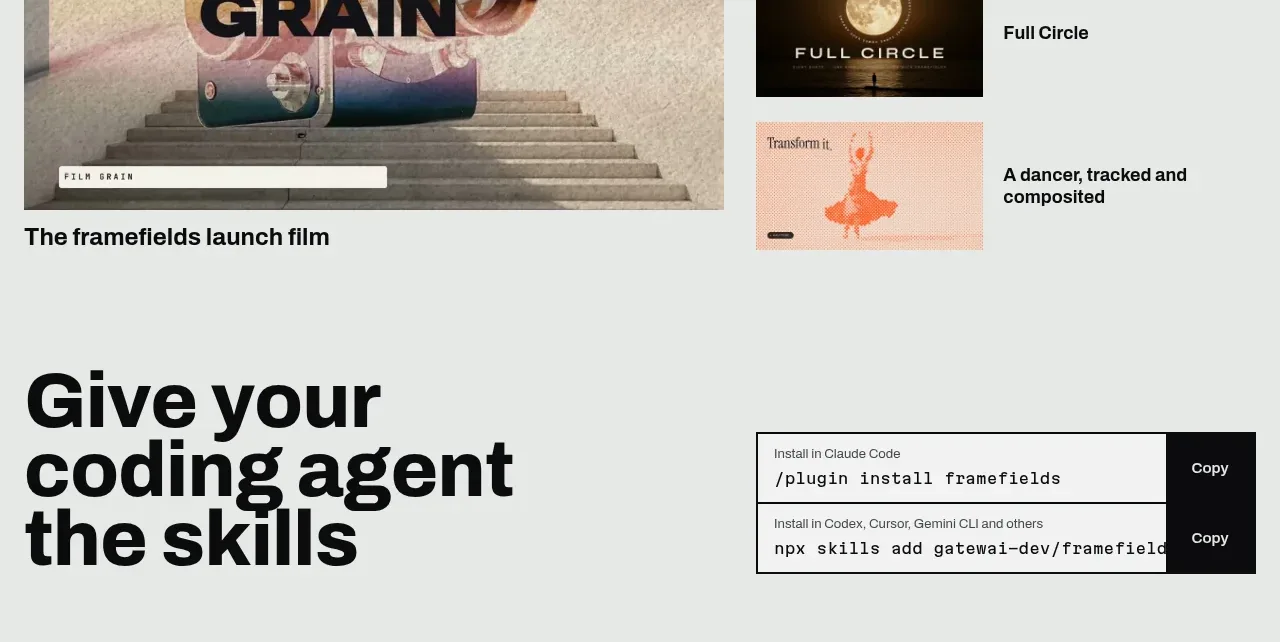
Design analysis
The closing conversion band repeats the strongest action in a simpler split layout: an oversized invitation on the left and install commands on the right.
Prompt preview
## Reference images

Study these alongside the description below: hierarchy, rhythm, spacing, colour. Build for the product you are asked about, using this design language.

- Component: https://kage-design-assets.t3.tigrisfiles.io/components/framefields/70450159-6614-49a5-a5e2-7c6c30c81571-1792476190-7.webp
- Full page it was cut from: https://kage-design-assets.t3.tigrisfiles.io/screenshots/framefields/70450159-6614-49a5-a5e2-7c6c30c81571-1792476110643-full.webp
- Component on Kage: https://kage.design/component/framefields-cta

## Before you start
Ask what action the user's product wants visitors to take, what installation method is appropriate, and how the brand should sound at the close. Apply the principles below to that product rather than reproducing the reference.

Create a final CTA on a pale cool-gray background (`#eef1ef`) with a large, tightly wrapped black headline on the left and a two-row install or signup control on the right. Repeat the command-row pattern only as a familiar conversion aid: small contextual label, monospace command, bordered light field, and a high-contrast black action button. Keep the layout spacious and aligned to the page grid, with a thin black rule defining the footer boundary. Make buttons accessible, show copy success feedback, and stack the columns below tablet width.

Never: use logos, product names, copy, illustrations, or imagery from the reference.
More components
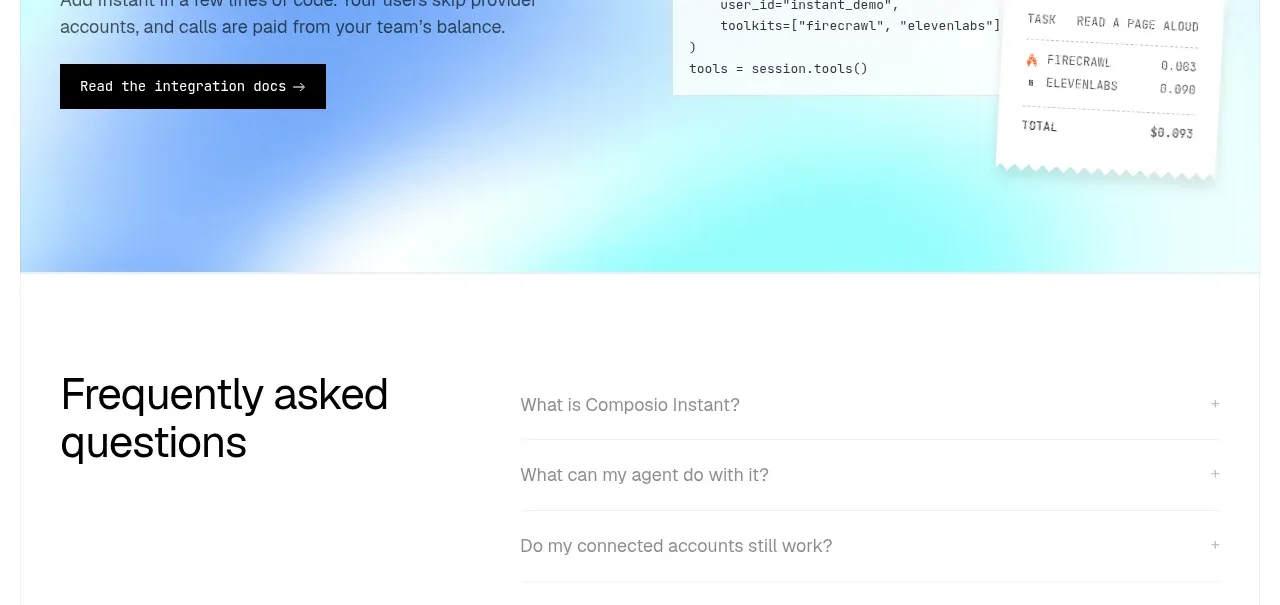
 Developer integration CTA
Composio Instant · Call to action
Developer integration CTA
Composio Instant · Call to action
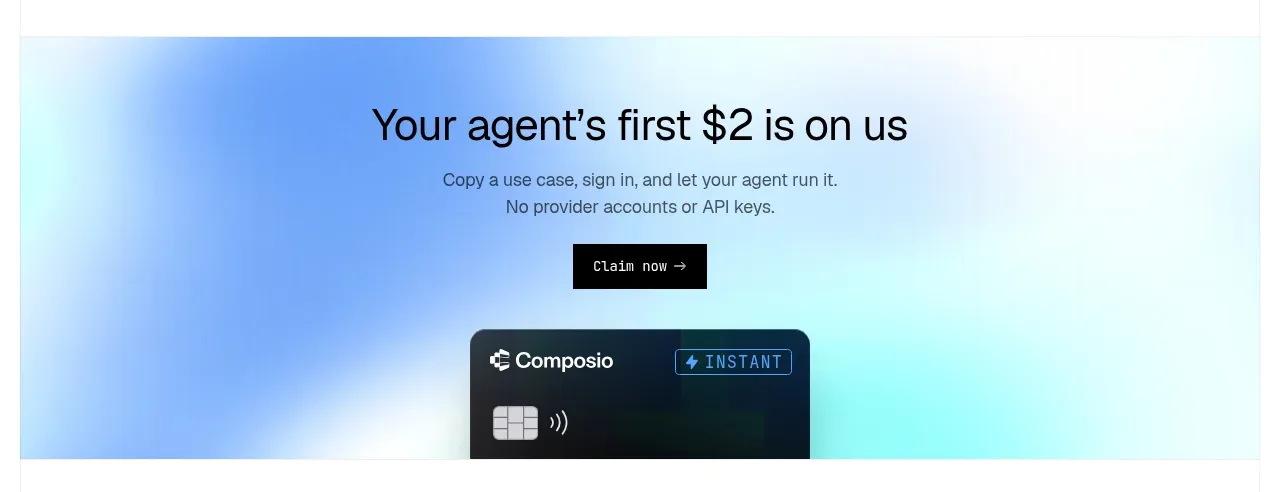 First-use credit CTA
Composio Instant · Call to action
First-use credit CTA
Composio Instant · Call to action
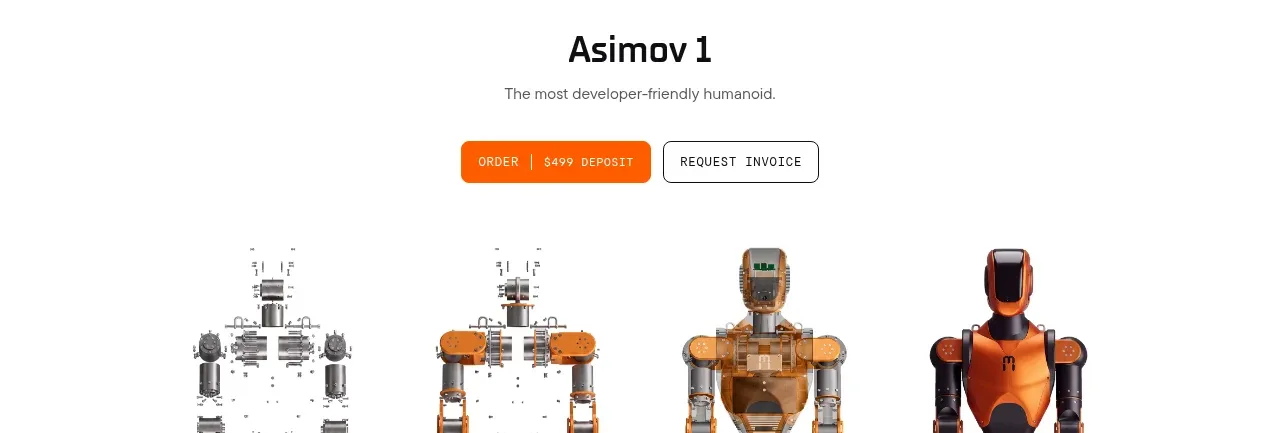
 Product purchase call to action
Asimov 1 · Call to action
Product purchase call to action
Asimov 1 · Call to action

 Final conversion panel
Inflight · Call to action
Final conversion panel
Inflight · Call to action
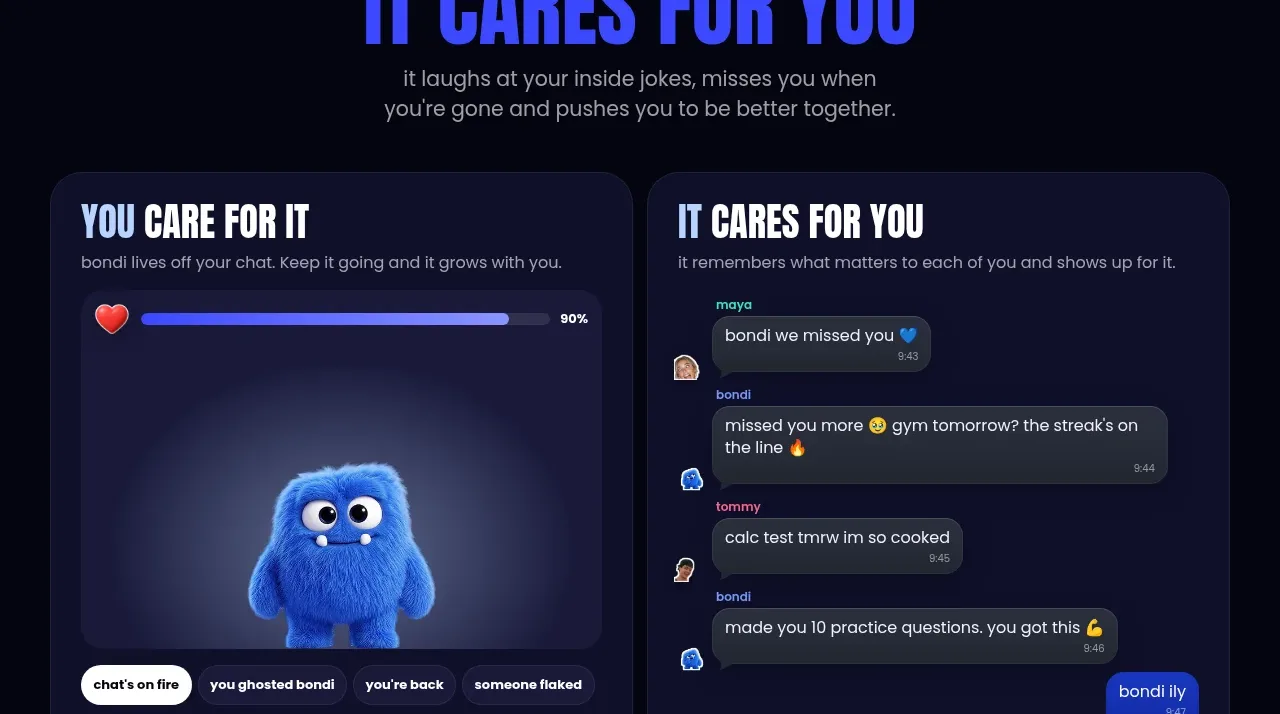
 Download and start CTA
bonds · Call to action
Download and start CTA
bonds · Call to action

 Cloud to self-hosted switch
OpenShip Cloud · Call to action
Cloud to self-hosted switch
OpenShip Cloud · Call to action