kage
kage
ilha.app

Design analysis
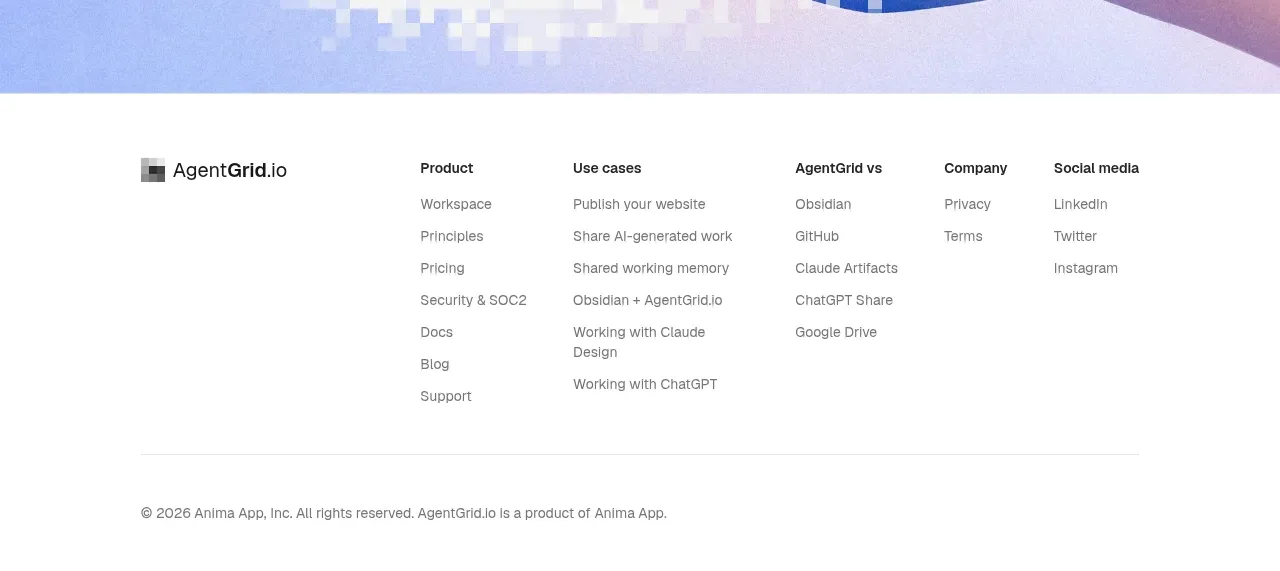
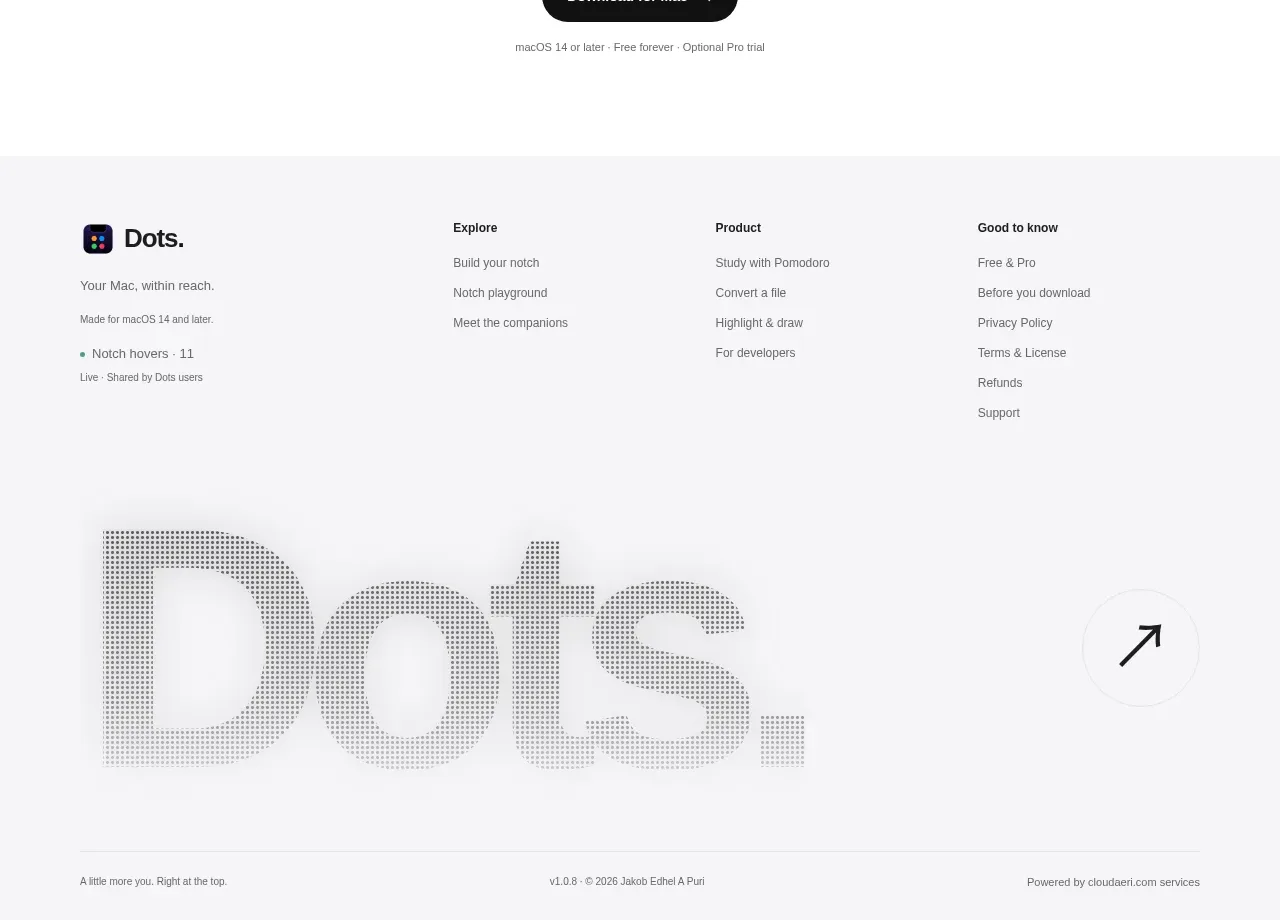
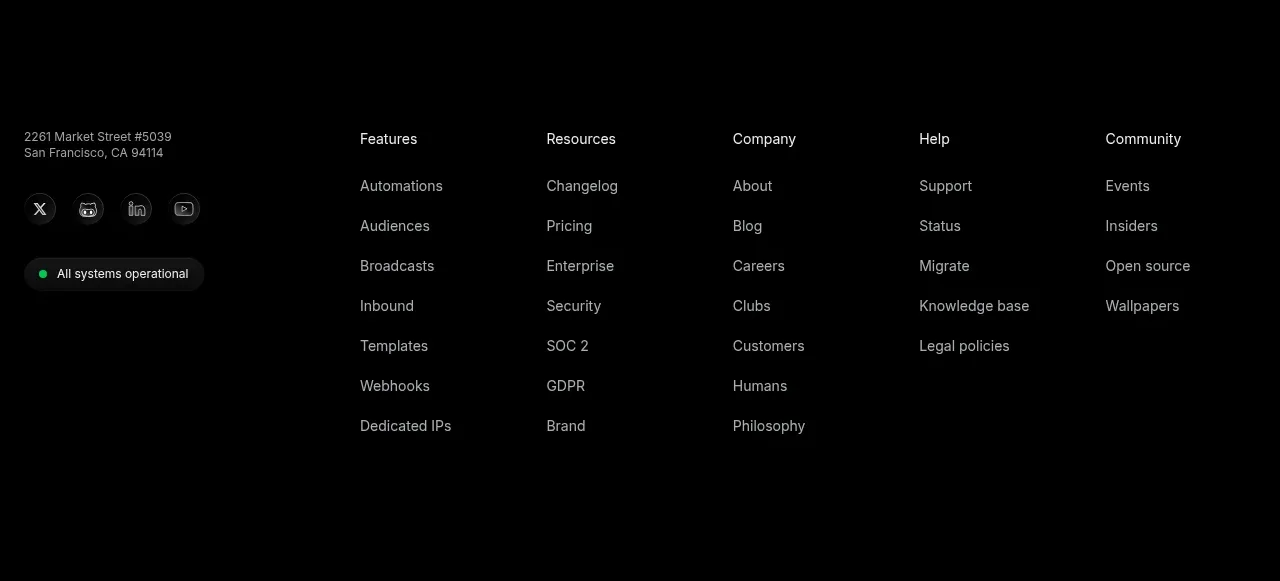
The footer uses three compact columns for brand summary, page navigation, and compatibility/social details, followed by a thin legal strip.
Prompt preview
## Reference images

Study these alongside the description below: hierarchy, rhythm, spacing, colour. Build for the product you are asked about, using this design language.

- Component: https://kage-design-assets.t3.tigrisfiles.io/components/ilha/abf8b55c-66d5-414b-9583-571f1b47ea7e-1792648869-6.webp
- Full page it was cut from: https://kage-design-assets.t3.tigrisfiles.io/screenshots/ilha/abf8b55c-66d5-414b-9583-571f1b47ea7e-1792648836592-full.webp
- Component on Kage: https://kage.design/component/ilha-footer

## Before you start
Ask what the user's product and brand are, then apply the principles below to that context rather than reproducing this reference.

Create a full-width dark footer with a subtle top border and a centered max-width container. Use a three-column desktop layout: brand summary and secondary CTA on the left, anchor links in the middle, and platform/support links on the right. Keep headings and labels around 12–13px, body links 12–14px, and use muted grays (#77797d) against #050607, with off-white text only for key brand or CTA elements. Include a compact rounded button if the product has a primary install/download action. Finish with a separate legal row divided by a thin line, containing copyright, legal links, and a small disclosure. Use generous horizontal gutters and 48–64px vertical padding; stack columns cleanly on mobile.

### Never
- Never use logos, product names, copy, illustrations, or imagery from the reference.
- Never copy the reference's legal disclaimer or footer labels.
- Never overcrowd the footer with every possible link.