 kage
kage
ilha.app
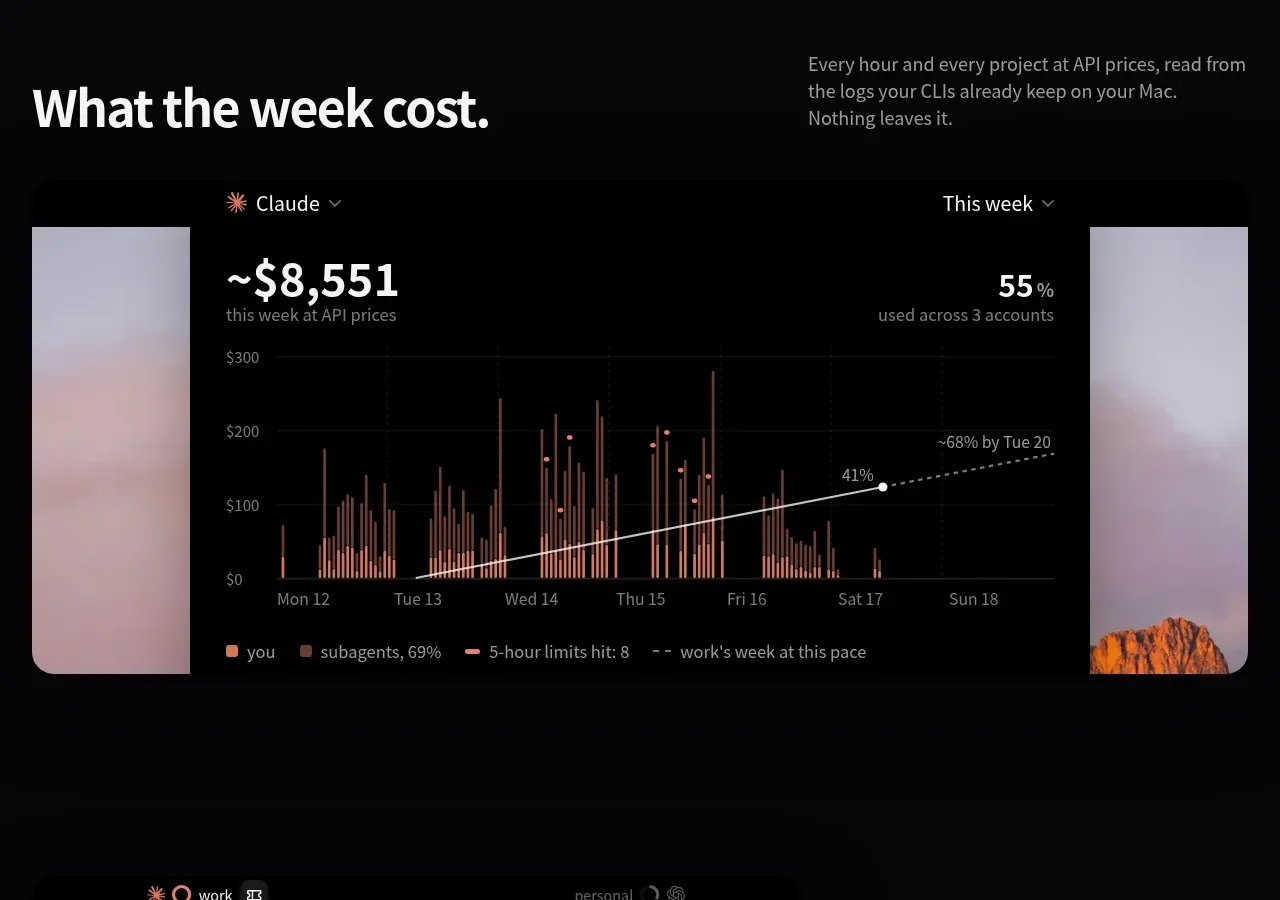
Design analysis
A pricing area pairs a detailed explanatory column with two contrasting plan cards, clear prices, primary actions, and feature lists.
Prompt preview
## Reference images

Study these alongside the description below: hierarchy, rhythm, spacing, colour. Build for the product you are asked about, using this design language.

- Component: https://kage-design-assets.t3.tigrisfiles.io/components/ilha/abf8b55c-66d5-414b-9583-571f1b47ea7e-1792648868-4.webp
- Full page it was cut from: https://kage-design-assets.t3.tigrisfiles.io/screenshots/ilha/abf8b55c-66d5-414b-9583-571f1b47ea7e-1792648836592-full.webp
- Component on Kage: https://kage.design/component/ilha-pricing-table

## Before you start
Ask what the user's product and brand are, then apply the principles below to that context rather than reproducing this reference.

Design a dark pricing comparison section with a left explanatory column and two plan cards on the right. Use a near-black page background (#050607), white headings around 36–44px, muted 13–15px body text, and compact explanatory subsections below the intro. Cards should have 16–20px radius, subtle borders, and a slightly lighter surface (#17181a); make the recommended or paid plan more prominent with a brighter surface or border, not a loud color. Each card needs plan name, one-line description, large price, billing qualifier, a full-width rounded CTA, and a short benefit list with small line icons. Keep equal card heights where possible and align CTA positions. Use a 3-column desktop grid with approximately 24px gaps, then stack it on mobile. Include transparent billing and renewal language beneath the primary information.

### Never
- Never use logos, product names, copy, illustrations, or imagery from the reference.
- Never invent prices, guarantees, or billing terms for the user's product.
- Never hide key differences in hover-only interactions.
More components
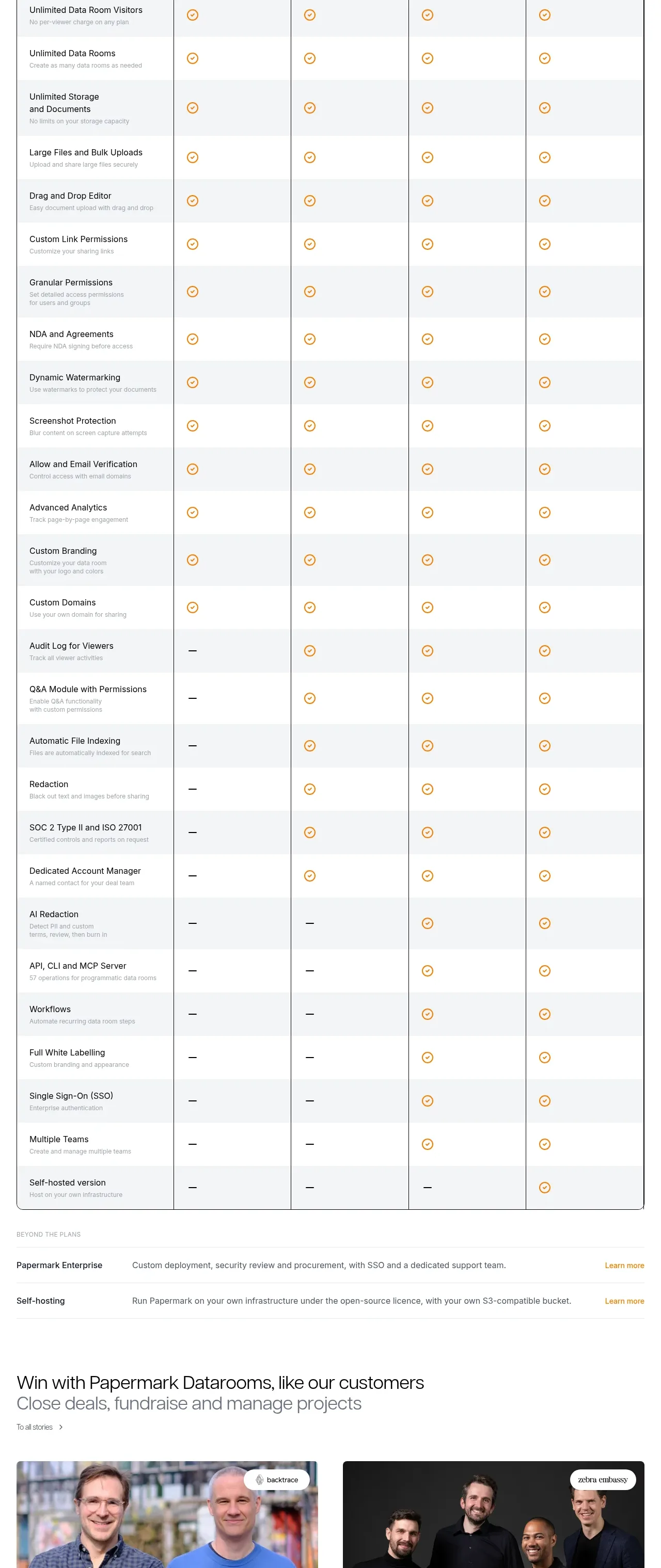
 Plan comparison table
Papermark Data Rooms · Pricing table
Plan comparison table
Papermark Data Rooms · Pricing table
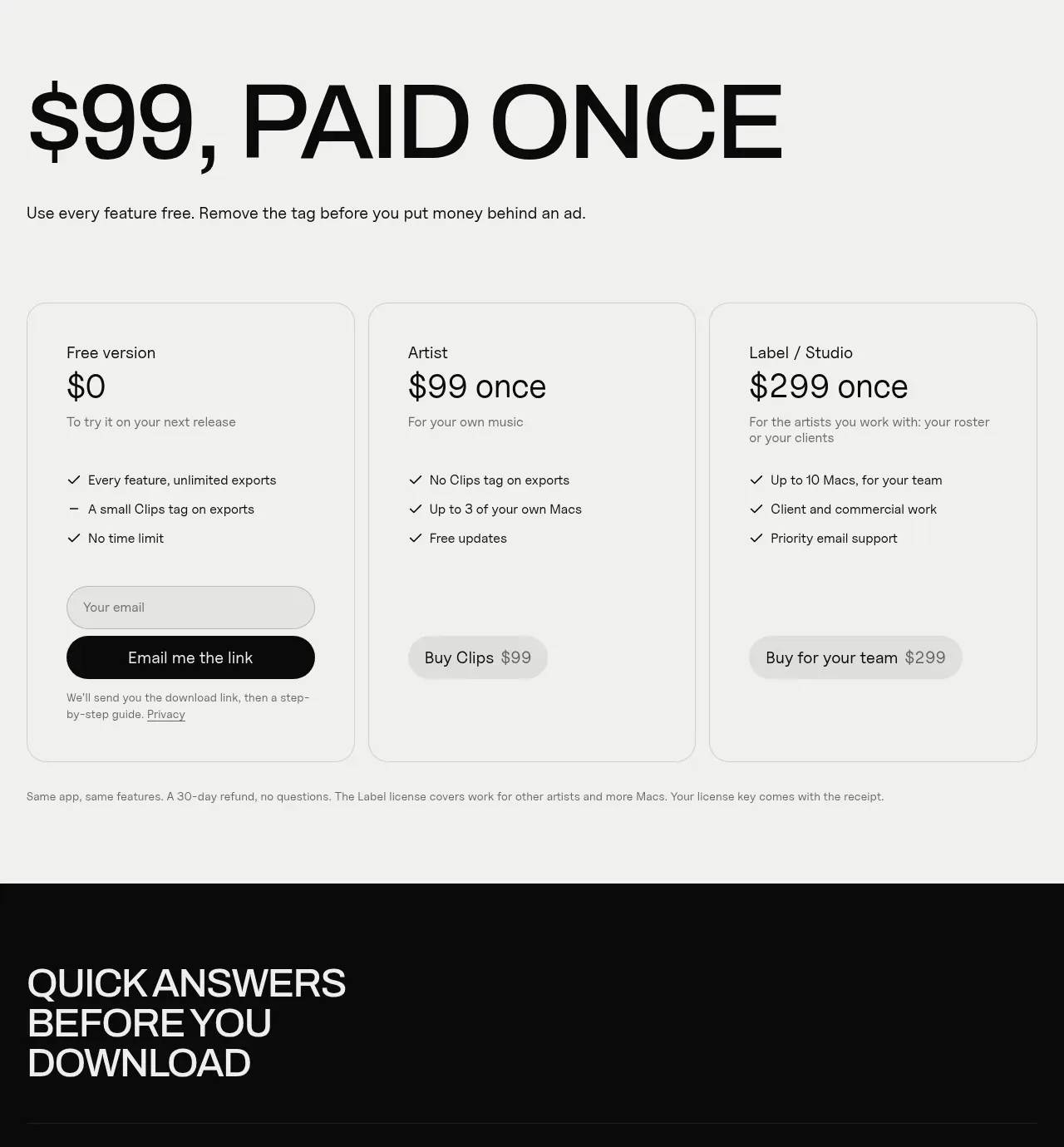
 One-time purchase pricing
Clips by Plastic · Pricing table
One-time purchase pricing
Clips by Plastic · Pricing table
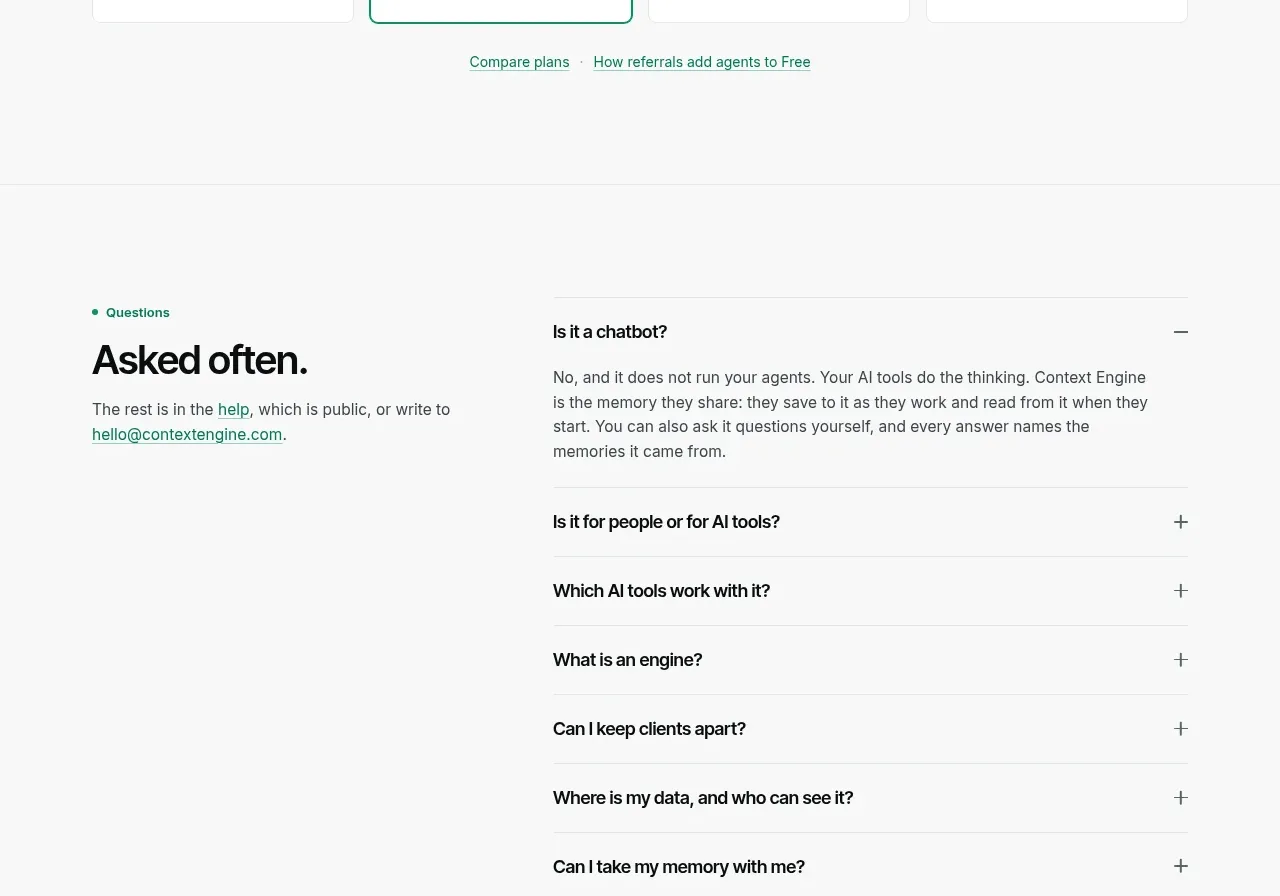
 Per-unit pricing table
Context Engine · Pricing table
Per-unit pricing table
Context Engine · Pricing table
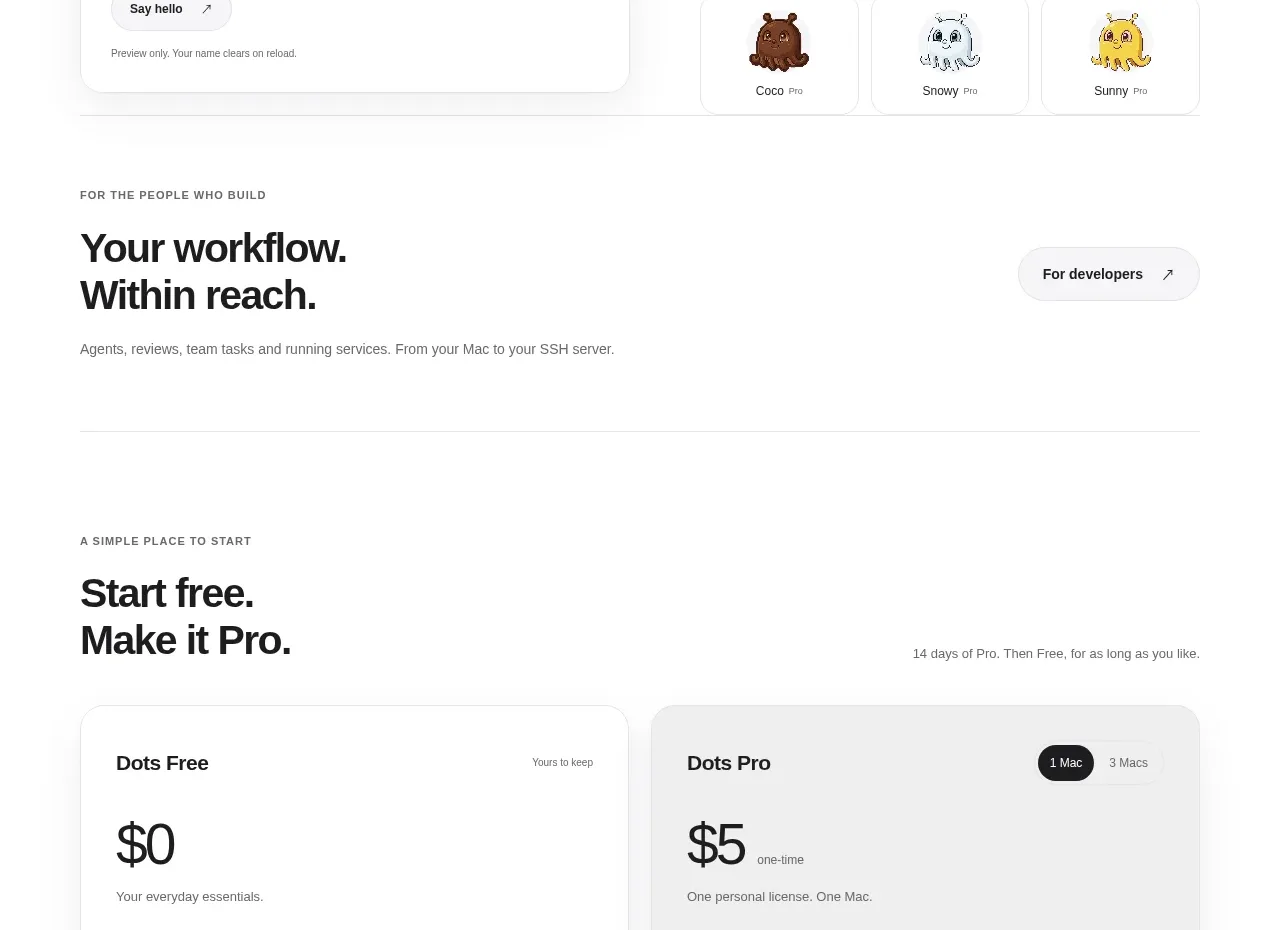
 Free and pro pricing cards
Dots · Pricing table
Free and pro pricing cards
Dots · Pricing table
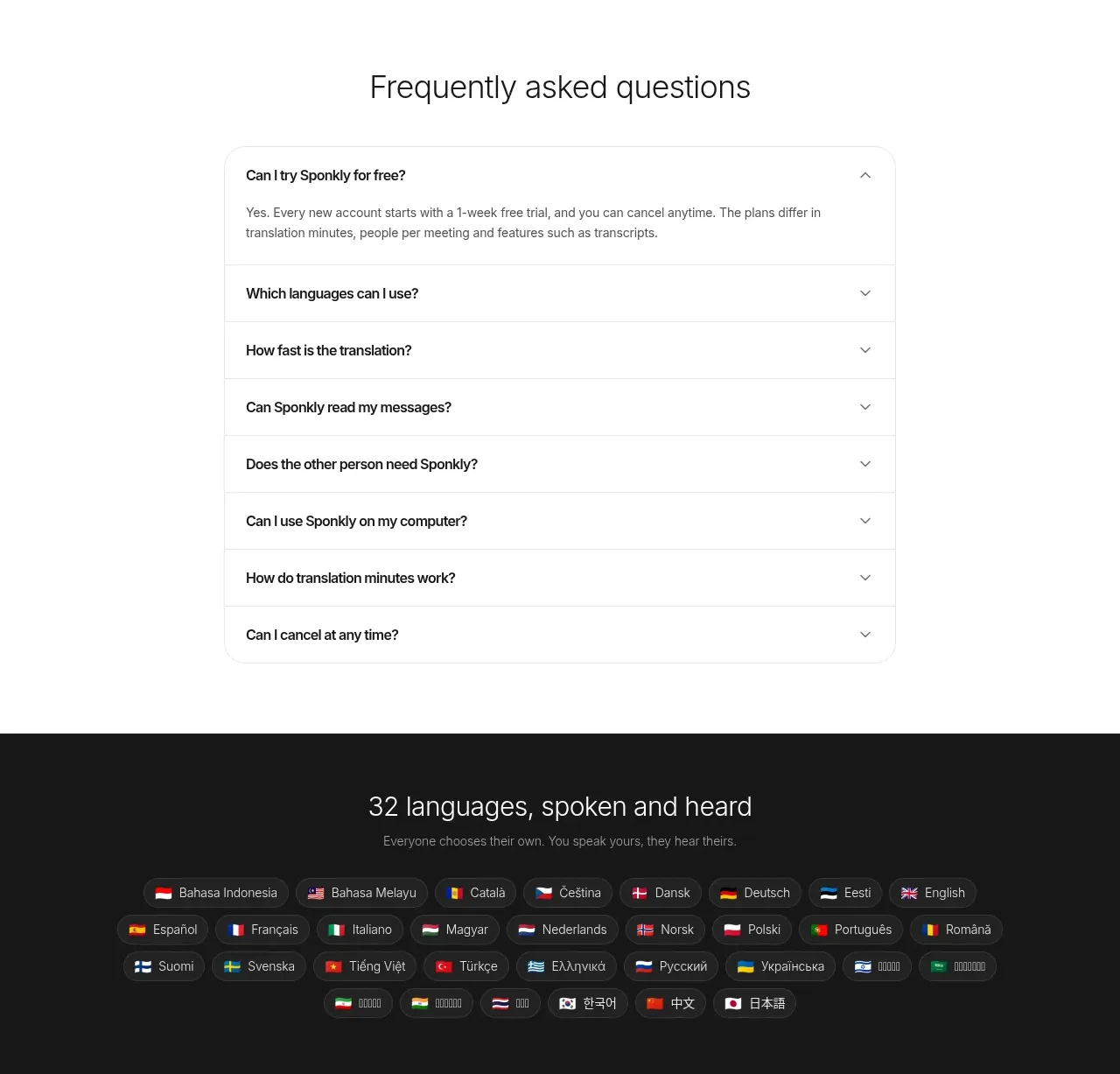
 Transparent multi-tier pricing
Sponkly · Pricing table
Transparent multi-tier pricing
Sponkly · Pricing table
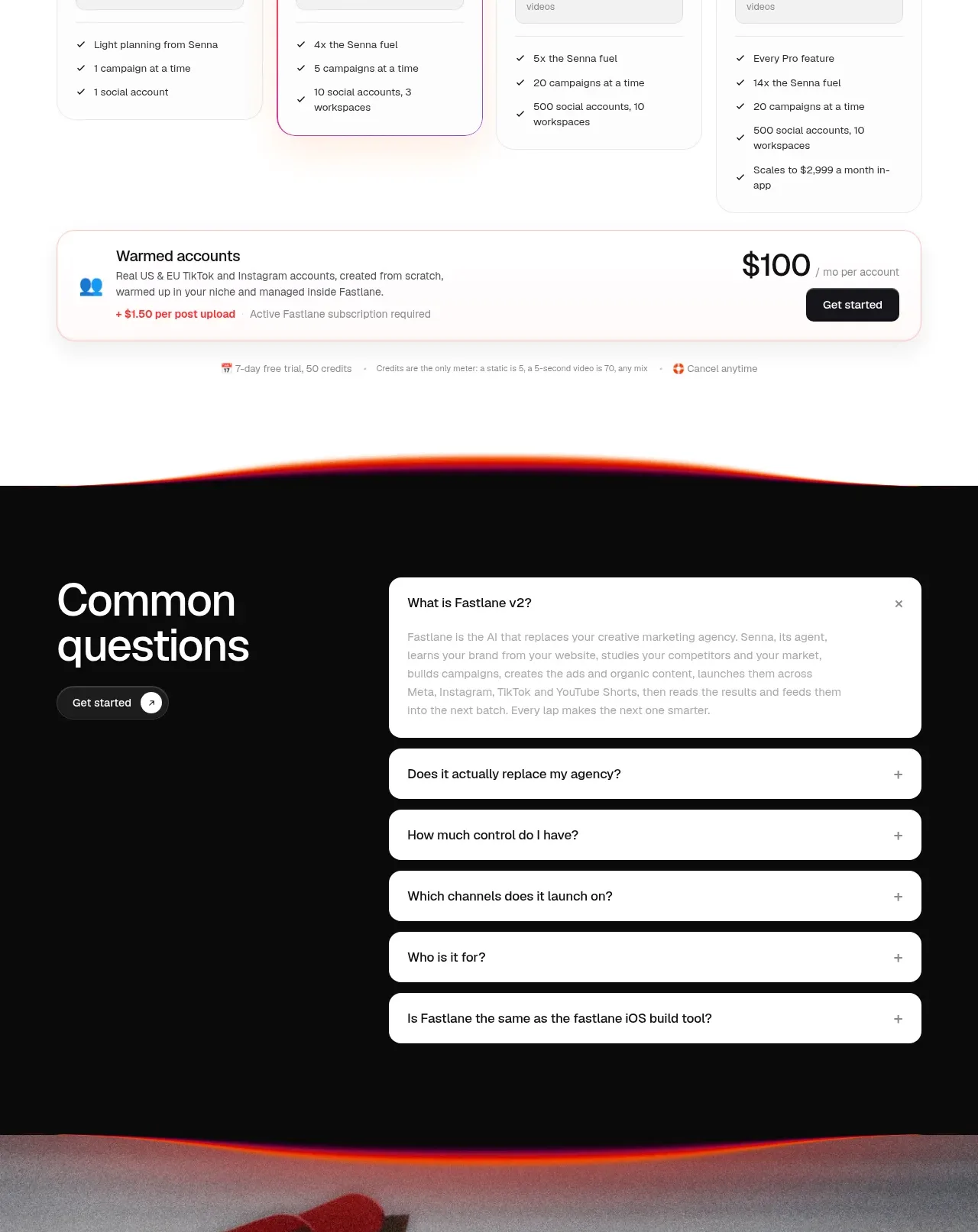
 Four-tier pricing table
Fastlane 2.0 · Pricing table
Four-tier pricing table
Fastlane 2.0 · Pricing table