kage
kage
imagetoascii.art
Design analysis
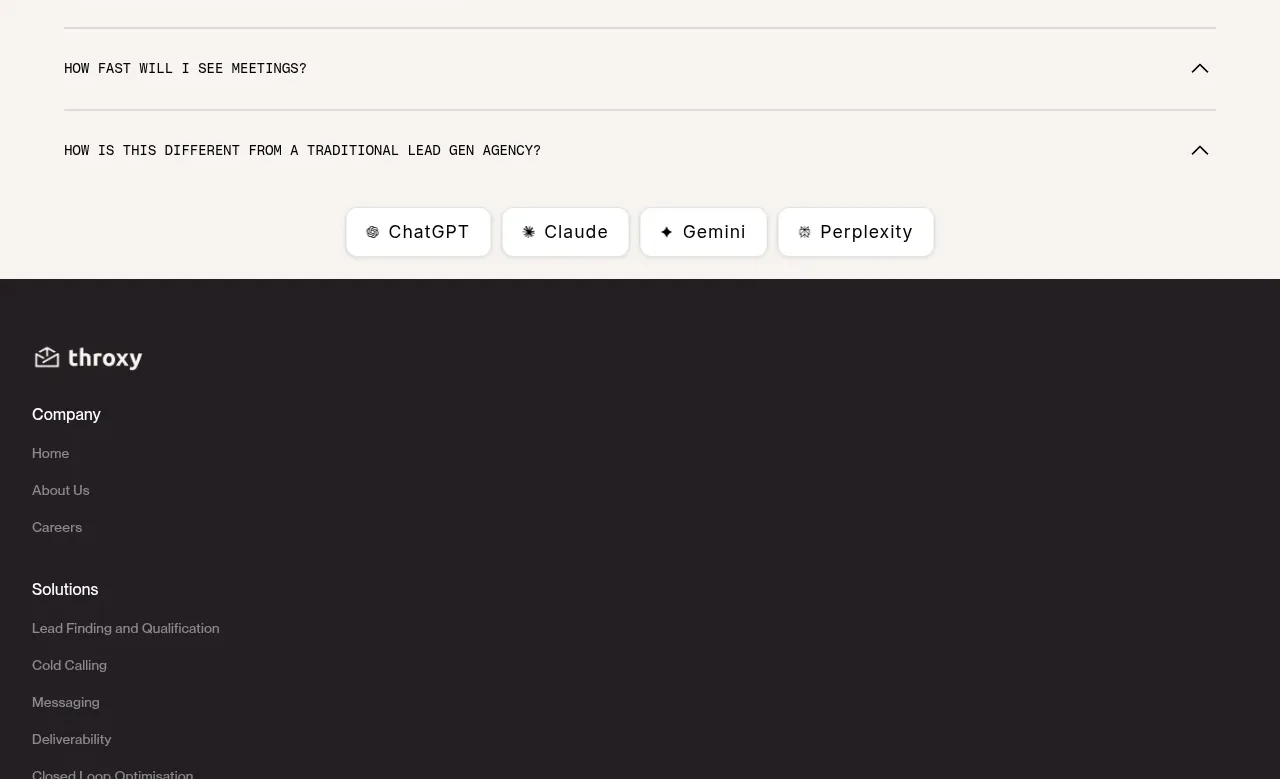
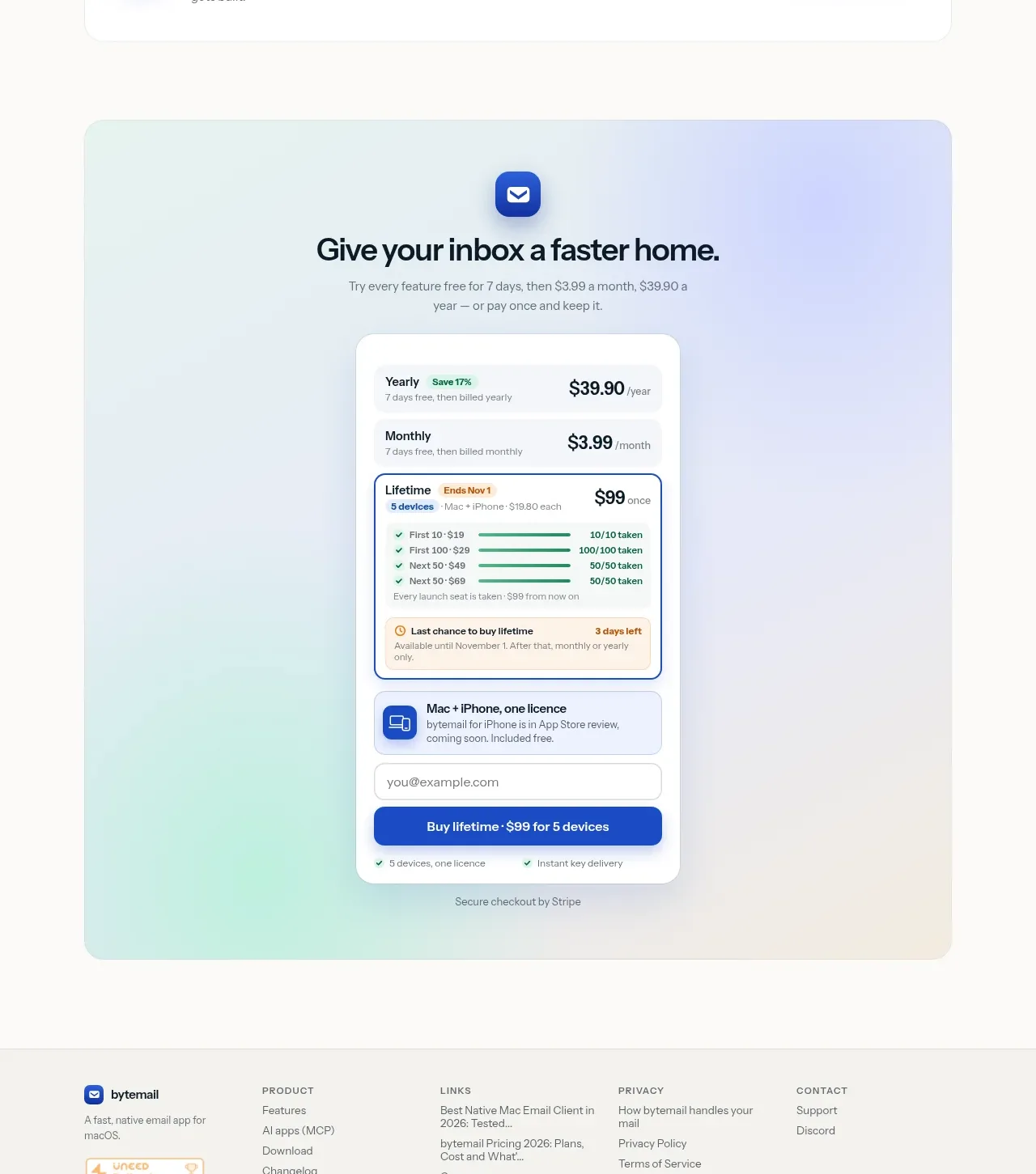
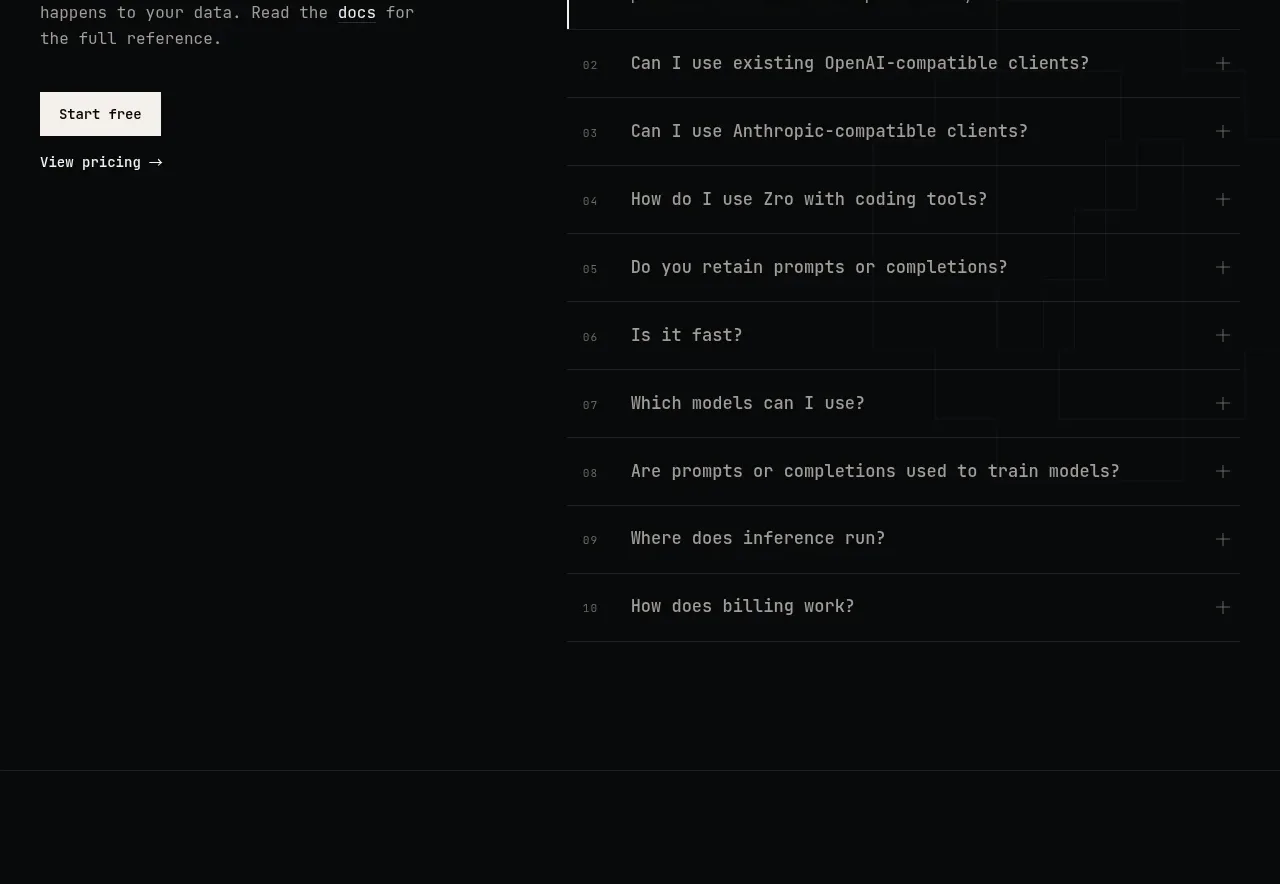
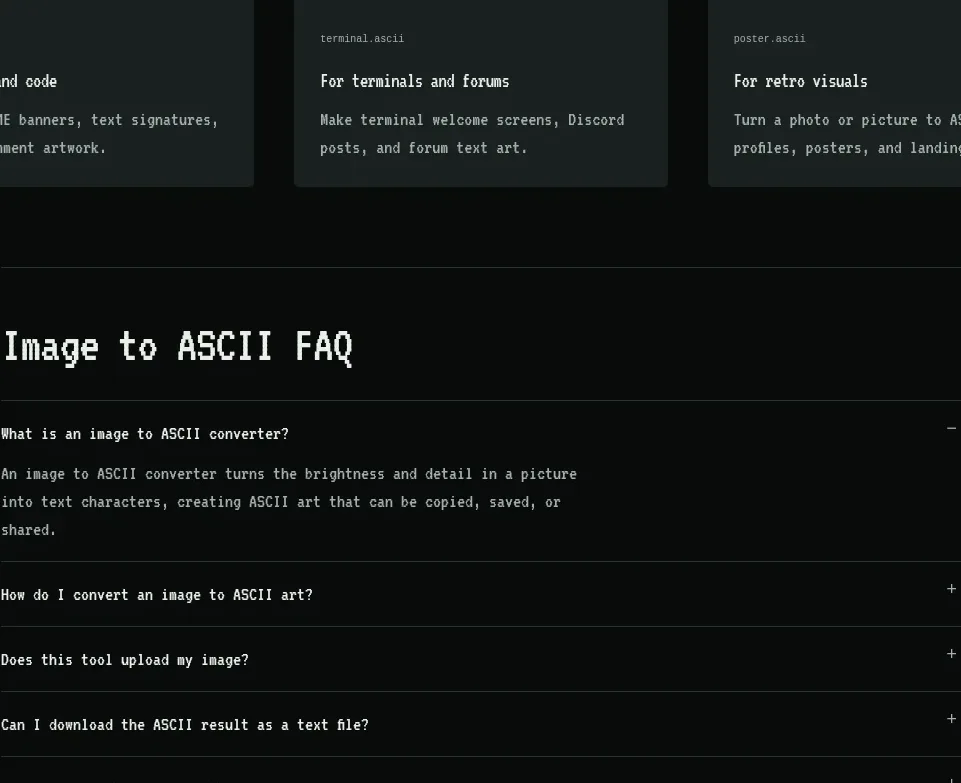
A centered accordion answers practical questions about the converter, with one expanded answer and compact collapsed rows separated by rules.
Prompt preview
## Reference images

Study these alongside the description below: hierarchy, rhythm, spacing, colour. Build for the product you are asked about, using this design language.

- Component: https://kage-design-assets.t3.tigrisfiles.io/components/image-to-ascii/536947f7-3504-43cd-9692-a327ad82583f-1789452200-10.webp
- Full page it was cut from: https://kage-design-assets.t3.tigrisfiles.io/screenshots/image-to-ascii/536947f7-3504-43cd-9692-a327ad82583f-1789452107158-full.webp
- Component on Kage: https://kage.design/component/image-to-ascii-faq

## Before you start
Ask what objections, setup questions, and edge cases users have about the user's product. Then write an FAQ structure that answers those concerns directly.

Build a narrow, centered FAQ section with a heading and a vertical accordion list. Use full-width rows with 1px bottom borders (#29302d), 18–24px vertical padding, a question on the left, and a plus/minus control on the right. Allow one or multiple items to expand, animate height and opacity gently, and expose correct button semantics and ARIA state. The open answer should use muted gray text and a comfortable 1.6 line height. Keep the background #070a09, headings #e7e8e1, and controls #aeb3ad, with lavender focus rings. On mobile, preserve generous tap targets.

Never: use logos, product names, copy, illustrations, or imagery from the reference.