kage
kage
intellagents.io
Design analysis
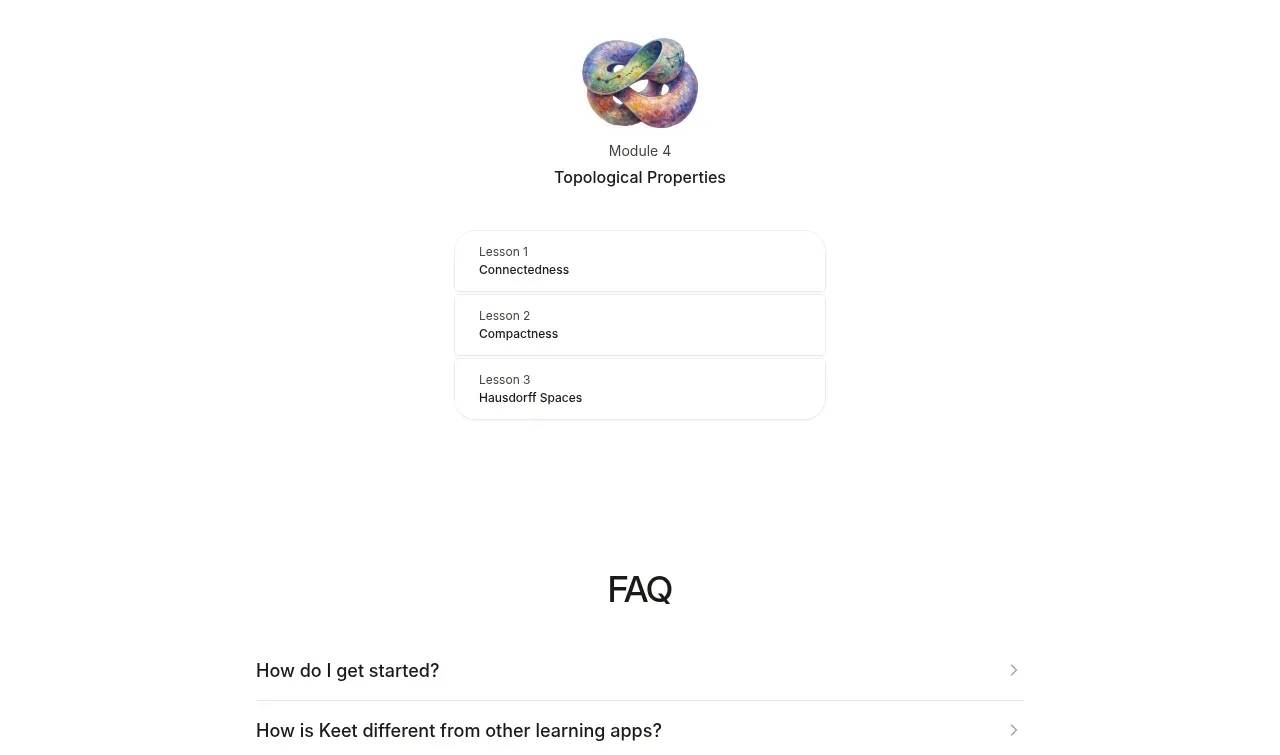
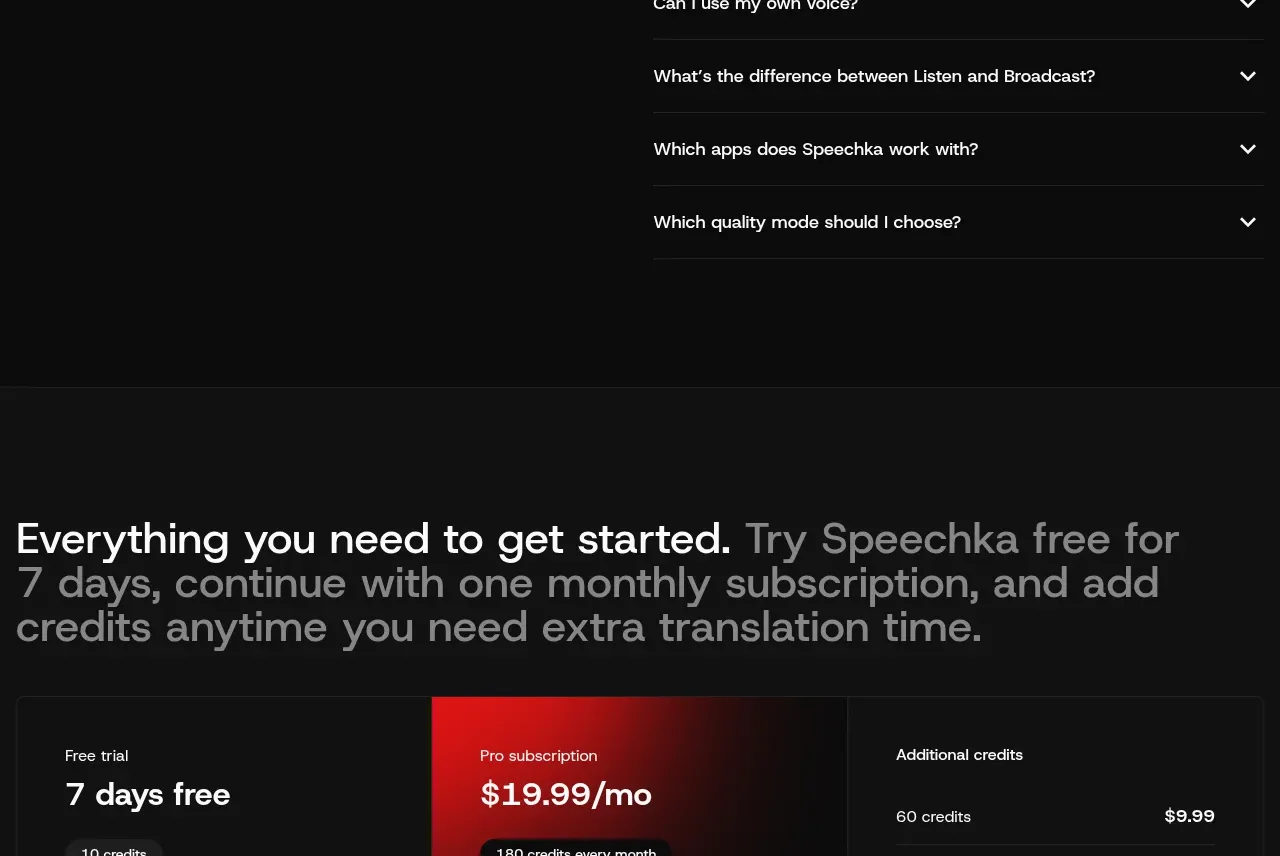
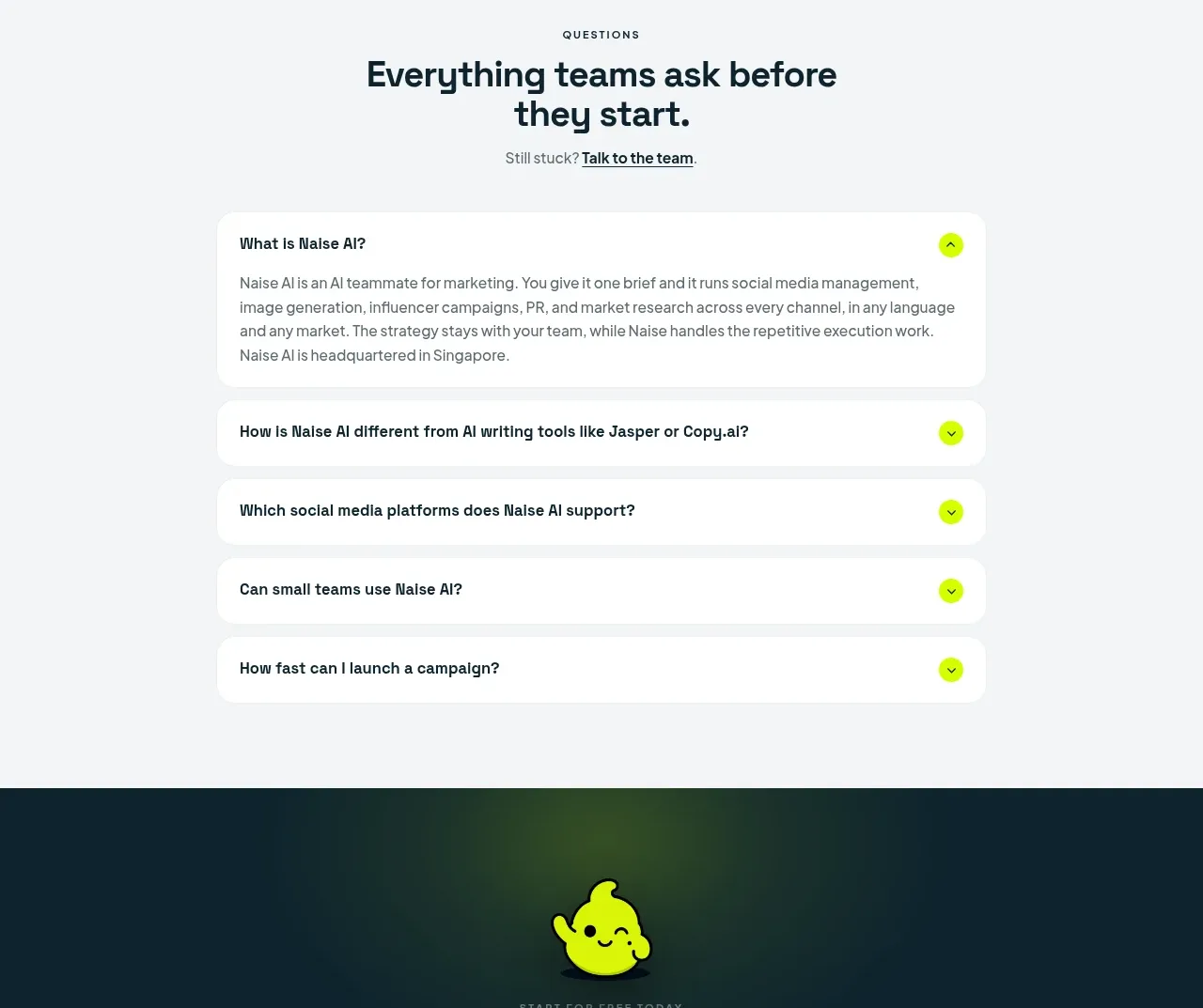
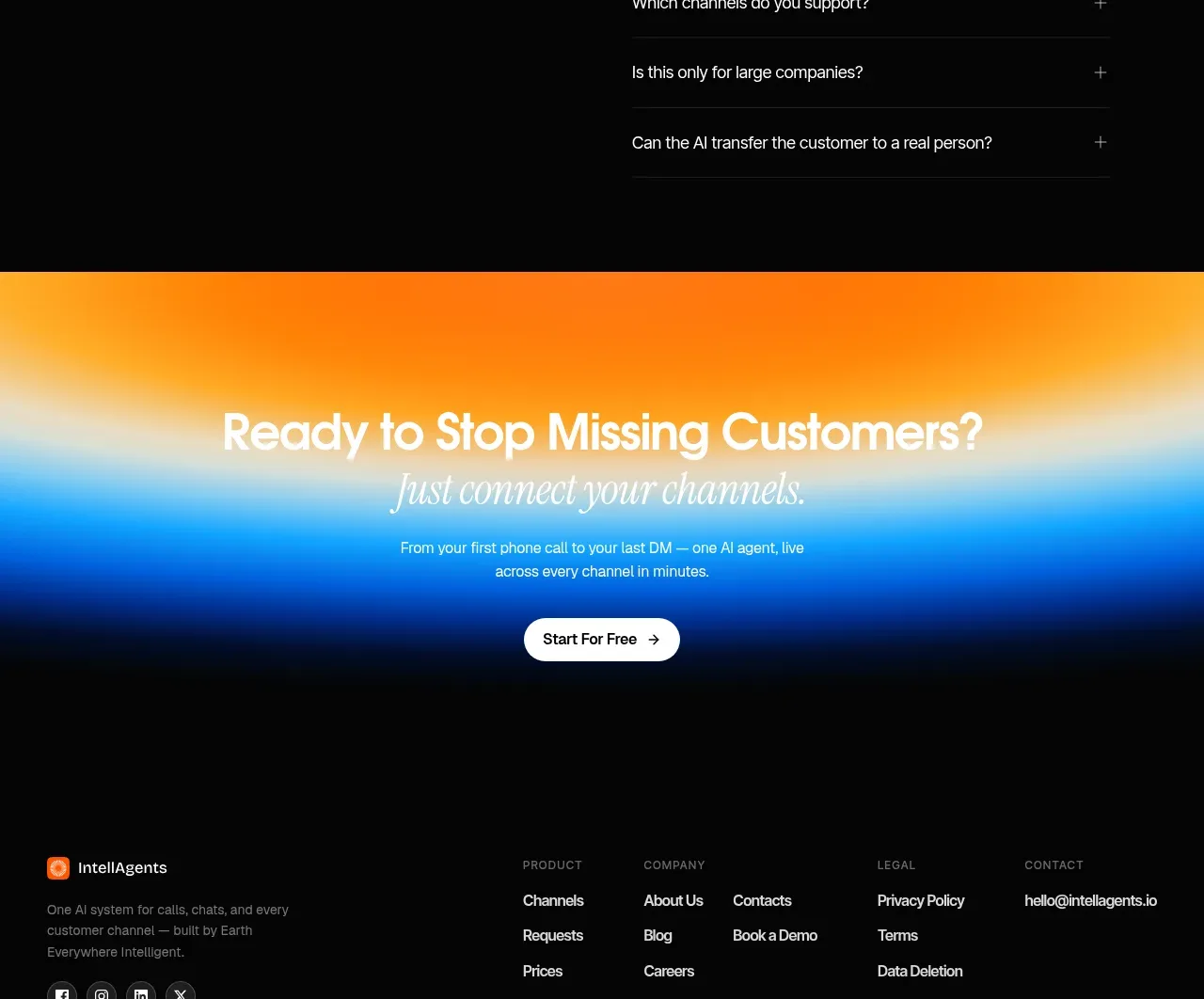
A dark FAQ band pairs a large left-side invitation with a right-side accordion, creating strong contrast and an efficient way to resolve objections.
Prompt preview
## Reference images

Study these alongside the description below: hierarchy, rhythm, spacing, colour. Build for the product you are asked about, using this design language.

- Component: https://kage-design-assets.t3.tigrisfiles.io/components/intellagents-io/be3df101-c546-4853-b3d0-99c345832561-1790316249-10.webp
- Full page it was cut from: https://kage-design-assets.t3.tigrisfiles.io/screenshots/intellagents-io/be3df101-c546-4853-b3d0-99c345832561-1790316161493-full.webp
- Component on Kage: https://kage.design/component/intellagents-faq

## Before you start
Ask what objections, security concerns, setup questions, and buying blockers customers have for the user's product. Turn those into concise, accurate answers.

Build a dark two-column FAQ section. On the left, use a small eyebrow, a large two-line heading, and an optional link to the full help center. On the right, render 5–7 accordion rows with thin separators, concise questions, plus/minus controls, and one expanded answer by default if helpful. Use generous horizontal alignment and keep answer text at a readable width. Animate height and icon rotation subtly, with keyboard and screen-reader semantics.

Use #050505 background, #F8F8F8 headings, #A8A8A8 body text, #242424 separators, and a small warm accent for focus or links. Use 20–28px row padding and 56–72px section padding. Ensure the expanded answer does not cause layout instability.

### Never
- Never copy logos, product names, copy, illustrations, or imagery from the reference.
- Never hide essential product or legal information only inside the accordion.
- Never use vague answers that avoid the question.