kage
kage
krea.ai
Design analysis
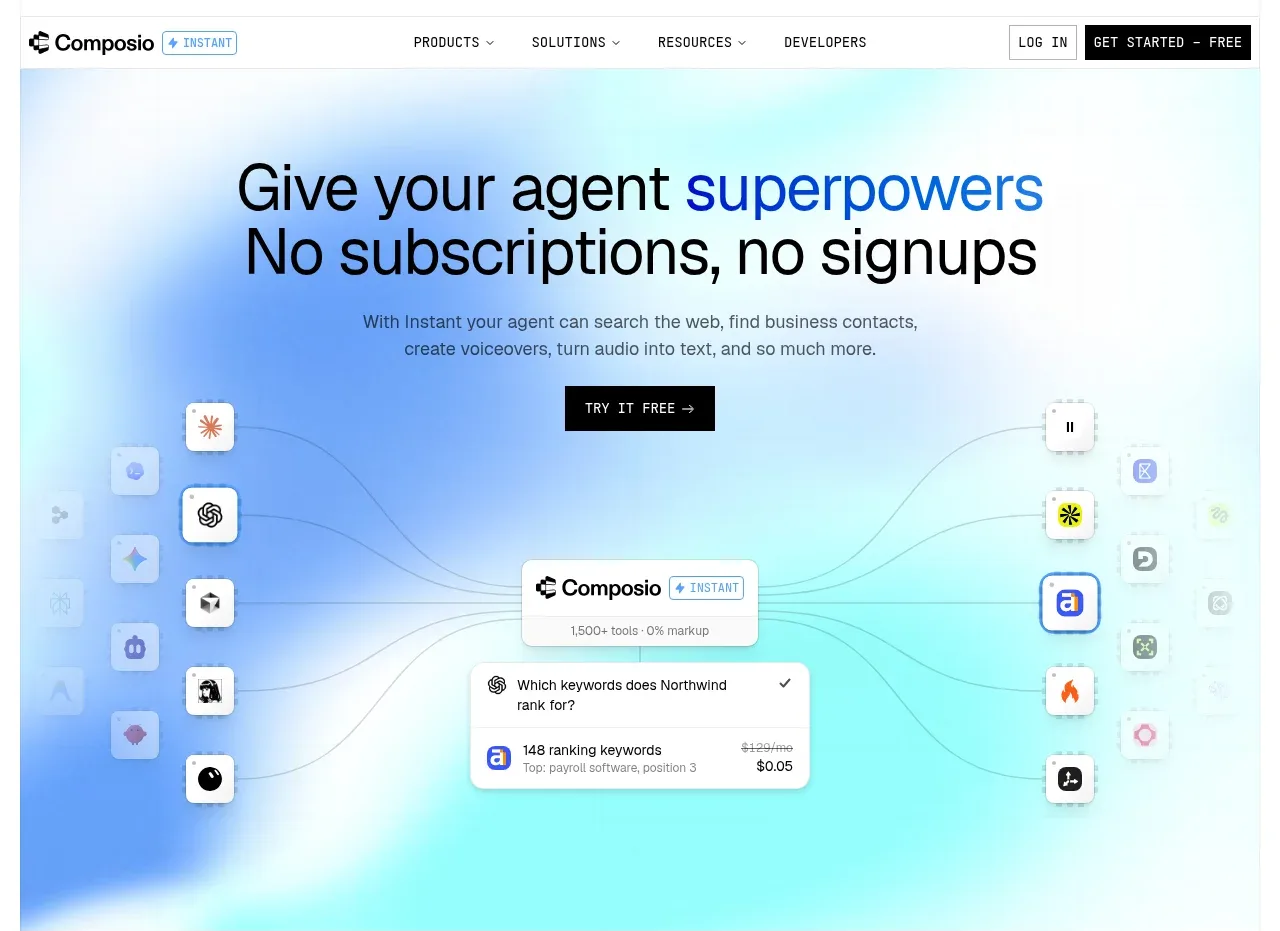
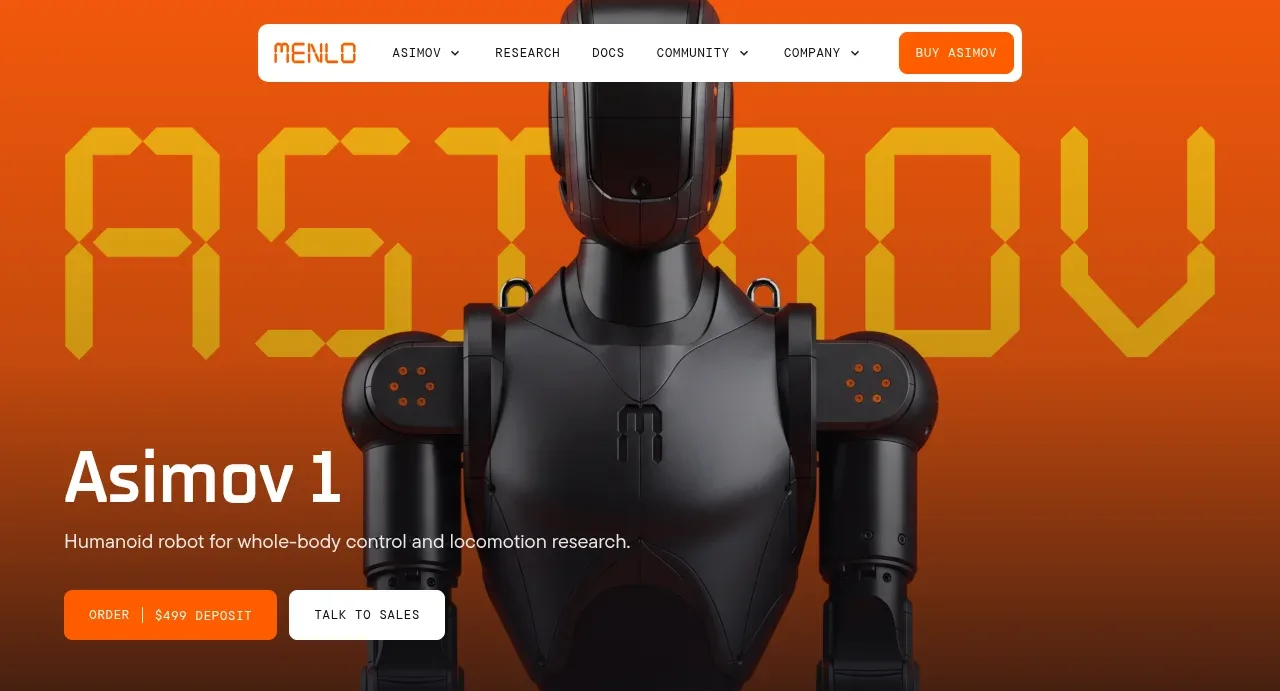
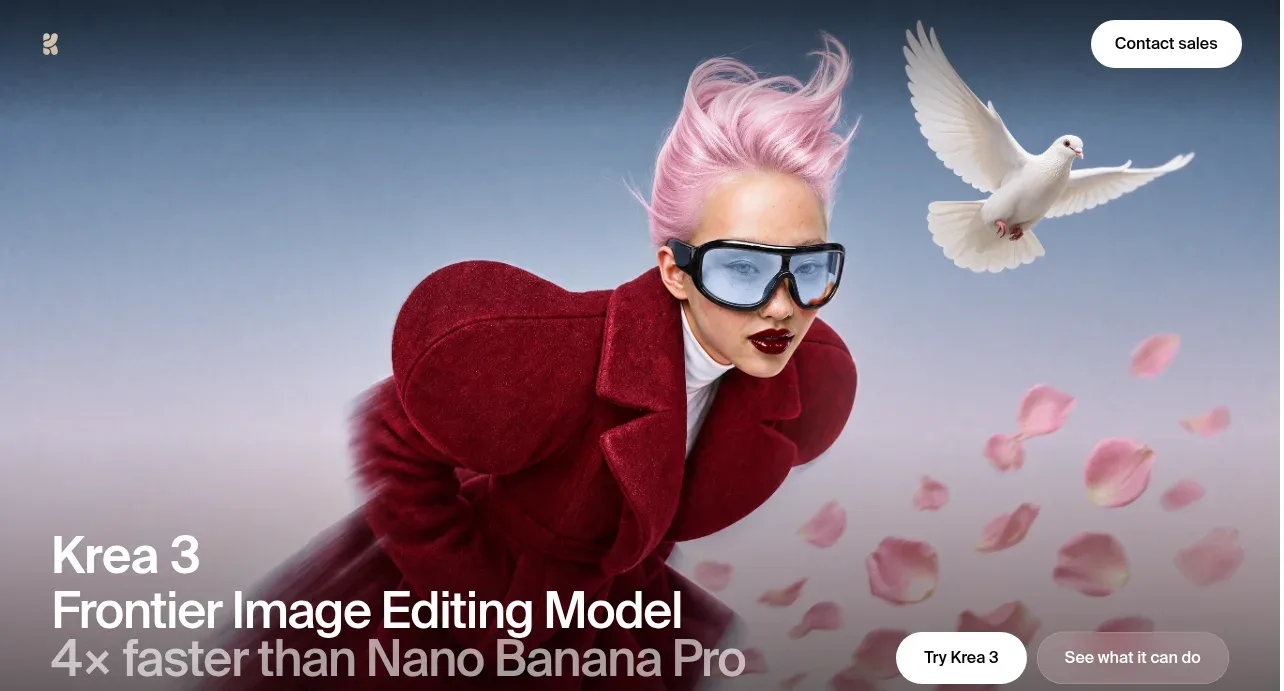
A full-bleed cinematic image establishes the product mood, while a large lower-left title and paired pill actions create a clear entry point.
Prompt preview
## Reference images

Study these alongside the description below: hierarchy, rhythm, spacing, colour. Build for the product you are asked about, using this design language.

- Component: https://kage-design-assets.t3.tigrisfiles.io/components/krea-3/dbe75373-d211-428a-9d9b-aa6c396006bc-1792389811-1.webp
- Full page it was cut from: https://kage-design-assets.t3.tigrisfiles.io/screenshots/krea-3/dbe75373-d211-428a-9d9b-aa6c396006bc-1792389704928-full.webp
- Component on Kage: https://kage.design/component/krea-3-hero

## Before you start
Ask what the user's product and brand are, then apply the following principles to their hero rather than copying this reference.

Create a full-bleed hero directly beneath the navigation, approximately 55–65vh on desktop and 70vh on mobile. Use a cinematic product-relevant visual with a dark-to-transparent bottom gradient so the content remains legible. Place the main heading in the lower-left with a concise product descriptor, a bold 42–64px sans-serif headline, tight line-height around 0.95–1.05, and a muted supporting line. Put two small pill CTAs near the lower-right or beneath the copy: one filled light button for the primary action and one translucent or text button for the secondary action. Use white text, 24–40px outer padding, and a 12–18px radius. Keep the composition calm, premium, and asymmetric.

Never:
- use the reference logo or product name
- copy the reference headline or button copy
- reuse its imagery or illustration
- reproduce the exact layout or visual assets