kage
kage
krea.ai

Design analysis
A long, image-led AI product page uses a white canvas, oversized black typography, restrained gray utility copy, and full-bleed photographic demonstrations. The rhythm moves from an atmospheric hero to proof-heavy speed and cost comparisons, then into repeated interactive-looking image carousels, annotated edit examples, tool integrations, presets, and workflow proof; rounded cards and soft shadows keep dense evidence approachable without adding decorative chrome.
Prompt preview
## Reference images

Study these alongside the description below: hierarchy, rhythm, spacing, colour. Build for the product you are asked about, using this design language.

- Full page: https://kage-design-assets.t3.tigrisfiles.io/screenshots/krea-3/dbe75373-d211-428a-9d9b-aa6c396006bc-1792389704928-full.webp
- Above the fold: https://kage-design-assets.t3.tigrisfiles.io/screenshots/krea-3/dbe75373-d211-428a-9d9b-aa6c396006bc-1792389694727.webp
- Design on Kage: https://kage.design/designs/krea-3-landing-page

## Before you start
Ask the user what they are building, who it is for, and what brand assets they already have, including the product name, colours, typefaces, logo rules, and any image or video assets. Wait for their answers before designing. Apply the system below to their product and content, not to the reference product.

## Page structure
1. **Atmospheric hero:** Use a full-width cinematic image or video with a darkened/soft gradient treatment, a small corner brand mark, a compact top-right contact/action pill, a large lower-left headline, and two lower-right pill CTAs.
2. **Speed and cost proof:** On a white field, center a very large two-line claim, place small comparison chips beneath it, follow with a short explanatory paragraph, and finish with a wide rounded comparison card containing a highlighted product metric plus price and latency rows.
3. **Customer/logo strip:** Add a quiet centered sentence and a horizontal row of small monochrome customer marks/logotypes.
4. **Brief-to-output showcase:** Introduce a centered headline, then a category tab row and a horizontally arranged image carousel with a dominant center frame, partial neighboring frames, arrows, and a floating prompt/editor card layered over the image. End with a compact CTA.
5. **Selective regional editing:** Use a centered two-line headline with one emphasized/outlined word, a short explanation, then a large rounded annotated image. Add colored numbered labels, an item legend, and a small explanatory caption below.
6. **Exact colour prompting:** Switch to a two-column heading/explanation row, with a literal hex color embedded in the headline. Below it place color/style chips and a horizontal gallery of product images with captions.
7. **Multi-reference composition:** Use a dark full-bleed image panel with white overlaid headline and supporting copy on the left, a large scene demonstrating multiple references, small controls at the bottom, and subtle annotation text over the image.
8. **Character consistency:** Return to white with a two-column heading and explanatory copy, followed by a horizontal row of portrait cards showing the same character in different settings and styling.
9. **Native resolution proof:** Create an oversized “Native 2K”-style typographic section, with the text acting as the visual headline above a large rounded image. Include a circular magnifier/inspection control and a small bottom caption explaining the detail interaction.
10. **Speed comparison:** Use a split heading/explanation row, then three adjacent rounded comparison panels for the product and alternatives. Show identical edits, timing labels, an interactive-looking multiplier control, cost/latency footnotes, and compact methodology copy.
11. **Designer gallery:** Introduce a two-line heading with a muted second line, supporting copy, category filters, and a horizontal gallery of posters, packaging, and brand examples. Keep captions small and factual.
12. **Conversational editing:** Center a large stacked statement about natural-language editing. Surround it with a small source image, a blue audio waveform/chat control, and several prompt chips to show voice or conversational commands.
13. **Launch preset grid:** Add a compact heading with a dark CTA aligned to the right, then a dense responsive mosaic of rounded preset cards. Each card should combine a blurred or photographic thumbnail, category label, and short use-case description.
14. **New possibilities carousel:** Center a headline and category tabs, then show a large before/after or input/output carousel with partial neighboring images, arrows, and a floating prompt card.
15. **Precision comparison:** Use a two-column heading and explanatory copy, followed by a wide dark rounded before/after comparison. Include a vertical draggable divider, percentage precision readouts, product labels, and a small footnote.
16. **Tool integrations:** Center a headline about fitting into existing tools, then show a small floating white integration tray with recognizable category slots/icons; keep the surrounding layout open and quiet.
17. **Workflow conversion panel:** Add a large pale-gray rounded panel split into two columns: a bold question and checklist/testimonial details on the left, and a large empty media/demo area on the right. Add understated trust marks near the bottom.
18. **Press/resources panel:** Follow with a shorter pale-gray rounded panel containing a heading, a few resource links, a dark pill CTA, and a small tilted editorial image stack on the right.
19. **FAQ:** Finish with a centered large heading and a vertical accordion list of rounded, lightly bordered question rows with plus controls.

## Design language
- Build hierarchy through extreme type scale rather than decoration: use near-black display text around 64–96px on desktop for major claims, 40–64px for section headings, 18–24px for supporting headings, and 11–14px for labels and captions. Tighten display line-height to roughly 0.88–0.98.
- Keep the base canvas white or warm off-white (`#FFFFFF` / `#FAFAF8`) and use near-black text (`#080808`). Use cool-light gray (`#E9E9E7`, `#F2F2F0`) for panels, rules, and inactive controls; reserve muted red or image-derived accent colors for emphasis, annotations, and selected states rather than branding every element.
- Let imagery carry emotional colour and variety. Use full-bleed, high-contrast editorial photography for hero and feature proofs, while surrounding UI remains monochrome and quiet. Use dark image sections sparingly as rhythm breaks between long white sections.
- Pair a clean modern grotesk for all interface and display text. Use bold/heavy weights for headlines, regular gray text for explanations, and compact medium labels for chips. Avoid decorative serif typography.
- Use a wide centered content grid with generous vertical whitespace. Begin with immersive media, then alternate centered claims, two-column explanatory rows, wide comparison cards, and horizontal galleries so the page density increases briefly for proof sections and relaxes again for major feature moments.
- Treat every media demo as a rounded rectangle, generally 12–20px radius, with occasional larger 24px panels. Use clipped carousels with partial neighboring cards to signal more content. Keep borders very light (`#E5E5E3`) and shadows broad, pale, and low opacity; avoid hard dark outlines except for comparison dividers and controls.
- Make controls compact and tactile: white or black pill buttons, small segmented tabs, tiny arrow circles, chip filters, numbered colored callouts, and floating prompt cards layered over media. Selected controls can use black fill with white text; secondary controls should be translucent white or pale gray.
- Preserve a clear editorial relationship between text and evidence: every large claim should be followed by an image, metric, comparison, annotation, or gallery rather than a long paragraph. Keep explanatory copy short and gray, often aligned beside a heading instead of below it.
- Use motion only where it clarifies the product: gentle horizontal carousel dragging, hover zoom or inspection magnifiers, before/after divider dragging, accordion expansion, and subtle fade/slide transitions. Do not add distracting page-wide parallax or decorative animation.
- On responsive layouts, retain the oversized type and image-first approach, but stack two-column rows, turn galleries into swipeable carousels, keep comparison cards readable by horizontal scrolling, and preserve generous section spacing.

## Never
- Do not copy the reference product's logos, wordmarks, product name, exact copy, image assets, illustrations, photography, customer marks, integration icons, or icon set.
- Do not present the result as Krea or imply affiliation with it.
- Do not reproduce the exact claims, benchmark numbers, labels, prompt text, or preset wording; replace them with content and evidence appropriate to the user's product.
- Do not turn the page into a generic SaaS dashboard, a dense marketing template, or a gallery without explanatory product proof.
Components from this page
All components
 Minimal image-overlay navigation
Krea 3 · Navigation
Minimal image-overlay navigation
Krea 3 · Navigation
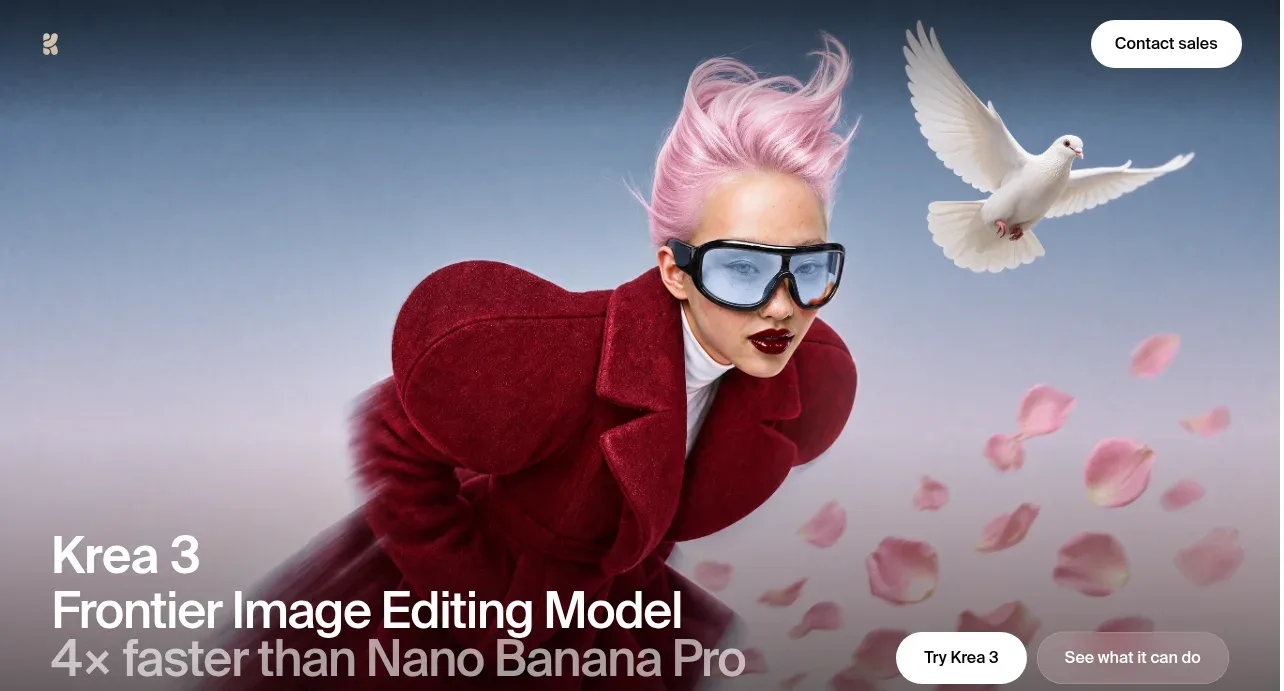 Editorial image-model hero
Krea 3 · Hero
Editorial image-model hero
Krea 3 · Hero
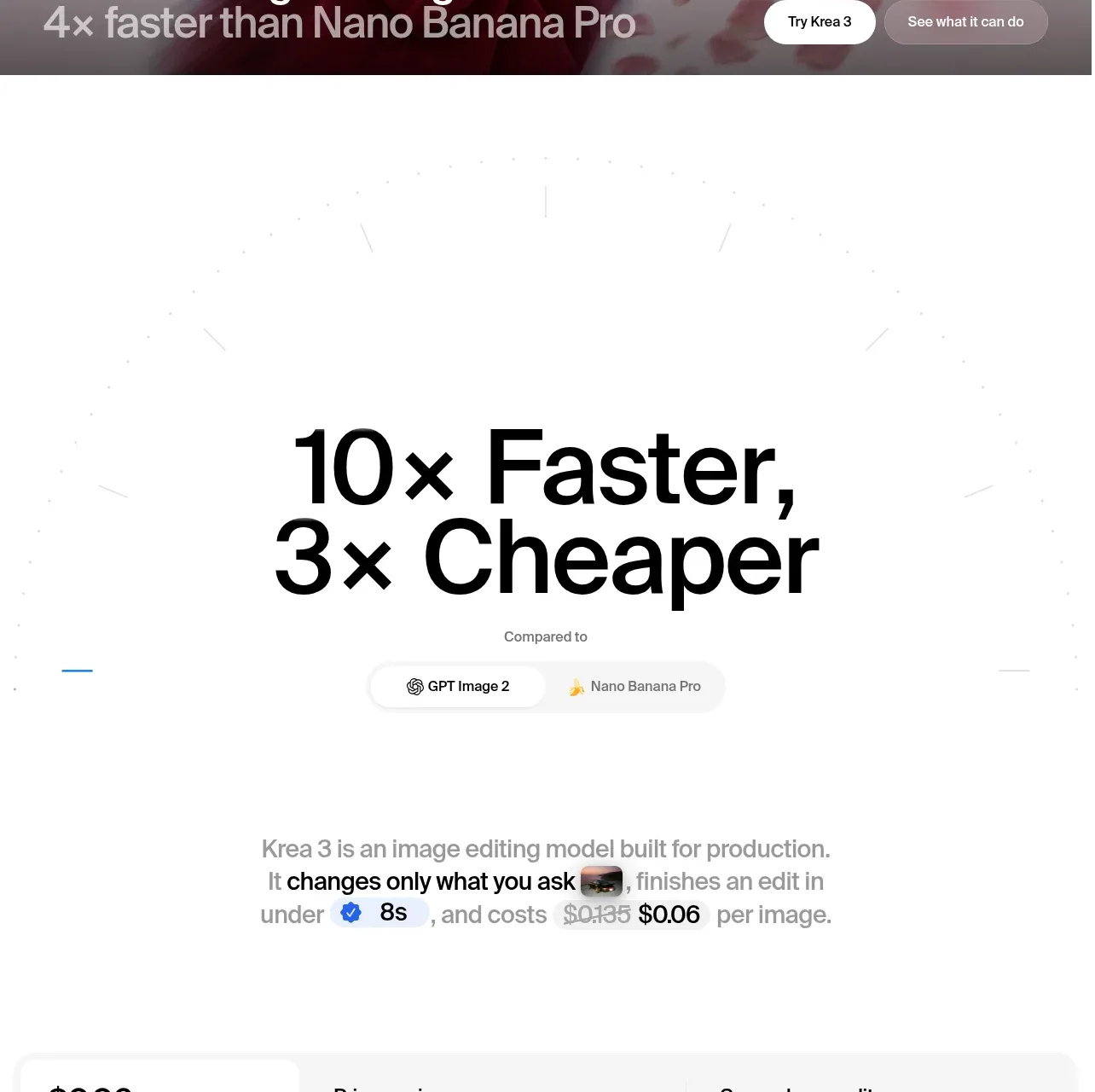 Speed and cost proof
Krea 3 · Stats
Speed and cost proof
Krea 3 · Stats
 Customer logo strip
Krea 3 · Logo cloud
Customer logo strip
Krea 3 · Logo cloud
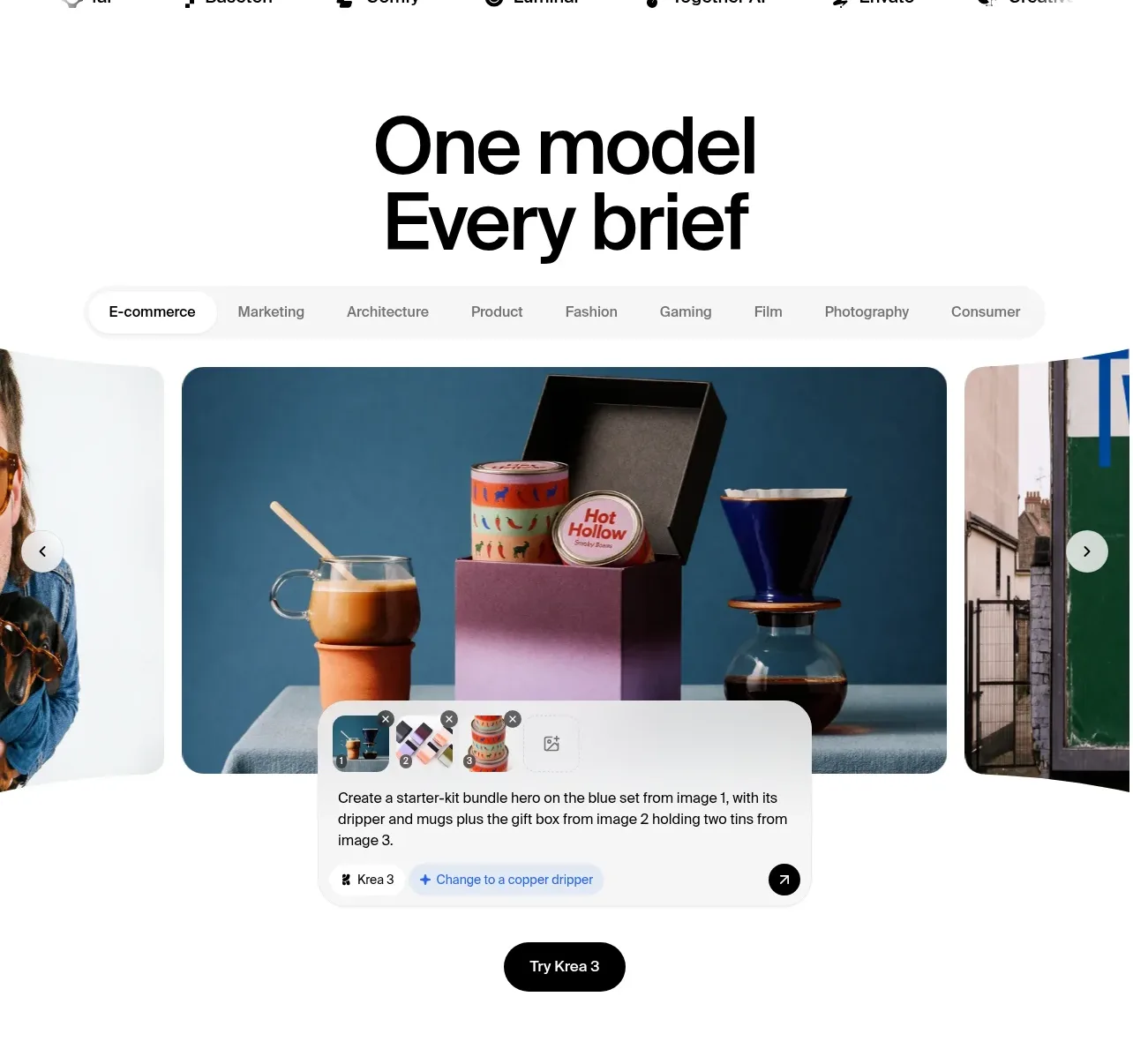 Category-based showcase gallery
Krea 3 · Gallery
Category-based showcase gallery
Krea 3 · Gallery
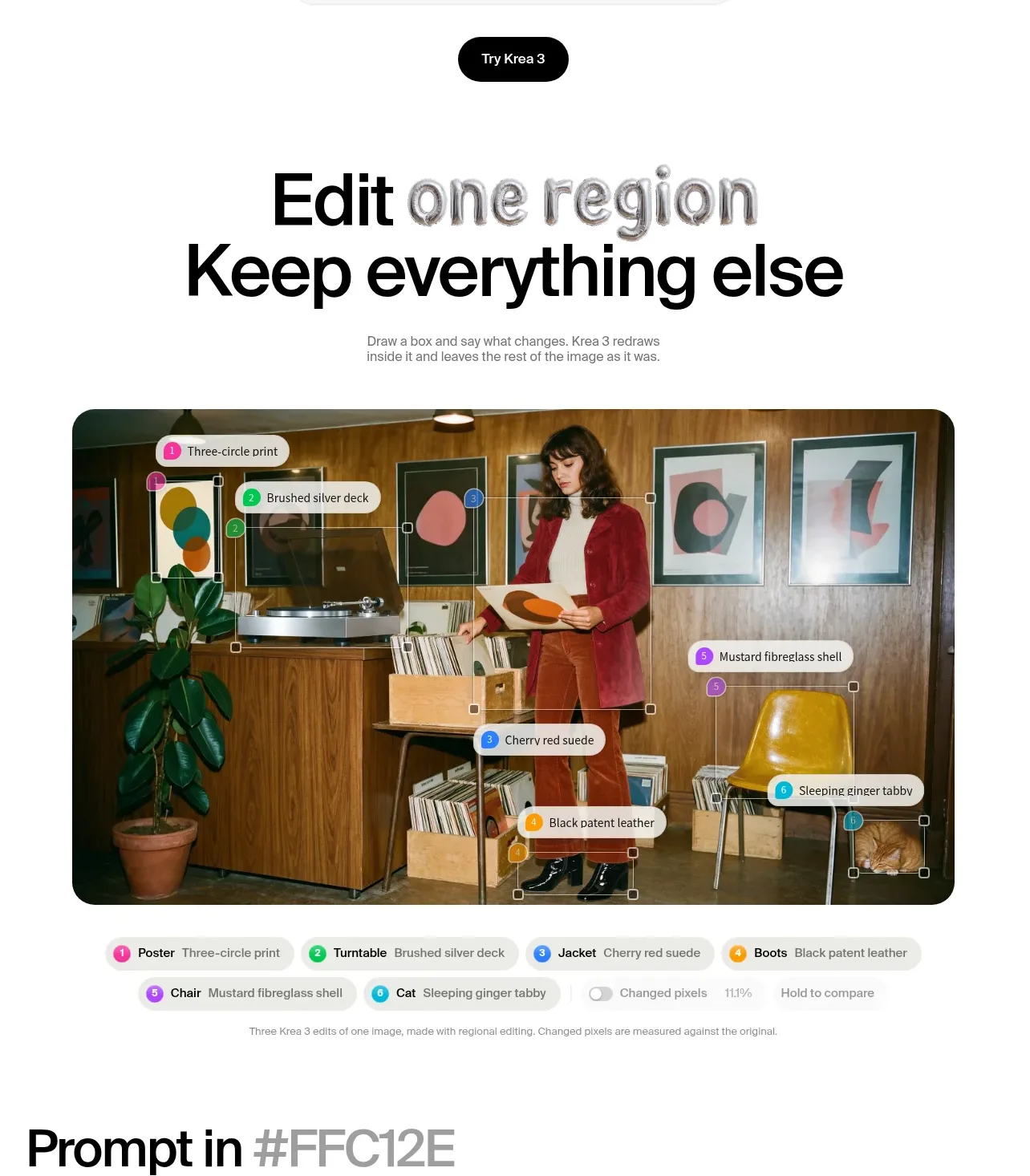 Selective region editing feature
Krea 3 · Feature grid
Selective region editing feature
Krea 3 · Feature grid
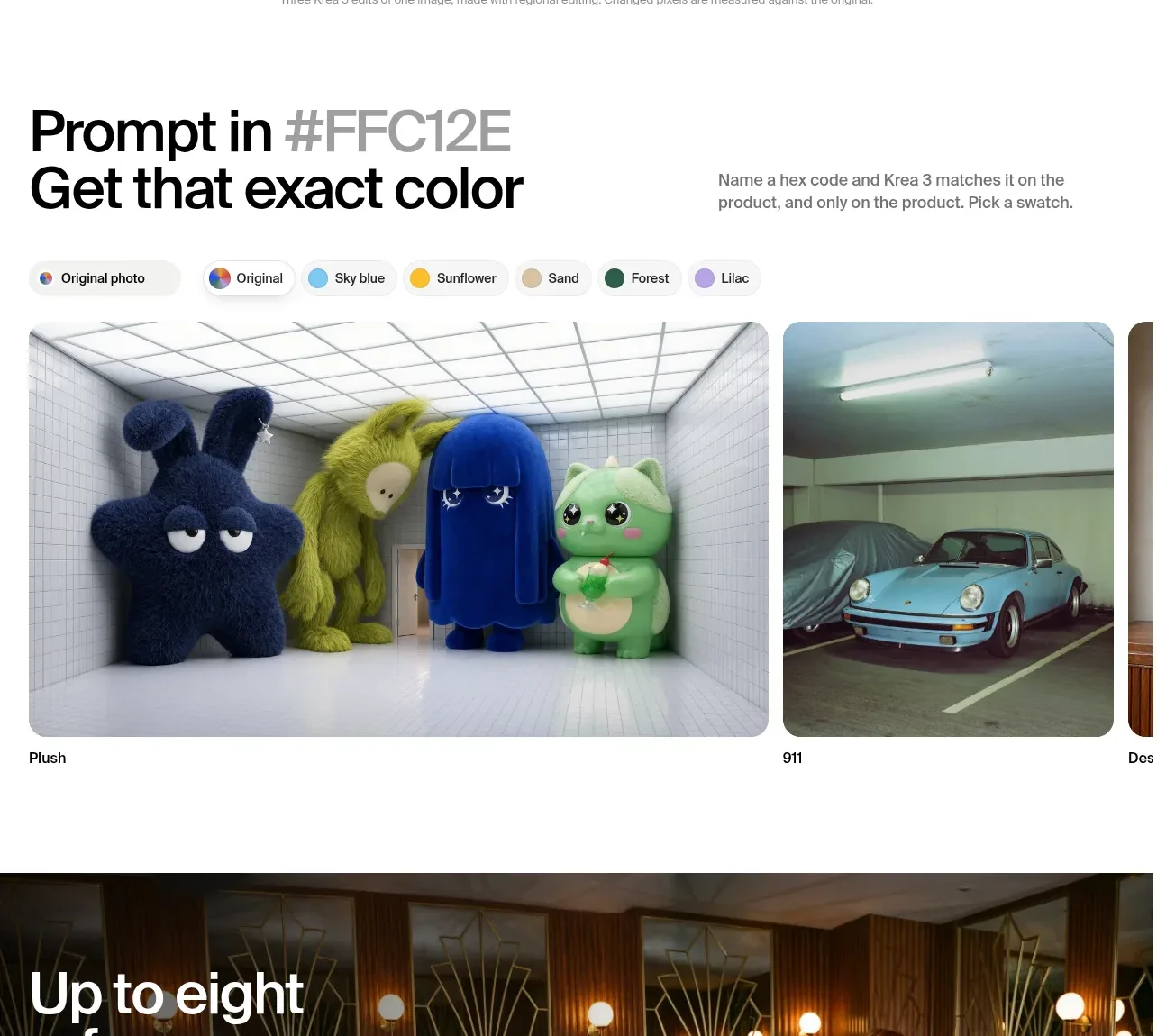 Color-directed reference gallery
Krea 3 · Feature grid
Color-directed reference gallery
Krea 3 · Feature grid
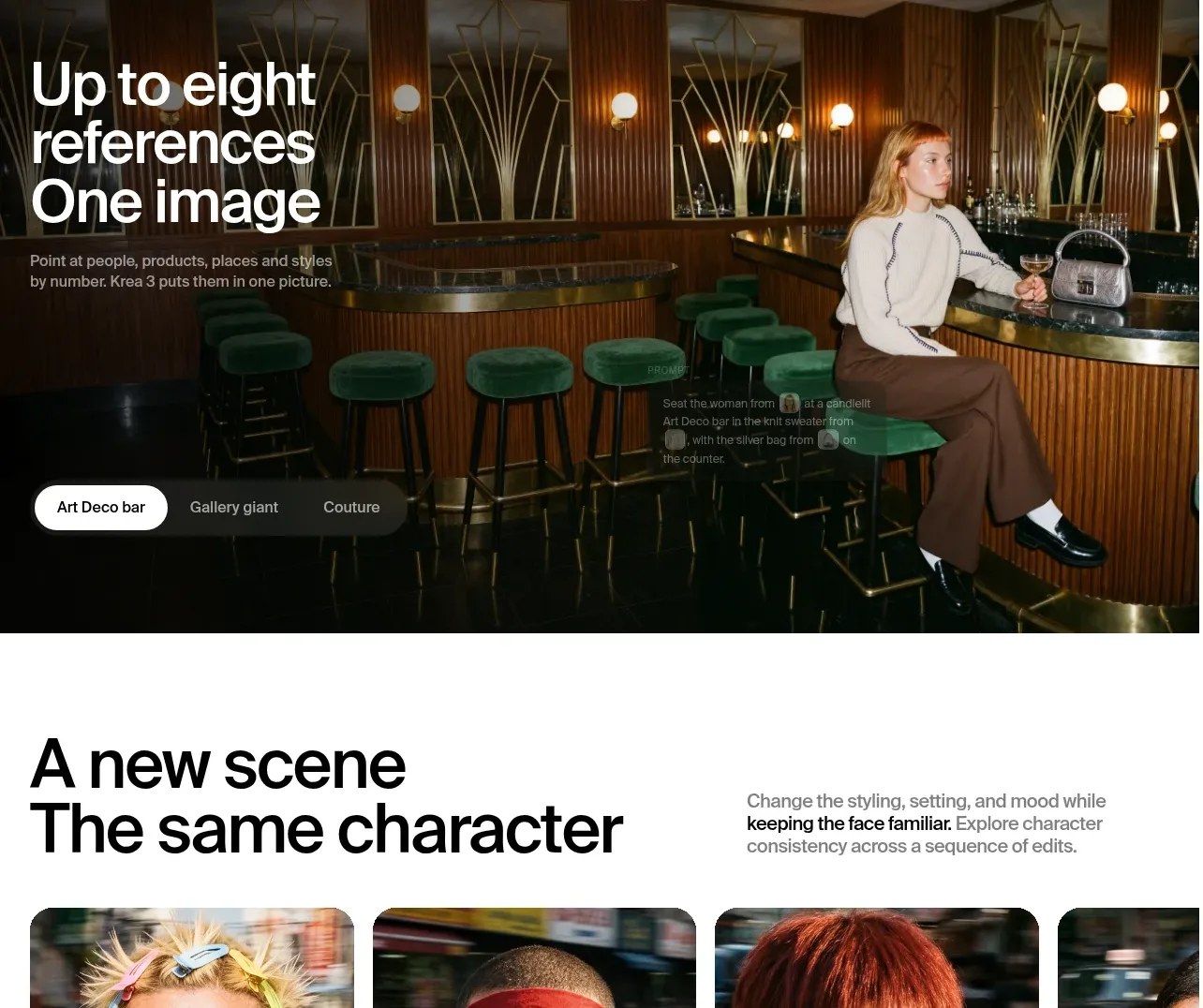 Multi-reference cinematic feature
Krea 3 · Hero
Multi-reference cinematic feature
Krea 3 · Hero
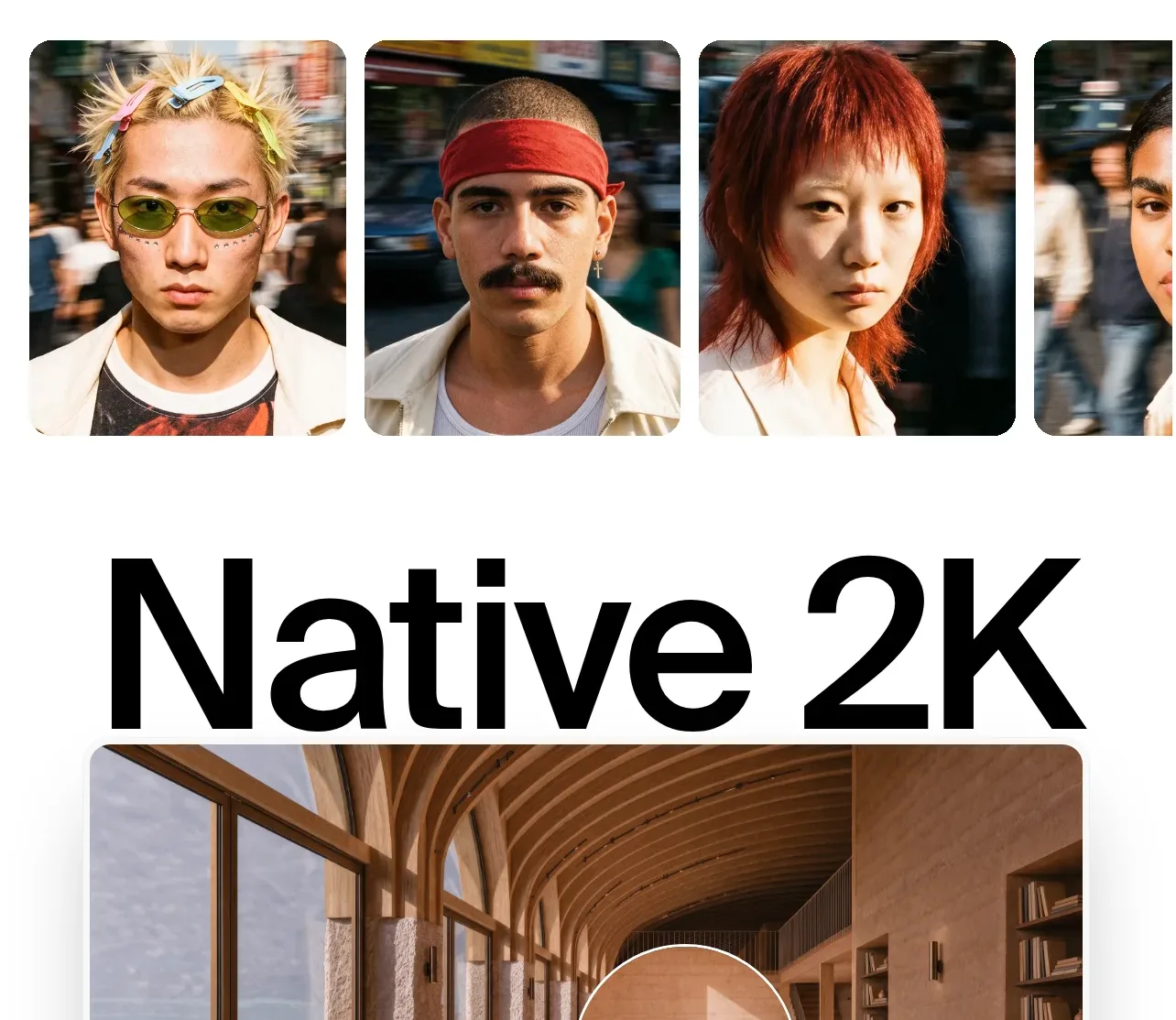 Character consistency gallery
Krea 3 · Gallery
Character consistency gallery
Krea 3 · Gallery
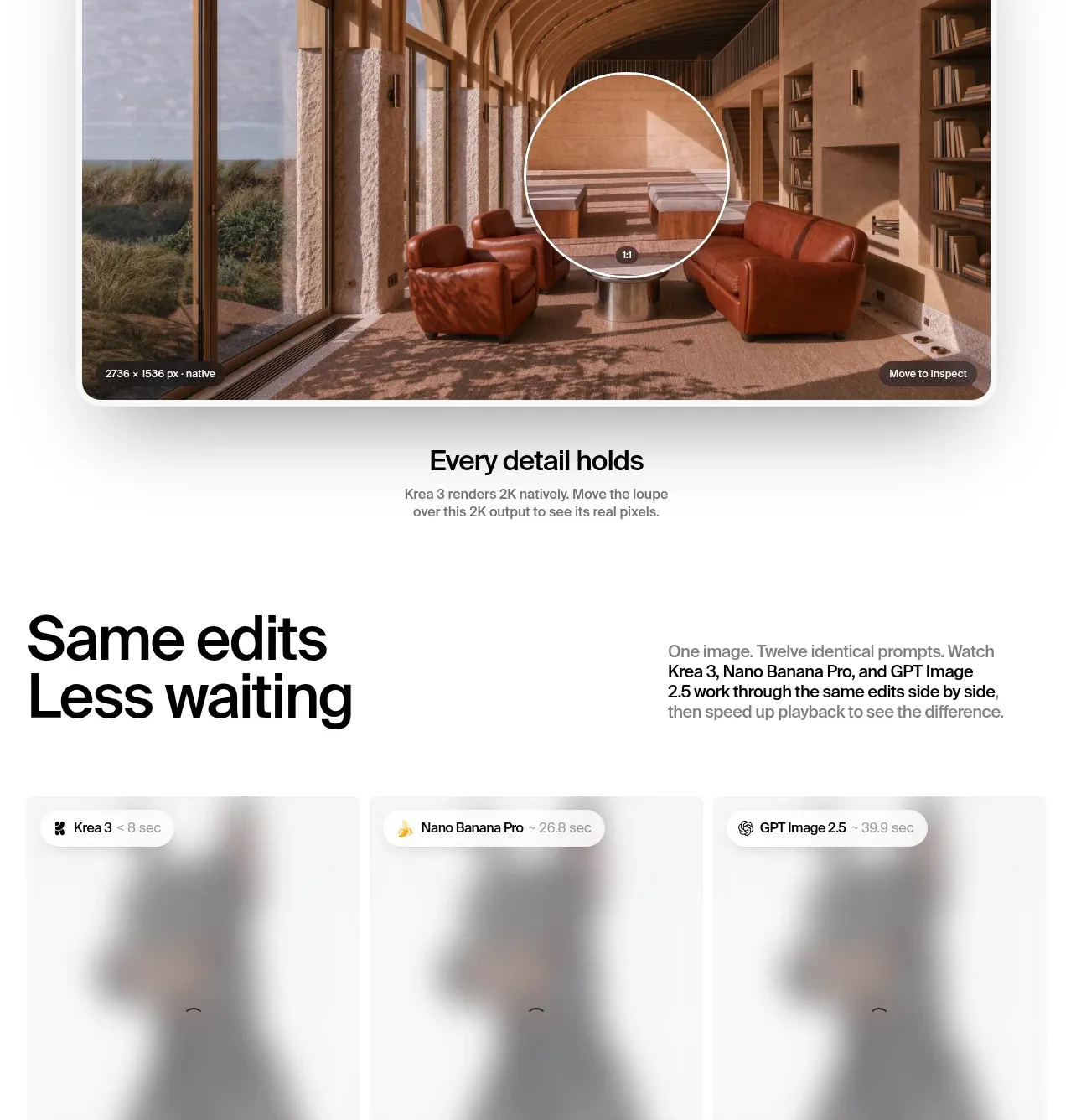 Native resolution showcase
Krea 3 · Feature grid
Native resolution showcase
Krea 3 · Feature grid
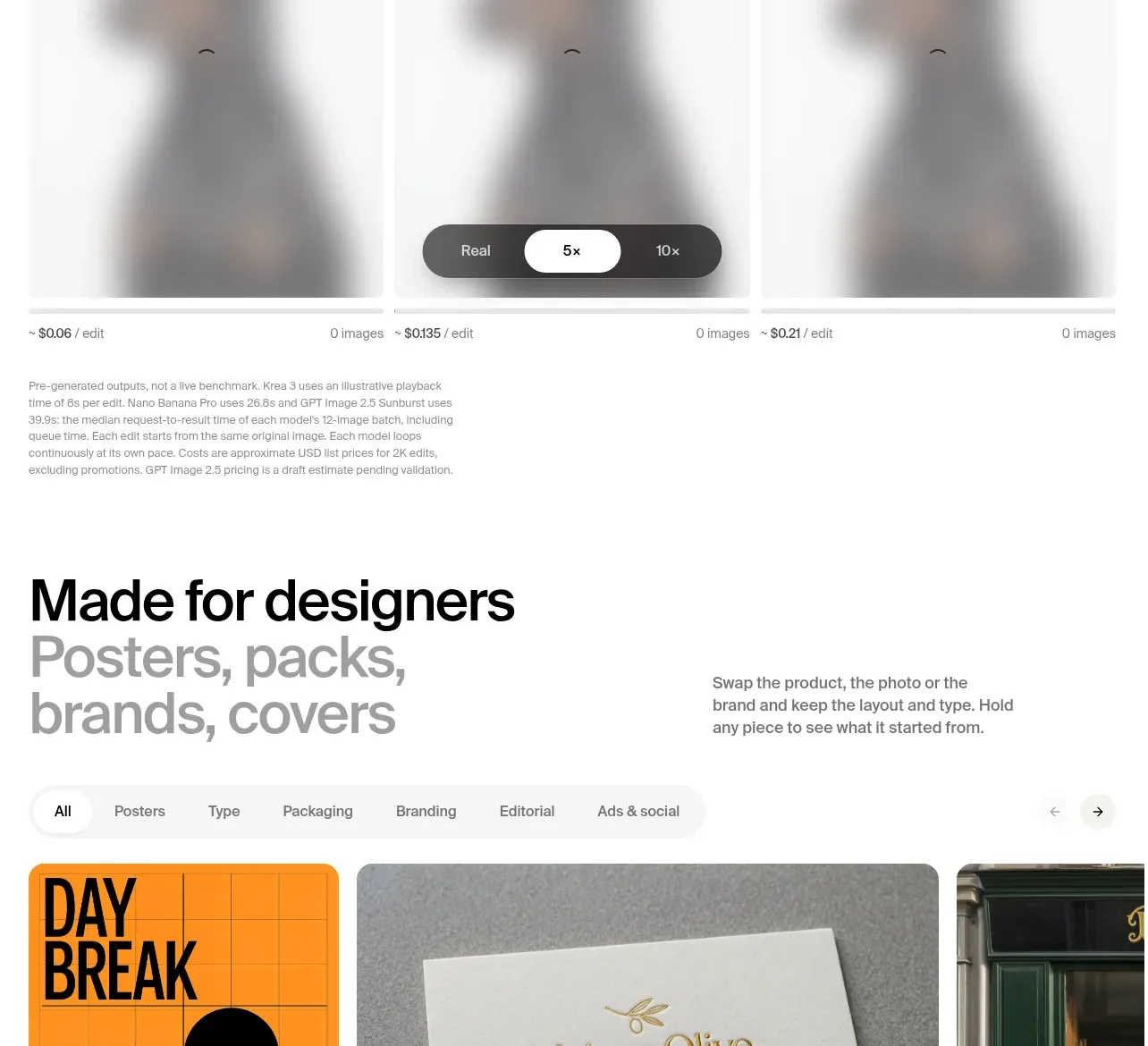 Speed comparison panel
Krea 3 · Feature grid
Speed comparison panel
Krea 3 · Feature grid
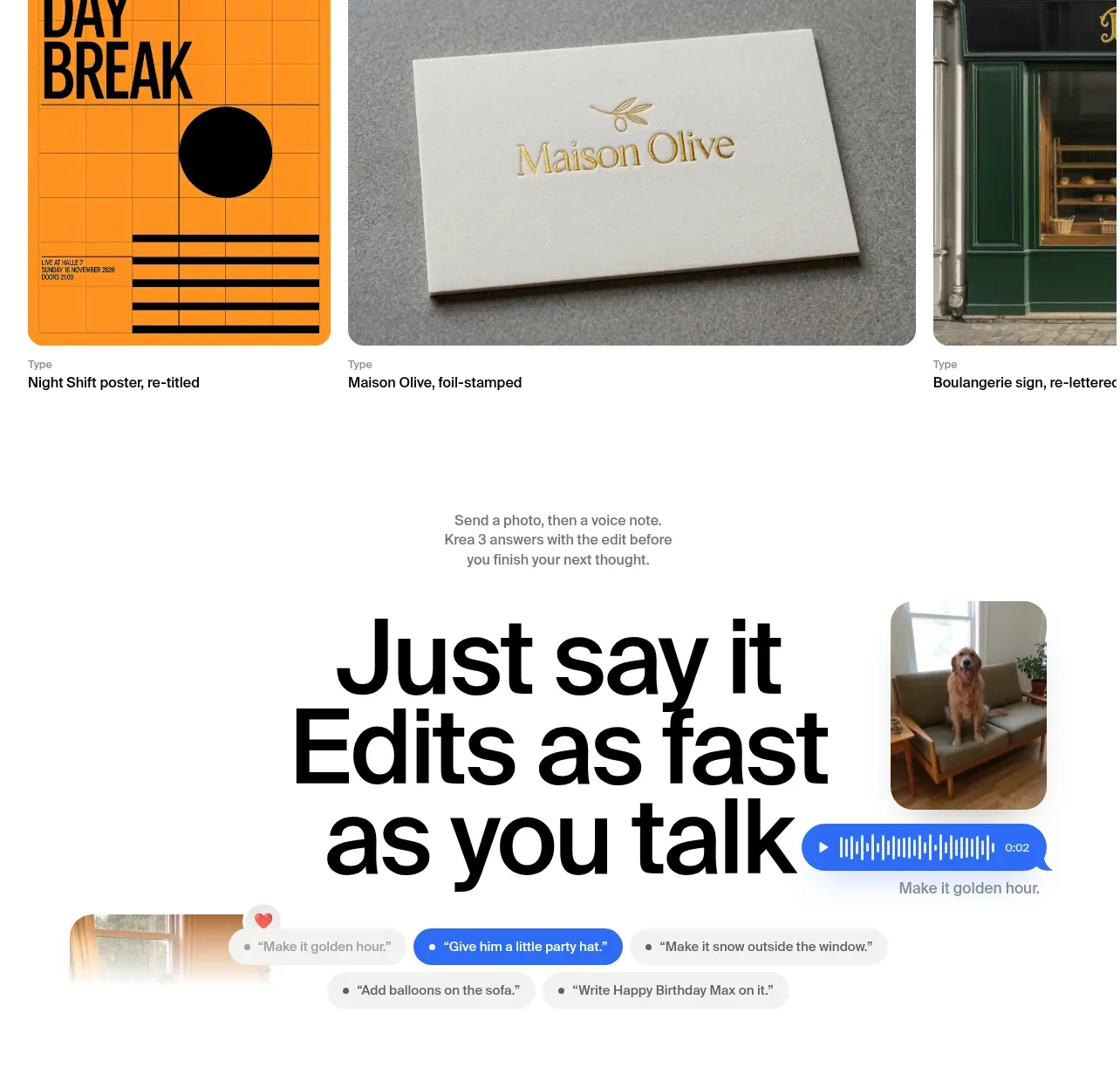 Designer use-case gallery
Krea 3 · Gallery
Designer use-case gallery
Krea 3 · Gallery