kage
kage
uselateron.com
Design analysis
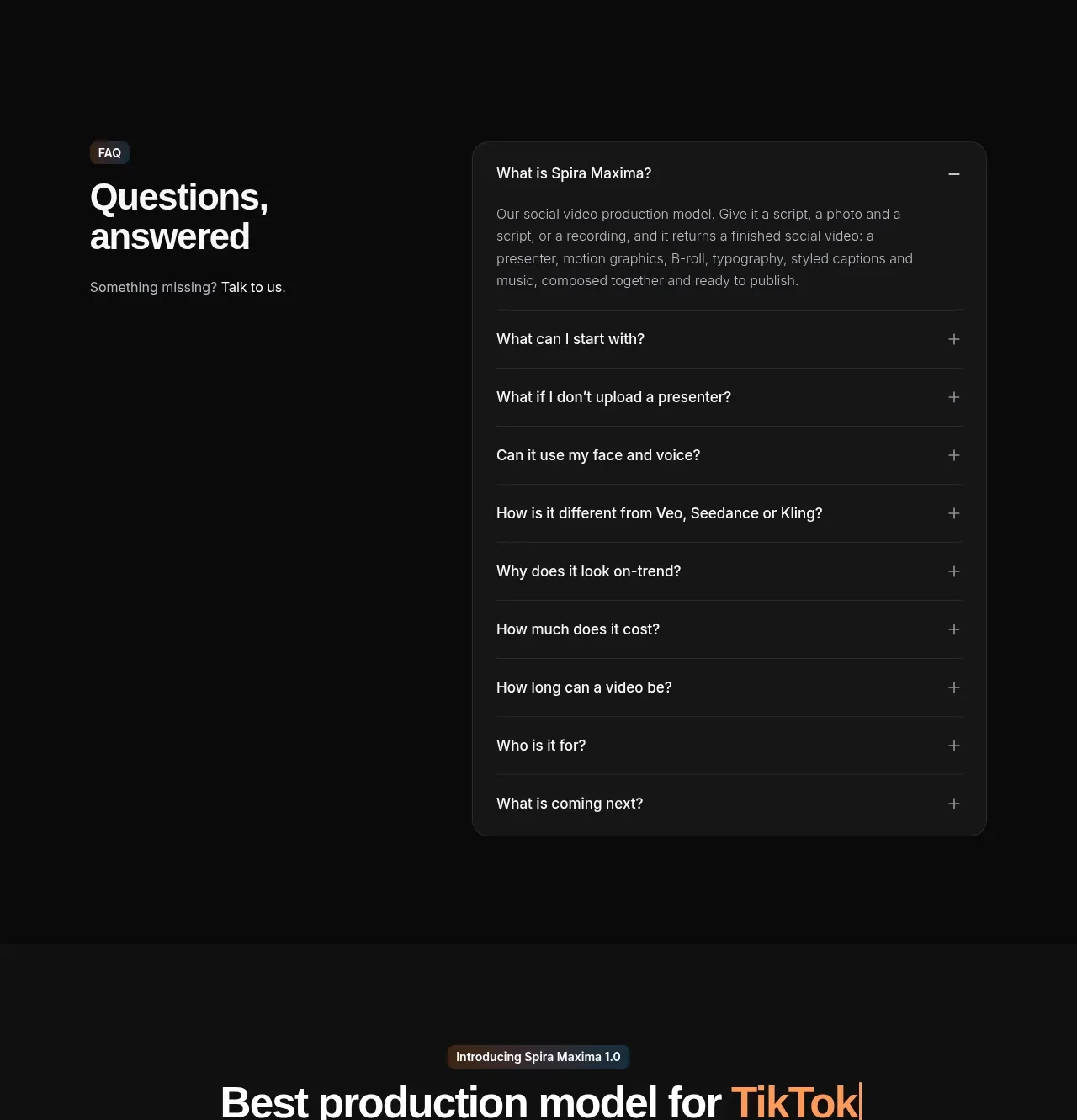
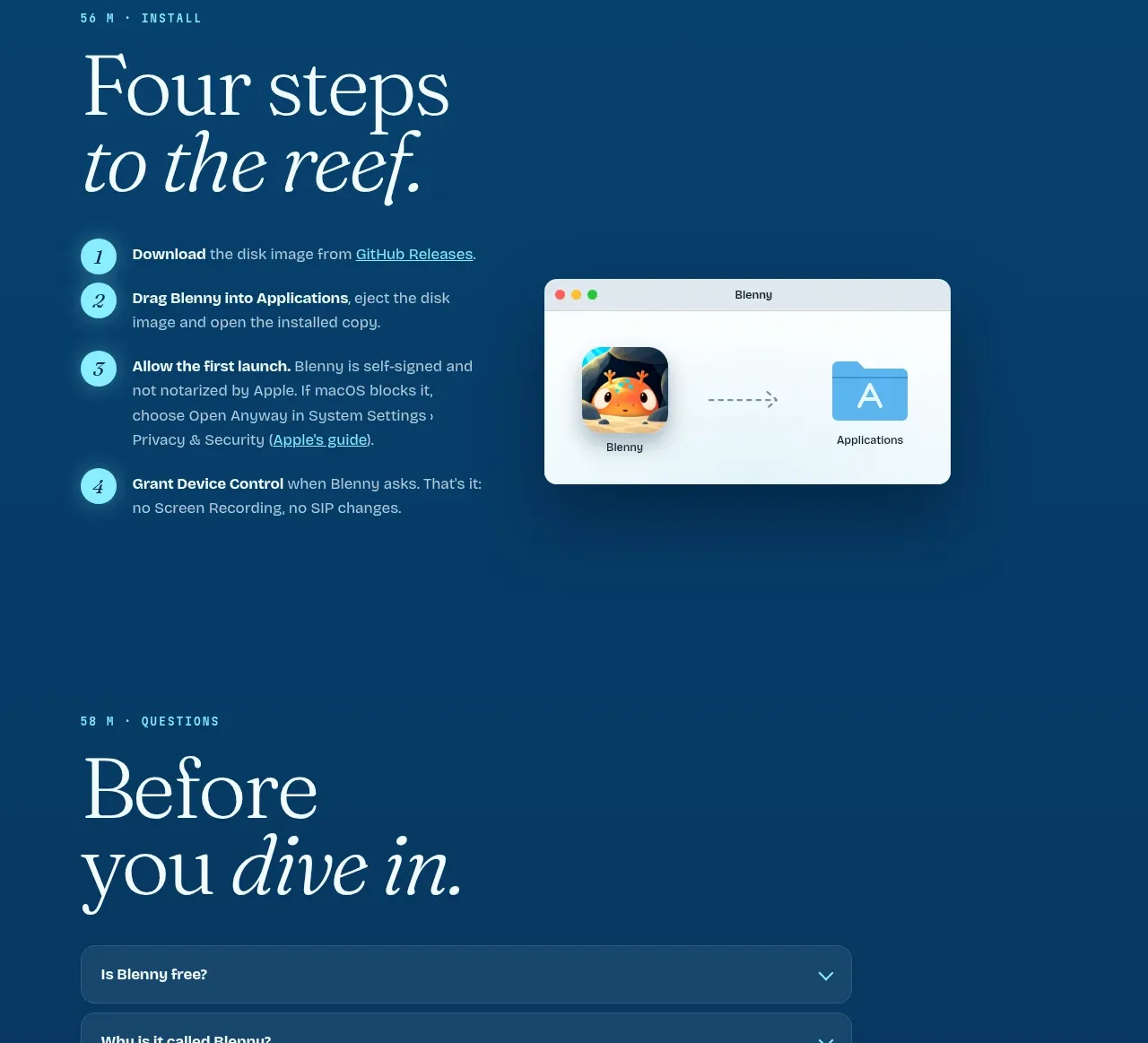
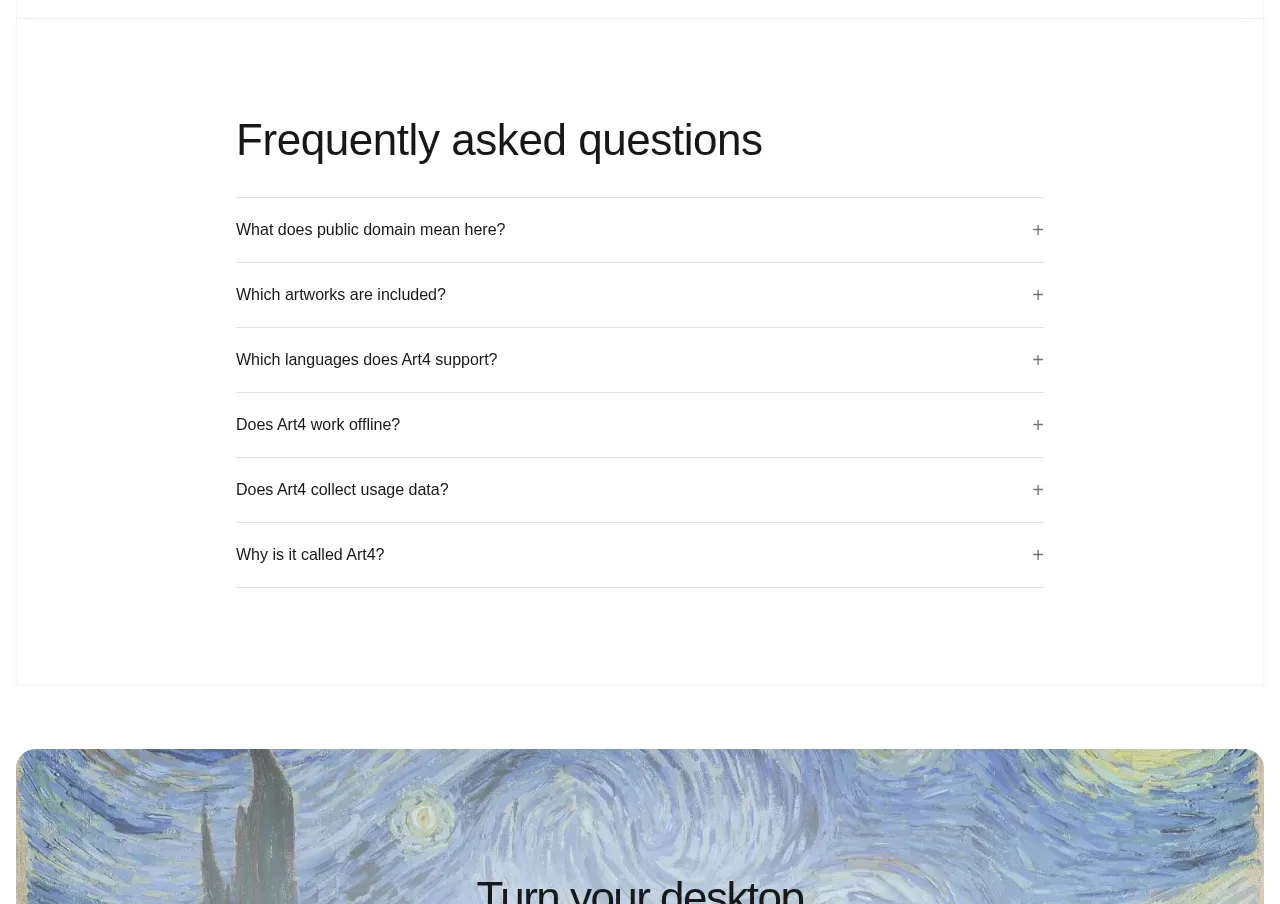
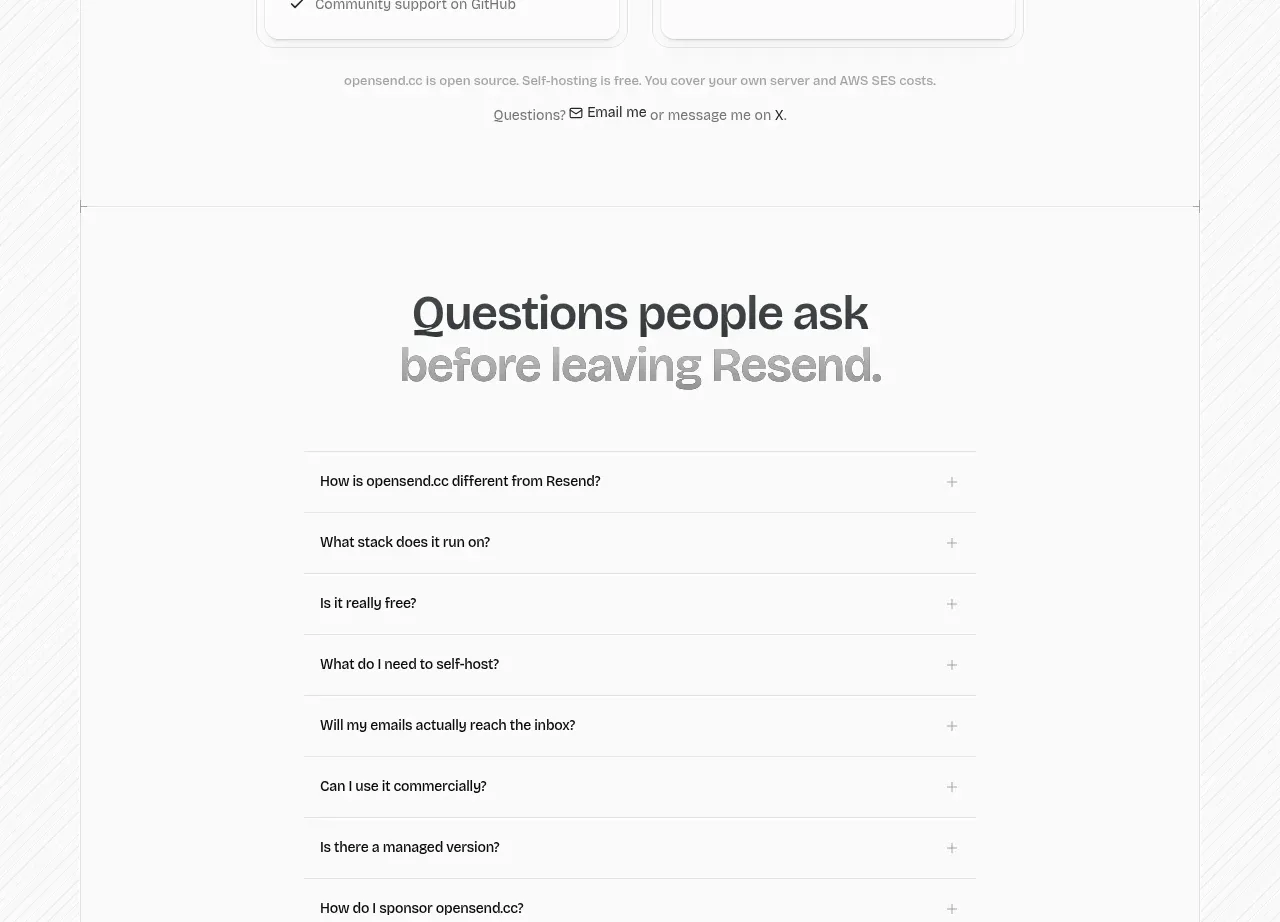
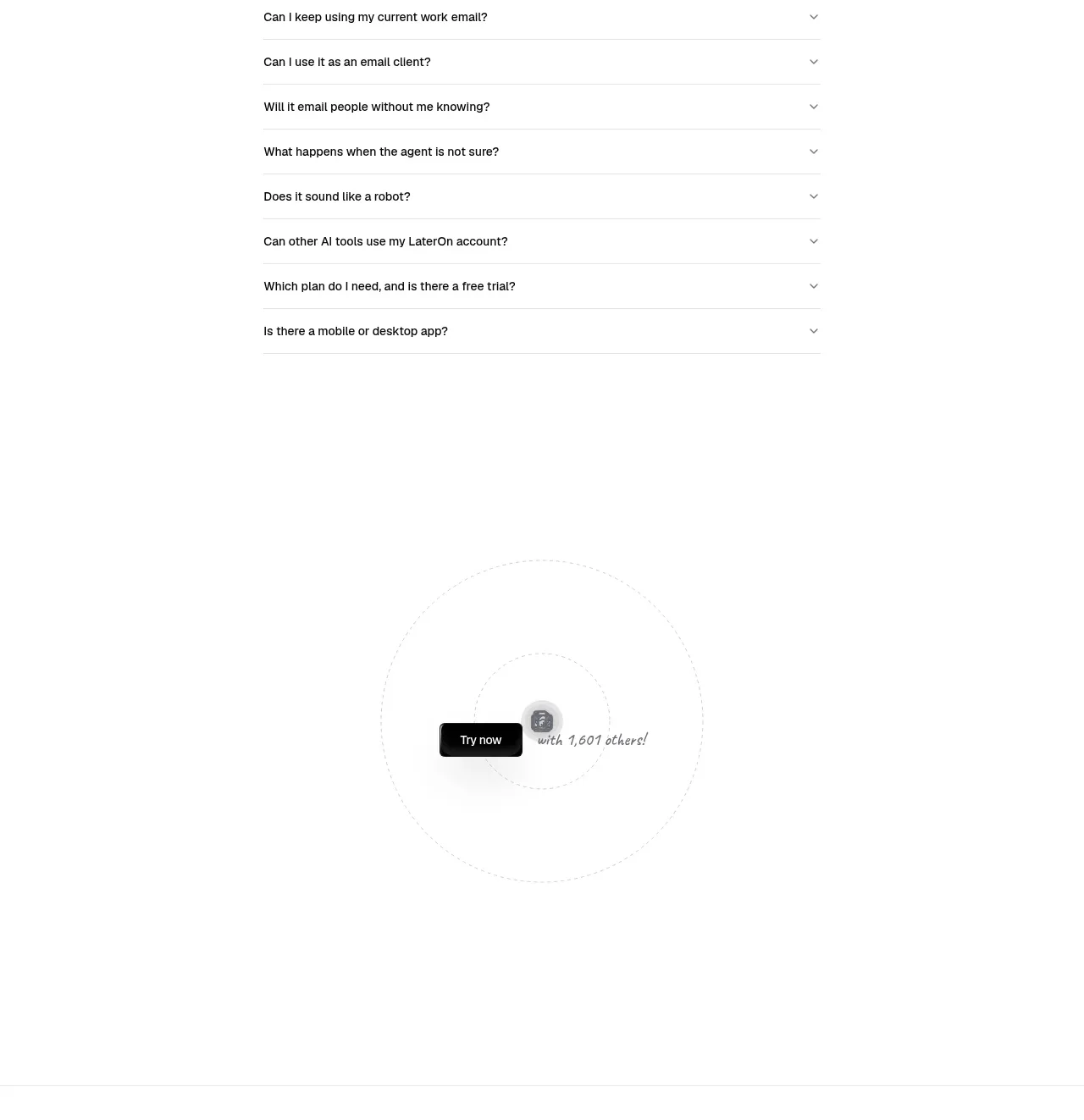
A centered FAQ heading and narrow accordion make detailed objections easy to scan, with the first answer open and the rest collapsed.
Prompt preview
## Reference images

Study these alongside the description below: hierarchy, rhythm, spacing, colour. Build for the product you are asked about, using this design language.

- Component: https://kage-design-assets.t3.tigrisfiles.io/components/lateron-v2-the-agentic-email-plaftform/0ff3184e-0d5c-46ea-8012-61473093bd6c-1790402773-8.webp
- Full page it was cut from: https://kage-design-assets.t3.tigrisfiles.io/screenshots/lateron-v2-the-agentic-email-plaftform/0ff3184e-0d5c-46ea-8012-61473093bd6c-1790402643023-full.webp
- Component on Kage: https://kage.design/component/lateron-v2-the-agentic-email-plaftform-faq

## Before you start
Ask what concerns users have before adopting the user's product. Use those questions to create an original FAQ.

Build a spacious FAQ section with a centered bold heading and a narrow max-width accordion below. Use 1px #e5e5e5 separators, 15–16px question text, small chevron controls aligned right, and comfortable 18–22px row padding. Keep the first item expanded with a readable gray answer paragraph; all other items collapsed. Use a white background, black text #111, gray body #6f6f6f, and smooth height/rotation transitions. Ensure full keyboard and screen-reader accordion behavior.

Never: use logos, product names, copy, illustrations, or imagery from the reference.