kage
kage
ledger.com

Design analysis
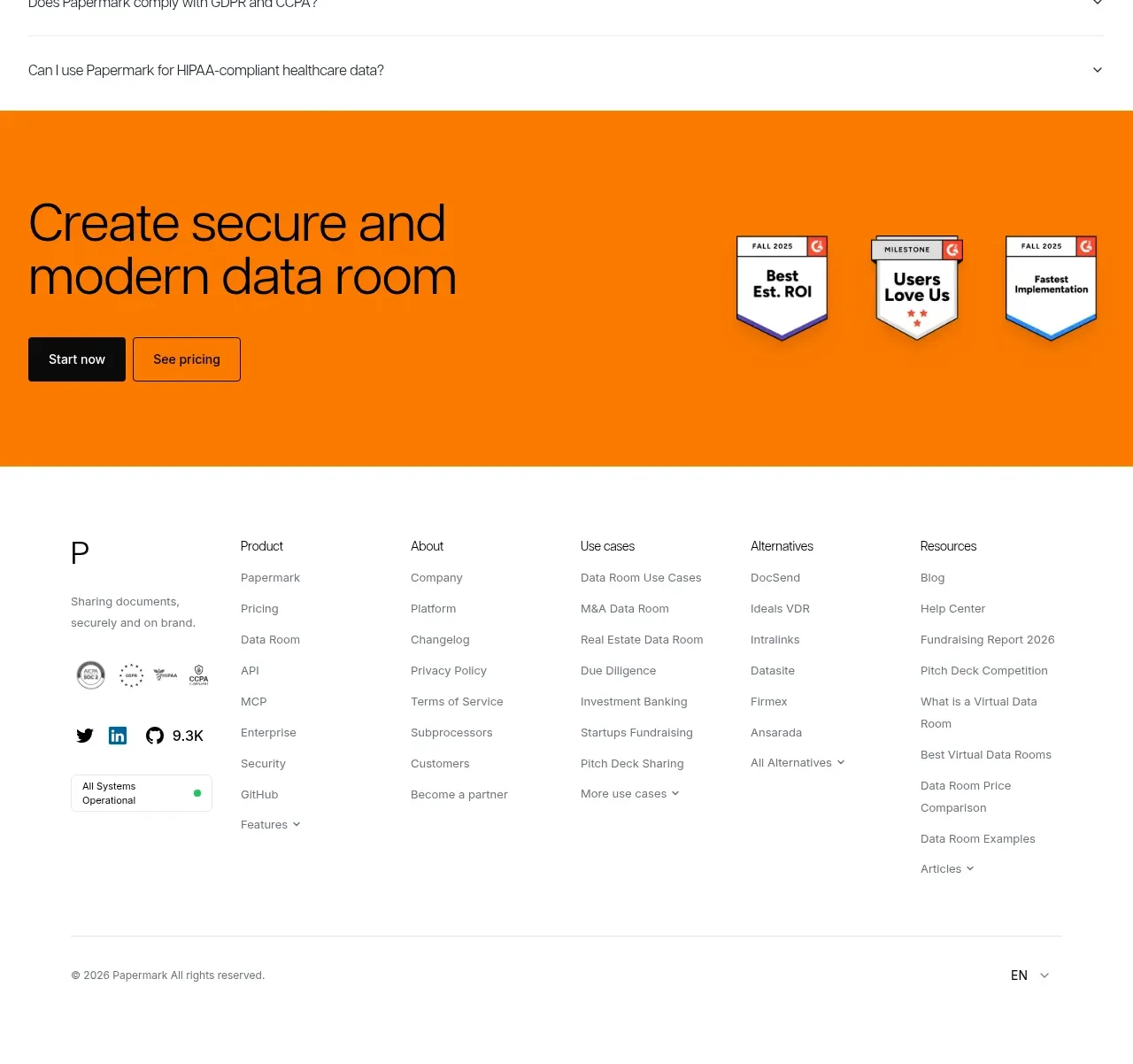
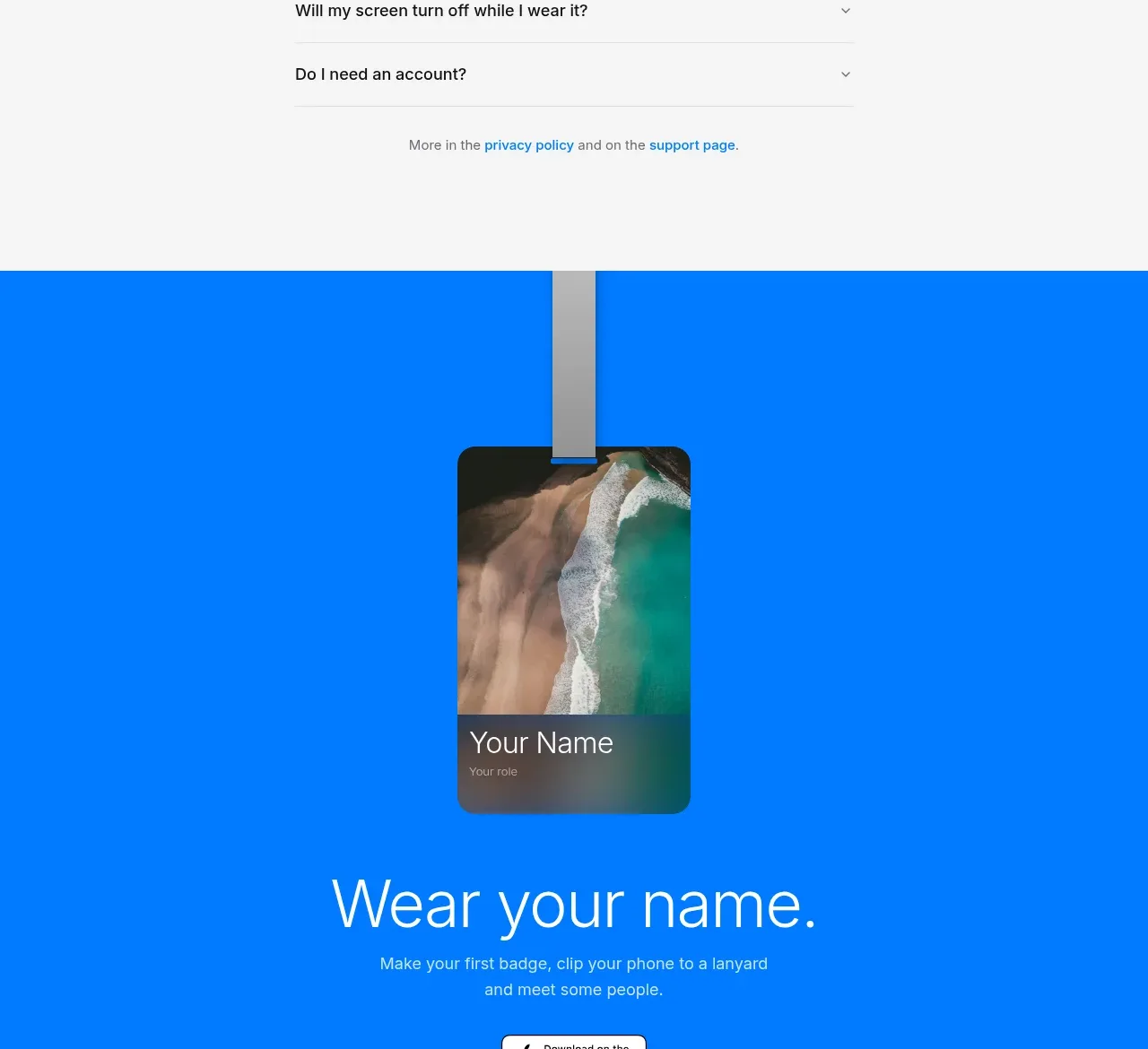
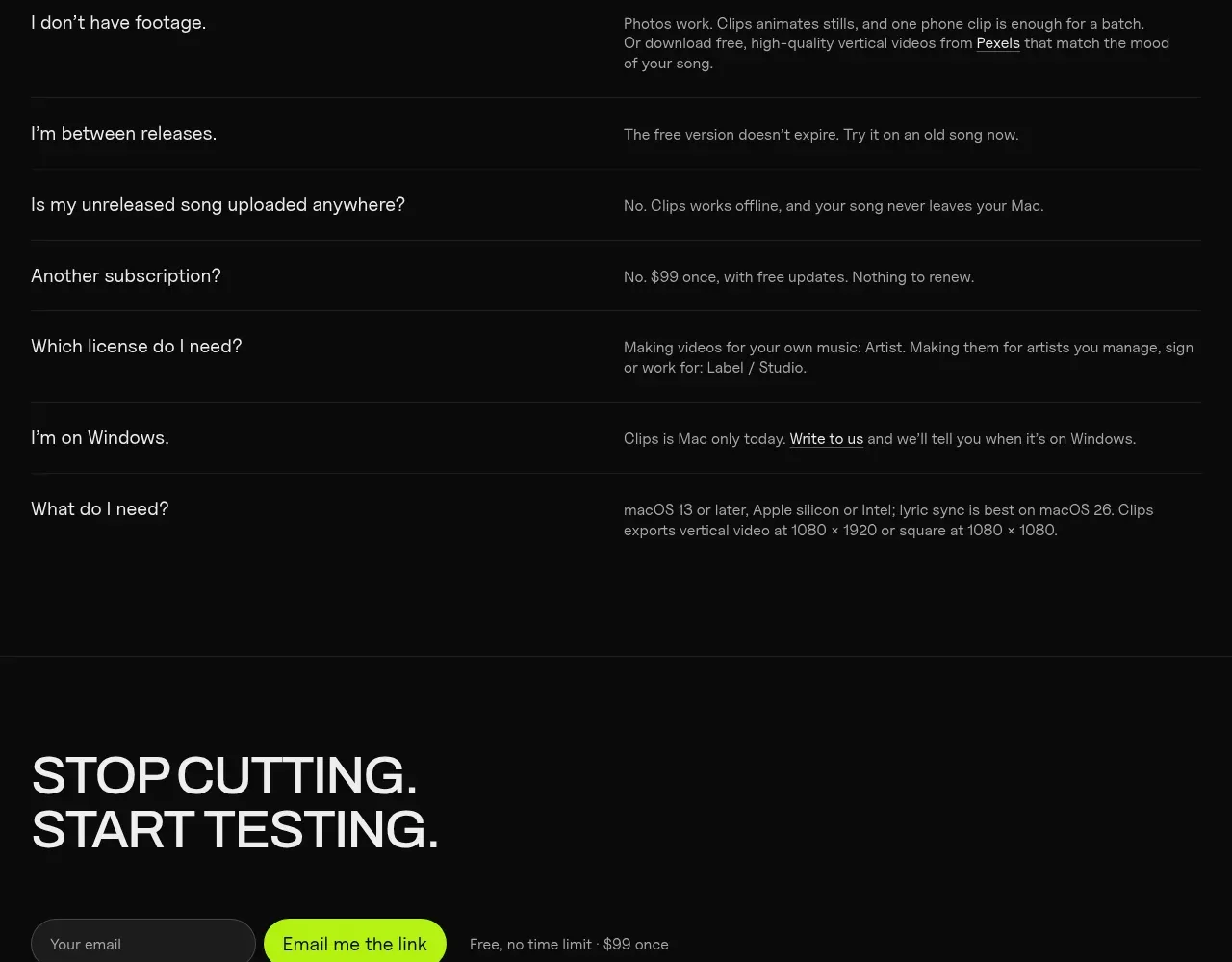
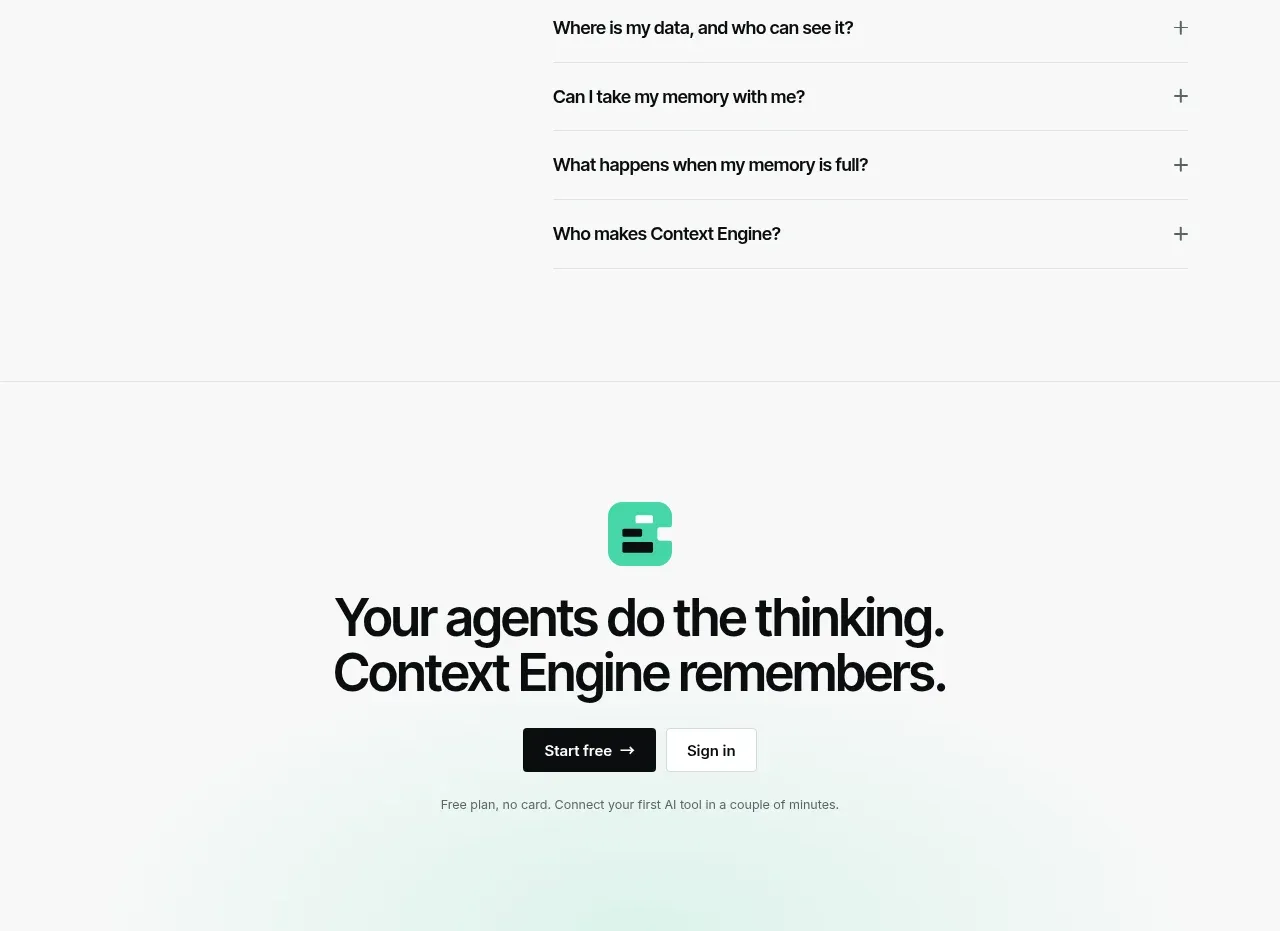
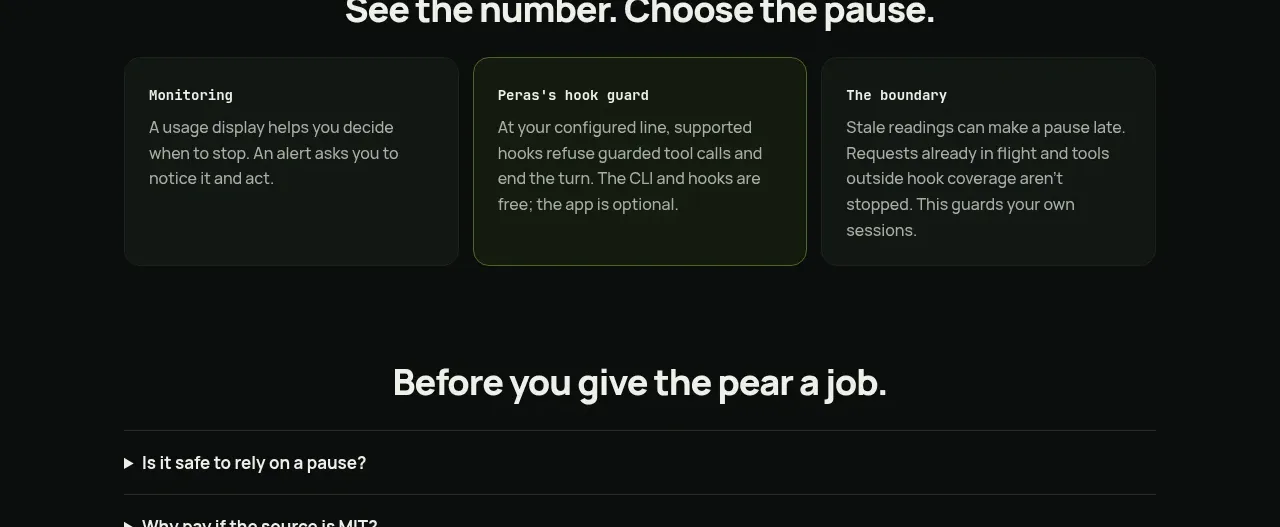
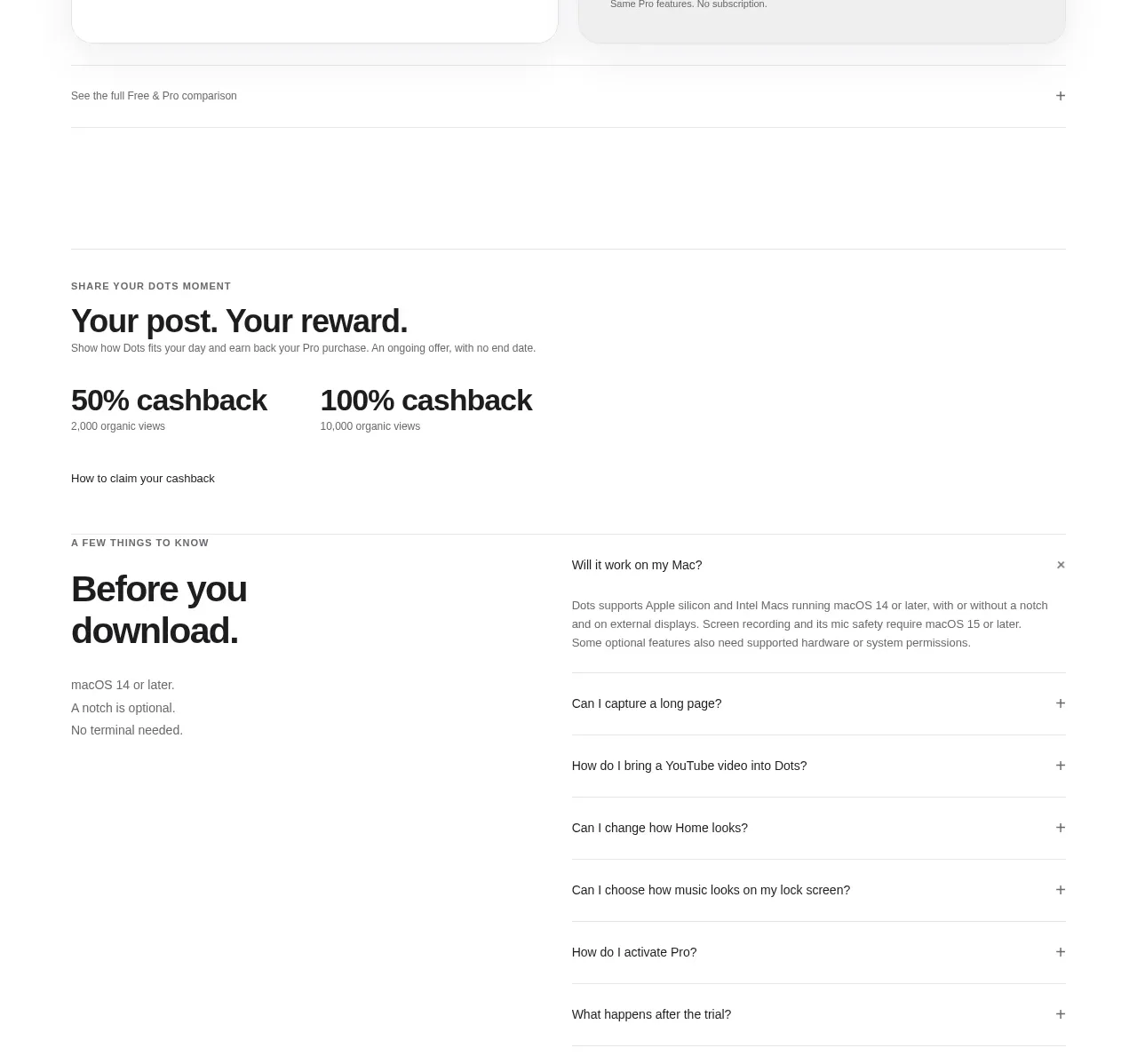
The FAQ uses a two-column layout: expandable questions on the left and explanatory answer content on the right. High contrast rows and concise answers make the section easy to scan.
Prompt preview
## Reference images

Study these alongside the description below: hierarchy, rhythm, spacing, colour. Build for the product you are asked about, using this design language.

- Component: https://kage-design-assets.t3.tigrisfiles.io/components/ledger-com/abaab959-f9d6-43c3-8f0c-09f584ac8799-1789146873-9.webp
- Full page it was cut from: https://kage-design-assets.t3.tigrisfiles.io/screenshots/ledger-com/abaab959-f9d6-43c3-8f0c-09f584ac8799-1789146801441-full.webp
- Component on Kage: https://kage.design/component/ledger-faq

## Before you start
Ask what the user's product is, who it serves, and what its brand voice and visual identity are. Apply the following principles to that product rather than reproducing the reference.

Build an FAQ section with a bold heading and short introduction above a two-column content area. Put five or six accordion triggers in a left column, using dark gray filled rows, subtle borders, and right-facing chevrons. Put the selected answer in the right column with comfortable line height and links where useful. Use 36–44px heading type, 15–16px body copy, row heights around 48px, and a dark charcoal panel gradient over `#070707`. The active row should be clearly distinguished without bright decoration.

Use real accordion semantics (`button`, `aria-expanded`, controlled region), support keyboard interaction, and stack the answer beneath the list on mobile. Keep only one answer open when that best supports scanning.

### Never
- Never copy logos, product names, copy, illustrations, or imagery from the reference.
- Never hide essential safety, pricing, or product limitations inside inaccessible accordion behavior.