kage
kage
masterclass.com

Design analysis
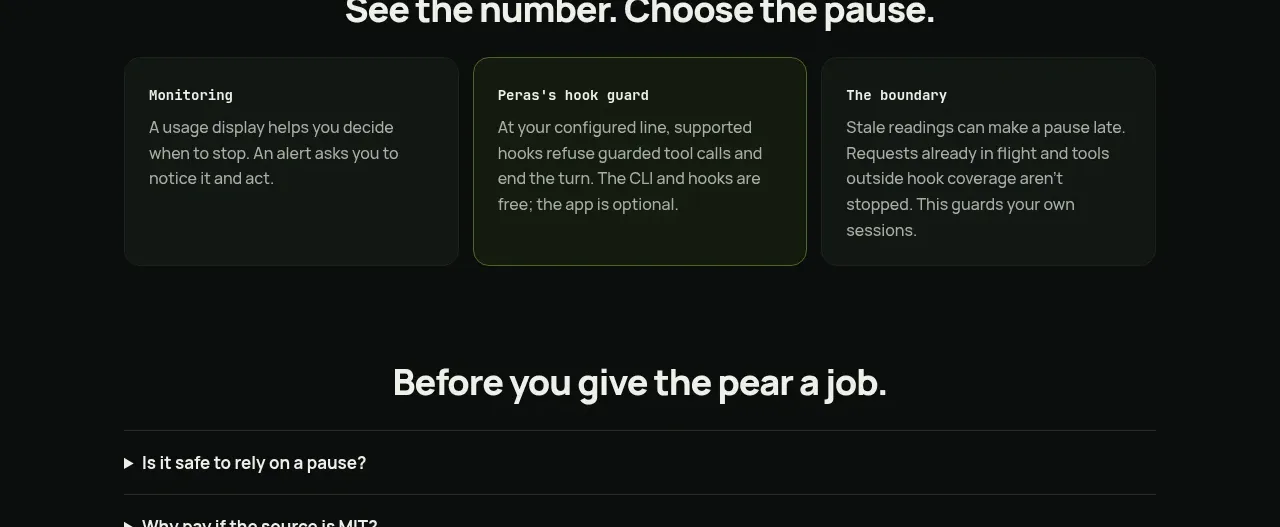
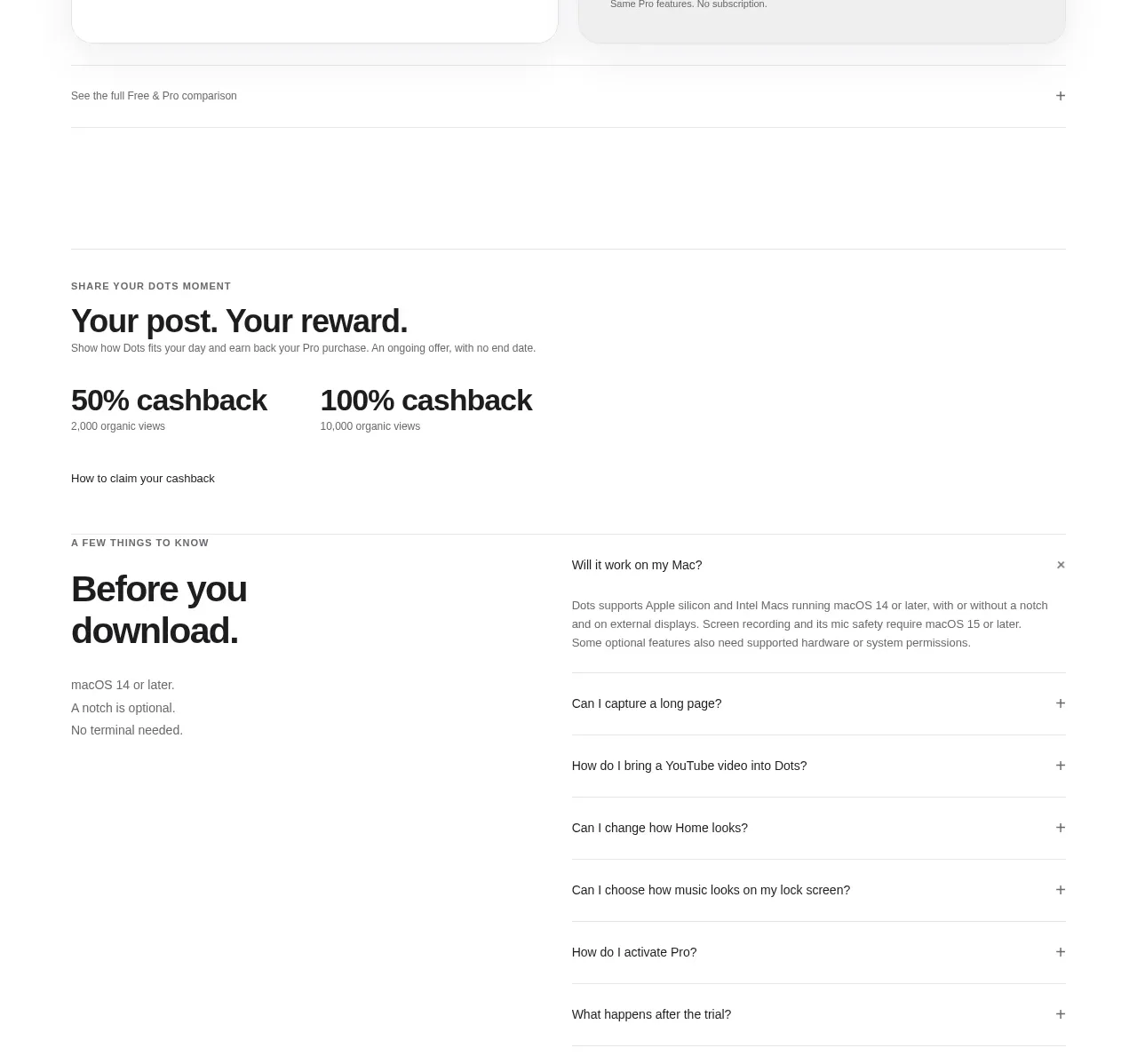
A narrow centered FAQ column groups questions into labeled categories and uses uniform dark accordion rows with clear chevrons for scanability.
Prompt preview
## Reference images

Study these alongside the description below: hierarchy, rhythm, spacing, colour. Build for the product you are asked about, using this design language.

- Component: https://kage-design-assets.t3.tigrisfiles.io/components/masterclass-com/5ec25cd5-decc-406e-8087-269a3e7b0a10-1789146212-10.webp
- Full page it was cut from: https://kage-design-assets.t3.tigrisfiles.io/screenshots/masterclass-com/5ec25cd5-decc-406e-8087-269a3e7b0a10-1789146173702-full.webp
- Component on Kage: https://kage.design/component/masterclass-faq

## Before you start
Ask what the user's product, audience, and most important support questions are, then build this FAQ around them.

Create a centered FAQ section on black with a strong heading, category labels, and two groups of full-width accordion rows. Each row should be a dark charcoal rectangle with a concise question on the left and a chevron on the right; use 12px gaps, 8px rounding, and 16px horizontal padding. Use white headings, #d7d7d7 questions, #9c9c9c category labels, and #262729 surfaces. Allow one or multiple panels to open, animate height and icon rotation subtly, preserve focus rings, and include readable answer spacing. Keep the content column around 560–640px wide and full width with side padding on mobile.

Never: use logos, product names, copy, illustrations, or imagery from the reference.