 kage
kage
meetpaw.app
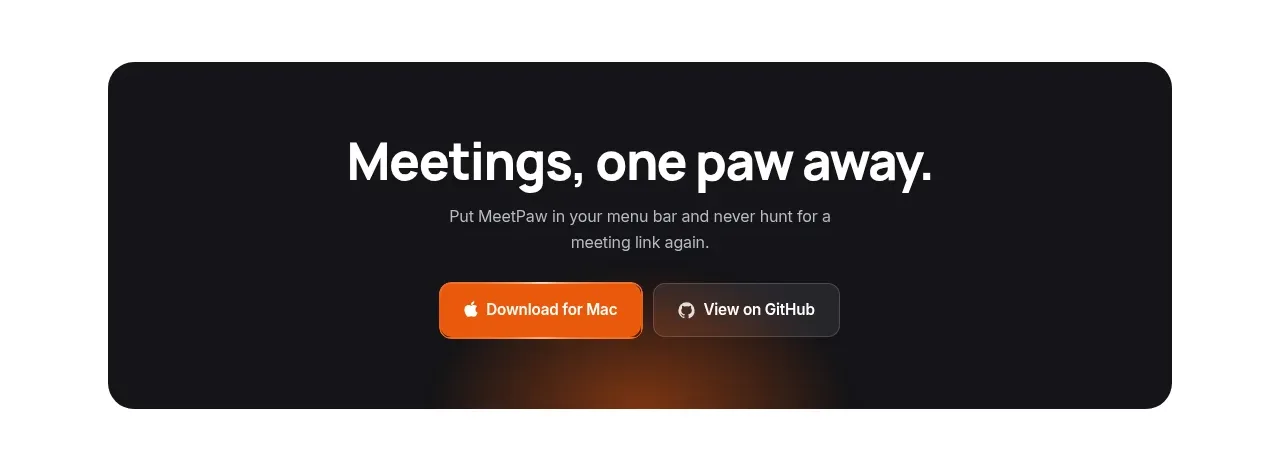
Design analysis
A dark, rounded inset panel closes the content with a large outcome-oriented heading, supporting line, and two high-contrast actions.
Prompt preview
## Reference images

Study these alongside the description below: hierarchy, rhythm, spacing, colour. Build for the product you are asked about, using this design language.

- Component: https://kage-design-assets.t3.tigrisfiles.io/components/meetpaw/a0a465d2-81ef-4df0-b440-a946faf696c8-1792389688-5.webp
- Full page it was cut from: https://kage-design-assets.t3.tigrisfiles.io/screenshots/meetpaw/a0a465d2-81ef-4df0-b440-a946faf696c8-1792389630481-full.webp
- Component on Kage: https://kage.design/component/meetpaw-cta

## Before you start
Ask what final action the user's product wants visitors to take, what secondary action builds trust, and what outcome should headline the closing message. Then design an original CTA panel.

Create an inset CTA panel with a max-width around 750px, centered on the page and separated from the FAQ by generous whitespace. Use a deep near-black background such as #17171a, 24–28px corner radius, and a subtle warm radial glow or restrained gradient near the lower center. Center the content vertically and horizontally. Use a 34–44px white heading, a 14–16px gray supporting sentence constrained to about 420px, and two buttons below.

Make the primary button warm orange #f36b18 with white text and the secondary button dark gray with a thin #454545 border. Keep buttons 42–46px tall, 8–10px radius, and separated by 10–12px. Add hover, focus, and reduced-motion behavior. The panel should feel like a confident conclusion rather than a sales-heavy banner.

### Never
- Never use logos, product names, copy, illustrations, or imagery from the reference.
- Never copy the reference CTA wording, button labels, or glow treatment exactly.
- Never use low-contrast text or make the secondary action look like a disabled control.
More components
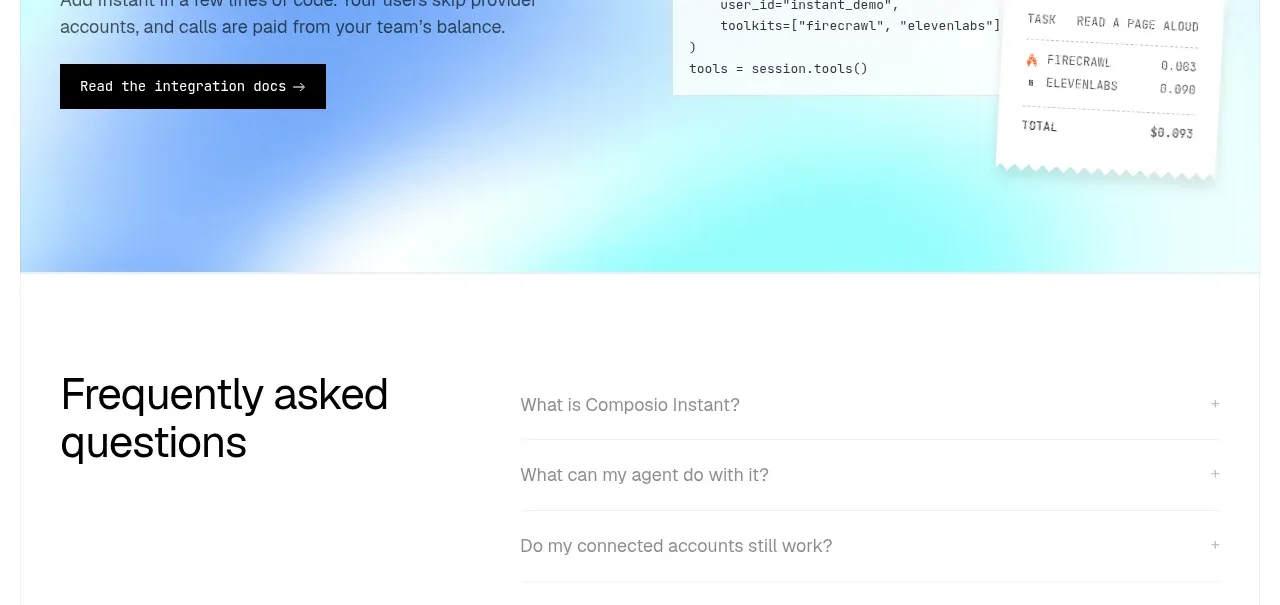
 Developer integration CTA
Composio Instant · Call to action
Developer integration CTA
Composio Instant · Call to action
 First-use credit CTA
Composio Instant · Call to action
First-use credit CTA
Composio Instant · Call to action
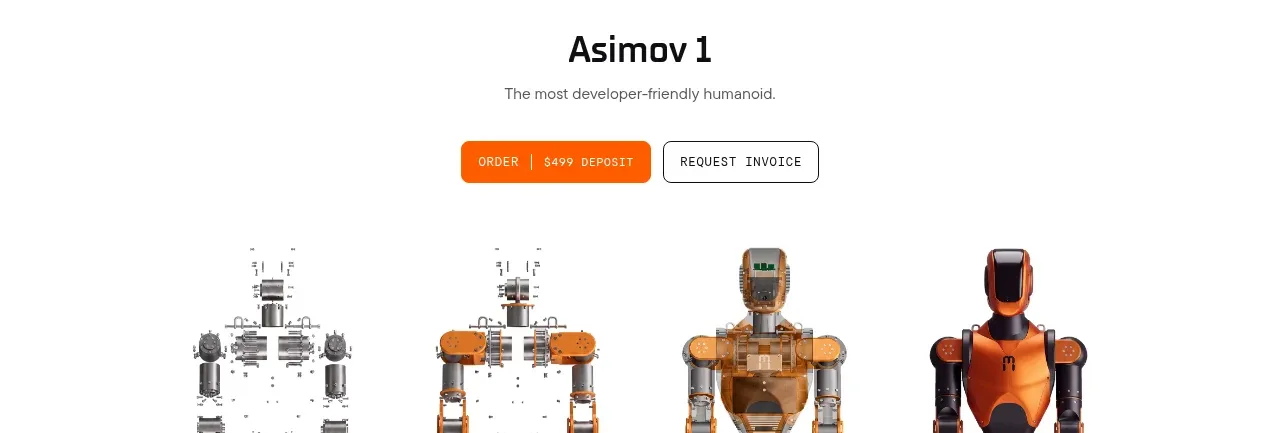
 Product purchase call to action
Asimov 1 · Call to action
Product purchase call to action
Asimov 1 · Call to action

 Final conversion panel
Inflight · Call to action
Final conversion panel
Inflight · Call to action
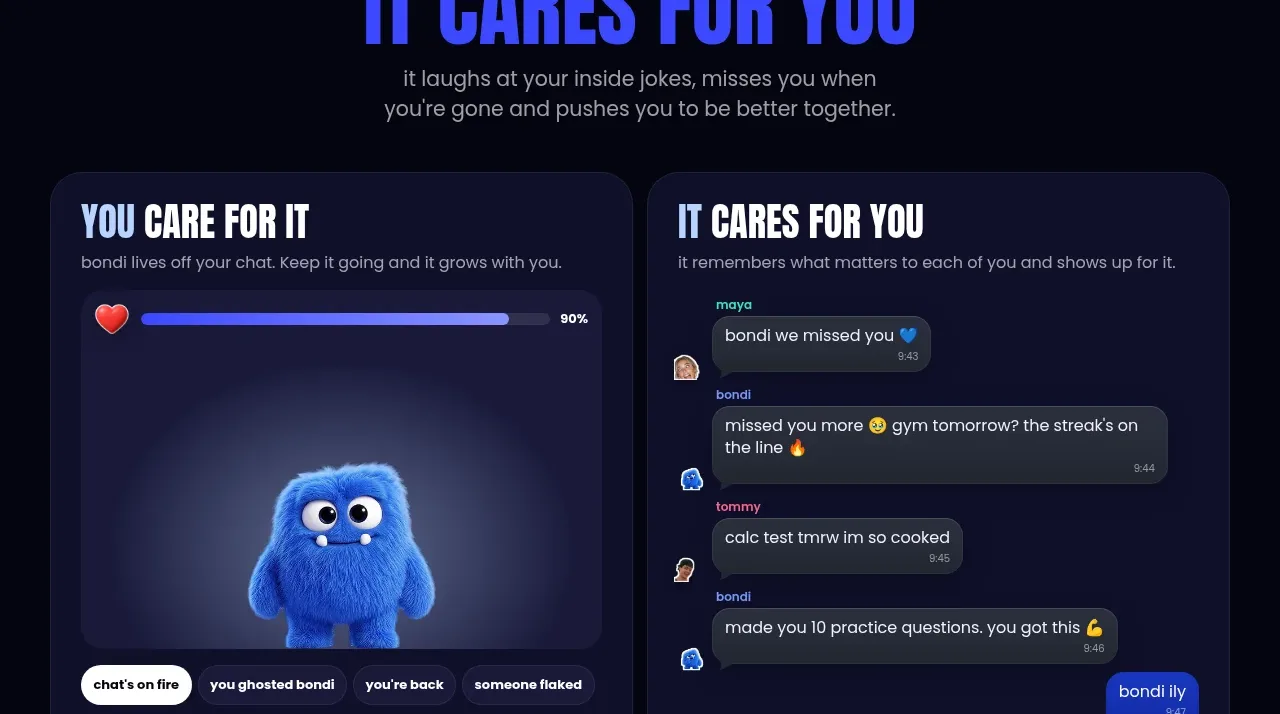
 Download and start CTA
bonds · Call to action
Download and start CTA
bonds · Call to action

 Cloud to self-hosted switch
OpenShip Cloud · Call to action
Cloud to self-hosted switch
OpenShip Cloud · Call to action