 kage
kage
mermaidonline.live
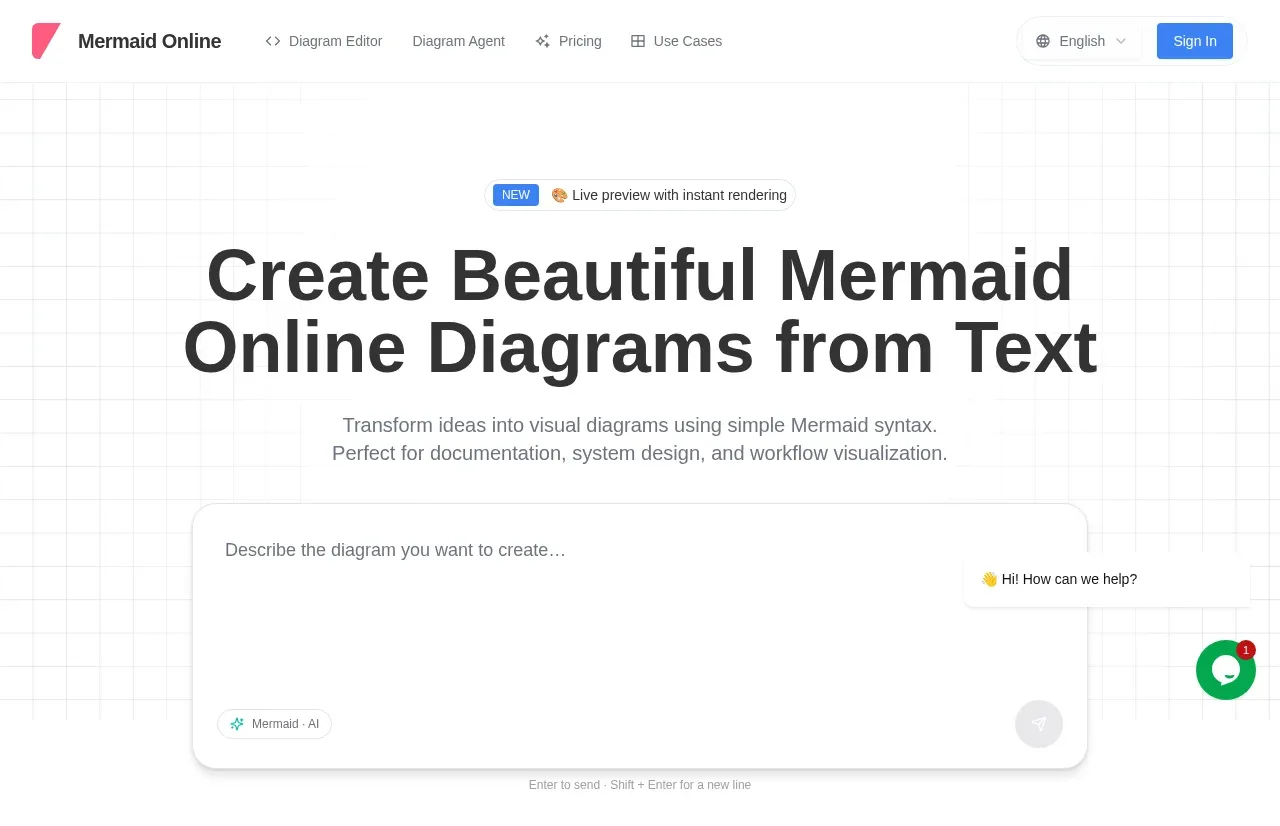
Design analysis
The hero combines a centered announcement, oversized value proposition, supporting explanation, and a large rounded prompt/editor surface. A floating help affordance adds support without interrupting the primary creation flow.
Prompt preview
## Reference images

Study these alongside the description below: hierarchy, rhythm, spacing, colour. Build for the product you are asked about, using this design language.

- Component: https://kage-design-assets.t3.tigrisfiles.io/components/mermaidonline-live/7b9ecc63-d7b9-4b92-a5d2-b69508fba7f2-1792152743-1.webp
- Full page it was cut from: https://kage-design-assets.t3.tigrisfiles.io/screenshots/mermaidonline-live/7b9ecc63-d7b9-4b92-a5d2-b69508fba7f2-1792152710959-full.webp
- Component on Kage: https://kage.design/component/mermaidonline-live-hero

## Before you start
Ask what the user's product does, what action matters most, and which brand colors and voice should shape the hero. Apply these rules to that product.

Create a centered product hero beneath the navigation. Start with a small pill announcement, followed by a large two-line headline, concise supporting copy, and a prominent rounded input/editor canvas that invites the user to describe an outcome. Make the canvas feel interactive with a quiet placeholder, a mode chip, and a disabled-looking send control until text exists. Use a faint technical grid or blueprint texture on white (#ffffff), near-black headline text (#292b2f), gray copy (#73777d), blue accents (#4285df), and a green support/chat accent around #0aa65c. Use a 64px desktop headline with tight line height, 16px body copy, 32–48px vertical gaps, 20px radius, #e5e5e5 borders, and a soft shadow. Center the content but let the editor span most of the available width; keep the first meaningful action visible without scrolling.

Never: use logos, product names, copy, illustrations, or imagery from the reference.
More components
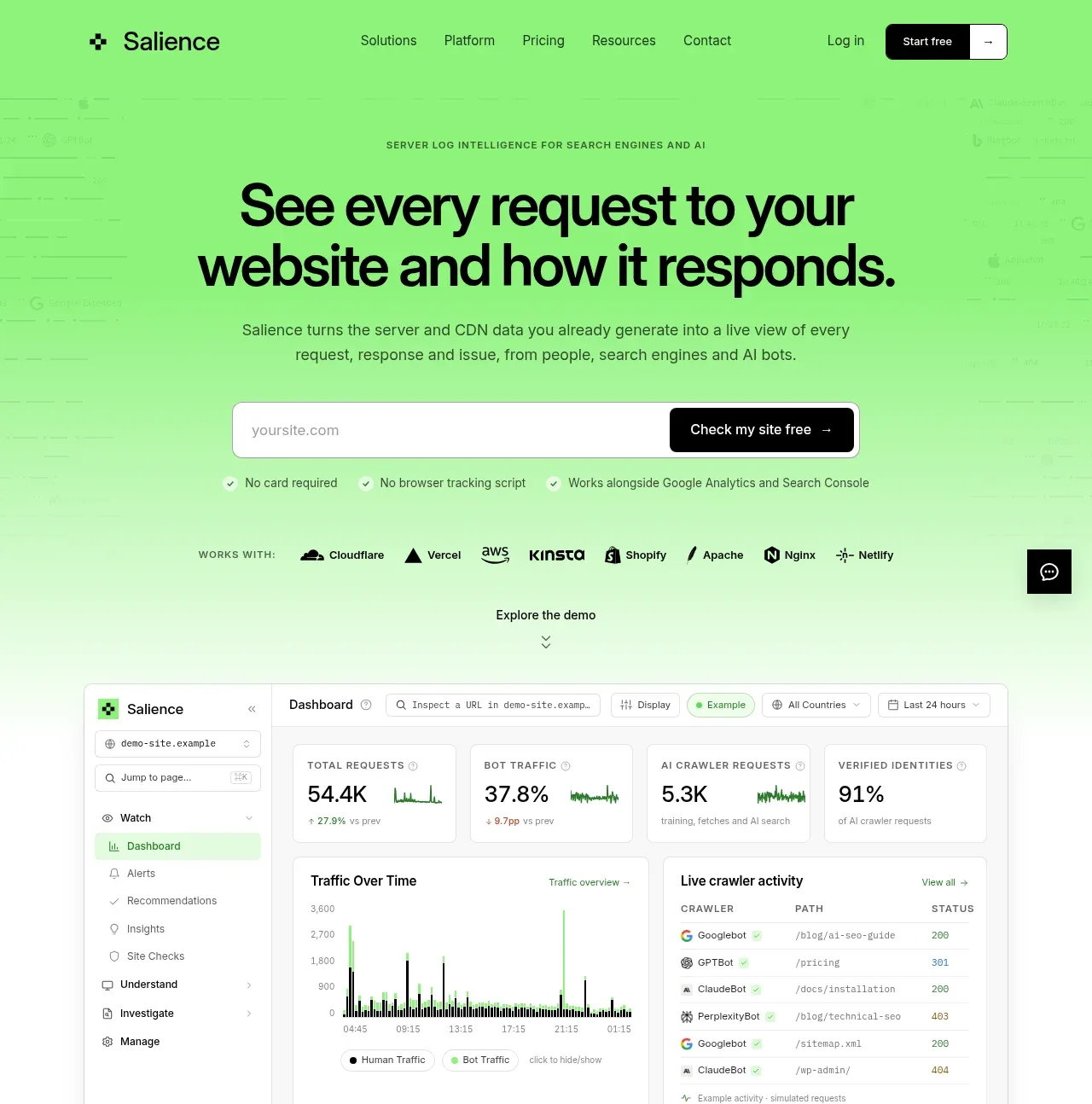
 Product promise and site checker hero
Salience · Hero
Product promise and site checker hero
Salience · Hero
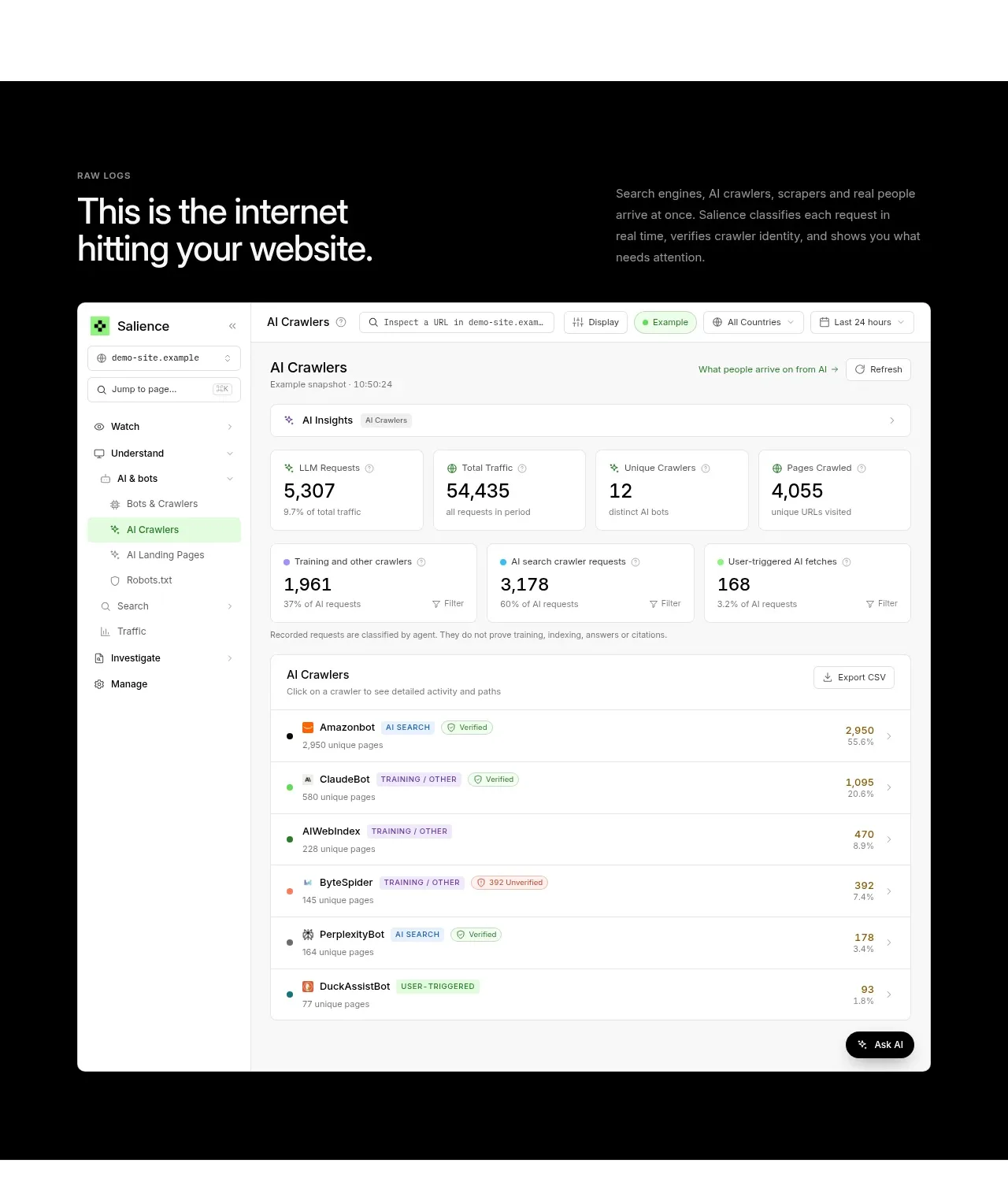 Raw activity dashboard showcase
Salience · Hero
Raw activity dashboard showcase
Salience · Hero
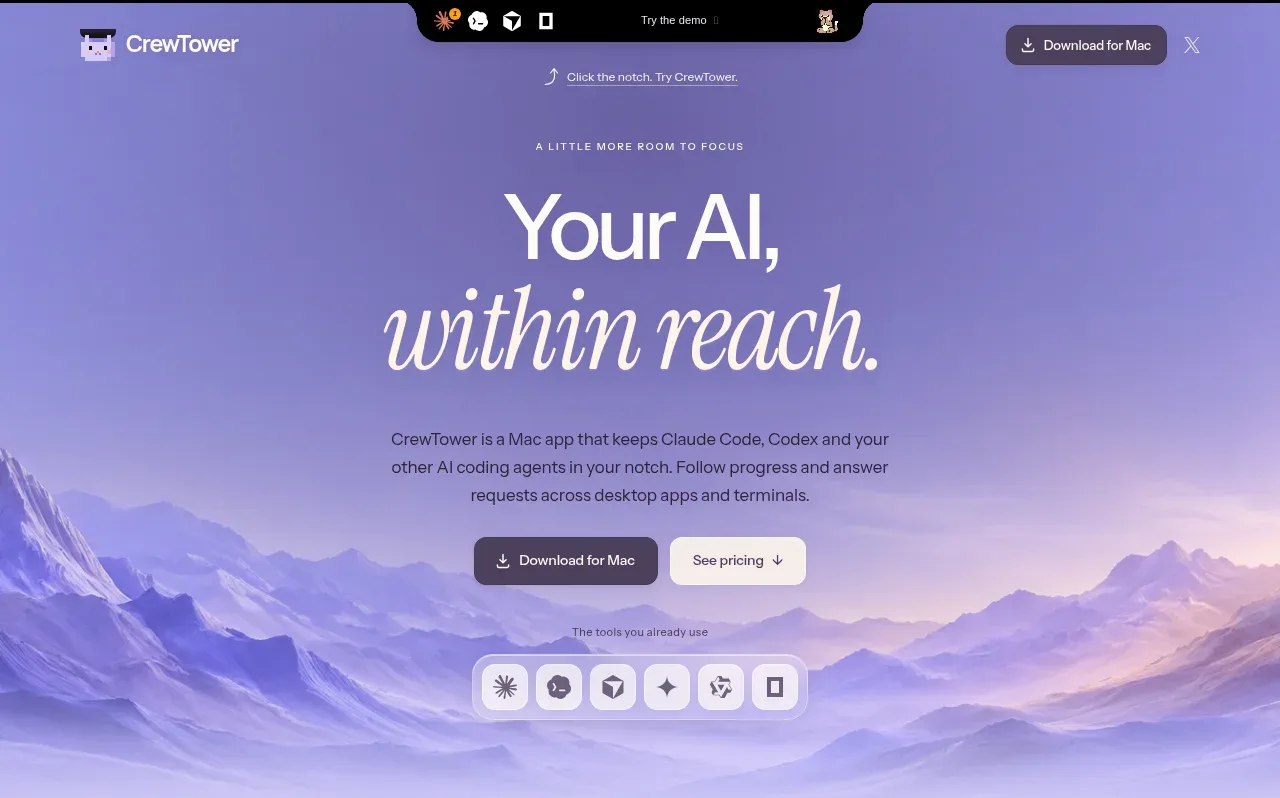
 Focus-oriented hero
CrewTower Mod for Claude Code · Hero
Focus-oriented hero
CrewTower Mod for Claude Code · Hero
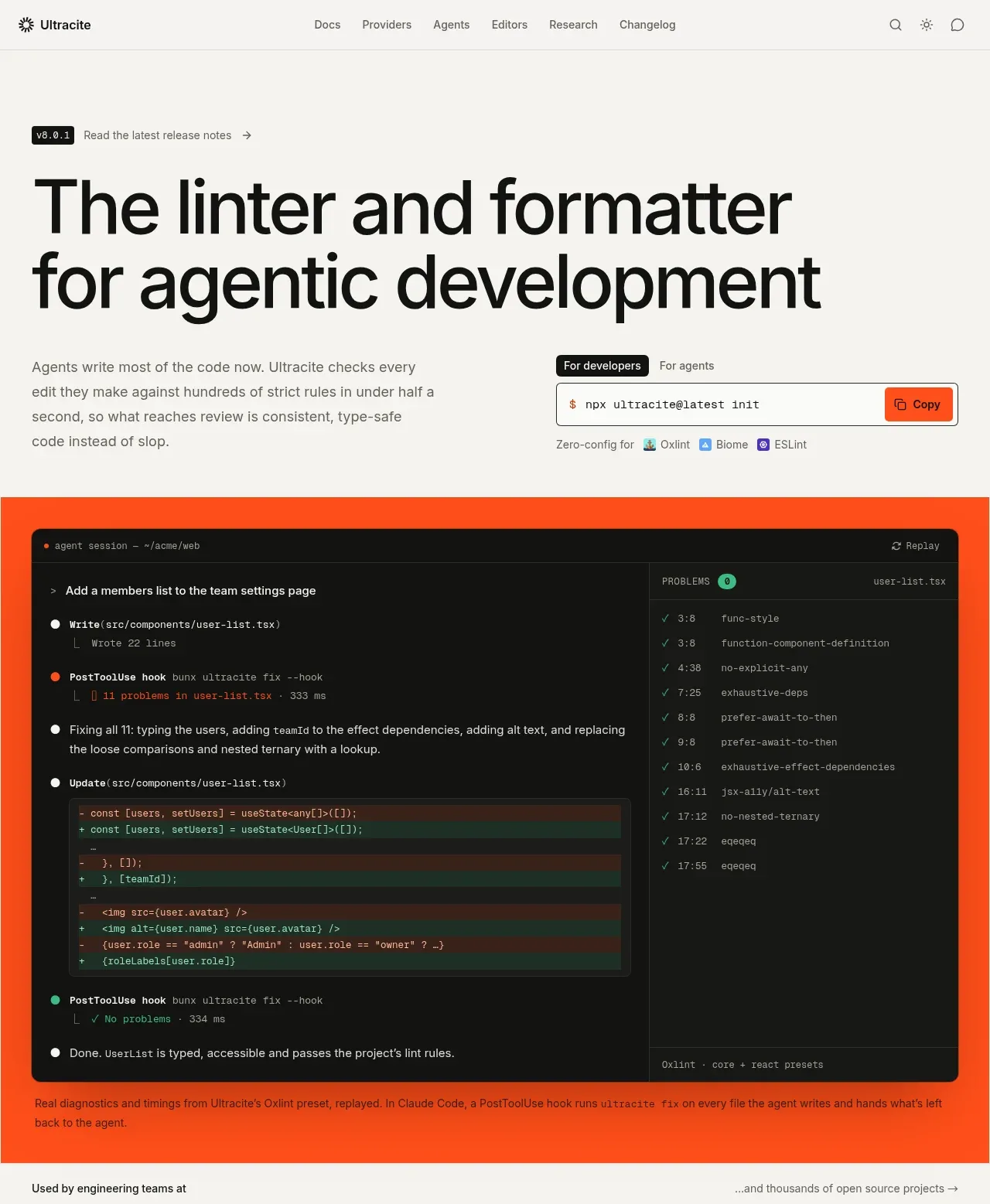
 Agentic development hero with live terminal preview
Ultracite v8 · Hero
Agentic development hero with live terminal preview
Ultracite v8 · Hero
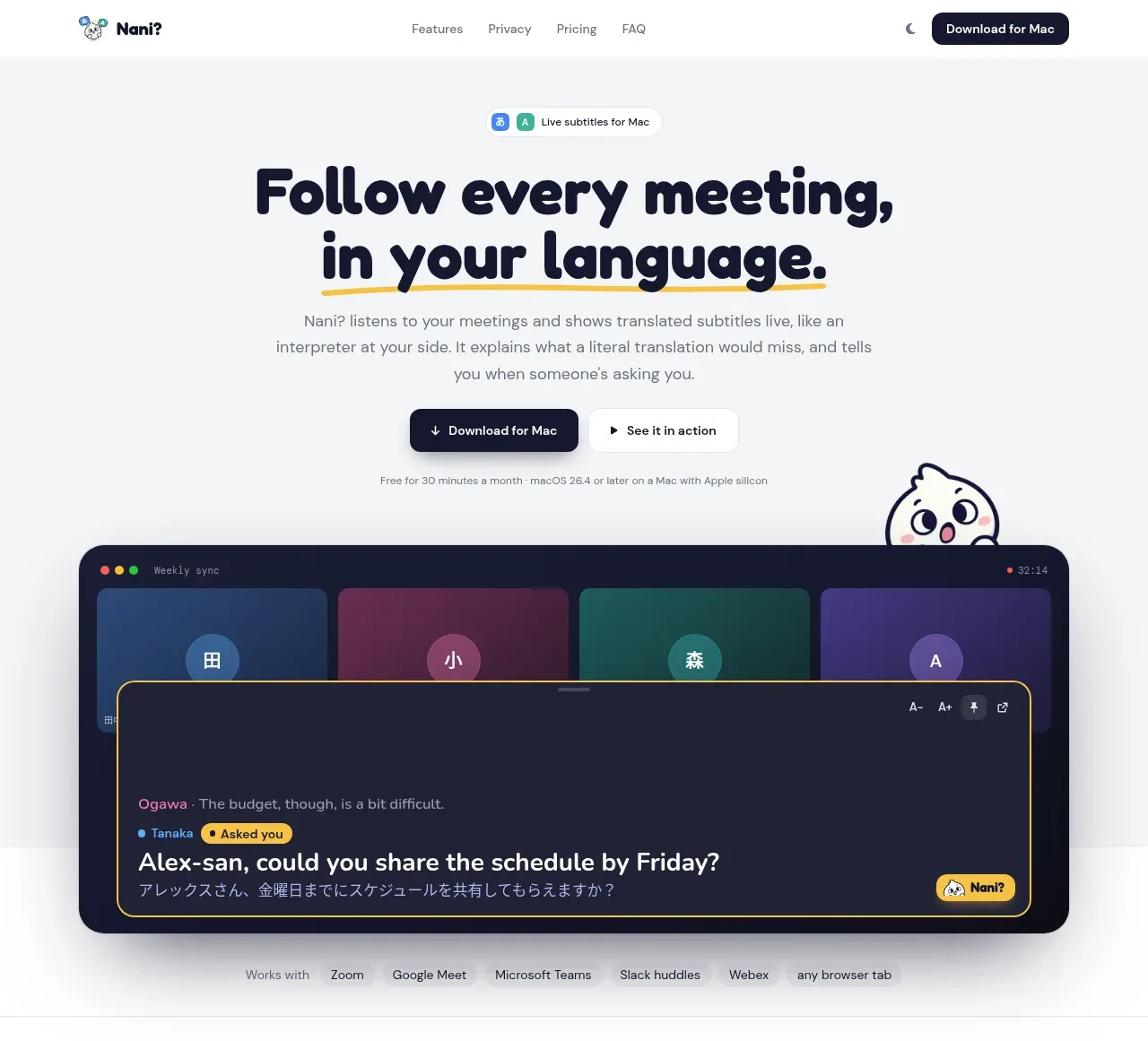
 Translation meeting hero
NANI??? · Hero
Translation meeting hero
NANI??? · Hero
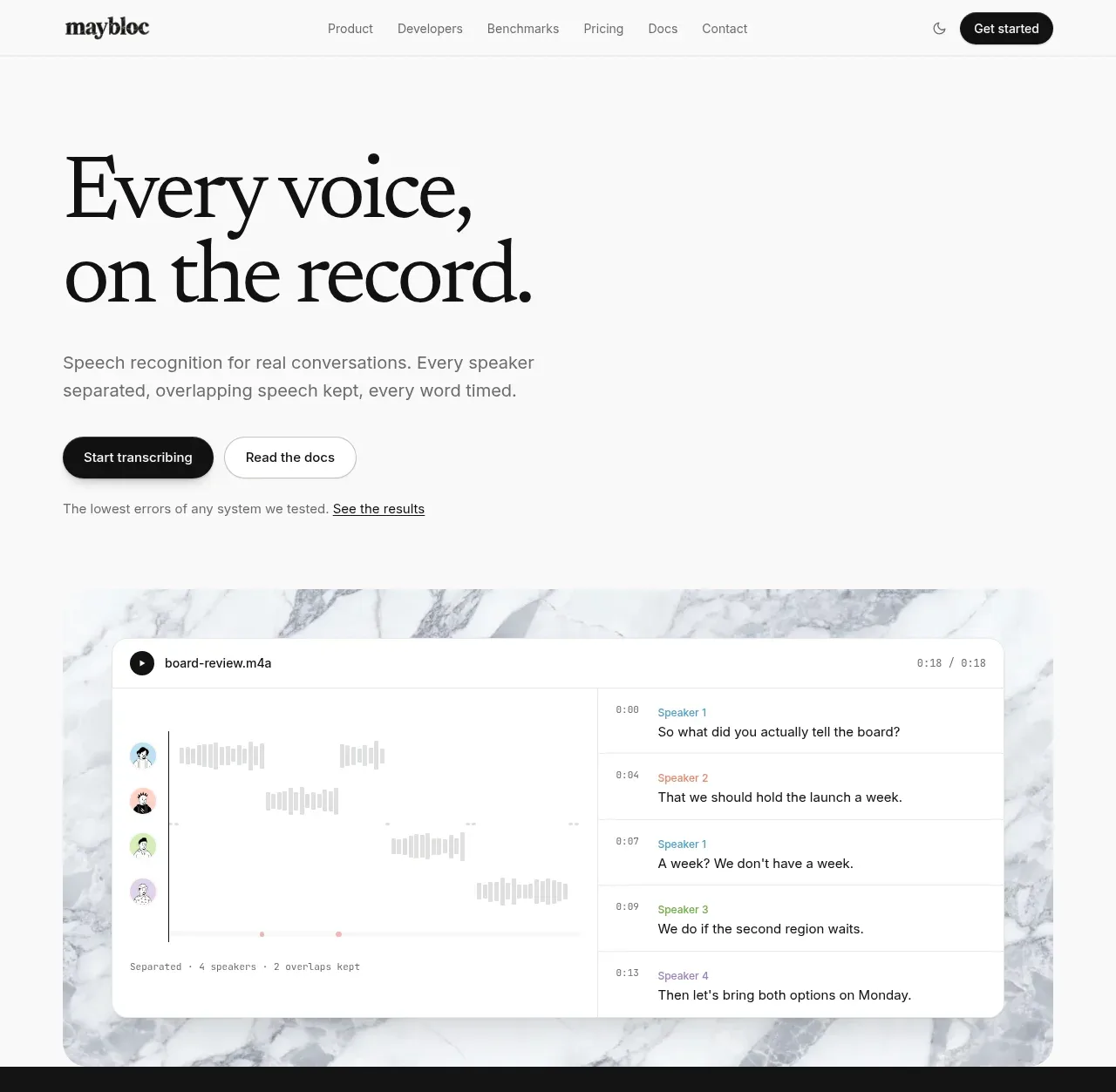
 Editorial speech transcription hero
Maybloc · Hero
Editorial speech transcription hero
Maybloc · Hero