 kage
kage
runnova.ai
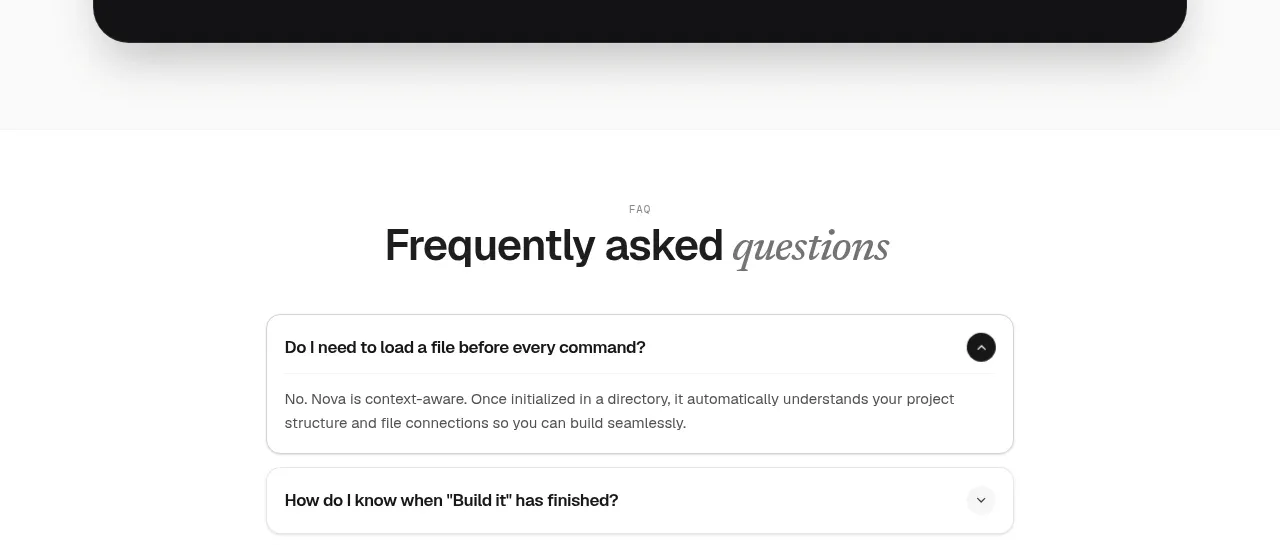
Design analysis
A dark rounded conversion panel combines proof metrics, a developer-focused headline, an install command, copy action, and secondary resource links.
Prompt preview
## Reference images

Study these alongside the description below: hierarchy, rhythm, spacing, colour. Build for the product you are asked about, using this design language.

- Component: https://kage-design-assets.t3.tigrisfiles.io/components/nova-cli-v1-0/f9d737a9-3081-4768-944e-79473fdb1d08-1791525759-7.webp
- Full page it was cut from: https://kage-design-assets.t3.tigrisfiles.io/screenshots/nova-cli-v1-0/f9d737a9-3081-4768-944e-79473fdb1d08-1791525679651-full.webp
- Component on Kage: https://kage.design/component/nova-cli-v1-0-cta

## Before you start
Ask what action the user's product wants visitors to take, what proof points are credible, and what command or URL should be copied. Apply these patterns with original content.

Create a centered dark CTA panel with a large 28–32px radius and generous 48–64px padding. Use a near-black surface #121212, three evenly spaced proof metrics across the top, and thin low-contrast dividers between them. Follow with a bold white headline and a smaller italic or editorial supporting line. Present the install command in a dark monospace capsule with a white pill-shaped “copy” control beside it. Add quiet text links beneath. Use white #f7f7f5, muted #9d9d9a, and one restrained accent for focus states. Make copy-to-clipboard provide visible success feedback and preserve keyboard accessibility.

Never use logos, product names, copy, illustrations, or imagery from the reference.
More components
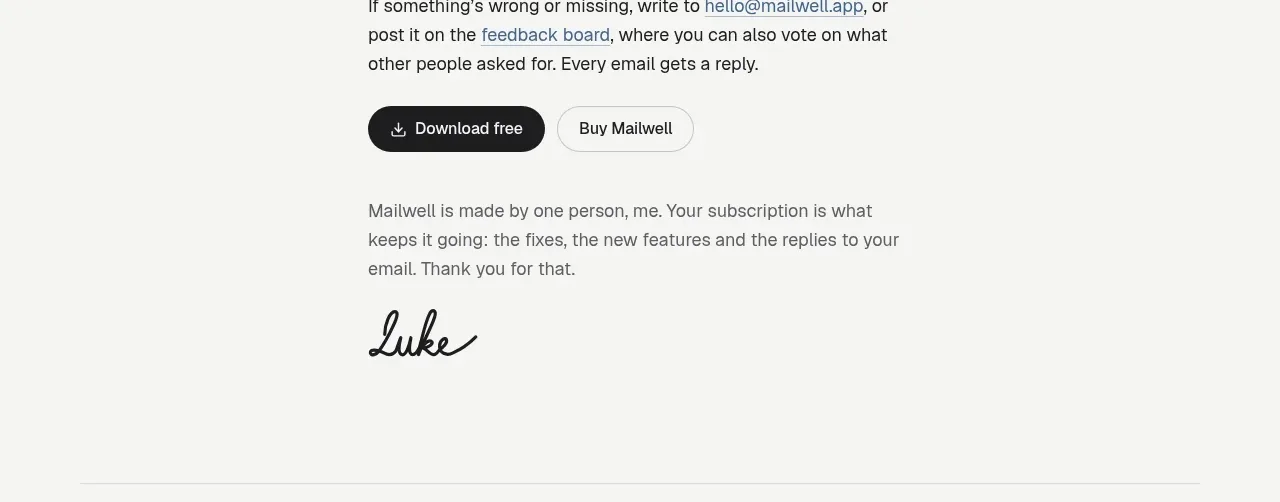
 Trial and purchase call to action
Mailwell · Call to action
Trial and purchase call to action
Mailwell · Call to action
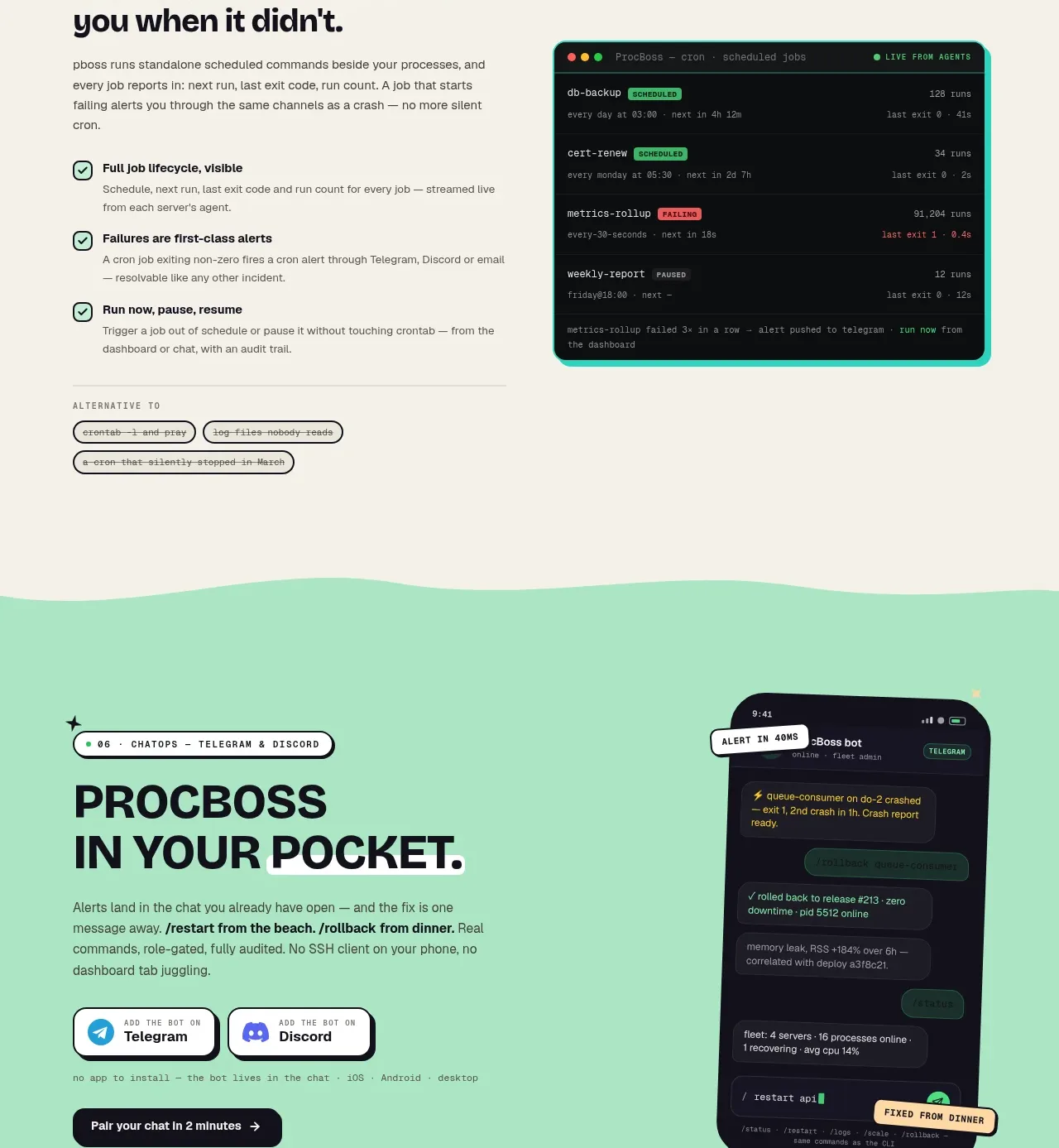
 Pocket alerts call to action
ProcBoss · Call to action
Pocket alerts call to action
ProcBoss · Call to action
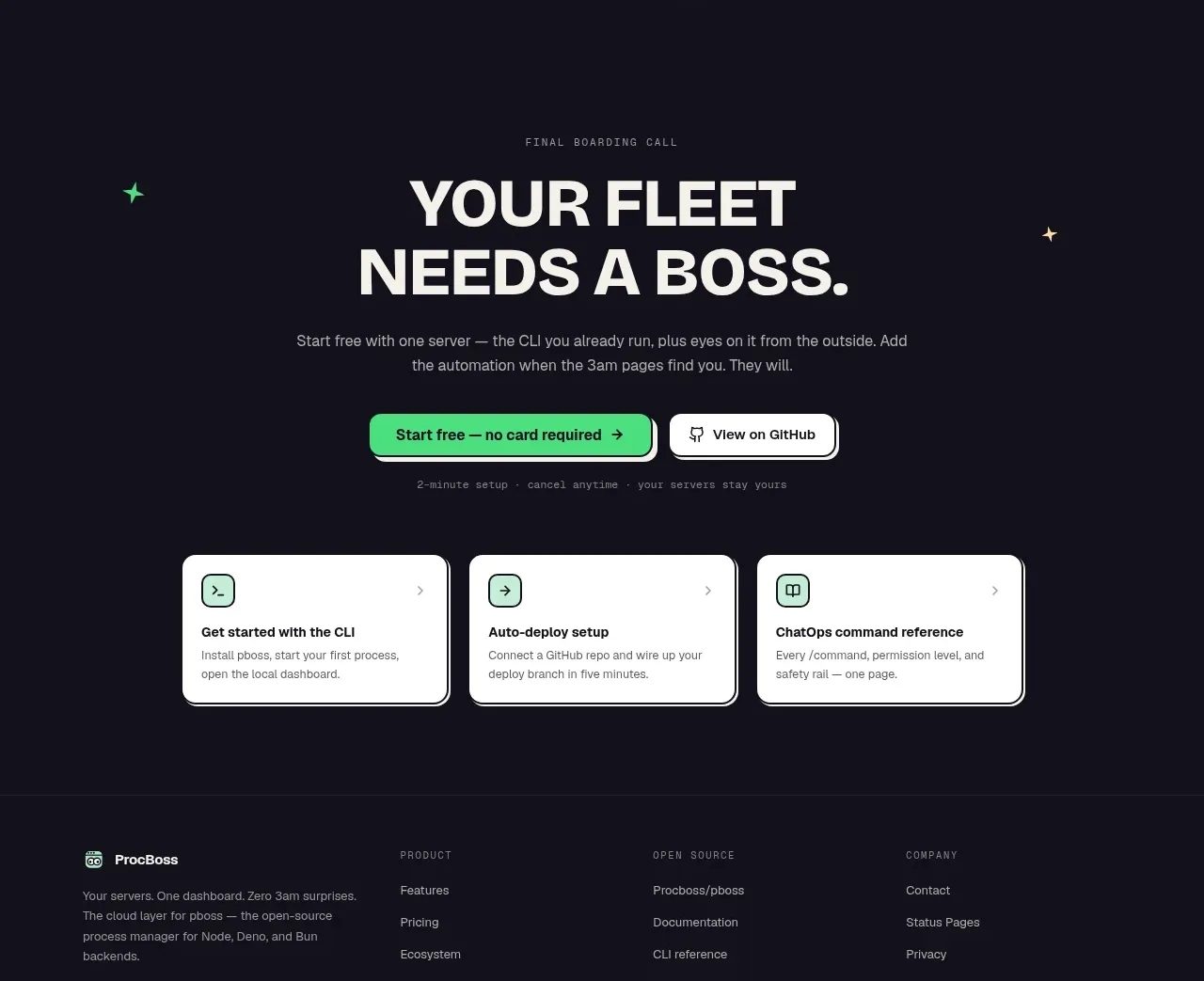 Dark final conversion band
ProcBoss · Call to action
Dark final conversion band
ProcBoss · Call to action
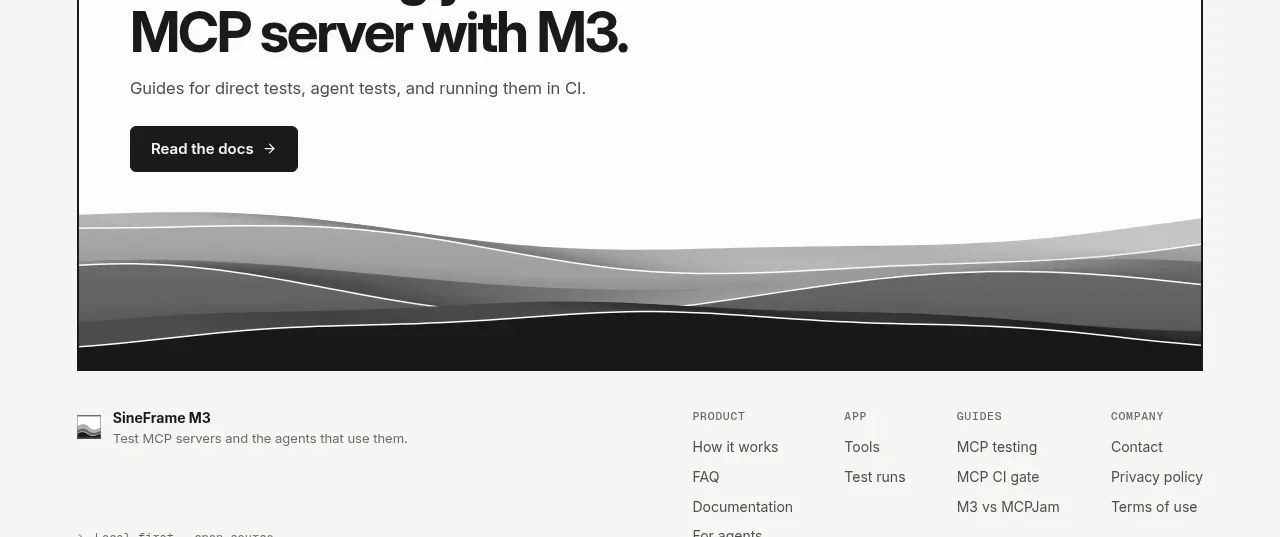
 Documentation call to action
SineFrame M3 · Call to action
Documentation call to action
SineFrame M3 · Call to action
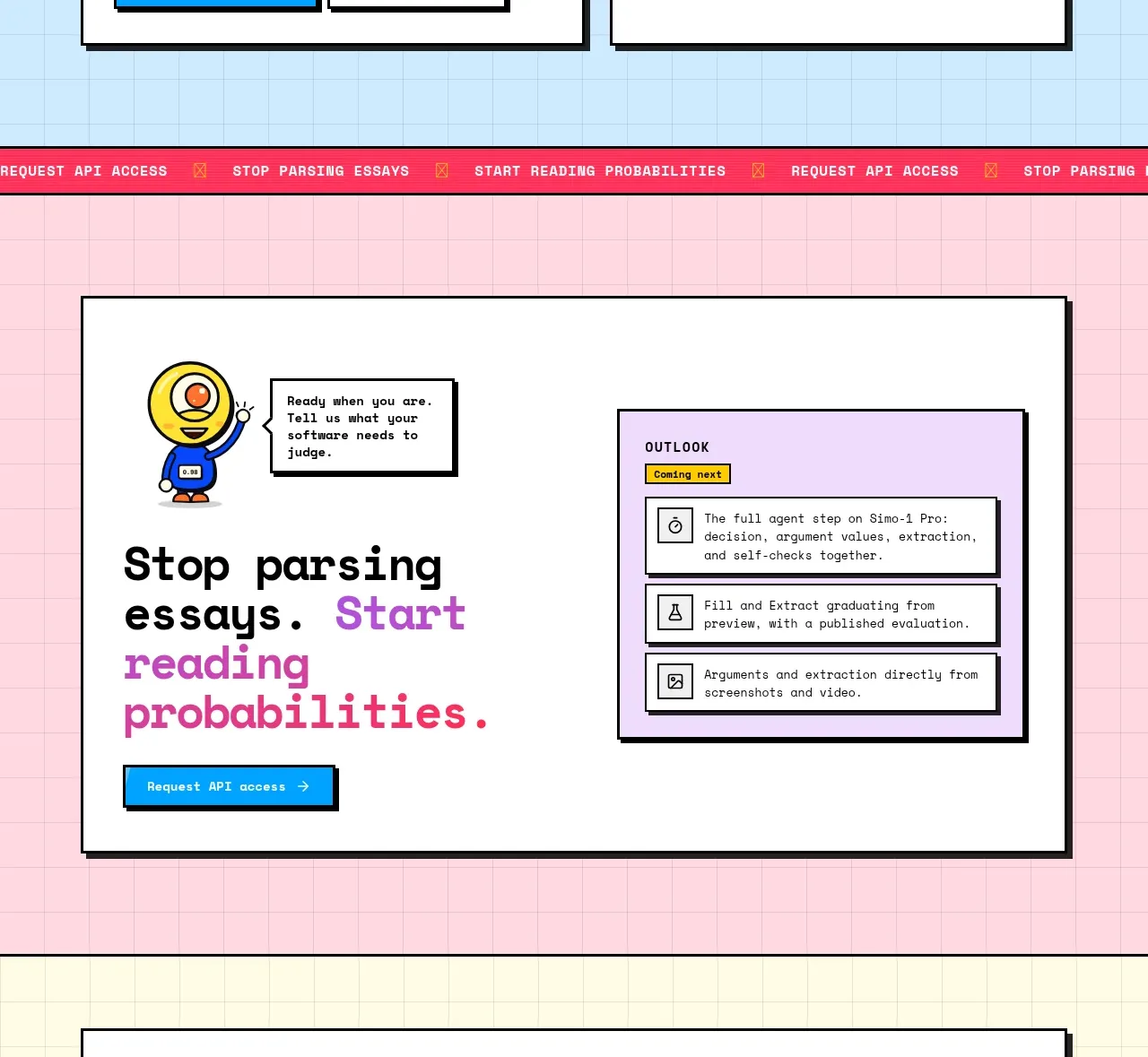
 Conversion call to action
Simo · Call to action
Conversion call to action
Simo · Call to action

 Manifesto statement
Hark · Call to action
Manifesto statement
Hark · Call to action