kage
kage
runnova.ai

Design analysis
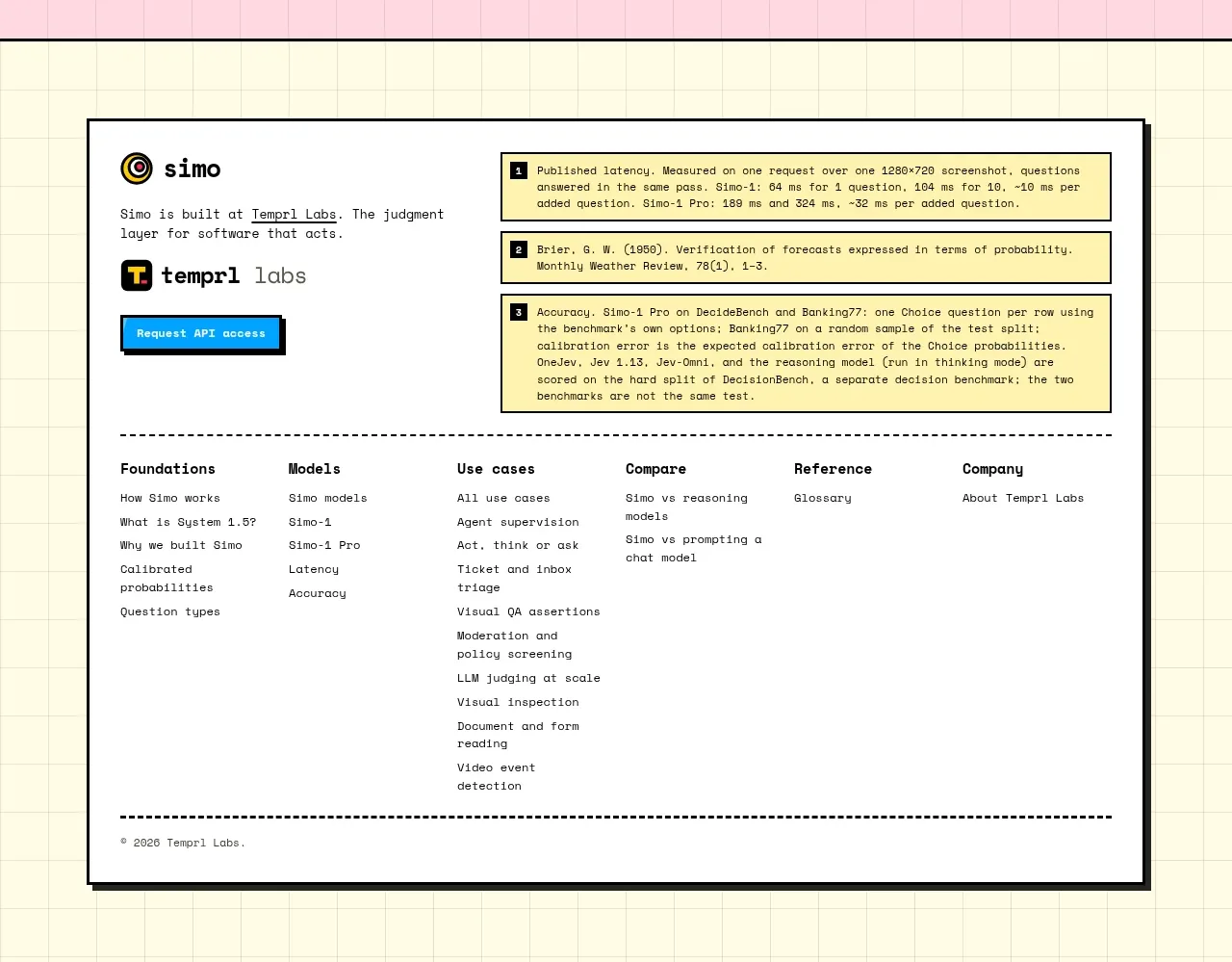
The footer returns to the cinematic background, combining a compact brand block, description, multi-column navigation, and a small legal line.
Prompt preview
## Reference images

Study these alongside the description below: hierarchy, rhythm, spacing, colour. Build for the product you are asked about, using this design language.

- Component: https://kage-design-assets.t3.tigrisfiles.io/components/nova-cli-v1-0/f9d737a9-3081-4768-944e-79473fdb1d08-1791525760-9.webp
- Full page it was cut from: https://kage-design-assets.t3.tigrisfiles.io/screenshots/nova-cli-v1-0/f9d737a9-3081-4768-944e-79473fdb1d08-1791525679651-full.webp
- Component on Kage: https://kage.design/component/nova-cli-v1-0-footer

## Before you start
Ask for the user's brand assets, footer destinations, support links, and legal requirements. Build an original footer using the following reusable rules.

Create a full-width footer with a darkened photographic or textured background and a warm-to-dark gradient overlay. Use a responsive max-width grid: brand and short description on the left, then four compact navigation columns on the right. Keep text small but readable, using white #f4f4ef for headings and rgba(255,255,255,.72) for links. Add 32–48px top and side padding, 24px column gaps, and a subtle top boundary. Links should underline or brighten on hover and show a visible keyboard focus ring. Include a final low-contrast copyright/legal line at the bottom; collapse navigation columns into accordions on mobile if needed.

Never use logos, product names, copy, illustrations, or imagery from the reference.