kage
kage
openswarm.info

Design analysis
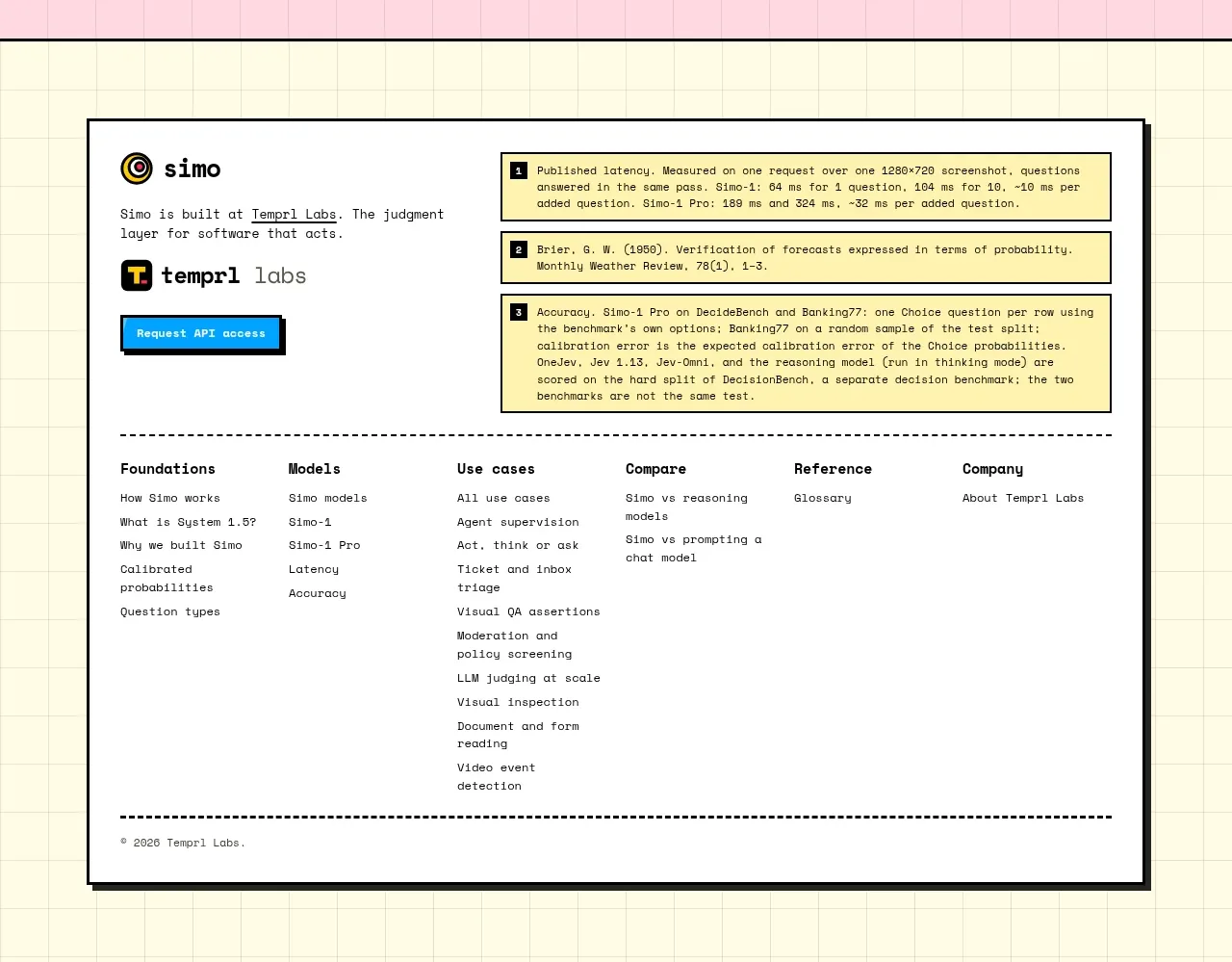
A rounded scenic footer closes the page with a brand summary, grouped navigation, social links, legal links, copyright, and a back-to-top affordance.
Prompt preview
## Reference images

Study these alongside the description below: hierarchy, rhythm, spacing, colour. Build for the product you are asked about, using this design language.

- Component: https://kage-design-assets.t3.tigrisfiles.io/components/openswarm/378a218c-dbaf-492a-bc34-8c3bcee33f67-1791525666-5.webp
- Full page it was cut from: https://kage-design-assets.t3.tigrisfiles.io/screenshots/openswarm/378a218c-dbaf-492a-bc34-8c3bcee33f67-1791525640433-full.webp
- Component on Kage: https://kage.design/component/openswarm-footer

## Before you start
Ask what the user's product name, support destinations, social channels, legal requirements, and brand imagery are. Build an original footer around those answers.

Create a large footer panel with a user-provided or abstract scenic background, softly washed with a translucent cream overlay around `rgba(255,249,235,.72)` so text stays legible. Use a 16–24px rounded outer radius and crop the background gracefully. Arrange a brand summary column on the left, two or three link groups across the middle, and legal links on the right; use 11–14px labels with uppercase or small muted group headings and near-black body text. Add small social controls below the summary. Anchor a thin bottom row with copyright at left and a 'back to top' control at right. Use generous 28–36px padding, subtle contrast, and responsive stacking. The back-to-top control should smoothly scroll to the page top and remain keyboard accessible.

Never use logos, product names, copy, illustrations, or imagery from the reference.