kage
kage
polylane.com
Design analysis
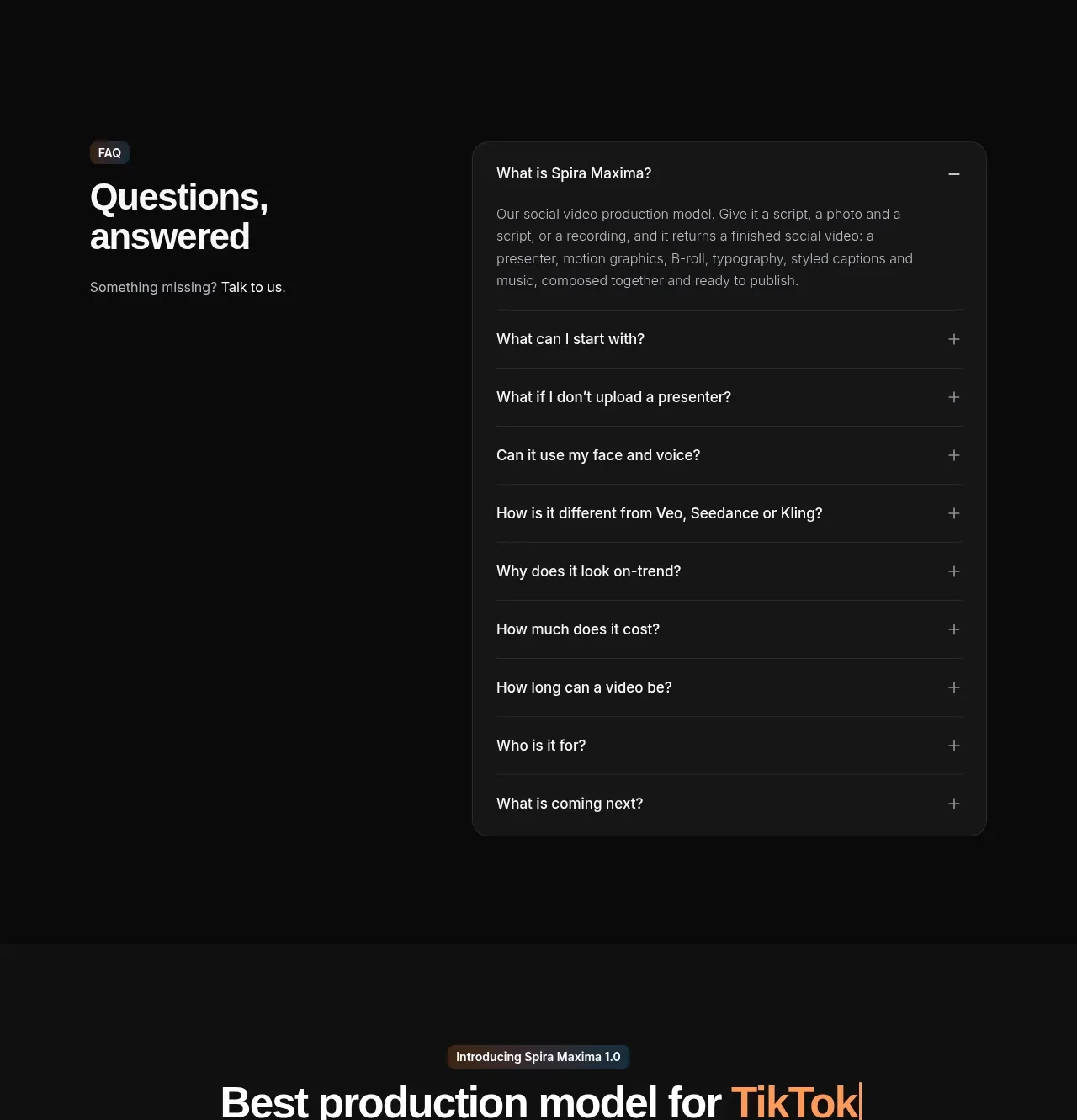
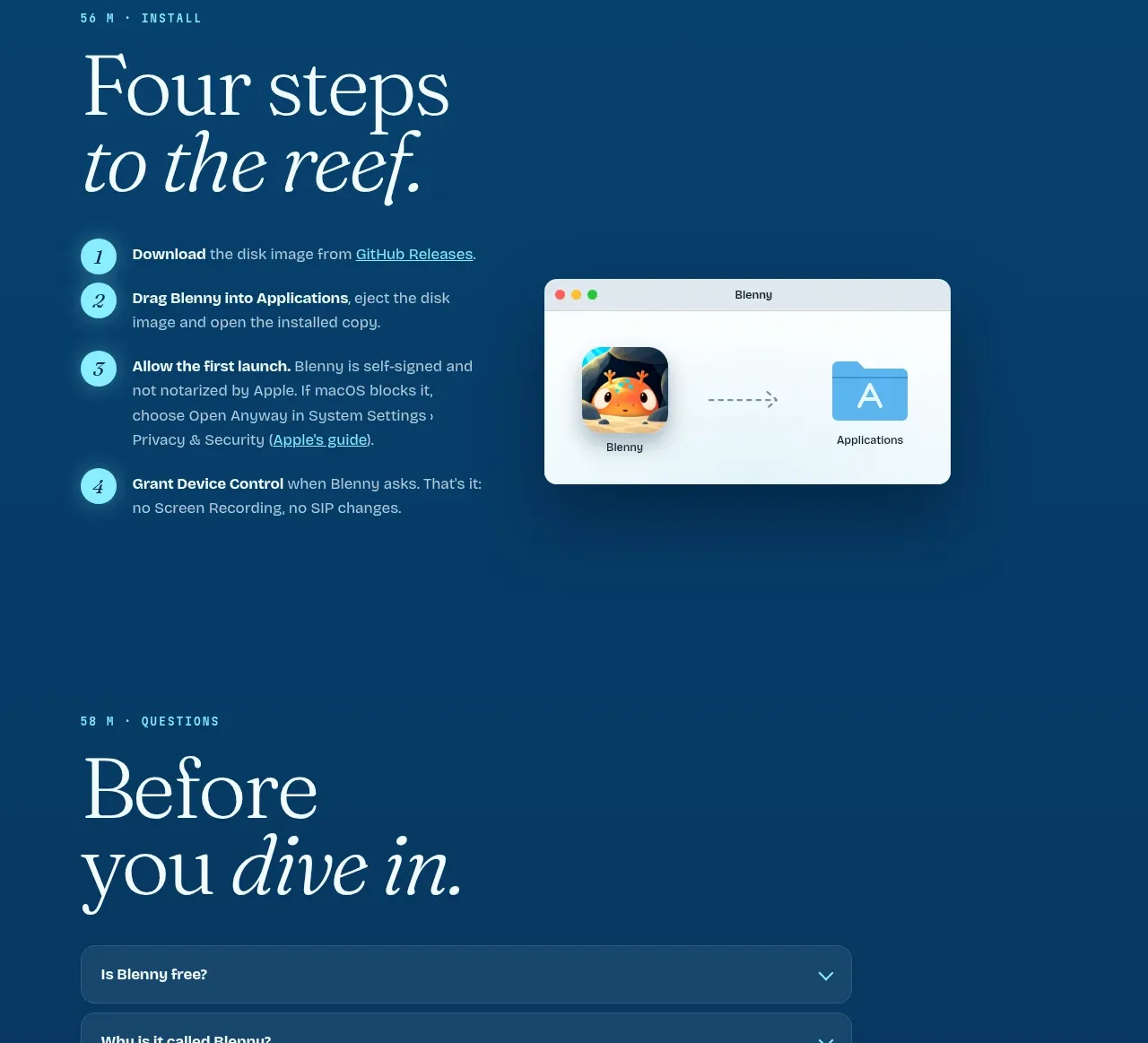
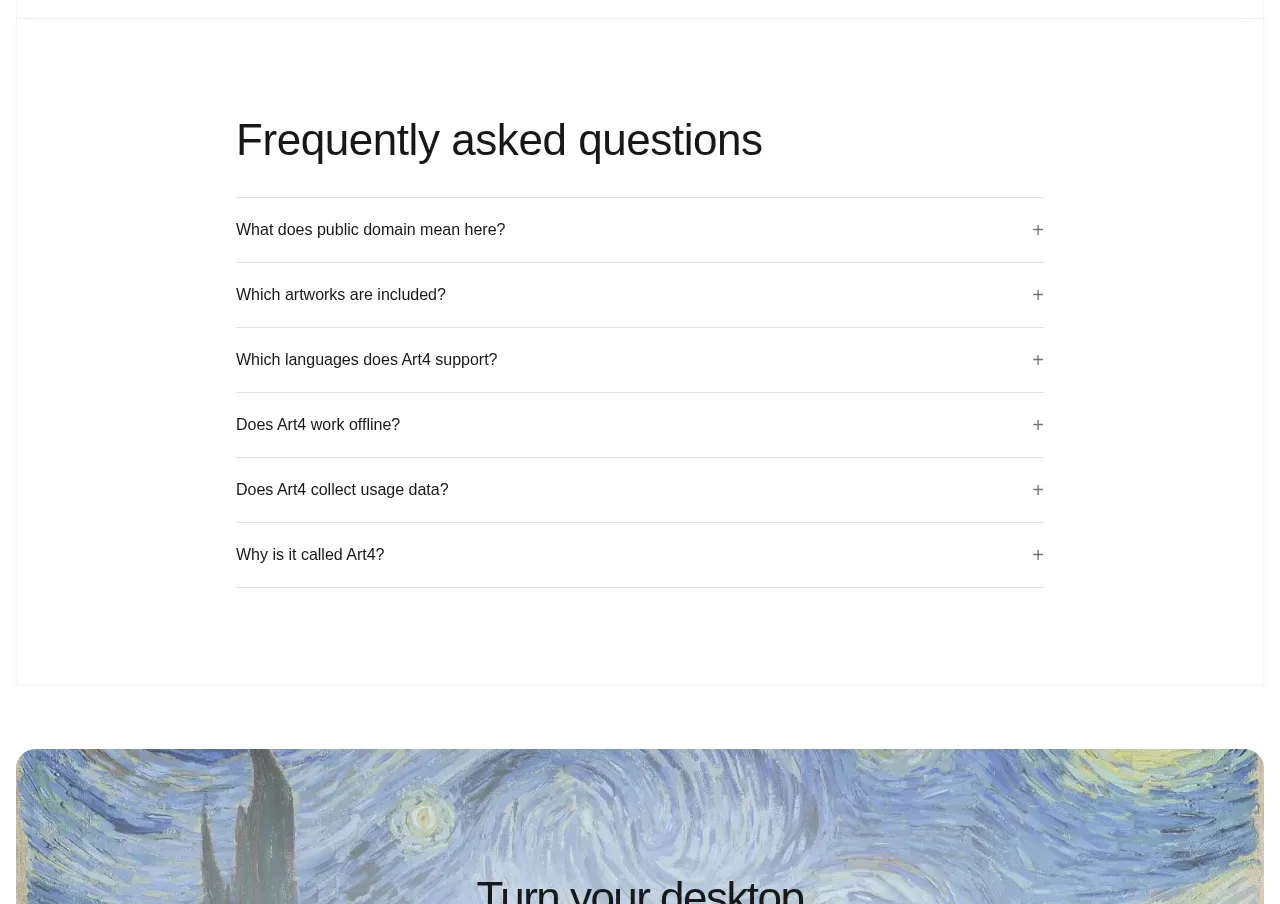
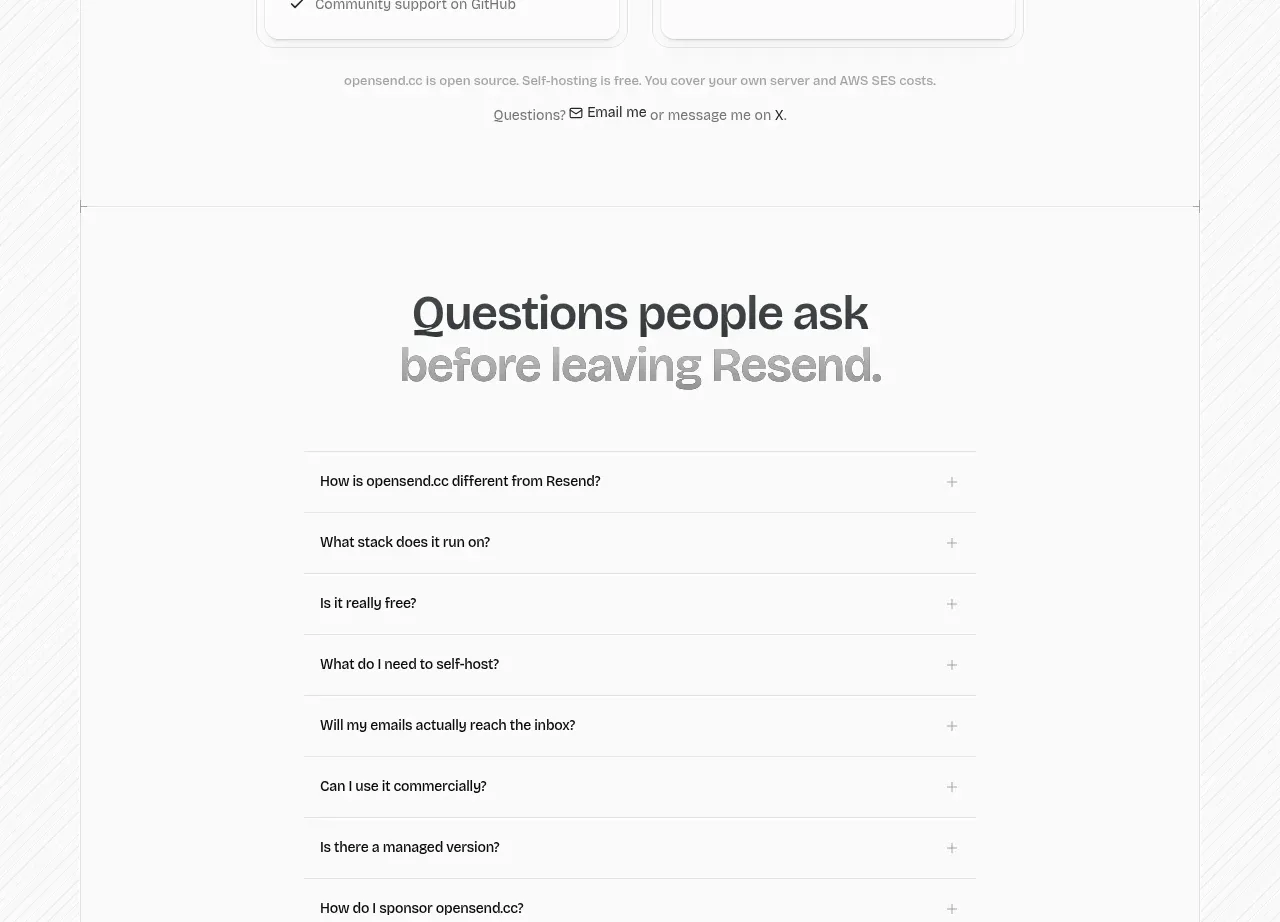
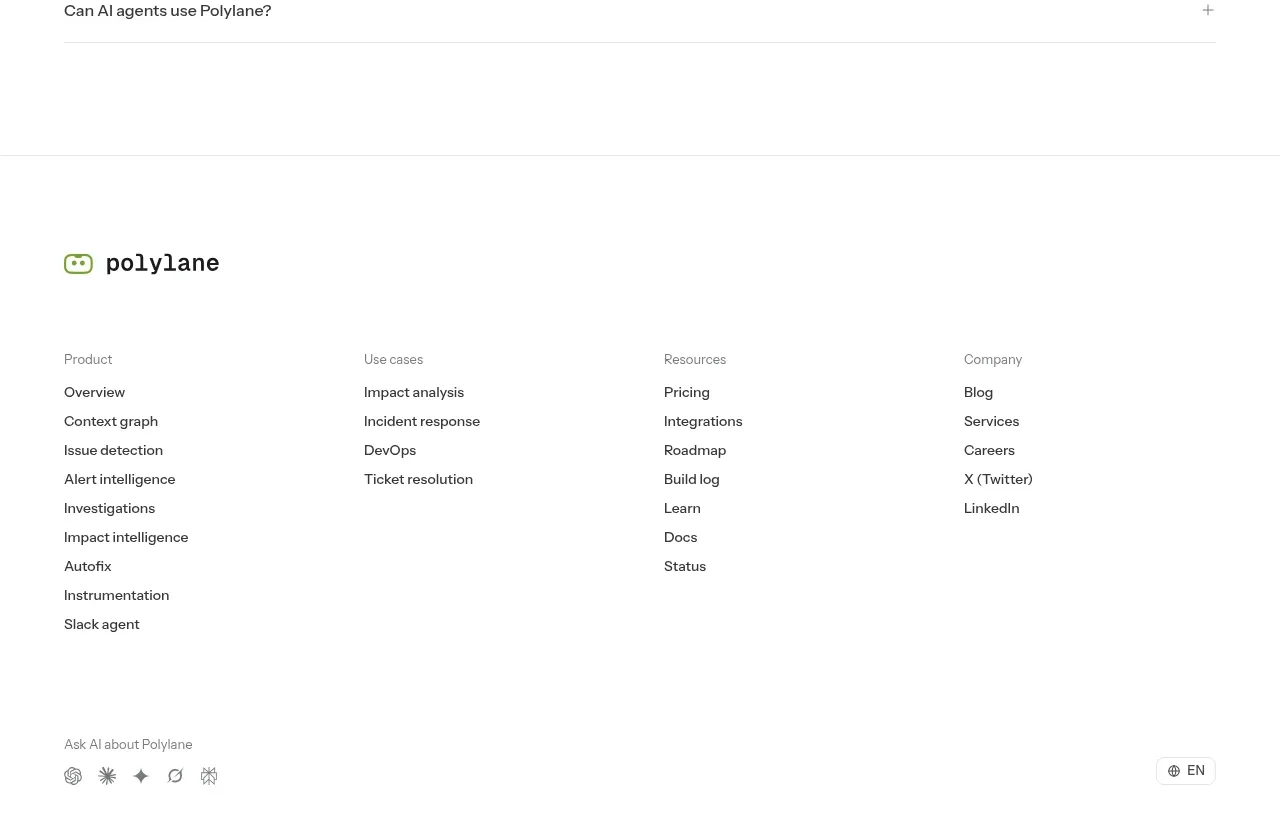
The FAQ is intentionally simple: a clear section title followed by full-width ruled rows with concise questions and visible plus controls.
Prompt preview
## Reference images

Study these alongside the description below: hierarchy, rhythm, spacing, colour. Build for the product you are asked about, using this design language.

- Component: https://kage-design-assets.t3.tigrisfiles.io/components/polylane/638c7112-70a9-484e-b85d-ab255c3ac21a-1790920982-8.webp
- Full page it was cut from: https://kage-design-assets.t3.tigrisfiles.io/screenshots/polylane/638c7112-70a9-484e-b85d-ab255c3ac21a-1790920937285-full.webp
- Component on Kage: https://kage.design/component/polylane-faq

## Before you start
Ask what objections, setup questions, and decision-stage concerns users have about the user's product. Turn those into original questions and answers.

Create a clean FAQ section with a left-aligned heading and a vertical accordion list beneath it. Each row should span the content width, use a clear question at the left and a plus/minus control at the right, and have subtle horizontal rules. Keep row heights comfortable for touch and reveal answers inline with a smooth but restrained transition. Support keyboard navigation, focus indicators, and one-open-at-a-time or multi-open behavior based on the product's content volume.

Use white background, #171717 for questions, #666666 for answers, #E9E9E9 rules, and green #73AA2A only for focus or active accents. Use 32–40px heading text, 14–16px question text, 20–28px row padding, and 48px minimum touch targets. Keep the content max-width around 820px and preserve strong contrast.

Never: use logos, product names, copy, illustrations or imagery from the reference.