kage
kage
takweemai.com
Design analysis
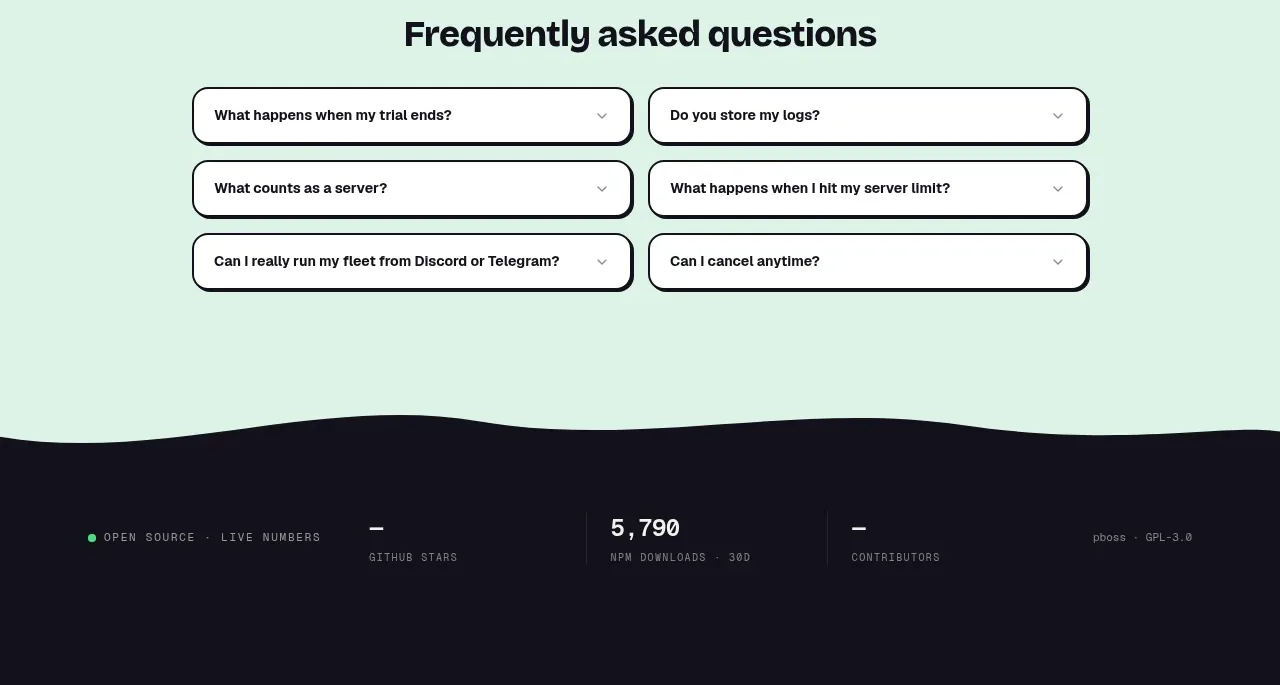
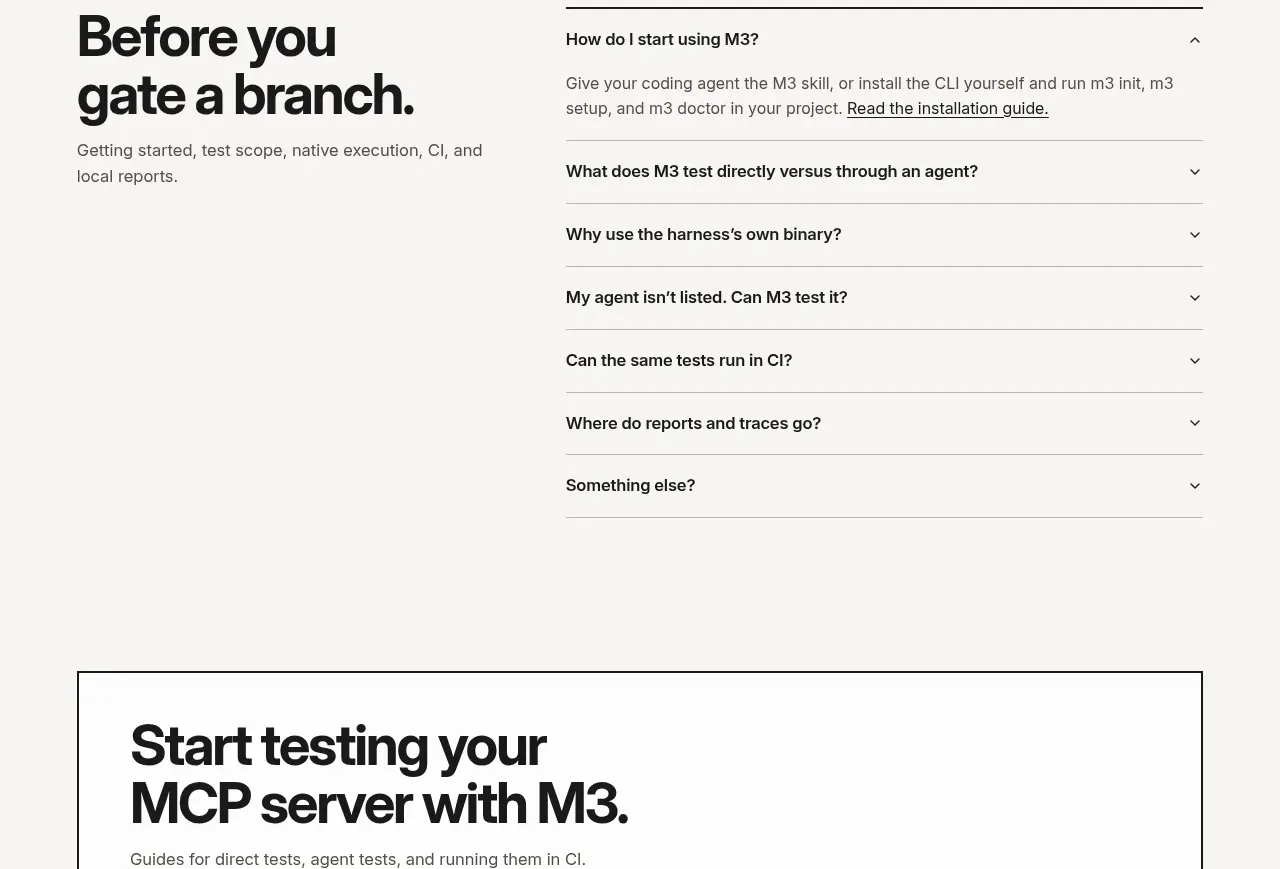
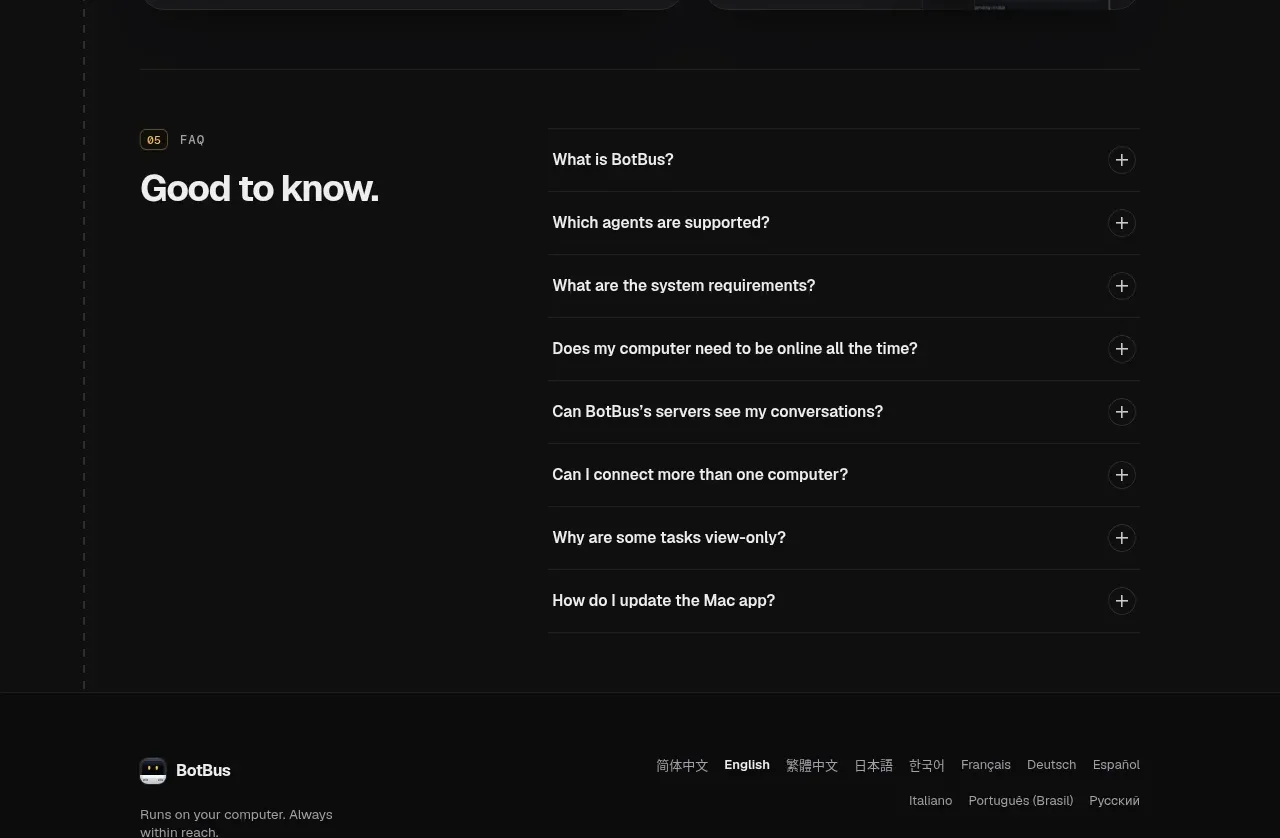
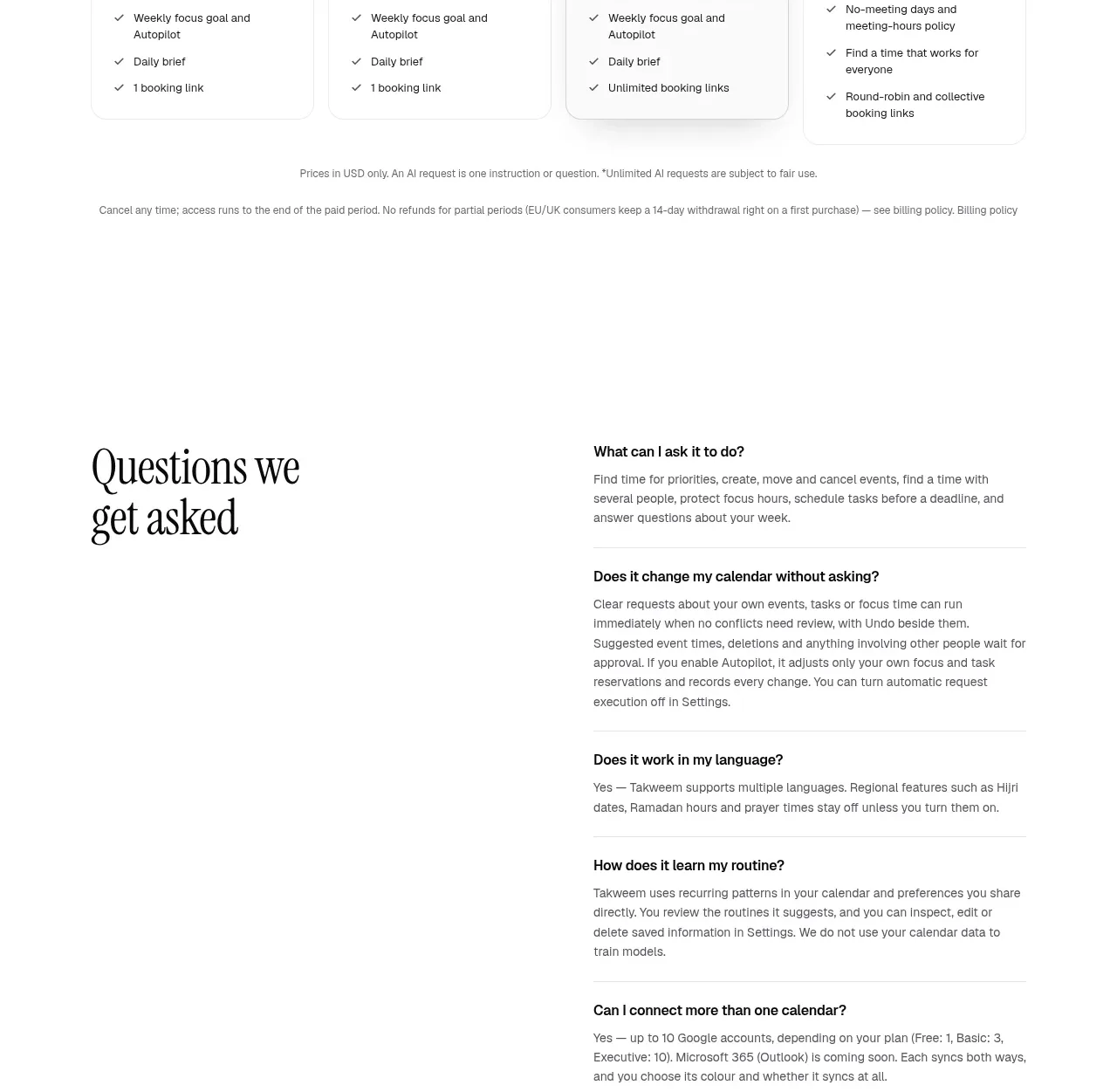
A two-column FAQ layout uses a large editorial heading on the left and a vertically divided list of practical questions and answers on the right.
Prompt preview
## Reference images

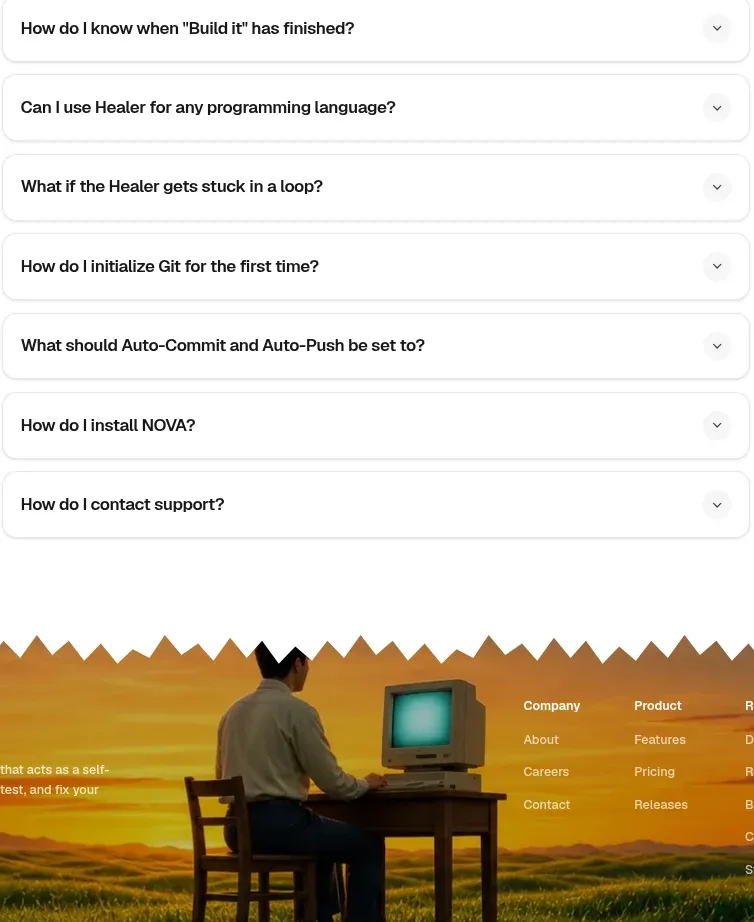
Study these alongside the description below: hierarchy, rhythm, spacing, colour. Build for the product you are asked about, using this design language.

- Component: https://kage-design-assets.t3.tigrisfiles.io/components/takweem-ai/0f53cdf8-216d-4033-bf99-d7586d054974-1791439461-8.webp
- Full page it was cut from: https://kage-design-assets.t3.tigrisfiles.io/screenshots/takweem-ai/0f53cdf8-216d-4033-bf99-d7586d054974-1791439356553-full.webp
- Component on Kage: https://kage.design/component/takweem-faq

## Before you start
Ask the user which objections, setup questions, privacy concerns, and operational details customers ask most. Then design an original FAQ section using these rules.

- Use a wide two-column layout: an oversized serif title on the left and an accordion/list of questions on the right.
- Separate questions with thin horizontal rules and keep each answer readable, concise, and clearly associated with its question.
- Show one or more expanded answers if useful, with a visible plus/minus or chevron affordance for collapsed items.
- Use generous vertical spacing, a restrained sans-serif for questions and answers, and a strong editorial heading hierarchy.
- Palette: #fcfcfa background, #171717 headings, #4f4f4b body text, #e5e5e0 rules; no heavy cards or shadows.
- Make the layout stack on mobile, with the heading above the accordion and comfortable tap targets.

Never: use logos, product names, copy, illustrations, or imagery from the reference.