kage
kage
termsquad.com

Design analysis
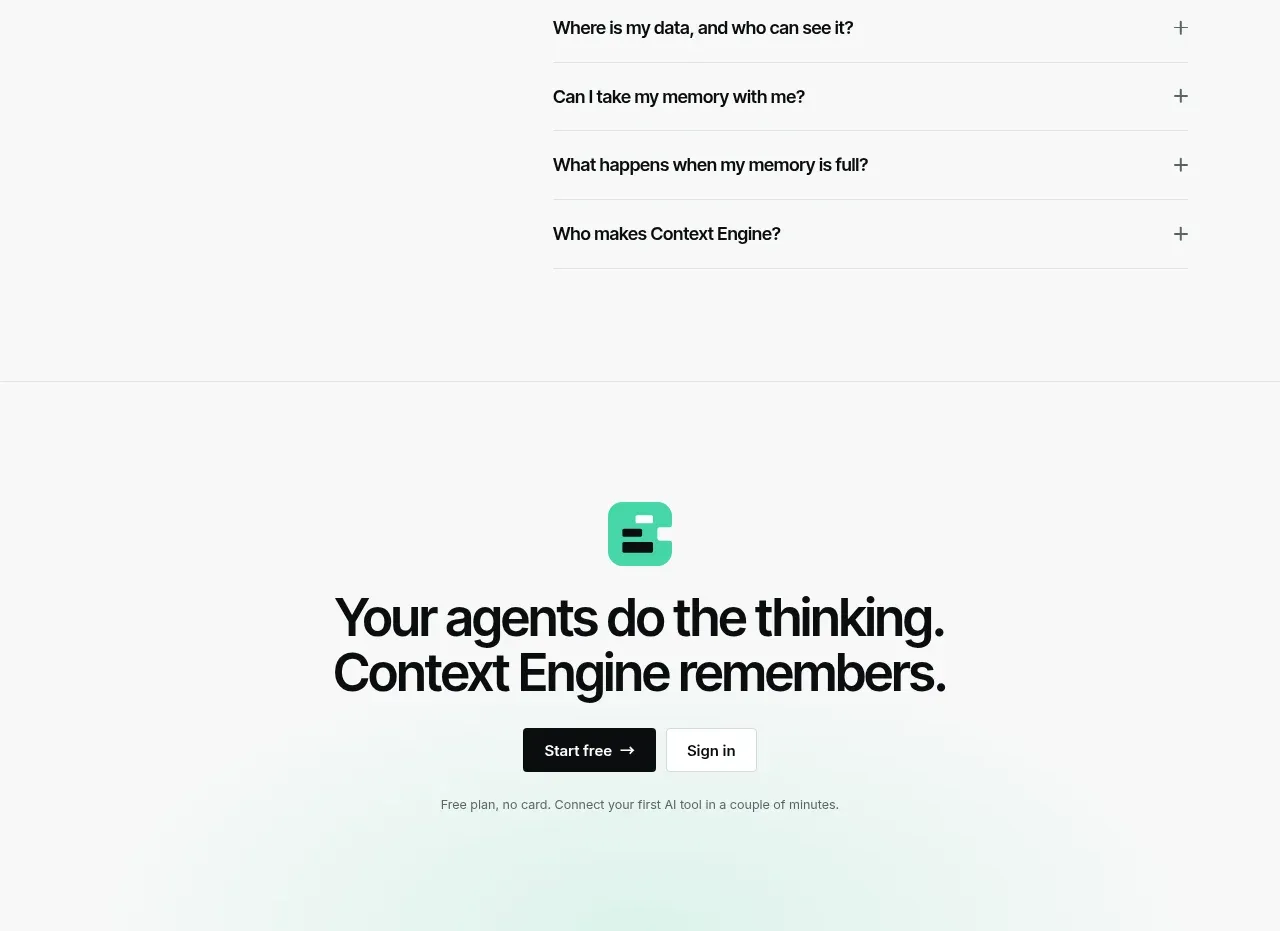
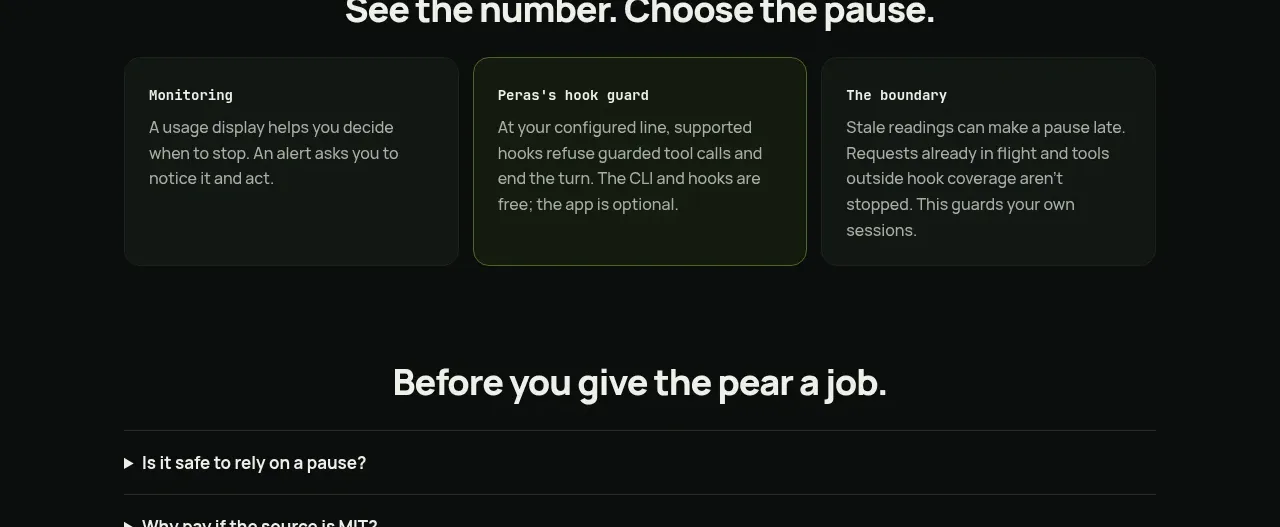
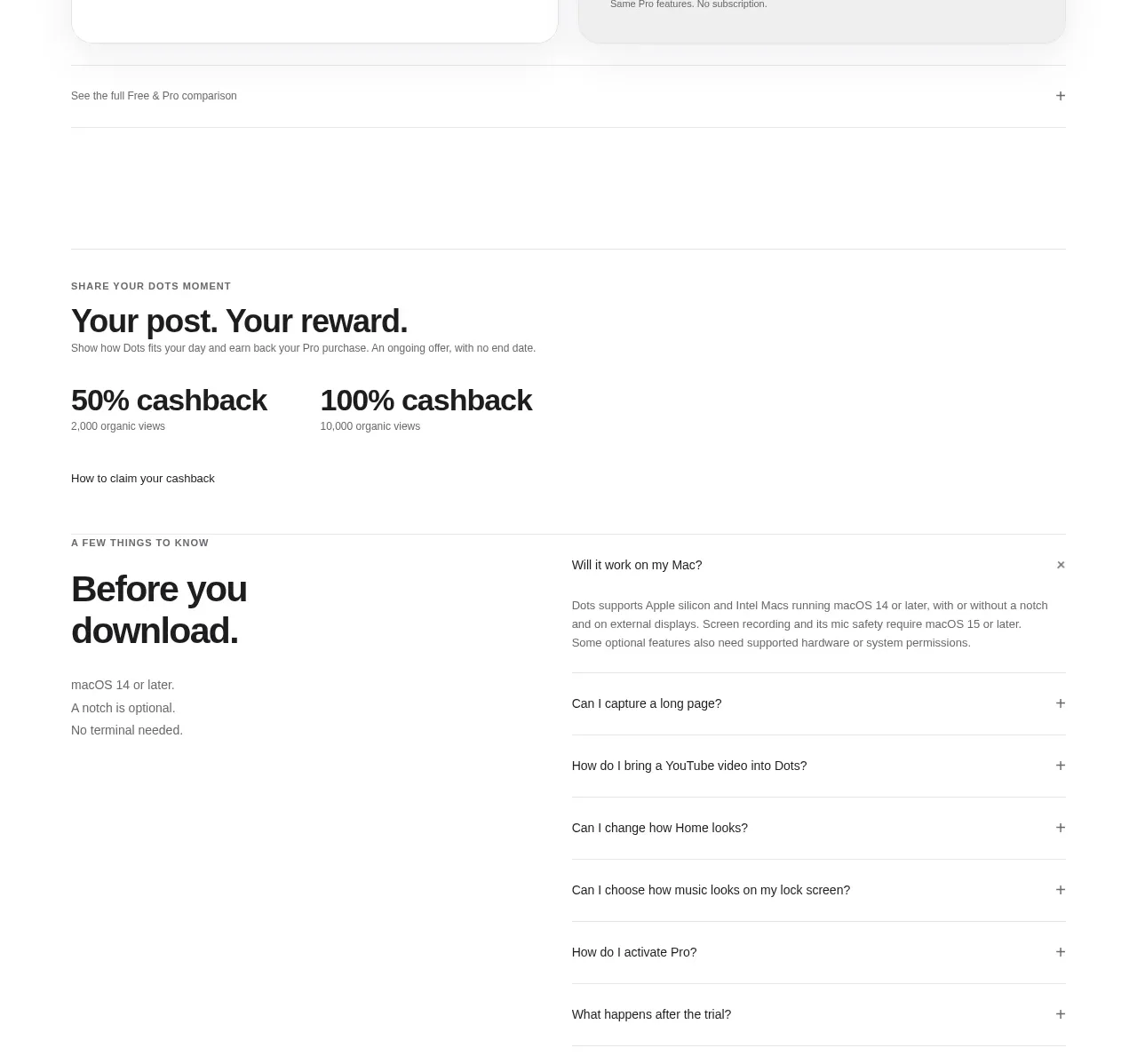
The FAQ uses a strong left-side heading and a simple right-side accordion list. Thin separators and plus controls keep the section compact and easy to scan.
Prompt preview
## Reference images

Study these alongside the description below: hierarchy, rhythm, spacing, colour. Build for the product you are asked about, using this design language.

- Component: https://kage-design-assets.t3.tigrisfiles.io/components/termsquad-com/d12b8131-9740-4063-aef8-780525dfffce-1789166959-7.webp
- Full page it was cut from: https://kage-design-assets.t3.tigrisfiles.io/screenshots/termsquad-com/d12b8131-9740-4063-aef8-780525dfffce-1789166919347-full.webp
- Component on Kage: https://kage.design/component/termsquad-faq

## Before you start
Ask what the user's product, audience, and brand are, then apply the principles below to their product rather than copying this reference.

Build a two-column FAQ section on a dark background. The left column contains a small eyebrow, a large two-line heading, and a compact support link. The right column contains five to seven accordion rows with concise questions, thin top and bottom separators, and a plus icon that rotates or changes when opened. Use #07090a, primary text #edf1ef, muted text #8d9692, divider #202624, and mint #a9e9c0 only for focus or active states. Keep row height around 56–68px, use 15–16px question text, and maintain strong alignment between columns. Animate expansion gently without shifting unrelated content abruptly; on mobile, stack the heading above the accordion.

Never use logos, product names, copy, illustrations, or imagery from the reference.