 kage
kage
umbra.masn.studio

Design analysis
A dark standalone conversion band repeats the installation action with a large heading, pill button, and brief compatibility note.
Prompt preview
## Reference images

Study these alongside the description below: hierarchy, rhythm, spacing, colour. Build for the product you are asked about, using this design language.

- Component: https://kage-design-assets.t3.tigrisfiles.io/components/umbra-mail/e5ad193a-88e6-403f-9829-5608575fa4bb-1792476320-2.webp
- Full page it was cut from: https://kage-design-assets.t3.tigrisfiles.io/screenshots/umbra-mail/e5ad193a-88e6-403f-9829-5608575fa4bb-1792476206048-full.webp
- Component on Kage: https://kage.design/component/umbra-mail-cta

## Before you start
Ask what the user's product and brand are, then apply the principles below to that context rather than reproducing this reference.

Build a focused installation CTA on a nearly black navy background, approximately #020A28. Center a large elegant serif heading, followed by a bright white pill-shaped button and a small muted compatibility or platform note. Use a narrow content column so the action feels intentional and easy to scan. Provide roughly 72–88px of vertical padding, a heading around 40–48px, and a button with 14–16px semibold text, 16px horizontal padding, and a 999px radius. Keep supporting text small and low contrast while maintaining readable contrast. Add a subtle button hover state with a slight color shift and lift.

Never: use logos, product names, copy, illustrations, or imagery from the reference.
More components
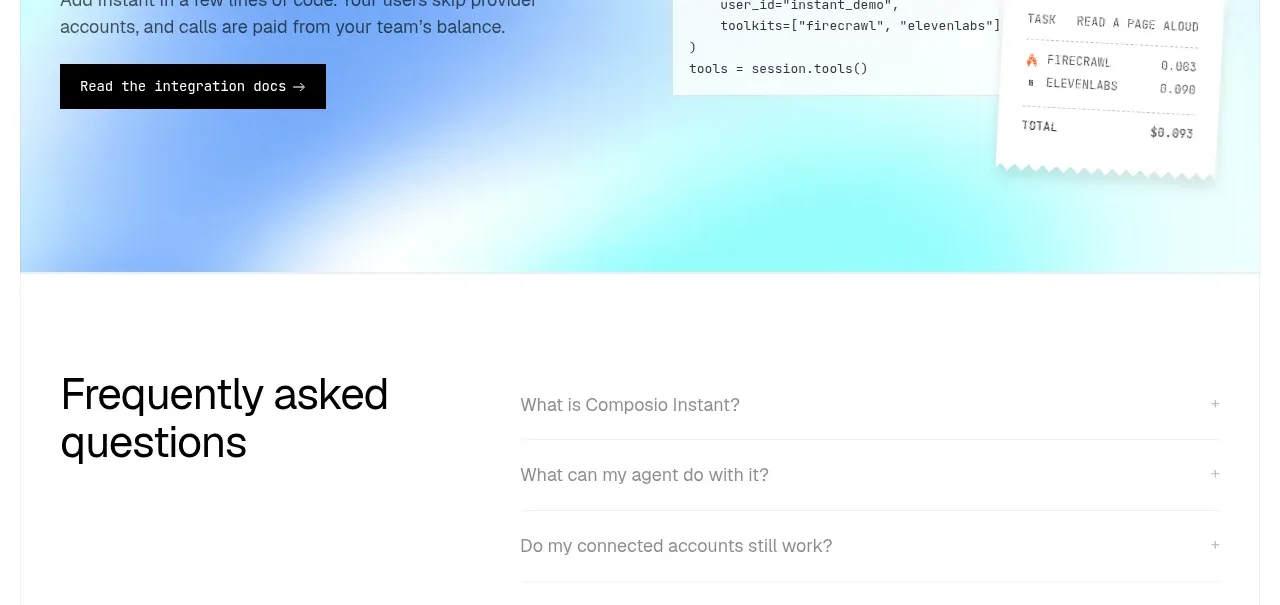
 Developer integration CTA
Composio Instant · Call to action
Developer integration CTA
Composio Instant · Call to action
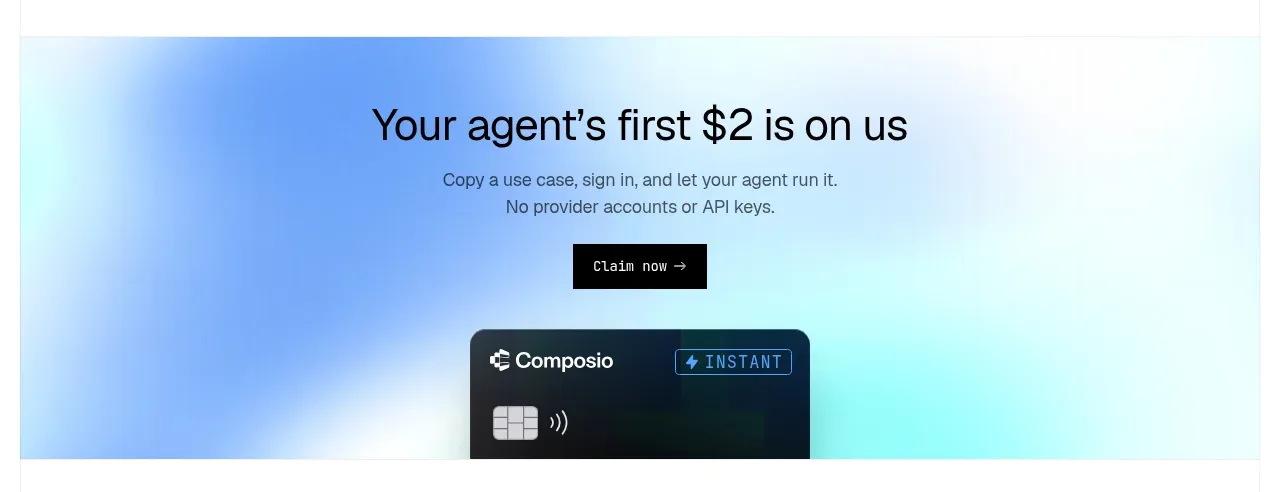 First-use credit CTA
Composio Instant · Call to action
First-use credit CTA
Composio Instant · Call to action
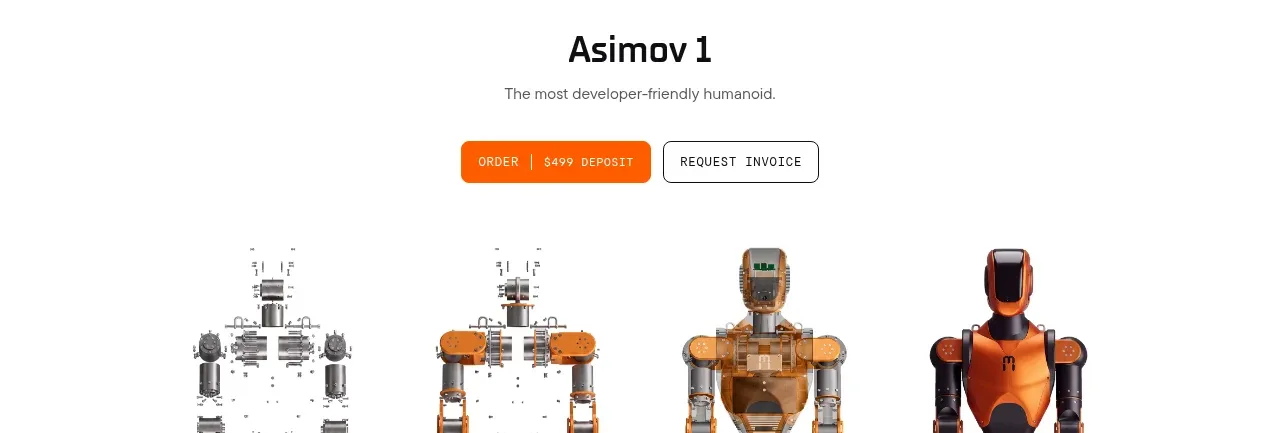
 Product purchase call to action
Asimov 1 · Call to action
Product purchase call to action
Asimov 1 · Call to action

 Final conversion panel
Inflight · Call to action
Final conversion panel
Inflight · Call to action
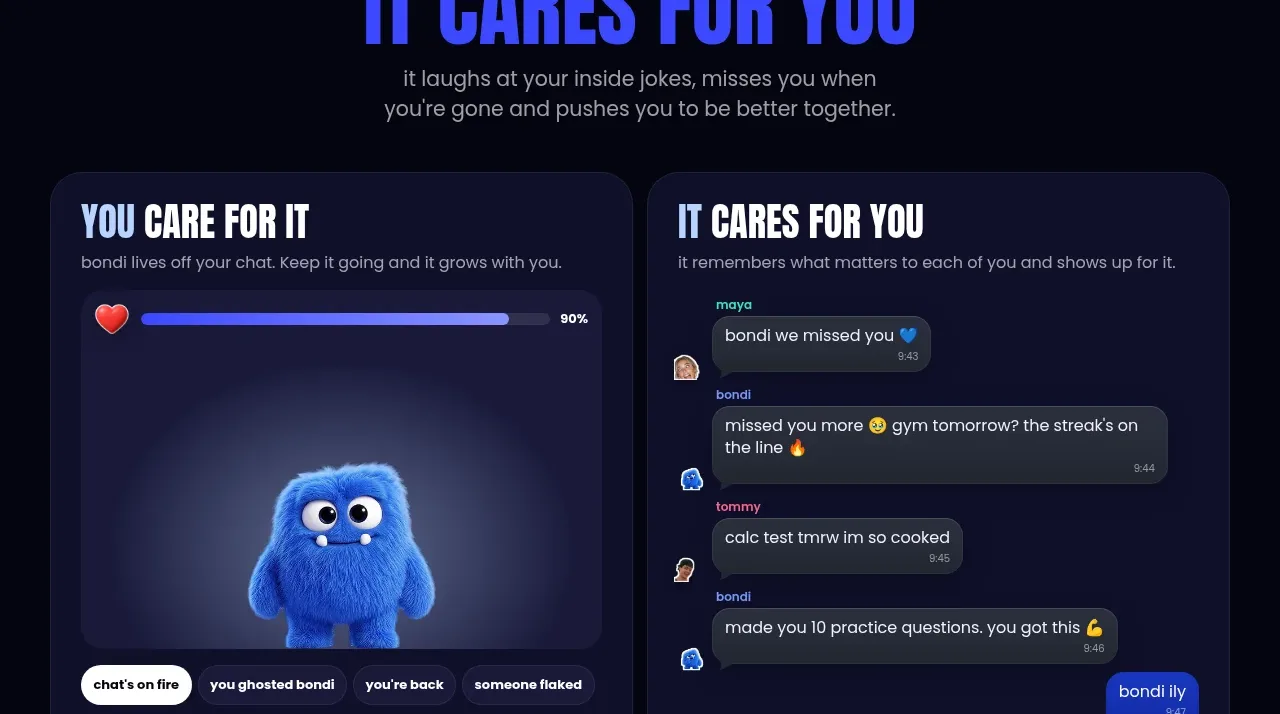
 Download and start CTA
bonds · Call to action
Download and start CTA
bonds · Call to action

 Cloud to self-hosted switch
OpenShip Cloud · Call to action
Cloud to self-hosted switch
OpenShip Cloud · Call to action