 kage
kage
vibeide.dev
Design analysis
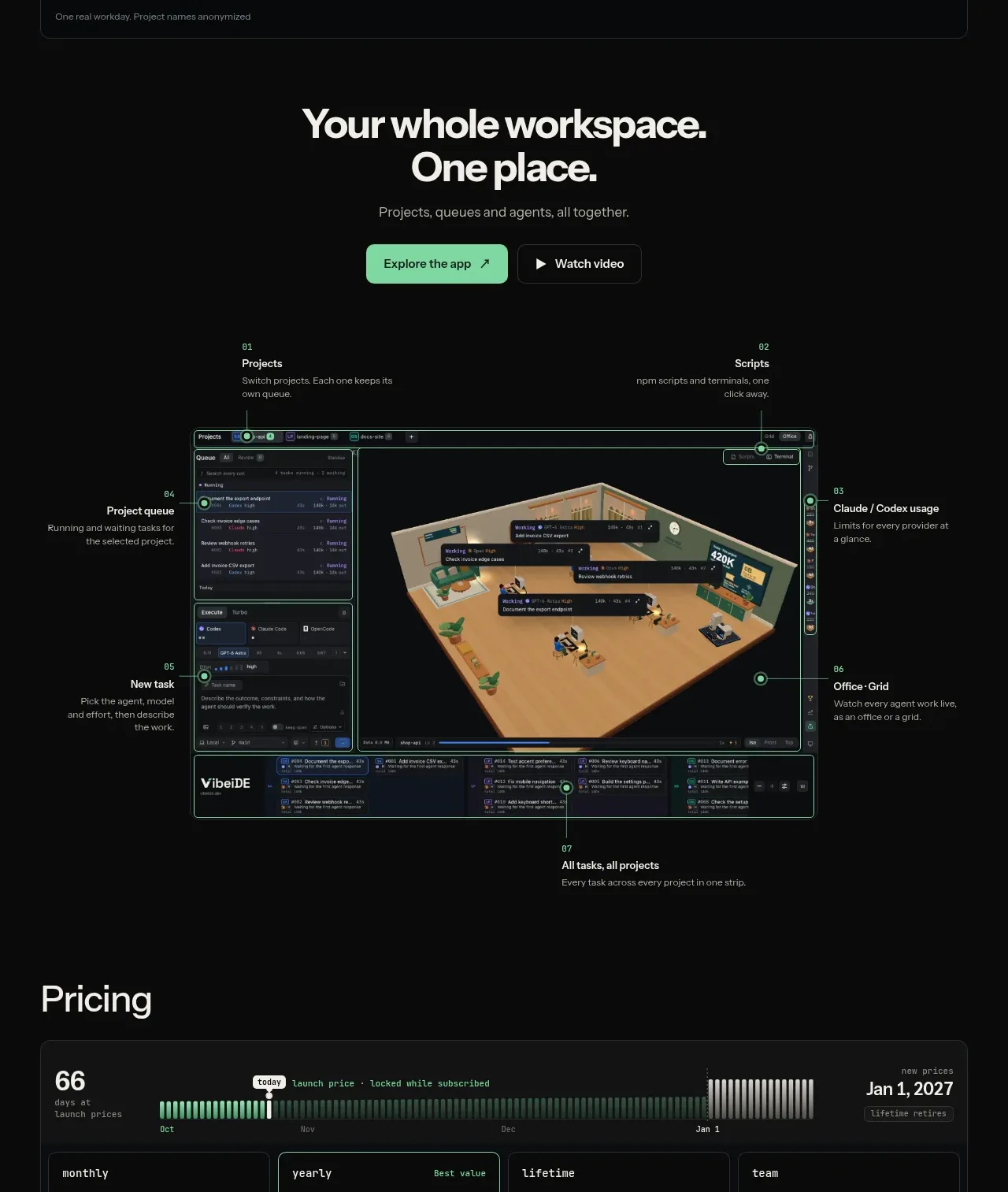
A strong centered CTA introduces the complete workspace, followed by primary/secondary actions and a large annotated product visual with numbered callouts around it.
Prompt preview
## Reference images

Study these alongside the description below: hierarchy, rhythm, spacing, colour. Build for the product you are asked about, using this design language.

- Component: https://kage-design-assets.t3.tigrisfiles.io/components/vibeide/07b340e8-2f64-4d74-b3e0-eba165a9aca9-1793080889-4.webp
- Full page it was cut from: https://kage-design-assets.t3.tigrisfiles.io/screenshots/vibeide/07b340e8-2f64-4d74-b3e0-eba165a9aca9-1793080830929-full.webp
- Component on Kage: https://kage.design/component/vibeide-cta

## Before you start
Ask what the user's product and brand are, then apply the principles below to that product rather than reproducing this reference.

Build a dark showcase CTA. Center a bold 34–40px headline, a short muted subheading, and two actions: a mint primary button and an outlined or transparent secondary video/demo button. Place a large responsive product UI composition beneath, surrounded by 5–7 small numbered callouts connected with thin lines; callouts should explain capabilities, not decorate. Use #080909, #f3f3ef, #999b98, mint #82e0ae, and subtle teal/green annotation lines #3c8066. Keep the visual inside a max-width around 700px, use 10–14px radii and restrained borders, and make callouts collapse below the image on narrow screens. Buttons should have clear hover, focus, and pressed states.

Never use the reference product name, copy, screenshot, annotations, illustration, or imagery.
More components

 Split final conversion panel
throxy · Call to action
Split final conversion panel
throxy · Call to action
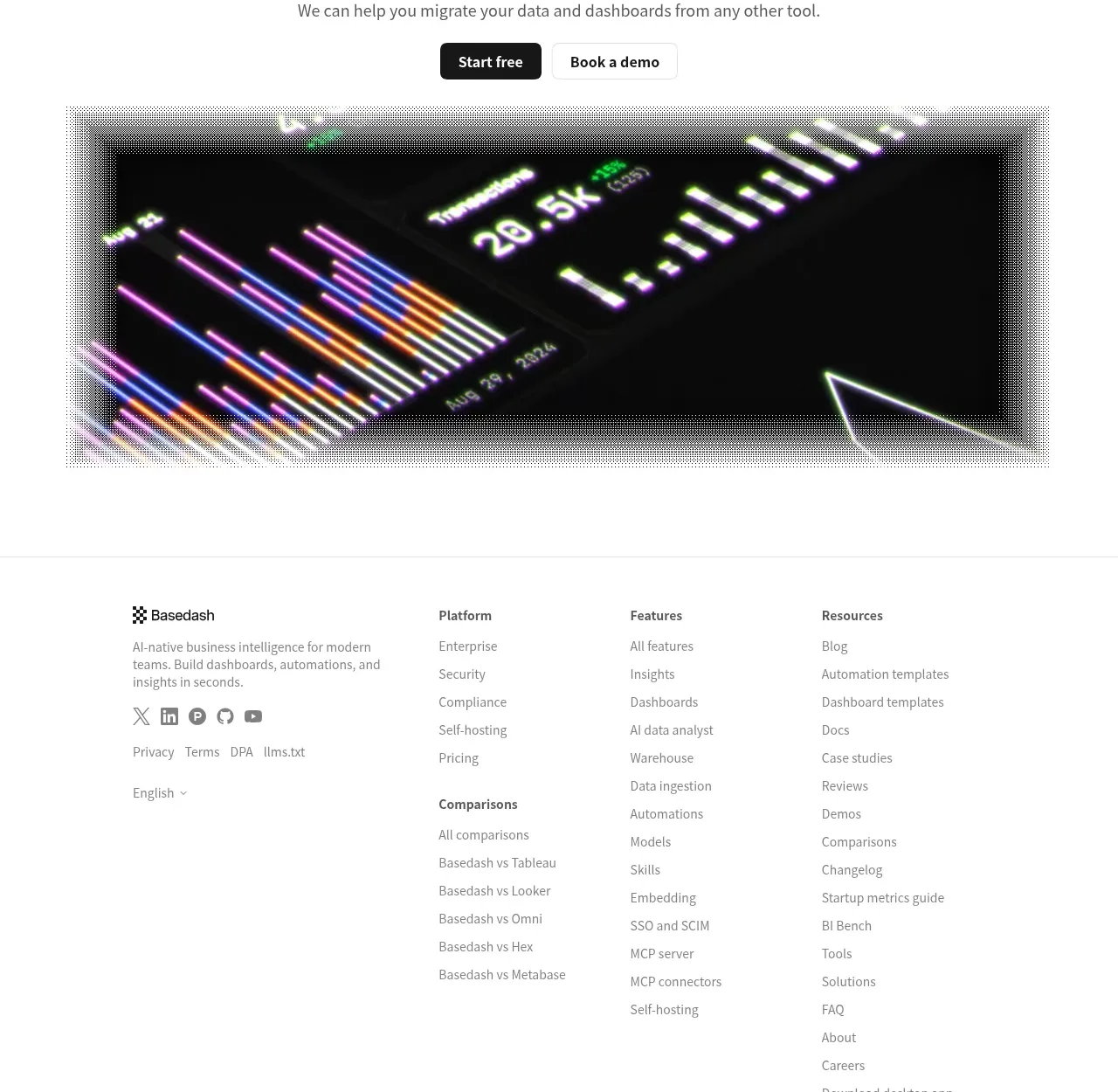
 Fast-start conversion CTA
Basedash View-only members · Call to action
Fast-start conversion CTA
Basedash View-only members · Call to action

 Closing conversion CTA
Open For sales · Call to action
Closing conversion CTA
Open For sales · Call to action
 Guarantee and proof CTA
Open For sales · Call to action
Guarantee and proof CTA
Open For sales · Call to action

 Final purchase call to action
bytemail · Call to action
Final purchase call to action
bytemail · Call to action

 Final free-trial CTA
Zro: Uncensored Security Models · Call to action
Final free-trial CTA
Zro: Uncensored Security Models · Call to action