kage
kage
vibeide.dev

Design analysis
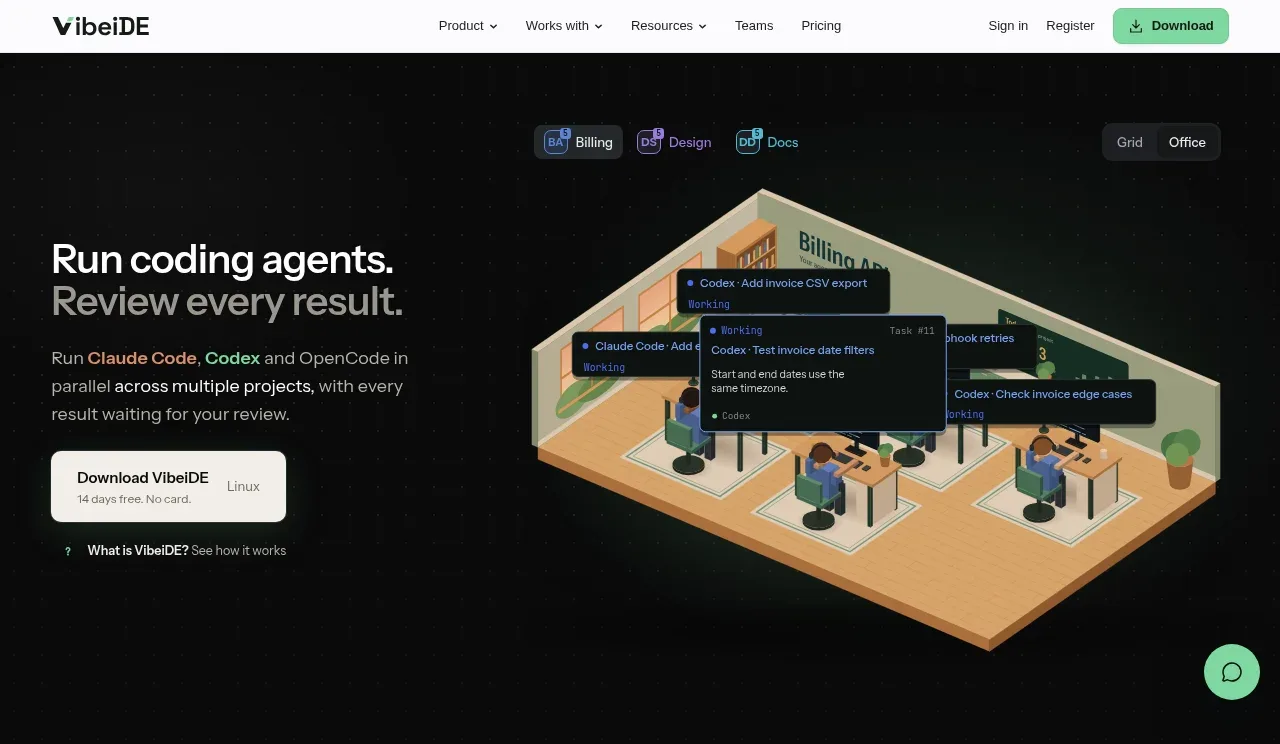
A near-black, full-page product landing page uses a restrained two-column hero: compact white navigation and mint-green download action above left-aligned headline copy and a large isometric workspace illustration. Below the hero, the rhythm alternates between sparse feature statements with generous vertical gaps, a centered usage statistic and dense multicolour timeline chart, then an annotated product walkthrough, pricing cards, FAQ accordion, workflow-link columns, and a structured footer. Mint green is reserved for actions, progress accents, and highlighted metrics, while fine gray borders, small monospace labels, and low-radius dark panels create a technical but approachable interface.
Prompt preview
## Reference images

Study these alongside the description below: hierarchy, rhythm, spacing, colour. Build for the product you are asked about, using this design language.

- Full page: https://kage-design-assets.t3.tigrisfiles.io/screenshots/vibeide/07b340e8-2f64-4d74-b3e0-eba165a9aca9-1793080830929-full.webp
- Above the fold: https://kage-design-assets.t3.tigrisfiles.io/screenshots/vibeide/07b340e8-2f64-4d74-b3e0-eba165a9aca9-1793080829848.webp
- Design on Kage: https://kage.design/designs/vibeide-landing-page

## Before you start
Ask the user what they are building, who it is for, and what brand assets they already have (name, colours, type, logo or other visual assets). Wait for their answers before designing. Apply the reference's design language to their product, not to VibeiDE.

## Page structure
1. **Utility header:** Place a slim white navigation bar across the top with a compact brand area at left, a centered group of dropdown-style links, and sign-in, registration, and a mint download/action button at right.
2. **Hero:** Use a full-width near-black section with a two-column layout. Put a large two-line headline, muted supporting paragraph, primary download card/button, and a small secondary explainer link on the left; place the main product visual on the right as a large isometric workspace scene with floating task cards and small view/provider controls above it.
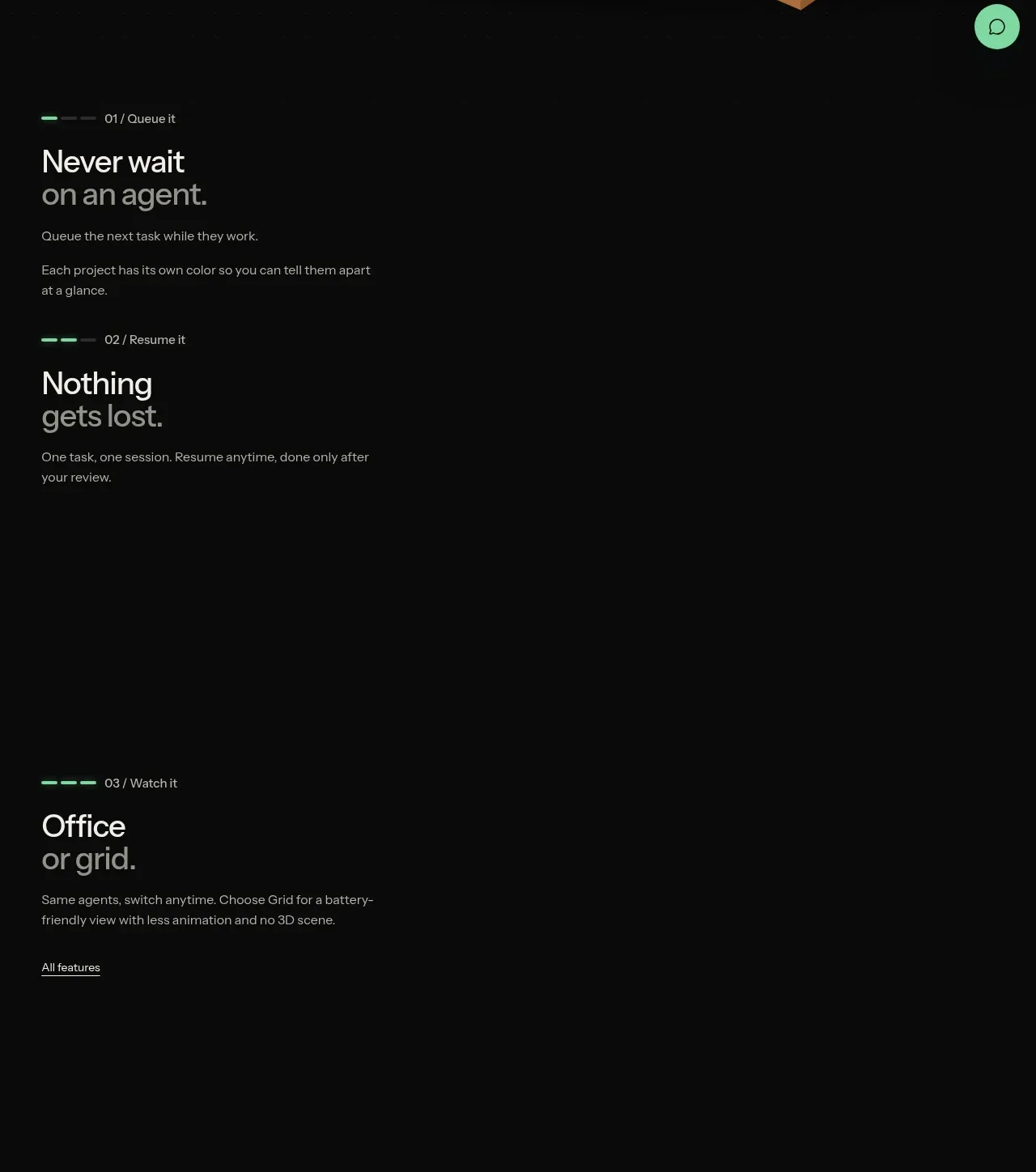
3. **Feature sequence:** Follow the hero with three vertically spaced feature statements rather than dense cards. Each item has a mint progress marker and numbered micro-label, a large two-line headline with the second line in gray, and a short explanatory paragraph; cover queueing work, resuming sessions, and switching between office/grid views. End the sequence with a small “all features” text link.
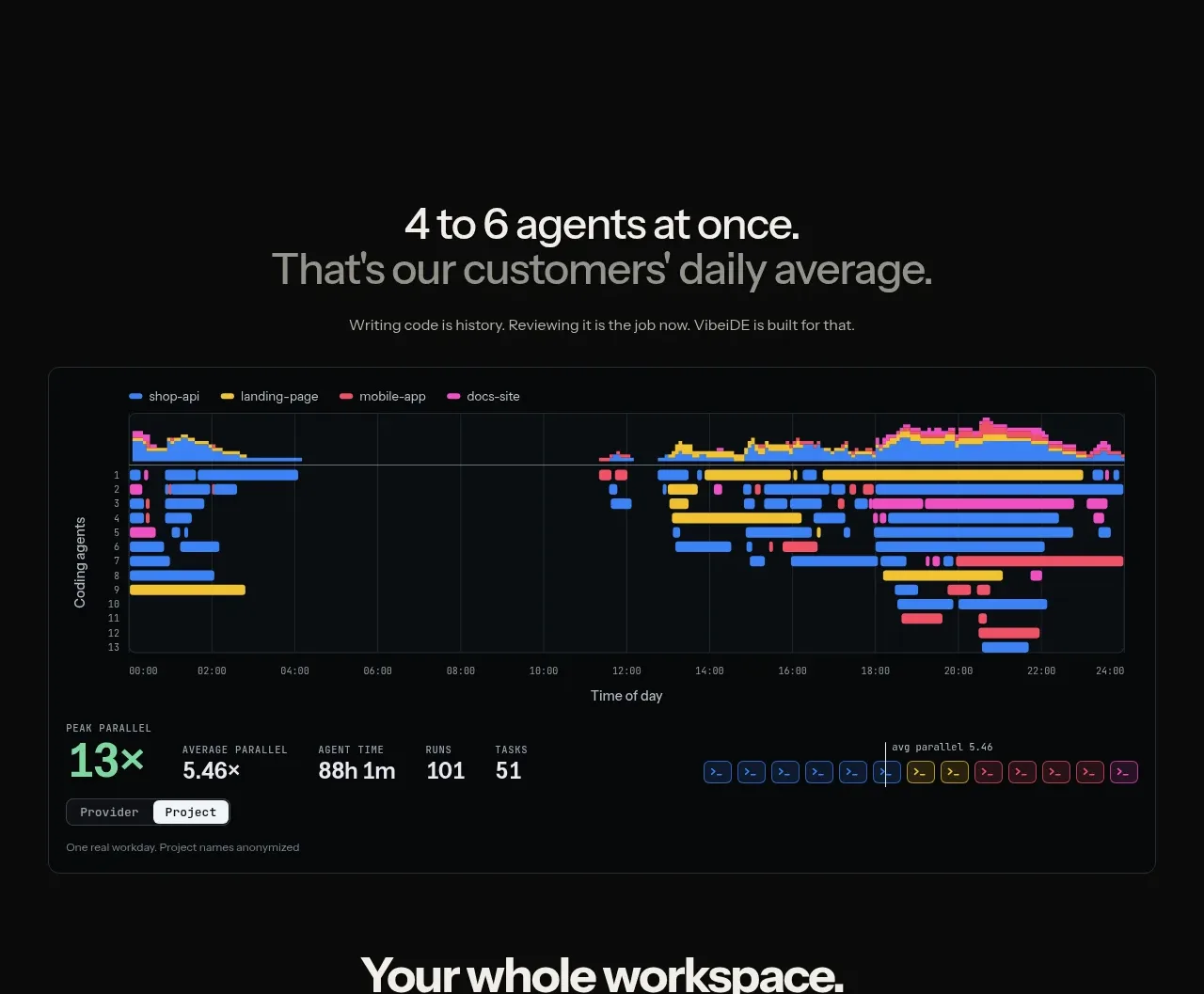
4. **Usage proof/statistic:** Add a large amount of empty space, then center a two-line statement about simultaneous agents and customer usage, with the first line white and the second gray, followed by a small explanatory sentence.
5. **Activity chart:** Show a wide bordered dark analytics panel containing a multicolour horizontal timeline of agent activity, legend, axes, and compact summary metrics beneath it. Use the chart as proof of parallel activity rather than as a generic decorative graph.
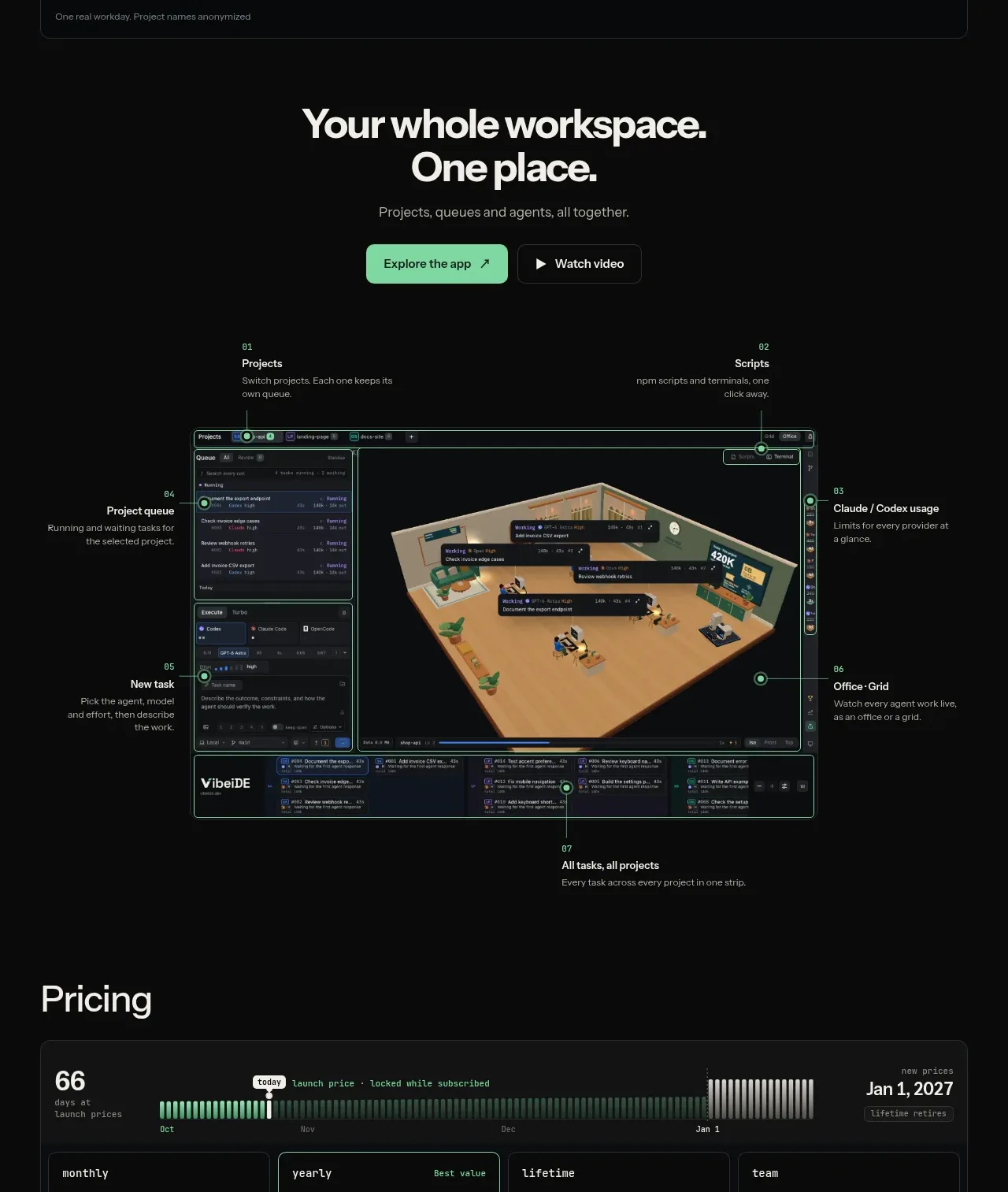
6. **Workspace CTA:** Center a bold two-line heading, short supporting text, and two adjacent actions: a mint primary button and dark outlined video button.
7. **Annotated product walkthrough:** Present a large framed application screenshot or mockup beneath the CTA, with numbered callouts around its edges identifying projects, scripts, provider usage, office/grid, new task, project queue, and the all-tasks strip. Keep labels small and technical, connected to the mockup with thin lines and mint circular markers.
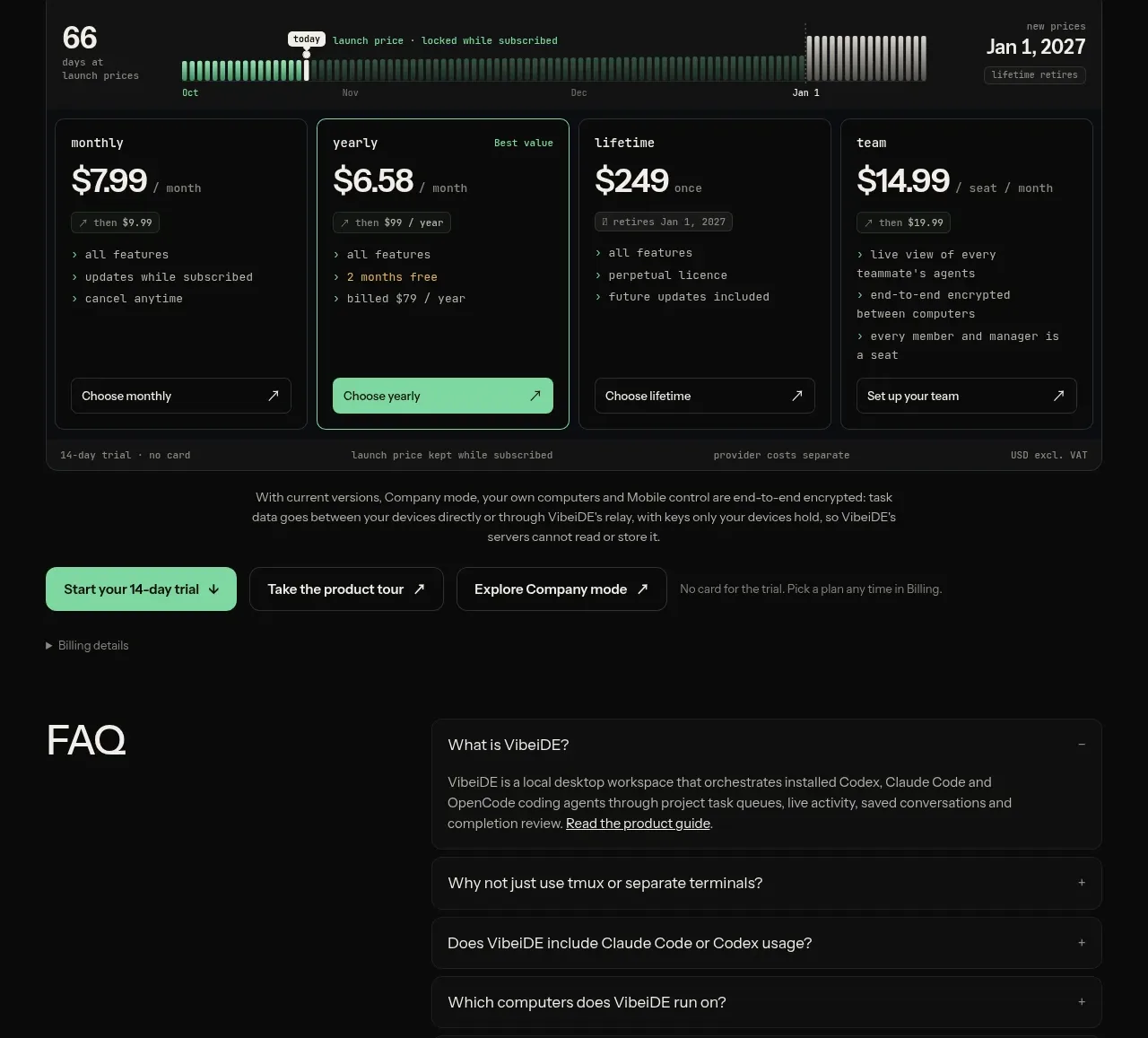
8. **Pricing section:** Introduce a left-aligned “Pricing” heading, then a wide bordered pricing module. Include a launch-price timeline/status strip at the top and four side-by-side plans below: monthly, yearly, lifetime, and team. Give each plan a compact monospace label, large price, billing unit, feature bullets, and bottom-aligned action; emphasize only the best-value/yearly option in mint.
9. **Pricing notes and action row:** Place trial, launch-price, provider-cost, and tax notes around the pricing module, followed by a row of primary and secondary actions plus a small billing-details disclosure.
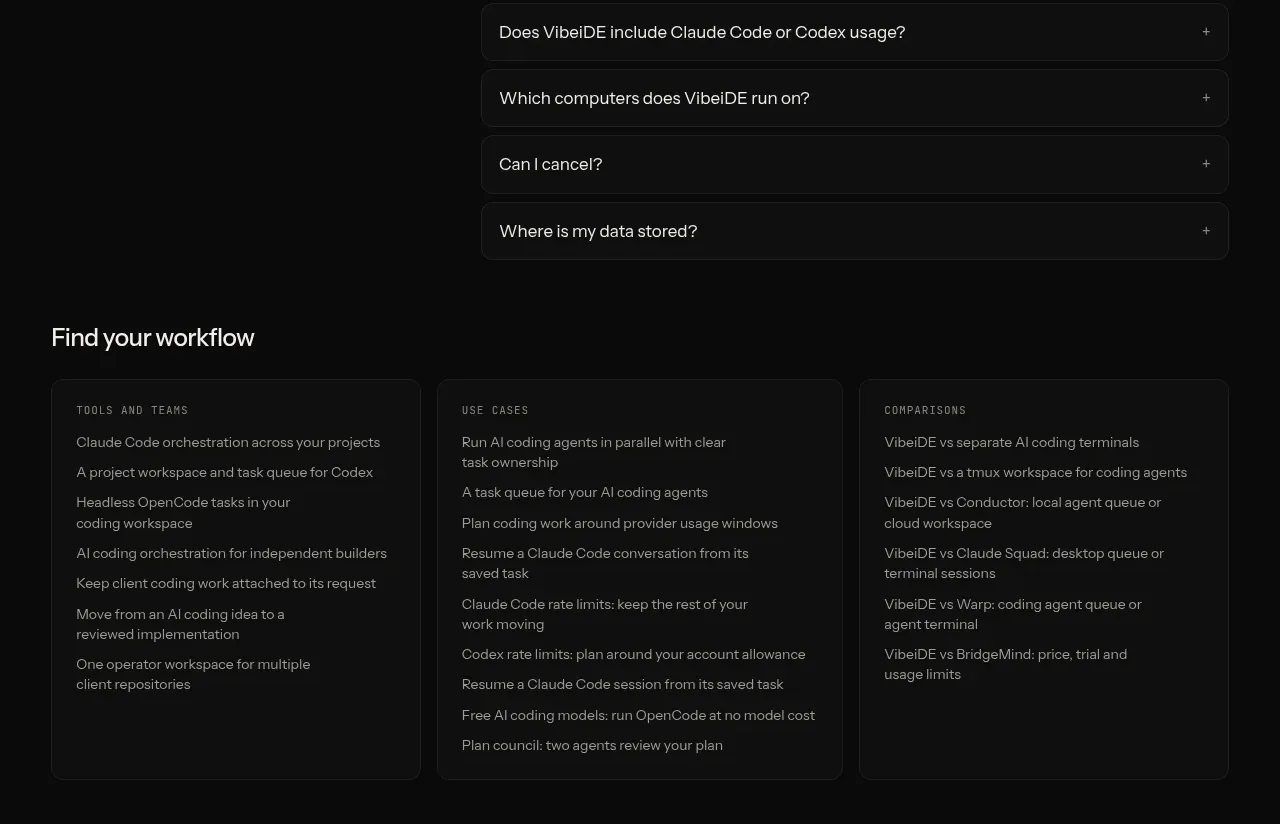
10. **FAQ:** Use a two-column section with a large FAQ heading on the left and stacked bordered accordion rows on the right. Keep one answer expanded with muted body copy and a subtle minus control; keep the remaining questions collapsed with plus controls.
11. **Workflow discovery links:** Add a “Find your workflow” heading and three equal dark bordered columns. Label them with small uppercase categories such as tools/teams, use cases, and comparisons, then list multiple compact text links in each column.
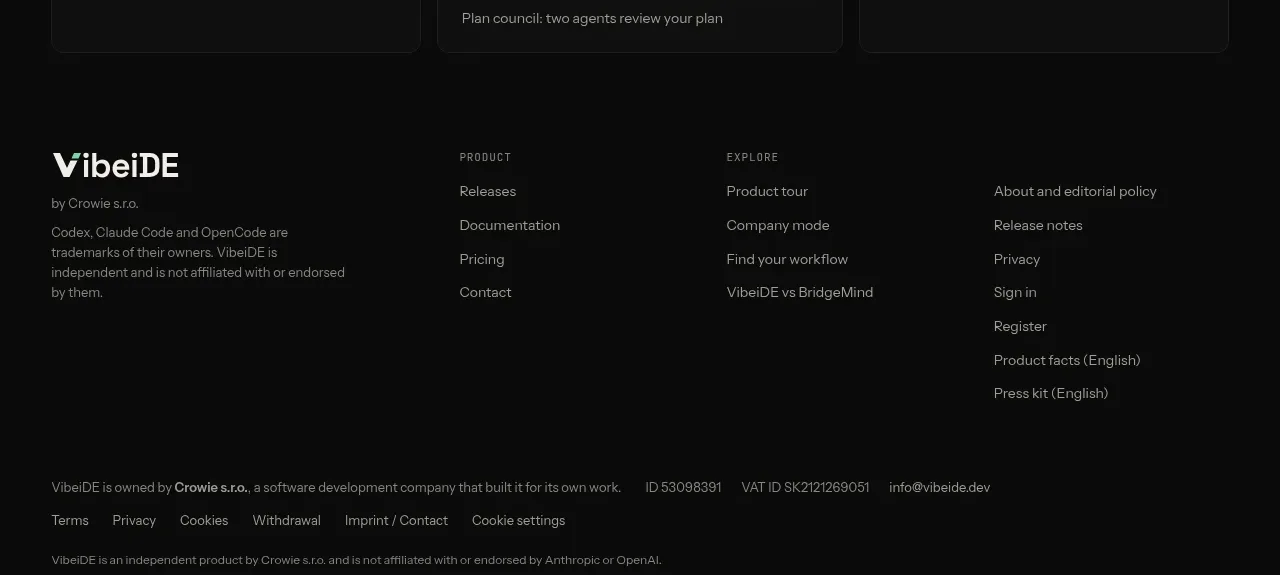
12. **Footer:** Finish with a multi-column footer. Put the product identity and legal/company description in the first column, grouped product and explore links in the middle, and policy/account/editorial links at right. Add a lower legal-information row, terms/privacy/cookie links, copyright text, and a small languages disclosure.

## Design language
- Use a near-black canvas around `#080909` or `#0b0c0c`, with slightly lighter panels around `#111313`; keep the header white only when a strong contrast break is useful.
- Build hierarchy through scale and weight, not decoration: oversized hero and section headlines, short gray supporting copy, and tiny uppercase or monospace metadata for labels, chart legends, pricing labels, and callouts.
- Use a restrained type system: a clean modern sans for headings and body copy, paired with a compact monospace face for technical labels, prices, metrics, and status details. Let headings use tight line-height and split emphasis between white and cool gray.
- Make mint green the functional accent, approximately `#7ee2ad` to `#9af0bd`. Reserve it for primary buttons, progress bars, active chart values, statistic emphasis, callout markers, and small status highlights; do not flood the page with it.
- Use secondary chart colours sparingly—blue, yellow, pink, and purple—for distinct projects or agent streams inside data visualisations. Keep the surrounding UI monochrome so the chart reads clearly.
- Establish a long, changing rhythm: a visually rich hero, sparse feature copy with very large vertical gaps, a dense proof chart, an annotated product demonstration, then compact pricing, FAQ, link directories, and legal footer content.
- Prefer thin `#252929` borders, subtle inner highlights, and low-radius corners around 4–8px. Avoid heavy shadows; use tonal separation and borders to define panels against the black background.
- Keep buttons compact and practical, with modest rounding, clear labels, and small arrow/download affordances. Use filled mint only for the main conversion action and outlined dark buttons for secondary actions.
- Treat product visuals as technical diagrams: dark application chrome, warm isometric workspace imagery, floating task cards, thin annotation lines, and small coloured status indicators. Use responsive framing rather than ornamental illustration.
- Make interactions understated: accordion rows expand in place, dropdown navigation uses small chevrons, and hover/focus states should brighten borders or shift accents to mint without large animations. If motion is added, use slow, low-amplitude chart or workspace transitions.

## Never
- Do not copy VibeiDE's logo, wordmark, product name, tagline, exact copy, screenshots, illustrations, isometric scene, icon set, or branded assets.
- Do not present the result as VibeiDE or imply affiliation with it.
- Do not make every section a card, overuse gradients, add generic stock imagery, or replace the product-specific visual/data areas with decorative filler.
Components from this page
All components
V
Minimal product navigation
VibeiDE · Navigation
V
Agent orchestration hero
VibeiDE · Hero
V
Three-step agent workflow
VibeiDE · Feature grid
V
Parallel work performance chart
VibeiDE · Stats
V
Whole-workspace product showcase
VibeiDE · Call to action
V
Four-plan pricing table
VibeiDE · Pricing table
V
Product FAQ accordion
VibeiDE · FAQ
V
Workflow discovery cards
VibeiDE · Card

V
Multi-column company footer
VibeiDE · Footer