 kage
kage
zro.moonmath.ai

Design analysis
A compact centered CTA invites visitors to explore a playful secondary experience, with a small eyebrow, headline, supporting copy, and button.
Prompt preview
## Reference images

Study these alongside the description below: hierarchy, rhythm, spacing, colour. Build for the product you are asked about, using this design language.

- Component: https://kage-design-assets.t3.tigrisfiles.io/components/zro-uncensored-security-models/e20130e7-a5cc-45c0-9379-5144f5425289-1793253724-7.webp
- Full page it was cut from: https://kage-design-assets.t3.tigrisfiles.io/screenshots/zro-uncensored-security-models/e20130e7-a5cc-45c0-9379-5144f5425289-1793253671388-full.webp
- Component on Kage: https://kage.design/component/zro-uncensored-security-models-cta

## Before you start
Ask what the user's product and brand are, then apply the following principles to that context.

Create a compact centered CTA section for a secondary product experience or playground. Use a small uppercase eyebrow, a medium-large headline, one sentence of supporting copy, and a single light primary button with an optional tiny decorative UI detail beside it. Keep the section intentionally sparse with generous top and bottom padding. Use `#090b0d` background, `#eef0eb` headline and button, `#858990` supporting copy, and `#202329` for subtle separators. The CTA should feel like a change of pace without introducing a large illustration. Use a 6px button radius and a clear hover state.

Never: use logos, product names, copy, illustrations or imagery from the reference.
More components
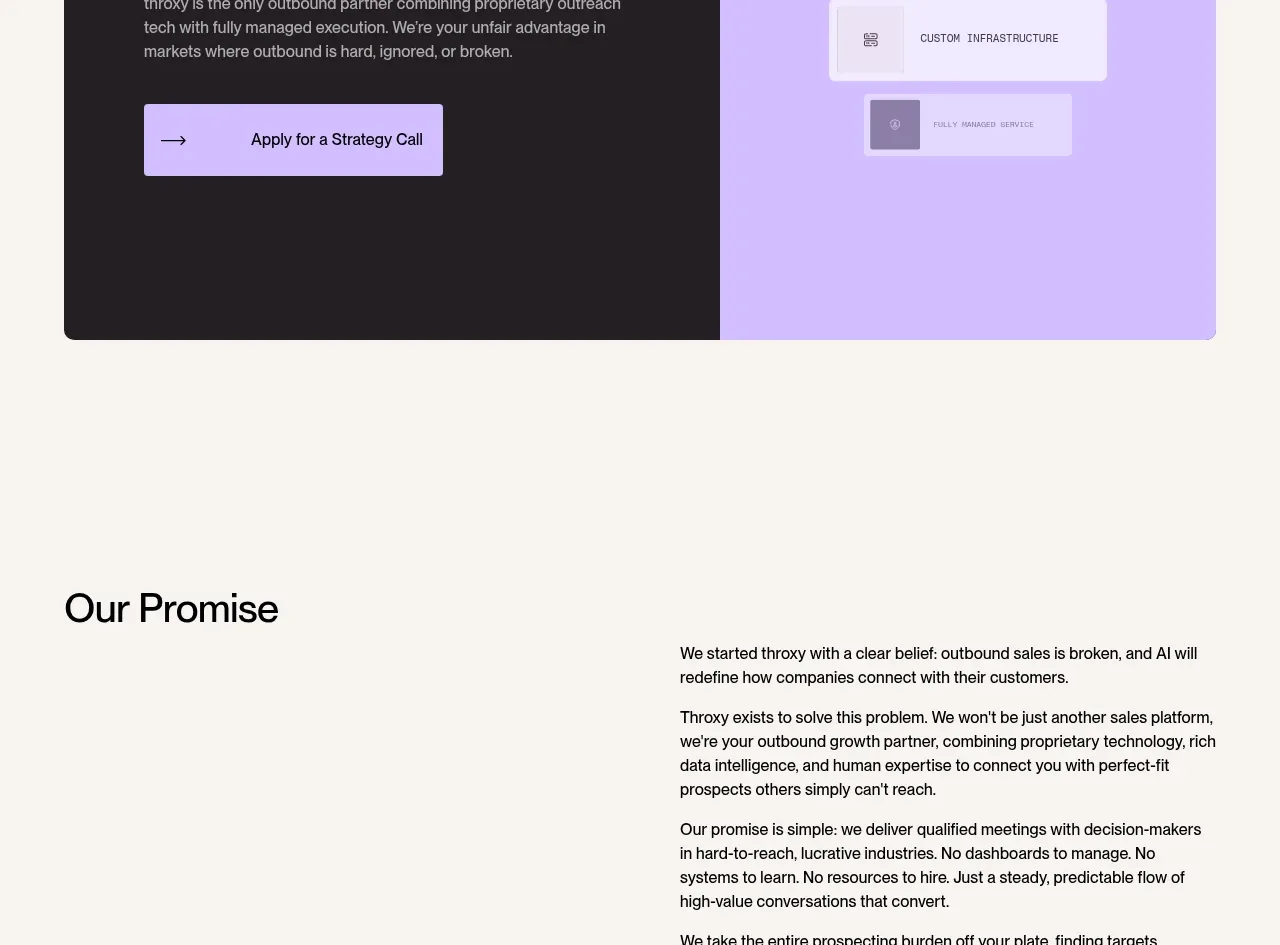
 Split final conversion panel
throxy · Call to action
Split final conversion panel
throxy · Call to action
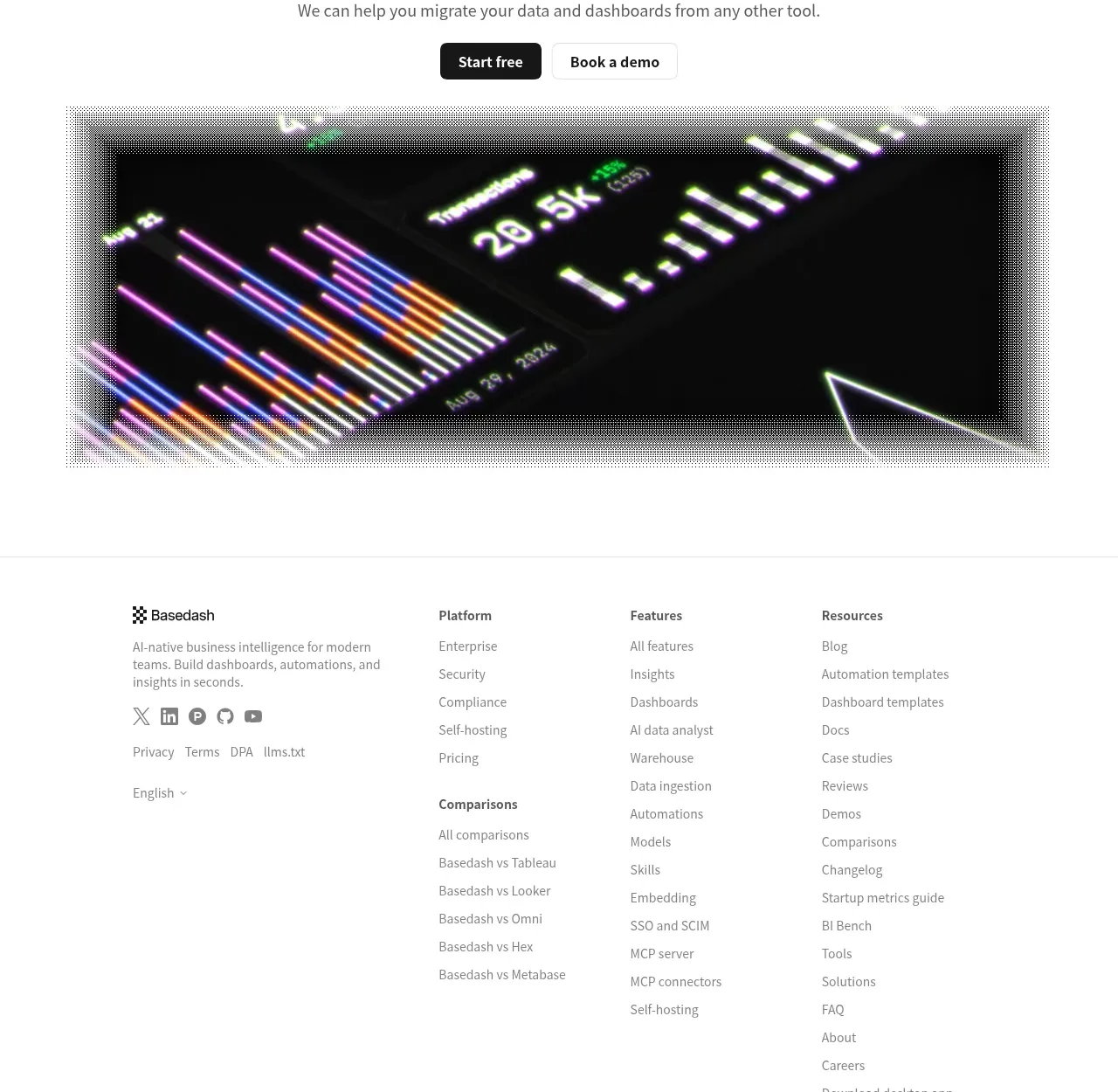
 Fast-start conversion CTA
Basedash View-only members · Call to action
Fast-start conversion CTA
Basedash View-only members · Call to action
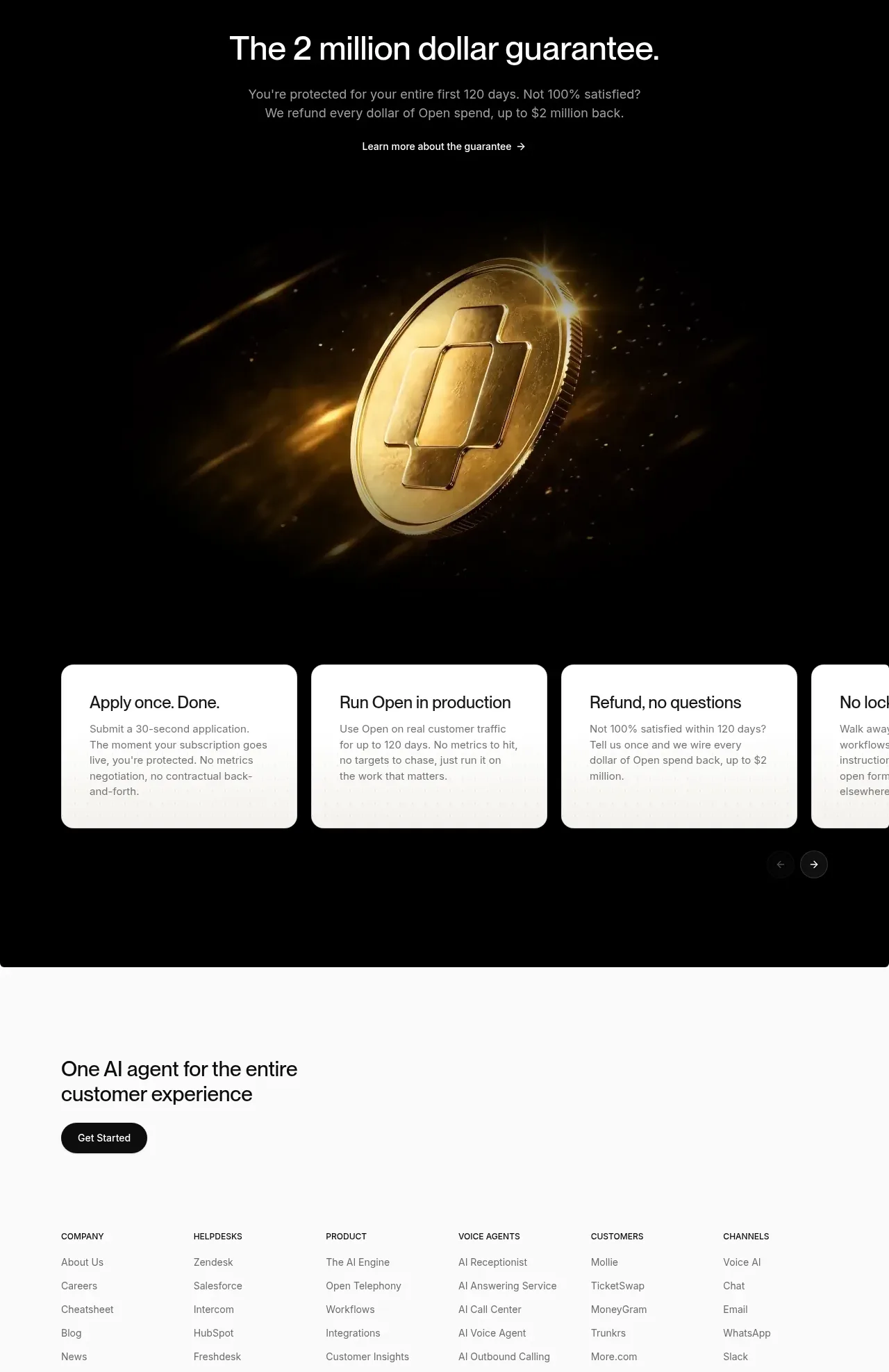
 Guarantee and proof CTA
Open For sales · Call to action
Guarantee and proof CTA
Open For sales · Call to action
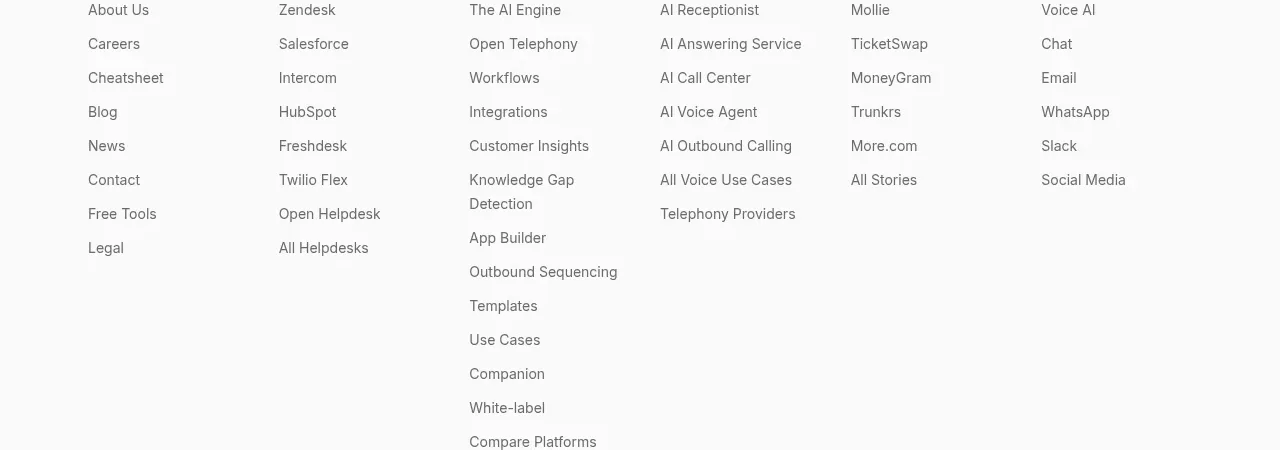 Closing conversion CTA
Open For sales · Call to action
Closing conversion CTA
Open For sales · Call to action
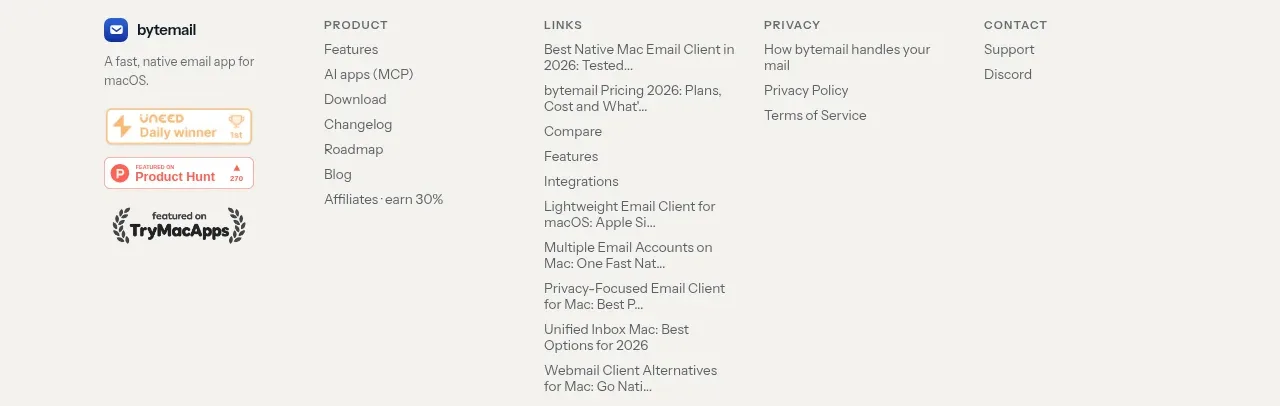
 Final purchase call to action
bytemail · Call to action
Final purchase call to action
bytemail · Call to action
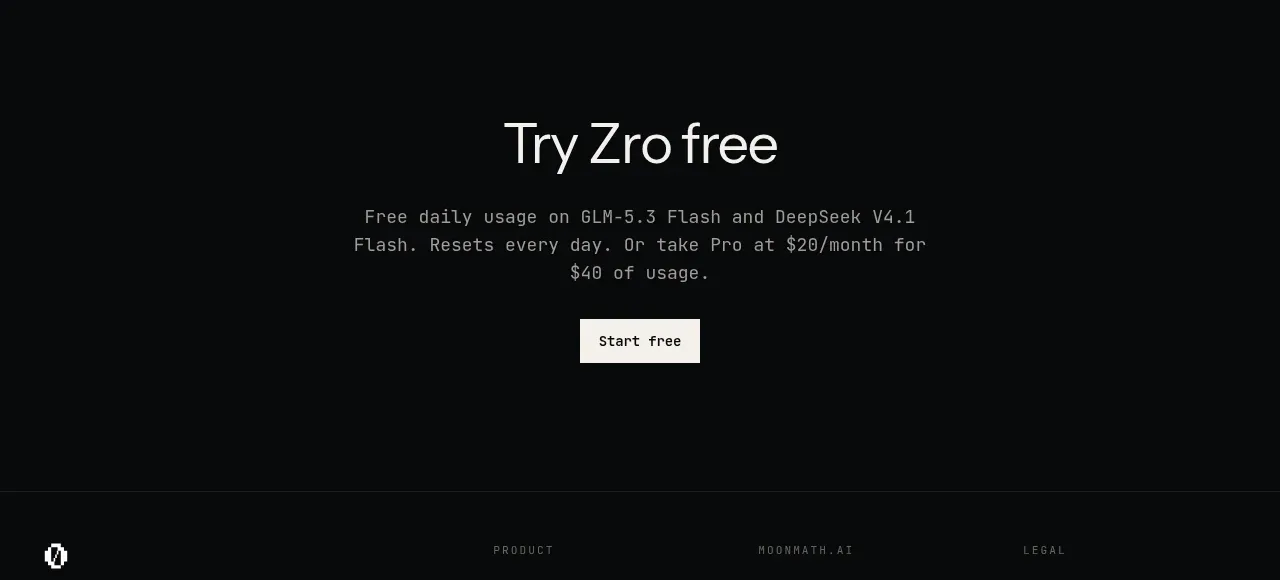
 Final free-trial CTA
Zro: Uncensored Security Models · Call to action
Final free-trial CTA
Zro: Uncensored Security Models · Call to action