kage
kage
zro.moonmath.ai

Design analysis
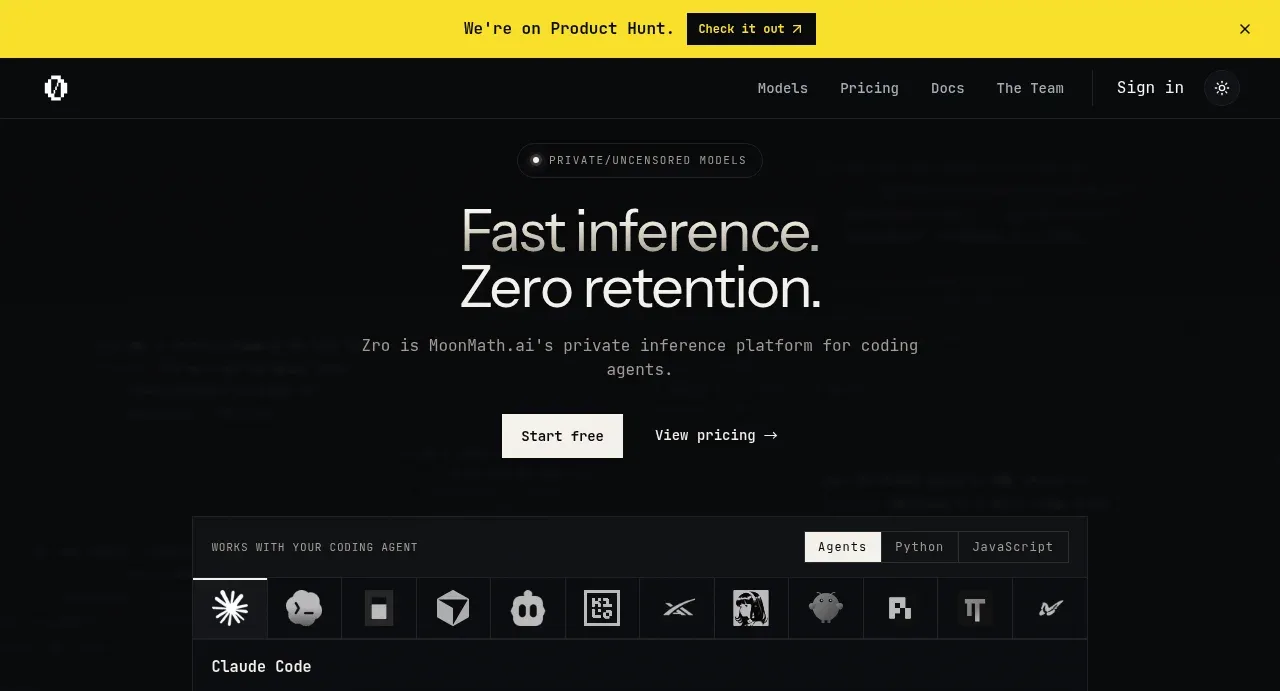
A near-black, full-length AI infrastructure landing page uses a restrained technical aesthetic: oversized white sans-serif section headings sit above compact gray monospace descriptions, while thin borders and faint panel fills organize dense data. The hero establishes the language with a yellow announcement strip, sparse navigation, a terminal-style integration panel, and a compact pricing rail; below it, the rhythm alternates spacious explanatory sections with increasingly information-dense layers, performance tables and charts, model cards, testimonials, FAQ rows, a final CTA, and a utilitarian multi-column footer.
Prompt preview
## Reference images

Study these alongside the description below: hierarchy, rhythm, spacing, colour. Build for the product you are asked about, using this design language.

- Full page: https://kage-design-assets.t3.tigrisfiles.io/screenshots/zro-uncensored-security-models/e20130e7-a5cc-45c0-9379-5144f5425289-1793253671388-full.webp
- Above the fold: https://kage-design-assets.t3.tigrisfiles.io/screenshots/zro-uncensored-security-models/e20130e7-a5cc-45c0-9379-5144f5425289-1793253666952.webp
- Design on Kage: https://kage.design/designs/zro-uncensored-security-models-landing-page

## Before you start
Ask the user what they are building, who it is for, and what brand assets they already have, including the product name, colours, typefaces, logo, and any existing design system. Wait for their answers before designing. Apply the following system to their product, not to the reference product, and write original content for their audience.

## Page structure
1. **Announcement strip:** Add a full-width, high-contrast notice bar at the very top with a short update, a compact outlined or dark CTA, and a dismiss control.
2. **Navigation header:** Use a low-height black header with a small brand mark at left, compact text links across the right, a sign-in/action link, and a small theme or utility control.
3. **Hero:** Center a small pill-shaped eyebrow above a large two-line headline, a short centered technical subheading, and two restrained CTAs with one light filled button and one text link.
4. **Integration/demo panel:** Place a bordered dark panel below the hero. Include a small uppercase label, segmented tabs, a horizontal row of integration/tool marks represented by neutral placeholders, and a terminal/code snippet with a copy button.
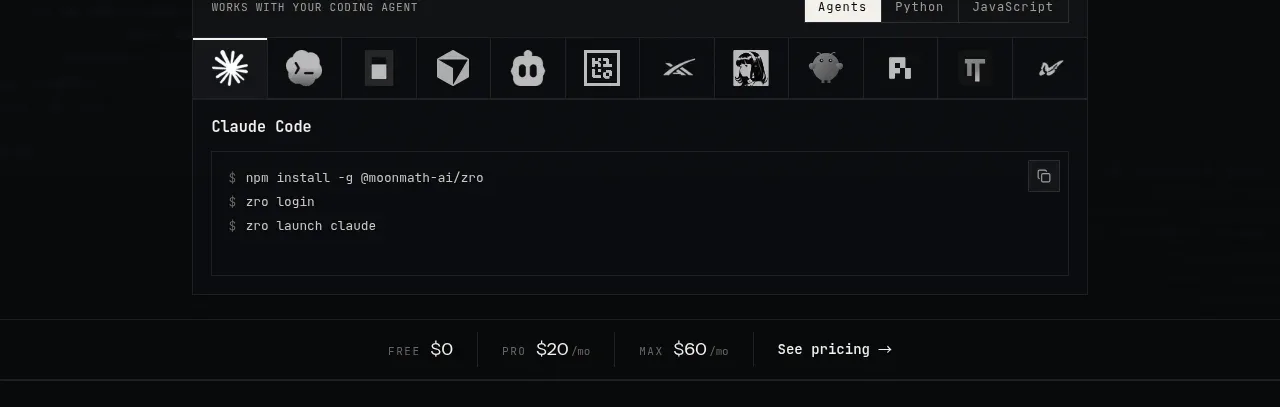
5. **Pricing rail:** Follow the hero panel with a thin full-width divider band showing several compact plan prices and a pricing link.
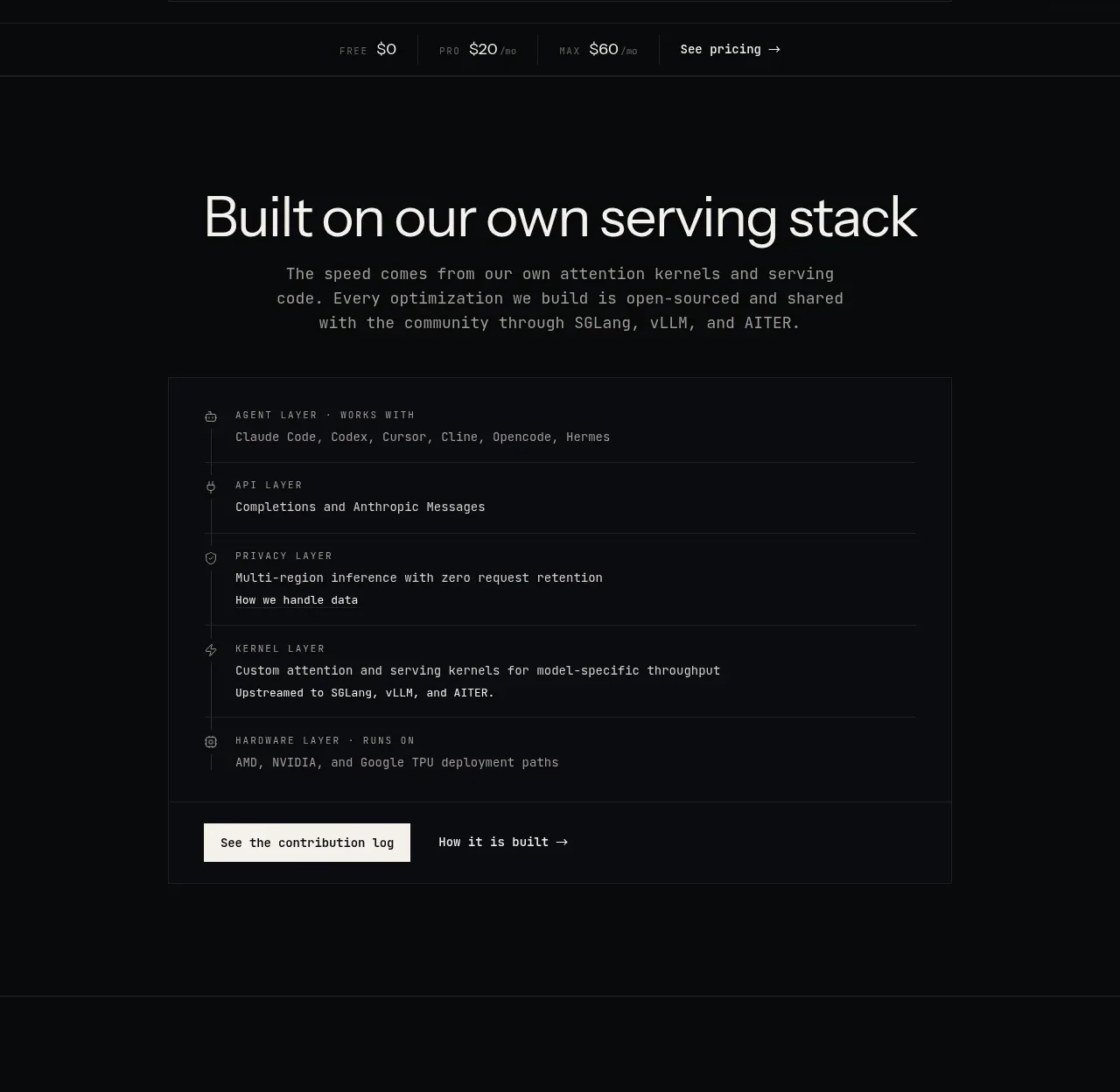
6. **Serving-stack section:** Use a spacious centered heading and explanatory paragraph, then a large bordered panel listing the product stack as vertically connected layers. Give each row a small icon placeholder, uppercase label, description, and a bottom action row.
7. **Performance section:** Introduce a centered heading and short metric-focused subtitle, then show a bordered benchmark table followed by a larger metric/chart panel with a bold headline number, supporting annotation, and a stepped line chart. End with a small secondary link button.
8. **Model catalog section:** Add a centered heading and description, then present one wide featured model card followed by a two-column grid of smaller model cards. Each card should contain a category label, status badge, model name, short description, context and cost metrics, a divider, pricing metadata, and a subtle arrow affordance.
9. **Playground transition:** Insert a shorter centered promotional block with a small eyebrow, playful but restrained headline, short description, light CTA, and one small custom decorative object or pixel detail.
10. **Testimonials:** Use a centered section heading and a dense three-column by two-row grid of bordered quote cards. Keep the cards text-led and visually quiet.
11. **FAQ:** Split the section into a left column with a large two-line heading, explanatory copy, and two CTAs, and a right column containing a numbered accordion list. Make the first item expanded and the remaining rows collapsed with plus controls.
12. **Final CTA:** Create a spacious centered conversion section with a large heading, short pricing/usage explanation, and one light filled button.
13. **Footer:** Finish with a bordered, multi-column footer. Put the brand mark, attribution, copyright, and small social/action icons in the first column; use compact uppercase column labels and stacked links for product, company, and legal navigation.

## Design language
- Build hierarchy through scale and whitespace: use large lightweight sans-serif headings around 40–56px on desktop, compact 12–15px body copy, and tiny uppercase labels around 9–11px.
- Pair a clean modern sans-serif for headings with a monospaced face for descriptions, metrics, labels, code, navigation details, and table content. Use generous line-height in explanatory text but tight leading in hero headlines.
- Use a nearly black background around `#07090a` and slightly lighter panel surfaces around `#0b0d10`; use off-white text near `#f1f1ed`, muted gray text around `#8a8b88`, and very subtle borders around `#202326`.
- Reserve a vivid signal yellow near `#f5e51b` for the announcement strip and occasional utility emphasis. Keep the rest of the interface monochrome so technical data remains legible.
- Treat borders as the primary component styling: use 1px low-contrast rules, rectangular panels, and minimal corner radii of 0–3px. Avoid glossy cards, large shadows, gradients, and decorative blobs.
- Let rhythm change down the page: keep the hero and major narrative headings spacious, then increase density in the stack list, benchmark table, chart, model catalog, testimonials, and FAQ. Use full-width horizontal rules to clearly separate major chapters.
- Make data feel operational: use compact tables, metric pairs, monospace numeric values, chart annotations, badges, and terminal-like blocks rather than illustrations or photography.
- Keep buttons small and direct. Use off-white filled buttons with dark text for primary actions, transparent text links with arrows for secondary actions, and rectangular outlined controls for utility actions.
- Use faint linework and tiny pixel/technical details only as background texture or section transitions. They should never compete with text or data.
- Make interactions quiet and functional: tabs switch the integration example, copy controls provide feedback, cards gain a subtle border/brightness change on hover, accordions expand without dramatic animation, and the announcement strip can dismiss.
- On smaller screens, stack the hero actions, convert multi-column model and testimonial grids to one column, preserve horizontal table readability with scrolling, and move the FAQ left column above the accordion.

## Never
- Do not copy the reference product's logos, wordmarks, product names, model names, claims, pricing, copy, terminal commands, testimonials, or exact data.
- Do not reuse its illustrations, pixel character, icon set, or branded integration marks; use generic placeholders or the user's own assets.
- Do not present the result as Zro, MoonMath, or a clone of the reference. Build an original interface for the user's product while applying the structural and visual principles above.
Components from this page
All components
 Product Hunt announcement bar
Zro: Uncensored Security Models · Banner
Product Hunt announcement bar
Zro: Uncensored Security Models · Banner
 Primary navigation
Zro: Uncensored Security Models · Navigation
Primary navigation
Zro: Uncensored Security Models · Navigation
 Private inference hero
Zro: Uncensored Security Models · Hero
Private inference hero
Zro: Uncensored Security Models · Hero
 Compact pricing strip
Zro: Uncensored Security Models · Stats
Compact pricing strip
Zro: Uncensored Security Models · Stats
 Serving stack architecture
Zro: Uncensored Security Models · Feature grid
Serving stack architecture
Zro: Uncensored Security Models · Feature grid
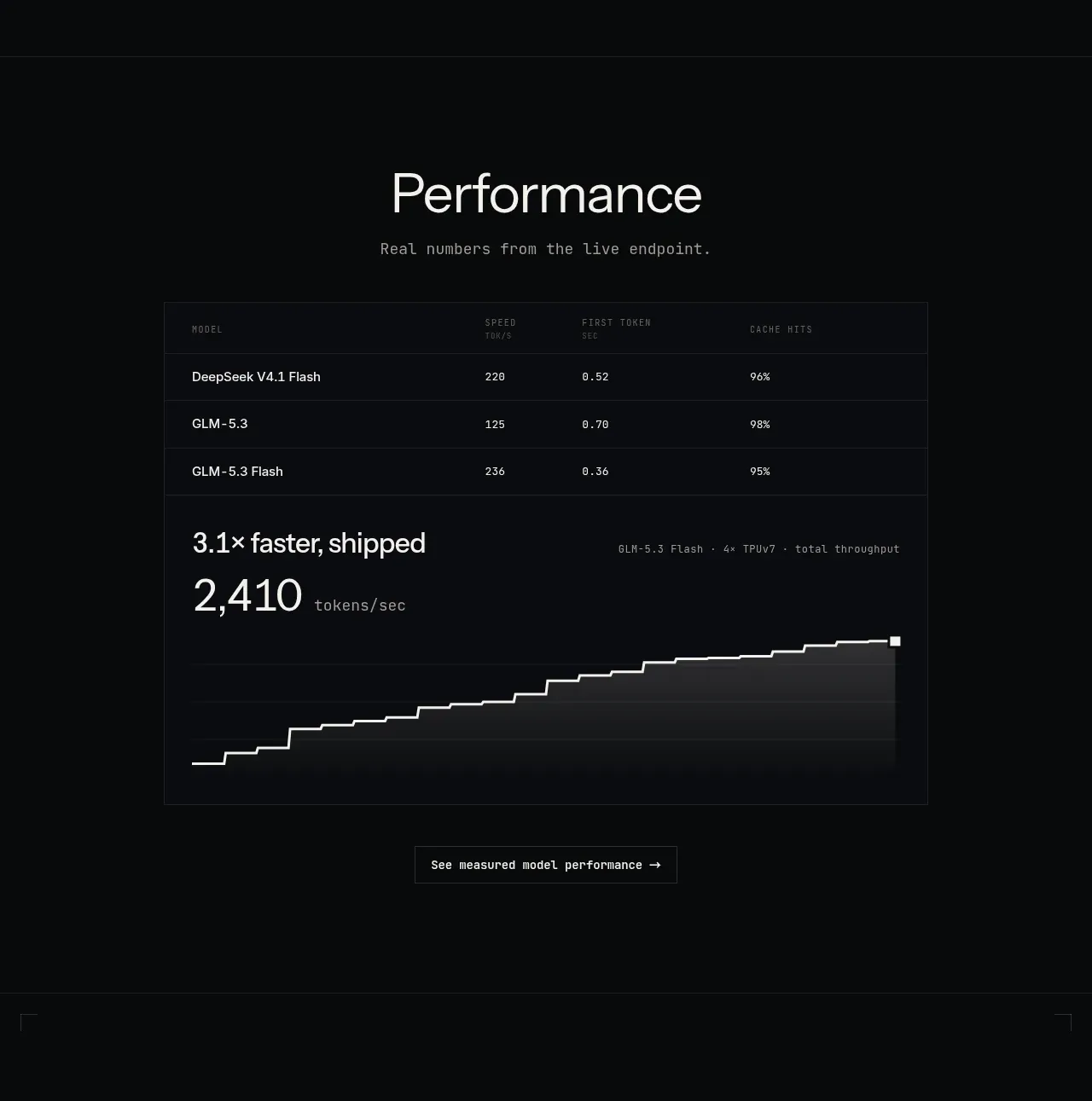 Performance benchmark
Zro: Uncensored Security Models · Chart
Performance benchmark
Zro: Uncensored Security Models · Chart
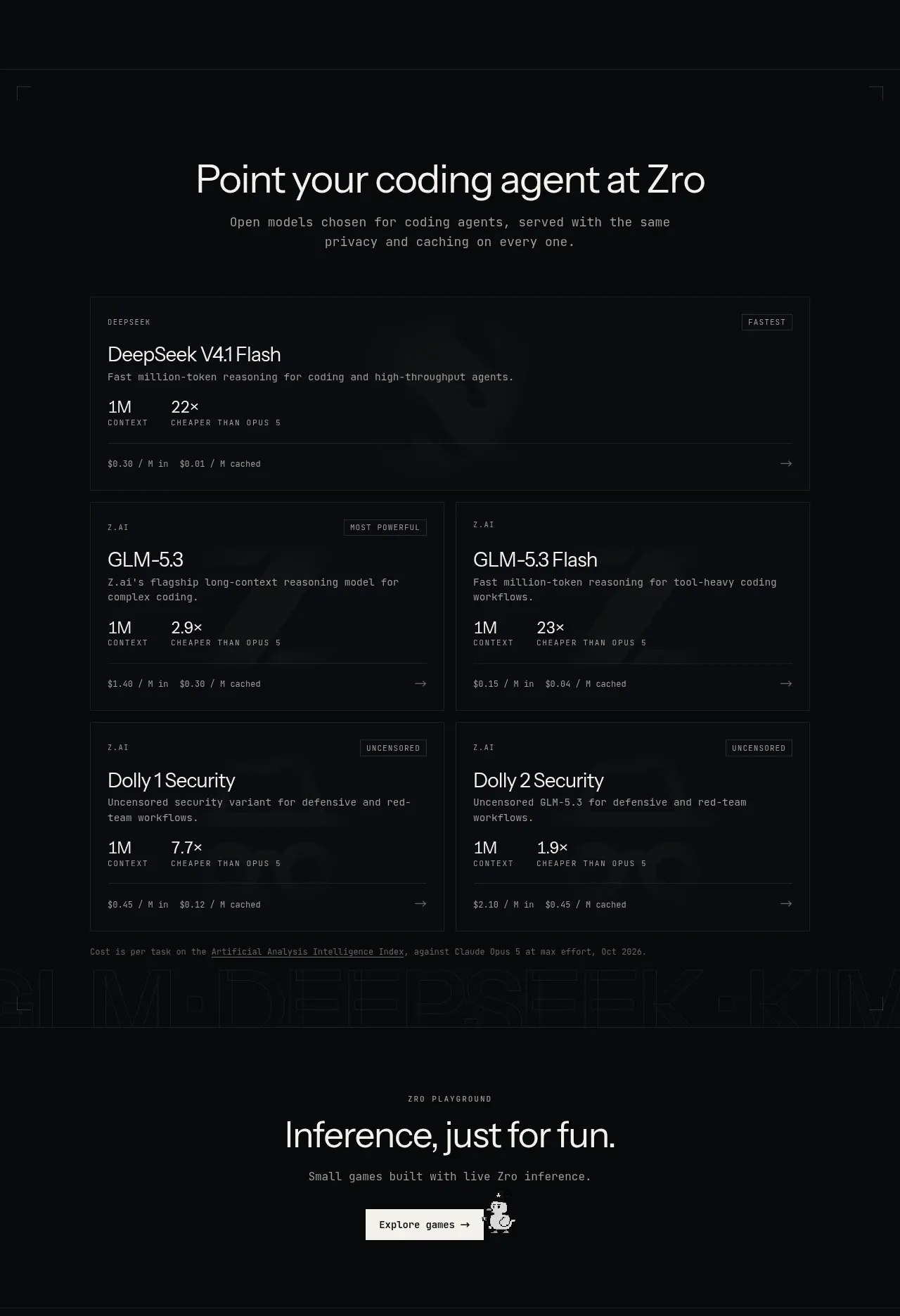 Model catalogue
Zro: Uncensored Security Models · Feature grid
Model catalogue
Zro: Uncensored Security Models · Feature grid
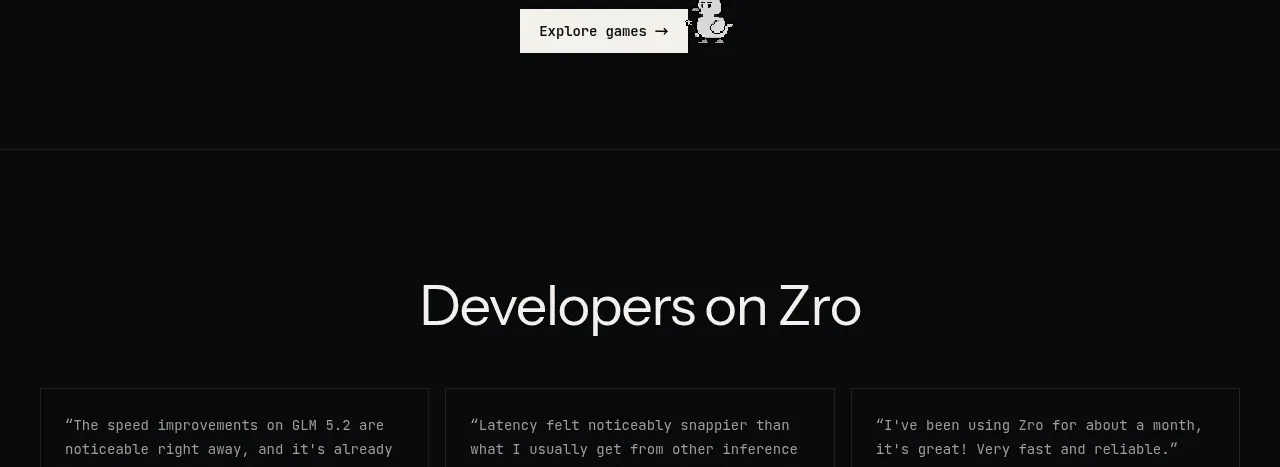 Playground call to action
Zro: Uncensored Security Models · Call to action
Playground call to action
Zro: Uncensored Security Models · Call to action
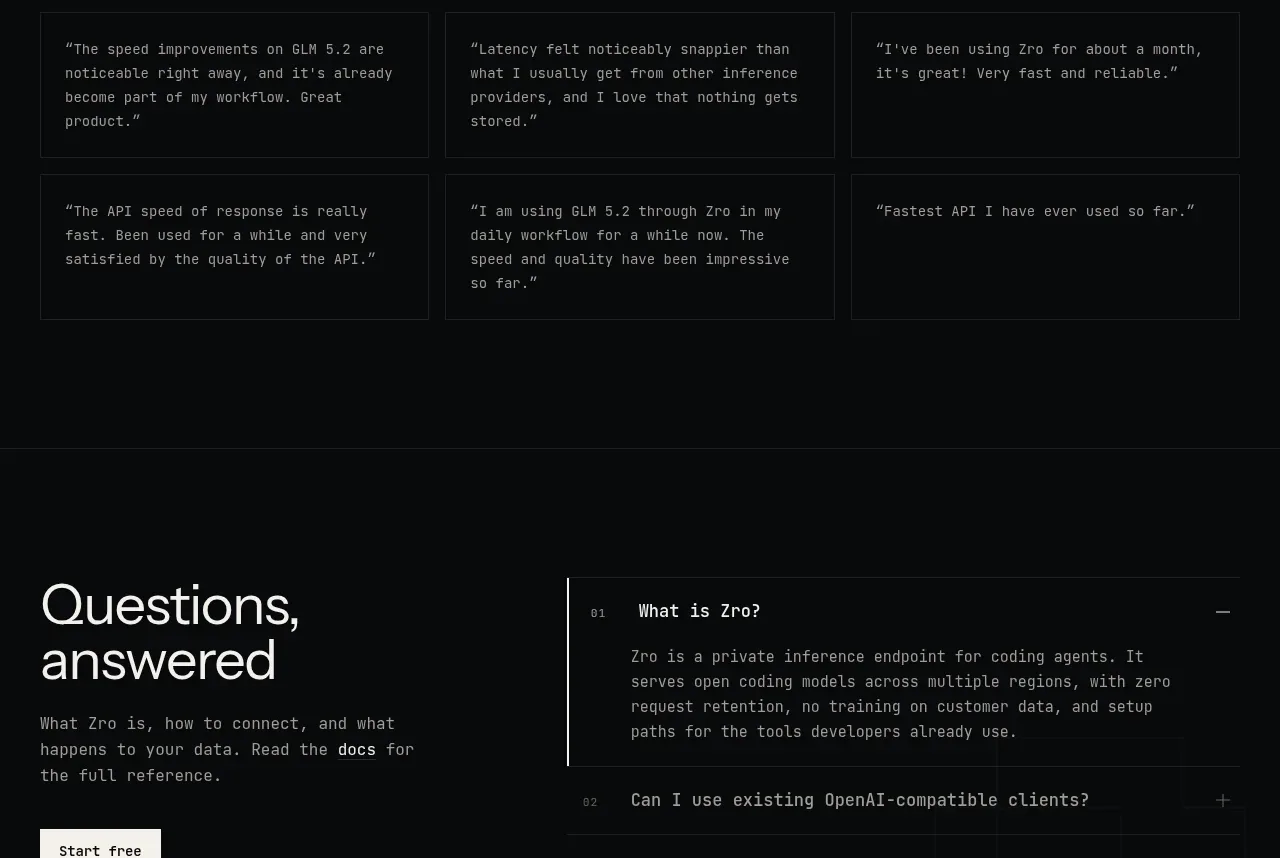 Developer testimonials
Zro: Uncensored Security Models · Testimonials
Developer testimonials
Zro: Uncensored Security Models · Testimonials
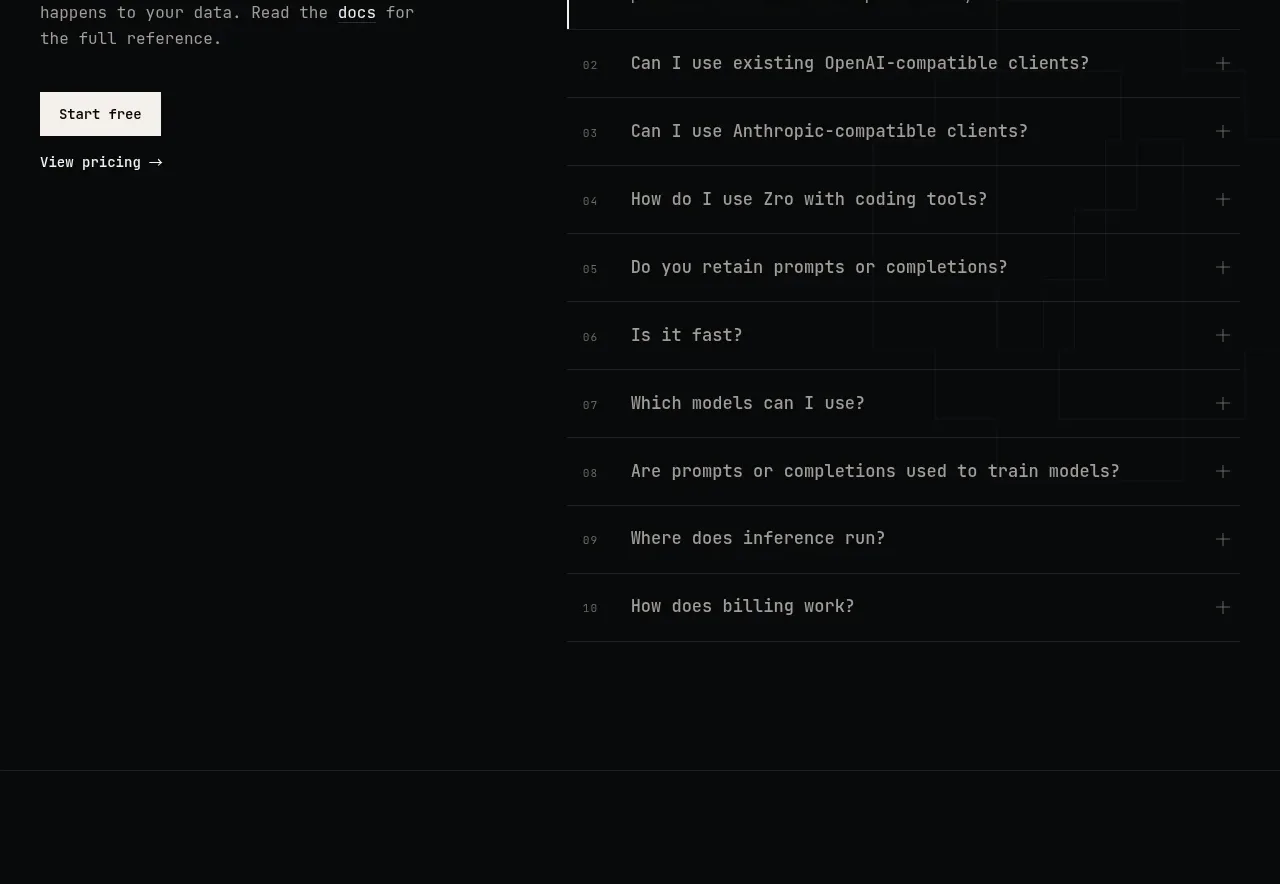 Questions answered FAQ
Zro: Uncensored Security Models · FAQ
Questions answered FAQ
Zro: Uncensored Security Models · FAQ
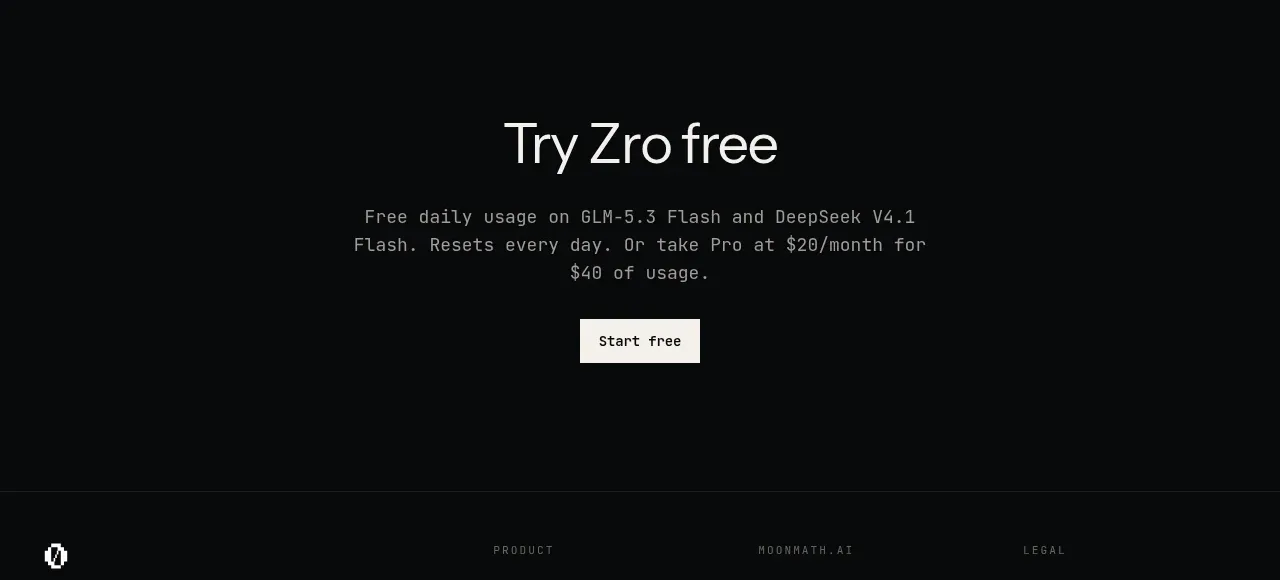 Final free-trial CTA
Zro: Uncensored Security Models · Call to action
Final free-trial CTA
Zro: Uncensored Security Models · Call to action
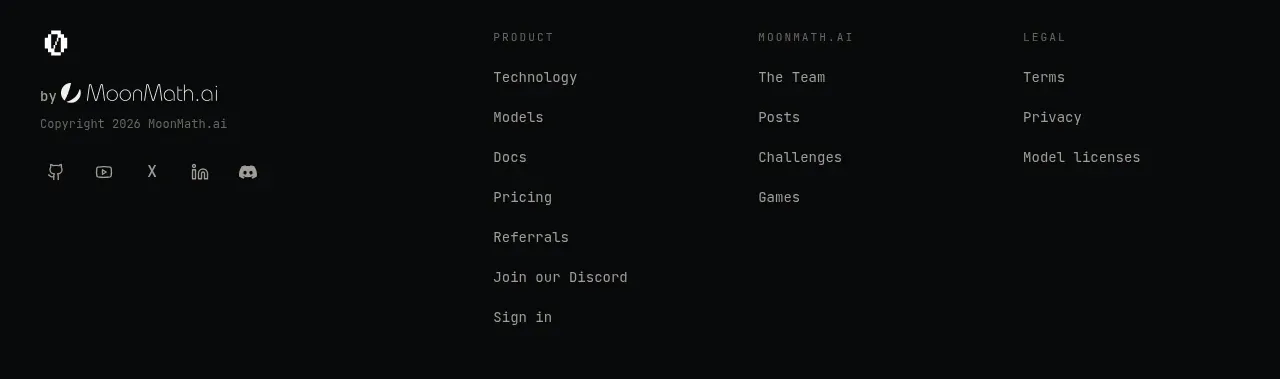 Multi-column site footer
Zro: Uncensored Security Models · Footer
Multi-column site footer
Zro: Uncensored Security Models · Footer