kage
kage
adant.ai
Design analysis
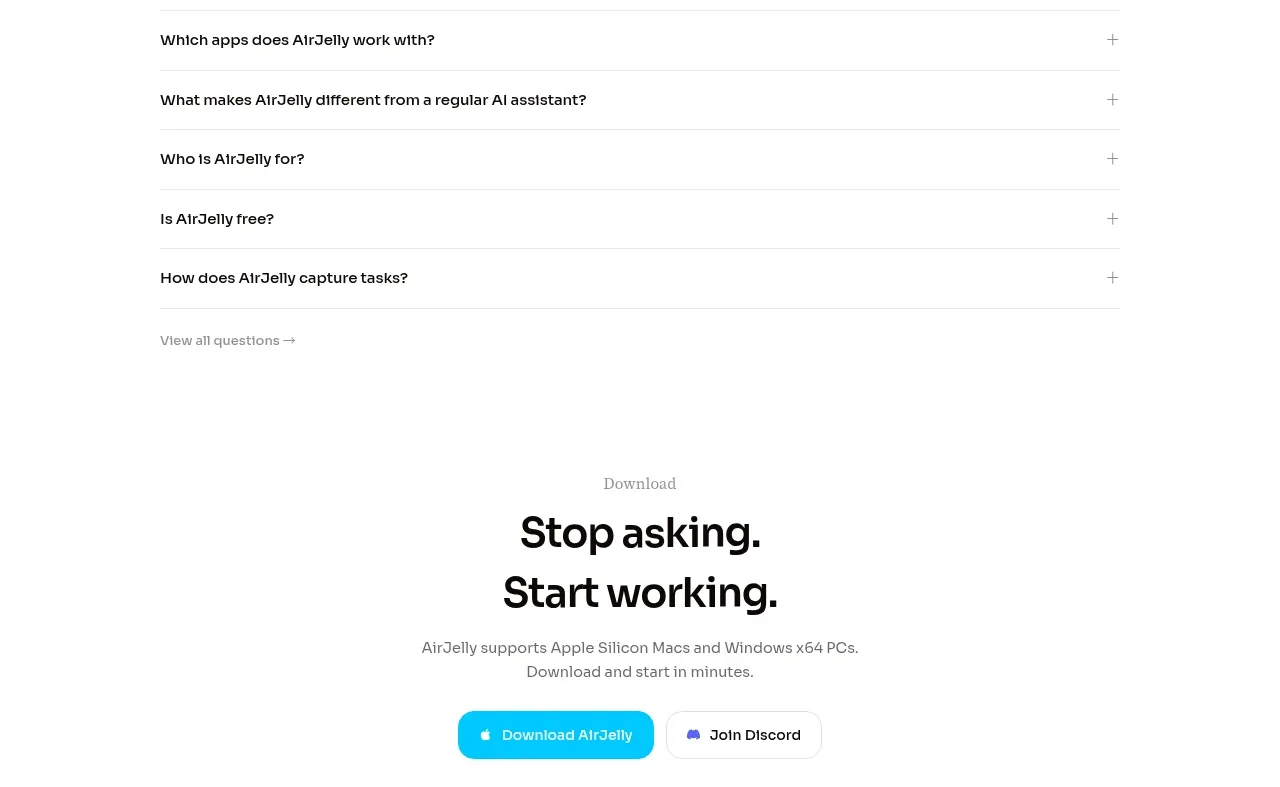
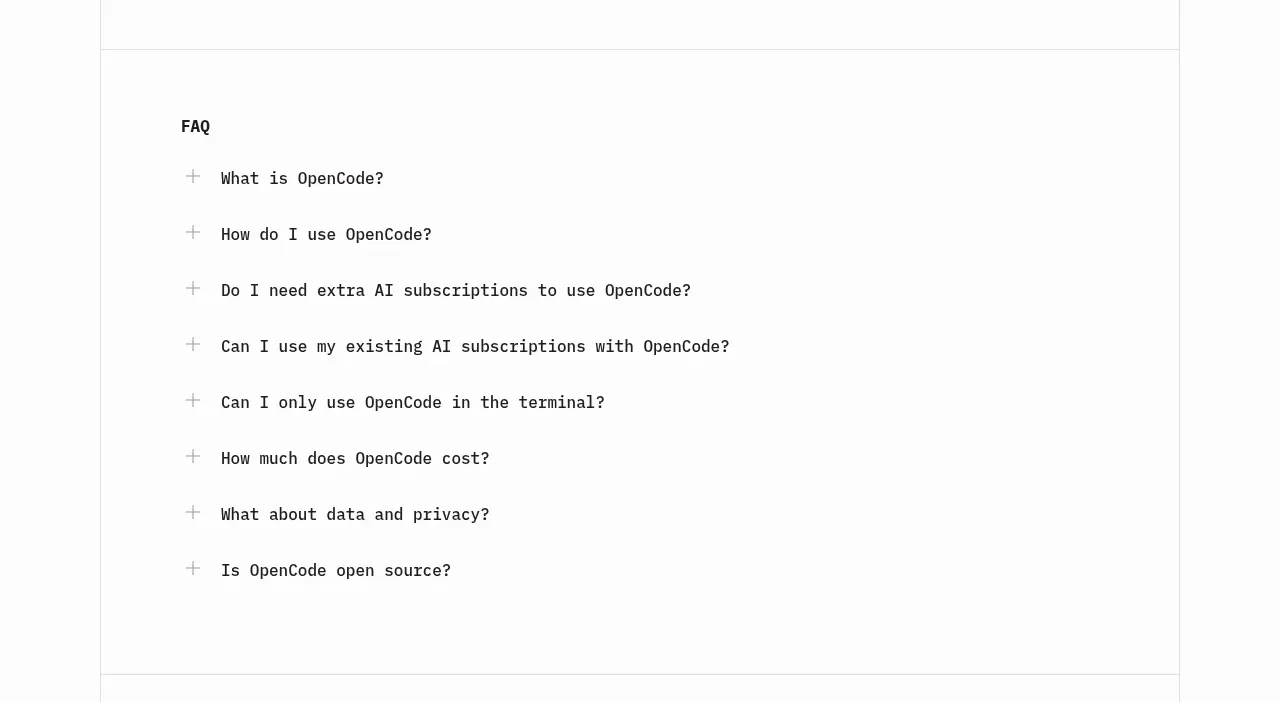
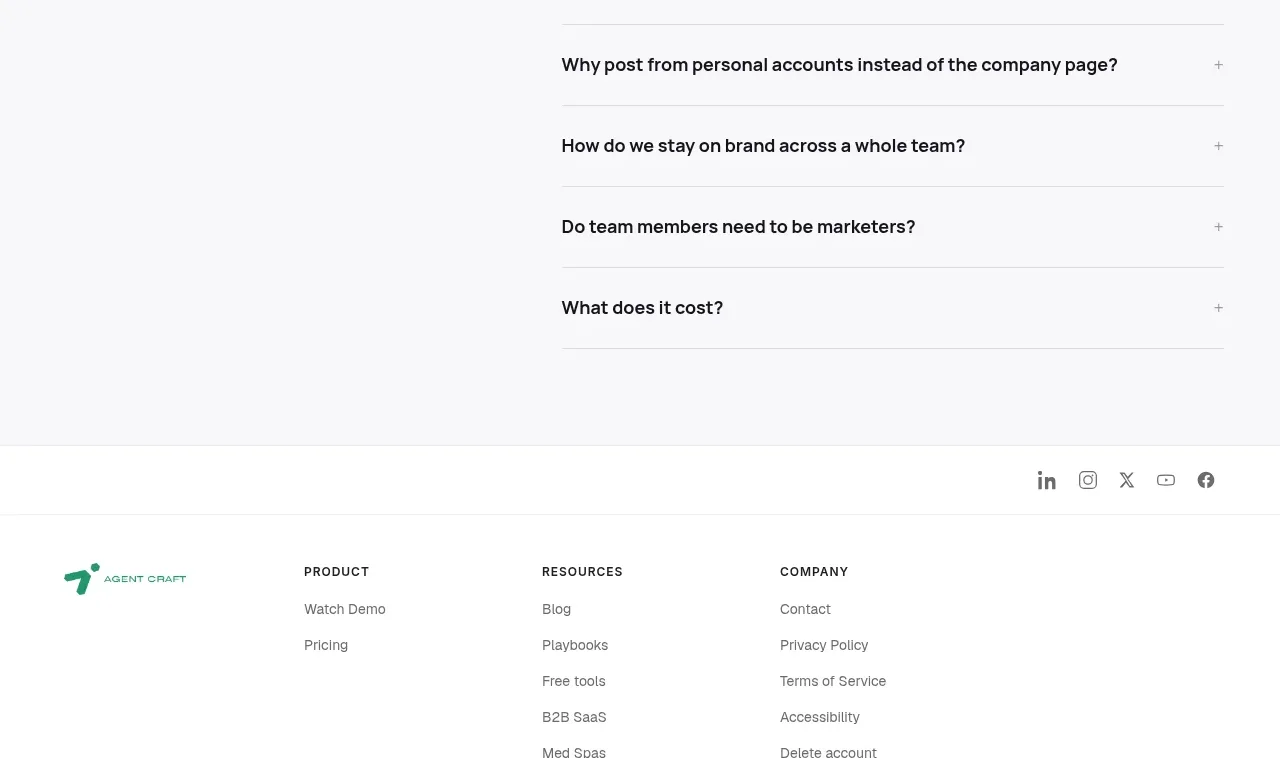
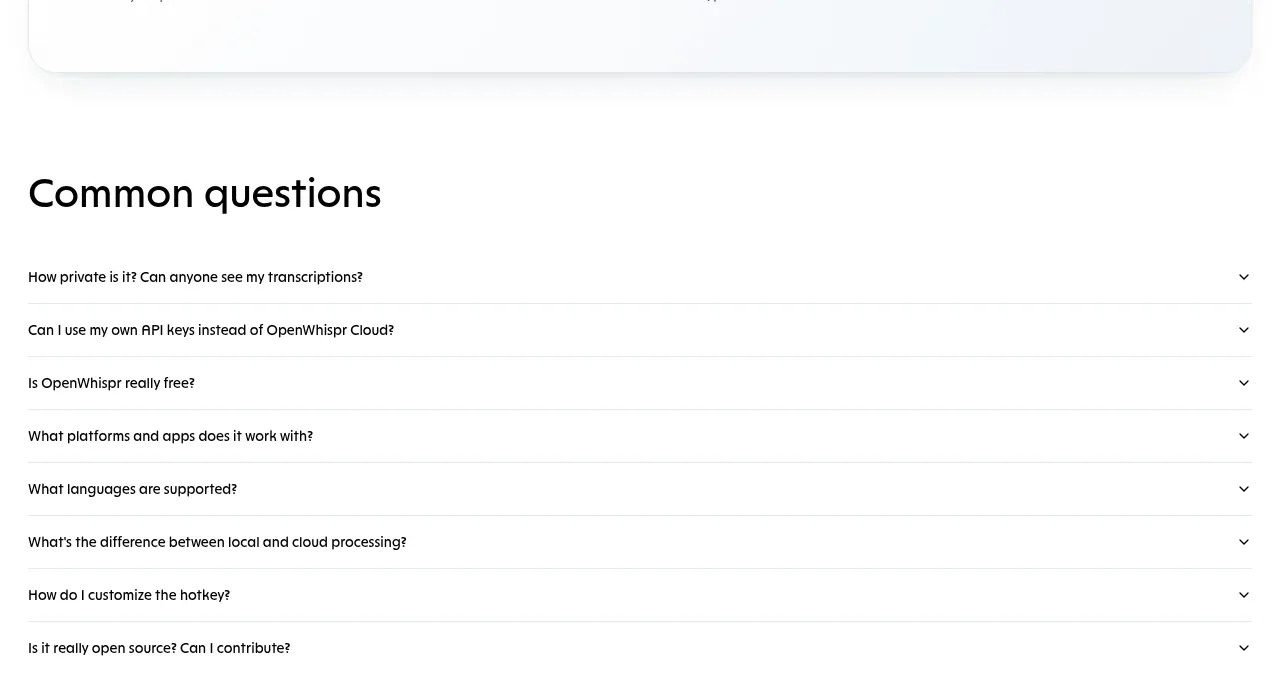
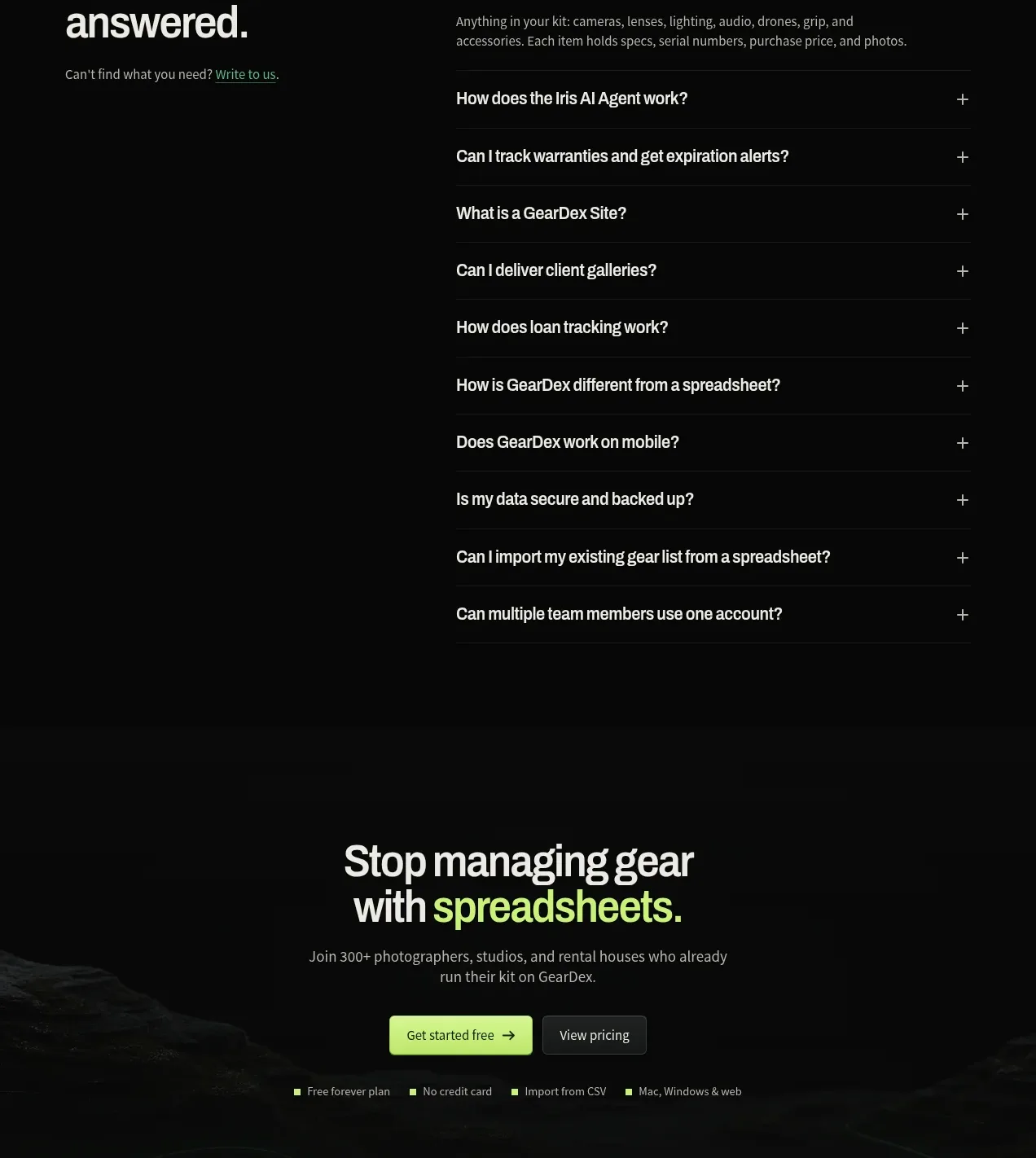
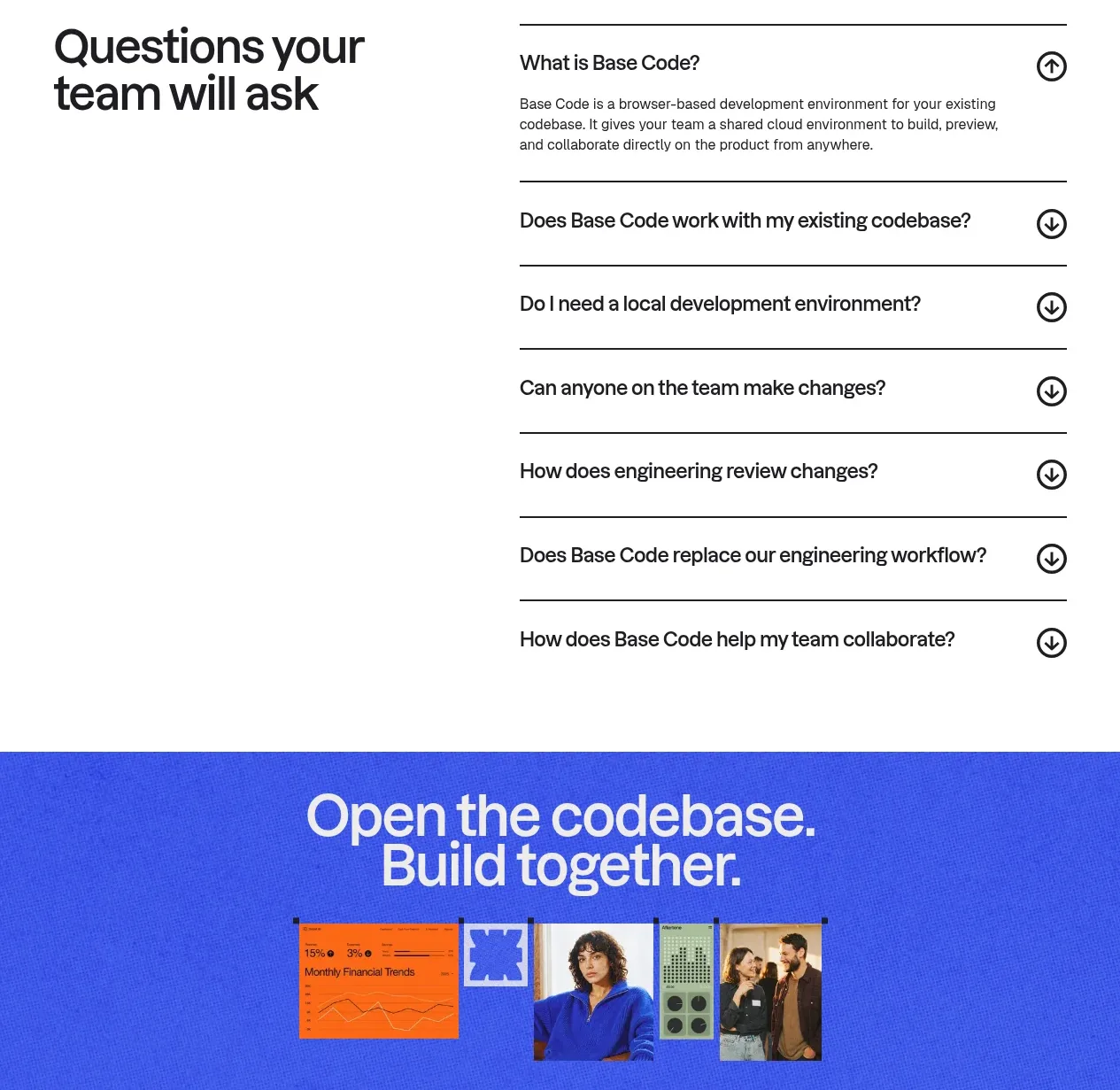
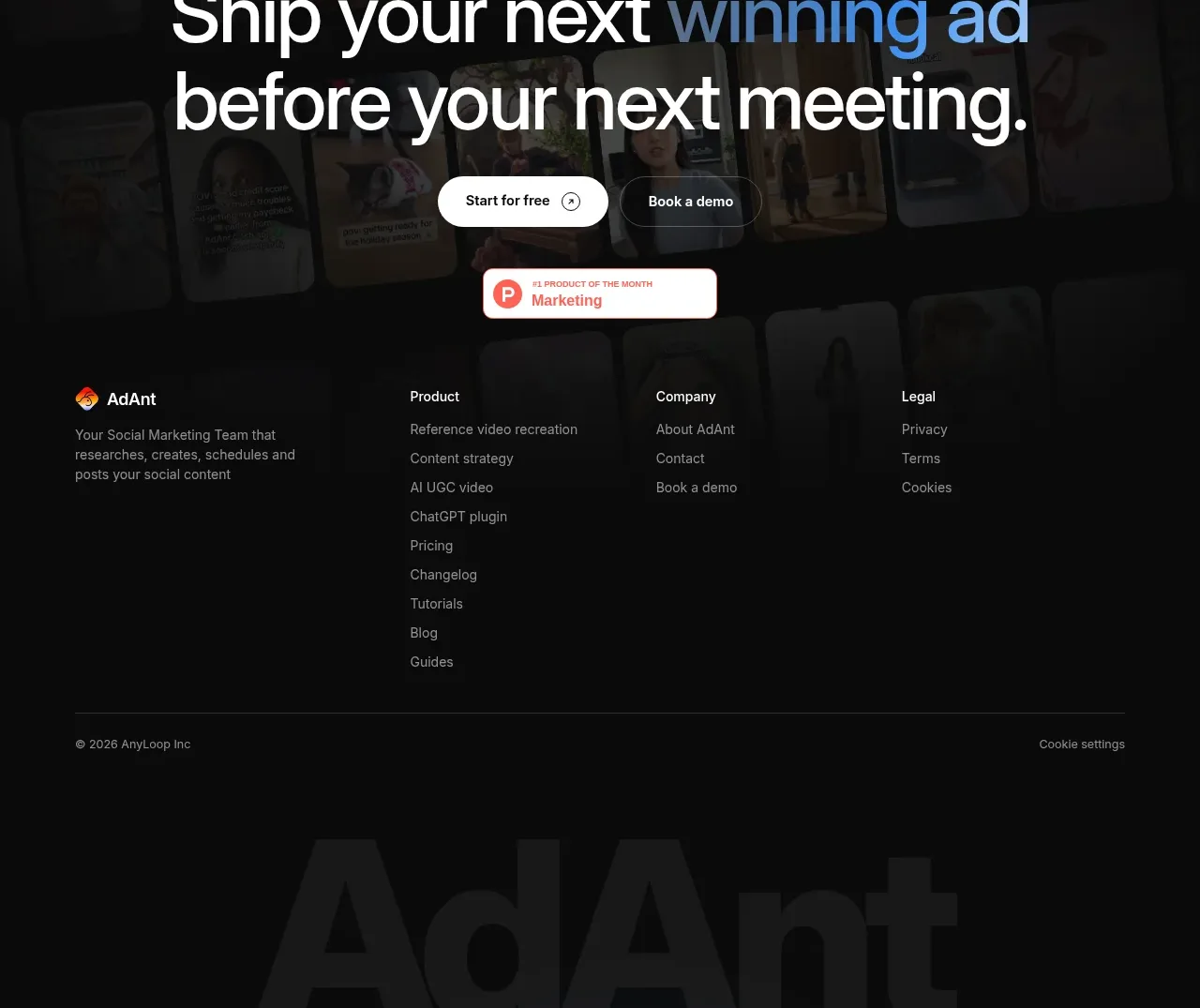
A bright FAQ section pairs a large editorial heading with a simple vertical accordion of practical product questions.
Prompt preview
## Reference images

Study these alongside the description below: hierarchy, rhythm, spacing, colour. Build for the product you are asked about, using this design language.

- Component: https://kage-design-assets.t3.tigrisfiles.io/components/adant-2-0/1b13b0a2-e64e-418d-a933-0f40a66c40ee-1792044360-8.webp
- Full page it was cut from: https://kage-design-assets.t3.tigrisfiles.io/screenshots/adant-2-0/1b13b0a2-e64e-418d-a933-0f40a66c40ee-1792044250464-full.webp
- Component on Kage: https://kage.design/component/adant-2-0-faq

## Before you start
Ask what doubts prevent the user's customers from converting and whether answers need legal, technical, or onboarding detail. Then create a concise FAQ for that product.

Build a two-column FAQ section: a large left heading with a short overline, and a right accordion list. Each item should be a single-line question with a thin divider and a right-aligned chevron; opening one item reveals a readable answer with smooth height animation. Use white background, #111318 text, #6F7883 secondary text, #E6E9ED rules, and one restrained blue accent for focus/open state. Use 42–56px heading type, 15px questions, 14px answers, 20–24px row padding, and a max content width around 1120px. Keep the accordion fully keyboard accessible, announce expanded state, and stack the columns on mobile.

### Never
- Never use logos, product names, copy, illustrations, or imagery from the reference.
- Never copy the reference questions or answers.
- Never hide critical pricing or safety information only inside an inaccessible interaction.