kage
kage
openwhispr.com
Design analysis
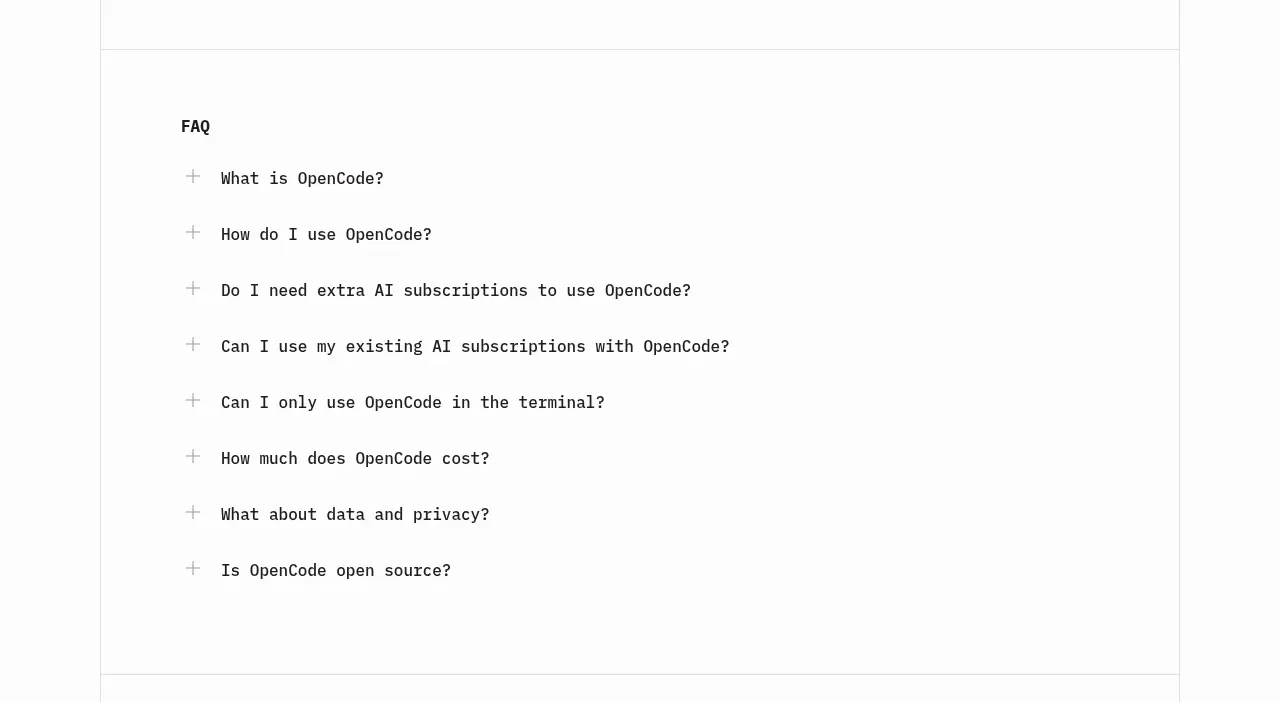
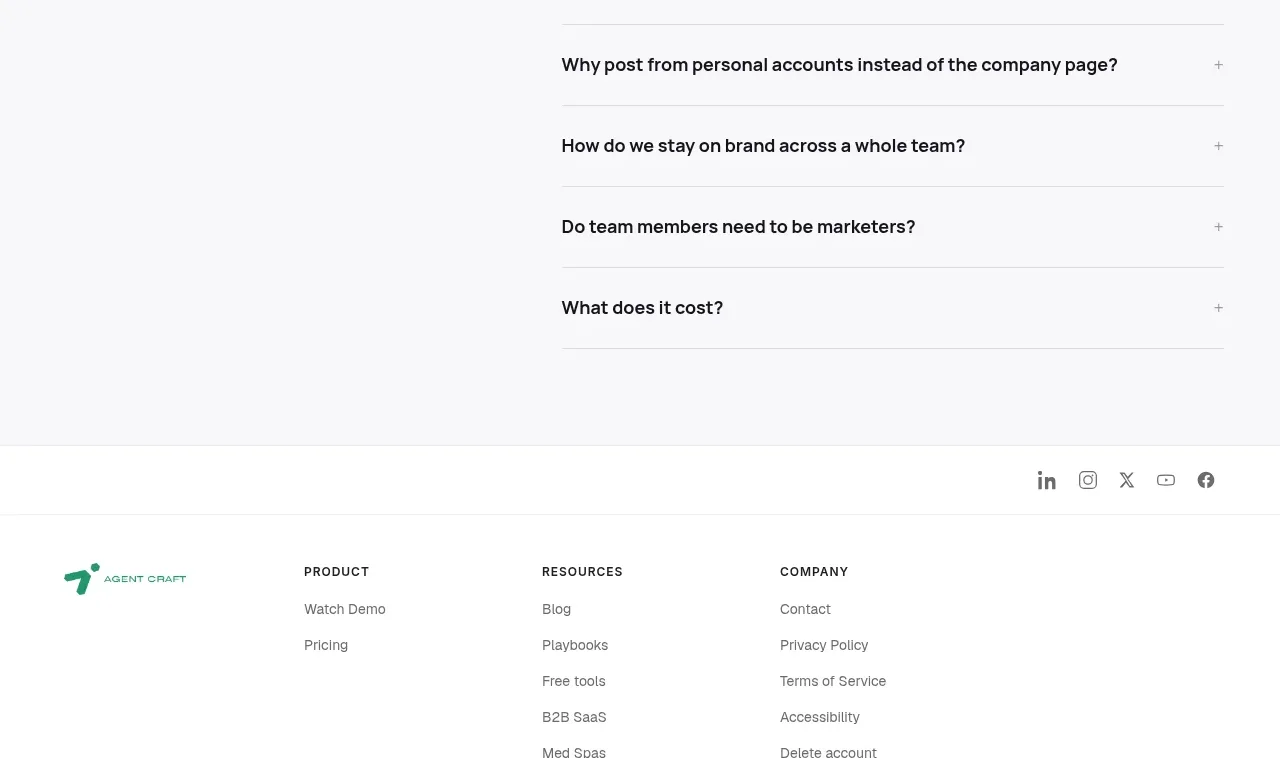
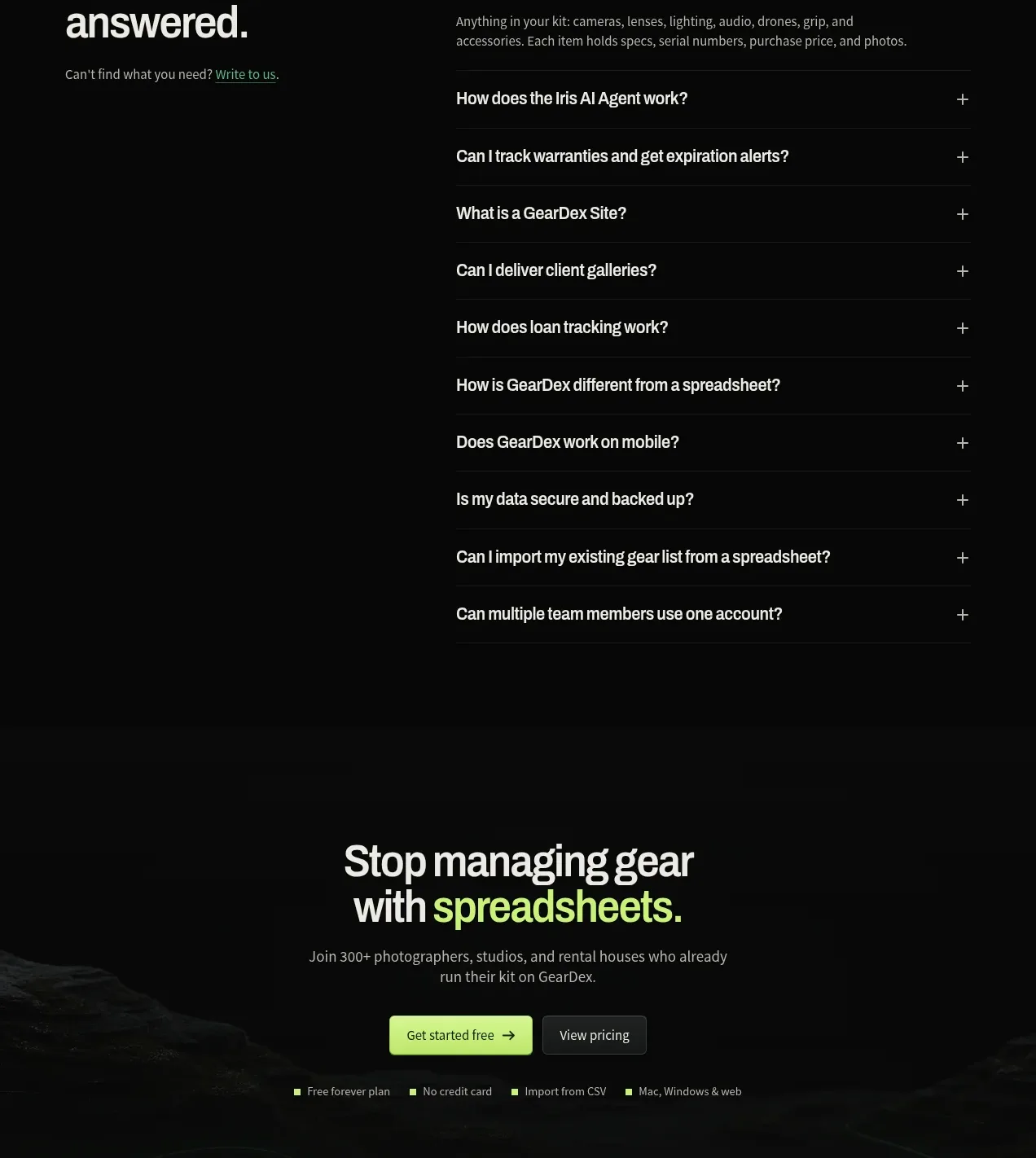
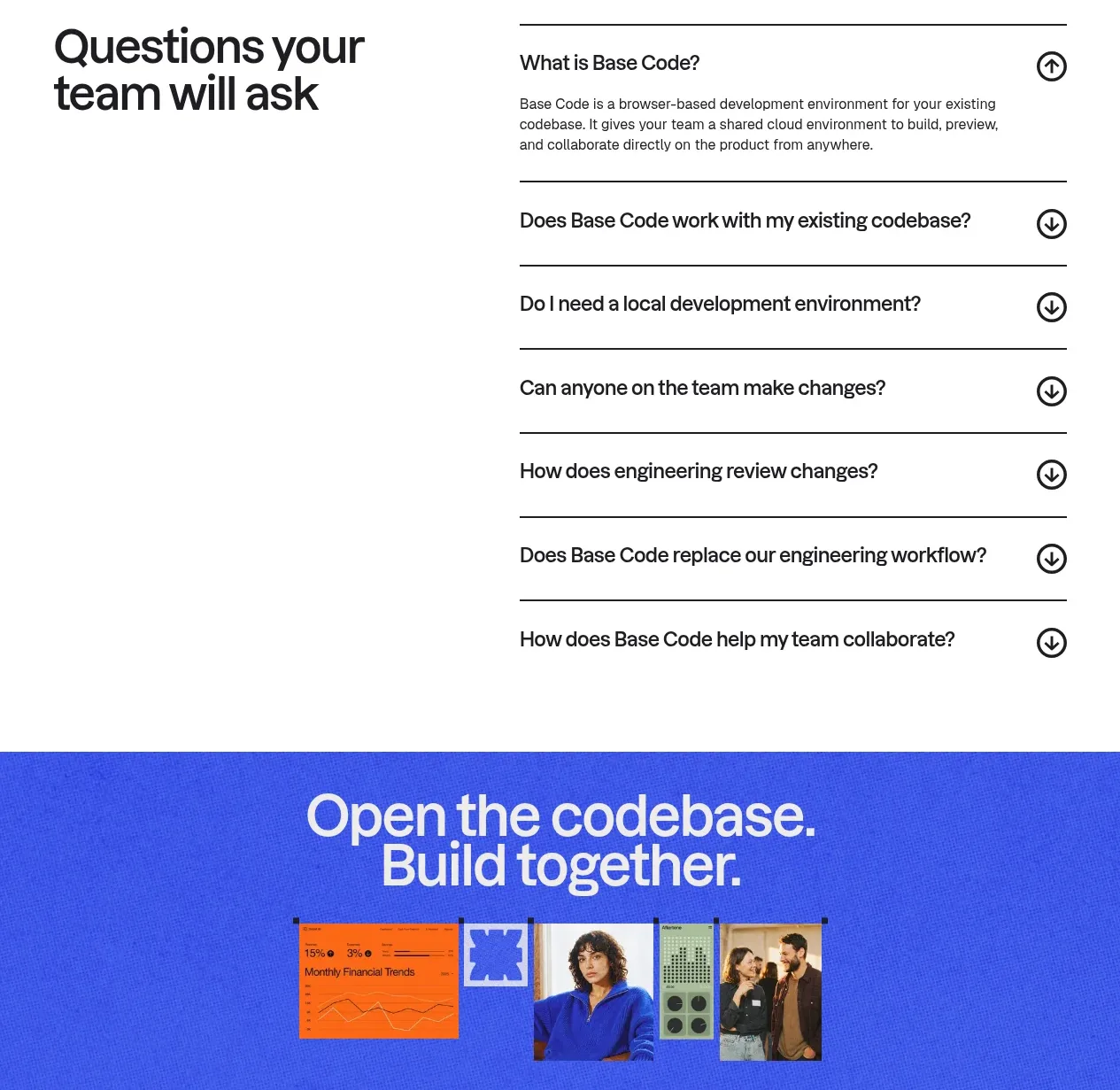
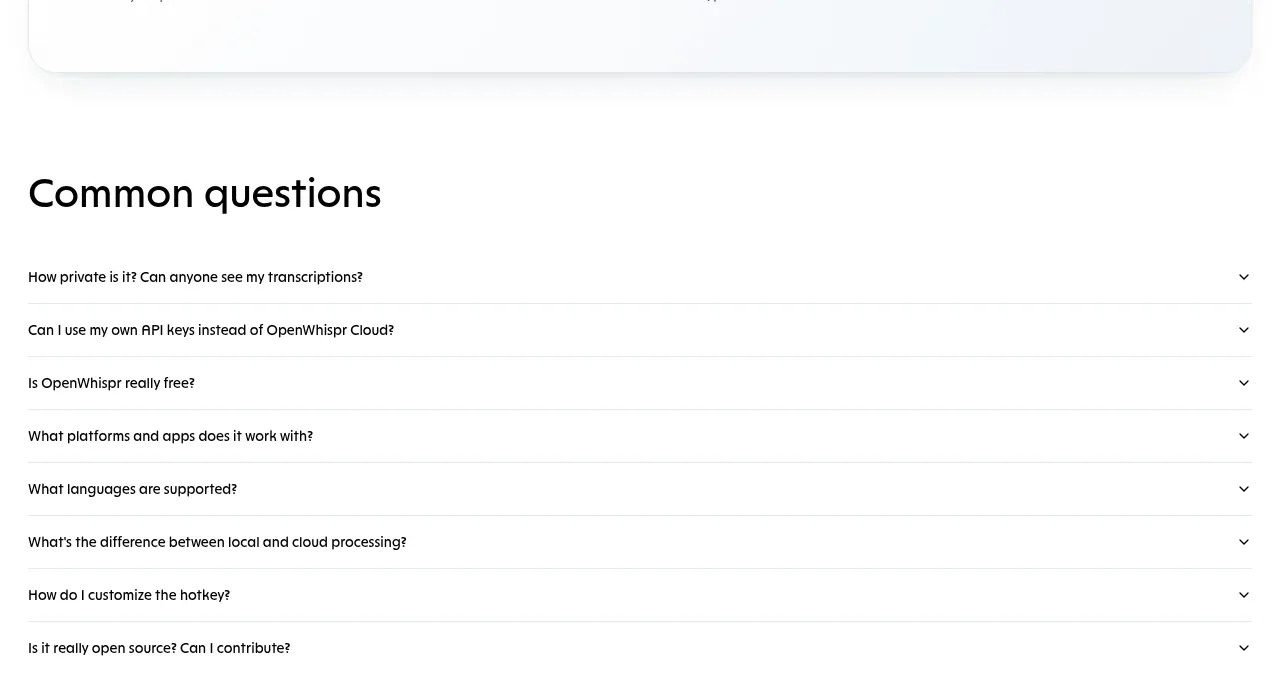
A simple FAQ block uses full-width ruled rows, short questions, and right-aligned chevrons for a low-friction scan and disclosure interaction.
Prompt preview
## Reference images

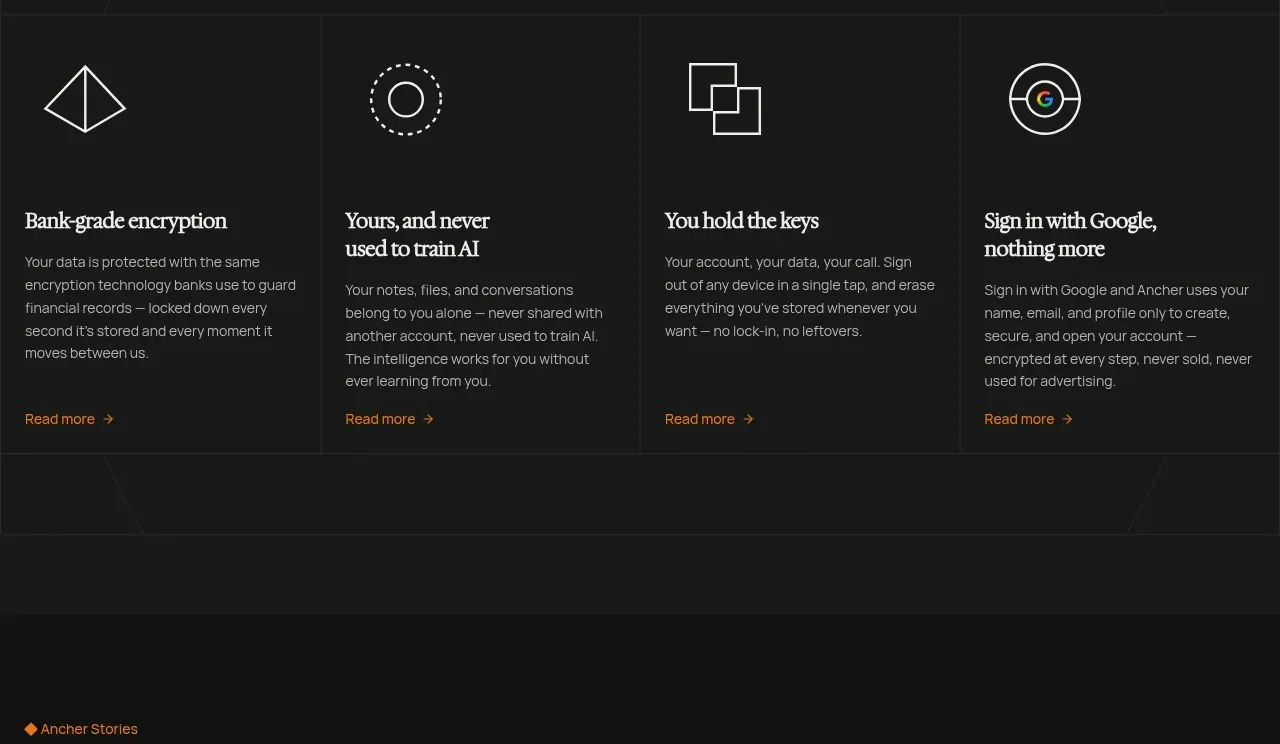
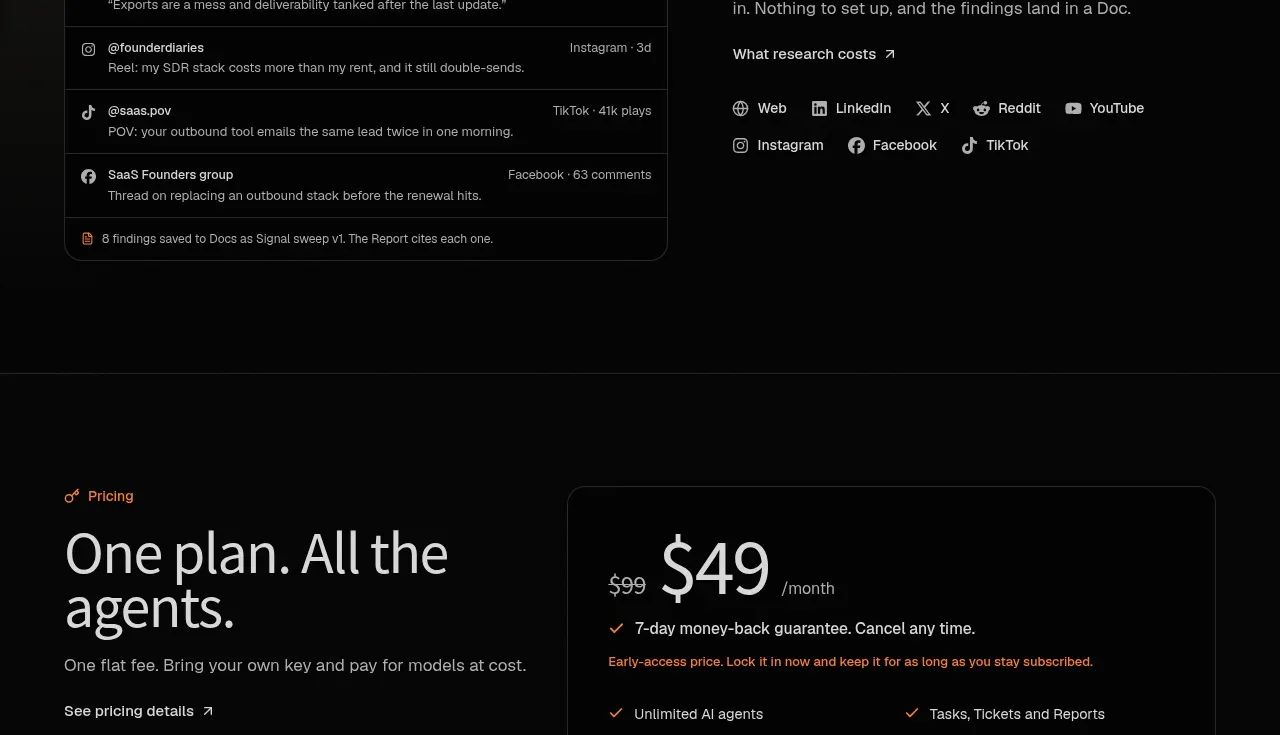
Study these alongside the description below: hierarchy, rhythm, spacing, colour. Build for the product you are asked about, using this design language.

- Component: https://kage-design-assets.t3.tigrisfiles.io/components/openwhispr-for-ios/fdca984f-87fc-4407-a067-b1821a770c20-1791957717-6.webp
- Full page it was cut from: https://kage-design-assets.t3.tigrisfiles.io/screenshots/openwhispr-for-ios/fdca984f-87fc-4407-a067-b1821a770c20-1791957682462-full.webp
- Component on Kage: https://kage.design/component/openwhispr-for-ios-faq

## Before you start
Ask what the user's product, audience, and brand are, then apply the principles below to that product rather than reproducing this reference.

Build an FAQ section with a bold left-aligned heading and a full-width accordion list beneath it. Each row should have a concise question on the left, a small downward chevron on the right, generous vertical padding, and a thin divider between rows. Use a 32–36px heading, 14–15px question text, black or near-black text (#17191d), and muted gray chevrons (#5d6570). Keep rows around 48–60px tall with 20px horizontal padding and no heavy card treatment. On click or keyboard activation, animate the row open to reveal a 14px muted answer; support keyboard focus, aria-expanded, and one-or-many open behavior appropriate to the user's content.

Never: use logos, product names, copy, illustrations, or imagery from the reference.