kage
kage
airjelly.ai
Design analysis
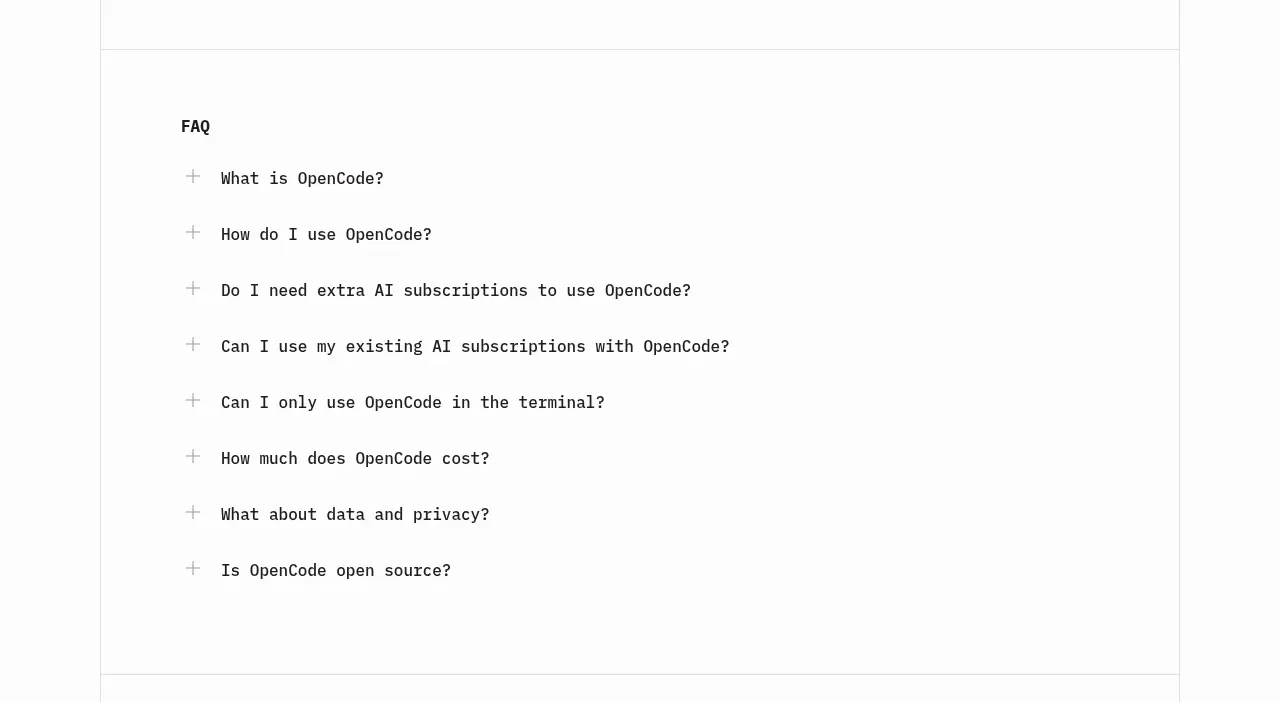
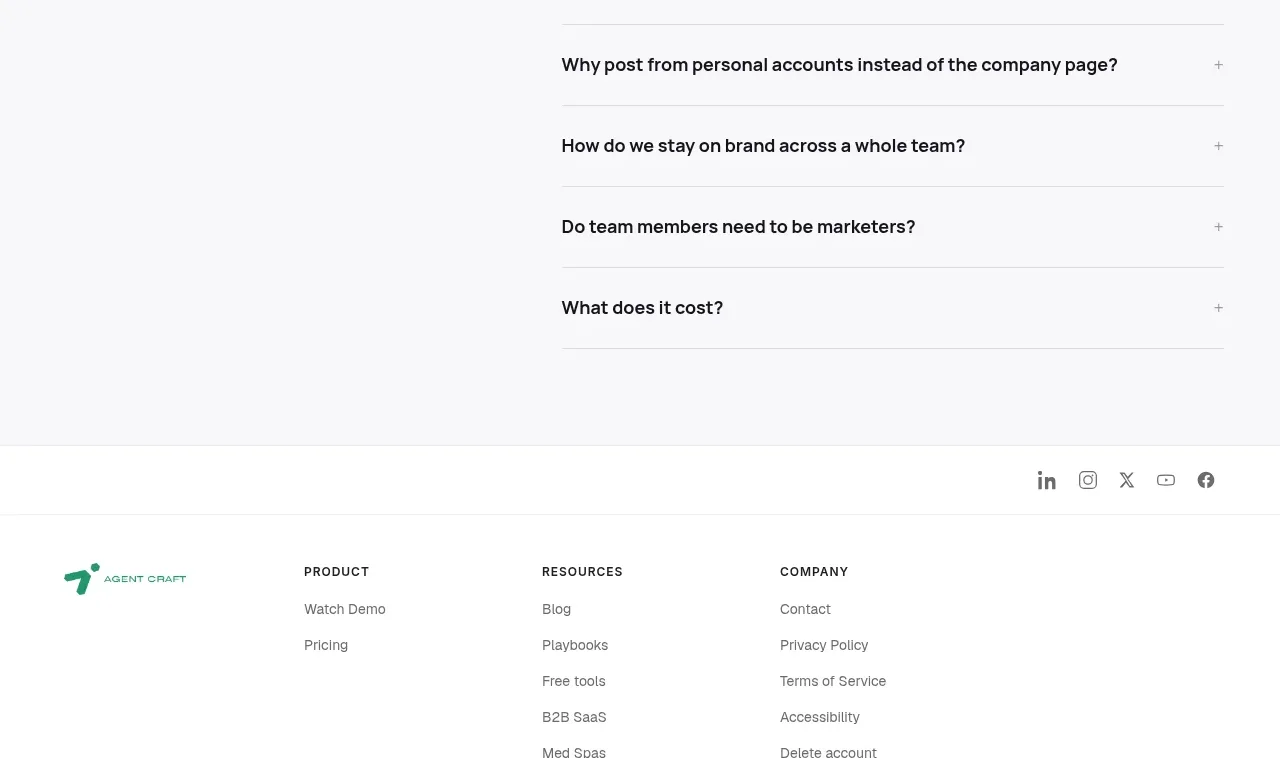
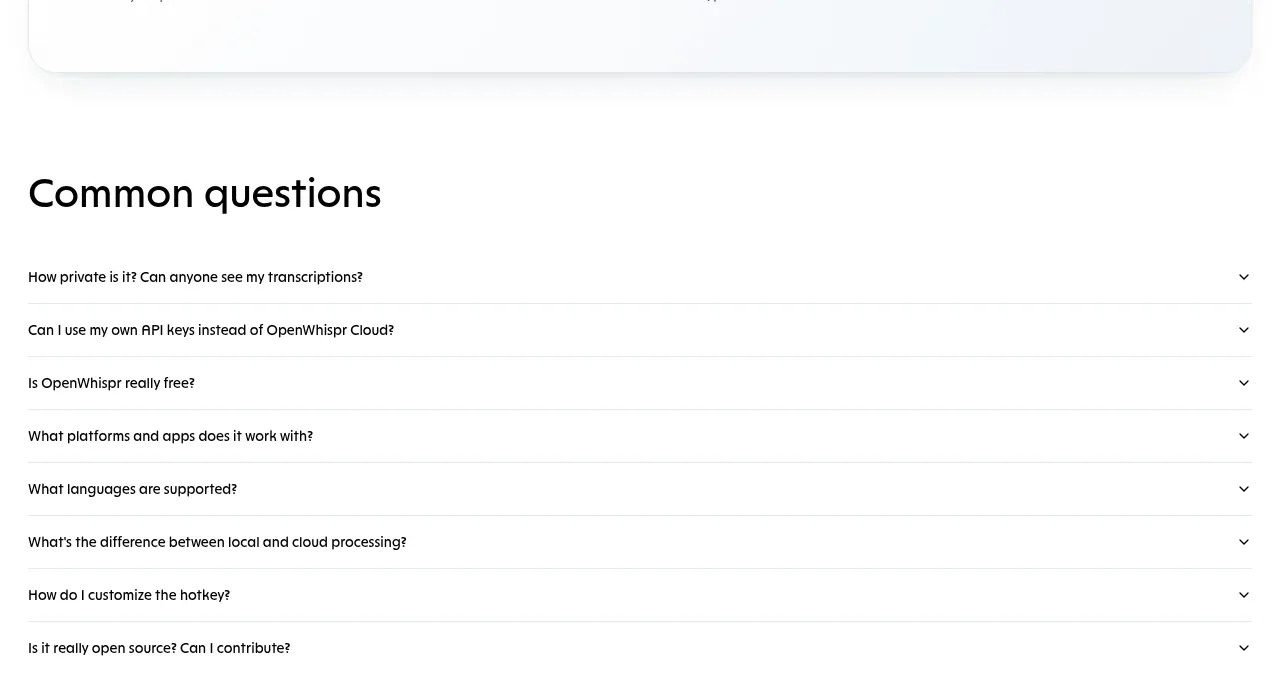
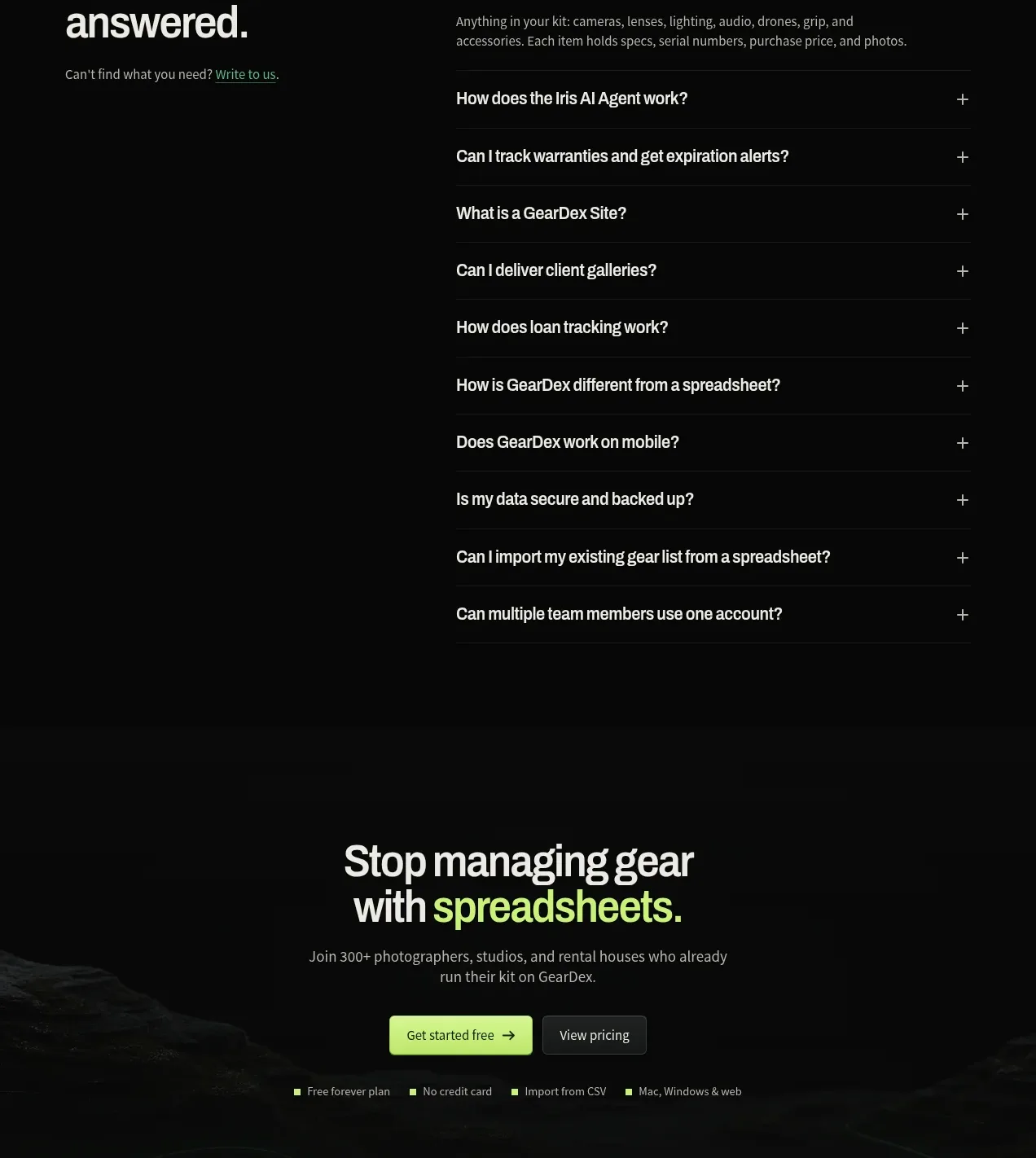
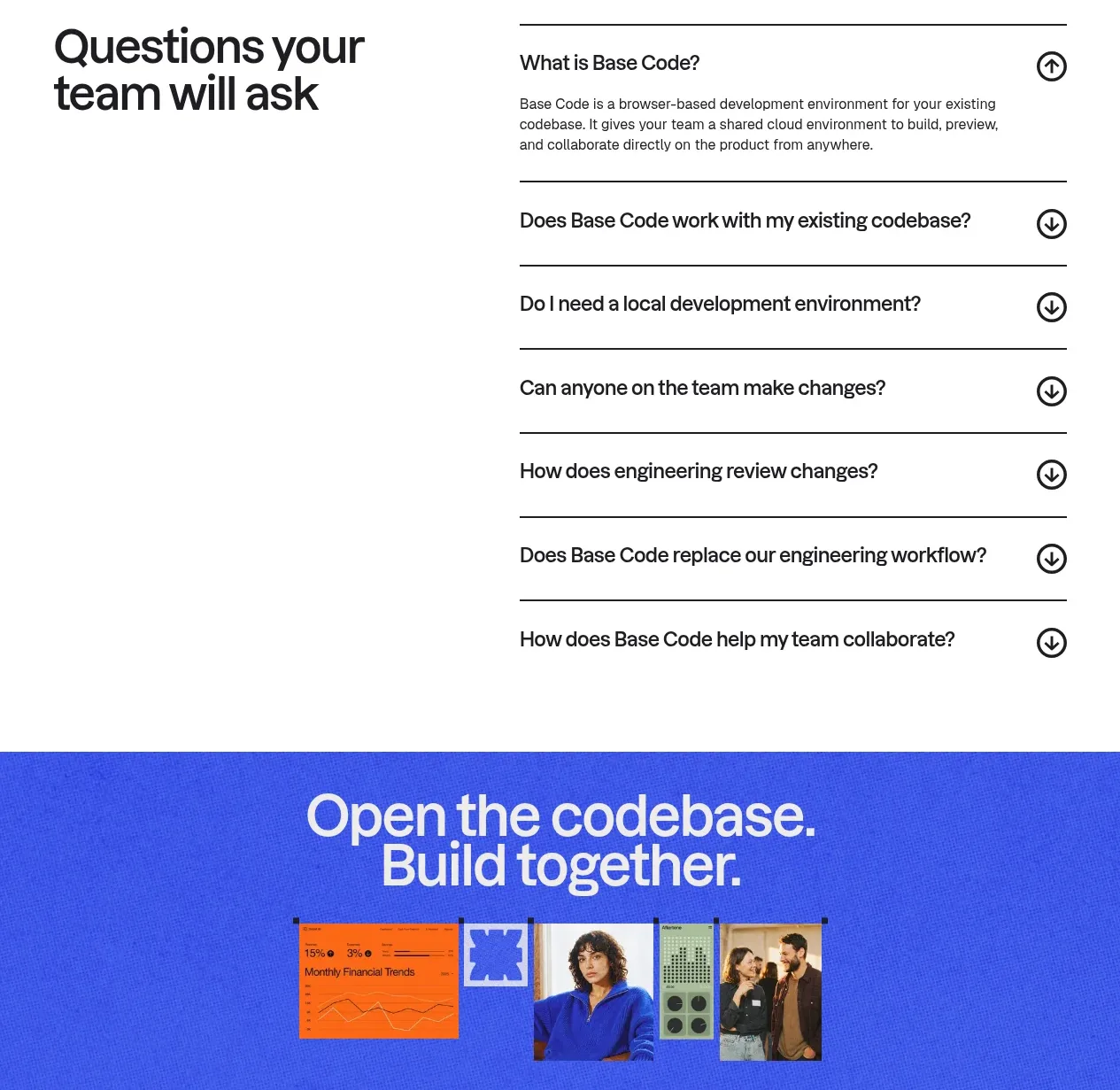
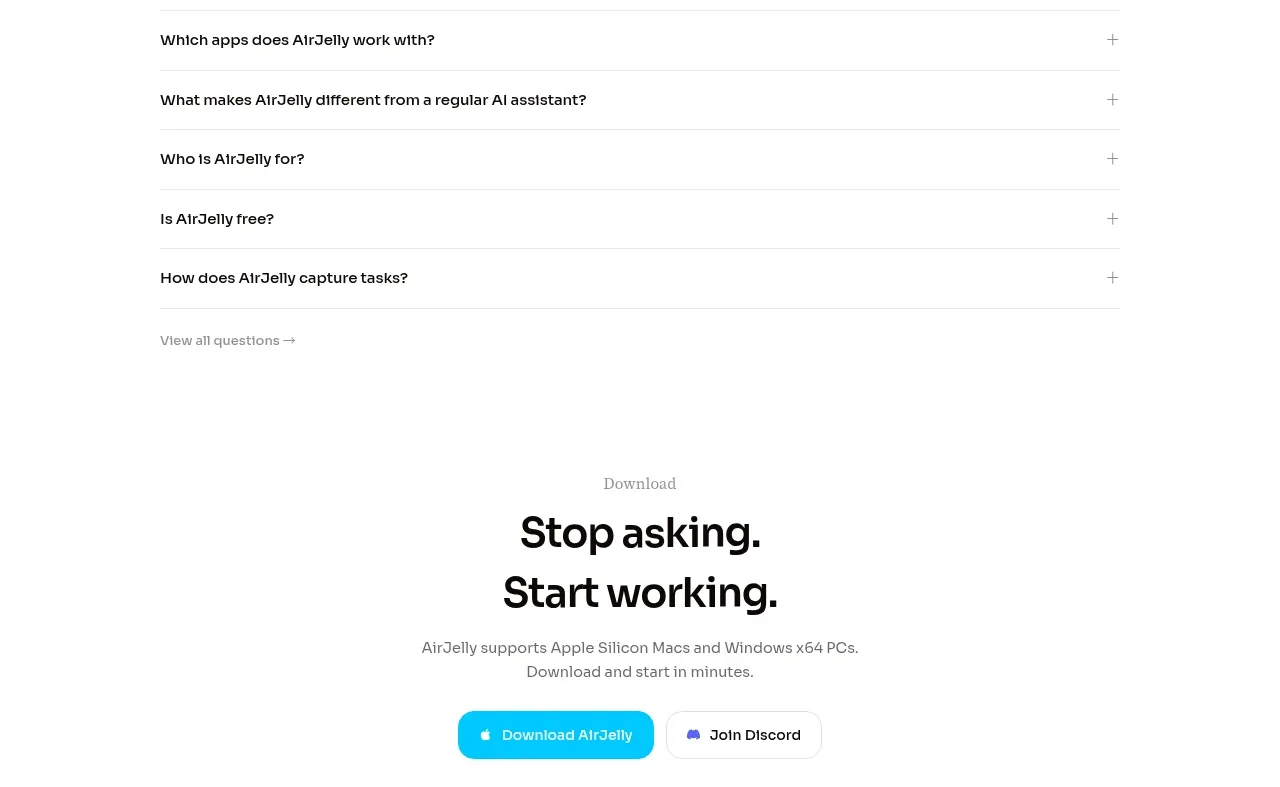
A broad FAQ section uses a large heading followed by evenly spaced accordion rows with plus indicators. The monochrome treatment keeps the page informational and lets the interaction provide the visual interest.
Prompt preview
## Reference images

Study these alongside the description below: hierarchy, rhythm, spacing, colour. Build for the product you are asked about, using this design language.

- Component: https://kage-design-assets.t3.tigrisfiles.io/components/airjelly/990a635f-6745-4f3e-9b4f-9fb8b62b8b48-1792044311-8.webp
- Full page it was cut from: https://kage-design-assets.t3.tigrisfiles.io/screenshots/airjelly/990a635f-6745-4f3e-9b4f-9fb8b62b8b48-1792044207019-full.webp
- Component on Kage: https://kage.design/component/airjelly-faq

## Before you start
Ask what objections or recurring questions users have about the user's product, then create concise, useful answers for those questions.

Build an FAQ section with a small eyebrow, a large bold heading, and five or fewer accordion items in a single wide column. Use 1px #E7E7E7 separators, 16–18px semibold questions, 24–28px vertical row padding, and a right-aligned plus icon that rotates into a minus when open. Keep the white background and use #111111 questions with #777777 answers. Animate height and opacity gently, support keyboard interaction and aria-expanded states, and include a small “view all” text link below if the content set is larger. Ensure long answers remain readable on mobile.

Never: use logos, product names, copy, illustrations, or imagery from the reference.