kage
kage
opencode.ai
Design analysis
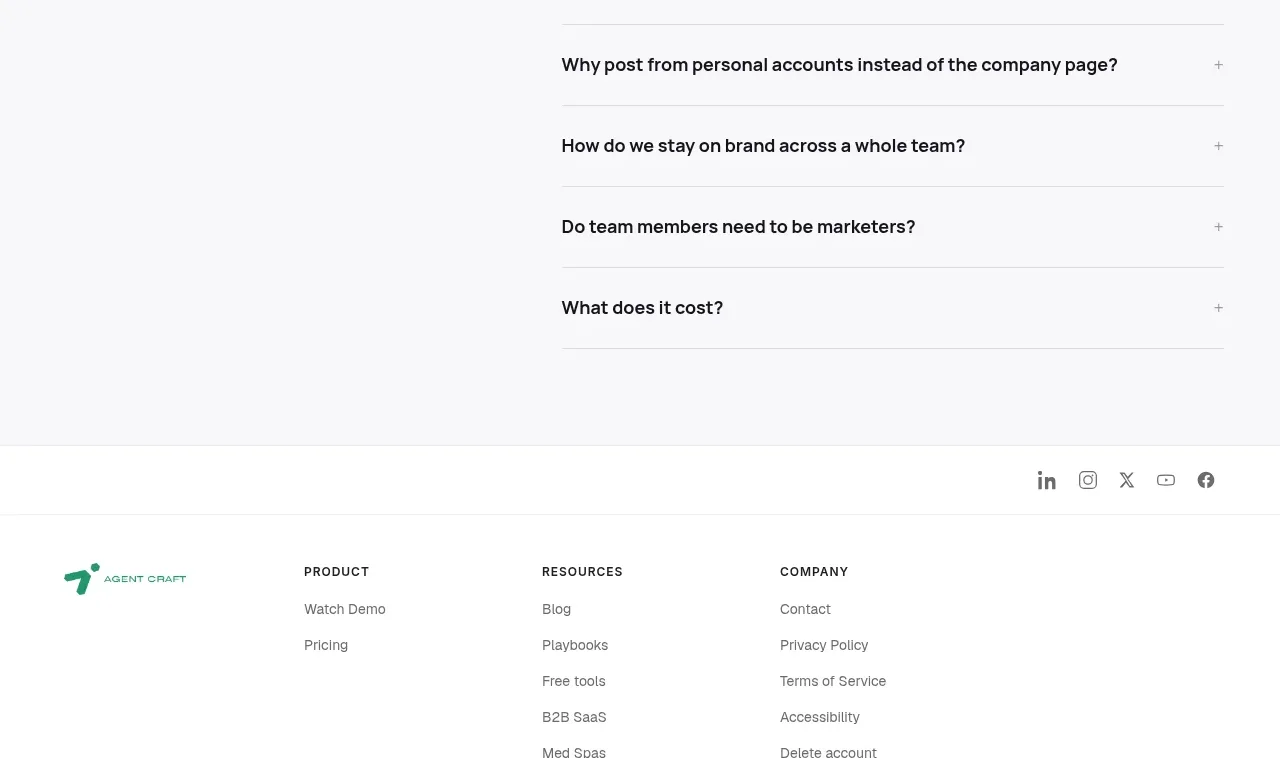
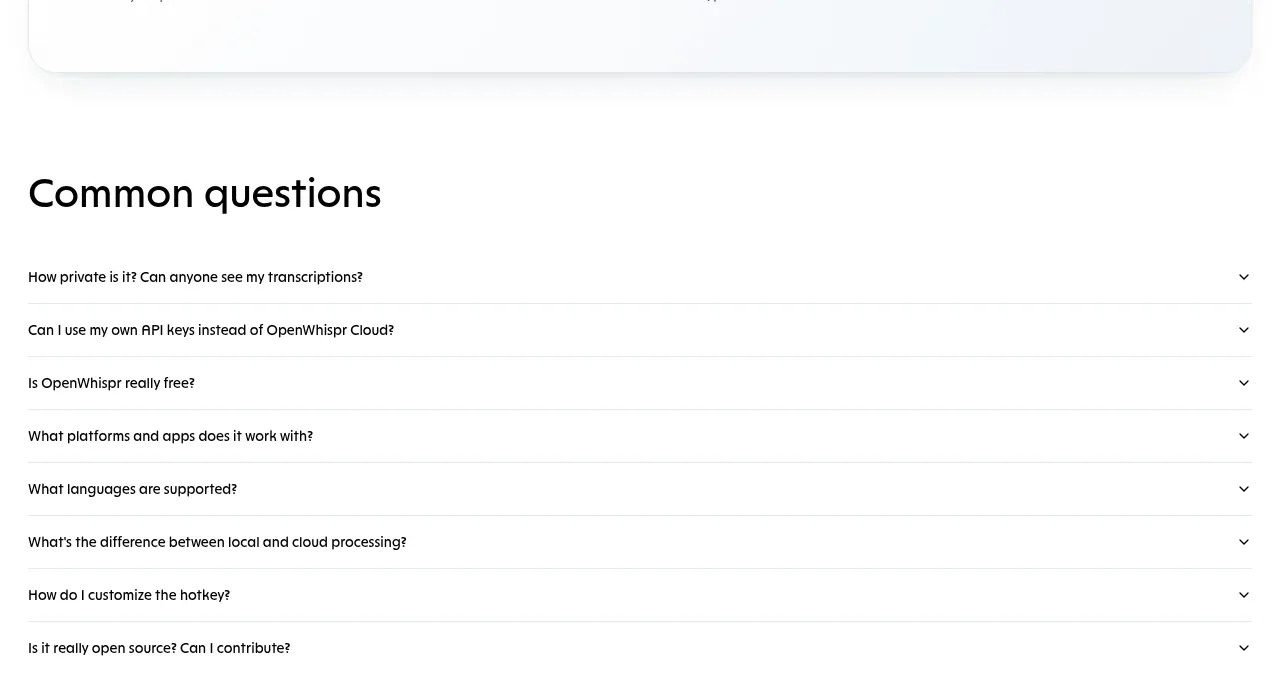
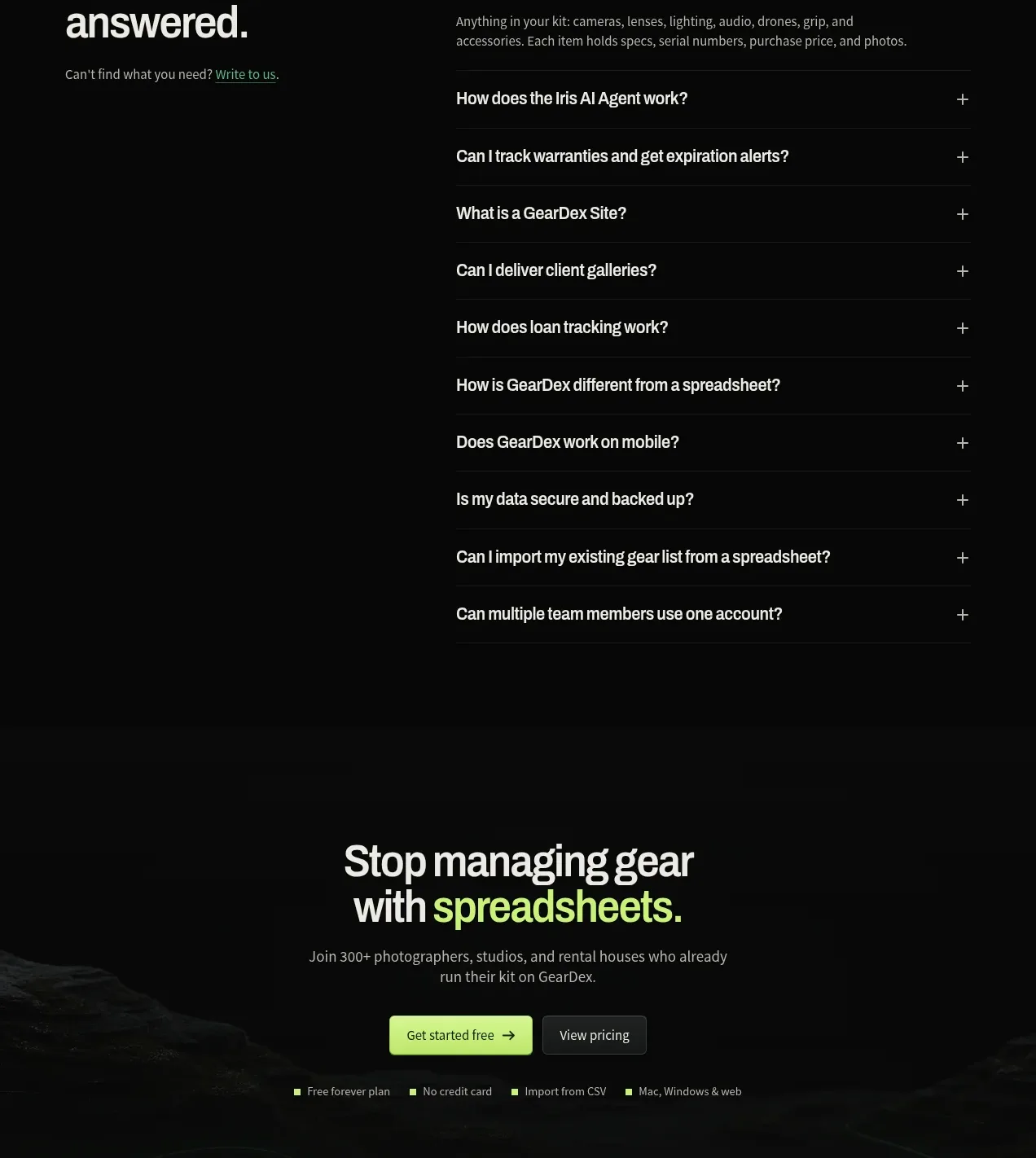
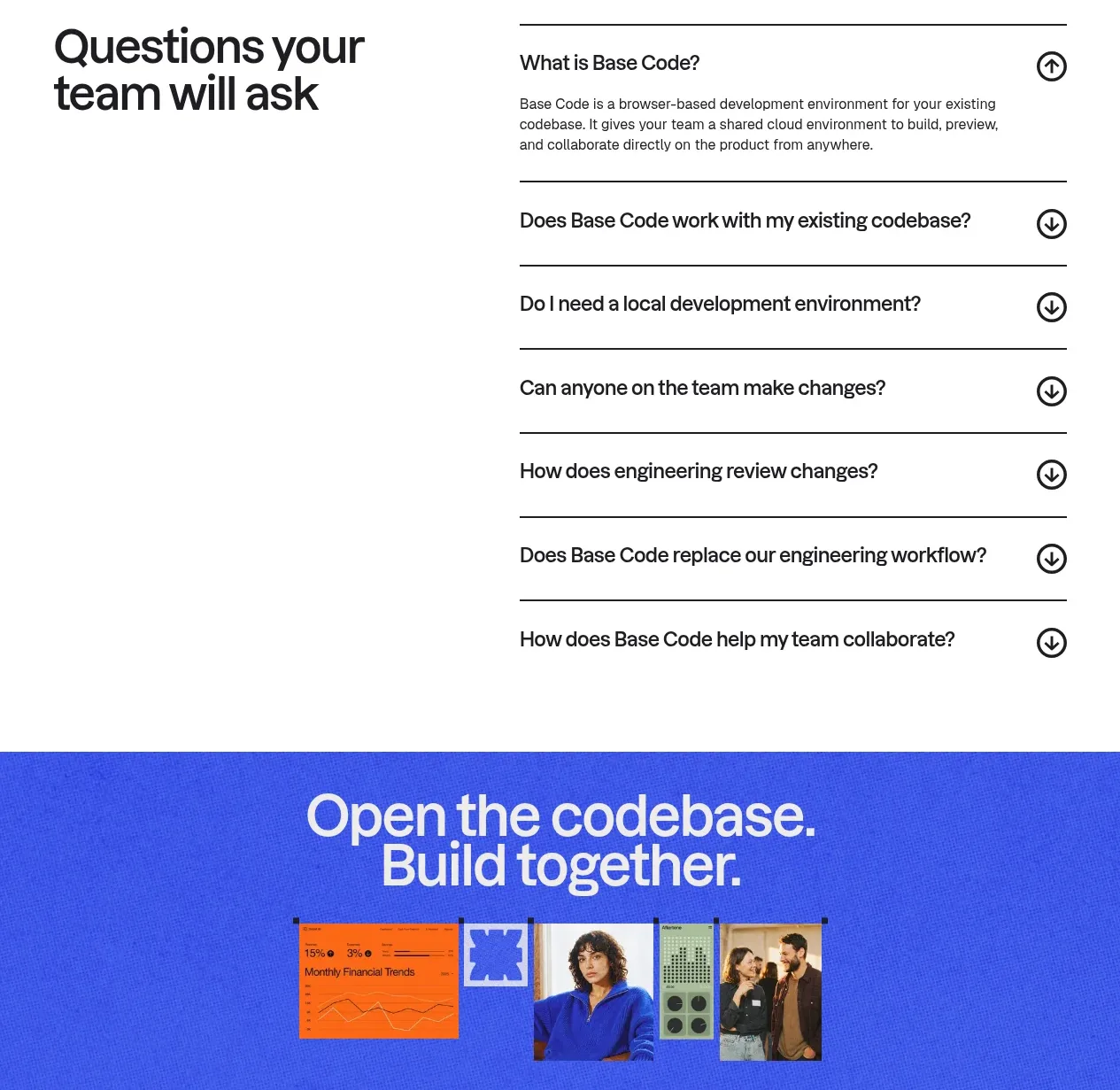
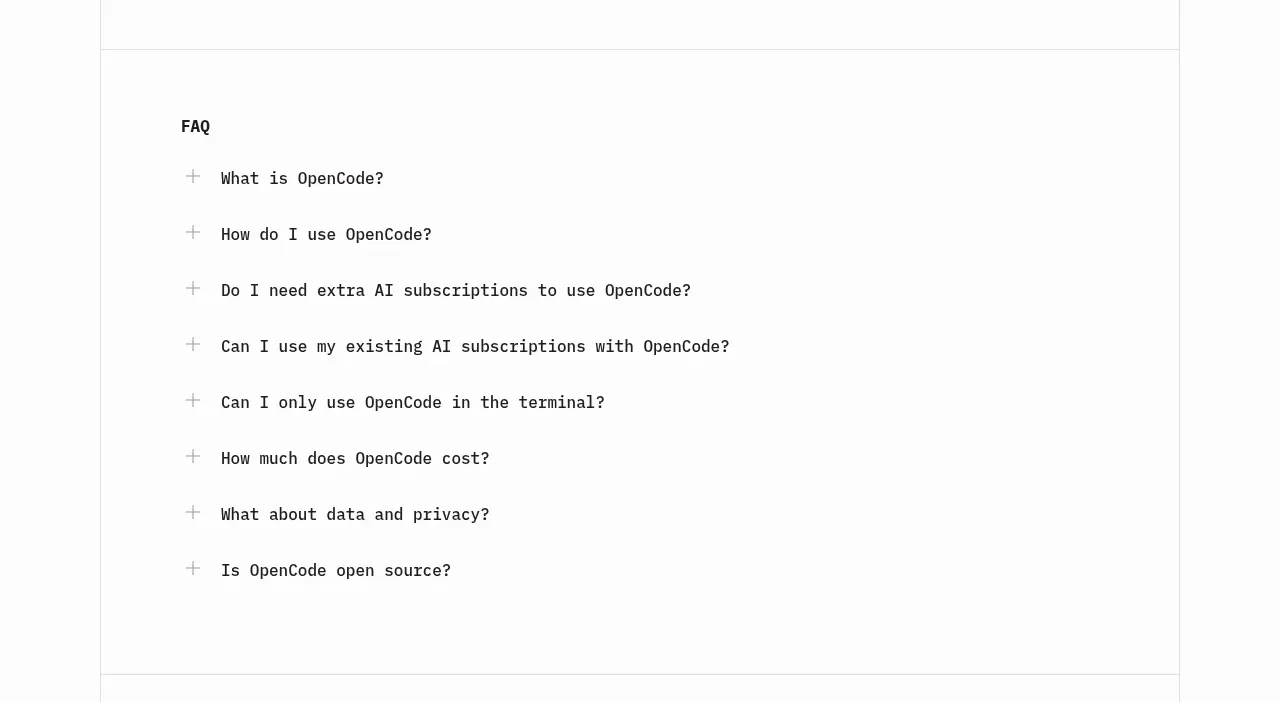
The FAQ is a clean single-column accordion with generous row spacing and plus controls, making common objections easy to scan.
Prompt preview
## Reference images

Study these alongside the description below: hierarchy, rhythm, spacing, colour. Build for the product you are asked about, using this design language.

- Component: https://kage-design-assets.t3.tigrisfiles.io/components/opencode-2-0/565a21f1-5840-46fe-9e23-a71210513fd4-1791957897-5.webp
- Full page it was cut from: https://kage-design-assets.t3.tigrisfiles.io/screenshots/opencode-2-0/565a21f1-5840-46fe-9e23-a71210513fd4-1791957827568-full.webp
- Component on Kage: https://kage.design/component/opencode-2-0-faq

## Before you start
Ask what questions users have before adopting the user's product and what accessibility requirements the brand has. Build the FAQ around those answers.

Create a single-column FAQ section with a small bold heading and 6–9 accordion rows. Each row should have a plus icon on the left, a concise question in a technical 14px typeface, and a full-width click target. Use generous vertical padding, subtle separators or whitespace, and a calm monochrome palette: #111 text, #777 expanded content, #fafafa background, and #dedede borders. Animate the plus into a minus and reveal answers with a short height/opacity transition. Ensure buttons are keyboard accessible, have visible focus styles, and only allow one or several panels open according to the product's content needs.

Never: use the reference logo, product name, copy, illustrations, or imagery.